Excellent. Thank you!
does the radio panel work on the a320 as it does not seem to show anything on the panel
after some searching i have found that the spad.next addon makes everything work like clockwork 
1 Like
It’s quite configurable, more so than any of the Logitech/Asobo provided solutions.
Actually I’m using Saitek yoke, and I dont have any other plugins installed… I’ve installed the test software and all the switches are working just fine
Okay, so I’ve just noticed that when the plugin is running I can’t use my keyboard at all in FS… Is anyone else having the same issue?
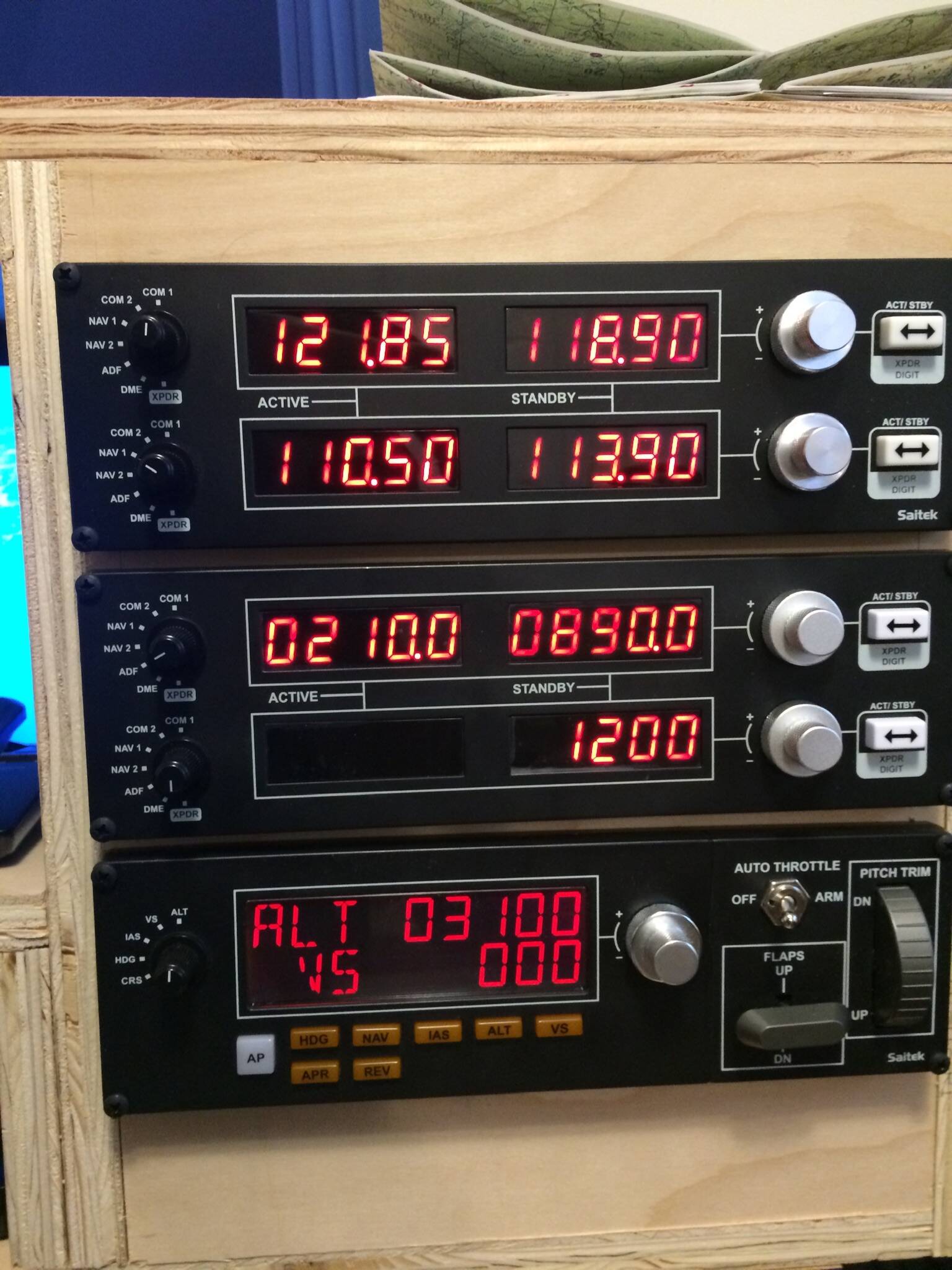
Now if AFC will fix their issue there will be peace and harmony in my den.
Those two radio panels all working properly look good.
And yes re AFC, to be honest I can’t believe they haven’t already dealt with this!
1 Like
I can only point out that the cause of your problems is an issue at your end.
I know that’s of no help.
Sorry.
Or, at least acknowledged the issue.
They have acknowledged the issue, but it’s not their problem. Completely a MSFS/Asobo problem.
Happens to other controls too, it’s just that Honeycomb is so popular at the moment. Also, these issues aren’t present with Honeycomb controls in either FSX/P3D or XP.
1 Like
Got it. Was not sure where the root of the problem was.
Lets be honest, neither of us knows if that is true! After all they would say that wouldn’t they!
I am, though not aware of any other controller that causes this issue and I have seen a fairly technical breakdown of the problem that is indicative of AFC’s driver as the culprit.
The fact that the driver worked with P3d or XP, is not relevant. They are two different drivers in the same package! You can’t just port that driver set across and expect it to work properly with MSFS 2020.
Then again, if that is what they have done, that might explain why it is interfering with other equipment.
Although I don’t own a Honeycomb yoke, it’s clearly a nice piece of kit, that is very popular.
So I hope they sort it out.
There is no Honeycomb driver for MSFS at!apart from the lights, it doesn’t need one. All functions are recognised and operate correctly.
The issue is ‘always on’ keys activate a MSFS specific global control input acceleration state, which applies to every control. Ideally this wouldn’t be a global variable, but localised, so that for instance as I rotate the heading bug, it realises I’m holding this key/button down, and accelerates only this particular input.
Asobo have just taken the easy method of having one global input acceleration state, applying it to all inputs as soon a key is held down.
The reason this doesn’t happen in other programs is not the drivers specifically, rather their implementation of input acceleration is localised, only specific to each individual input.
1 Like
This is the best explanation I have heard, and puts the blame squarely where it belongs.
I hope for an update soon that addresses this.
Thank you Norman.
Jim-Sim
Yes, the ‘always on’ thing is well known as the cause of the problem for, for instance, the Saitek panels.
That too is what the tech breakdown concluded,
The issue is that the variable IS global and that AFC, in ‘latching’ switches, IS interfering with equipment owned by thousands of people.
So I say again: I hope they sort this out.
I’ll see what I can do about it, Thank you !
2 Likes
Nothing, 0
Use alternative product.
Regards ErikL
By way of a little, interesting light relief:
I was watching the Netflix film ‘3022’ last night [not recommended] and near the end, where our hero jumps into the helm seat of a shuttle to go and find his partner who is adrift in space, I nearly fell off my chair when I noticed the controls he was reaching for:
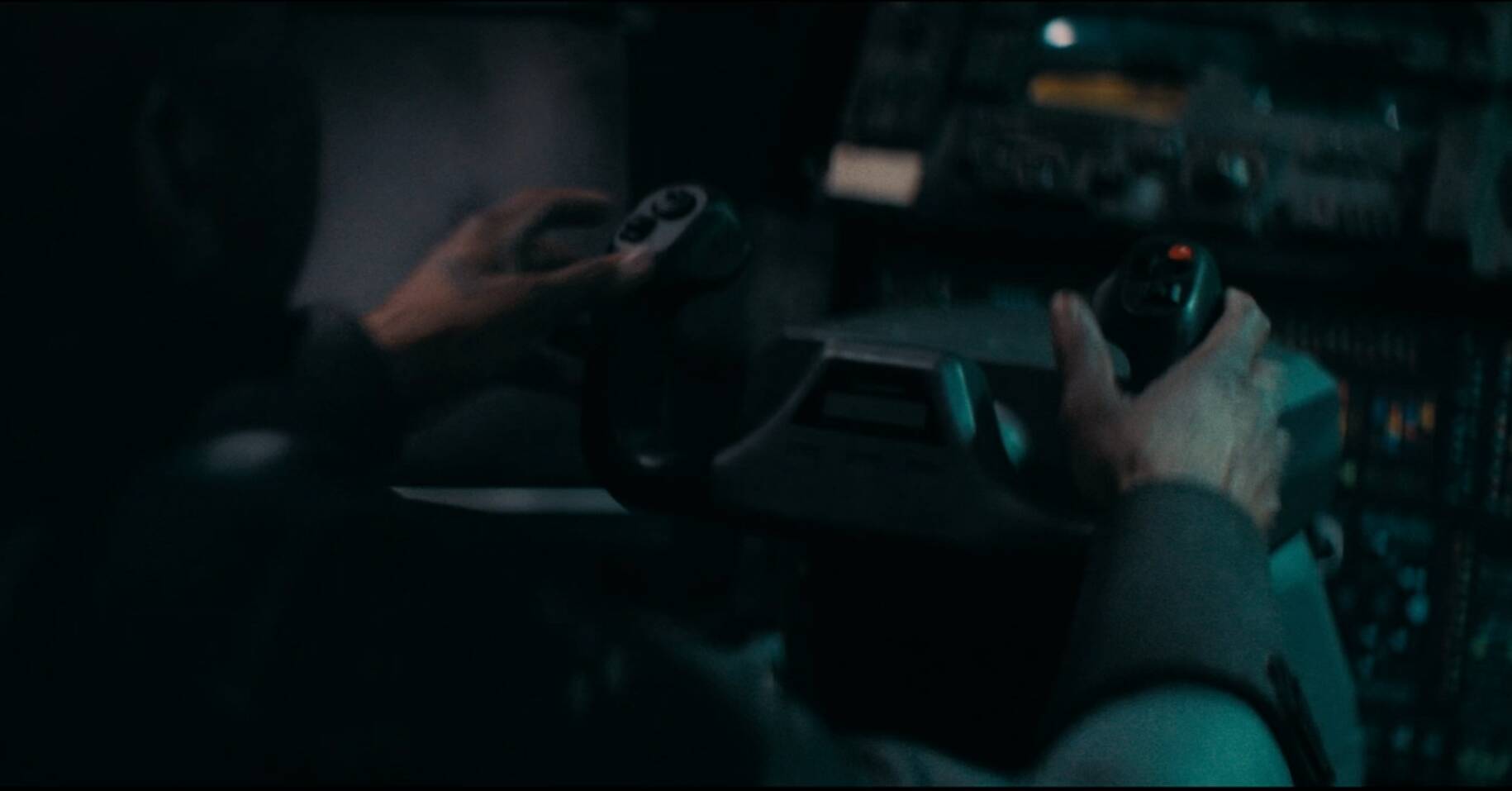
Yes, you guessed it. Only a Saitek yoke!!!
'Course he’s not going to get very far… it’s not plugged in! Hahaha.
6 Likes