When there is no metar at the airport check if there are others nearby and what they say. This is why its so difficult to test there are so many variables at play that can influence the outcome. Blending and proximity of stations, timing of updates, server delays and so on that can make it feel inconsistent.
Yes, we cannot be sure 100% that the forecast we see for that location on MeteoBlue webpage is the data that is injected at that exact same time in the sim. We also know that MeteoBlue is sending forecast to the sim every 6hrs (if I am not wrong) so what we see on the MB webpage is not necessarily the same data as what we see in the sim at that time. It is difficult to analyze and report this kind of issue but that’s all we have so far.
And regarding METAR, I mentioned it is not available at the airport just for reference, in case we had one I would have shown it for information. But again, even if there is one available nearby, since clouds are not coming at all from METAR (as per Asobo) it should not impact data related to clouds coming from MeteoBlue.
One thing we have noticed and that’s why this topic has been created, is that pre-SU7 we had more often overcast and it was well rendered and after SU7 we are not seeing it so often. Something has changed in either data received from MB or within the Live Weather engine.
I am flying a lot in north of France and I know that in this region, we often have overcast weather that now (after SU7) I don’t see so often in the sim. Most of the time I am having this kind of “cumulus” cloud with blue sky and without any other layers above. I can guarantee you that weather in north of france is not like this every day, expect during summer it can happen more often.
2 Likes
as per meteoblue:
We know the METAR data integration, which we did based on Microsoft’s specifications, which is derived from user feedback. Therefore, we can not really help because Microsoft needs to decide how they display our weather data.
We assume that the METAR integration is the reason for these bubbles since they are not 100% consistent with the weather model data for different reasons (e.g. MEATAR measurements are sometimes simply wrong, and weather models do not always reflect hyper-local weather patterns). This is then causing problems with the visualizations because they are visualizing two data sources for the same place (airports).
I dont think the devs know for sure at this point and we cant assume what was said to be so
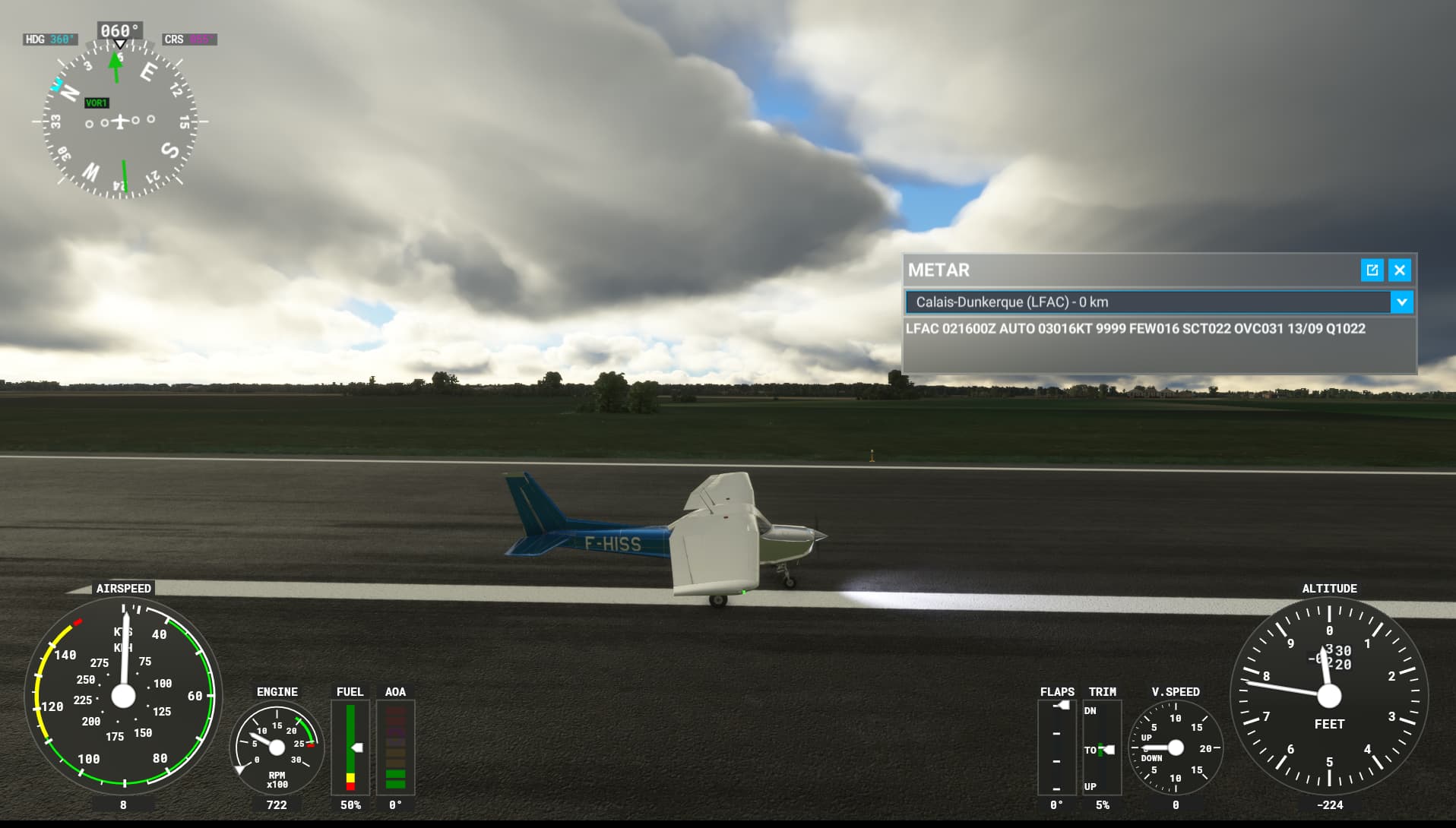
LFAC does have metar btw
Agree that we don’t have enough clarity, explainations on how Live Weather engine works and interpret MB data. Just some information from Q&As around SU7 when they explained the major changes they did when they integrate METAR, that’s it since then.
Yesterday LFAC had no METAR reported in the sim but today it does. It says OVC, sim is generating overcast, MB says 40-60% low clouds above the airport and higher cloud coverage toward east . So yes, it is confusing how to understand Live Weather logic.
Today’s rendering is quite good: full overcast in front of the plane and not totally overcast on the side. It matches pretty well MB map forecast. METAR is reporting 3 layers: few, scatter and overcast. In the sim I am just seeing 1 layer that corresponds to the ovecast one. So for me it looks like clouds are coming from MB and not from METAR but who knows for sure.


Do you have the same issue if you follow the OP’s steps to reproduce it?
No.
Provide extra information to complete the original description of the issue:
EGUL representation is very good. Very convincing overcast cover, no banding, no clumping, solid sheets of cloud that does not obscure the horizon at all in any direction.
If relevant, provide additional screenshots/video:


Do you have the same issue if you follow the OP’s steps to reproduce it?
Most definitely yes.
Provide extra information to complete the original description of the issue:
I’ll counter hobanagerik’s pictures with this:
EGBE current live webcam image:

Sim:

EGBB nearest metar is about 15 miles away, so the same weather should be visible, as it is at my house about 15 miles in the other direction - a full blanket of overcast.
The sim persists on showing lots of blue sky which is not there in reality.
Overcast coverage is still inconsistent at best, and totally inaccurate most of the time.
And just for the avoidance of doubt, I loaded in at EGBB and there was no overcast there either, just the same puffy clouds as seen above and plenty of blue sky.
3 Likes
Further to hobanagerik’s images, I am also seeing a very good depiction at Lakenheath.
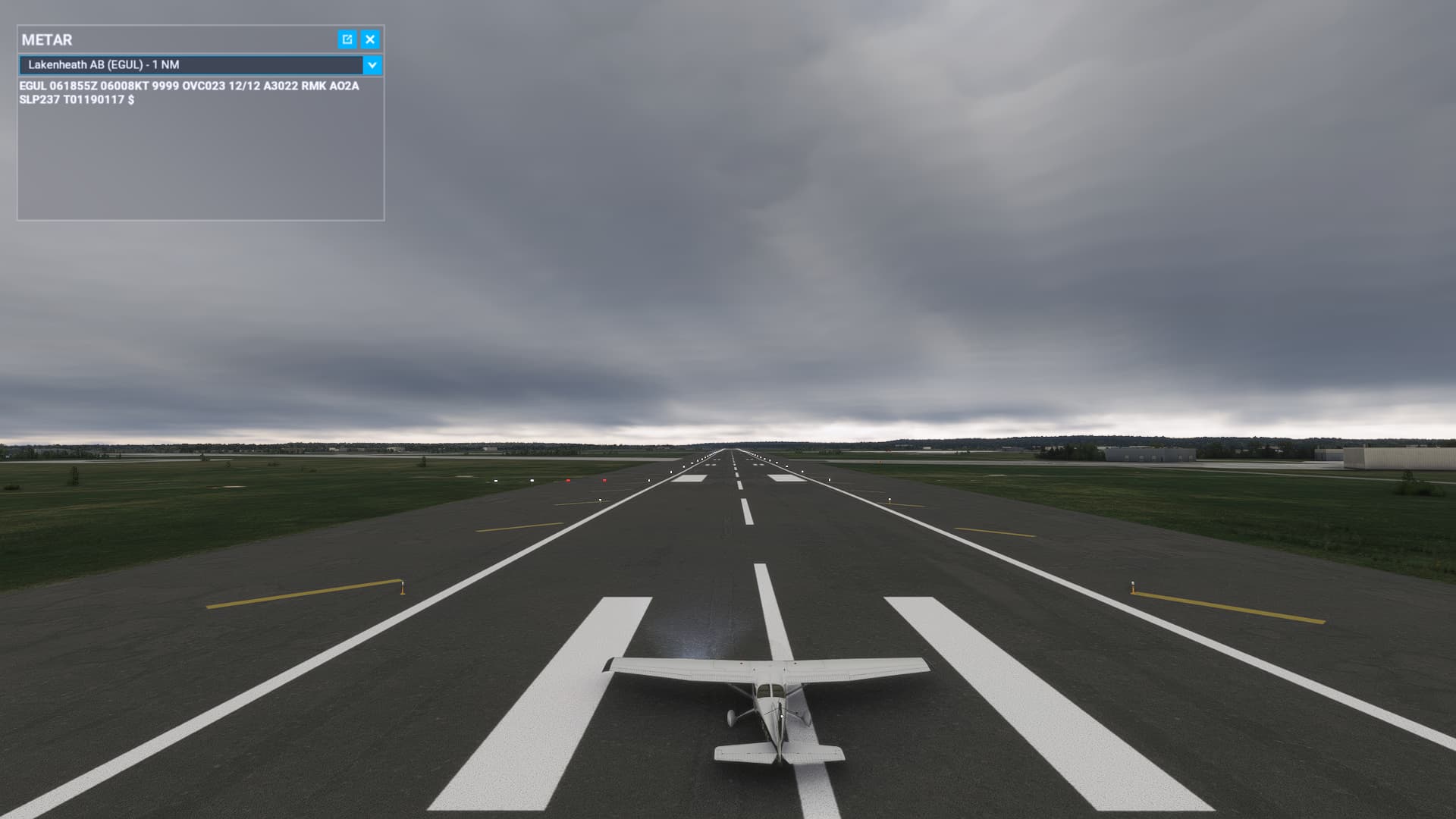
Very strange. 2 different metars, both reporting overcast, and different depictions of overcast. The overcast at EGUL is wonderful and how I remember it at launch of the sim.
At least we know it is consistent for users, if not in its interpretation of “ovc”!
Do you have the same issue if you follow the OP’s steps to reproduce it?
Yes, kind of.
Provide extra information to complete the original description of the issue:
Repeated my test at EGBE, and EGBB. Coverage was not as good as at EGUL, despite the METAR readings.
If relevant, provide additional screenshots/video:


1 Like
Hi everyone
I have just re-titled this bug thread as:
"Sim now seems incapable of rendering overcast consistently or accurately using live weather "
When I first created it, the sim couldn’t do overcast at all, after SU7 I believe it was. This as we have seen is partially fixed but it is the consistency and accuracy that is still lacking as evidenced in the most recent few posts.
Thanks to everyone who has contributed so far.
Andy
5 Likes
The most recent few posts only show that the clouds doesn’t consistently match METAR, which is the expected behavior. The clouds have always come from Meteoblue, which sometimes matches METAR and sometimes does not. If you want the clouds to start being generated from METAR data, that’s a completely different topic, and I really hope Asobo does not go down that road.
It seems the in-game METAR string has caused more confusion than anything. It’s not dynamically created by the sim, it’s pulled from real life. And the sim only uses certain variables from it, none of which are connected to cloud generation. The clouds entirely come from Meteoblue and is based on forecast model data that can be up to 6-12 hours older than the current METAR data.
5 Likes
Right. I can’t imagine that any of us wants a nice circle of overcast a mile in radius around the airport, and then something else outside that. It’s a sim, perfect accuracy is not going to happen all of the time, especially when it’s combining multiple conflicting data sources.
5 Likes
Meteoblue themselves stated that they did the metar integration and that it may cause problems trying to visualize two weather sources (model and metar). what you can do is fly at high altitude over airports reporting ovc to see the cloud circles. Nexrad makes this easier to see for rain. Nexrad used to show clouds instead of precipitation and that would have given the game away too if it wasnt fixed before su7. and that is for low altitude overcast. the high altitude overcast forecast by meteoblue is seldom seen and even then its a very thin transparent layer. what I can also see is that the game struggles showing long joined stretches of clouds, there are always gaps if the clouds are not big.
3 Likes
Do you have the same issue if you follow the OP’s steps to reproduce it?
No
Provide extra information to complete the original description of the issue:
Repeated EGBB this morning, ~10 hours later from the report last night. Cloud formation now roughly matches the METAR of broken cloud. Only uploading this as it was mentioned before about the lag between what is predicted, and what we see. Yesterday, it looked like the METAR now reports.
If relevant, provide additional screenshots/video:
EGBB

Do you have the same issue if you follow the OP’s steps to reproduce it?
Yes
Provide extra information to complete the original description of the issue:
Meanwhile, EGUL, and my home town, which have been consistently covered with overcast weather for the last four days is now no longer overcast as it was yesterday, and for the last three days in the sim.
If relevant, provide additional screenshots/video:
EGUL
Ely station just now, looking in the direction of EGUL


1 Like
Do you have the same issue if you follow the OP’s steps to reproduce it?
Yes
Provide extra information to complete the original description of the issue:
The game thinks > 95% is scattered clouds
If relevant, provide additional screenshots/video:


8 Likes
Can you link to exactly what you’re referring to? Meteoblue has always used METAR data (and other live data sources) as the starting point of their weather model. It’s how weather forecasts work in general. Meteoblue generates 6-12 hours worth of weather data per tile, some of which is sent to Asobo. Since live data is the starting point of the model, the first hour of the weather bundle would have live data in the areas where there is coverage (not just from METAR). As you get closer to the 6 or 12 hour mark, it’s entirely model data. Asobo claims to receive the data every 6 hours, Meteoblue claims to generate 6 - 12 hours of data, depending on the area. Obviously they can’t blend in METAR data from the future. Meteoblue has their nowcast data, but I’ve seen no evidence that it’s being used in MSFS, and Asobo claims that it’s not. There seems to be just as many complaints about the clouds not matching Meteoblue’s nowcast map as there are about the clouds not matching METAR.
1 Like
yes thats what we had before su7 - the metar integration is new
So the source is a quote from you claiming that Meteoblue said something without proof? How can METAR data be blended by Meteoblue for every hour if Asobo receives the data every 6 hours? It’s Asobo’s word with lots of evidence in their favor vs a few people repeating things on this forum using quotes from each other as proof. If the clouds came from METAR, the clouds would more consistently match the METAR data, like we see with the variables that we know for a fact come from METAR and Asobo openly states comes from METAR. Just scroll up a bit.. Most of the posts in threads like these are people complaining that the clouds don’t match METAR. The fact that the clouds are plausible yet don’t always match METAR or Meteoblue’s nowcast data confirms what Asobo says in their Q&As. You guys keep going in circles about METAR, when the problems with the clouds may not be a data issue at all. Is it really so hard to believe that there could potentially be bugs in the transition code and problems\room for improvement with how the cloud voxels are generated from the data? The clouds look great in certain situations and not in others, and we know that the clouds are capable of looking great in most situations based on what’s possible with manual presets.
1 Like
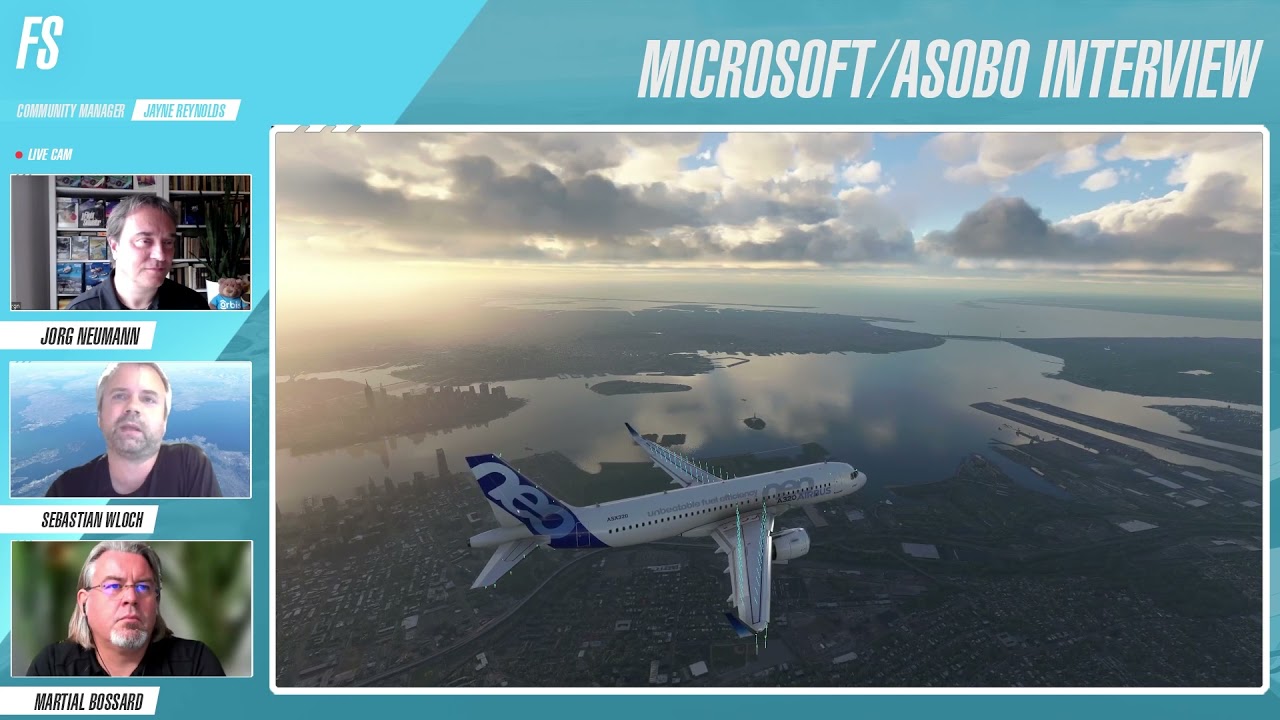
Here they describe the METAR is injected into the Meteoblue weather model in su7
2 Likes
As Hester40MT mentioned, we need to report the bug we are experiencing in that forum using exclusively the form and we can use that existing thread in the Community Support forum to keep discussing there about the overcast issue: No clouds in overcast conditions