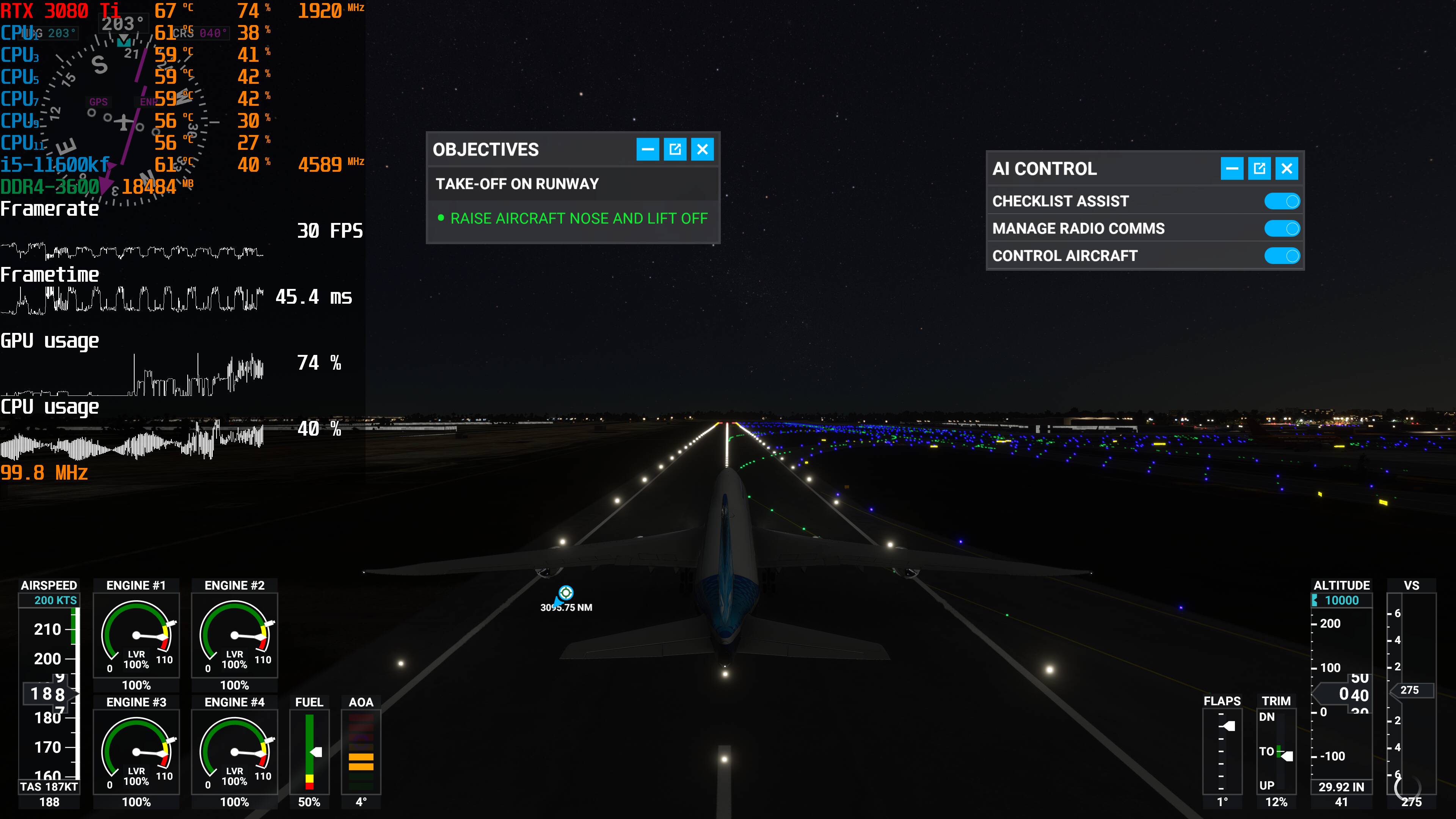
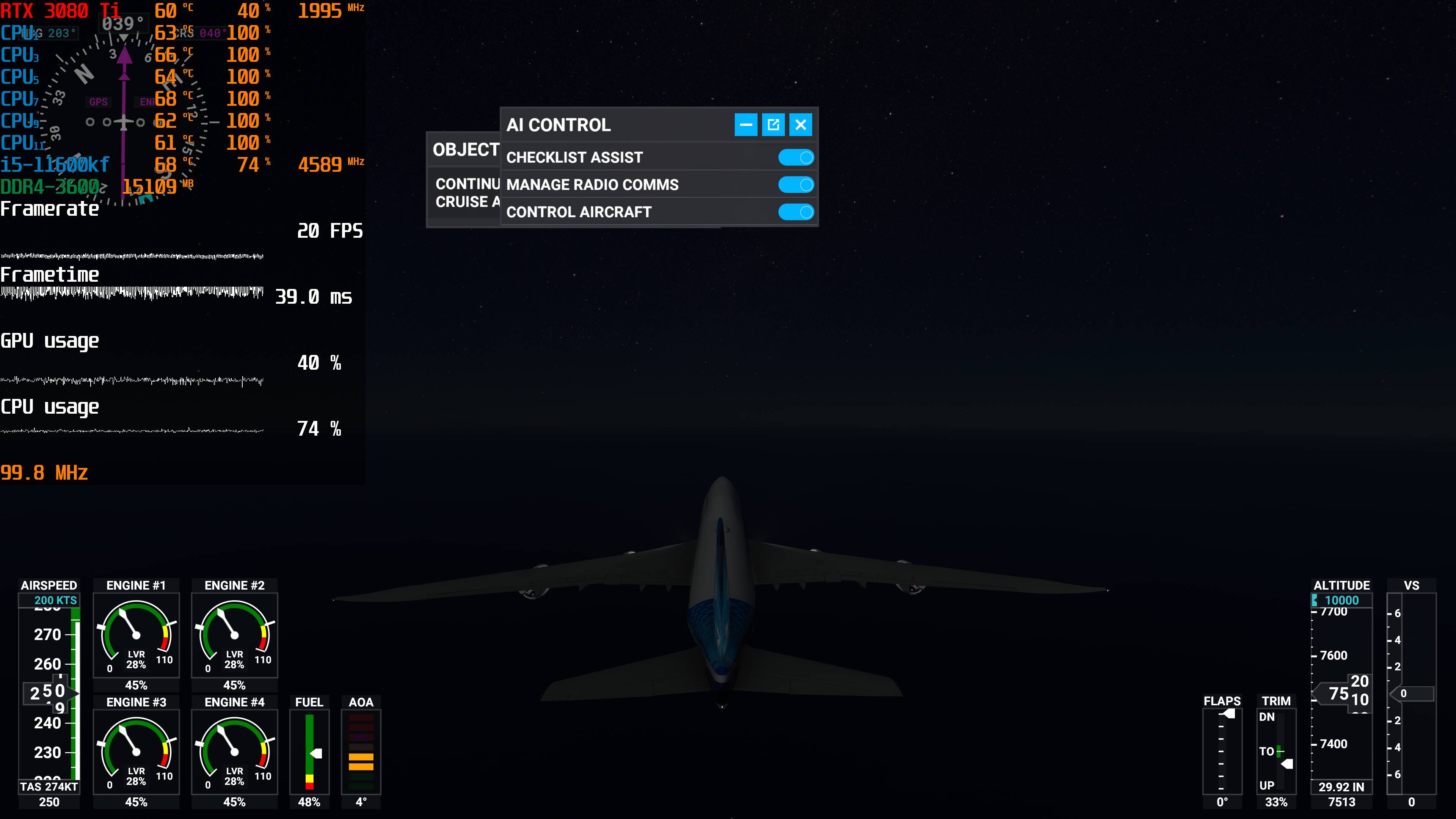
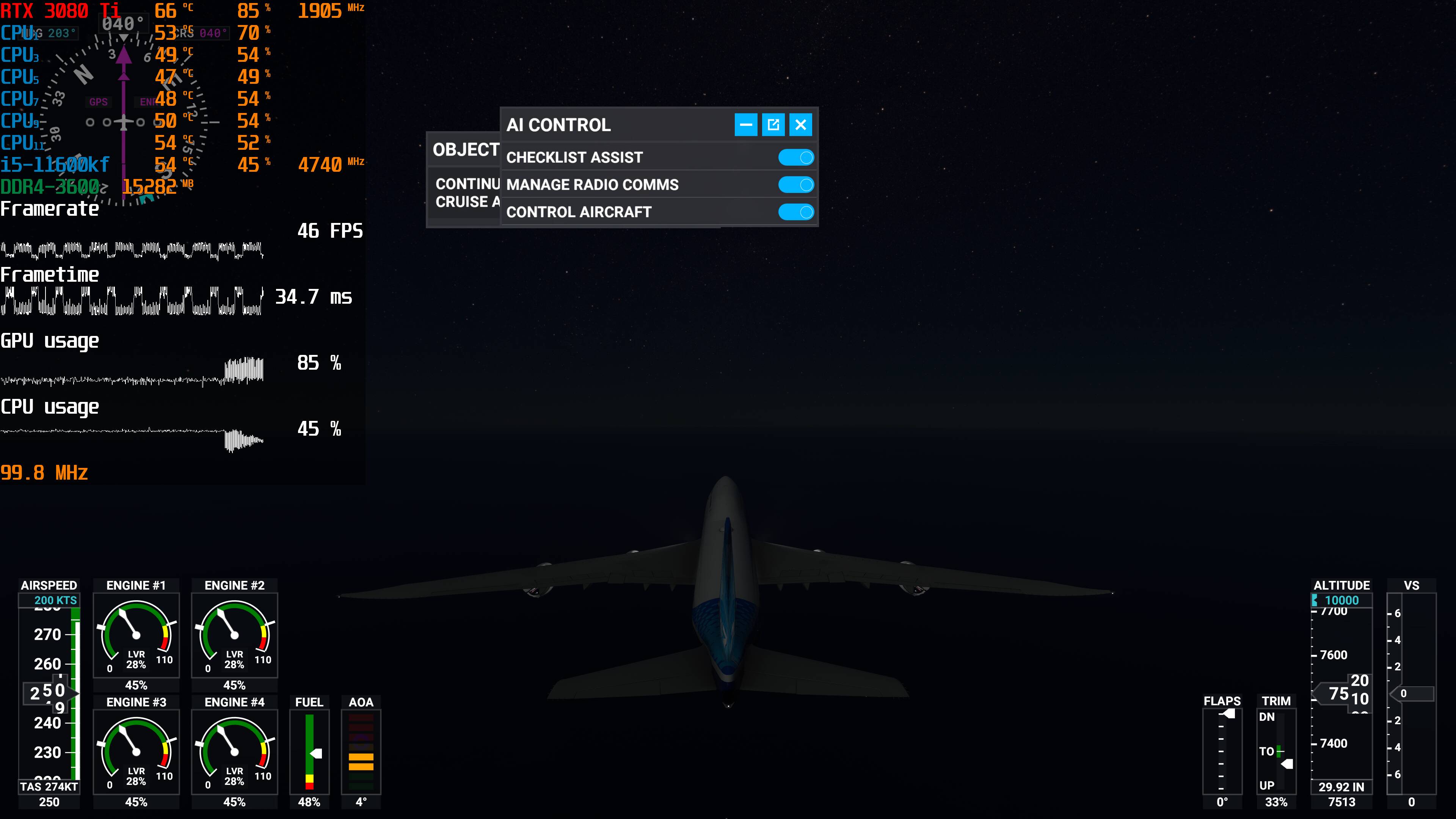
Hi, I have tried this along with @RDee5914 suggested post. I just upgraded my ram to 32gb 3600mhz (Cpu max 3200mhz). It did help a little on the stutters (not as long maybe like half a second lags compared to previous 1 second lag). So im not sure its the ram or the tweaks helping
Frametime hopping around 19 to 40ish, somtimes (rarely) 80ms. before i think it was worse maybe hopping 19ms to 50/60ms?
What intrigues me is the CPU and GPU usage. still can’t figure how those guys benchmark on youtube get like steady 99% GPU usage… Anyone facing same issue?
21 years in IT tells me otherwise. But you do you. 
Well with the abovementioned help from
@RDee5914 and
@SocialRegent58, along with upgrading my ram to 32gb, it did help the stutters. By help I mean instead of 1 sec lag every 2 second interval, its like 0.5sec lag every 2 seconds. This is much more playable. However, the stutters and lag was not eliminated completely. If anyone knows what’s the issue with inconsistent frametime, gpu and cpu usage, please help me!!
Nonetheless, major thanks to those who helped me with the suggestions. Really glad to know that you guys have each other’s back instead of the devs who are not addressing our issues 
Specs:
i5-11600kf, gigabyte 3080ti OC, 32gb ram 3200mhz, gigabyte b560m.
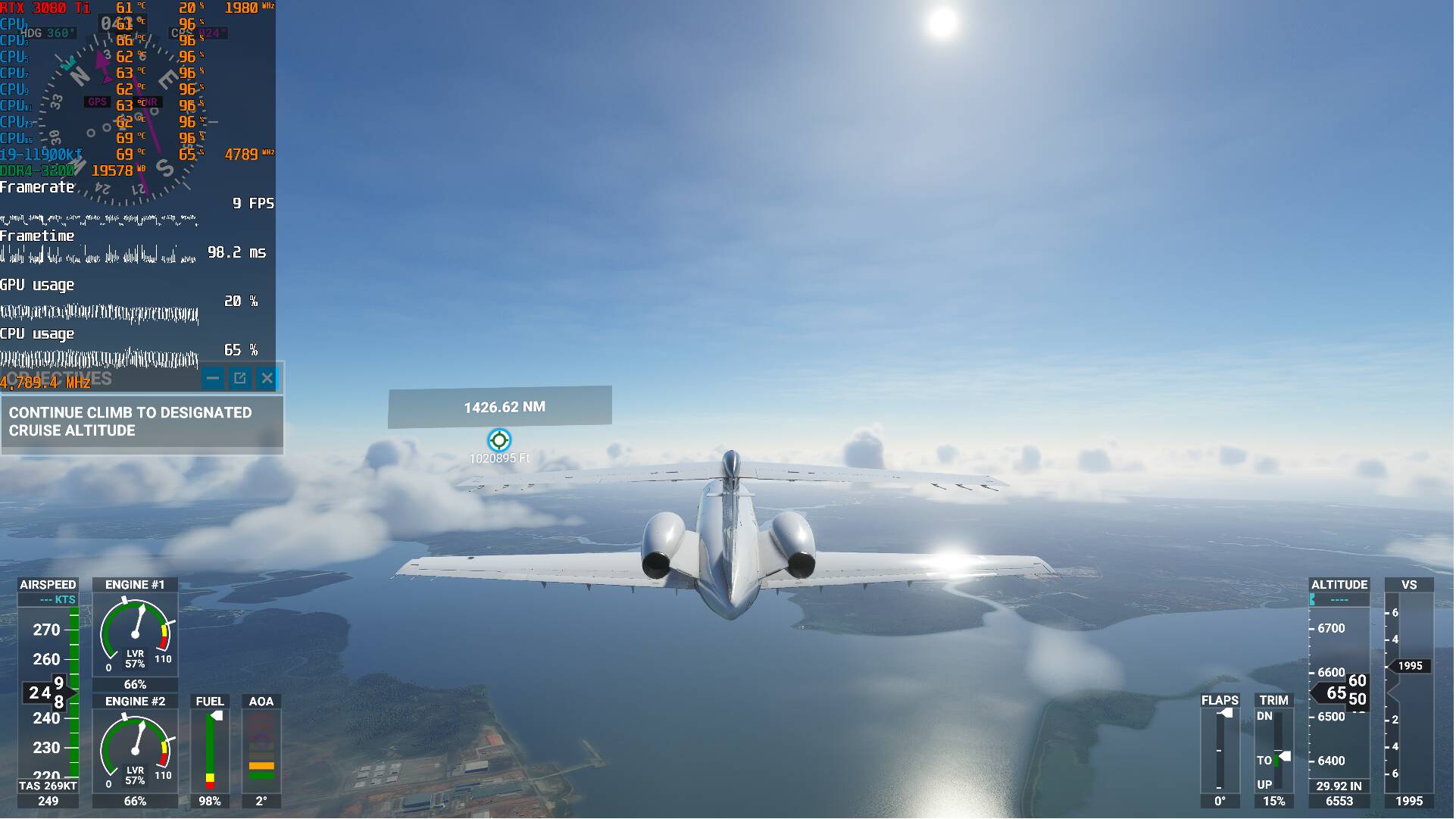
This is when i left it autopilot in the sky while i shower.
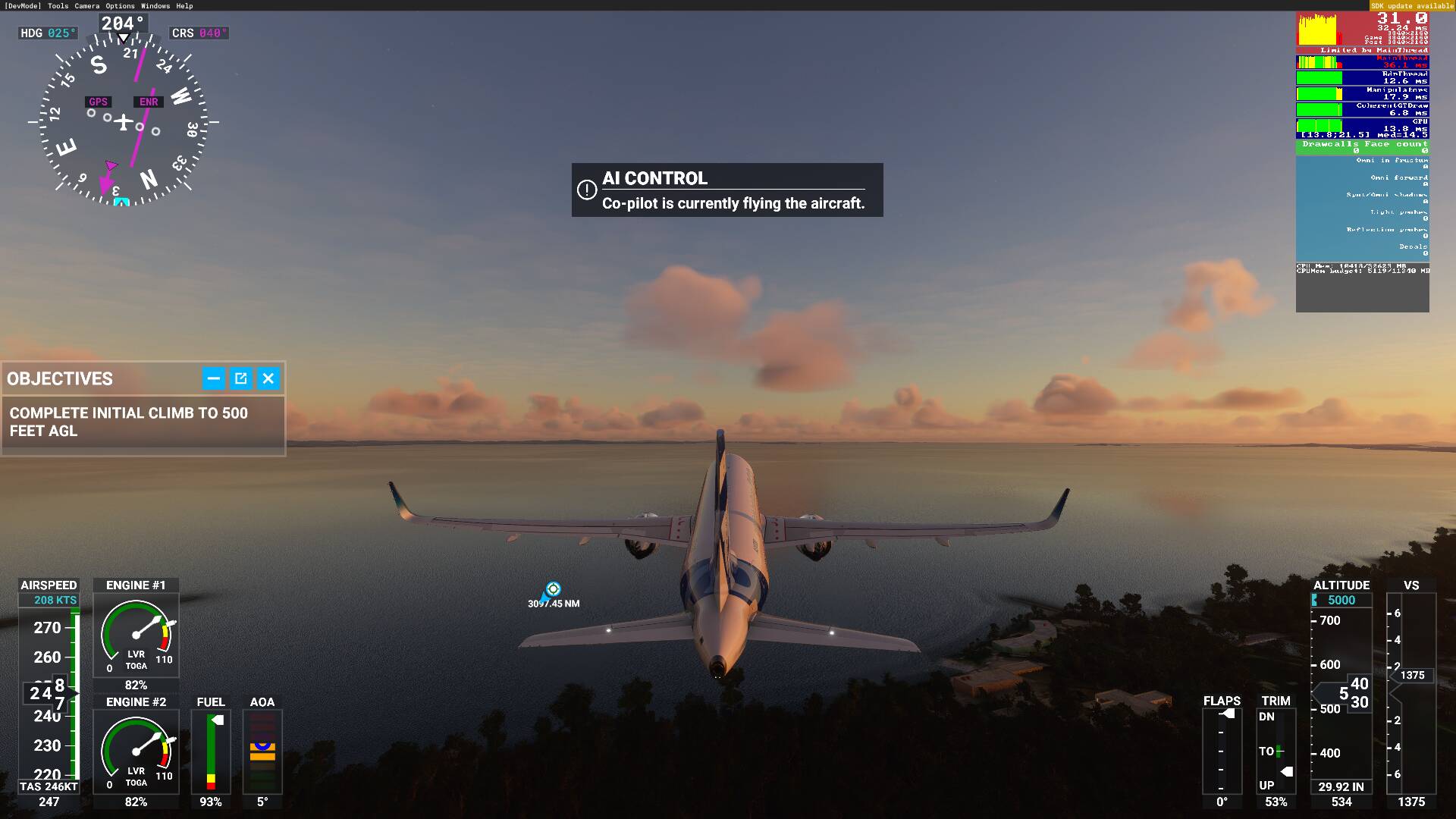
This is right after when i pressed ‘print screen’
I monitor most all parameters during flights. My rig’s basics: Ryzen 5 5600X, NVIDIA RTX 3080, DDR4 3600MHZ G.SKILL TRIDENT Z NEO- 32GB, 4K monitor, 350 mb/s hardwired internet. I am getting 42-62 FPS - I fly mostly at 1000ft and below - with mostly Ultra settings (but several items that have little visual effect lowered) and NO real weather, AI, Multiplayer, etc. It is my World and I play in it alone. Stutters have stopped appearing, but do get about 3, 1-2 second pauses every hour. My CPU utilization is never more than 19%, and my GPU utilization averages about 10%. The big surprise is that my network data transfer rate drops to 0 (ZERO) during the pauses. I am getting convinced that there is a server problem that is causing the pauses/freezes. I am betting that the Cloud is causing all this.
2 Likes
You fly at 40/60 FPS at 4k with just 10% GPU utilization!?
1 Like
After fiddling around for a bit my stutters seem to be caused by the GPU going from 60-70% usage to 15-25 during the stutter and then back again.
This is happening every 2-5 seconds and lasts for 1-2 seconds. Needless to say that’s not playable. Absolutely nothing I can do changes it. It happens everywhere under all circumstances.
World Update 5 brought this on. It’s been super smooth since the sim launched.
On Zendesk they’re talking about performance issues for some since the update so I hope they figure something out soon.
1 Like
Yes, it sounds weird, I know. But 10% is the average. The 3080 sometimes peaks to 19% when flying low over New York - I get the lowest FPS there at about 42 FPS. My CPU is also maxes about 24% with 19% average and only gets to 64% when the sim is loading - and that doesn’t really count, for simming purposes. I rarely hear the fans of my cooler or the case fans and never hear the 3080 fans - the temps are middling low. I use the SDK monitor as well as NZXT mini monitor. They both say the same thing. I am sure the numbers are due to my settings selections, although many are Ultra. It is also true that I mostly always shut off clouds and fly in Clear Skies and all the AI traffic off, as I said. I am in the mode of learning how to really fly and I want to see the World as well. I never use airliners or larger GA planes. I stick to things like the JMB mods (Vertigo, Rotax, Stock), the Spit, the MB-399 and the H135 chopper - and fly at 1k ft as much as possible. The numbers are what they are and I am very happy - aside from the pauses.
1 Like
Dude, this is unheard of! I’ve been monitoring the forum for a long time and it’s the first time I read this. You could have found some magic combination that puts very little stress on the GPU. We regularly read about people struggling to get decent fps even with medium settings on a 3080 Ti, with their system using up to 99% of GPU. Personally, I’m having an occupation of my 3070 in the 65%+ range, can’t complain, but… It would be very appreciated if you could post your settings to let us learn how to reach those performance too. I’m sure you’re onto something big there.
Sure, I can do that. It will take a few days because…Life. But expect it. What I did was select judiciously from every “tips and tricks” posting on the internet, in order to understand what settings actually did and how they affected the visual quality and performance of the sim. Strangely, the best tips came from Youtube and the videos’ comments. It is also true that I found that the choice of aircraft made a big difference (DUH). Right now the H135 is the most costly plane in my stable. It is complex. One other thing, I use AddOn Linker (the best addon in the ecosystem) to only load the symlinks of the areas and devices that I will use that session. That seems to keep the system burden down somewhat. Anyway, I’ll do as you wish. But, your system will be different from mine so, as usual ,YMMV. So, my settings may not be a panacea for everyone (if that word choice is not redundant 
1 Like
Hi all! something magical happened today. I just booted up the game, nothing done since last recommended in game settings from above posts, and 32gb ram upgrade.
I am able to get very smooth FPS with literally no stutters and lag. steady FPS and framtime. I dont know what happened.
It was very smooth even in air, maybe drop in FPS but very smooth experience!
Updated your Windows 10 yesterday or today?
1 Like
Nope. All i did was update the new nvidia driver. However i realised it comes and go. Sometimes luck to get the steady framrate. Restarted the game and it was back to stutters. Until i tried to land at WMKK (kuala lumpar malaysia), it was fine no stutters small hopping of frametime 17 to 20+ms..
Out of desperation, I have decided to upgrade my mobo and cpu to z590 and i9-11900k.
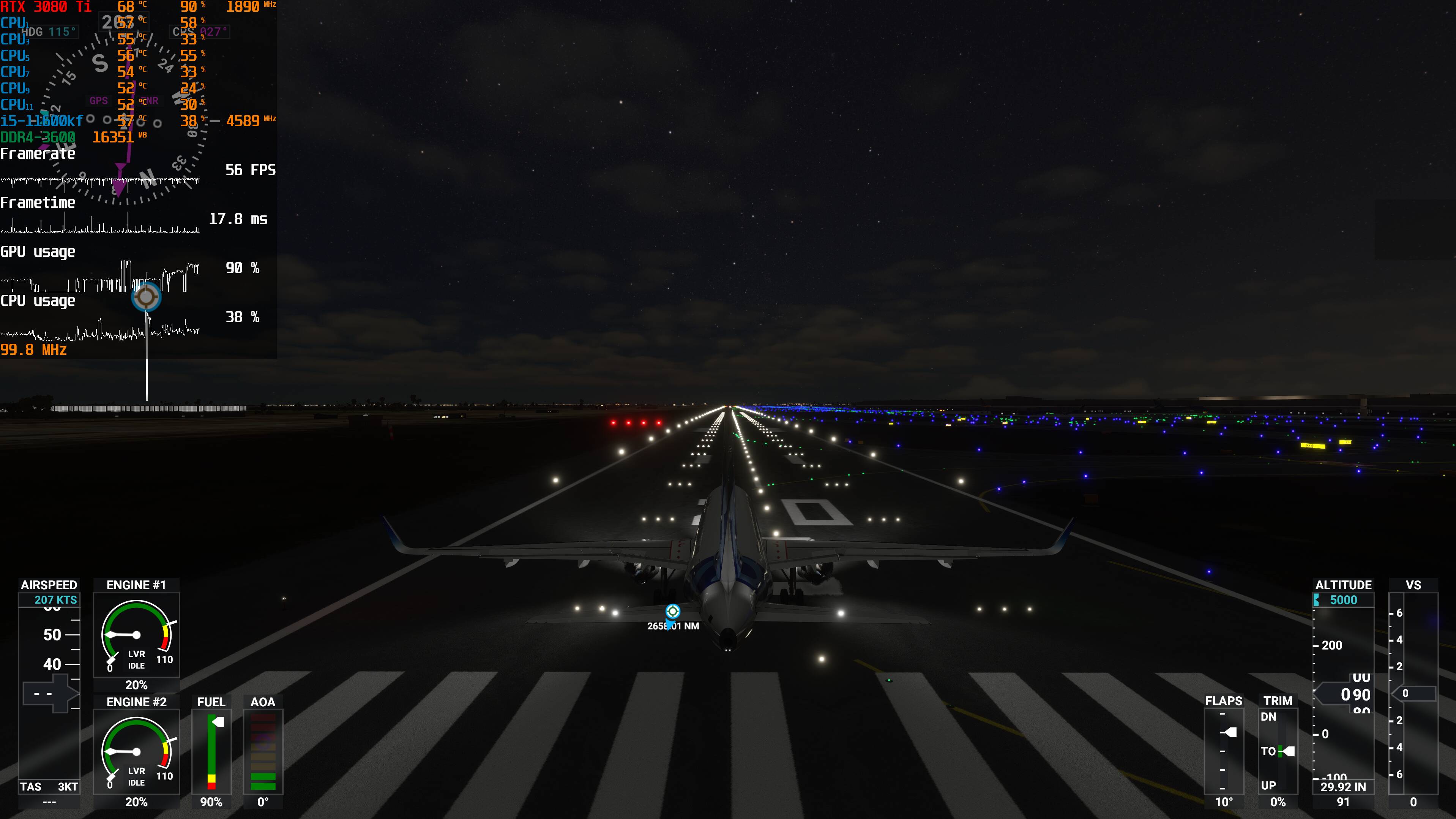
This is what i get. Can I conclude its just game issue?
cpu OC hopping from 4.8ghz to 5.0ghz
There can be certain situations with low fps and occasional stutters. But constantly 9 fps are not normal, even with much weaker hardware (like mine).
Did you follow all the steps in the guide on flightsimulator.blog, also for Windows and Nvidia settings? Did you make sure nothing is running in the background (not even an FPS monitor, use the built-in instead)?
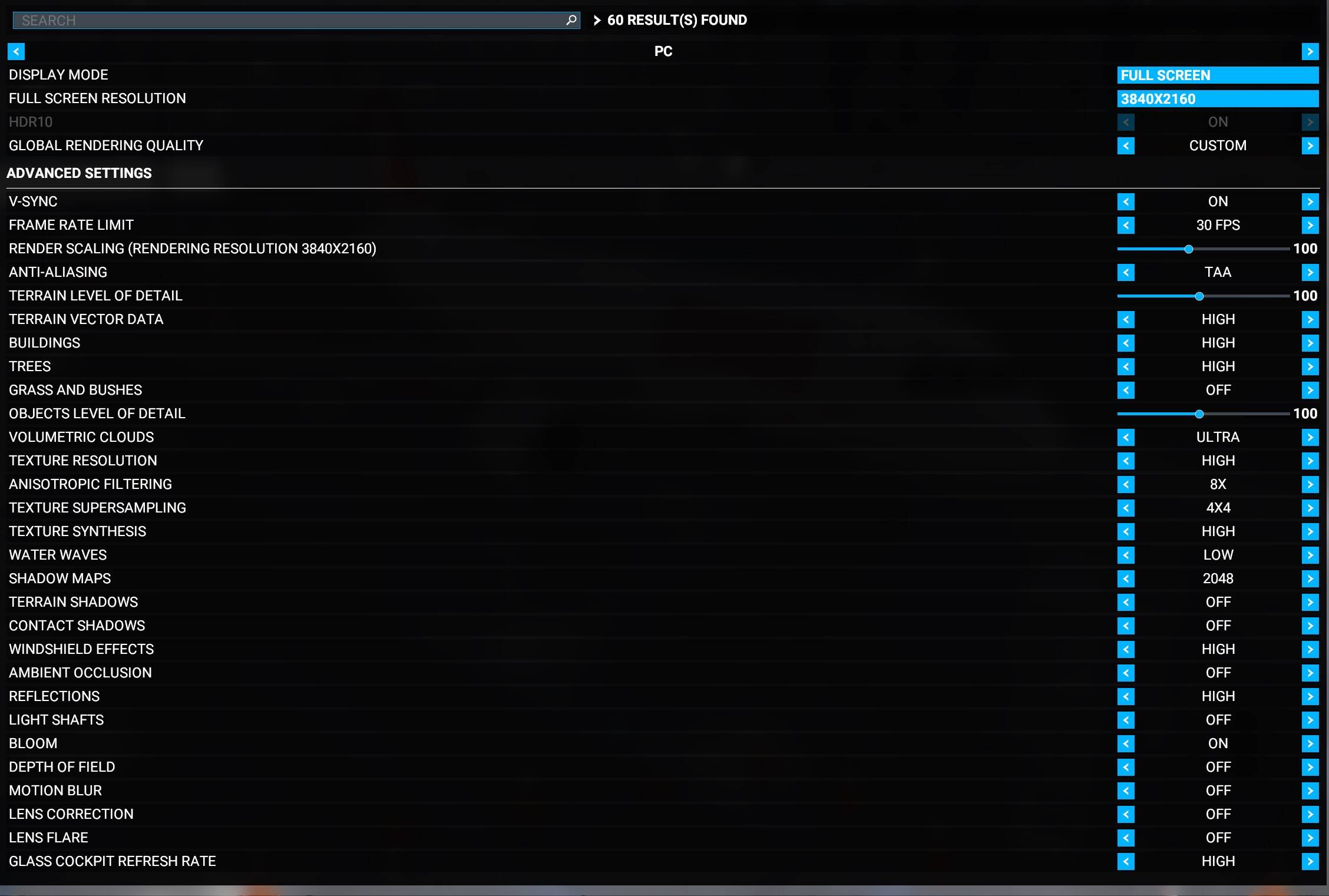
Is the GLOBAL RENDERING QUALITY parameter set to ULTRA?
Nothing is on ULTRA. Highest are high. Mostly mediums. From the recommended settings, i adjusted 2 steps down instead of just 1.
I’ll give it a try. Hopefully its some app causing the issue. The only app that i heard may be of an issue was Steam VR. But i have fixed it already.
Closed everything including afterburner. The stutters are still there like every 1-2 sec interval with 0.5sec lag.
It says limited by main thread tho… i9-11900k is the top of the line for intel gaming cpu…
Highest FPS i can get is 57, but never stable. lowest is like 20ish fps.
All the tweaks, tricks, especially those external to MSFS are to no avail,
at least with my rig which runs other sims and a half dozen games maxed out
at 4K solid 60 FPS. Believe me, I am by no means a PC newbie,
and I have all the time in the world as pensioner to try out EVERYTHING.
The problem lies in how the Graphics engine is programmed and most probably also in
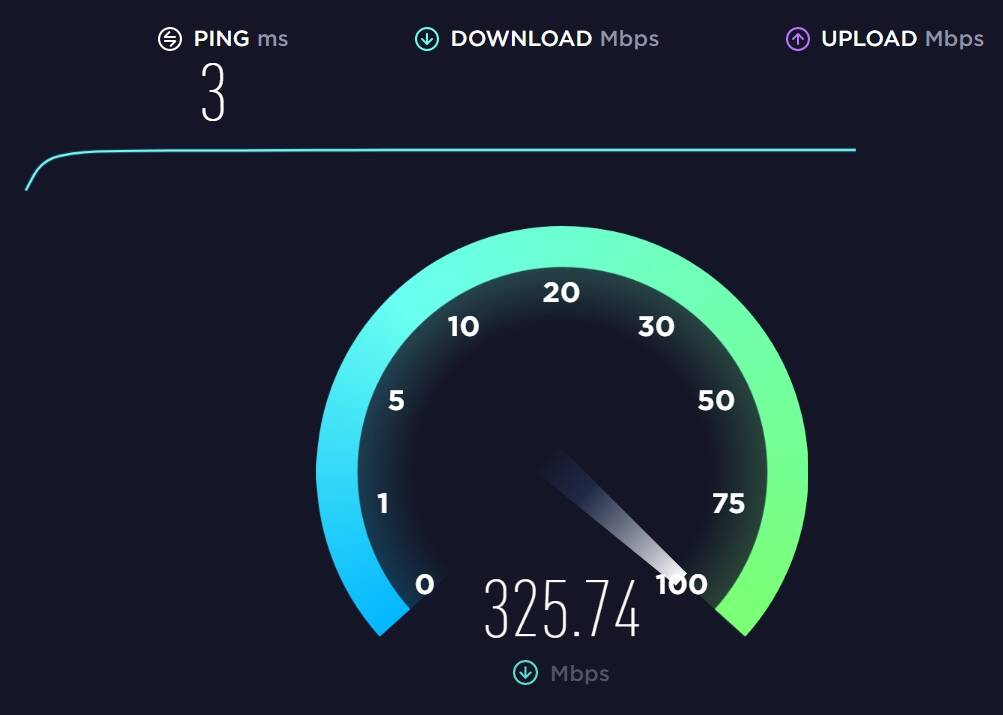
the way MSFS stream-loads-caches data, and in spite of my solid, flawless cable Internet connection of 300 M/bit. Though I most admit that with the settings included, MSFS runs decently, albeit only at 30 FPS. As long as one does not use the 747 or worse the 787. I limit myself to the A320FBW, the Carenado Mooney and the Cessna 172 classic.
Mainboard: ASUS Maximus X Hero Intel Z 370
CPU: Intel Core i7-8086K @ 4.0 GHz
Memory: 32GB Corsair Dominator Platinum DDR4-3000
Graphics Card: ASUS NVIDIA GeForce RTX 3080 10GB
Monitor ASUS PA 329 32" @ 4K
1 SSD Samsung 860 PRO 256 GB
1 SSD Samsung 860 PRO 4 TB
Windows 10 - 64 V. 2004
CH Pro combatstick, throttle and pedals