Increasing terrain lod does affect gpu too but mostly hits cpu performance. Keep increasing it and eventually you will be mainthread limited … and that means stutters
I agree with you @DensestSnail693, but its also logically systems have limits to.
Point is resolutions can be scaled in different ways in the sim which makes it flexible and to distribute the load.
Easiest it is in renderscale resolution which is, in the usercfg.opt related to secondaryscale.
If you change the numbers here, than renderscale in game behaves different and i think this is what Seb mentioned in earlier Q&A (su 4 or 5 i belief) he talked about scaleset to 0.400000.
(As an example i include this photo of where to look for this)

But objectlod is about textures and detail to them i guess it is offloading it from gpu to cpu and it is connected to ram use.
I think this because when increase objectslod i see also increase of ram instead of Vram.
@Grabber523 has it worked out pretty well i belief.
Now what i dont see, is ram latency and timing and how it is and if it related to coherentdraw.dll and renderthread.dll
I know im uneducated into computers, programming or else but it is what i have noticed from observe in different ways and try to see which is related to what.
All i know is what i learned through the years since fs4. And computer programs still works with .ini, dll, exe, and bat files.
I suggest you try the log-out & log-back-in routine to get rid of the white circle, see Workaround to pesky loading white circle, but results in time going too fast in the sim
I get what you’re saying but IMO secondary scaling below 1.000000 reduces render quality while easing the load off the gpu which is rather defeating the point. Remember my suggestions are aimed at those with high end systems (mainly gpu) but only 1920x1080 monitors that struggle with stutters because available graphic settings are not ultra enough to avoid being mainthread limited at 1080p.
I have exactly the issue. Stutters on the runways when speeding up to take off. No stutters when the wheels are up and the aircraft is flying
Hey guy, I tried all of the above including other methods discussed with similar issues, AKA, fps drops and all that. The only solution that worked was, don’t plan a departure and arrival airport, for some reason the flight plan messes things up, so all I did was takeoff from a departure airport and left the arrival airport blank and the issue was completely gone. no more sutters no more fps drops.
Hey, maybe try the settings on this page…https://www.flightsimulator.blog/2021/11/18/best-graphics-settings-guide/
Has certainly helped me especially with bench marking for further tweaking & I only have an i7 & nvidia 1070ti… It’s certainly playable, in fact MSFS runs better than X-plane 11 ever did on my setup even with all the tweaks I used for it too.
Clouds are a big frame hit so usually run on high & sometimes medium. Trees, Buildings & Grass also sometimes on high depending on location, large cities eat fps. I also set my render scaling down to 80% to help the system out.
I have experienced the same thing, after I started to make my flight plans manually in the cockpit, I no longer have fps drops on arrival airports.
I certainly second that motion! Now that the latest update has been released, I also suggest that for those who couldn’t previously get their set-ups to work with the DX12 Beta, give it a try now!
It made a noticeable improvement in FPS and overall flight smoothness for my low spec’ed system.
no improvements still stuttering, some bug in the lod.. also on the airports its still lag, its also a bug. I hope they will fix this.. its not good.
I too am experiencing stuttering. Up until the latest update (1.21.18.0) I had no stuttering, or at least very rarely. Now I get on/off stuttering that lasts 3-5+ seconds where the sim briefly pauses then goes then pauses until after five or so seconds and resumes. This recurs every so often as I’m doing a flight. Flew past Saturday for 2.5 hour flight and this happened probably a dozen times or so. Very annoying and takes away from the immersion. Anyone else experiencing this since the last update?
I am running a GTX 1080, AMD Ryzen 7 5800X, and 32GB of memory with resolution 3440x1440 (ultra-wide 2K display). I have had others mention they are having the issue since SU7 while others aren’t. I have tested without any add-on scenery (nothing in the Community folder) as well as turn the graphics to Low or Off and the stutter still occurs.
I have submitted a bug incident with MSFS/Asobo.
Solved my stuttering problem by turning off photogrammetry today.
Maybe the servers are hammered but it looks I am not turning photogrammetry on anytime soon.
Getting the same fps but the sim is now completely smooth even with fbw at payware airports.
Thank you for responding, I will give that a try and see how it goes. Blue Skies!

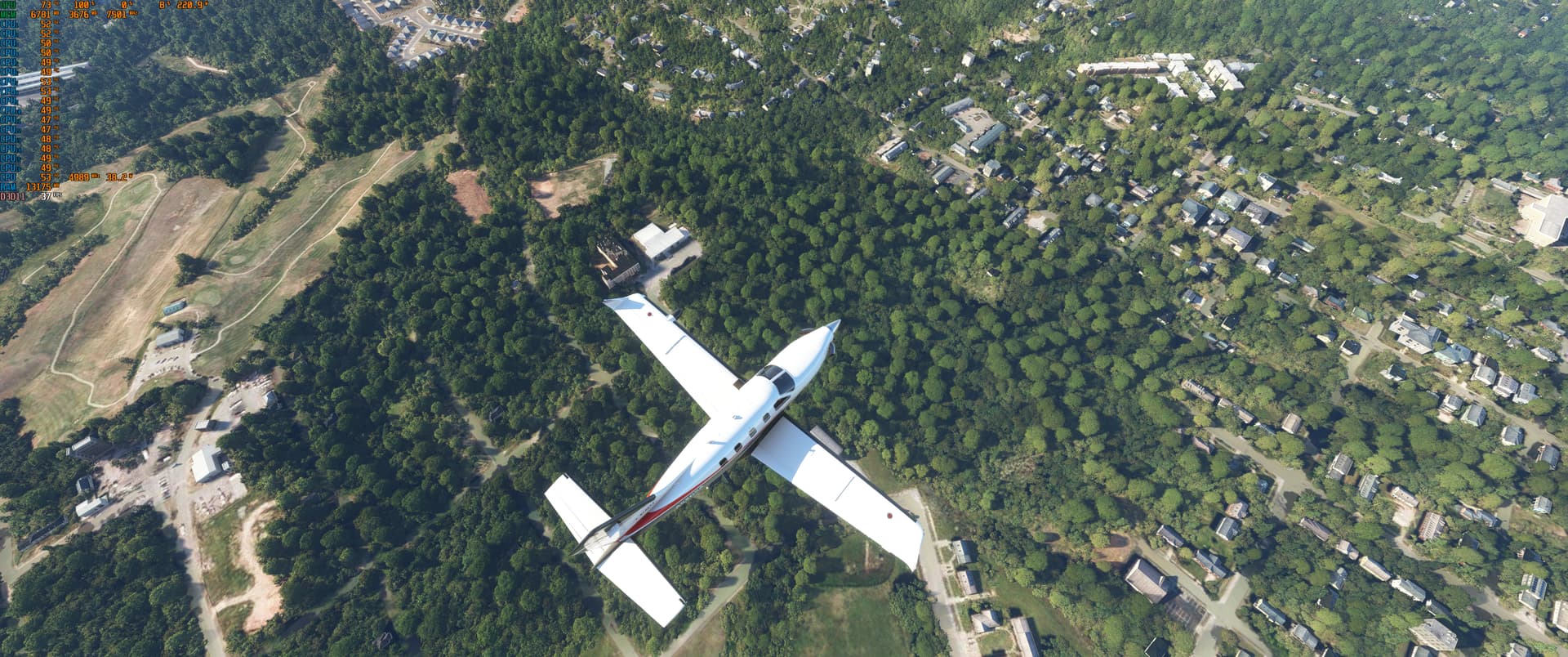
I tried disabling photogrammetry but I still get a lag around 3 minutes into the flight and assume will continue to be periodically through the flight.  Thanks for the suggestion.
Before SU5 the LOD limit was 200 even for high end, I’m not quite sure how some folk seem to think it’s bugged if they can’t run it at 400
i had the same problem with heavy stutters on ground and also in the air with PG turned on so i had to switch it off.
The solution is very simple, i have posted screen shots from facebook. What you have to do is locate and delete the following file and folder…for safty reasons just copy them for backup, but as far as i was told after deleting them and when you restart the sim they will recreate them self again…dont ask me more as im no expert on this but this solution works as i test it my self and now FINALLY im able to have PG switched on again!
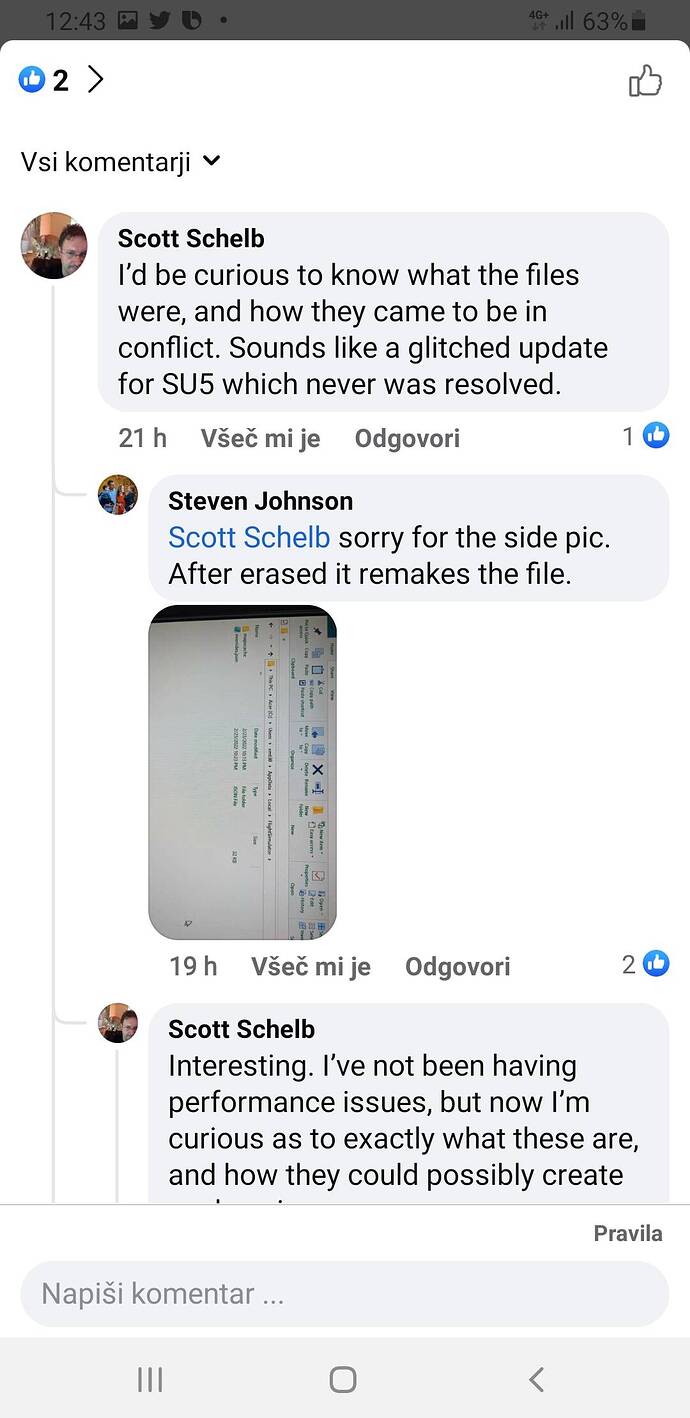
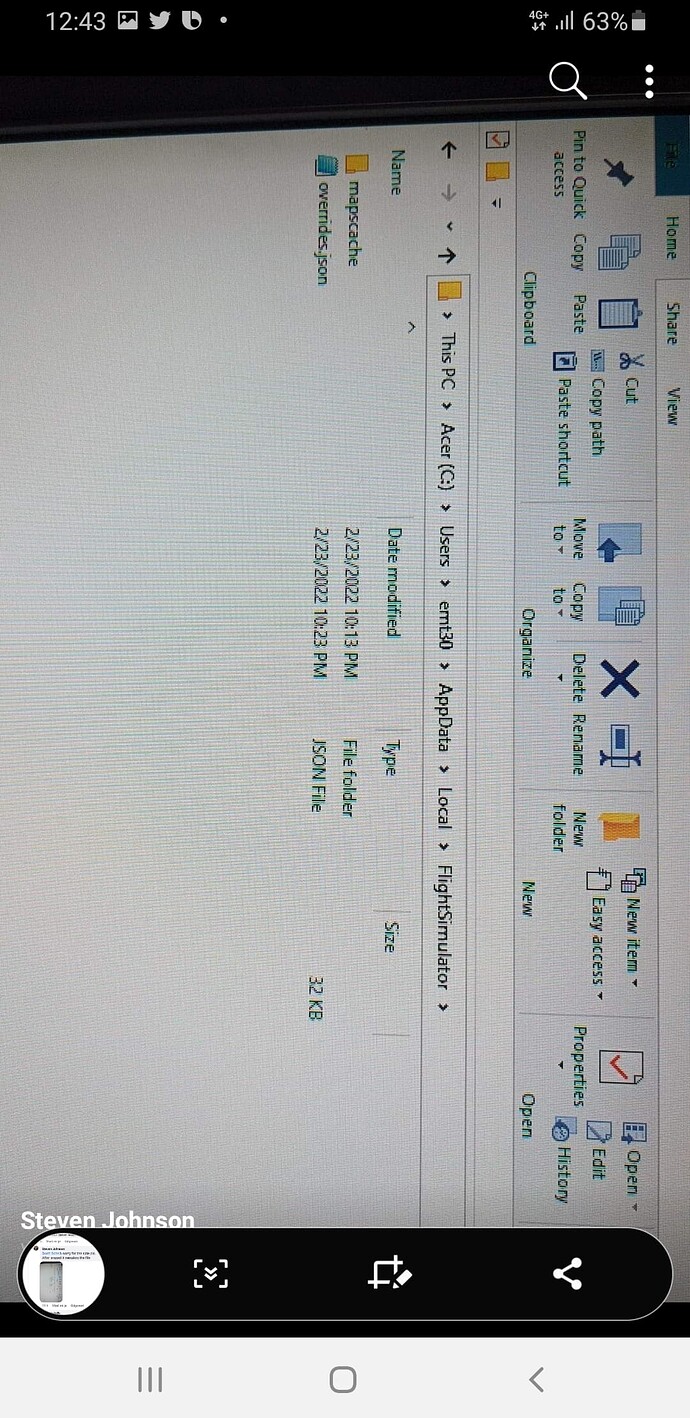
Well, this fix did it for me. Seems to be back to no ground stutters with PG switched on.
I think there are a few different issues being discussed on this thread, but this fix was simple and worked on my setup.
SU8 has now introduced some really severe stutters I have never seen before during the flight. It gets remarkably worse when switching views. See pictures attached. I am running 4K at max settings. Never encountered stutters this bad before SU8. Btw I did the alleged “fix” above, and sadly it did not work. Also the clouds still look as generic as ever with all the tiles visible. 
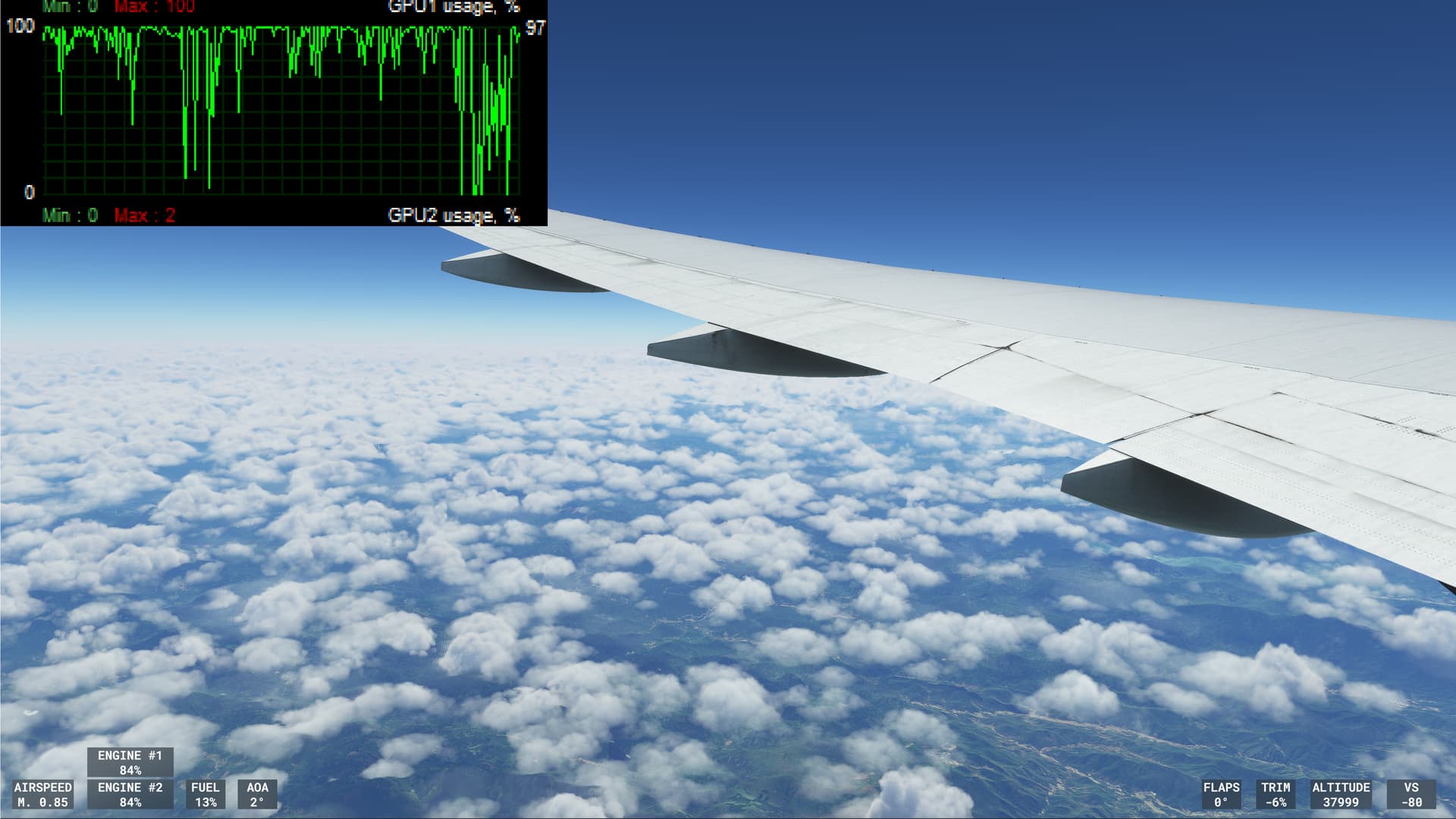
This is when panning and changing views…horrendous
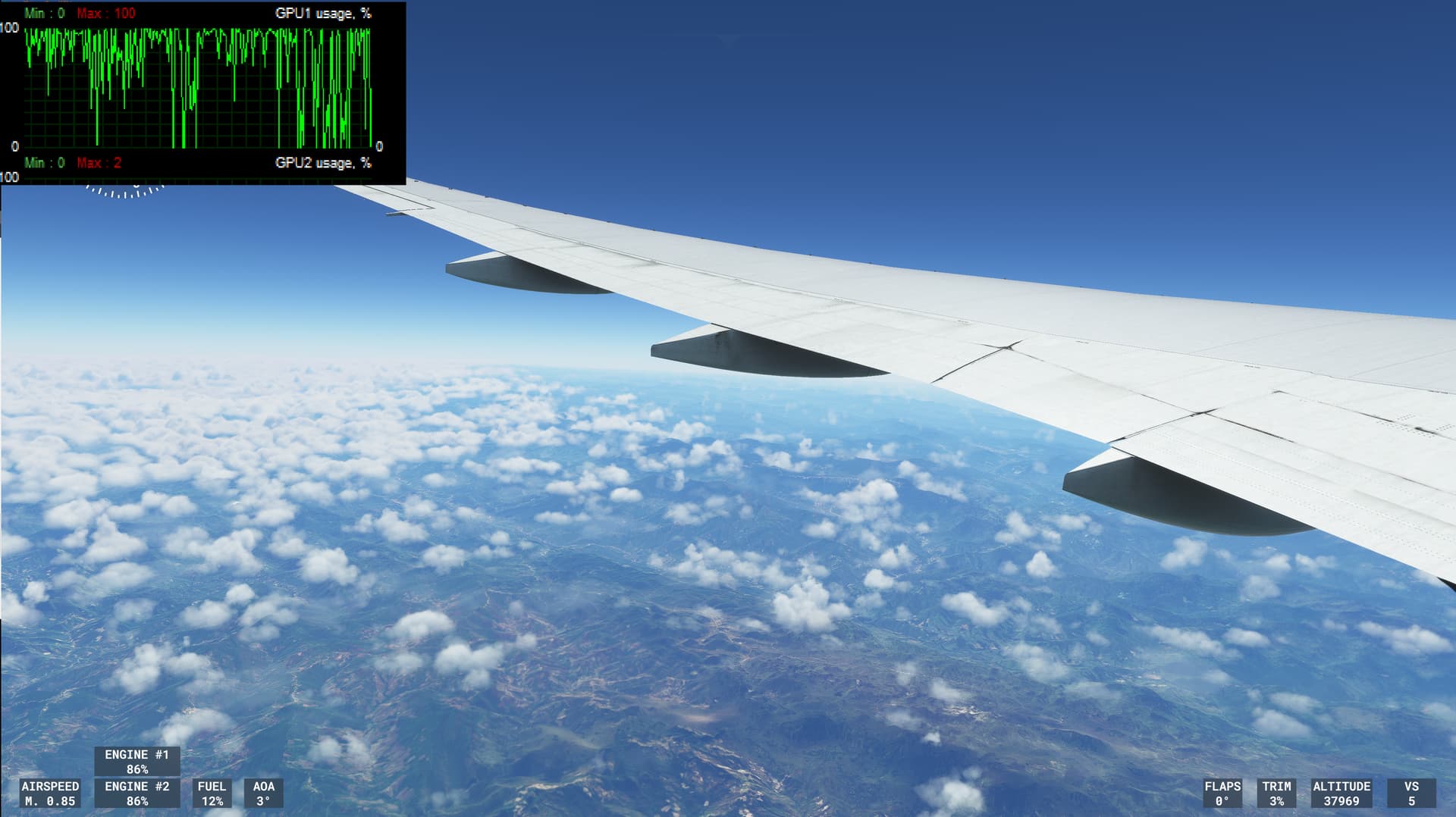
I tried the solution e it didn’t solve.. for me