Indeed. Disabling PG helps lower it’s frequency and severity somewhat, but it doesn’t get rid of the stutters.
You are wrong. You can try to recreate stuttering by yourself in a few minutes. Install G1000 NXI, go to Discovery flights - choose Naples and leave the plane to fly by itself. Keeping LOD at 200 just make the periodical stutter less severe, but it doesn’t remove it at all.
Smooth as butter but then again I don’t let myself get mainthread locked in scenery
What i can see is that photogrammetry is realy heavy on the GPU while realy close to the objects. Especially those photogrammetry trees. I will show an example soon. Try lower your res if you have problems flying where those are and see if that helps a bit.
I want my stutter free experience from SU5 back, SU6 is horrible especially at bigger airports
Why is those photogrammetry trees this GPU demanding? Where it’s less trees those may cause those spikes in fps? What do you think?
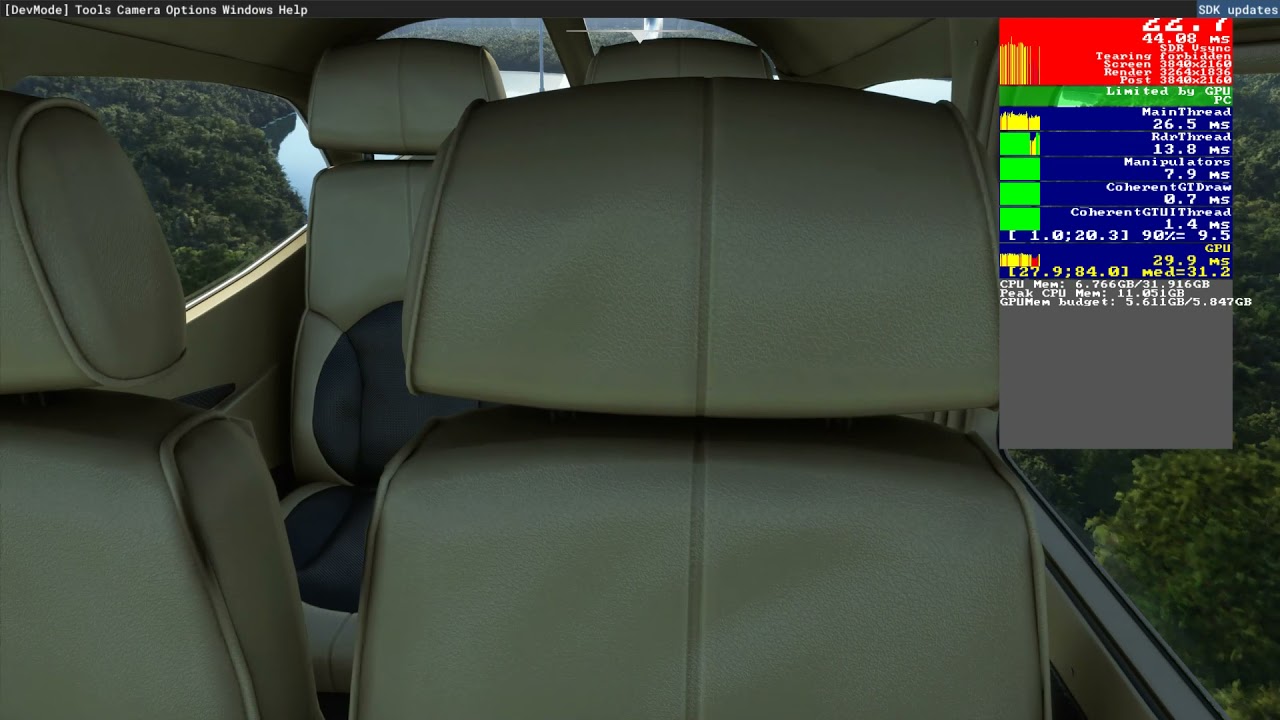
This is why I tune my settings over central park, as stated in the other threads: it is the highest GPU load I have found. Reduce render scaling until your GPU latency gets back down to 30-31 ms max.
Exactly! After SU5, the panning FPS loss was completely gone, but in SU6 it’s back with stuttering.
agree i had that too.
Maki152, you have evidently recorded two stutters having G1000 NXI installed. The proof is rock solid. G1000 NXI is causing periodical stutters, period. If you uninstall G1000 NXI, there are no stutters with the stock G1000.
If you still experience any stutters try out my solution. For me it works perfectly, no more stutters!
I still think they could reduce the gpu load on those photogrammetry trees in some way. They look ugly anyway. How much gpu we even put in those trees they will never look good. It also makes the default trees to be on top of them looking like real tall trees instead. They could use that blackshark ai to flaten those terrainspots with photogrammetry trees and then put trees on top of that i would think.
NO MORE strong periodical STUTTERS after WU7 (MSFS v1.21.13.0) with G1000 NXI v0.900 installed
The stuttering on the ground is even worse in SU7. I don’t know why the sim is still unloading objects when looking away from it. Just keep everything loaded when precaching is set to ultra and only unload when out of range.
This will always be the case in my opinion as long as this sim is coded to meet the limited hardware that the xbox has, memory being the low point in that product. We all know we need two versions of this sim, one for PC and one for xbox but they wont do that so we are stuck with this semi crippled version which refuses to use the resources we PC users have at our disposal. It loads an unloads the most basic objects too when panning, things like airport signs that are basically just 12 triangles at lower lods. Its very poor when simple low poly count objects like that are loaded and unloaded unnecessarily.
Bad update 7 , now stuttering and low fps appear in dx11
I can still see Sutters, specially at the airports. Just turning the camera 180 degrees shows stutters even with high FPS. I have just flown a full flight and the stutters disappear on the air, is just something weird with the airports. For me started when they introduced the off-screen terrain pre-caching.
Stutters usually appear when you are mainthread locked, either reduce LODs and airport traffic or increase graphic settings / renderscale to make your gpu work harder.
I am not the only one that finds 45fps in the air means a stutter free experience lower down.
I keep reducing LOD it and its always the same, here is a video, when I pan to the left to see the trees you see stutters and locks on the threads. As I said, this started with the off-screen pre loading cache hotfix.
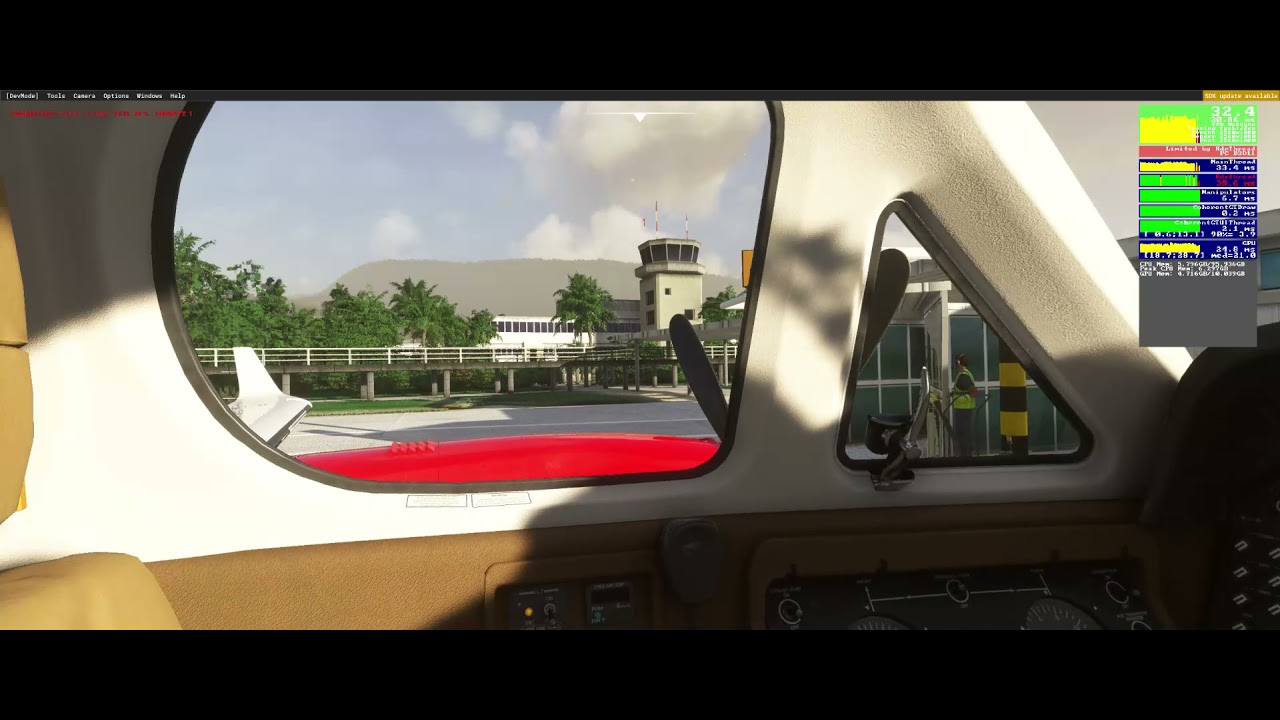
In my case no matter which airport I choose, or is something related to the trees (they have been playing with the trees in several versions) or the sim is not capable of rendering some simple buildings, its just a simple airport with a tower and a terminal, not Frankfurt.
What Terrain LOD are you guys using to be stutter free? I have an I7 at 4.3gz, 2080TI (457.30) and 128GB RAM, not the top but not rock bottom specs.