That is really cool. Glad you are enjoying it as well!
I love this!!!
If it goes on the time frame for his LAMA which has never appeared on MP for XB user it’s going to be at least a year before we see. I read that his Alloutte took 8 months from PC release to XB release
I appreciate the frustration some Xbox users have when high-fidelity PC releases take so long to become available on the Xbox.
Individual developers don’t have the muscle that Asobo or larger dev teams have.
As such, there’s no point in complaining about a situation that can’t be forced into existence. It has to accepted with patience. An alternative would be for the dev to say, “The heck with it, I’ll make it for PC only.”
Nobody wants that.
Belatu, will you do a review video on the Huey?
I’m working on both a review and a startup/run-up Flow with a takeoff. I was trying to stay ahead of this one…and I had a review copy because I was helping do a smidge of beta testing…but a bit of real life got in the way.
They’re coming in the next few days.
as we wait now for the Taog one 

Is there a Canadian military repaint included?
Xbox player base is too big to ignore them. According to Asobo half of the players are on xbox.
Which is why I said this:
This happens to me all the time with my channel. I’ve been wanting to do a video for almost a month now and haven’t been able to do it. Hard to find time to record and then edit everything. Hope you’re able to get to it, I’ll look for it once it’s out.
Force trim also available with Spad.next. Game changer for me in flying helicopters other than H145/160.
Can you expand on this? My (admittedly limited) understanding of SPAD’s inner workings tells me that SPAD can’t control anything that isn’t a Simconnect event, or other variable written into the model’s code. So ‘Force Trim’ would need to be available in the helicopter for SPAD to control it.
Are you saying that feature is part of the helicopter’s code, but it’s only with SPAD (or A&O, or Mobiflight) that you can access that event?
SPAD definitely gives you more granular control, but it can’t ‘create’ Force Trim if it’s not there. Or am I missing something regarding SPAD’s capabilities here?
trim work for me via keyboard,but i only try wat i have set for nose up and down,i have never use R+L
it help me alot to use the Sidwinder for longer time
Check this: How to Add Hardware Force Trim to any Helicopter with any Joystick using SPAD (Simple Tutorial)
Scroll to: Wassergeist8980 post and video to learn how to do it.
Can’t stop flying this baby! I think I need to start working on a little video predominantly featuring this whirly bird and some other Vietnam era aircraft (Chinook, Skymaster etc.).
I need to get some fitting scenery and liveries first and I already have a music track in mind (no, not Fortunate Son or Ride of the Valkyries! They are awesome but overused at this point).
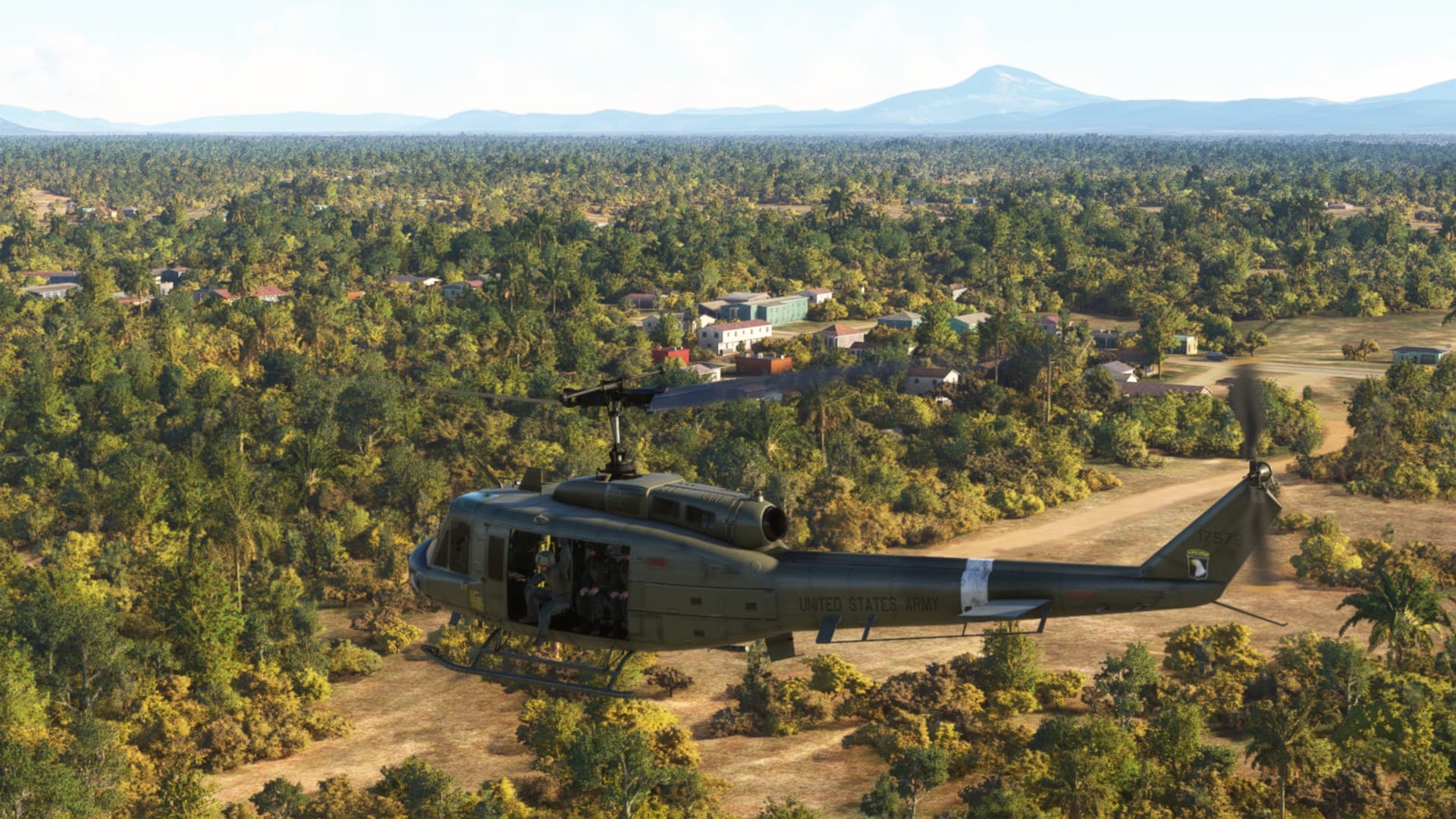

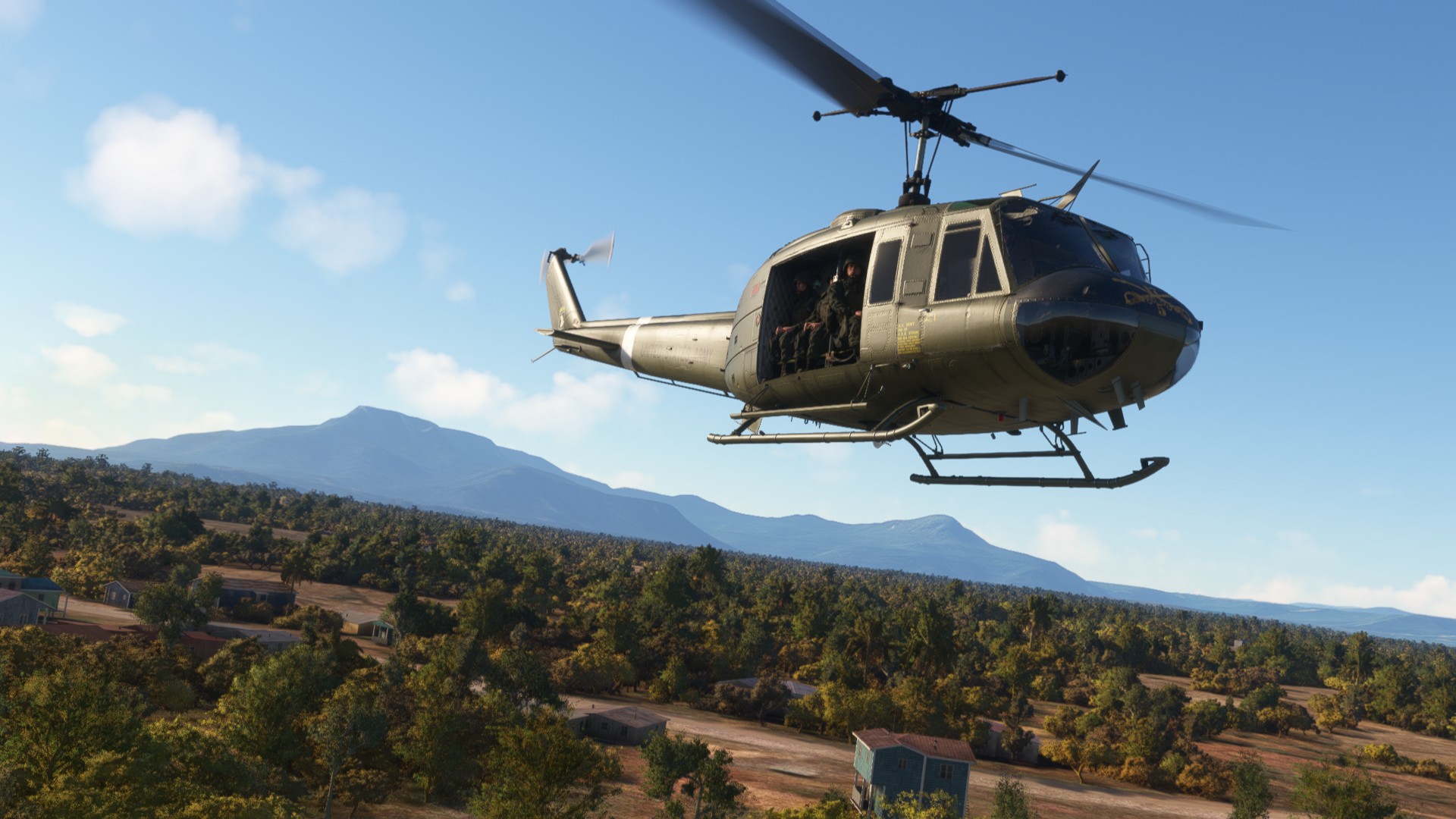

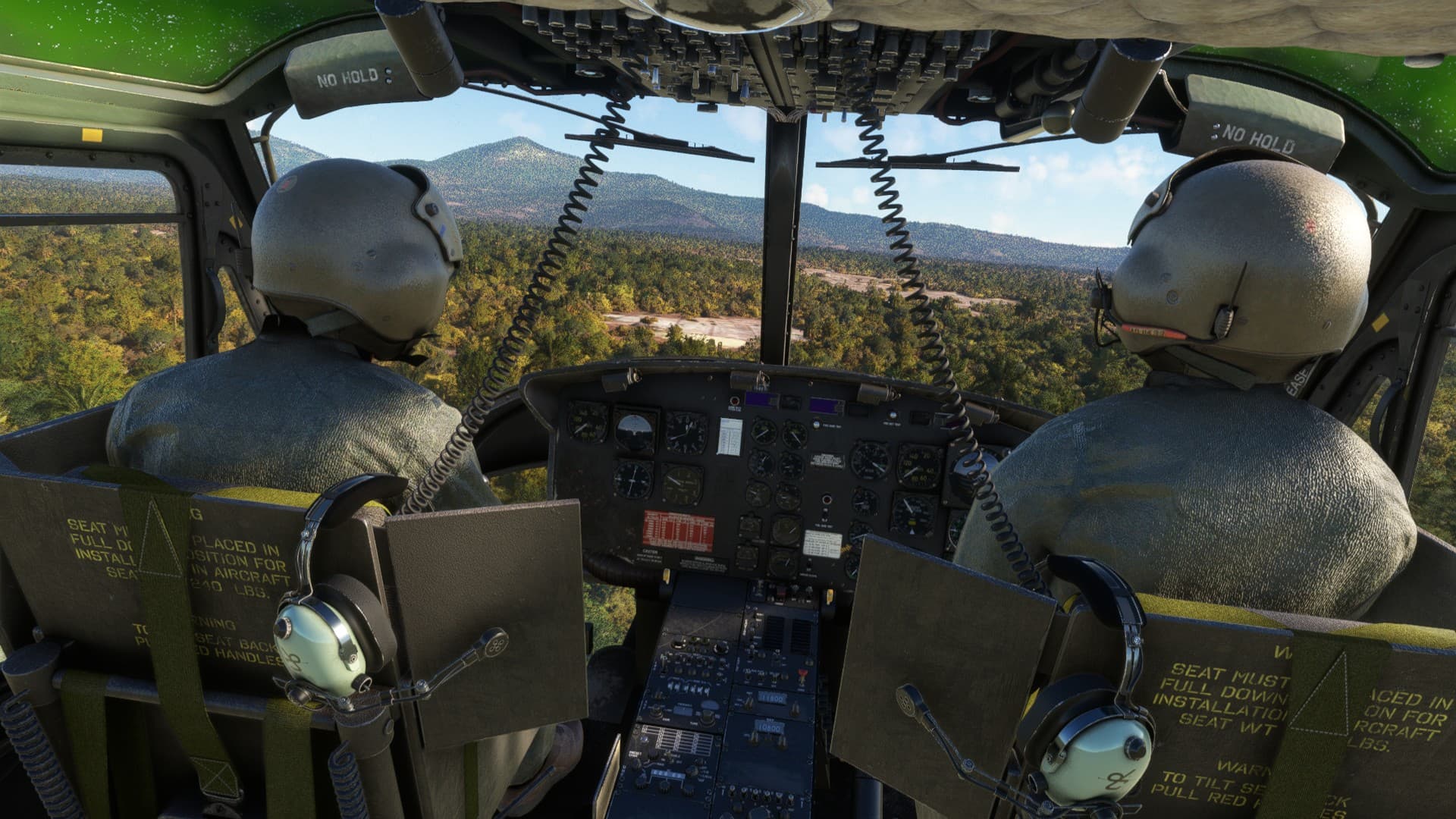
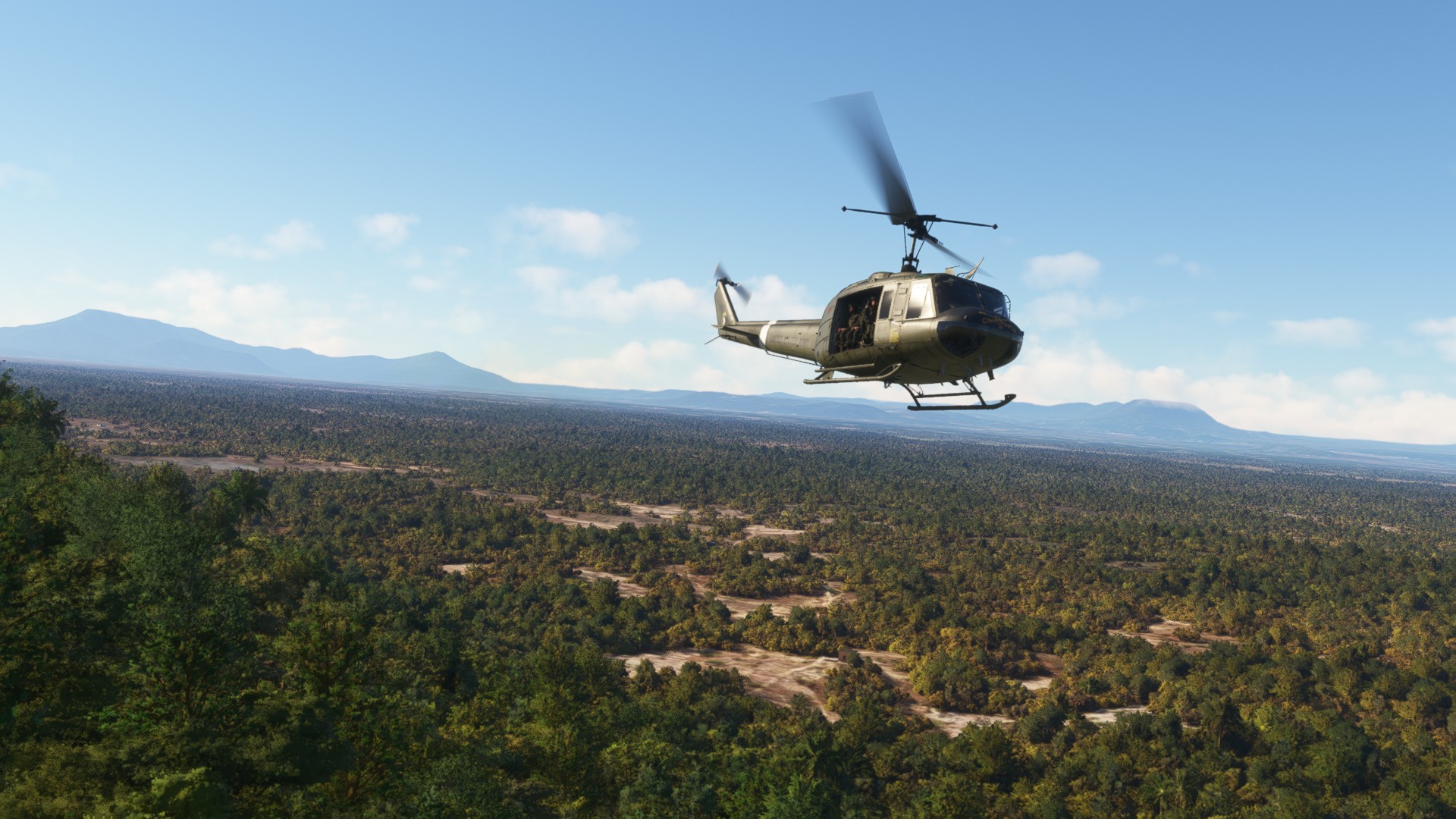
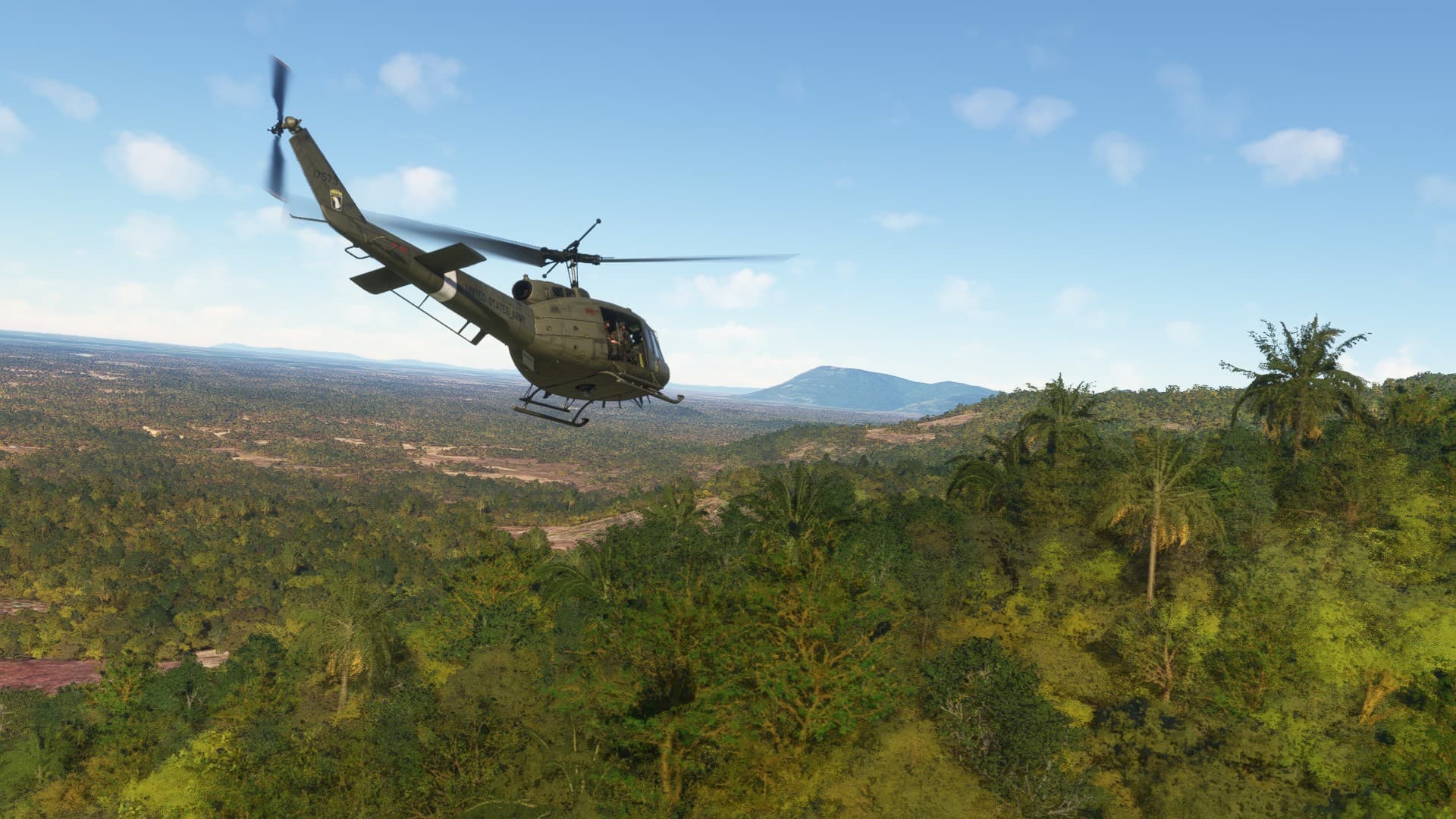
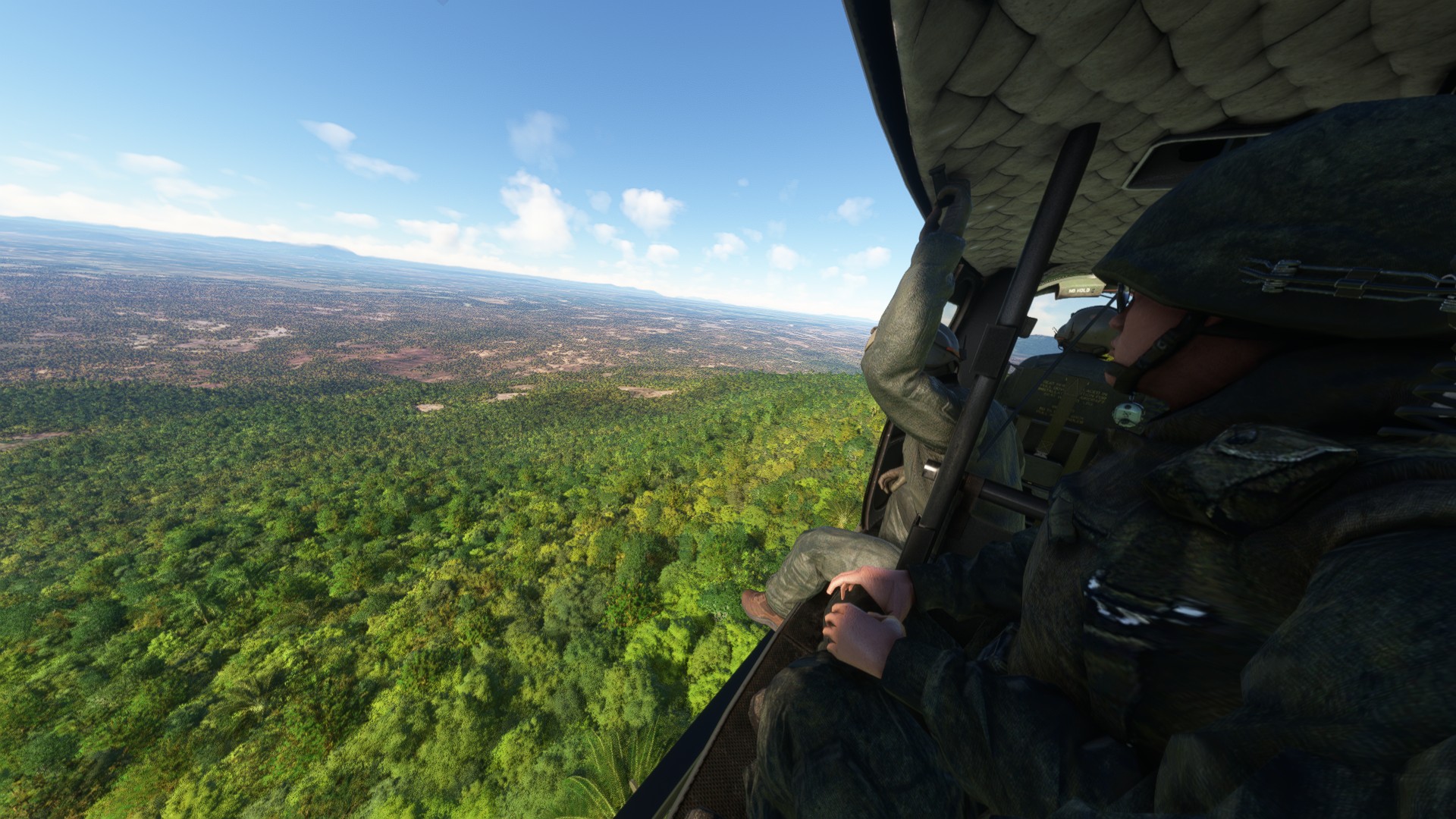


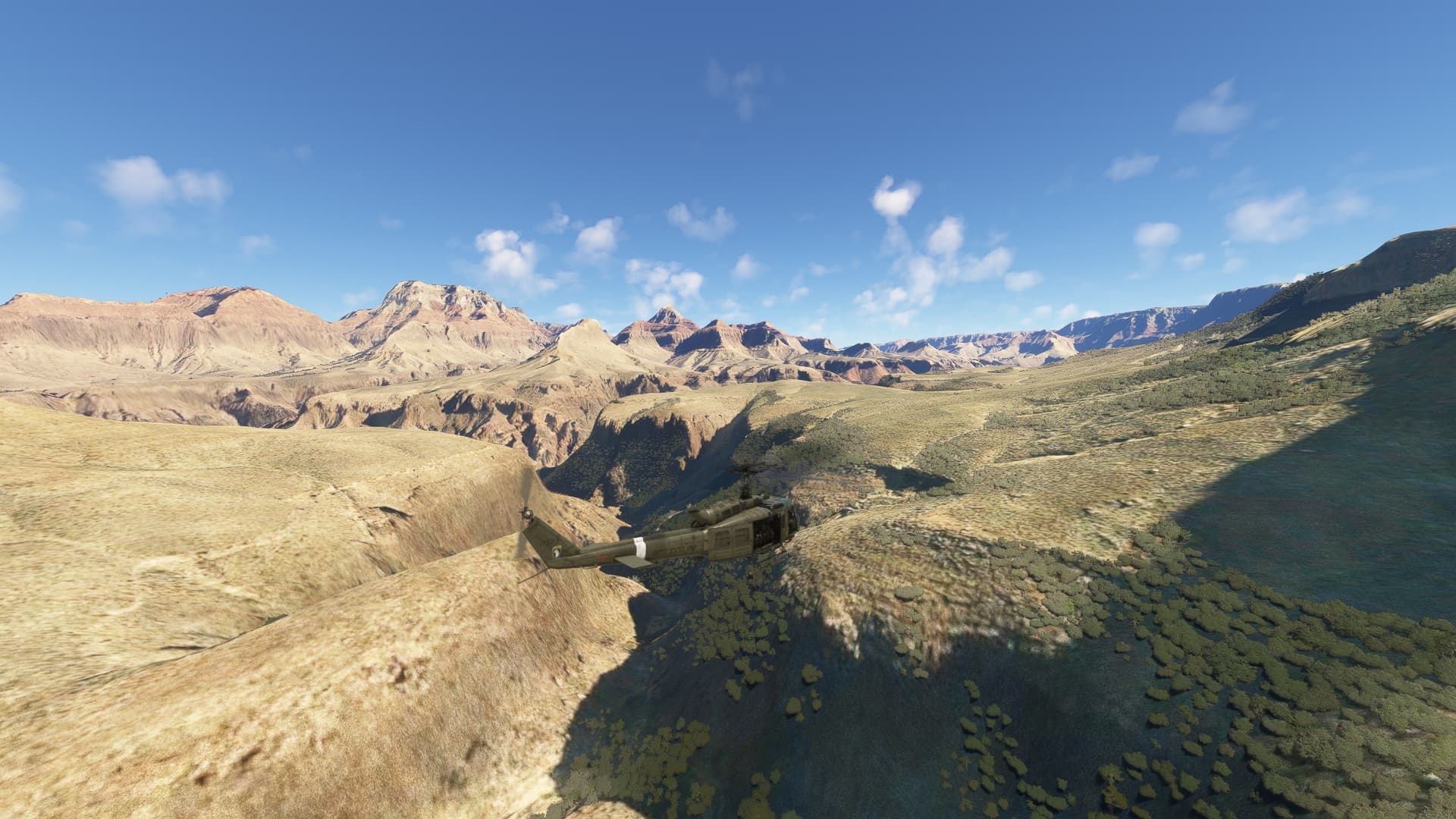
Cruising the Grand Canyon in the Huey. My takeoffs and landings need work but it is so much fun to fly. I have been converted to the dark side @JasonMuc2112
Spad can use all sorts of inputs and scripts so you can ‘create’ actions and combinations of actions to do anything you want. Force Trim in Spad is just that - telling Spad to set the current point in space for the new center, give 500 ms to let the stick recenter and voila. Just use trim and rotor reset to recenter default.
(Instructions in YouTube link above)
Awesome to hear! Have you checked out our friend Belatu42’s excellent YouTube tutorials? Just search for his name on YouTube.