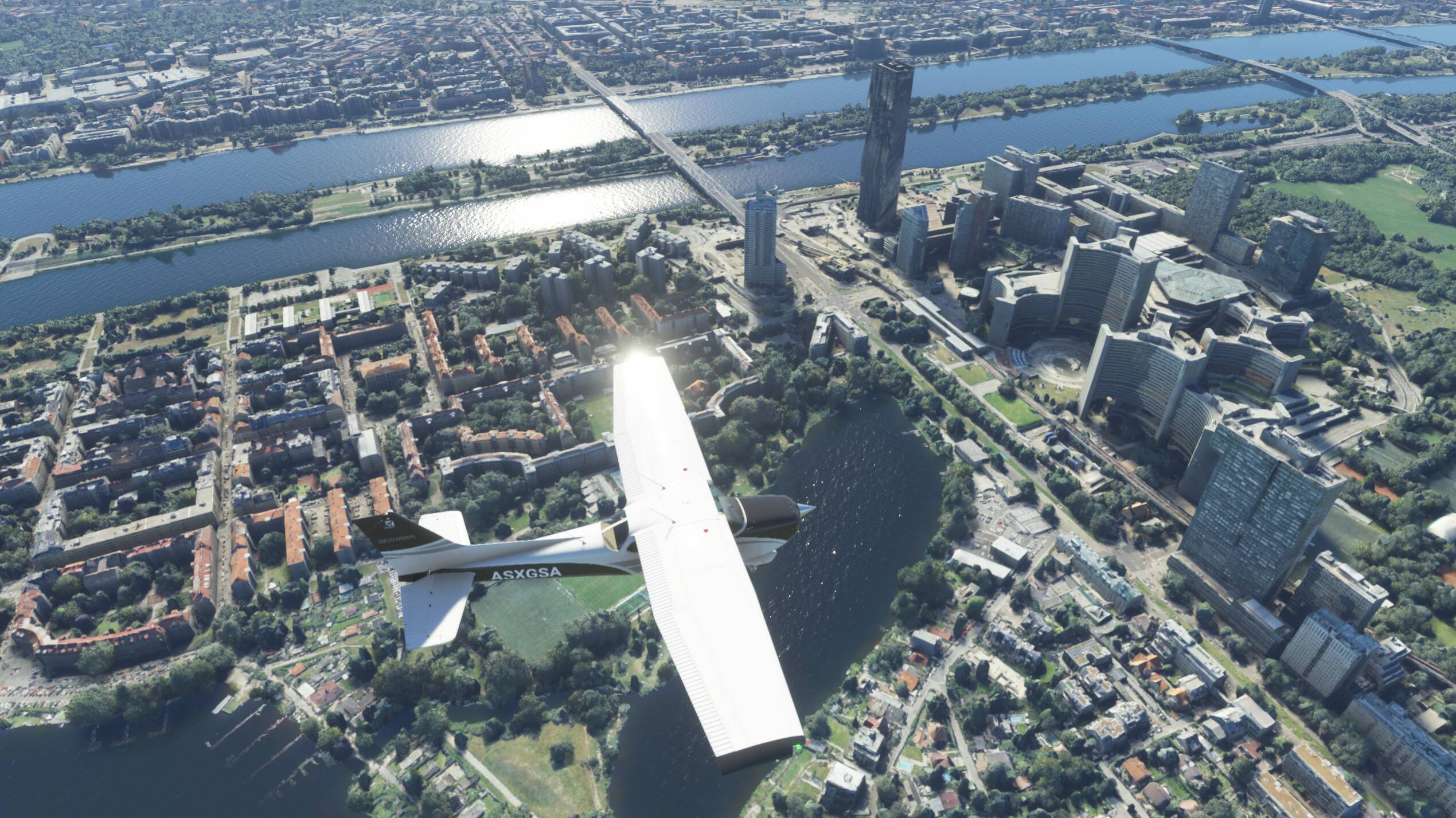
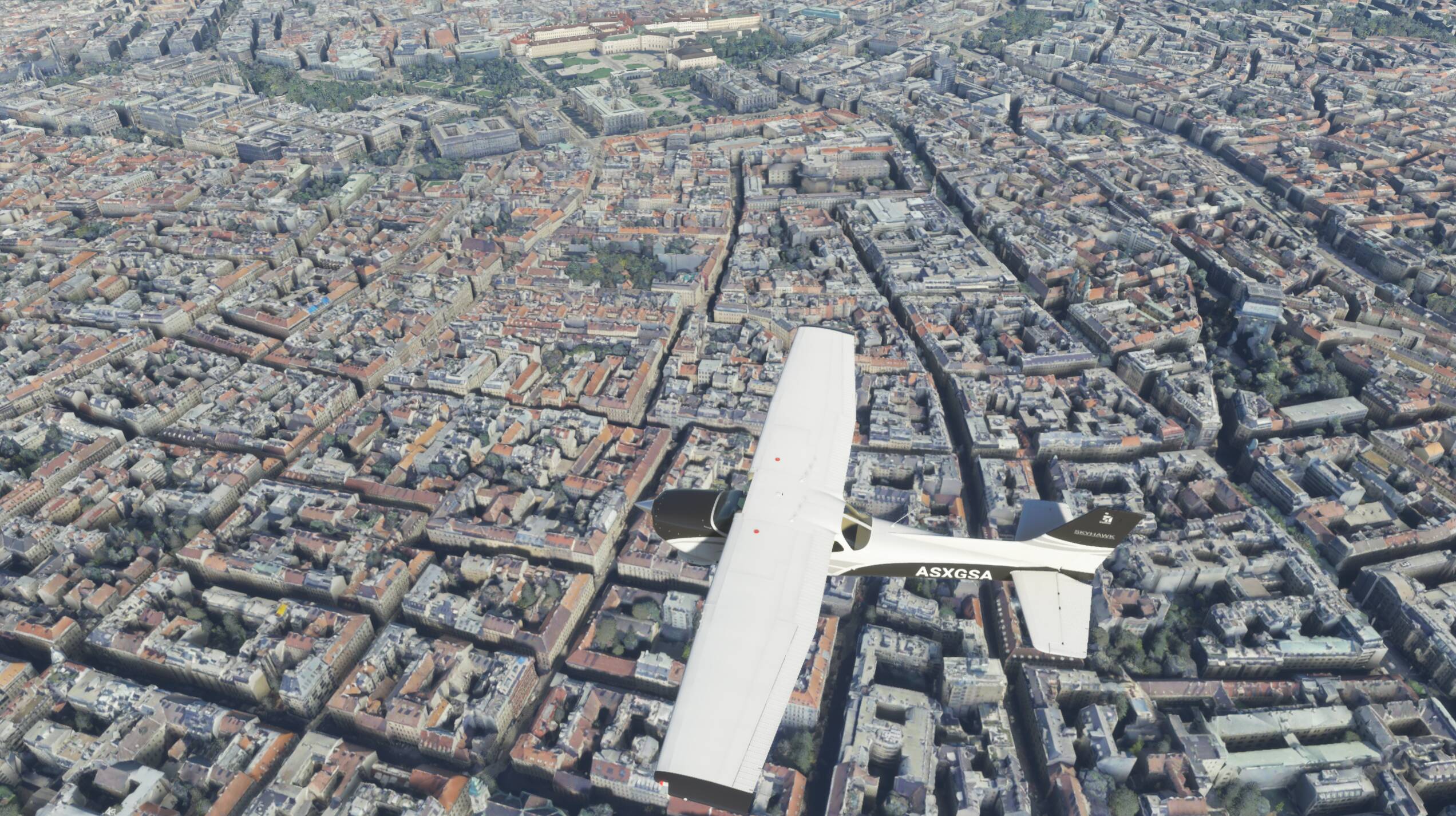
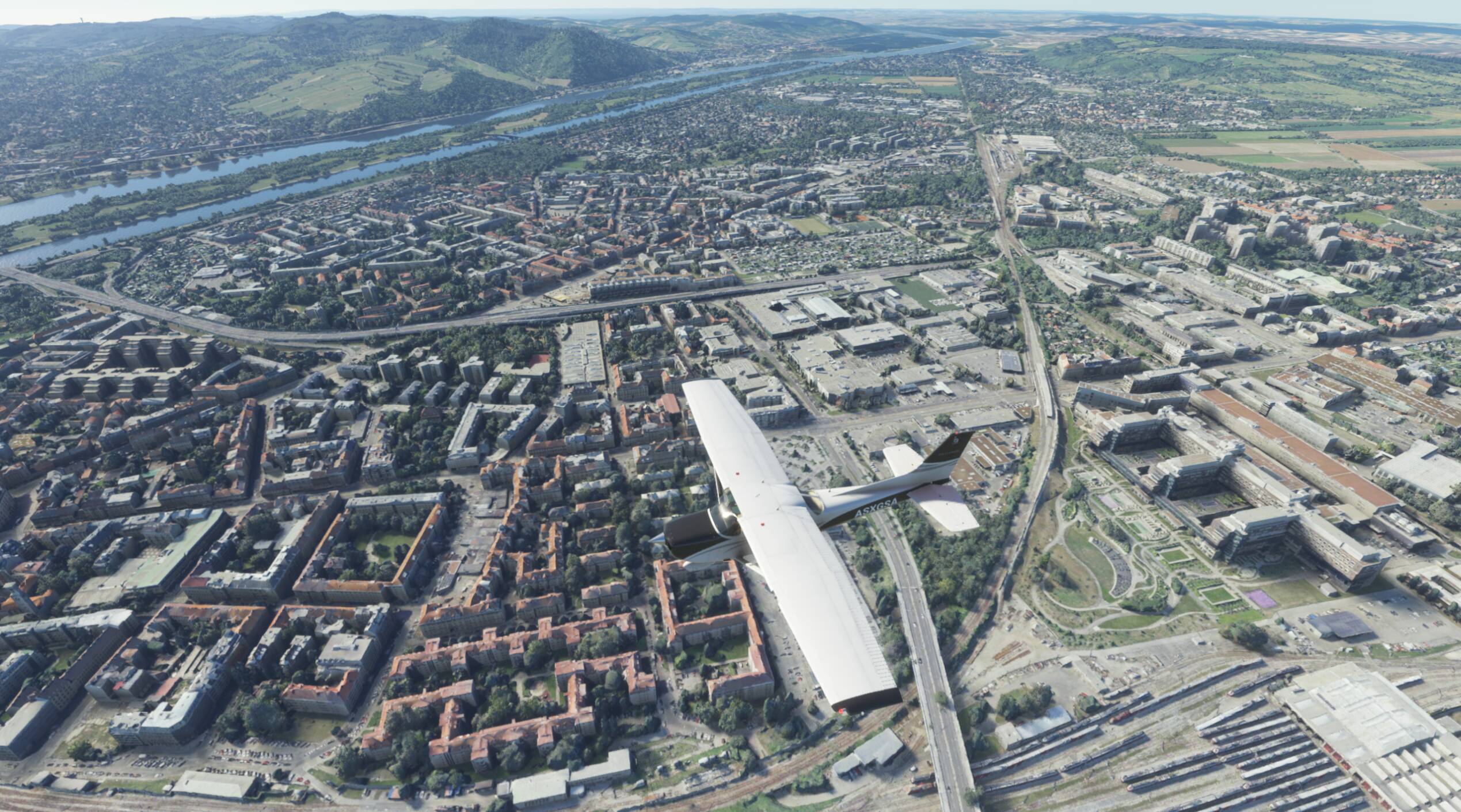
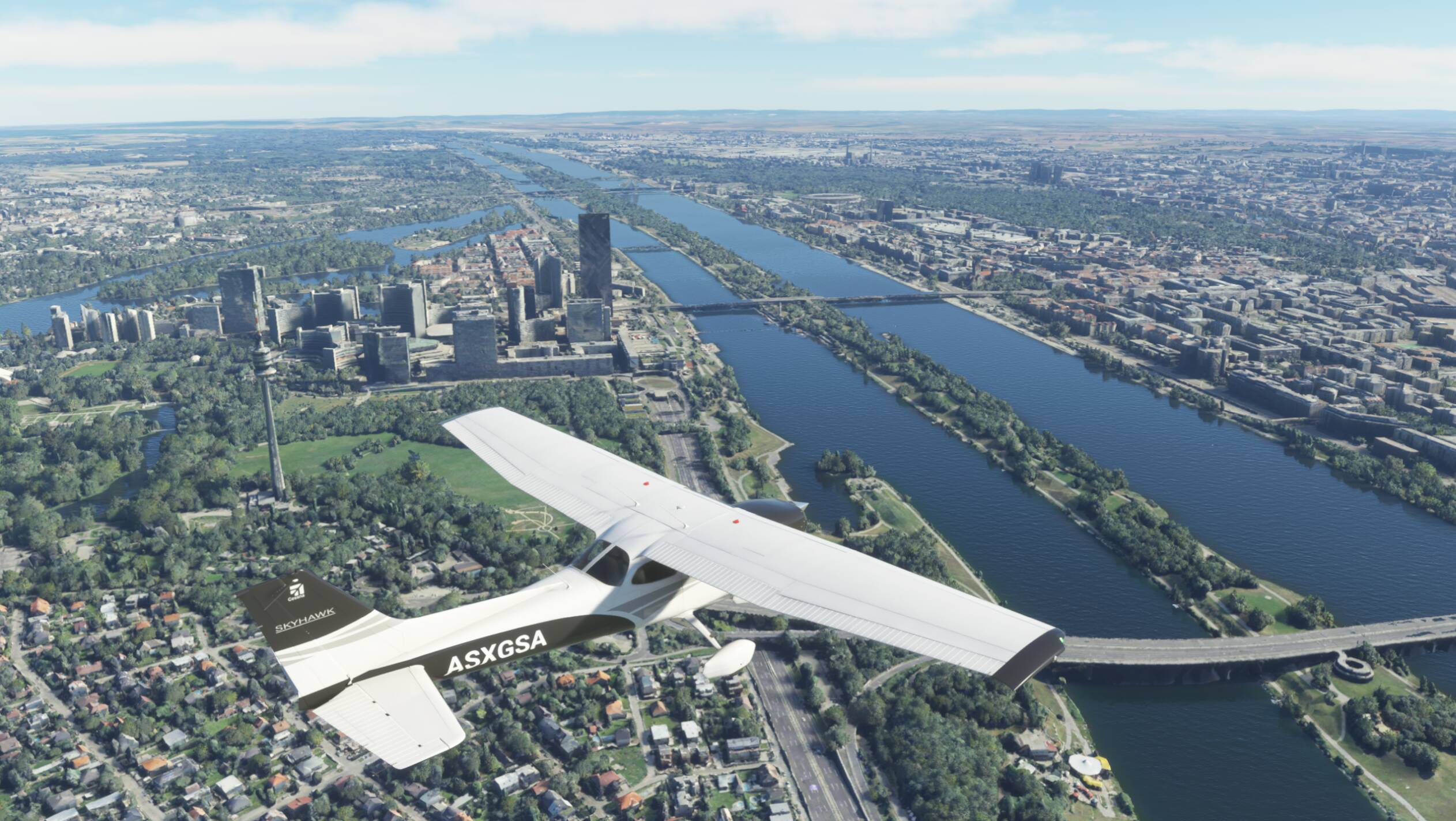
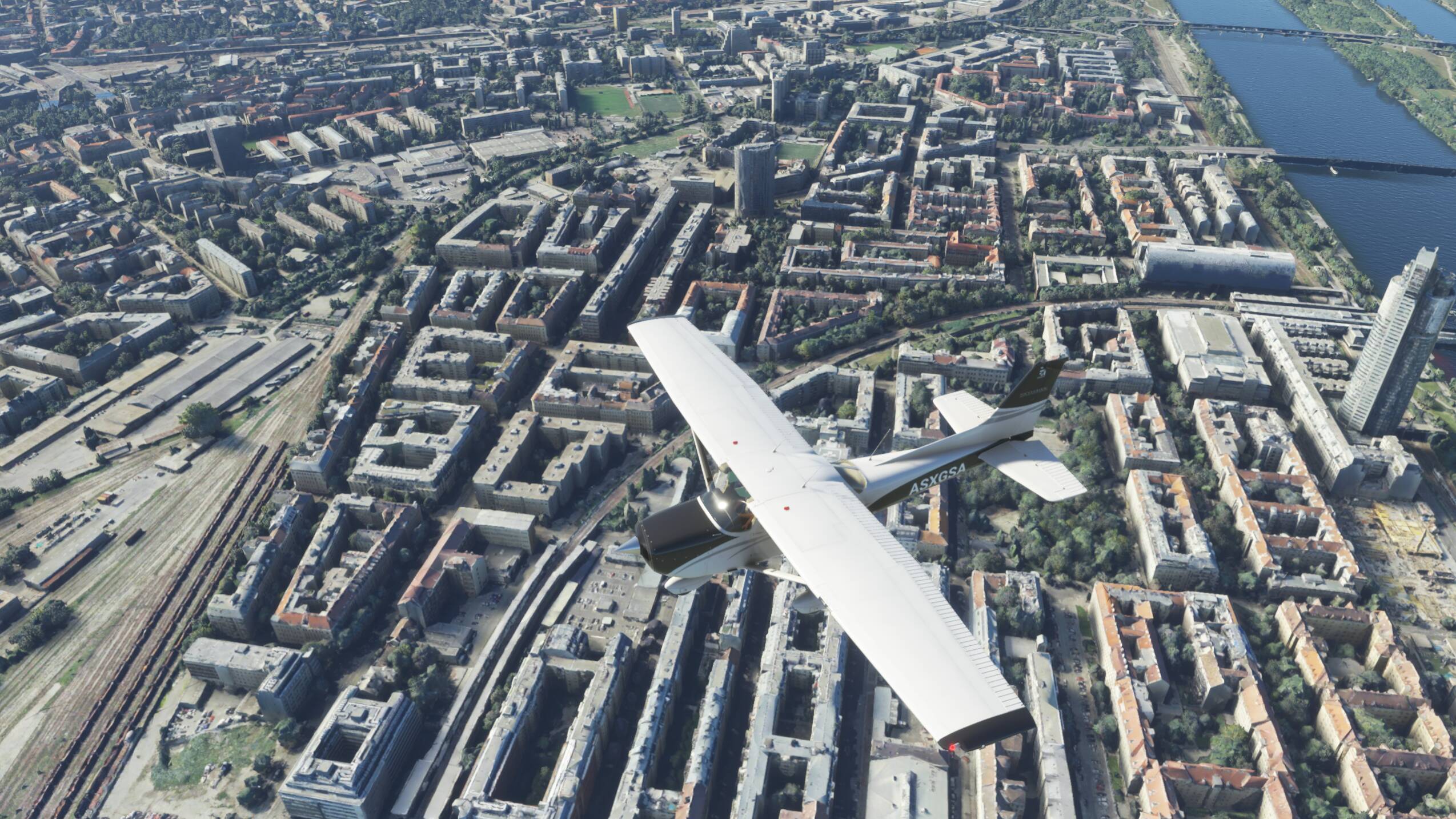
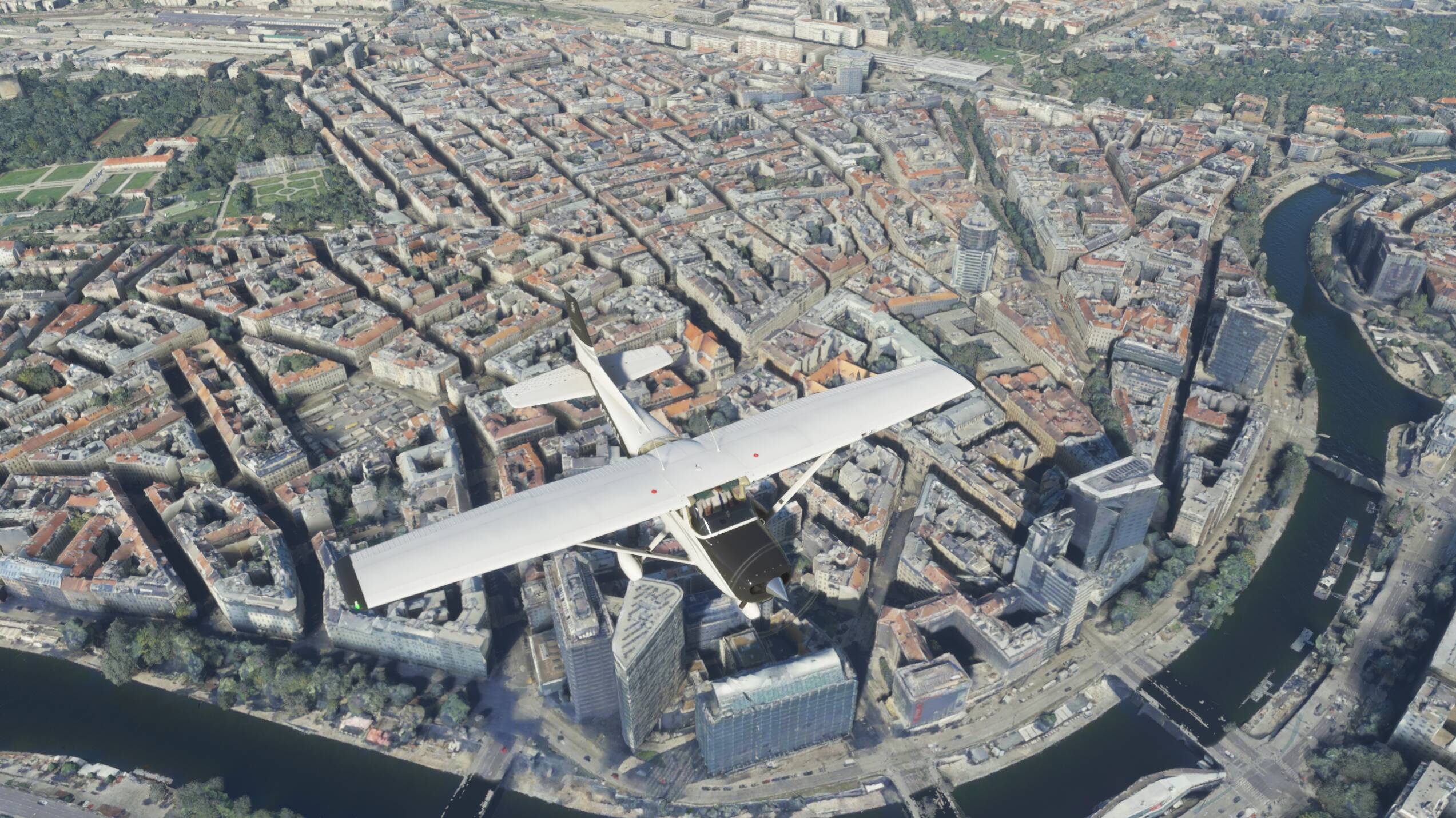
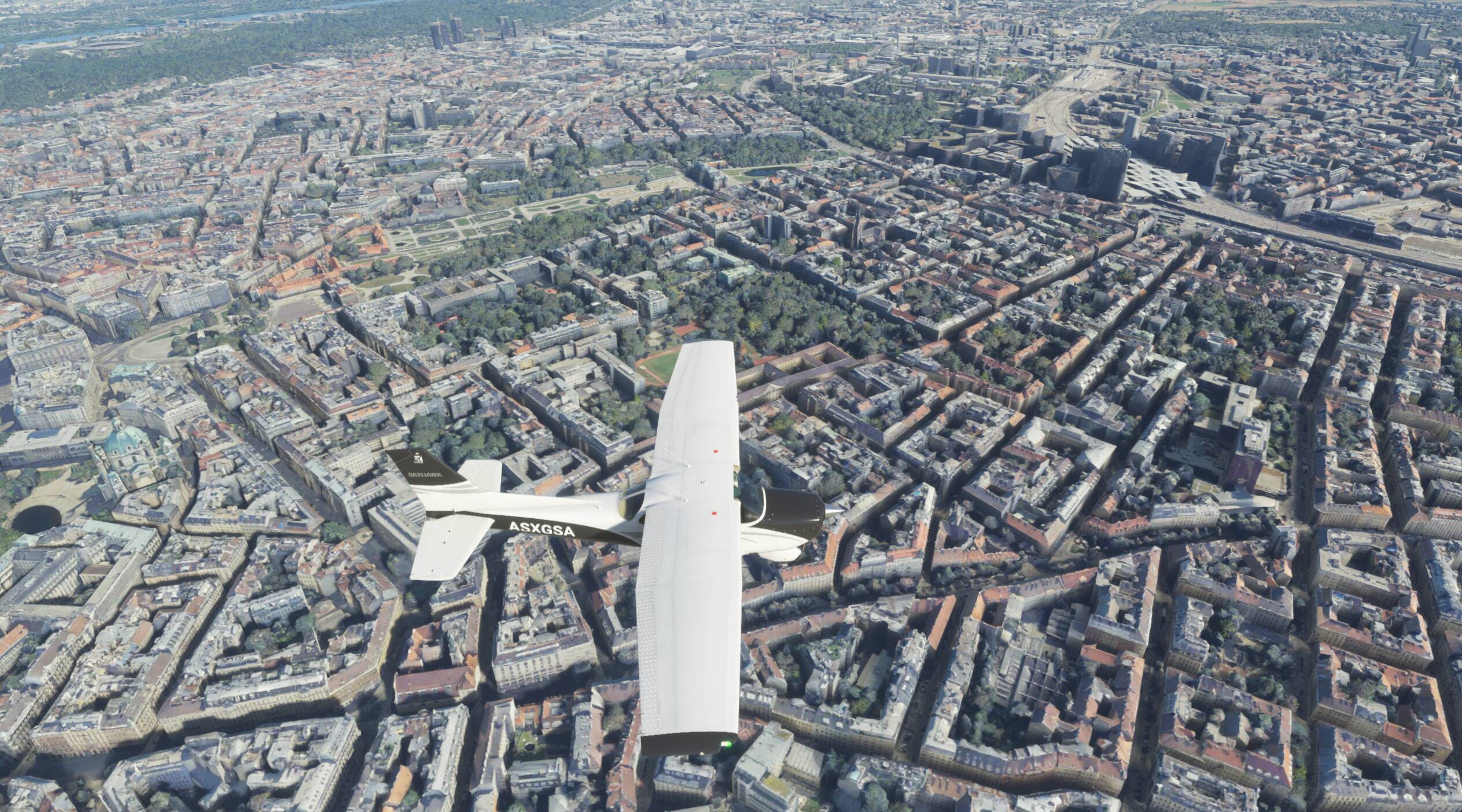
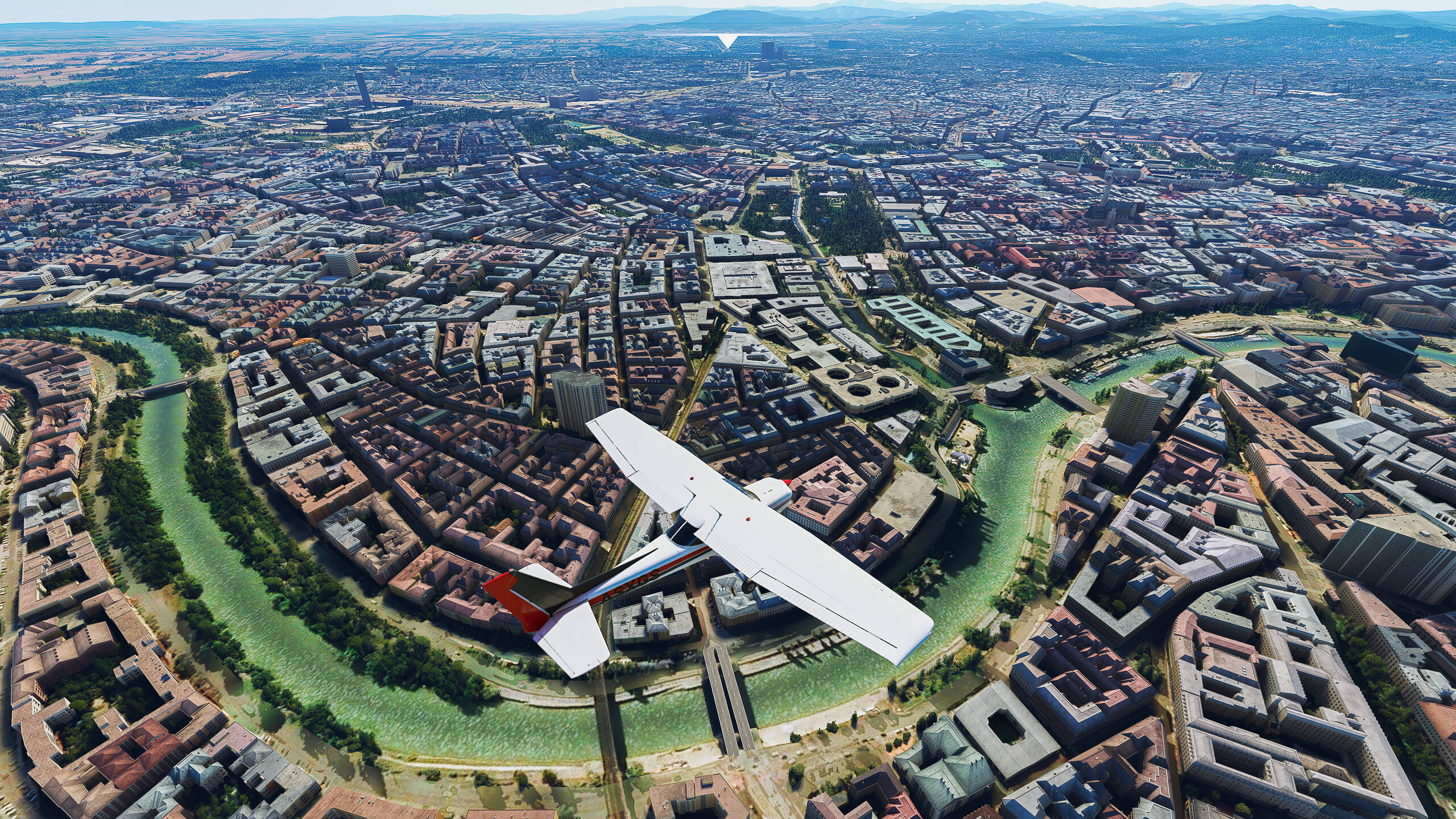
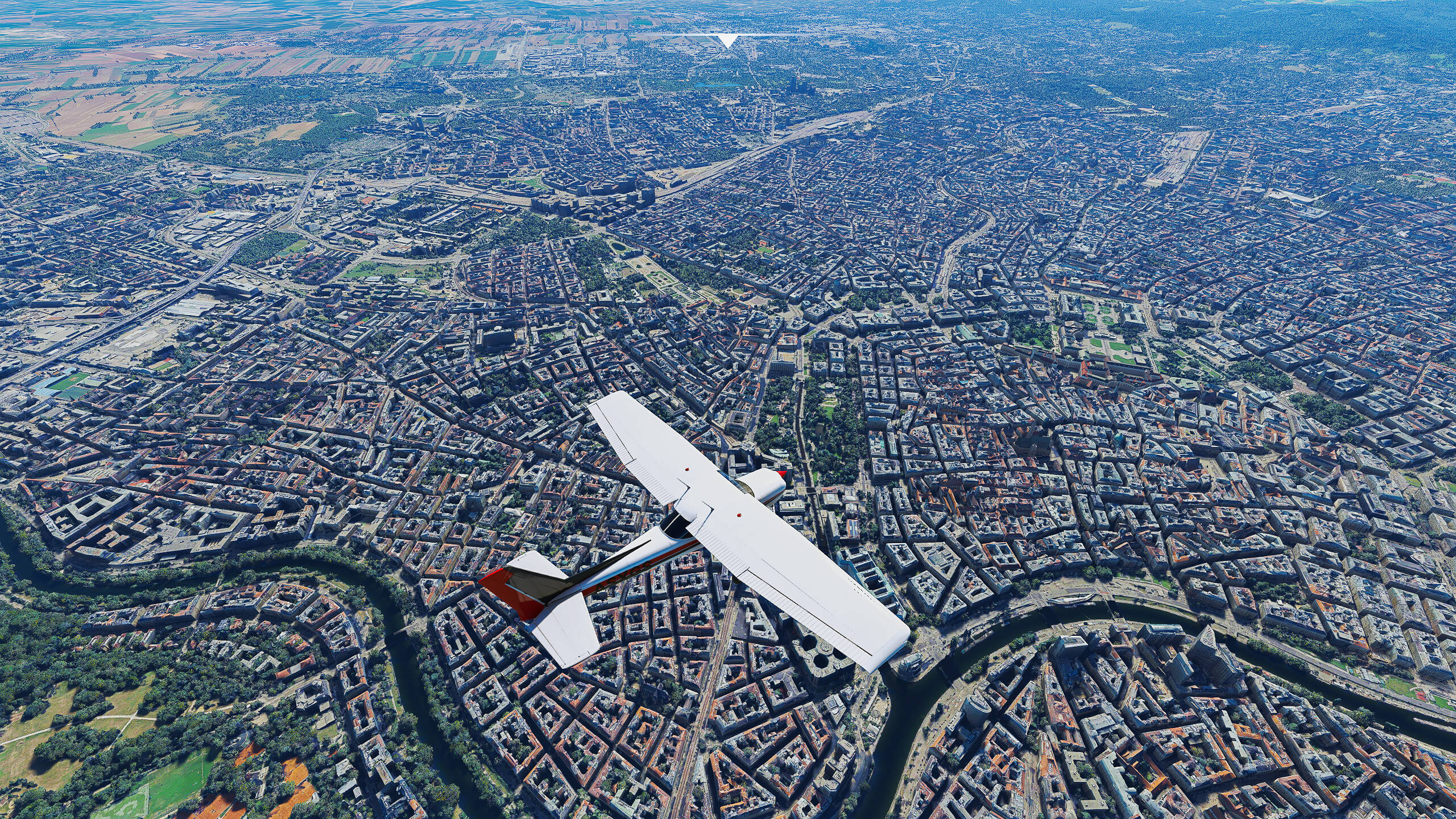
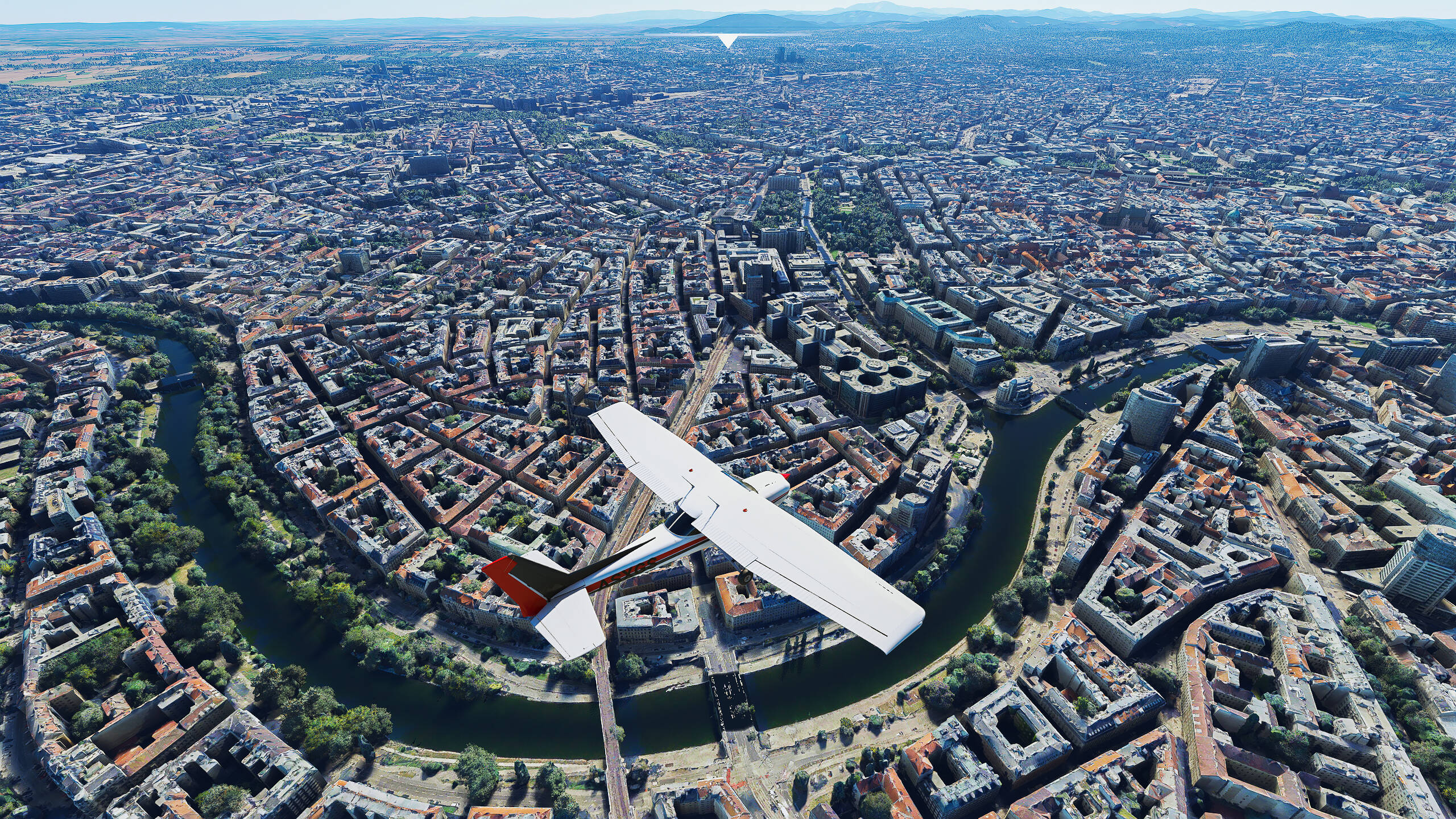
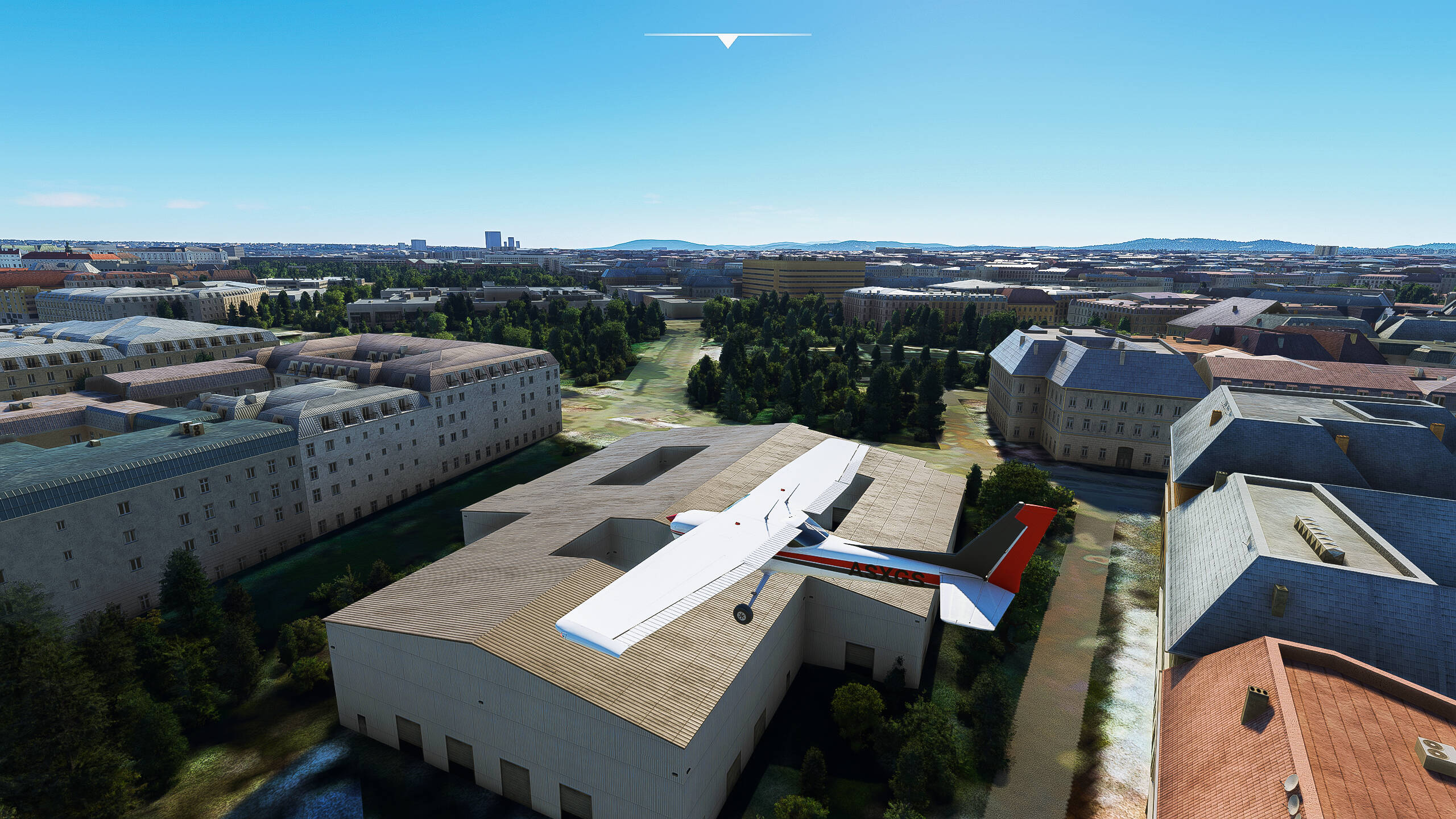
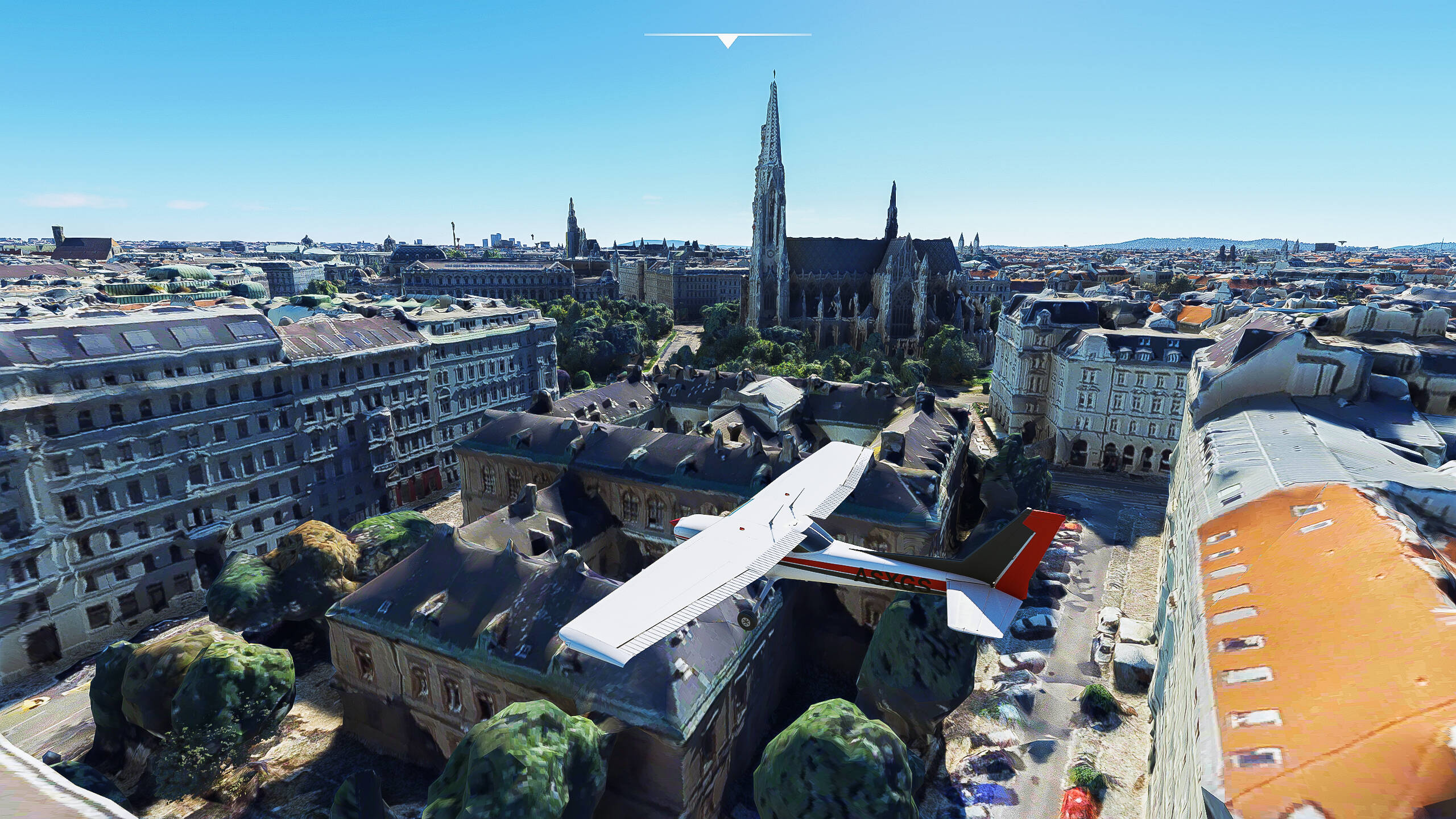
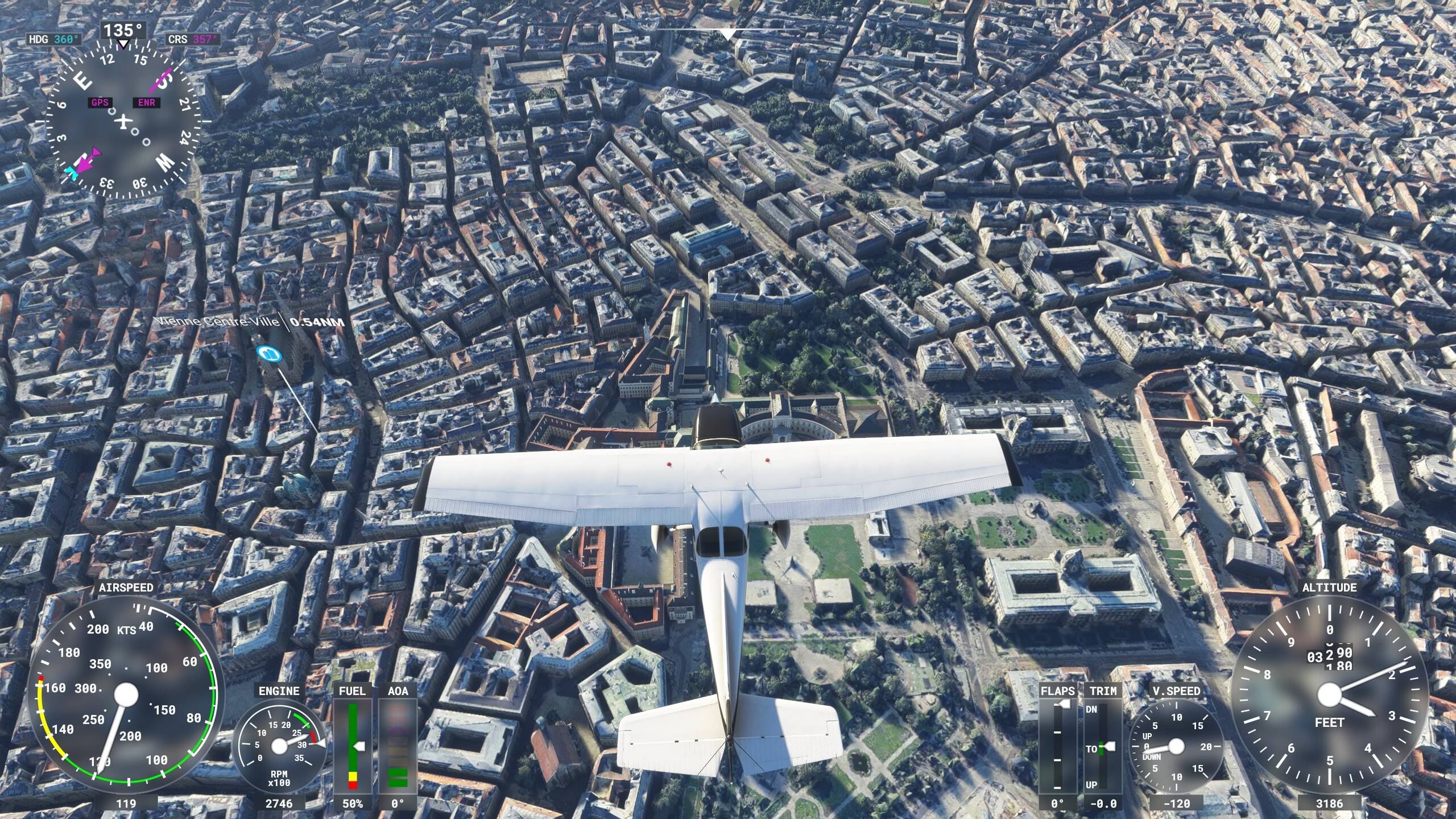
I’m playing on Series X and before WU6 the PG cities looked great, even when flying just a few hundred feet above them but now every PG city looks apocalyptic.
Its not just the new PG cities but all of them for me.
I’m playing on Series X and before WU6 the PG cities looked great, even when flying just a few hundred feet above them but now every PG city looks apocalyptic.
Its not just the new PG cities but all of them for me.
at this moment i flew over berlin and the PG there is razor sharp and the sim is running butter smoth, why the hell is this not possible at vienna??? why is this sim so inconsistent? maybe because jorg has his roots there
I just did the Copenhagen discovery flight, same here, pretty and detailed, if you zoom in very closely in some corners you can always find some “wasteland” buildings, but nothing comparable to Vienna or other similar experiences.
This is certainly nothing the player can change on his side, I think.
I disabled rolling cache entirely, as I don’t think it has any influence on any of this.
Nah theres deffo something up with photogrammetry. Before this weeks update I was doing loads of flying around Seattle, now since the update theres always stuff loading in constantly when you pan your camera. Annoying as hell. Happens in London and Miami too, and i never had any issues with any of them before this week.
Another thing thats broken. I seem to spend more time on here moaning than playing and I’ve spent upwards of 230+ quid on this for the Xbox since July.
Cmon Asobo sort it out!
I agree that older photogrammetry looked better. But still for me photogrammetry beats autogen by far. I understand that some of you suffer from low quality photogrammetry. But this is not happening to everyone. And when it does work, it’s good!
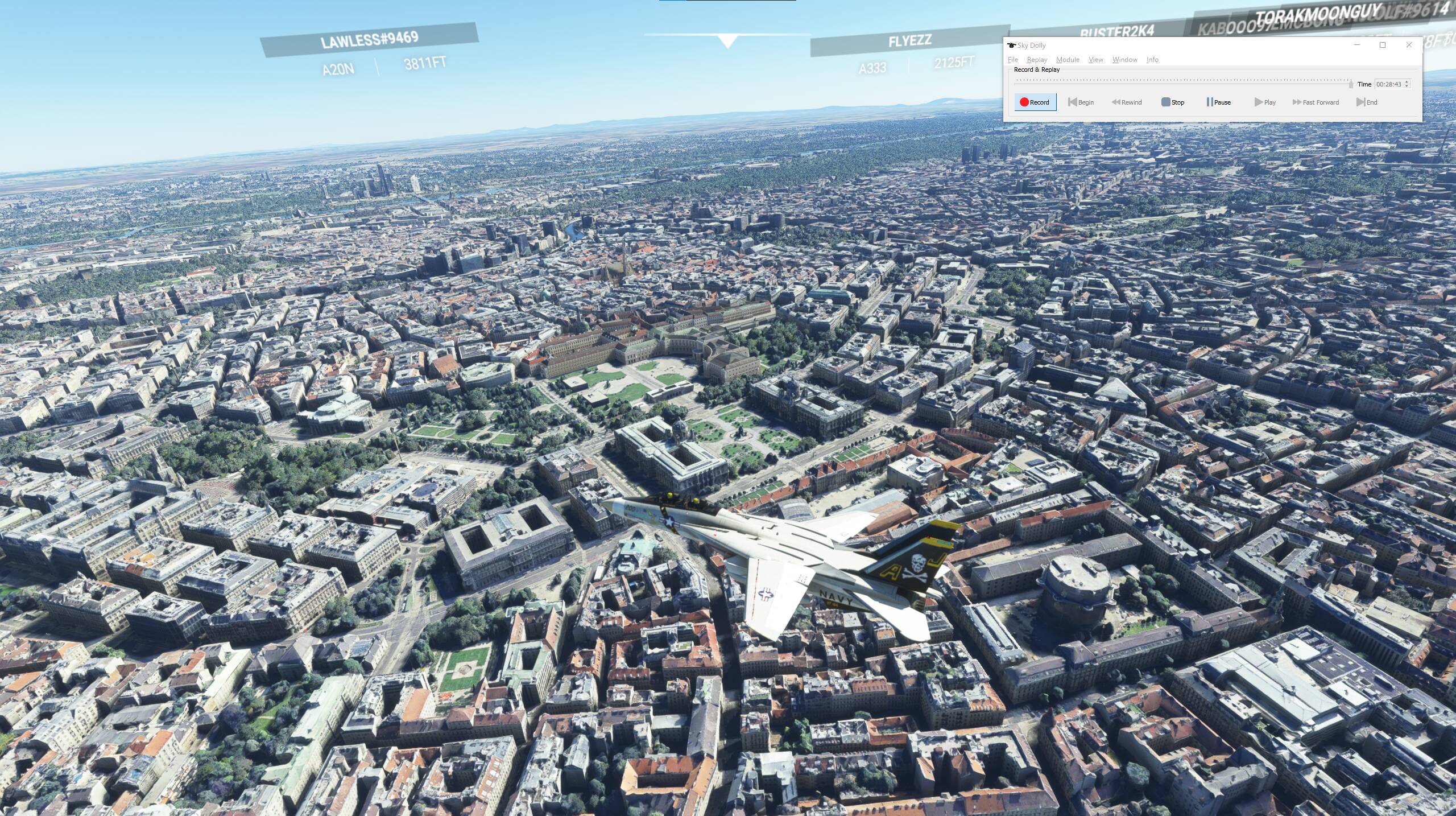
Even low down when it looks horrible it still looks better then autogen imo:
Can’t reproduce this: photogrammetry looked as expected and was downloaded pronto:
Even when buzzing Vienna with Mach 1.2 
Altough i have to admit that the city of Nuremberg, wich uses the old photogrammetry technique is ALOT better. I can’t believe that i haven’t flown here before. So far the best place i’ve seen in terms of photogrammetry.
I cannot confirm this. I have produced a 4K video about Vienna and I think, the photogrammetry is reasonably impressive…

Something is definately not right. It is looking great for some users and really ugly for some others. Frankfurt is having these problems, too, as well as London and Paris. All the US cities are fine for me.
Lucky you… nearest airport you fly from ?
EDDN i believe it was. Airport is in the photogrammetry area aswel👍
Edit: sorry thought you were talking about nuremberg.
Vienna was LOWW
And small note: colors were adjusted using nvidia game filter to get rid of the overexposure and addes some contrast
Thx. I guess uninstalling / reinstalling the world update for Austria etc. wouldn’t do anything ? Has anyone tried it ?
Had no issues with the Vienna photogrammetry since the update (unlike when flying over London  )
)
I doubt this would work. First i’d try to reset everything on your pc and sim to default settings. Undo any changes you might have made to your cfg, reset graphics control panel settings, reinstall drivers etc etc. This won’t take as much time as reinstalling the sim and might do wonders.
Photogrammetry data is always streamed (downloaded) from the Azure servers („the cloud“), unless locally cached.
So either the servers were just „overrun“ by people, the specific internet route to your computer was congested, your internet provider did not have enough bandwidth… or FS 2020 somehow thought that it had downloaded everything already (for whatever reasons - bug?).
In any case, I doubt that re-installing the WU 6 data (via Marketplace) would solve that problem.
Perhaps you have a conflicting 3rd party extension (landmarks, airport, …) installed?
And double-check to clear your rolling cache.
Again, I flew to Vienna for the first time (since WU 6) and everything was streamed perfectly for me.
A bit off topic but where do I get that aircraft from?
Vienna looks much better(great) today than few hours after the update release, probably the cloud servers were not synced yet on Tuesday.
Another option for anyone to try is selecting a different server and seeing if helps things. Also try running with a wired connection (I have fiber so it is needed to keep latency low and throughput on max).
There are some handy network enhancement tips in this zendesk article (updated today):
All versions - Slow download speed – Microsoft Flight Simulator Support (zendesk.com)
Thanks a lot, it seems I am about to solve it, what I tried was the “disconnecting / reconnecting the player account” part inside MFS. Now what I also found afterwards was that I appeared “OFFLINE” and could NOT change the server. This workaround (enabling multiplayer Online status is always offline and cant change server - #24 by WaryPorpoise767) fixed it. An other try over Vienna was much better, well, the nice textures WERE being downloaded (albeit rather slowly…). See picture, you can see a mix of high res and bad ones in the corner.
Not yet great, but it’s going there. Maybe that “solution” will help others ? I’ll try to enable the rolling cache again, see if that helps further.