So one positive for us XBox users is that the Base Objects folder that was previously not available to us and only for PC users is now showing in the library. So we’ll finally be able to uninstall some of the base airports and can see all of the traffic models (including all the new traffic planes like 717, 757, 767, E170/E190, and a ton more).
We’ll also be able to download this once that feature is available, but it’s a huge help that we have access to all of the files finally this year.
The UI was clunky at first but I’m starting to get used to it. Still it would be beneficial to have more help instructionals beside menu options as we don’t have access to a user manual on Xbox. Trial and error at this point
Got the FSR500 up and running, Raul did a great job preparing this aircraft for 2024. No issues at all and he said he’ll be doing a free update to add all the native 2024 things.
It is really odd though that some of the scenery we bought in the marketplace just shows up without being downloaded. I flew over a few spots not expecting to see scenery completed and others where it isn’t loading. Unfortunately my favorite airport hasn’t made it over yet.
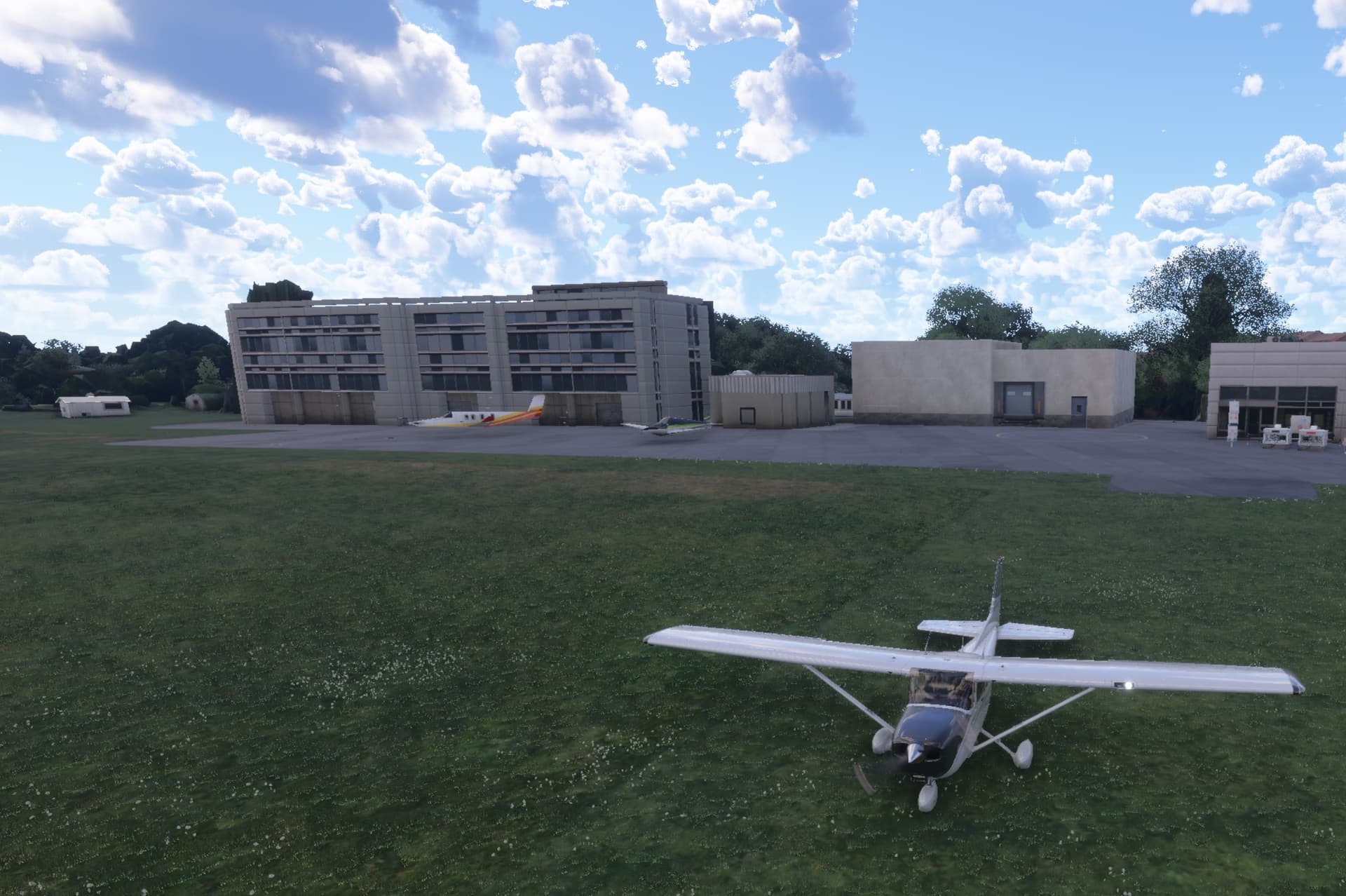
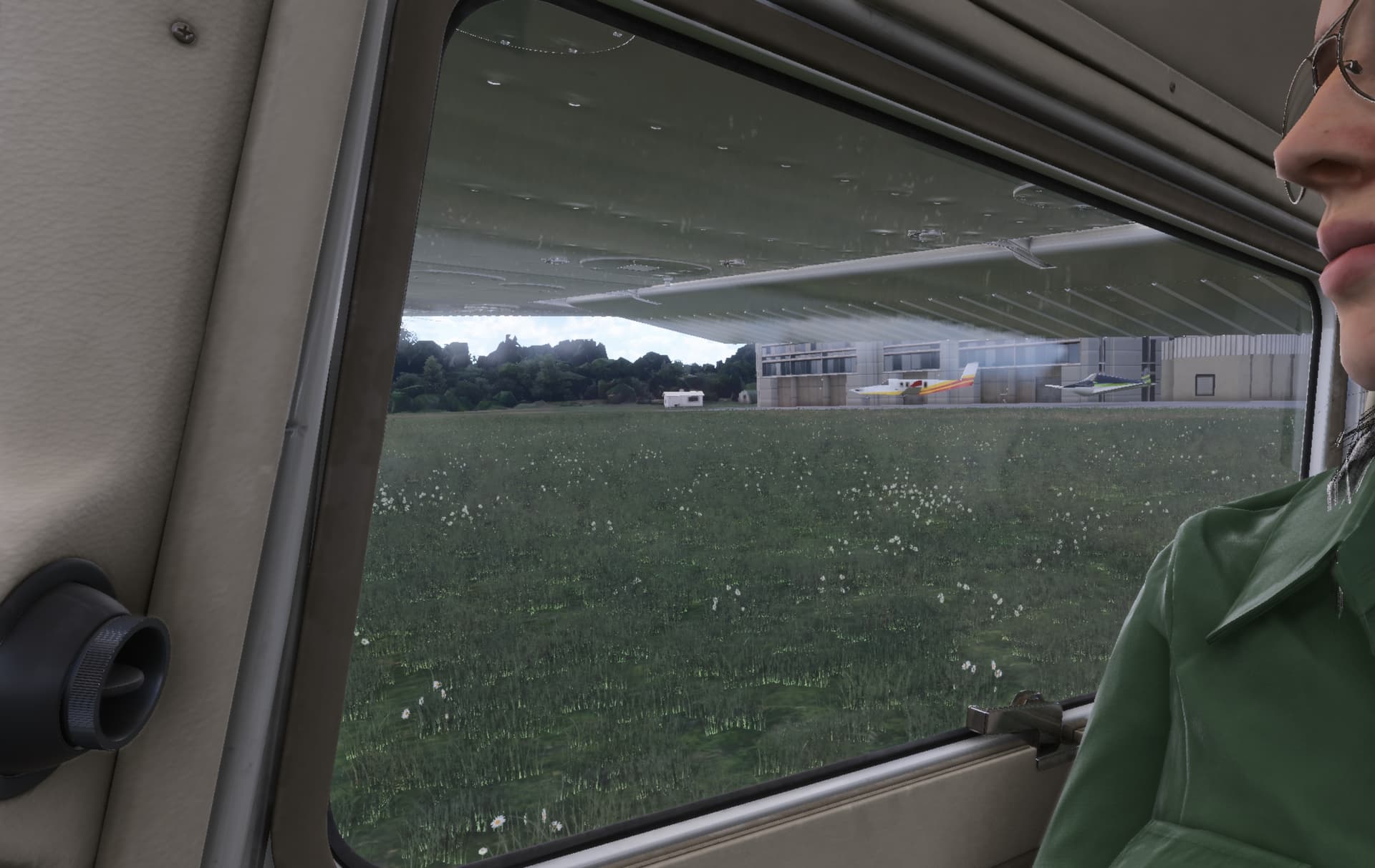
The biggest hurdle right now is figuring out the LOD still; it looks pretty bad currently: