Thats already know and officially adressed.
Exactly.
Screenshots show that 24 is inferior but the best way to make it obvious is to see the game running on a large quality 4k screen.
The aliasing and shimmering which was mentioned here is CRAZY.
Never seen such bad quality even on previous Xbox gen.
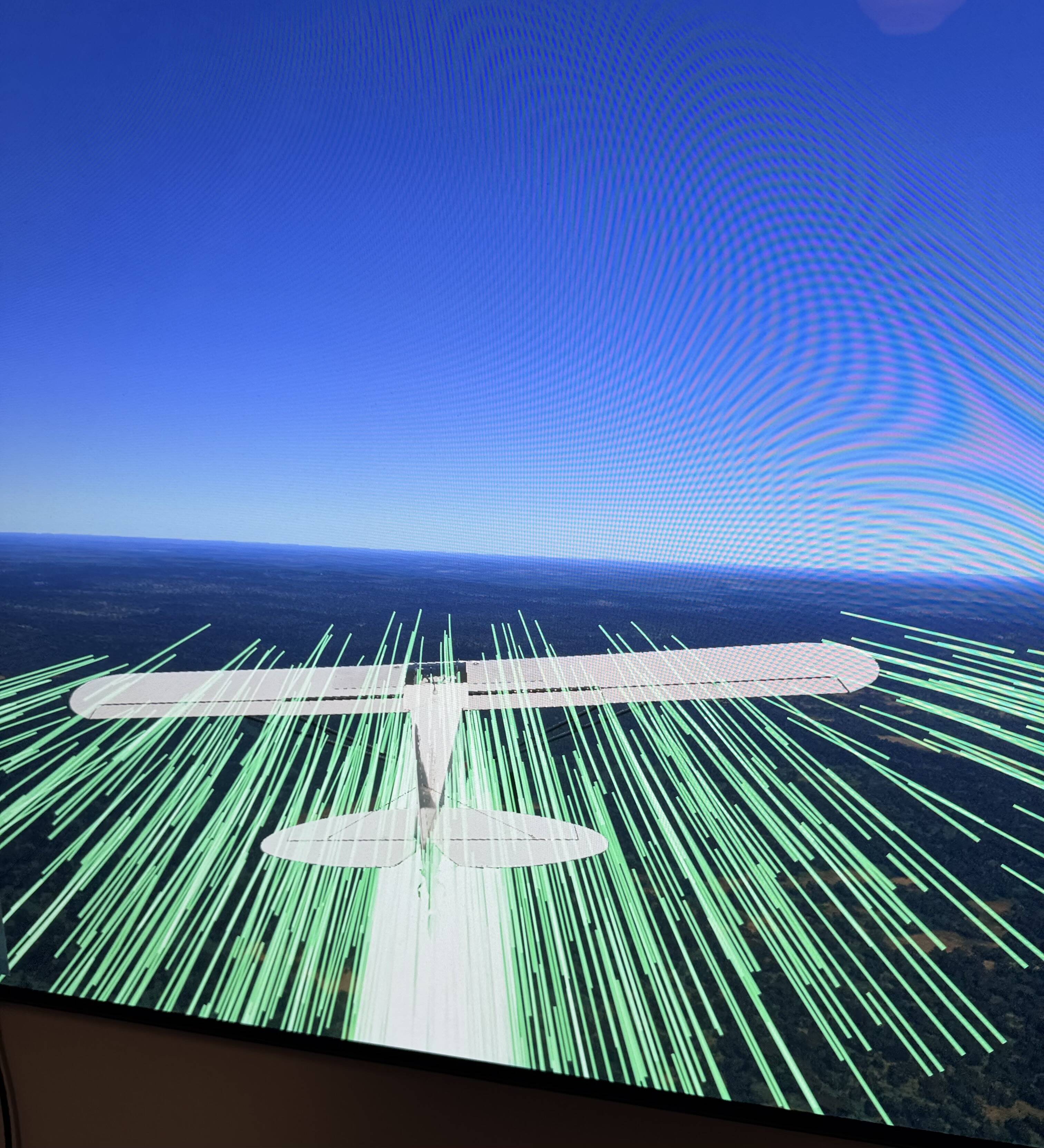
It does look much better provided you don’t run into streaming issues. I just popped 2024 on my xbox for lols and it looks pretty darn decent.
Just have to hope they sort the streaming out
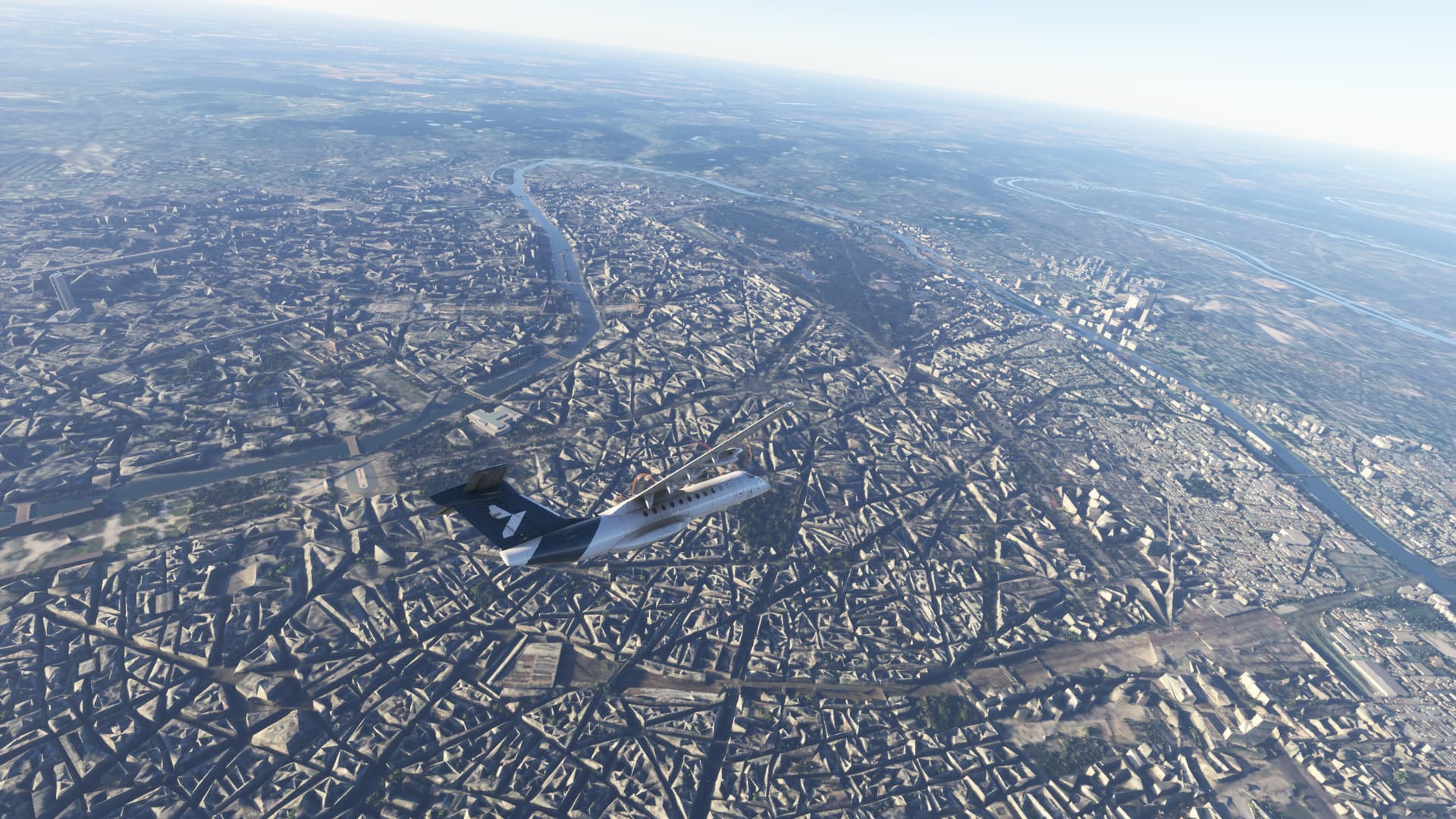
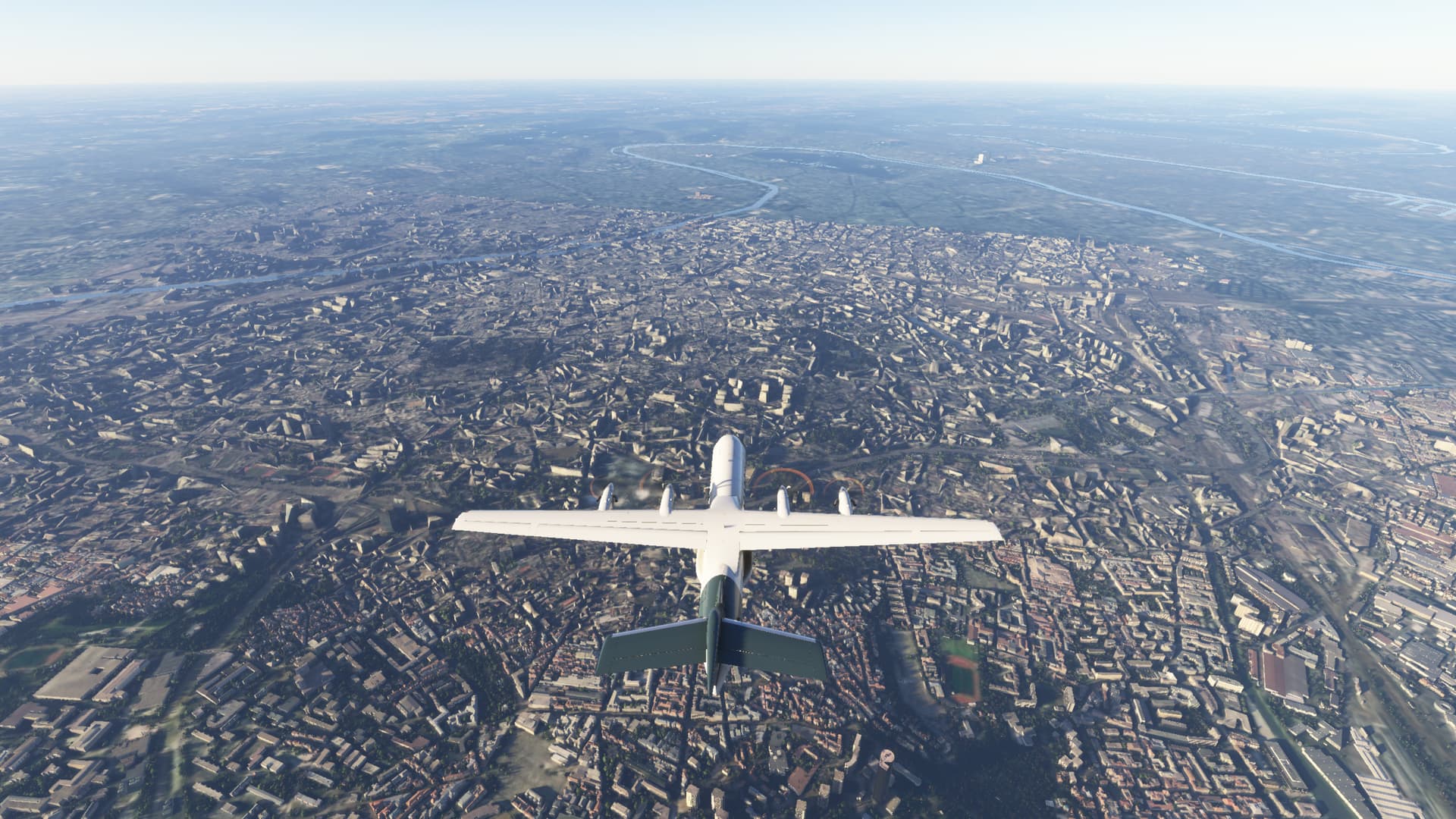
(That looks like the streaming issues I saw on launch day, I suspect that’s also why you have a horrible framerate. My experience on pc is that my framerate, particularly around 2k above PG terrain, is a fair bit higher)
So far on my Xbox Series X, I’ve been able to load the game but every time I try to start a flight or enter career mode the sim freezes. This has been one of the most disappointing launches I’ve experienced.
Have you tried Free Flight with small GA aircraft? The heavies are crashing on XSX.
I found that as well in the Icon A5. It looked like yours looks. Everything from the inside looked washed out and a real problem for me was the view through the window. It’s like they put lightly frosted glass in the cockpit. Made all the colors washed out looking outside from the cockpit. When I went outside the plane, colors were fine.
I tried but couldn’t like anything that I saw or experienced in 2024
Day 3. Struggle continues.
- I Wanted to do A330 walk around. Just to see how it looks. Passenger variant loaded but sim froze during “ready to start” sequence. Three times in a row. No success. Freigter loaded successfully

- I tried another big bird: C17. This one is just useless. It was a slideshow with a new “minecraft graphics feature”. A second pilot avatar was present although I switched it off in my presets.
- I decided to try my favourite third party FSR500. Luckily it works fantastic in msfs2024. I took off in Page next to Grand Canyon and headed to Monument Valley. The flight was well at the beginning but then “low bandwidth” message started to torment me.
Pros over msfs2020: When sim is running well, everything looks more natural, closer to real world but unfortunately more blurry Look at the picture. If it was sharp it would be great.
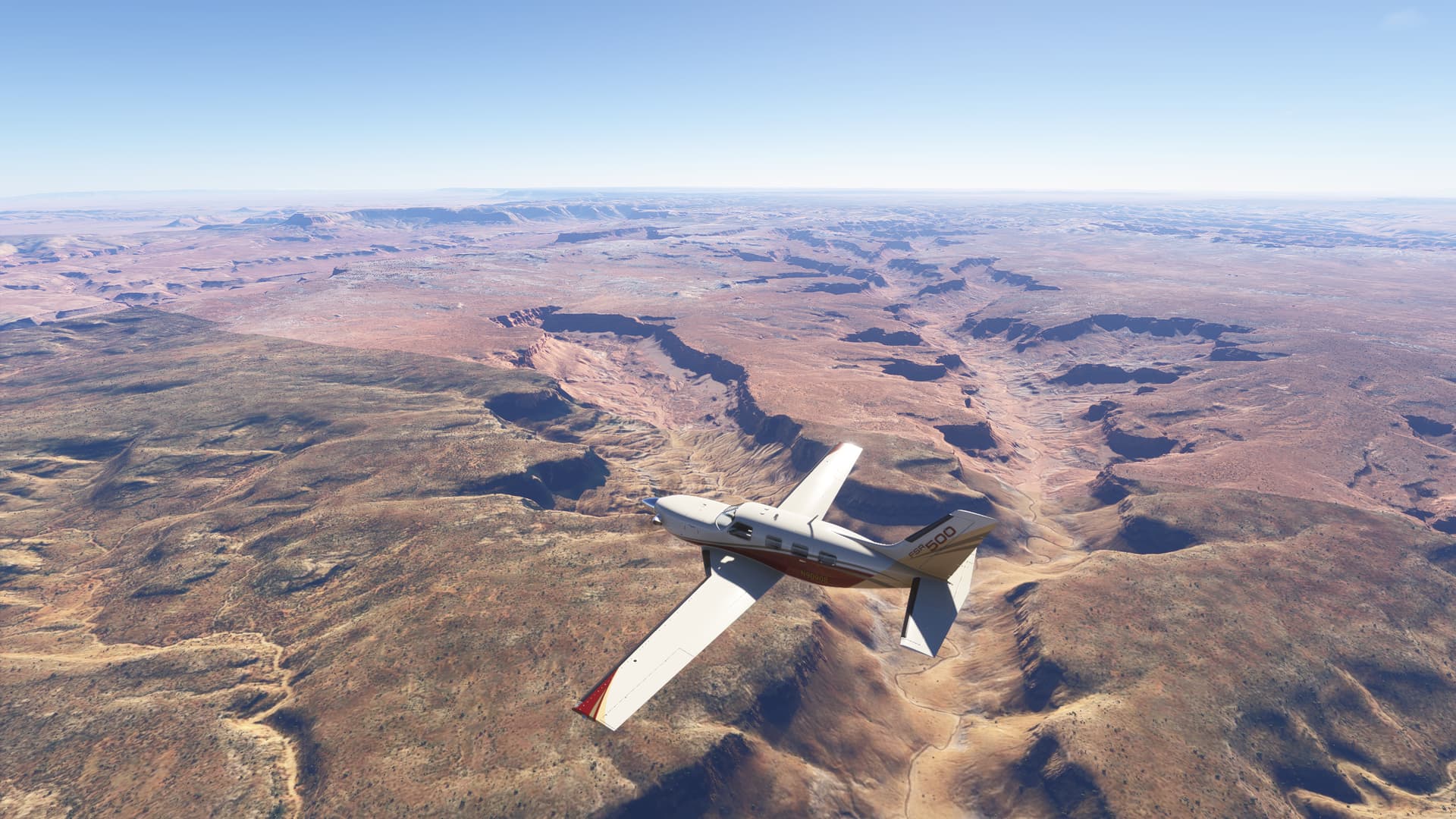
I Installed in the release day and mine was exactly as you said. But after reinstalling this issue of sharp and v-sync was gone. Instead of that, the scenery texture details and renderization are so much worse than FS2020. Clouds are great, if the earth does not exists would be very realistic flying only on clouds, but since the earth is a fact, I’m actually flying over a Minecraft world.
I think you somehow enabled the visualization of thermals. It’s optional
Thanks man, fixed. But I didn’t enable it in the first place 
The graphics are really bad, and the game is almost impossible to play because of all the stuttering.
I hope they release a more playable version of MSFS 2024 on Xbox Series X soon.
On series S it’s the same. I can take a Draco or Optica flying, but airliners = CTD
I posted this in the general feedback thread but since this is Xbox specific I’ll cross post for now. Series X from last night:
- Flew the SR22 on a short flight, I didn’t have premium deluxe in 2020 Working Title did a good job with this one. Scenery definitely improved from yesterday, looked quite nice in spots. Got burned with the new flight profile on the Velocity One when my trim axis was reverse mapped. Made my first landing in the sim, definitely liked the sounds and the 2024 runways are textured great even on a default airport
- On the subject of mappings, I get that its nice to have aircraft specific profiles but its tough to fix a mapping in one aircraft and then remembering to go do it in 2 other spots for GA aircraft but not for airliners, etc. I’ll get used to it eventually.
- Mouse clicks need to get solved, it’s really frustrating during walk around to try to remove pitot covers or chocks and get slammed into the ground or the view radically change. Also why is the cursor so big?
- Currently have to unplug and replug in my keyboard after every flight for it to be functional, this is pretty tedious to deal with
- Known issue but tried the A320v2, A321, and the 737 Max out of KSFO, KLAX, and KSAN. Sim froze to CTD on all aircraft somewhere between startup and taxi. Still have not gotten a tube liner off the ground, sounds like an update is needed to make these work. I really want to try the C17 and A400M but it looks like I’ll have to wait.
- Marketplace purchases from 2020 finally started arriving for me, going to try the FSR500 today. I’d like to be able to test some of my airport scenery from 2020 since I bought a ton of it.
You’re welcome. And haha, right. I pretty much clicked all the Xbox remote buttons to try to find the menu bar. I’m sure I triggered something else unintentionally too
Any updates on render quality/distance? It should be top priority but it is not even mentioned in development updates page.
So far I have only flown the C152 but every flight has been really smooth for me.
Yes I’ve had the oddities of building disappearing with LOD issues. But overall it’s been free from lag. Even over London
You can map the controls to all aircraft if you want. That’s what I do. You just need to remember to go and select it before each flight as it does not seem to remain as default. (Maybe I’m doing something wrong there)