Hi… I am Xbox X user too. Reinstalling the sim helped you solving which problem exactly? Low fps or graphics/texture/drawing distance? (I am experiencing a problem with this last thing)…
Ok so after a reinstall I’ve gone back to the same airfield that looked poor graphically, and it looks absolutely incredible now!
Anyone that’s encountering really poor graphics I would try a reinstall on series x.
Graphics, it’s like 20x better, lol. Unless suddenly servers have got better in the UK.
Earlier it looked like Minecraft.
sorry for not being precise: did it improve also draw distance, loading in of textures when above the ground? I am experiencing extremely short drawing distance, so whenin the sky I am experiencing blurred ground textures and mountains relatively near my aircraft’s position…
Draw distance, aliasing, LOD is still very poor. Only an update from Asobo can fix these technical issues.
They definitely do cause LOD issues. When I first flew around NYC it looked pretty bad, then when the servers settled down it was better. Now that all my NYC scenery loaded in, it caused the LOD to get worse.
I know everyone is mad about it and rightfully so, but I don’t think we can actually judge what the performance will be until the servers are opened up more AND we have the ability to download the content in library. It’s hard to pinpoint if the LOD issues are CPU/GPU driven or server driven right now and we can’t do anything to test it.
Also I know a lot of people are down on Asobo/Microsoft, but they did give us a lot for MSFS2020. I highly doubt their master plan was to make 2024 worse both graphically and systematically than 2020. There is a roadmap that includes the big performance fix that Microsoft was working on for them so we’ll see if that fixes anything. The hard part is just being patient.
I’ve not got time to test now, but it looked good to me in career mode, some pop in at time, but very minor, draw distance was very good I would say.
Honestly if you are finding graphics really poor, just delete and install again, it didn’t take long for me, though I’m on a 500 broadband line. On series x I get around 185mbps on average over WiFi.
Some communication from Asobo on XSX version would be great. I would like to know is this it, the intended graphical state of MSFS 2024.
Thanks… then I am going to do a reinstall… thanks a lot!!! If it is not solving anything let’s hope Asobo let Xbox users know what is going on with these textures and draw distances and whether this is what it is, or if they are gonna improve
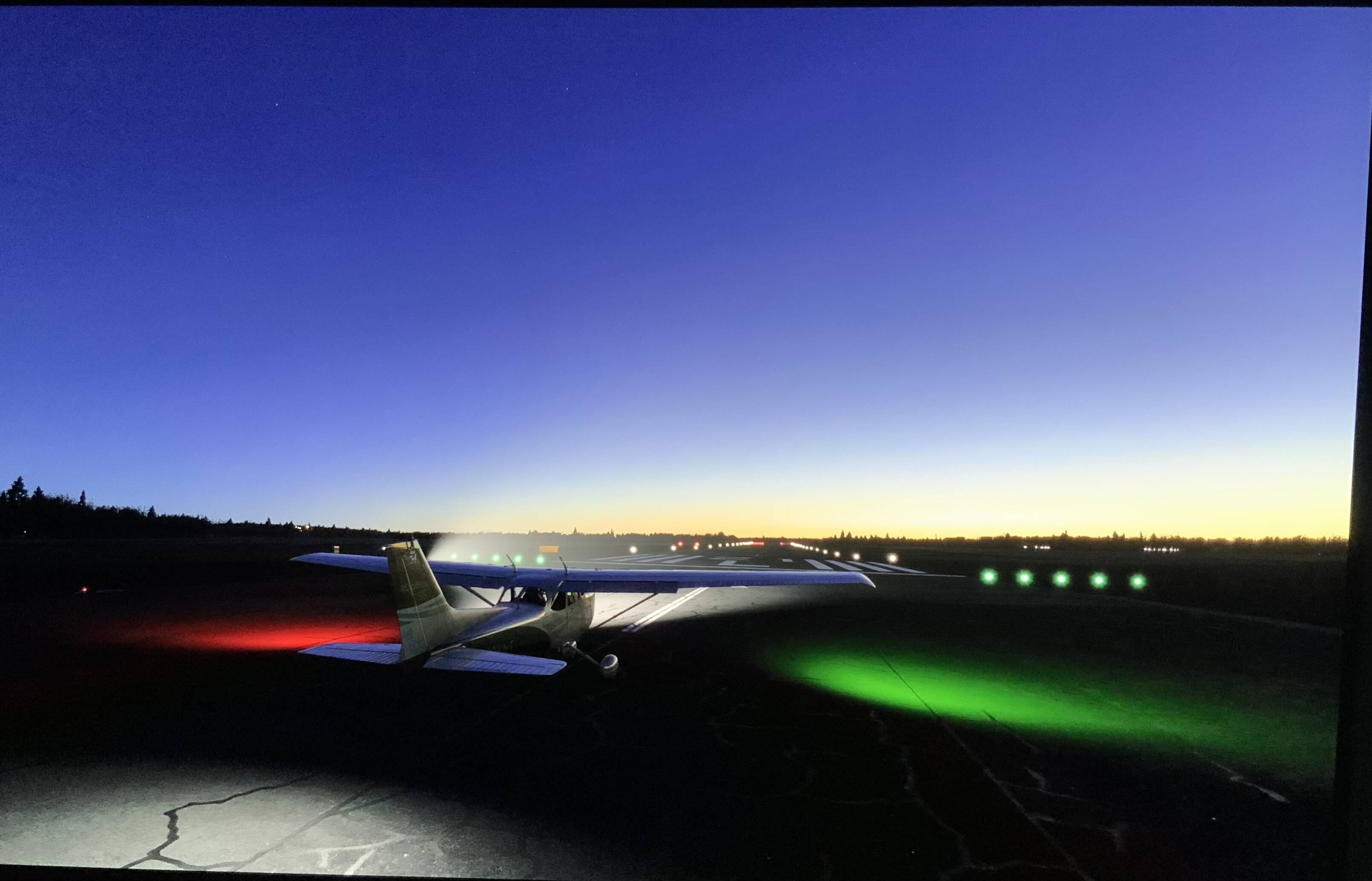
This same airport before reinstall had shimmering all over the place and just looked like Minecraft in general, even the lights from aircraft were hard to spot.
The image above is with live weather.
I hope it works for you, I’m not saying reinstall solved it, but it seemed to for me. Please let me know after you do reinstall.
Interesting. Maybe I’ll try reinstalling on my X. I’ll confirm back my findings
I reinstalled and removed addons. Now weather is loading. Textures are horrible still around LAX. Really seems like a bandwidth issue on their side and much like folks have been saying here, as they open up more bandwidth we should start seeing better performance and scenery.
Hopefully really soon!!
These are a few more pics all be it my xbox darkens the image a lot when I upload them, but you get the idea,
I will test tomorrow in daylight, but it s like a different sim from what I was experiencing earlier before reinstall, not that was the fix.
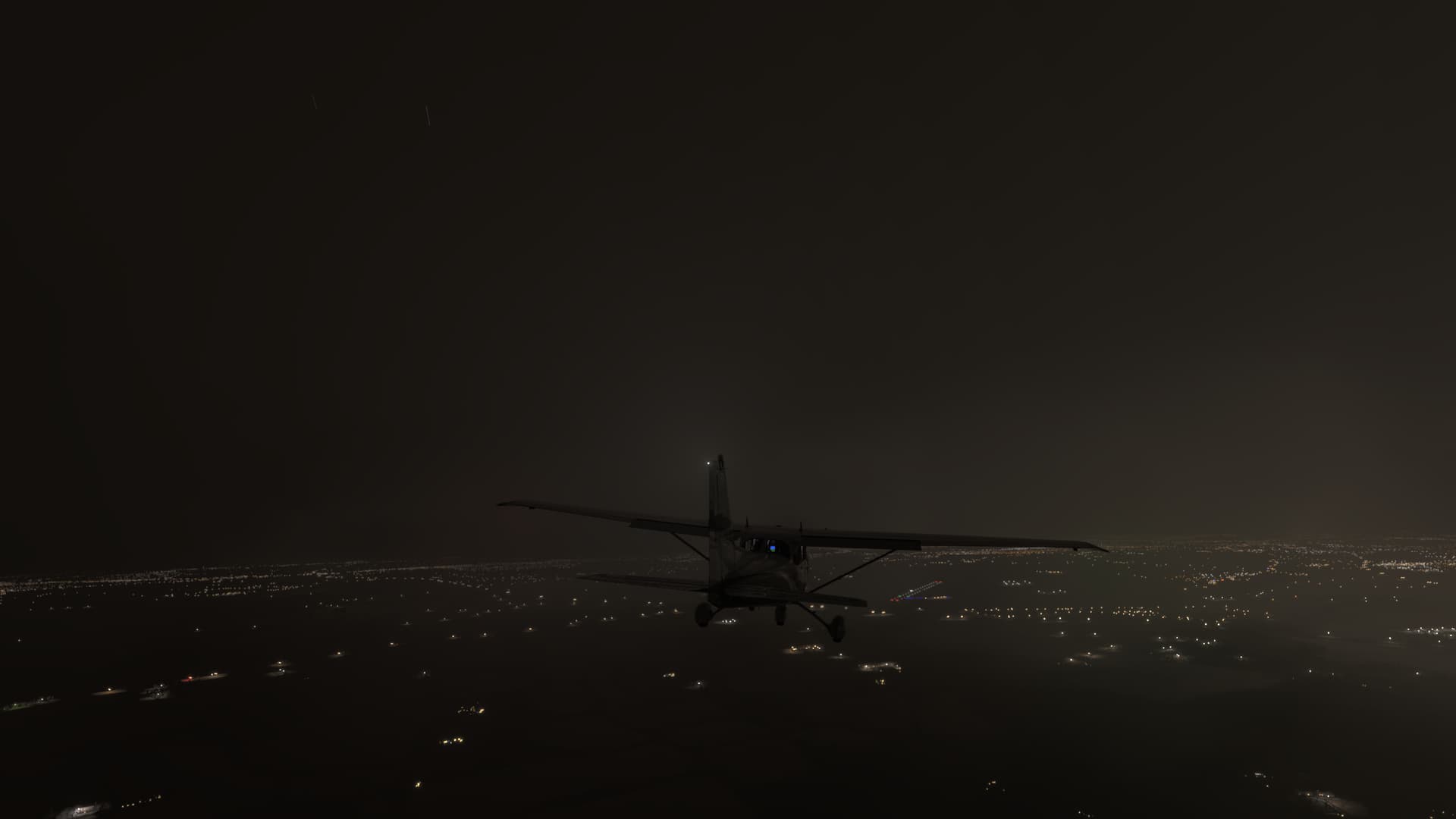
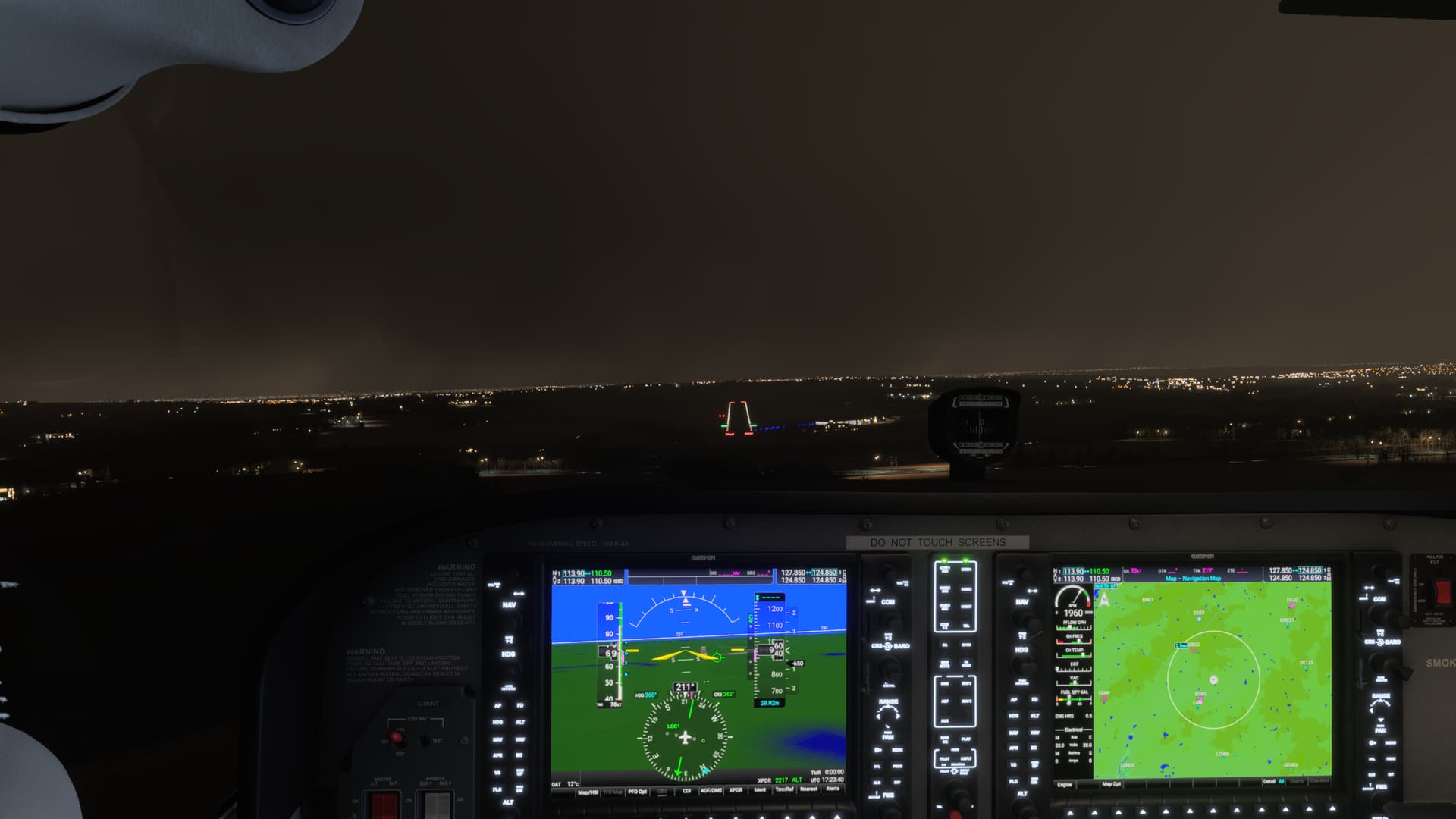

I will say im a lot more positive now than I was earlier today.
The biggest problem on Xbox right now is that if you fly without a mouse, you can’t use the Cursor Mode because some stupid AI takes over and does random things with the aircraft. Full throttle, idle throttle, random banks to either side, etc. This “feature” cannot even be disabled like in MSFS 2020.
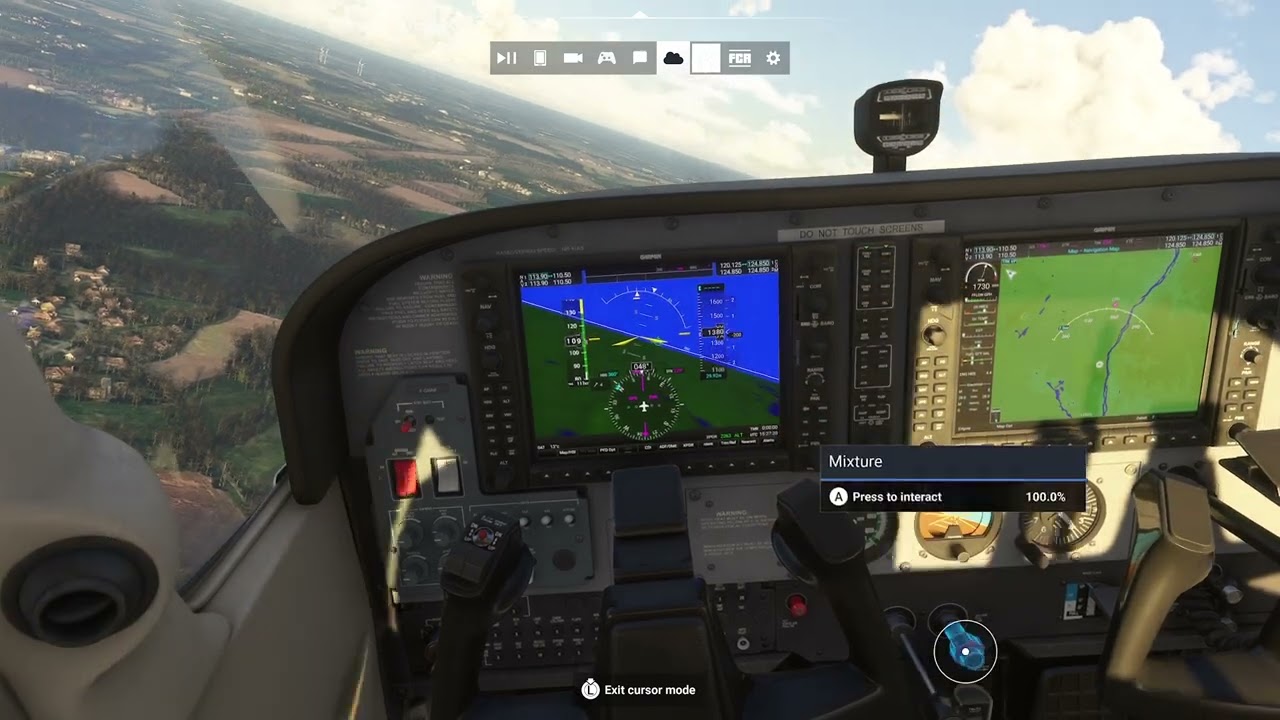
As soon as you engage Cursor Mode the AI wants to crash the plane.
We will definitely get it once after this launch mess is finally fully cleaned up. They don’t have time to give in depth statements since they are still monitoring and trying to fix this on the fly. But I guarantee they will have a debrief internally and then come back to the customers with a response. I’d assume part of the Dev stream will be the place where they will do that.
I had the same issue with the ATR where the plane would just drift left for no reason if I didn’t touch the LS or if I went to cursor mode. I was wondering if it was a sensitivity issue, but definitely needs to be looked at.
How did you manage to remove add-ons? Is there an option somewhere… thanks in advance.
I have a feeling the simulator was not tested without a mouse. The Cursor Mode is a mess — when you’re walking around you can’t even click on anything, even the toolbar.
Thank God I am not the only one seeing it.
I am getting more and more mad.
Totally unfinished release
