Here are 4 reports of what “the world” looks like according to MSFS 2024 on Xbox
Not only that @dreampage , but when you try to use the free view in the cabin with the mouse, the camera goes crazy out of control and it is impossible to move the view if not with the Xbox control
I got brave and tried again this morning. As others have noted, mouse freelook doesn’t work, but I’ve mapped a hat switch on my yoke to look around and that works fine. The mouse still works to control things.
The graphics seem to have smoothed out at low altitude. I suspect this was a busy server problem. The lighting looks phenomenal and I like the more realistic color palette, it’s not as cartoonish.
I had zero luck even getting the PMDG 737 powered up. Almost nothing in the cockpit worked. But I did get in a nice flight with the C172.

I noticed that too, the first day when I had to connect a mouse to even be able to manipulate the Controls menu. It’s not possible to look around with the mouse. Thankfully I use only an Xbox controller, but then again Cursor Mode doesn’t work in certain instances…
Saturday 11/23/24
17:29 Z (12:29 EST)
97hrs 29min after the launch of MSFS 2024
Xbox Series X (same price paid for the same product as on any platform)
With these connectivity parameters (very good)

This is a simple but iconic fire station in Miami

This is what it like in MSFS 2024

Not a forest, not in a secluded landscape that should also work as promised in exchange for the price paid… it’s right in on the heart of one of the most frequented cities in flight simulation
Is this what the “world” Microsoft promised looks like?
And again the “simulator” crashed about 10 minutes after starting it
Simply disgraceful…
For me it’s working. Didn’t remember where but I was able to deactivate AI. Had some great flights on Xbox with gamepad.
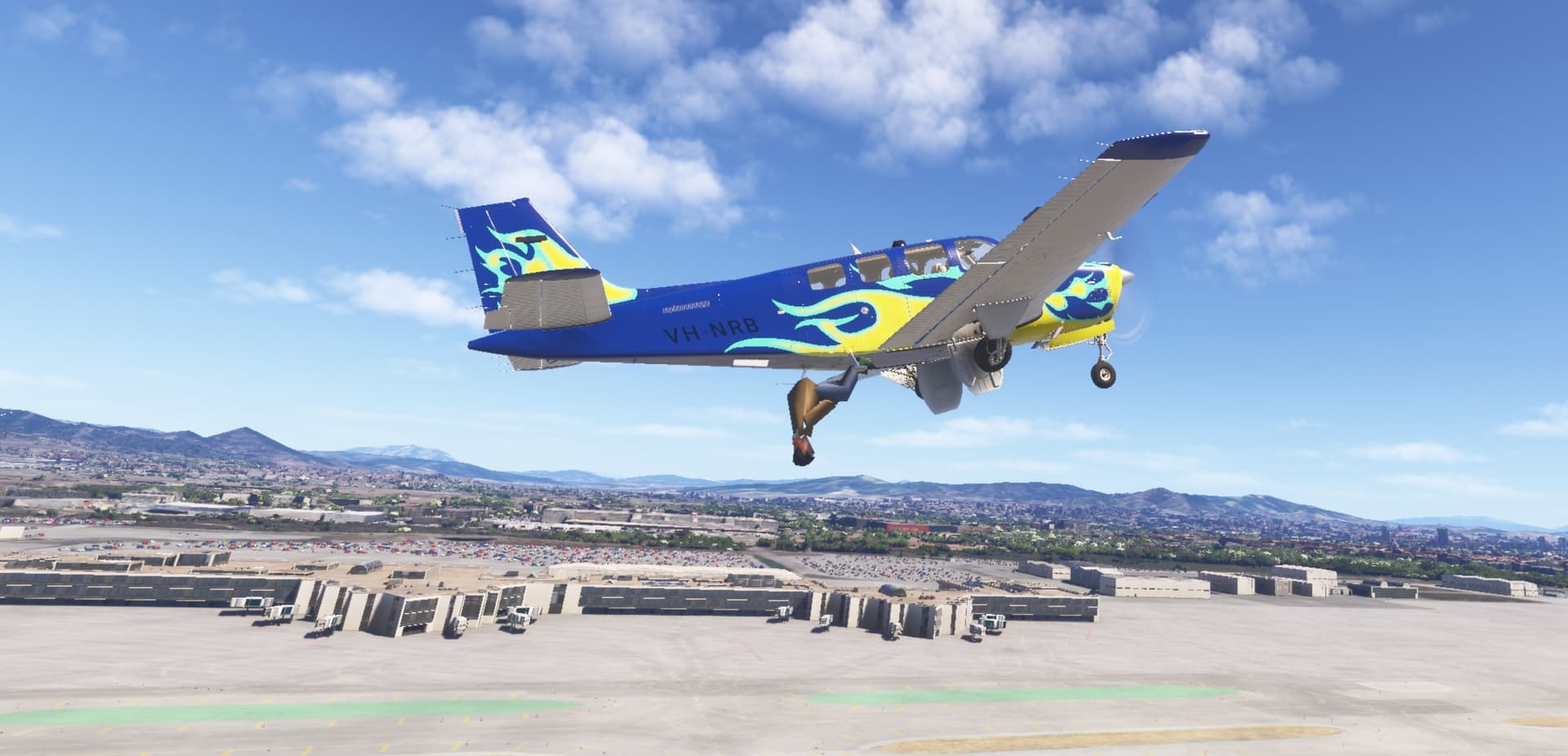
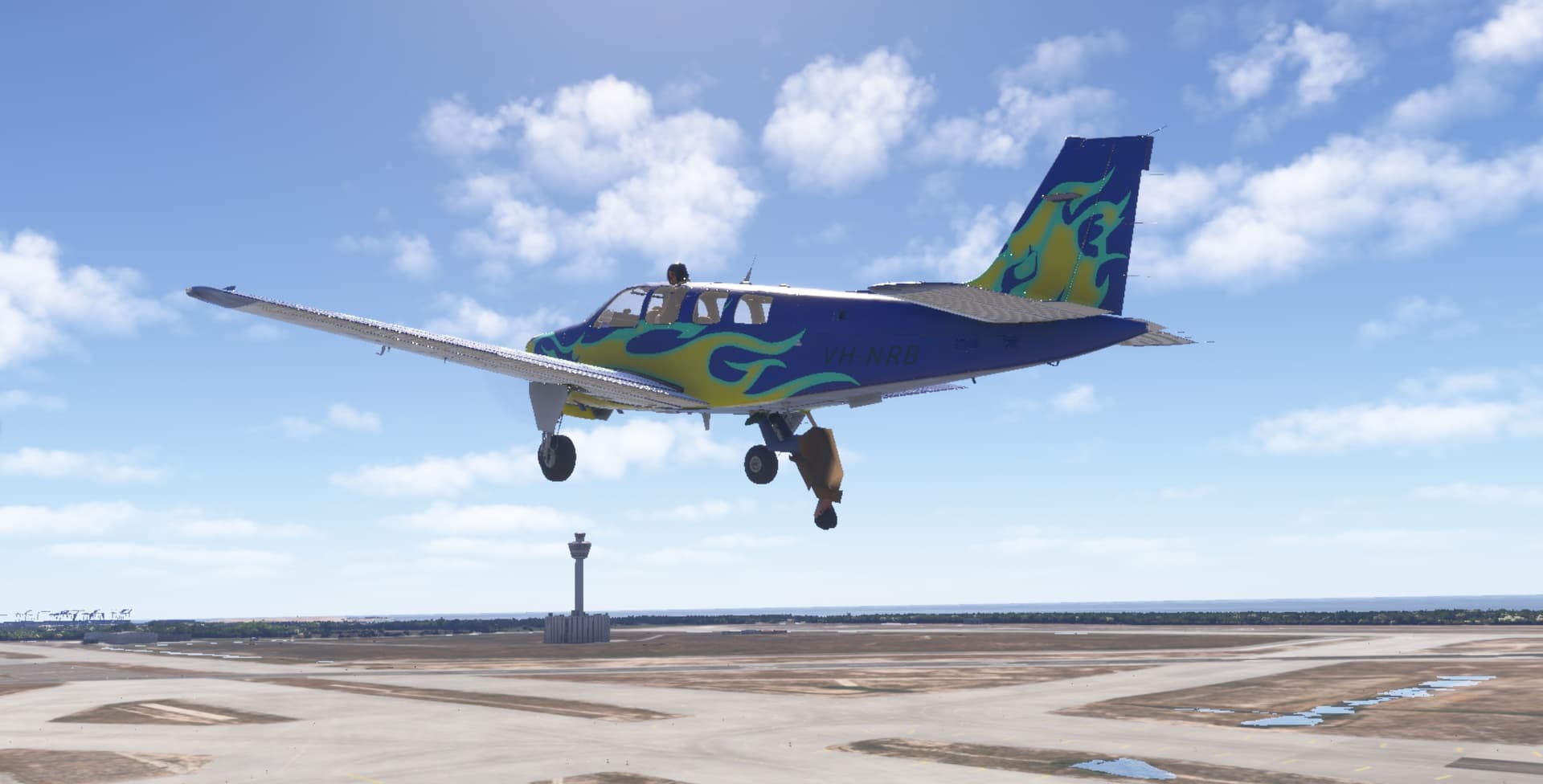
What baffles me is the aliasing and flickering on everything, especially trees.
Here is 2024 vs 2020.
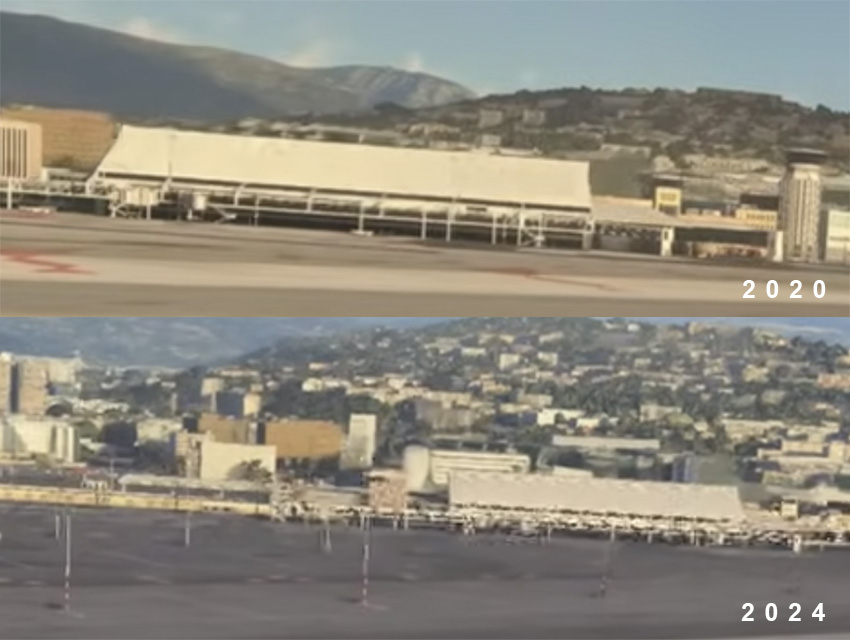
Honestly i don’t think they really tested the console version (that’s why there were no gameplay before the launch) and they rushed it. This feels like we got Cyberpunked again. No developpers would launch a title in that state, maybe it’s the pressure of the investors…
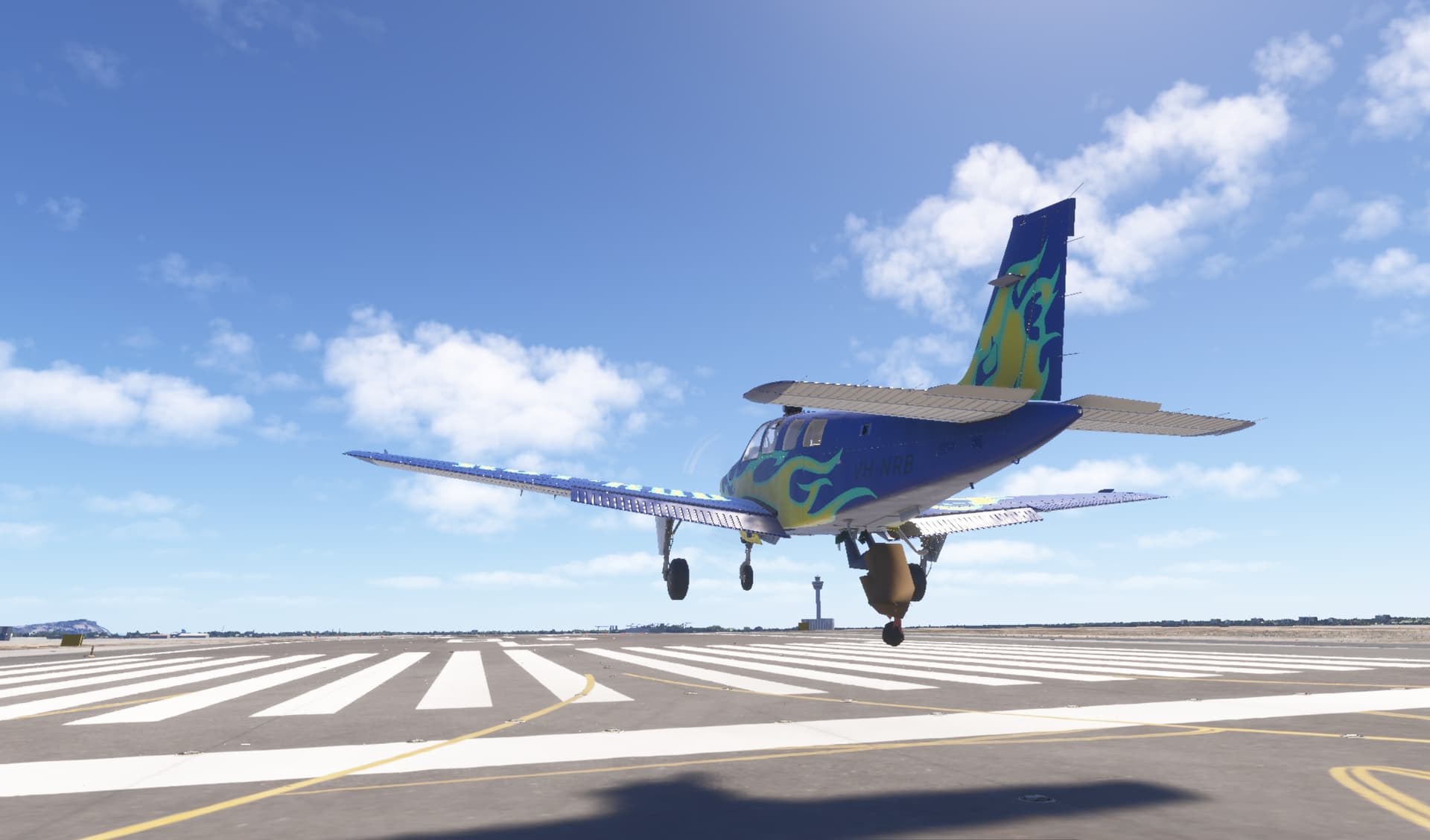
Of course due to the streaming nature of the game the image quality takes a hit, but shimmering was a thing even in MFS 2020. The main problem at the moment is how aggressive is the dynamic LOD, to the point that for VFR pilots is really hard to judge a good landing spot or having visual references in the long distance while flying. It truly affects the gameplay and a core feature of the game.
I found it in the C-17 thread. The dev of C-17 is saying about memory managment on Xbox so it seems that a bad textures are a feature. I’m afraid that it will be neverending story like it was in MSFS2020 case. But I don’t lose hope.
Ok guys. What about flight model? What do you think about it? Planes are still floaty. It’s not so different from MSFS2020. I could take off in DA40, prop idle, 40kts.
Pros: Ground handling is better. A surface material is relevant so the planes behave differently on sand, stone, grass and so on. Now it’s harder to land in the wild which is really nice.
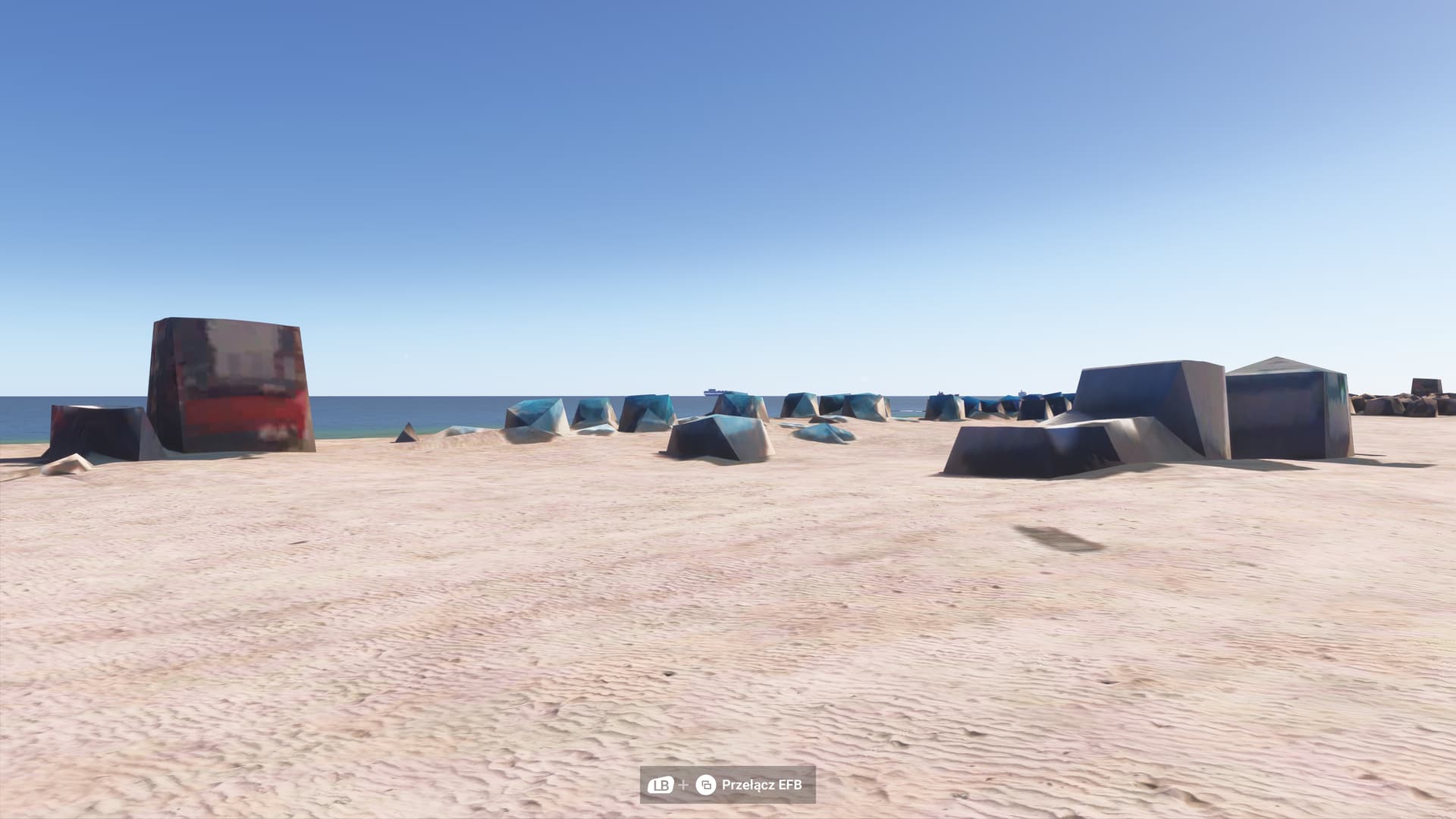
Meanwhile… Greetings from the beach in Miami Beach 
Look at the performance of fps…
The problem is not the Xbox, nor the connection… the problem is that the simulator has profound software deficiencies for Xbox… it is an incomplete product that does not comply in the least with what is offered
This is bogus. Why did Jorg put up a message saying things are fixed and optimistic. Hot fix did nothing.
So you say that when you open Cursor Mode (RB + LS), the plane doesn’t start doing things on its own? Can you confirm this? If so, what assistances have you turned off? I looked through that menu but couldn’t find anything related. I have most turned off anyway. No AI Trim or auto-rudder or anything like that.
I use Xbox controller only
Will check tomorrow !
Was able so set a new flight plan and adjust plane settings with the gamepad midflight using cursor mode, plane never did stupid things by itself.
Were you on autopilot by any chance? This rogue AI only takes over the controls when the plane is in the air and hand flown. If the autopilot is engaged then it’s fine.
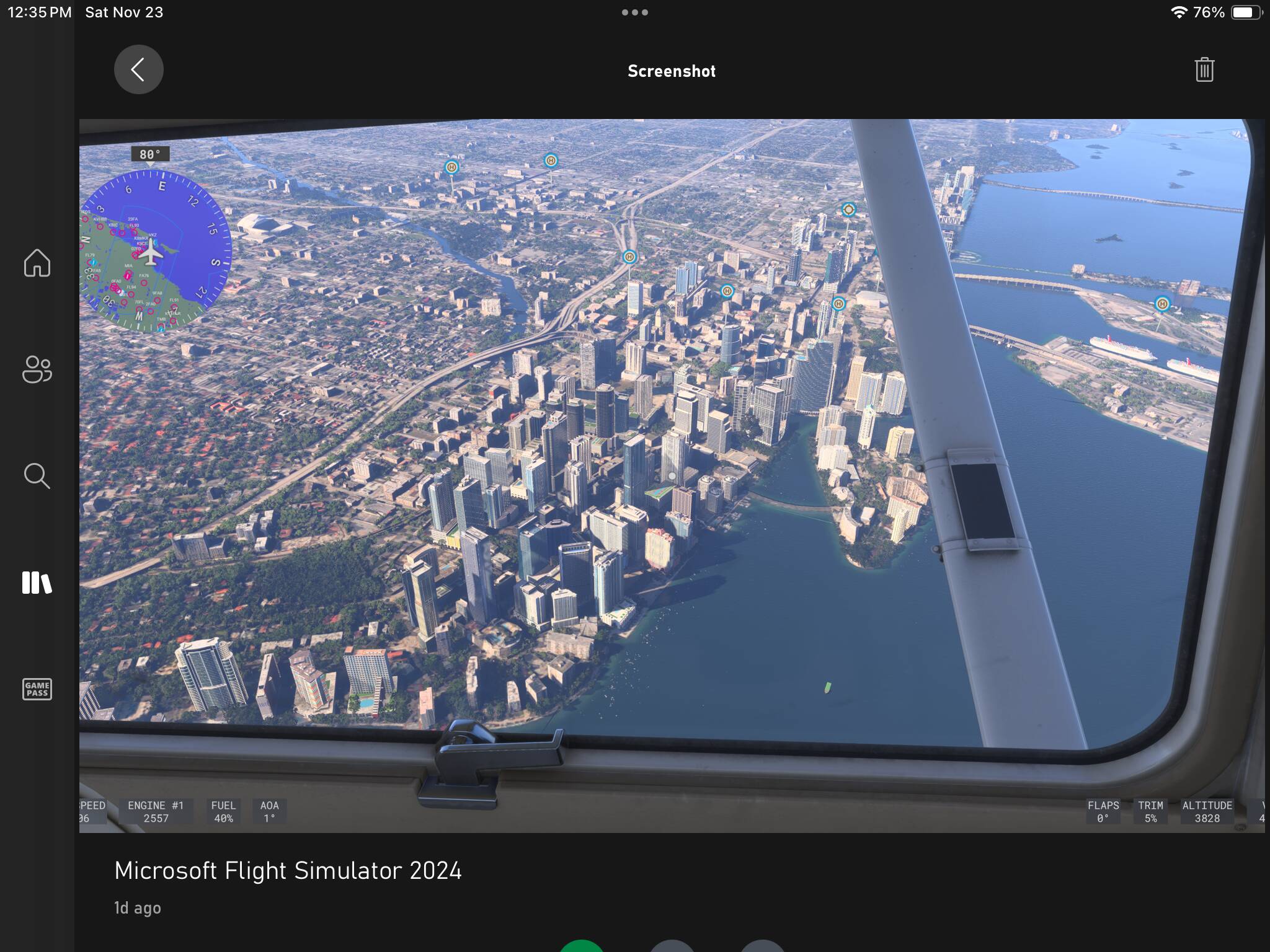
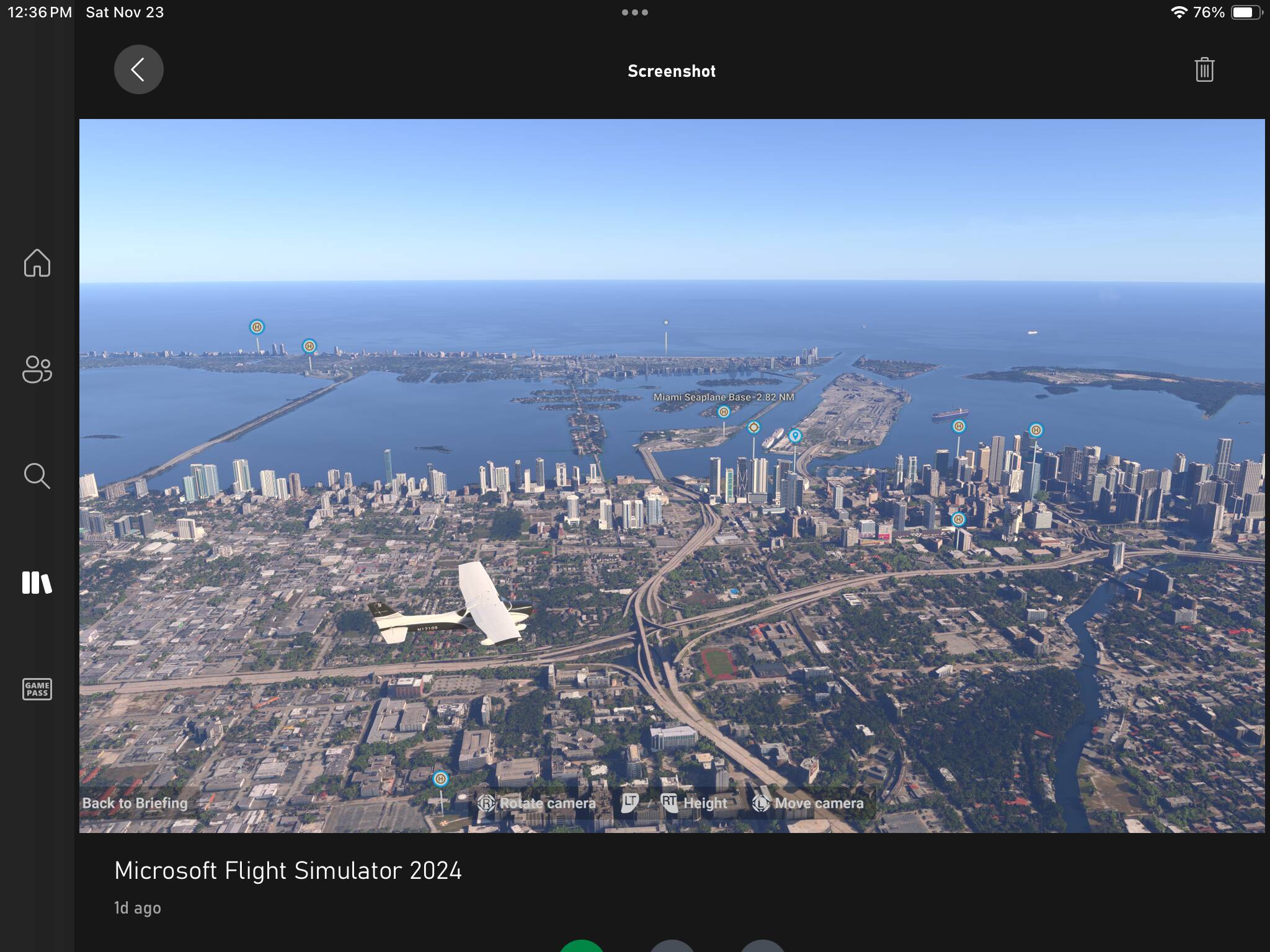


How did you removed add on on xbox?