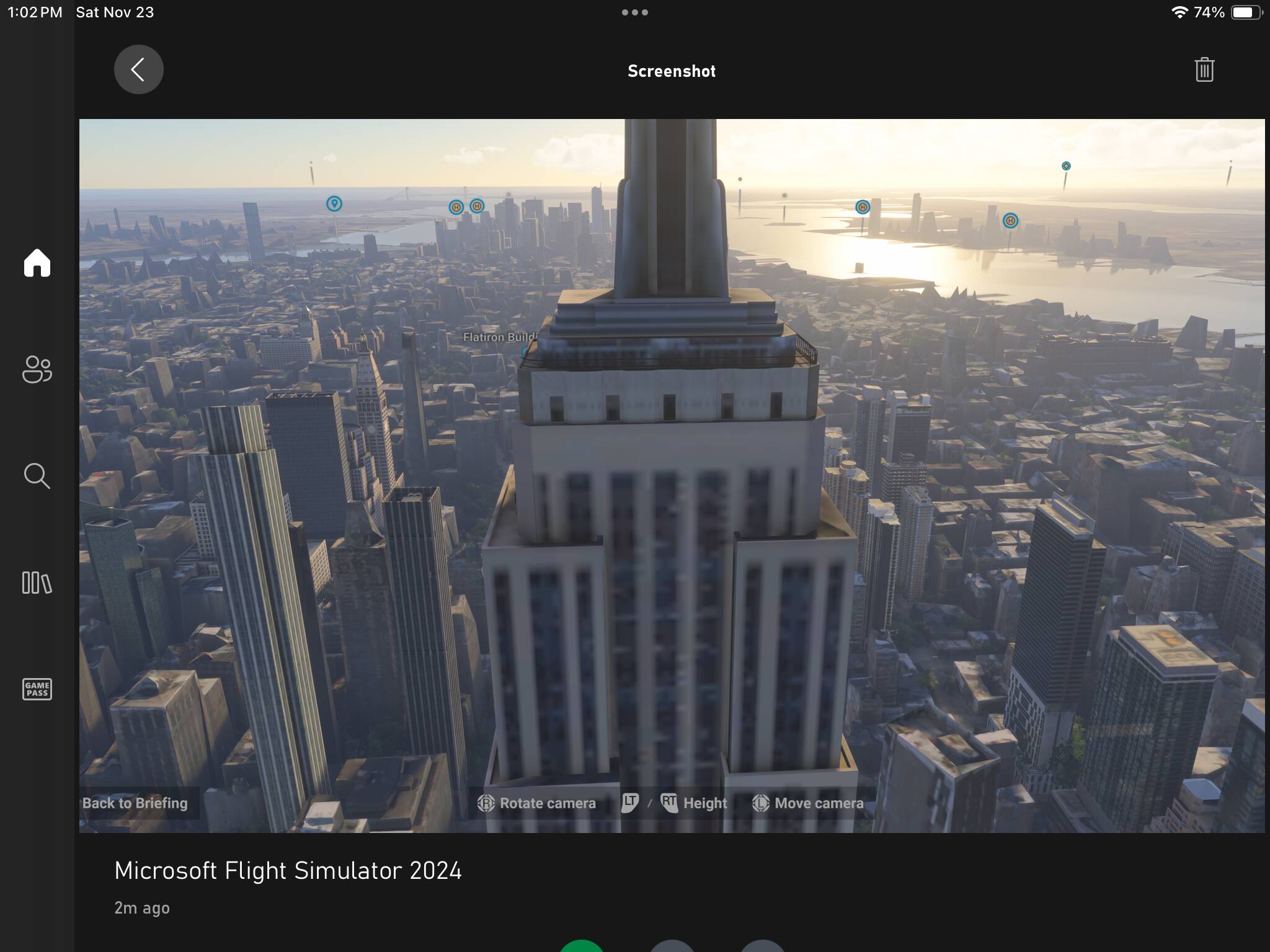
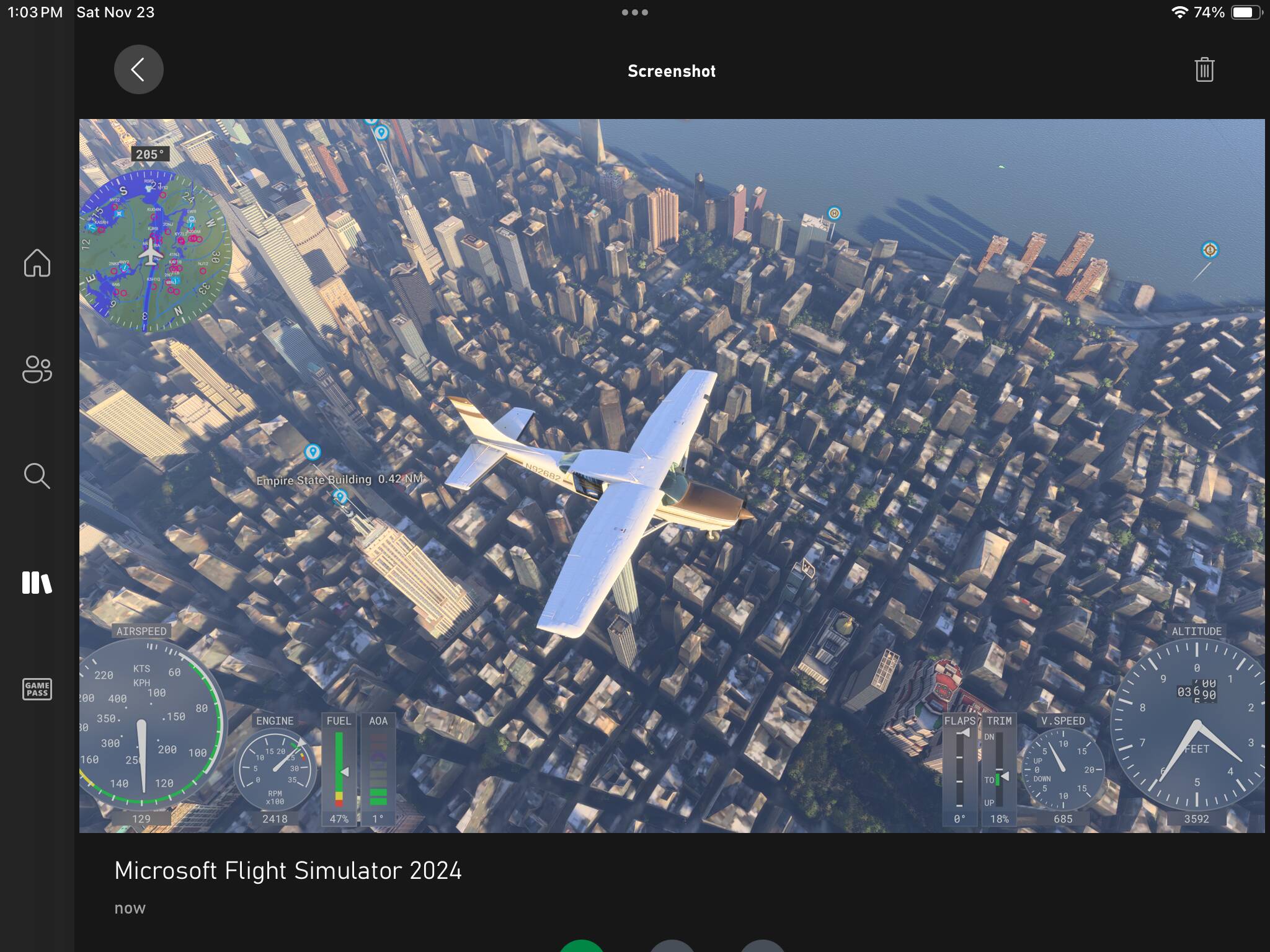
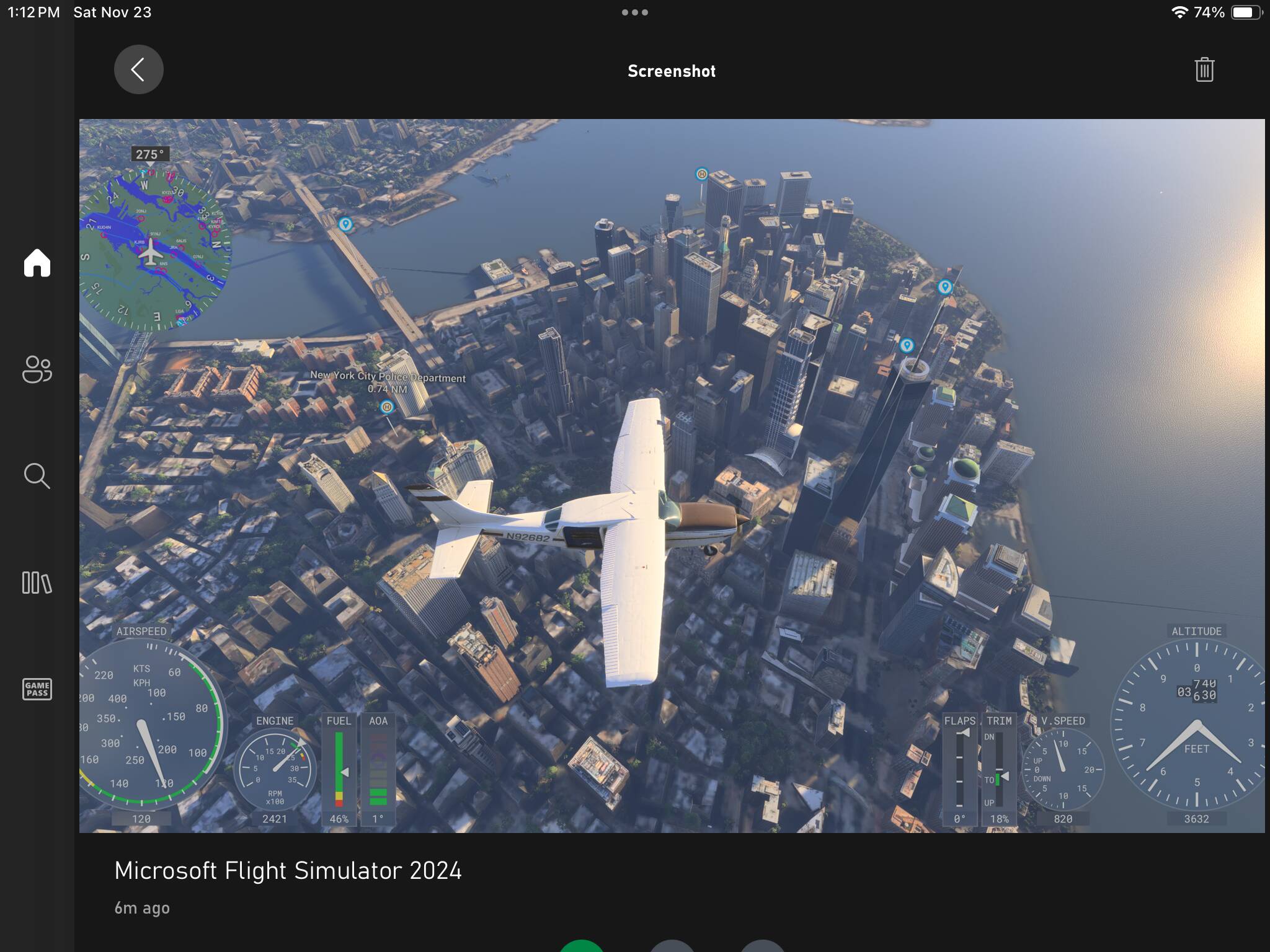
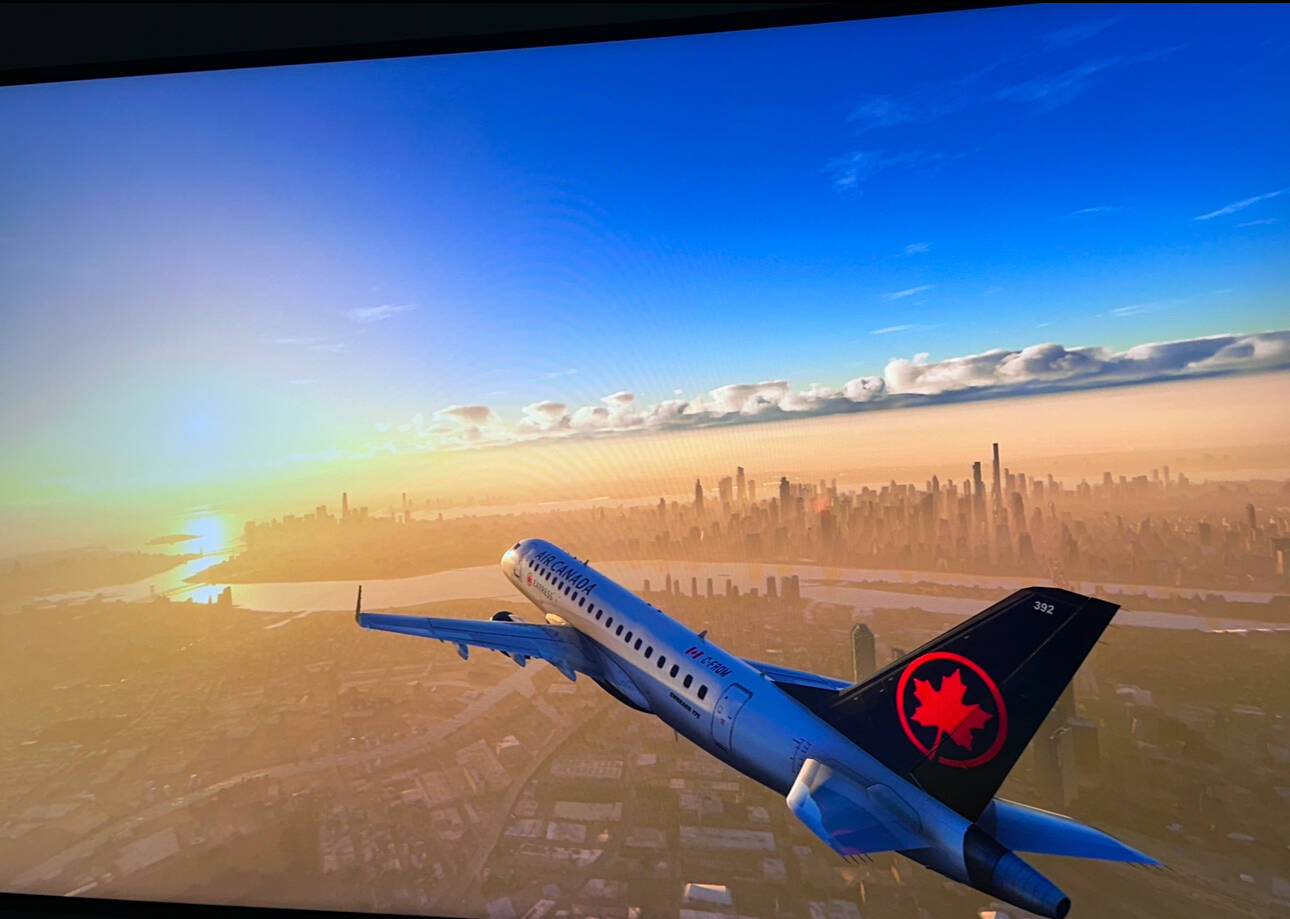
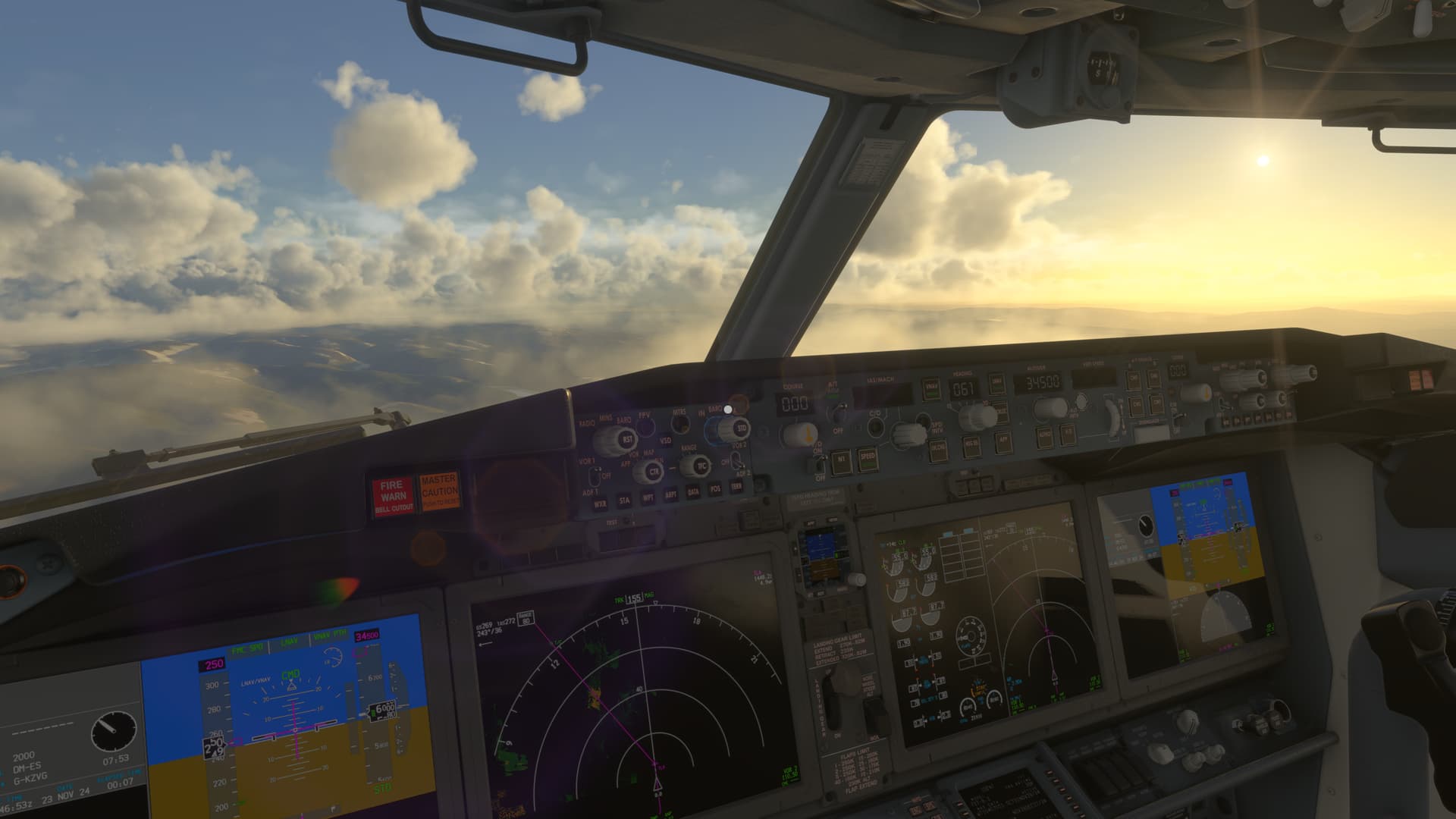
This is how MFS 2024 runs on Series X

Guys,
I skeptically tested what was suggested in this thread, i.e. reinstall the game on Series X and… It worked!!!
The crazy aliasing is gone!
The 3D assets in the game finally look like normal. It is a game changer!

Some far away texture remain a bit soft but overall image quality is night and day different.
Really happy for the moment, hoping it can only improve in the future with better streaming or possibly to download texture for a specific area.

Please @clemoonoz Could you indicate if you did something with the configuration? … I tried it 2 times and the result is this (at least in terms of graphics, regarding the operation simply nothing works well … not even the free view with the mouse or the operation of yo me and quadrant)

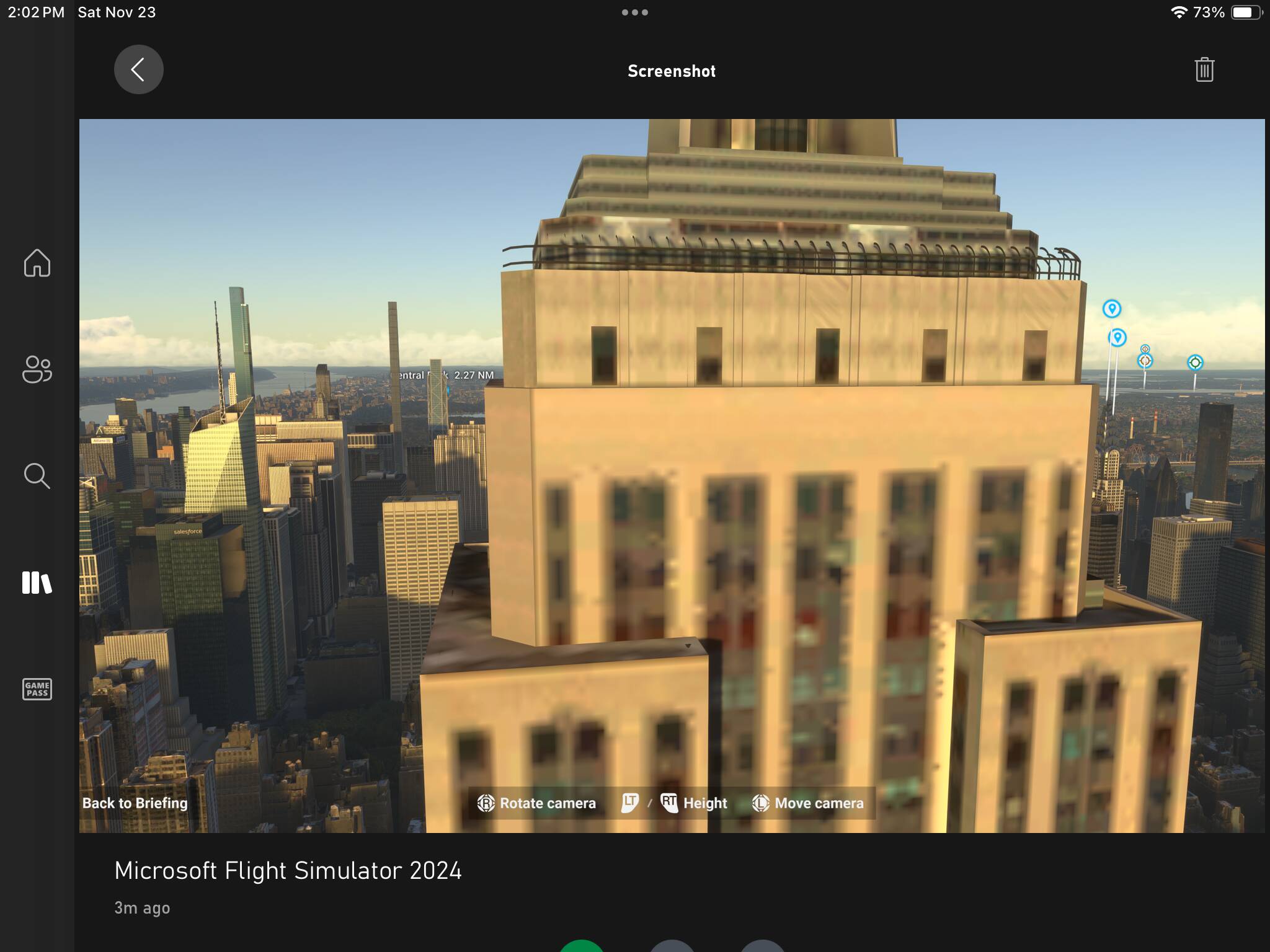
Empire State Building
Real


MSFS2024

Fire station
Real


MSFS2024

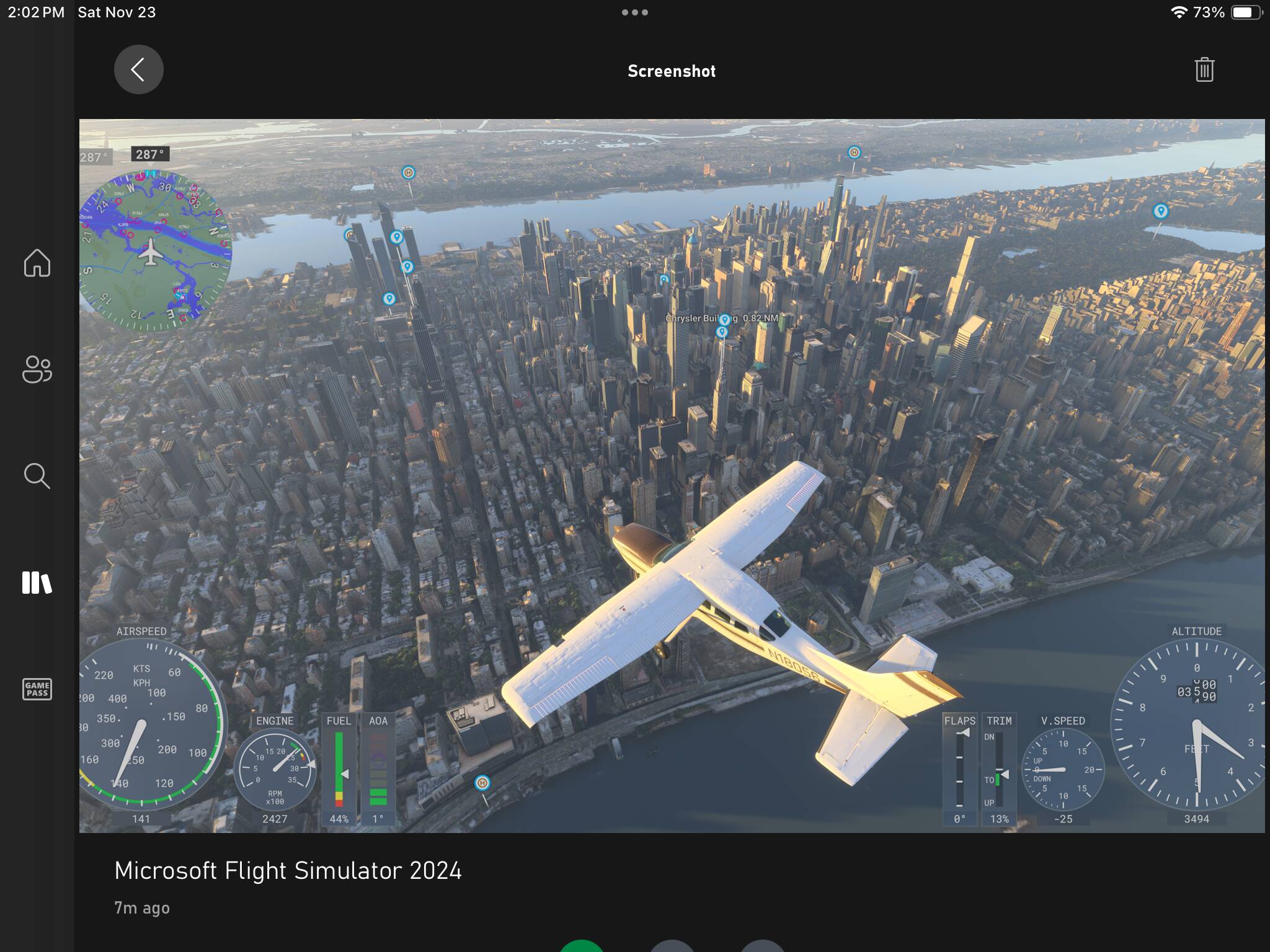
Here is my pass over the Empire State and Manhattan. Not as bad as your pics

Does a reinstall keep your bindings? I’m open to a reinstall but it took so long to build my yoke, throttles, keyboard that I don’t want to go through all of it again if it isn’t worth it.

There is a lot of pop in, the Sim needs to be better optimized for items close to you and further away. They need to smooth things out.

In MSFS2020 at times I would CTD , 2024 is smoother.

Still, lots of improvements are needed. But certainly not broken by any means.

¿Are you on Xbox or on PC @DROGUSA ?

Remember that if you are on PC you are a privileged user who does receive support, unlike Xbox users despite having paid the same for the same product

I’m getting CTD every time with Beluga etc. Half of the game (the heavy planes) is broken. On XSX

Reinstalling now.

Larger rolling cache (64 gb) did nothing for me.

Okay - update 1: I reinstalled it and here’s my findings- some improvements but still issues.

1- initial loading was fast

2- world map loading was faster but still not as fast as 2020. airport details still take some extra time to load. but faster than before reinstall

3 - static planes were boxy still

4- cockpit and runway textures much better

5- LOD is bad just like fs2020. Took off from kord and the skyline of Chicago is gray

6- ground textures stil take too long to load while flying above. blurry

7- the plane and area loaded pretty quick at KORD ( still waiting on FSDream team KORD to port over), and used a citation jet. it was usable right away. BUT I then tried a spyware ERJ175 and KJFK and New York City - all payware add ons, and the plane has sat on runway for 5 mins and I still dont see the interface such as engine dial on the screen, cockpit is blurry, I hear the sounds but cant move yet. taking forever to render and become functional. in 2020 it was instant.

8- Update 2- after all of the above, I see someone below said they had luck increasing the rolling cache, so I did the same, then restarted the xbox and then sim.

result: same initial loading speed, not worse or better. the world map was still a big laggy to load textures, there were stutters of the cursor when trying to nagivate the menu. as far as textures, plane readiness etc- it all loaded very blurry initially (unlike 2020) but 2 seconds later was OK visually, but same problem of not ready to use.

Lighting is cool but once finally airborne still no gauges on screen.


so no, unlike the guy below in the UK, I see no improvement.

pretty much did all the trouble shooting I could, gotta wait for more MS updates. im going back to 2020 for today & will check periodically over the next week and month on 2024.

very dissapointing spending a lot on a game and having it be unready

Xbox Series X

Decided to experiment and increase the size of the rolling cache from 16 to 64GB on my XSX. I dont know if it was that change, or if the servers in the UK are finally behaving but i just managed to take off from EGPH in the 737 MAX with good framerates and the crispest graphics yet. Its not perfect but its a big improvment from last night.

Please!!! :pray: Can you explain what you did?… I have reinstalled 3 times the simulator without different results and my connection is fine, even running the simulator, what is an intensive bandwidth consumer
I’m sorry I have no idea. Just using a controller on my side.
I my case I was not going to keep playing the game if the very low dynamic resolution and aliasing remained the same, so it was worth reinstalling anyway.

I have no idea why it’s like this? I connect to USA West servers.

I took these just now after deleting the cache (which is harder now, you have to go out of the game and to where the game files are and delete the larger cache there)

Folks, this is insane.

The extreme levels of shimmering and aliasing are now gone after I have reinstalled the whole game.

MSFS 2024 LOOKS LIKE A DIFFERENT, BETTER GAME NOW on XSX.

Reinstall now everyone!

And Asobo, this situation should be explained. Zero communication on this issue, zero support for Xbox users. I was about to bin the sim because of horrible graphics and write a review about extreme graphical downgrade compared to MSFS 2020.

Man, you are a LEGEND. Thank you.

Interesting, I might try that too. I get a lot of shimmer

Try it and share your input! This a visual game changer for me.

Not only shimmering is gone but the shadows are MUCH BETTER, more stable. Looks like an upgrade from XOne to XSX.

Even draw distance is now better, though still not as good as in MSFS 2020.

Thanks a lot @Bulbozaur123 and @RomoRocket … I’ll try it for the fourth time following your advice