Im truly baffled by how some users have no issues while many of us can’t even start to play the sim.
The downside of having such crisp visuals again is that now we can easily spot low draw distance 
But hopefully it will be fixed someday.
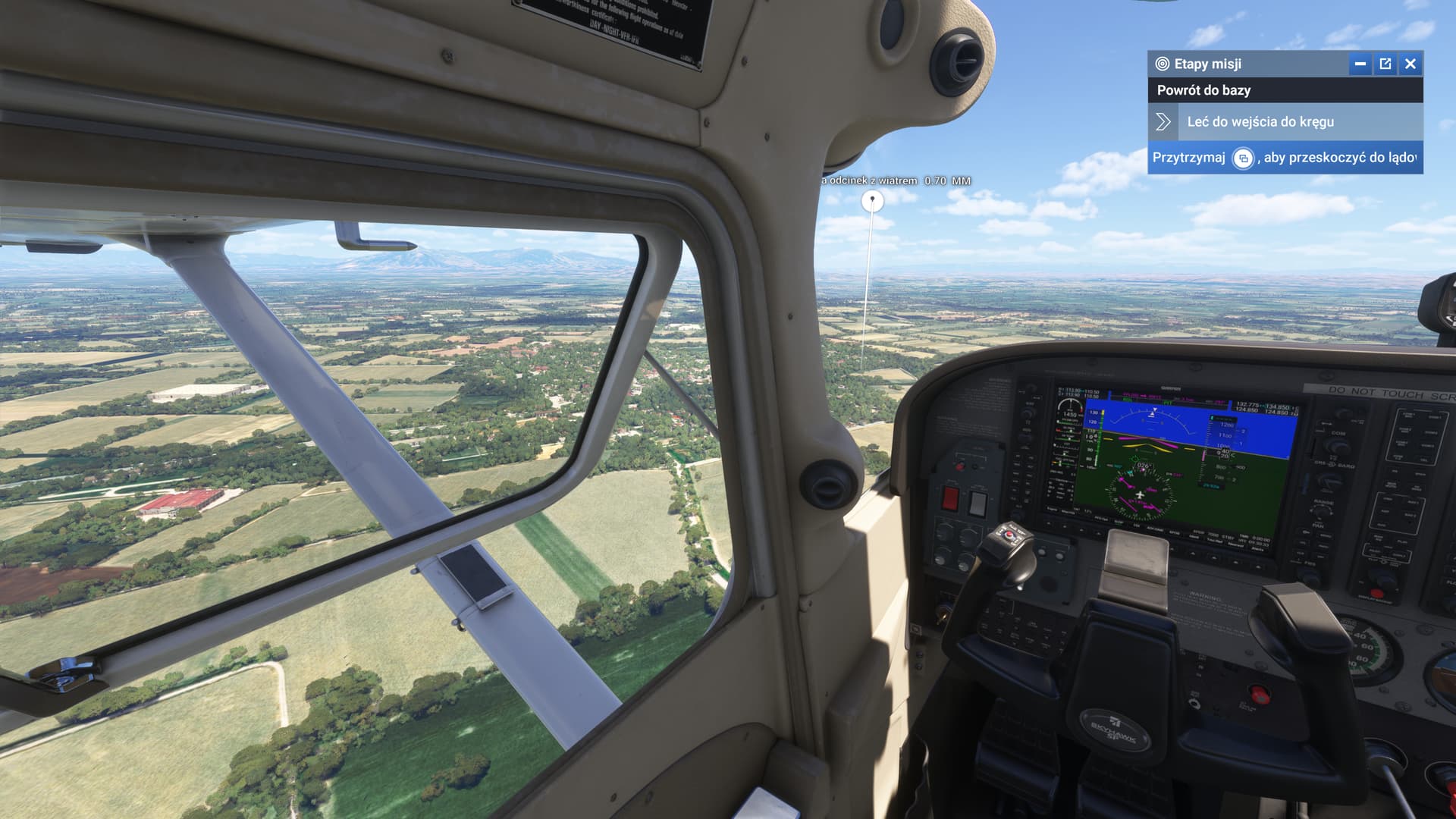
Apart from the obvious differences in attention and support between PC users and Xbox users, I don’t know what can cause it
I’m reinstalling the simulator for the fourth time in the hope that the original disaster has been fixed
Great Im very pleased it worked for you, hopefully everyone with really bad graphical issues will do the same, if it is the fix like it seems to be for us so far, perhaps the initial installation/download was bugged?
In your system settings find the installed 2024 and click on it. Then you will see the add on installed. Uncheck it then save. When relaunching 2024 it reinstalls it automatically so you never really uninstall it.
I think it has more related to that the product isn’t finished and, without saying anything, they are fixing small aspects that they do not communicate so as not to make it clear that the original simulator is absolutely broken
Try restarting your console after uninstalling. Then install
So I just uninstalled then reinstalled the whole game without really believing it.
Indeed, there is a very clear improvement in sharpness and we go from 460P to a good 1440P.
The lod is still just as bad, but it looks much better without flicker and a much clearer image.
Many thanks, it increases my pleasure of flying.
Yeah it’s clear that the sim still needs a lot of work, but for the last 3 days my time with it has looked like I was playing Minecraft, I went on late afternoon and it was still atrocious with shimmering and just poor graphics everywhere, deleted the game from series x reinstalled and it was like playing a completely different game, no shimmering, great graphics with just the odd graphical glitch, certain objects not loading in like workers at the gates.
Uninstalled, reboot, reinstalled, automatically reinstalls 3rd party content- and still terrible scenery. LAX, SFO. Ill try others but this is just a huge slap in the face. Wasted 200 bucks believing we would at least get a stable product.
RB + Left stick. Choose the controller icon at the top of the screen.
Be sure your in the cockpit first.
I just finished reinstalling and restarting the Machine… and I’m going to the verification with the fire station… this is the comparison between real, before reinstalling and after reinstalling
Real

Before reinstalling

After reinstalling and restarting the Xbox (Now it looks even worse… I imagine that because of the random attempts they are making to make up the mess)
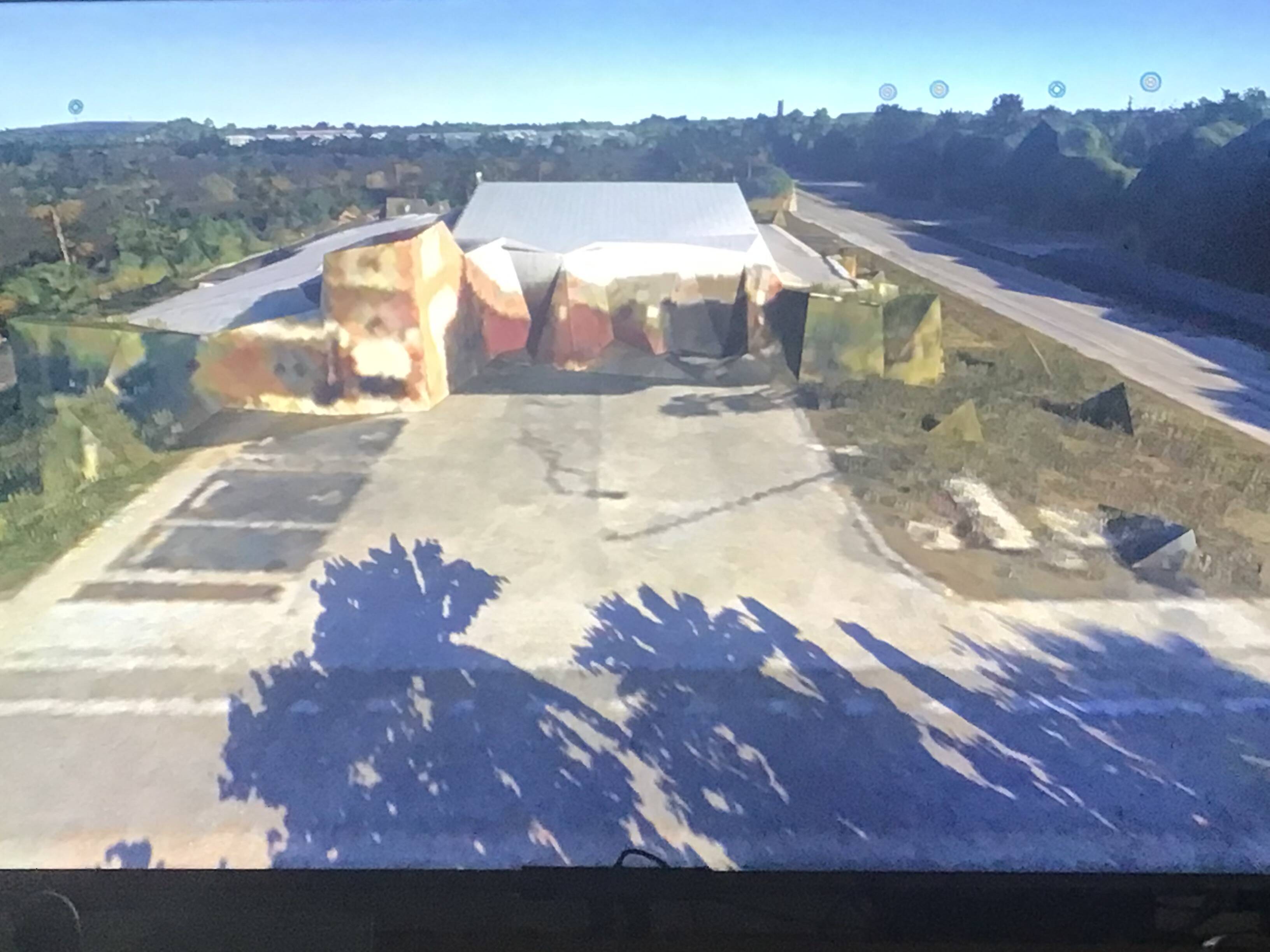
I’ll keep trying
Certainly what is proposed by @RomoRocket It will be the only way for Xbox users to verify the arrangements about the disaster, because we do not have any type of communication from Microsoft even though we are its customers
Test 2:
Real

After reinstalling and restarting the Xbox

Test 3:
Real
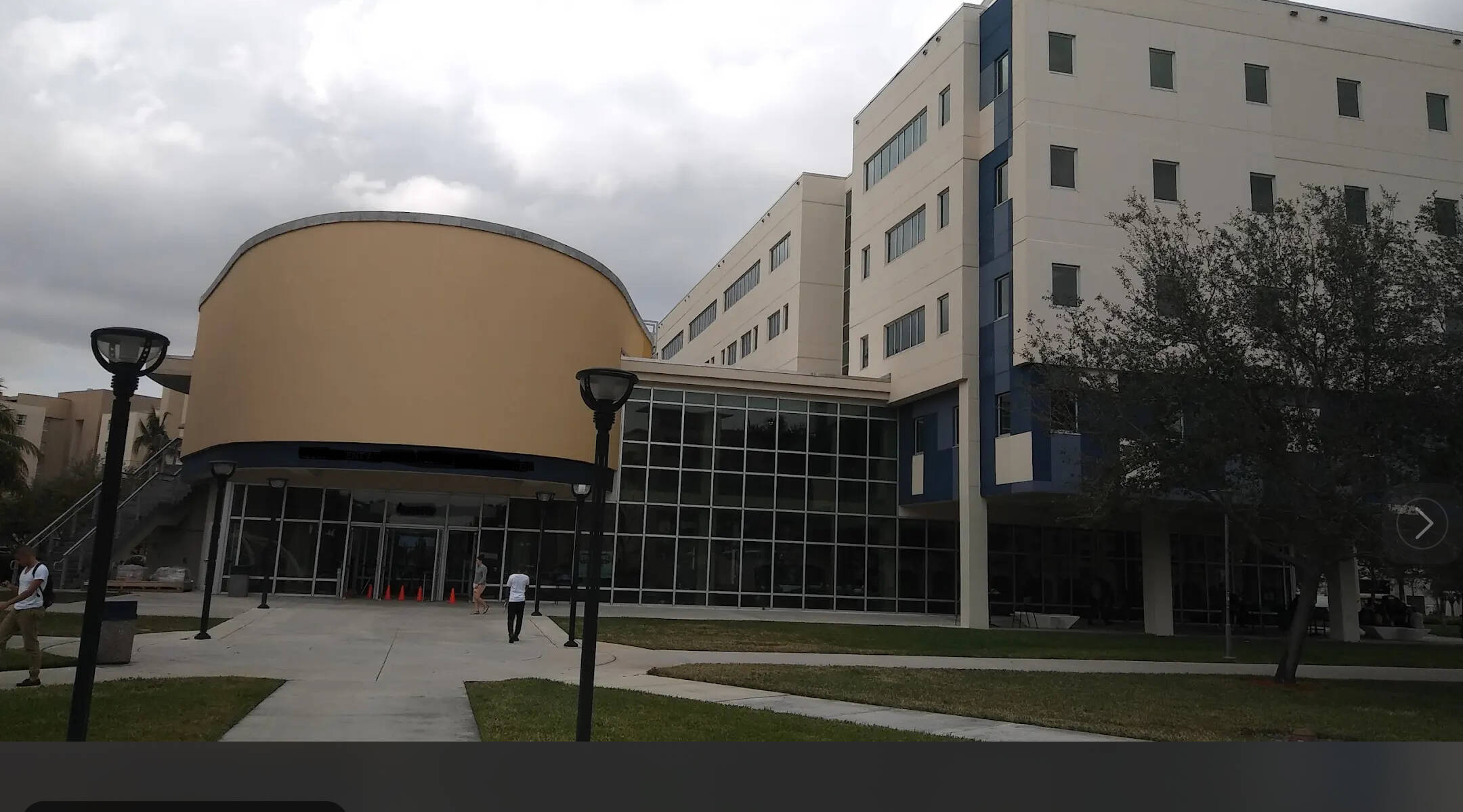
After reinstalling and restarting the Xbox

It still doesn’t work at all…
Nothing we can do. Just have to wait for them to get this sim to a place where its playable. What a shame. Im sure it must be quite embarrassing to release in such a horrible state. Not even close to ready.
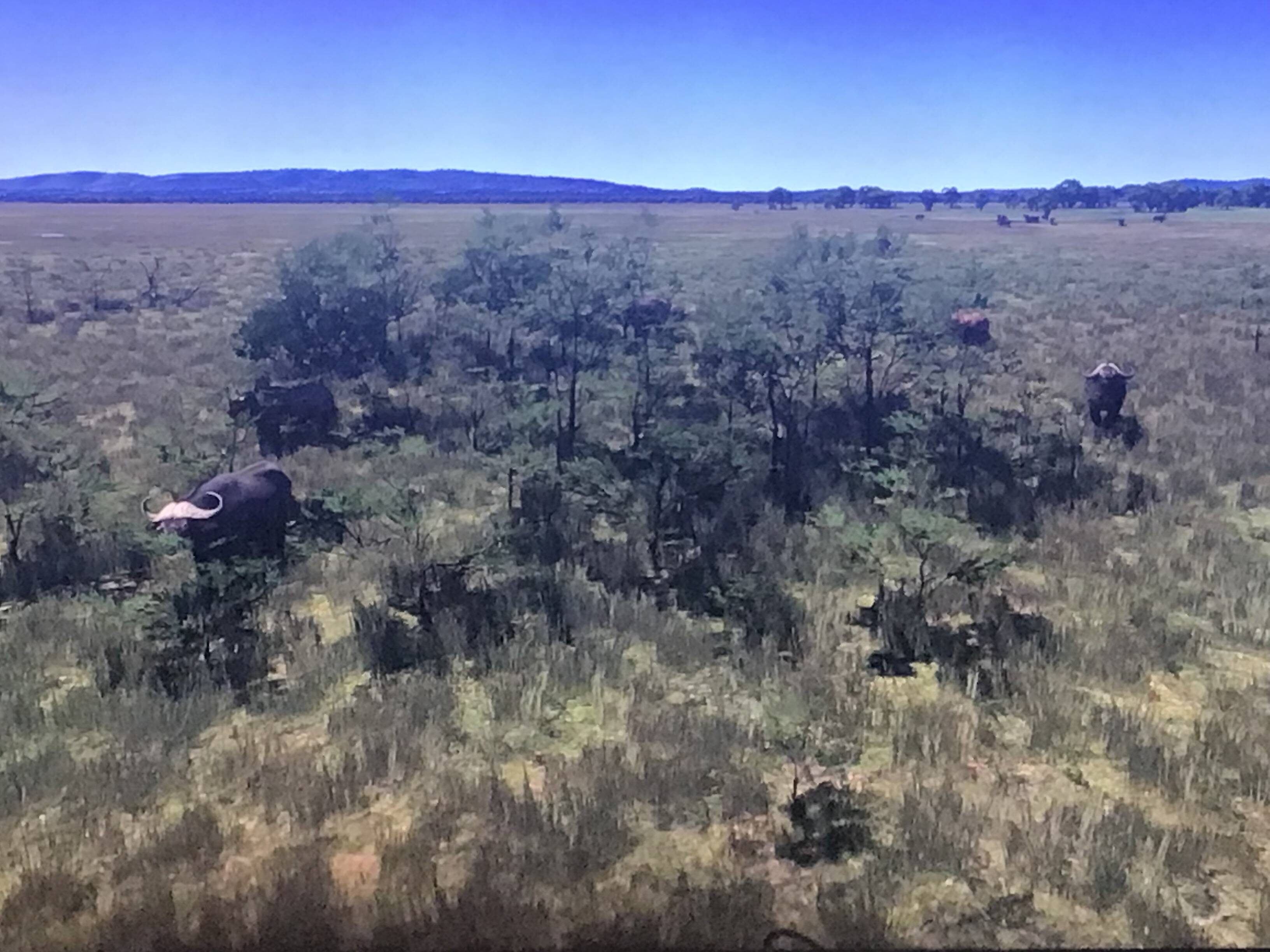
Update after the fifth reinstallation on Xbox… a new hope (yes, yes… a Star Wars reference)
At least two very very famous locations changed a minimum
Serengeti National Park (This one in particular looks much better)
Lincoln Memorial (I’ve been exactly at that point of view many times in reality, and it also shows an improvement)

I’m still attentive to changes
Thanks a lot to @RomoRocket and @Bulbozaur123 
Re-installing the game does indeed fix the resolution & AA issue!
VRR is still broken though. The image is constantly tearing.
I confirm that reinstalling the game corrected the shimmering and aliasing problem, but that’s all. It’s still a much more pleasant experience.
And i try an airliner to see… Don’t do that aha. That’s the worst i’ve seen for now, i really thought the game would crash but no.
Framerete go’s down to 20fps if you try to fly big planes & the LOD is way to agressif. Photography data/meshes are only load right underneath your plane.
Are you talking about the parts of the plane you need to check? You aren’t supposed to click on them, you are supposed to go up to them until it’s highlighted and then it will check it off for you.
Either way I agree with you. The biggest issue I have is when under cursor mode, holding LB to move around the cockpit doesn’t work correctly. When you get out of cursor mode, you can finally move around everywhere using LT/RT and the right stick and it’s not as limited as it is in cursor mode. Very weird indeed.