The weather and time are reset to live each time the sim is restarted. I’m using the Steam version. I don’t know if the other versions have the same problem.
FREQUENCY OF ISSUE
every time
MEDIA
Please add a screenshot or video of the issue occurring.
We have created an internal ticket to see if our team already has this logged, and if not they will attempt to reproduce the issue and create a new bug report. This item is now marked as feedback-logged. If there is an existing bug report or one is created, we will move this thread to bug-logged.
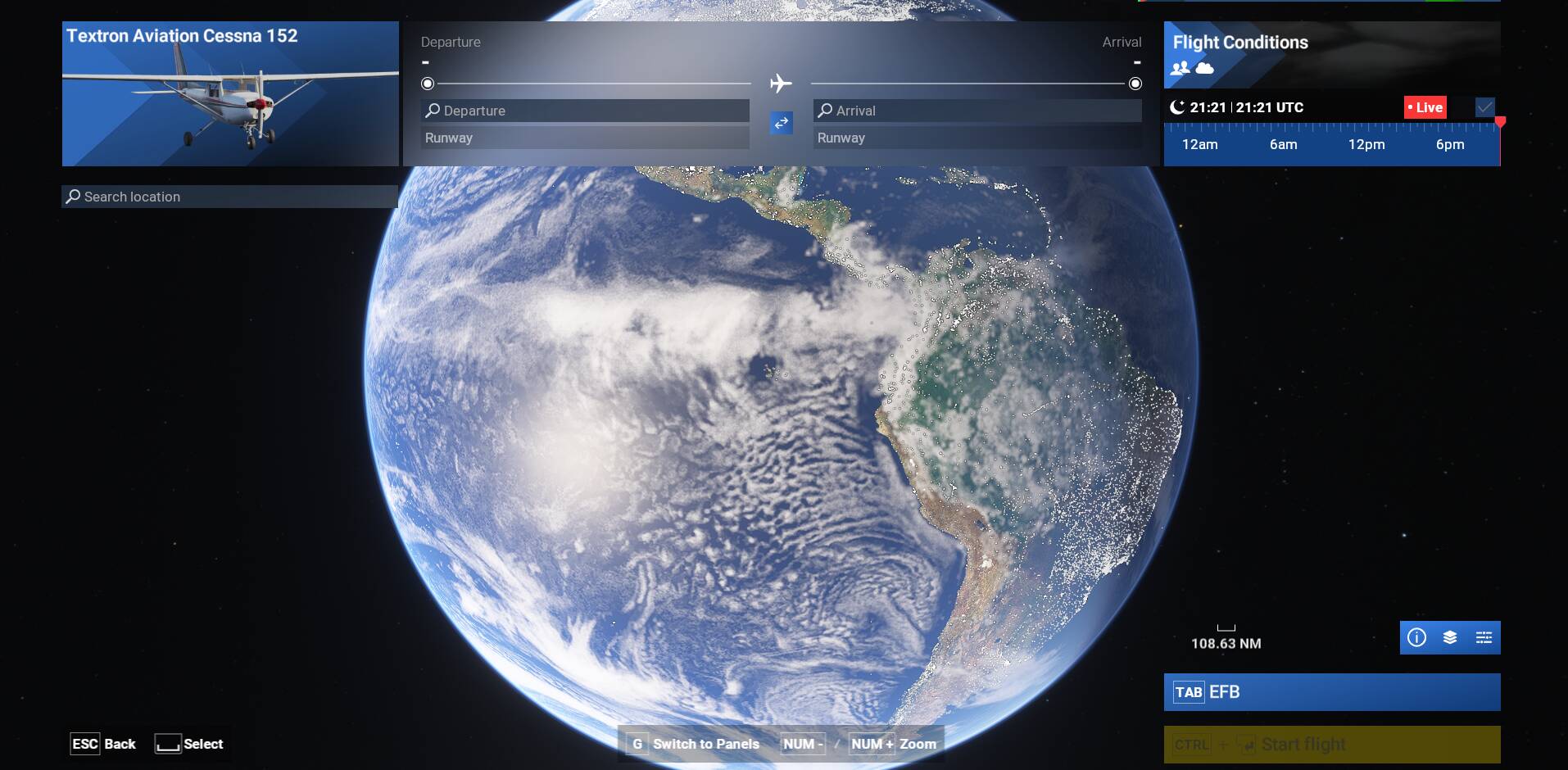
In the SU4 beta, I can’t change the local time in the sim. For example, if it loads at night (e.g., 2100 UTC) and I try to adjust it to daytime (e.g., 1400 UTC), the time slider resets itself within 10–60 seconds. The same issue happens if I change the time from the flight setup menu before entering a flight.
Here’s a video of me recreating the issue I’m having. It doesn’t matter if youre in a flight or in the menu. The time resets around the :50 mark of the video.
Nope, as stated in my post above, this happens to me with or without mods. I renamed my Community folder to “zCommunity” (disabling all mods), restarted the sim, and the same thing happened with default aircraft / airports, etc.
edit: ACTUALLY: Elevatex caused it I guess? I didn’t realize it was still running in the background even though I disabled mods. Thanks @SmotheryVase665
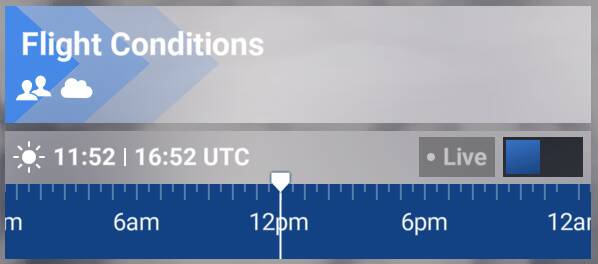
Prior to 1.6.25.0 I did not have this issue - many/most of my flights would use the live historic time slider adjusted to a different time of day within the past 24 hours, but beginning with 1.6.25.0 this is no longer respected. Flights always spawn in approximately 5 minutes behind the current live time with real time disabled.
Also worth noting - the time on the live/historic time slider can be perfectly on 12:00 but it will reflect 11:52 (+/- a minute or two, as shown above).
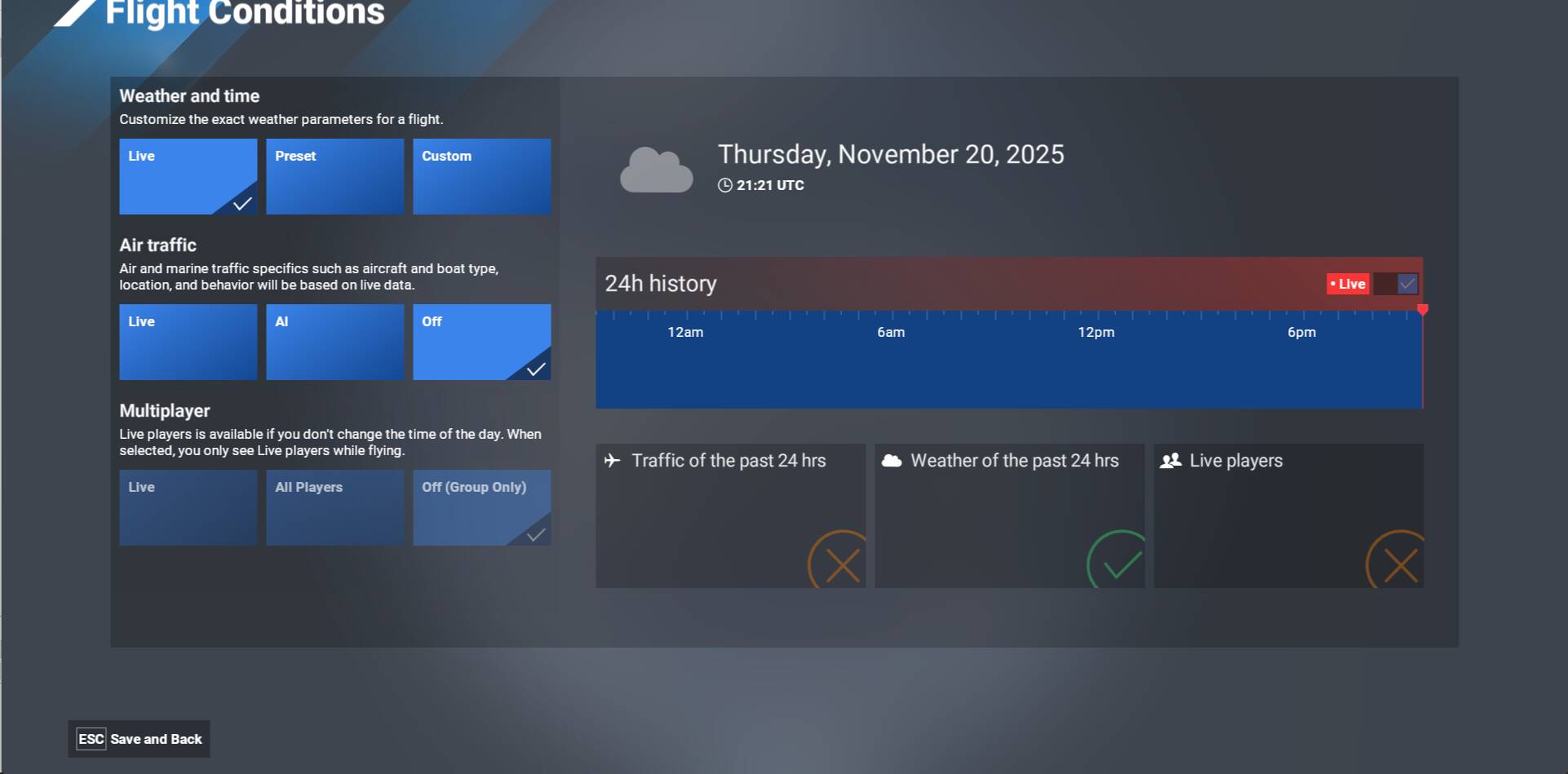
Note: I have not started a flight after the weather selection since user choice is supposed to be saved when clicking on “Save and Back”.
I closed the sim by clicking on ESC “Quit to Desktop”.
But what I have noticed is that if you select your weather (preset or custom) in the Flight Conditions, start a flight (as included in OP steps), quite the flight & sim, restart, then your last selection is saved (only time is set back to Live UTC). Strictly based on OP steps we could say issue is fixed. @IceManDBB : could you confirm on your side ?
So maybe some users will still report the issue if they just select a preset/custom without starting a flight and just restarting the sim, they’ll always get Live weather.
Ah, so this is a totally different issue than mine now that I’m reading it more closely. Mine has nothing to do with restarting the sim, but literally the sim not respecting a historic time selection and instead reverting to live time when the flight loads.
Correct, I think your issue is different than the one reported by OP that involves a restart of the sim and is not related to the historic Live weather.
But yes, your issue seems to be fixed in .27 (or in a prior built ?)
I tested your points, and your 2nd point actually worked for me. On the 3rd point it reset for me to a random standard preset.
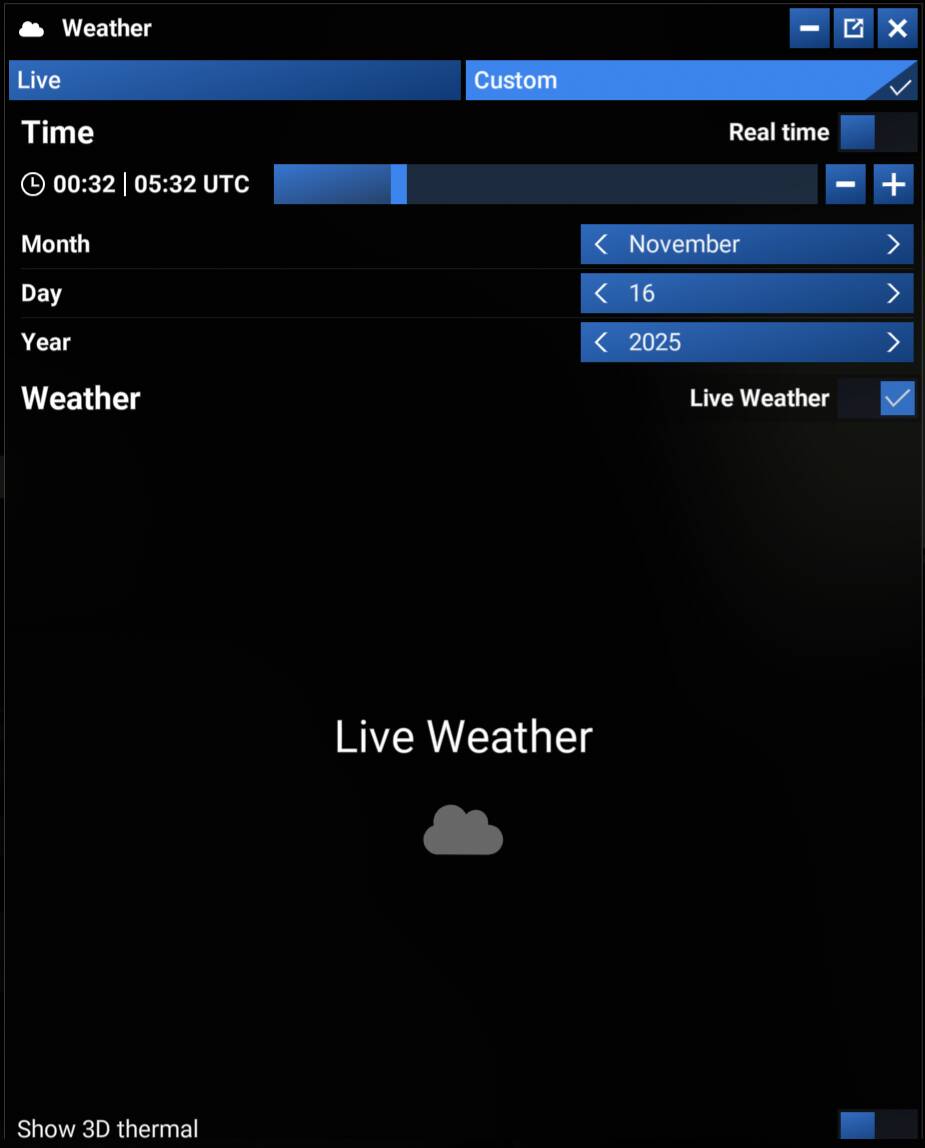
What else I noticed is, that I have to set the custom weather again (set precipitation to around 60) when spawned into a flight. But then it saves it for when I go back to main menu and back to free flight and also back into a flight.
When I restart the SIM it reset to live weather and time. So for me it seems to only save the standard presets and live between sessions.
The thing that always gets reset, regardless of where I go after setting it is the Time. The only time () it stais where I put it is when I set it just before a flight. Going out of a flight resets it back. Setting time and going back or to another menu beside the world map and starting the flight resets it.
Thank you for testing. Once you’ve set custom weather (points 2/3) in flight conditions, did you went back to the world map and restarted the sim or did you start a flight prior restarting the sim ?.
I have noticed that it is only when you start a flight and you restart the sim that weather setup is saved.
Just went back and restarted the sim without starting a flight.
When I start a flight it seems to save the weather settings as you said. Time gets reset to live, though.
When using a custom preset, I had to set that when already in flight the first time in a session, as it would not apply it when setting it while in the world map and then starting the flight. After I set it for the first time, it seem to be able to keep it for the session and several flights.
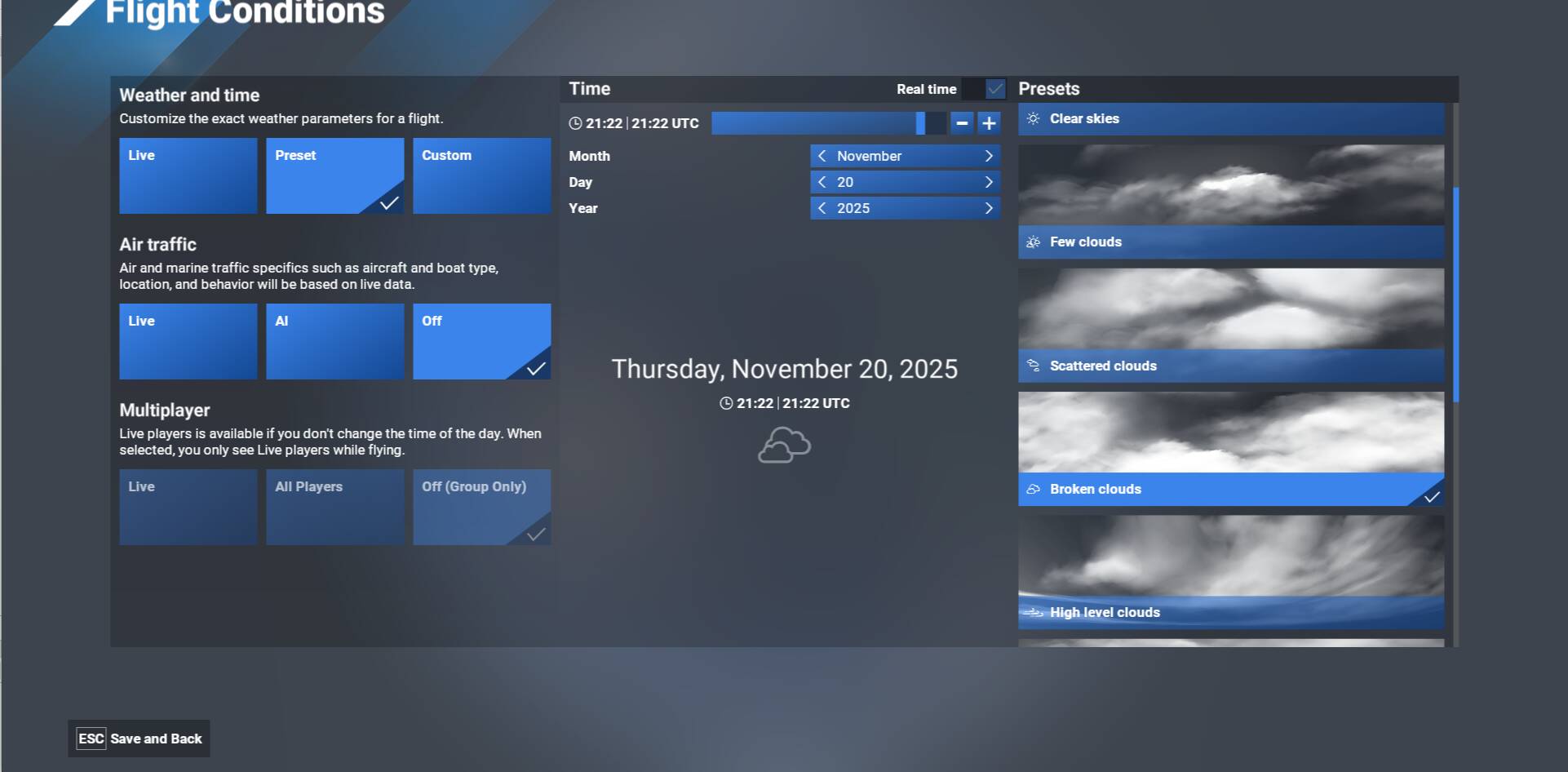

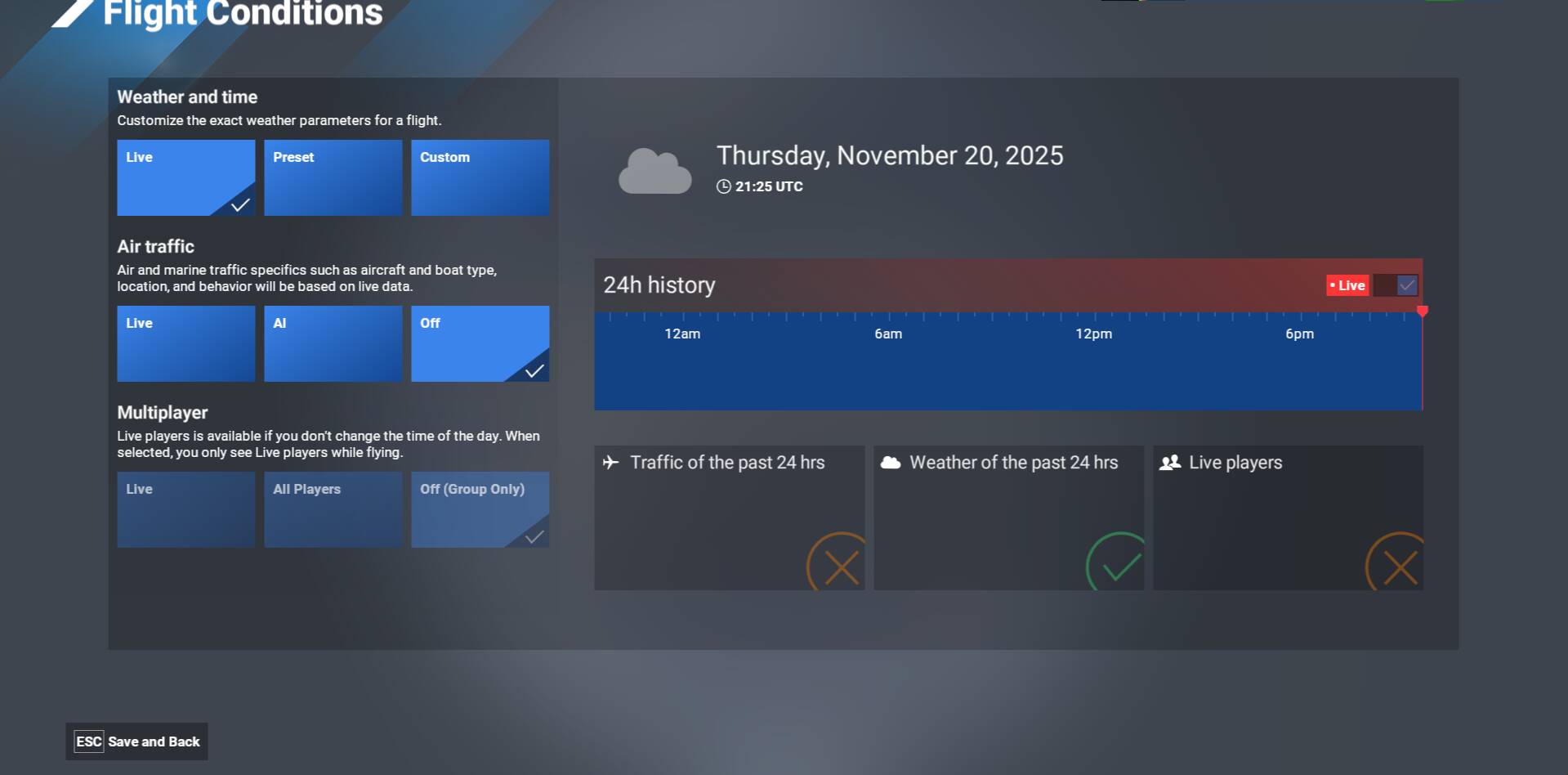
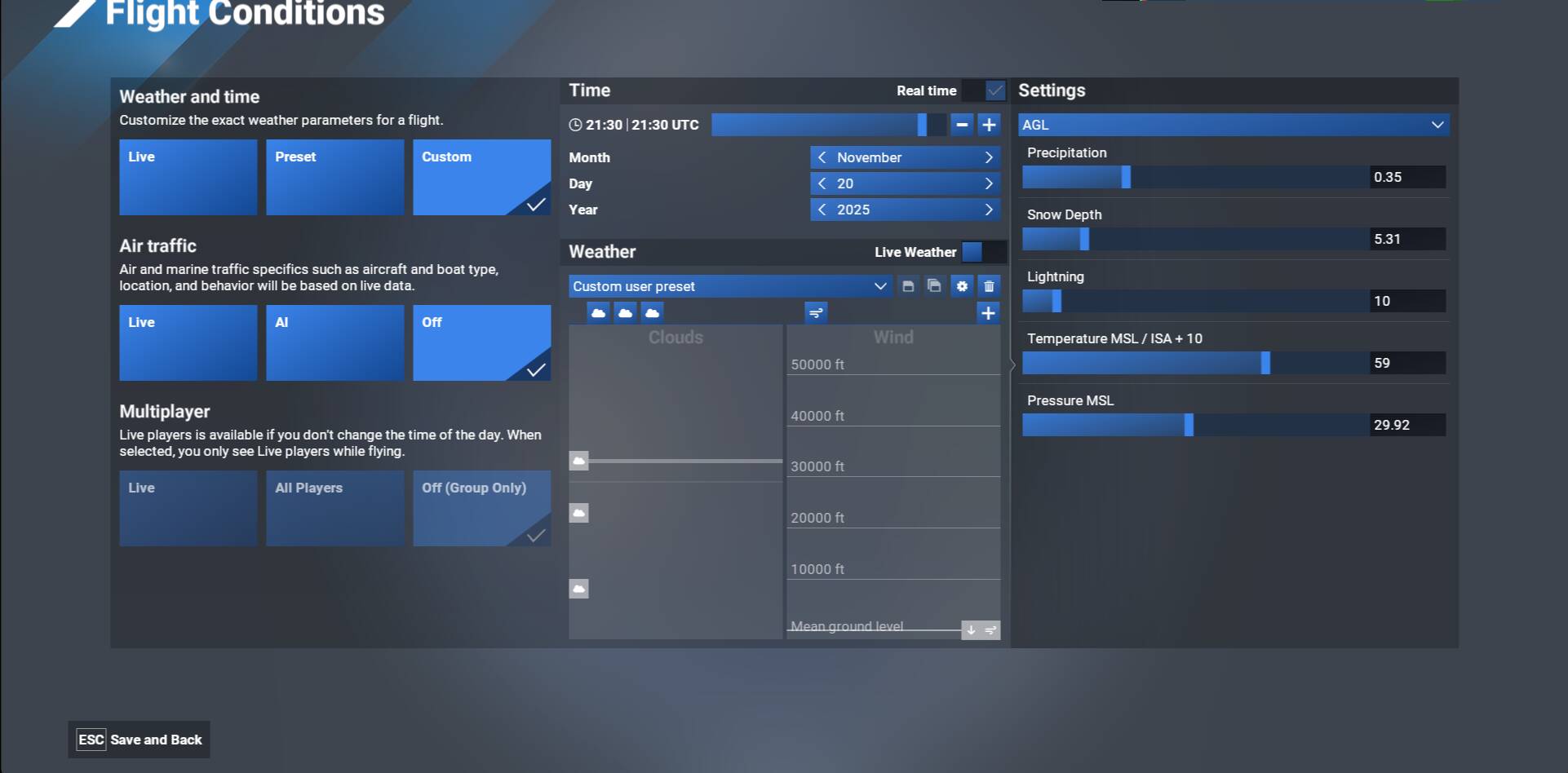
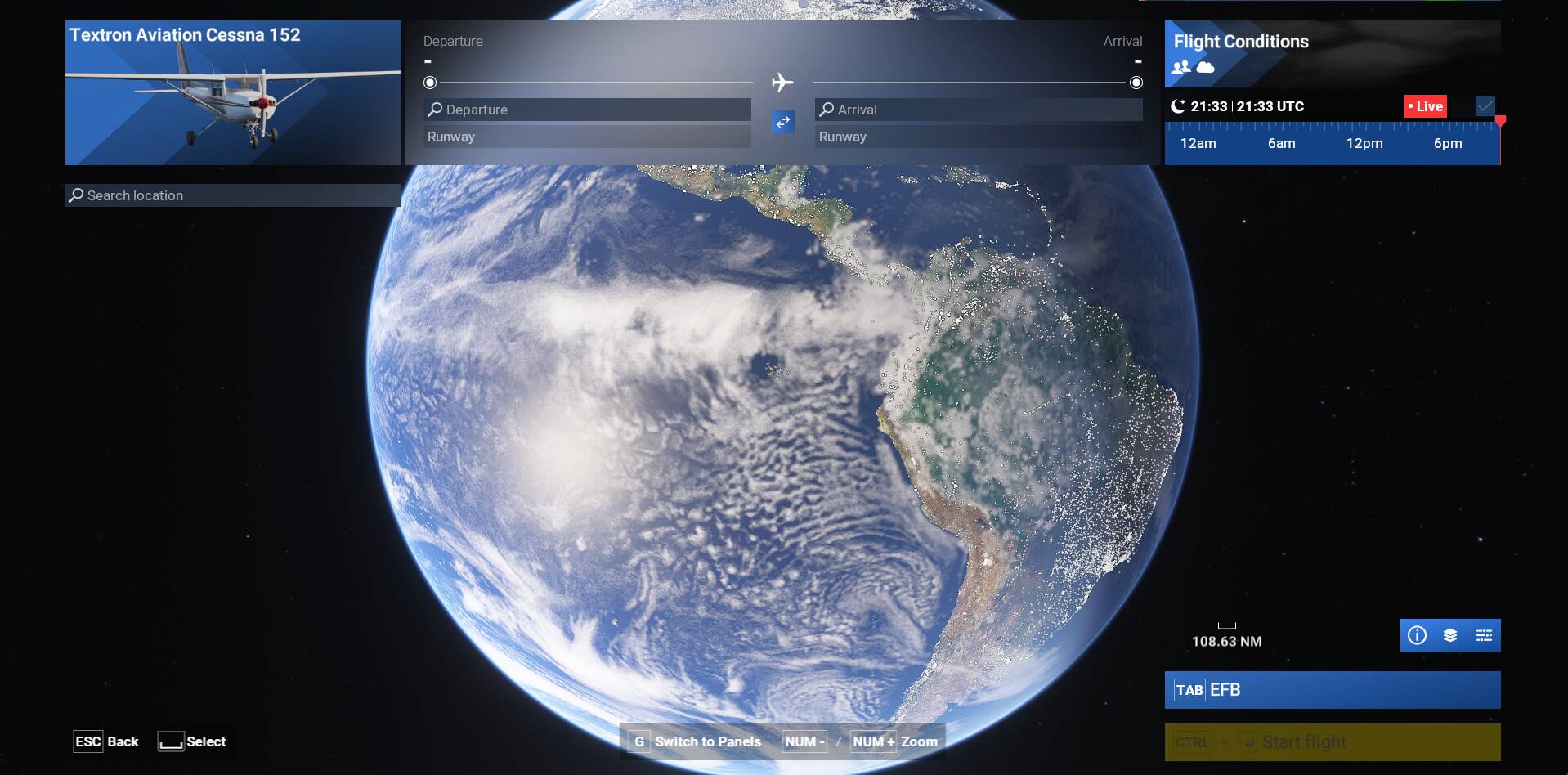
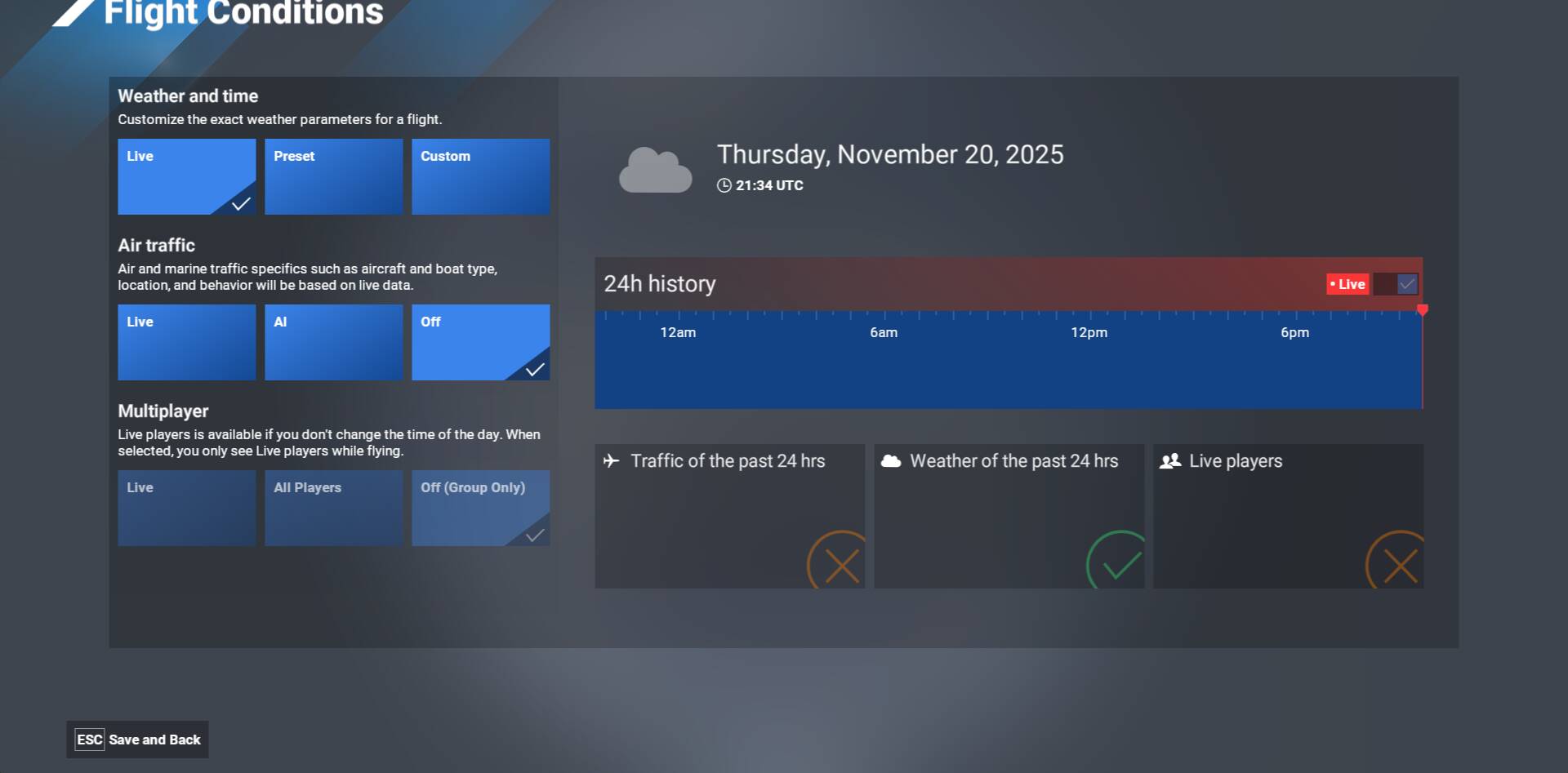
 ) it stais where I put it is when I set it just before a flight. Going out of a flight resets it back. Setting time and going back or to another menu beside the world map and starting the flight resets it.