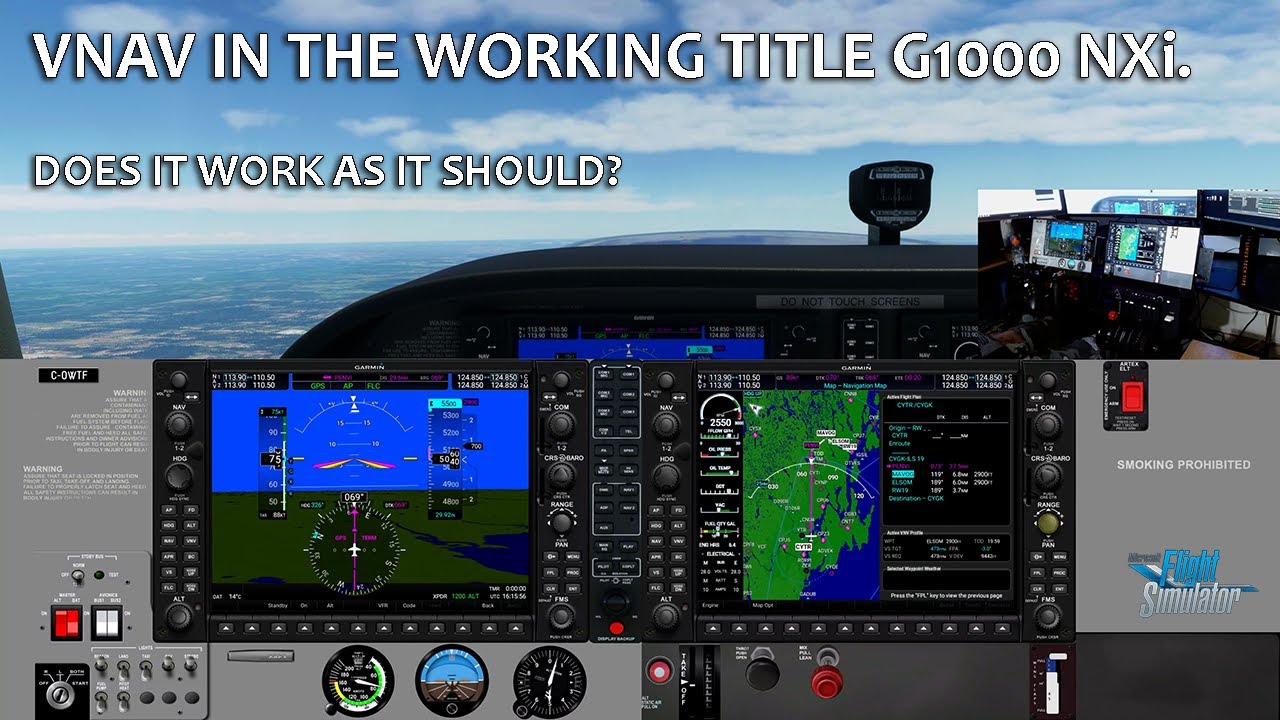
Considering I’m using it, yeah, I’d say it’s factual. Lol And it’s in the current version / latest of Air Manager, whatever version number that may be.
That said, I’ve modified their G1000 bezel to fix a couple of issues with some functions not working or not behaving as the real thing. I’ve also added compatibility with the Working Title G1000 NXi’s VNAV function. It works like a dream.
You can download it and my other custom instruments here…
You can see me use it here while demoing the NXi VNAV.
I’ll second that opinion! Air manager is awesome for external touchscreens. Especially the G1000s and CJ4. It can’t help the lacking functionality of touch/mouse response of popped-out G3000/5000 or other Native MSFS panels until they (MS/Asobo) add support for it.
But for bezels, virtual instruments and hardware knobs/switches/LEDs, you can’t beat Air Manager.
And @Crunchmeister71 and others have done awesome work to integrate MSFS functionality into what seems like an X-plane ecosystem. I’ve done a bunch of my own programming/customization too but you don’t really need it if you get the latest .siff files from @Crunchmeister71 and others.
I had the same problem about a month ago,every time i got the curser close to anything it lite up in blue and you could not change anything went into general and changed it to legacy ,instead of modern.Its been working just fine ever sense.Hope this will help
Good luck with that. People have been putting tickets in since before the launch over a year ago. The only thing that’s happened since is it’s gotten worse.
It wasn’t too bad initially. You’d lose about 5 fps for your first pop-out, then 2-3 per window after. Since the VR update last December, it’s an instant 10-15 fps drop the second you pop out a single window. Thankfully, popping out more doesn’t add to that load.
I suspect this was a side effect of adding a second viewport for VR mode.
Thanks for the reply Jodaje I really don’t know anything about ,VR,I saw what you said something about gauges moving around ,I guess in your helmet or goggles you wear .I just thought you might be having a simular problem like I have about with the cursor on my mouse moving the cockpit around when I try to move it around,If it wasn’t for you friends on the sim. we might not ever get this sim like we want it,So far it has been very disappointing,Good luck my friend, I hope you get everything working like you want,corcky37
I see in the photo that the PFD has been passed to the tablet including the frame with the keypads of the Garmin 1000. I would appreciate it if you could tell me how you did it, since I can only extract the glass part of PFD and MFD without the frame. Thanks in advance.JB
Another shout out for Spacedesk. My normal setup is with 2 monitors and I’m happy with that. However I also have the sim on a laptop and that’s not quite so easy. I have a Fire tablet and with the app downloaded to it I can get a second screen with the laptop, or even a third on the desktop.
However this is on Windows 11, not sure if it works on W10.
Maybe I am missing something. I have space deck installed on my pc and tablet. All I can tell is the spacedeck is just copying my primary screen. I pop out a panel and on my tablet it shows the pop out, but it is the same as my primary screen. So when I move the pop out off my main screen, it moves of the tablet. Help please.
My spacedesk connects, get the “+” sign but can not get any gauge to appear on Android tablet. Can drag instrument around monitor but will not go o tablet. What am i doing wrong? Tablet just looks like a second screen with task bar on bottom, programs on left side like a regular home screen
as far as i know this can not be saved ?
So, when i use Spacedesk and put all the Gauges in the right Place and start the Sim again, the i have to set up all again ?
No but you can use popout panel manager to automate the process, you set it up with all the gauges in the right place on the right screens then POPM saves all the coordinates for the gauges and it’s just a few clicks away the next time you use it.