i will do it now
I’m not using any rolling cache, but even then I tried deleting it. Nothing changed, the sim looks truly awful in some places and trees have been massively downgraded in terms of drawing distance. Fun thing is, the sim runs even worse than before for me, with less visual quality. 
exactly what i am experiencing!!! on distance textures are not loaded. seems they downgraded LOD in order to boost performance. I really have no idea whats going on
no change here and zendesk does not respond since days.
I think this thread and this one are the same issue:
There is a fix for the tree problem, I too noticed that the LOD and number of spawned trees was greatly reduced after the 2nd patch. I have tested multiple settings and although it’s still a work in progress, I can share the following and you are free to make the modifications after backing up your original file. Please note that this is a work in progress but from my side to side comparisons there is a major improvement in the LOD and the number of trees is probably better populated than even the original pre-patch (trees).
- Go into your MSFS2020 folder/Packages/Official/steam/fs-base/vegetation folder
- Open the 10-Asobo_biomes file with a text editor
- wherever you see ArtificialSurfacesScaleFactor=“x.x”, change all the values to either 1 or 1.0
- When your done it should look like this ArtificialSurfacesScaleFactor=“1.0”
- wherever you see SpeciesInstancesPerHectar=“xxx”, change all the values to double their current value, i.e. 200 will be 400 etc…
- A little more complicated but it’s worth it, all the lines with spawnRatio=“xx”, triple their values i.e. if you see 0.15 make it 0.45, be careful with the values like these 0.05, this will change to 0.15, IF THE VALUE IS “1”, DO NOT CHANGE THE VALUE, if the value is “3” or “2” then double them!
- Save, restart the sim and see the difference.
There are more edits I have made which I will share once I have the absolute best results possible. Hope it helps 
The LOD problem can be restored using the fix posted on numerous forums, however there is an FPS cost and those with lower end hardware should not perform this fix, hopefully MS will find a solution for this in the future but for now I’m pretty happy applying the fix with a 10-15% reduced framerate. Also if applying the fix systems with memory less that 32GB should absolutely NOT apply the fix. Make sure you are able to view hidden files in explorer, here is the fix as previously posted. PLEASE MAKE SURE THAT TERRAIN LEVEL OF DETAIL IS SET TO 200 in the sim before making this edit
- Go to c:\users\your name\AppData\Roaming\Microsoft Flight Simulator\UserCfg.opt
- Right click the file and open in text editor
- Under the line {Terrain LoDFactor 2.000000} - I think it’s line 26
- Change the value to 4.000000, so now the line should be LoDFactor 4.000000
- Click save, restart the sim and your LOD will be much better at a cost of FPS and much higher RAM usage
You’ll also notice the terrain is much sharper at higher altitudes, the value can be increased to 9.000000 but I wouldn’t recommend higher than 6.000000, I found a value of 4.000000 in conjunction with the RENDER SCALING option set to 120 in the sim an absolute perfect balance and the visuals are fantastic.
even better way is to easily edit ther Terrain LODFactor by memory editing as you fly, because sometimes in dense photogrammetry areas even 2.0 is max you can run and sometimes youre good to go with even 10.0 

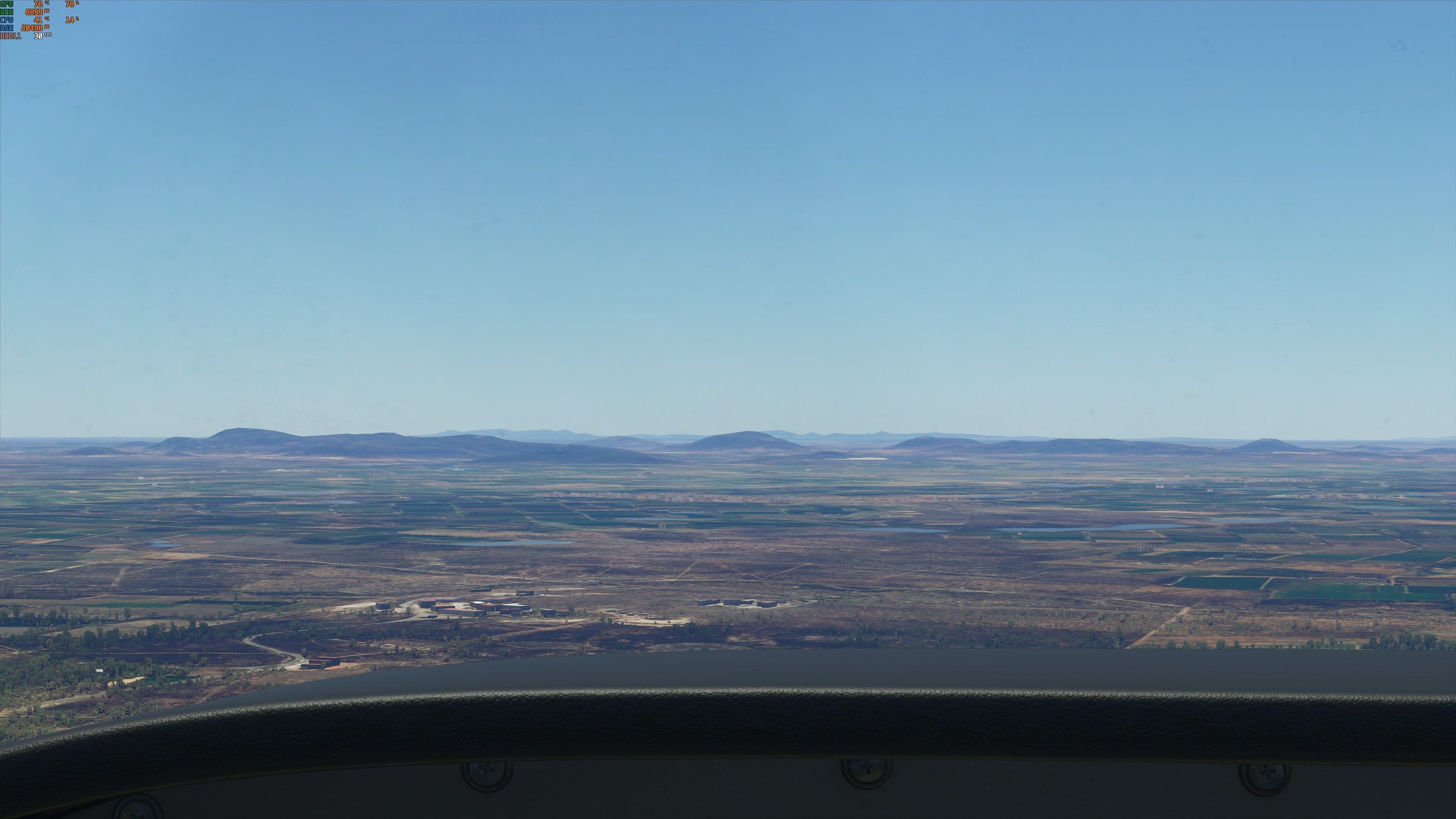
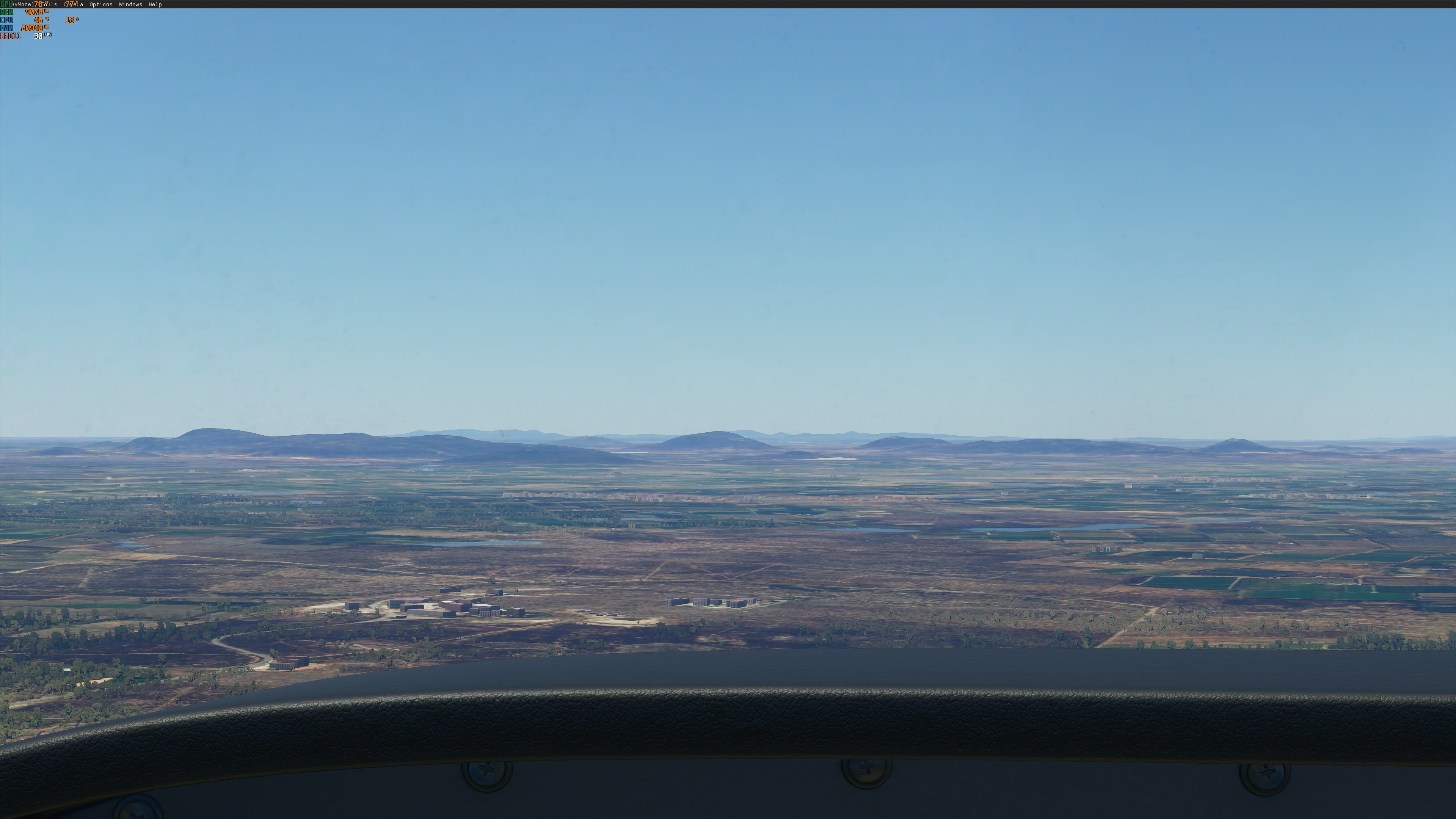


Sorry but you are probably dont know what you are doing at all.
The increased spawn ratio doesnt have anything to do with LoD. You just created more randomly put trees.
Now there are trees in peoples yards and gardens.
Perhaps you’re doing something wrong, the edits made a difference for me, perhaps others could check and see. As I stated earlier, this is a work in progress, you could adopt these changes or just leave it as is. My posted screenshots show clearly a visible difference between stock pre-patch and the modified file.
how can i replicate that situation to see myself ?
Then please send me your config which matches your screenshots

spawnRatio increases density of the individual tree. It does not increase draw distance. Are you saying that this is increasing draw distance for you?
Hi Mike, the draw distance (Horizontal) has imo not changed since the first release, I have many screenshots pre-patch and post-patch and the visible difference between the two is the Vertical Level of Detail, by adjusting the spawn ratio and increasing a few other linked settings, I was able to regain the original trees which were there pre-patch, ascending higher also ensures that more trees are visible from an acceptable altitude. The fade out effect post-patch is way too strong and that’s why the vegetation keeps popping in and out with lower altitude variations. So to answer your question, No, it didn’t increase the Draw Distance, Only the Level of Detail which was originally there.
Also my posted fix (or not) never mentioned anything regarding the draw distance, it only mentioned LOD.
I think many people are confused with the term Draw distance and LOD - LOD is a vertical adjustment and it affects the level of detail ONLY. Draw Distance is the horizontal effect and these figures are NOT adjustable within the installation files residing on your PC.
Before we claim that others do not know what they are doing, we should first educate ourselves with the correct terminology. That being said I do appreciate your feedback and perhaps my original values are too strong, will make some adjustments and post my findings.

 , guess it is official, we will never see the incredible drawing distance of the alphas again.