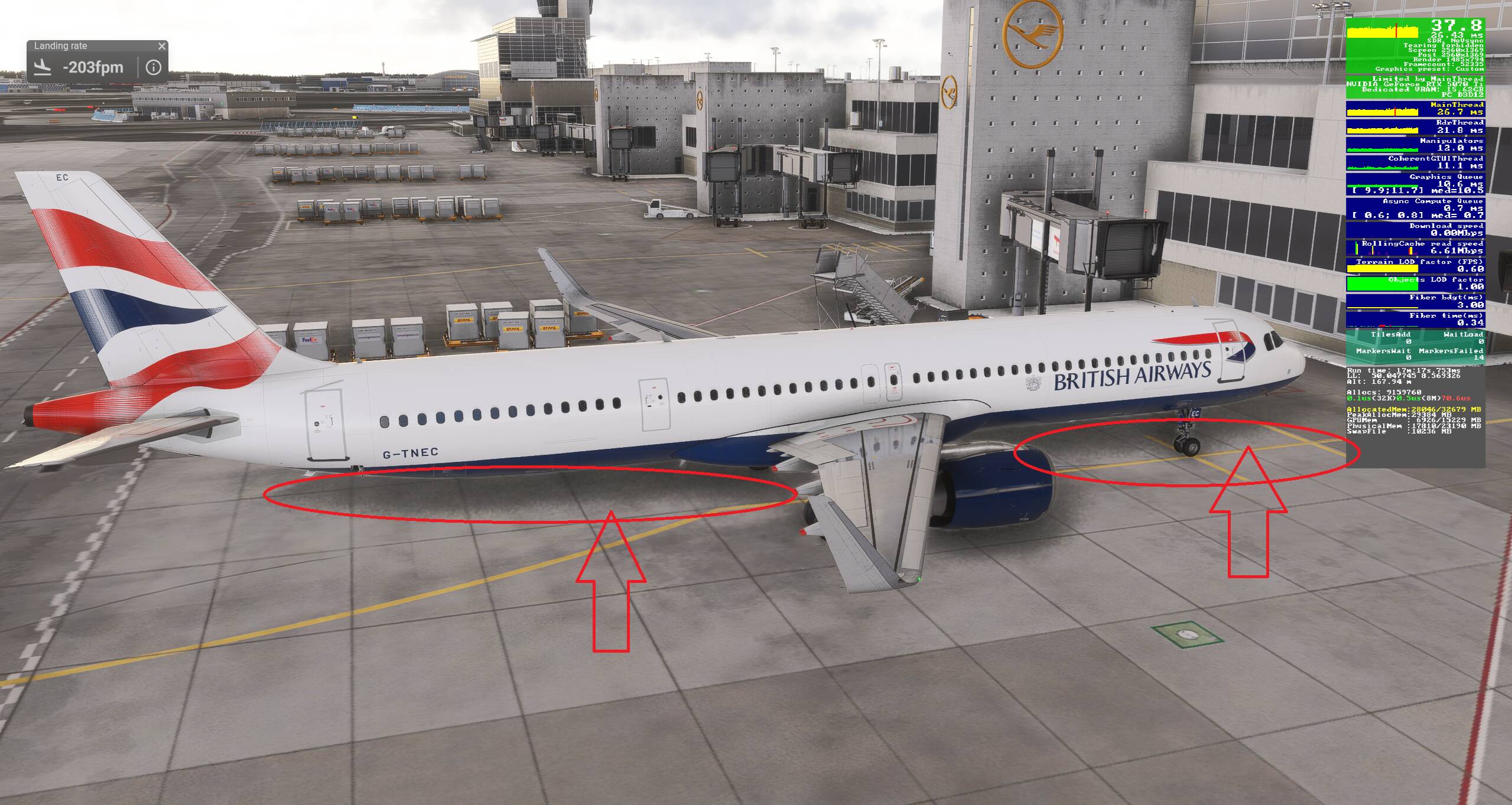
I will add I have a 7800X3D, Im still not entirely happy with performance all the time, so generally like to fiddle a lot with settings.
Im also trying to get a middle ground where my cpu doesn’t get hammered so much, will maybe have to try frame gen and max frame rate off again, but when I have done this in the past I seem to get a lot more fluctuations and spikes which causes stutters.
I think it’s easy to misunderstand how much the CPU and GPU (and to a lesser extent DRAM) work in tandem to process a frame of video we see.
It’s kind of like a Pas de Deux dance. If one of the partners isn’t as skilled as the other, the dance won’t be as fluid.
I’ve always believed that when monitoring “Limited By” in Dev Mode we should see rapid switching between ‘Main Thread’ and ‘GPU Queue.’ That tells us that the CPU and GPU are sharing the workload, without either waiting too long on the other to do its job.
We can force one the partners to take on more of the load, but ultimately, it’s the combination of the two dancers that make the dance win the prize.
Absolutely. You’re totally right. I got the “out of VRAM” message practically on every approach in a complex aircraft, or into demanding scenery. So, this upgrade path seemed logical to me. As I can upgrade the rest of the system later this year and already have a good GPU.
Hmmm, what happens when you test fly one of your average performing aircraft models, departing from and arriving to average performing airports? While I get that you chose a challenging model to test your settings, is that really the model you wish to fly or are you simply just challenging your PC? At this point, you have received a LOT of input from the community; it might be timely to learn more about what kind of flying you mostly do and what you expect from your PC during that. Or is this just an exercise in PC tuning? Cheers!
I’m very thankful for all the input. And I always use the most demanding bits of software to test. And as I love flying both GA and tubeliners, flying the A321neo from Frankfurt to Heathrow is a scenario that can happen regularly. And I’d love to have a smooth performance on landings after 1-3 hours of flying.
Ok, adding at this point in the thread that some of the input above may not be applicable to the PC in question due to different CPUs, etc. (including my own). Wondering what happens when you test without Lossless Scaling? Any chance that that application is introducing an uncontrolled variable affecting the performance your are seeing? Can run your test case without it to see what happens?
Both the others I mentioned are AM4 however they are more expensive, if it has to be a 5800 then try and get an XT for not much more than an X, their chips have been selected for higher boost capabilities. If you need any advice on PBO undervolting I can help you with the process and correct settings, the extra performance can be a gamechanger.
Got it. If you think you may have a viable group of settings to continue testing, may I suggest that you try another tubeliner that you like to fly often or a GA model, to see if your new settings are valid flying one of those models? Could be a good reality check rather than simply testing on your most challenging model? Just a thought, cheers!
I´ll have more time for testing tonight. And I´ll definitely try the PMDG and Fenix tubeliners. If they run smoothly, my GAs will perform like a dream!
That’s great! My 3090 TI (which is roughly equal - if a bit lower - in performance to your 5070 TI) consumes up to 400W during flight, and my entire cockpit a steady 850W with higher spikes.
I´m getting there. Couldn´t help it but had to get into my cockpit…
I´m now using Dynamic Settings with 35 fps as min fps target. I´ve decreased the TLOD and OLOD to 110 and the texture res and offscreen terrain pre caching to medium. I also deleted the Nvidia shader cache. Last thing that really brought some stability, is to deactivate Ambient Occlusion completely. Everything above medium totally hammered my CPU, and medium looked super grainy and unattractive anyways.
Now, I get stable and smooth fps of 30-45 in the FSLabs A321neo around and at Aerosoft EDDF. The Fenix A321 is a lot smoother, with 35-60 fps, using the same settings. At least I have the clouds at ultra, and the water at high. And generally, the ground textures and the photogrammetry look a lot sharper and better with the new GPU. Getting rid of the stutters on approach and landings was my main concern. And at least at these few patterns at EDDF, there were completely gone. A whole flight has to follow tonight.
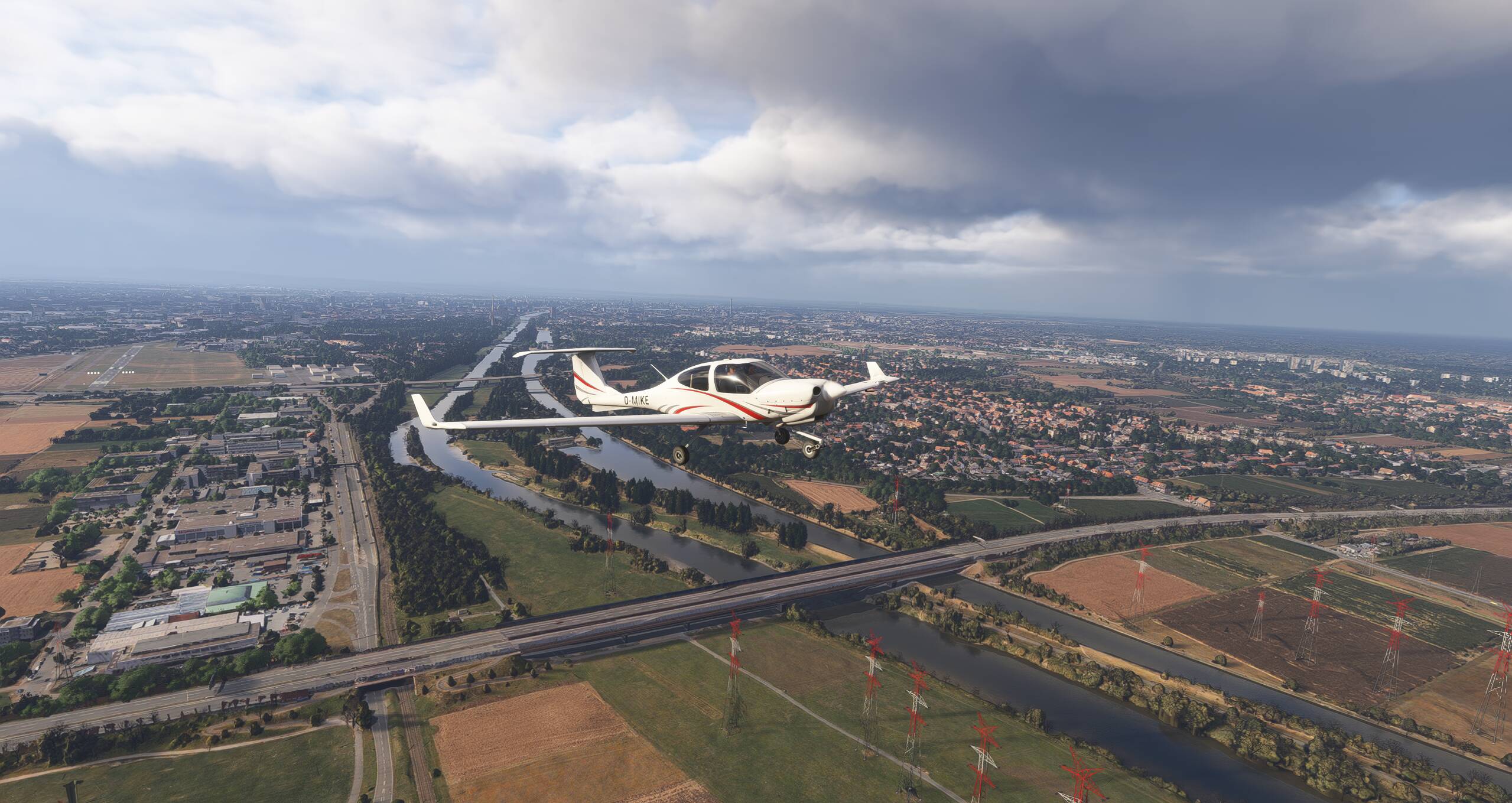
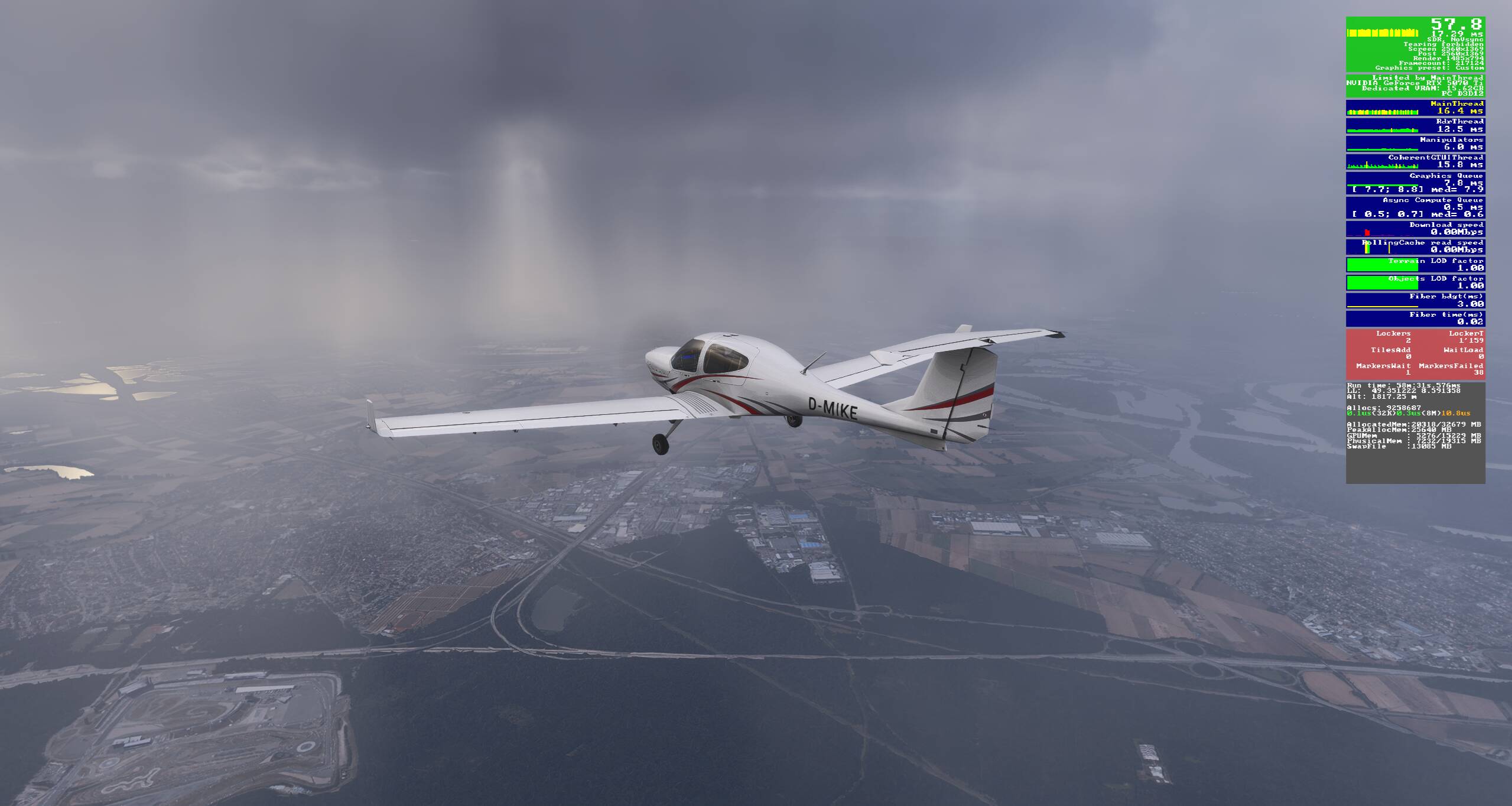
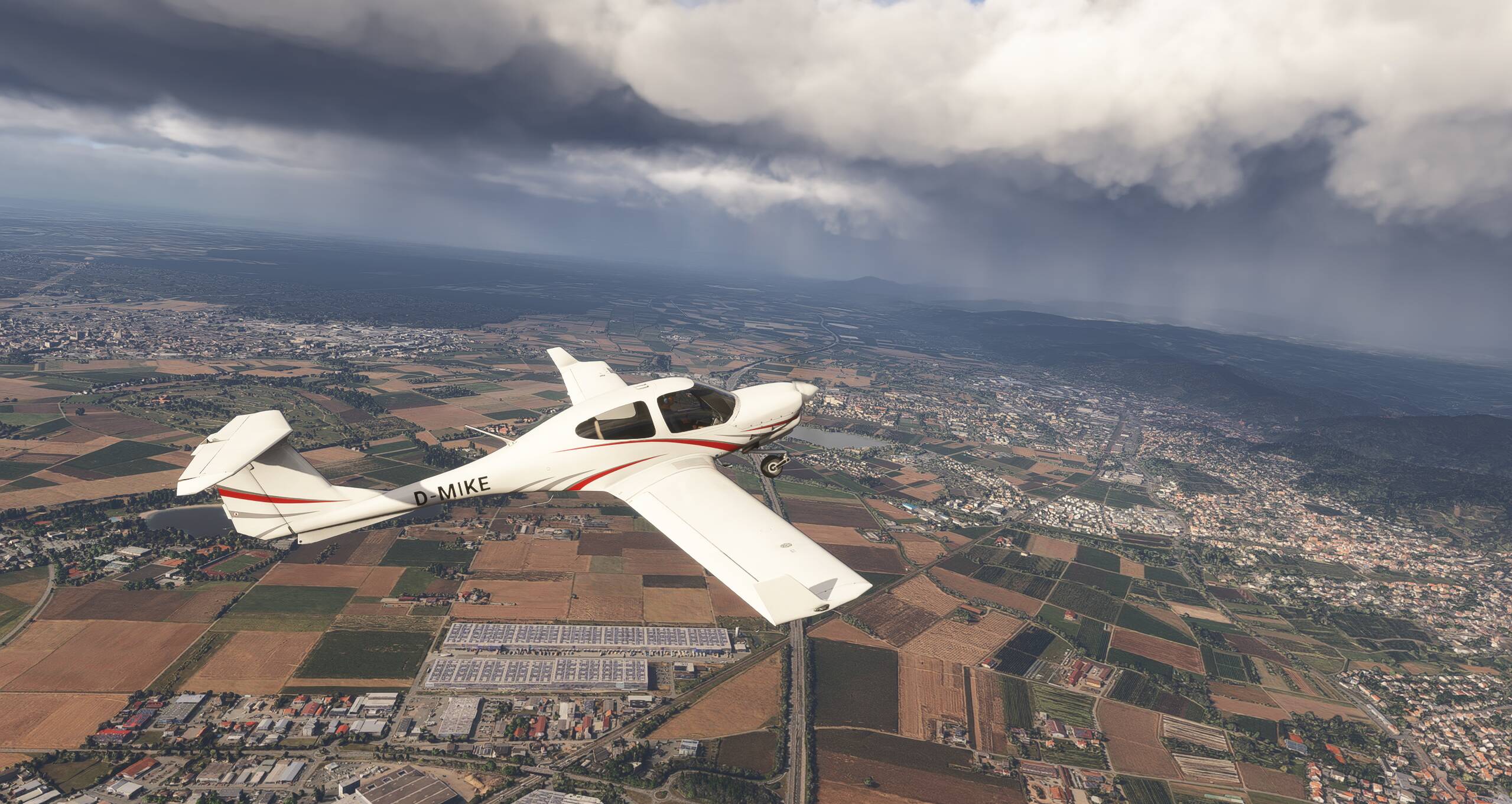
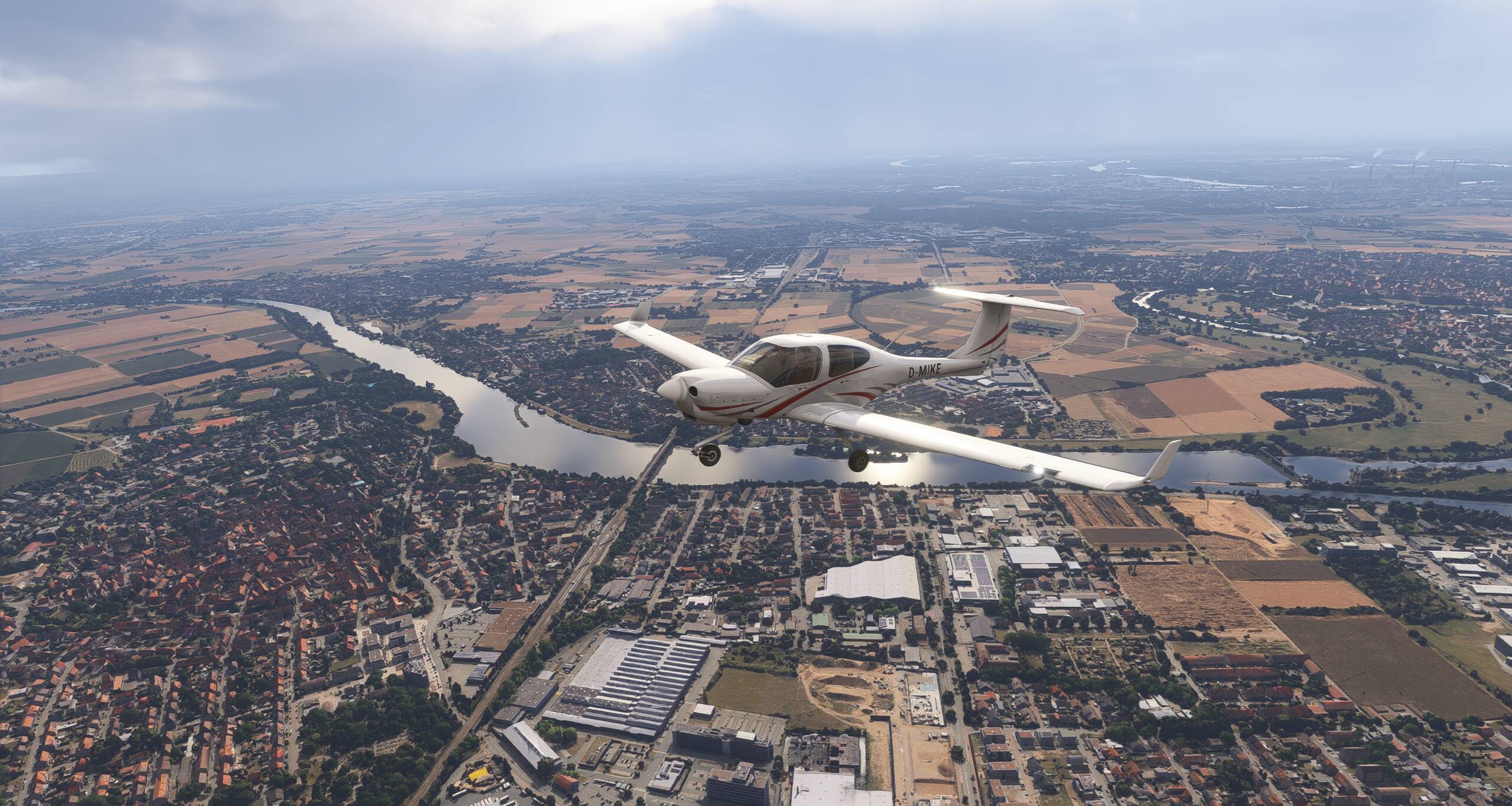
So, I am doing my first Onair GA flight in the fantastic COWS DA40. The flight startet in PG scenery, which looked awesome, and now I am over normal scenery with pretty blurry ground textures. Is that normal? (2nd pic showing the blurry ground textures)
Performance is superb, with 55-60 fps stable and stutter free.
Interesting. Haven’t seen this behaviour before. Actually, it’s been the other way around with the old GPU, with which the PG areas always looked terrible.
I have a 1GB Internet connection, with the computer connected to a mesh repeater via a LAN cable.
More testing and I just recognised that my sim is capped at 60fps. Although neither in the sim, nor the Nvidia control app, a limit is set. V-sync is off in sim and Nvidia app and G-sync is activated and set up correctly. Why is that?
 If they run smoothly, my GAs will perform like a dream!