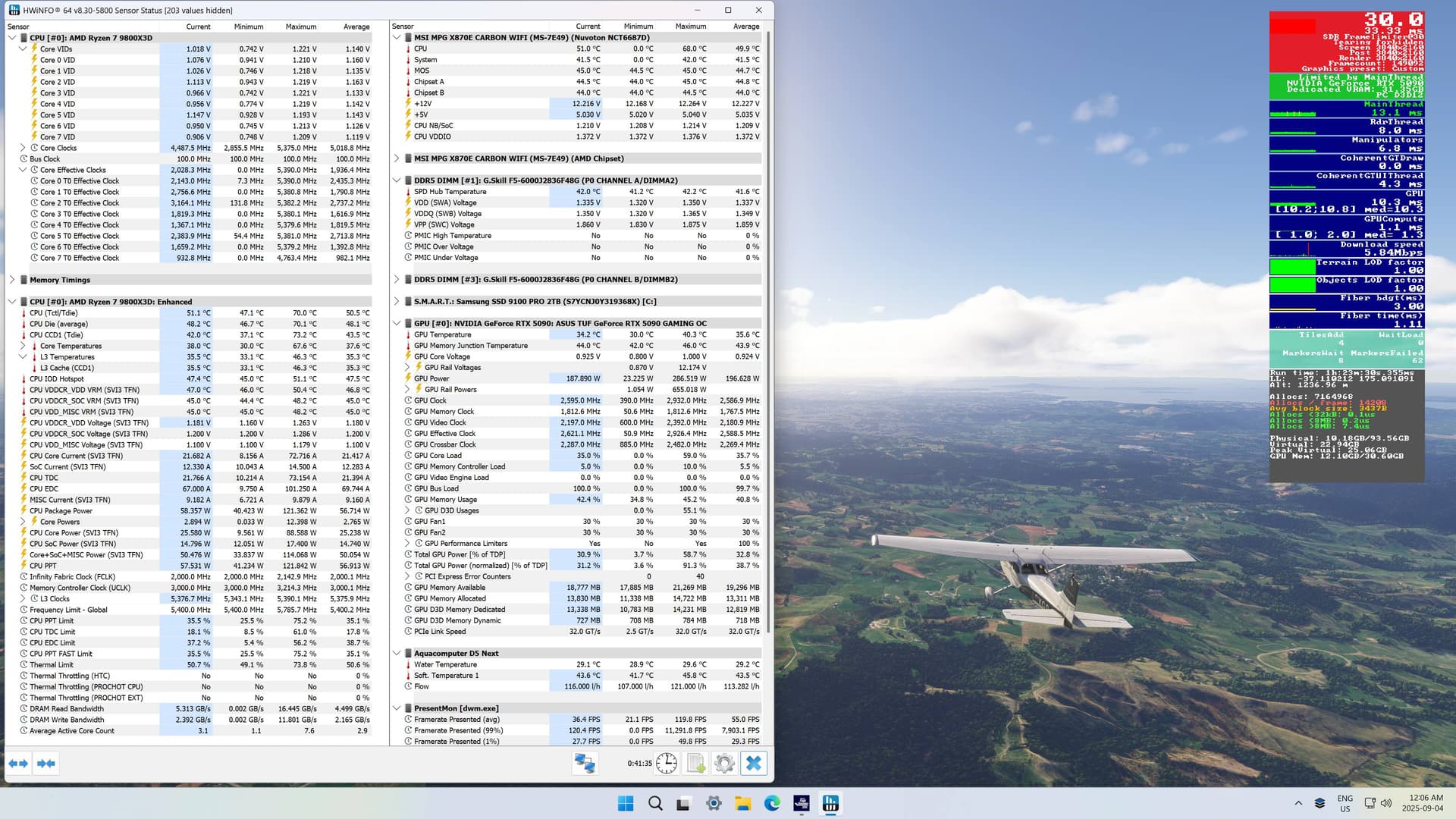
My first few attempts to fly in MSFS 2024 on this new PC were disheartening. In spite of the really fast new hardware. All I had was stutters and CTDs - which all come down to graphics settings.
There are a lot of good tips on this forum, but not always easy to put them together. After a few weeks of learning, I’ve finally enjoyed a few flights stutter free. I was missing 3 things, which allowed the sim to run smoothly for me:
- My Samsung TV originally showed up at 60Hz in Windows, which I thought was fine. The TV is supposed to be VRR capable (not G-Sync, however), and I thought that was automatic. It turns out, I had to set it to 120 Hz to unlock VRR.
- I enabled GSync and Vertical Sync in the NVIDIA Control Panel, which I think allows MSFS to then control VSync. Not sure if this had an impact.
- Maybe most important, the tip in another thread to set MSFS Max Frame Rate to 30 and then use Frame Generation to double back to 60 not only worked - it allowed me to increase the TLOD to 400 and LOD to 200 (the max). This makes all the difference, found in this thread:
A quiet test flight across New Zealand in the C172 at 60 fps, with max TLOD and Ultra settings, and the rig stayed very cool. After 8 months of putting this together, a small victory! (It stops the x2 Frame Gen when you put MSFS in the background, which is why it only shows 30 fps):