Same here, its still great!!
Had you tried similar levels of supersampling with DLSS before? Or are you really saying it’s profile F that’s making the really big difference?
I ask because I’ve been supersampling DLSS for ages and always thought its the best combination of clarity and performance. But I only learnt about profile F recently. I can’t really make up my mind whether it’s making a big difference. It’s definitely not worse than the default profile, but not really a “wow” effect either. Guess I need to do some actual A/B testing.
The again, can the effect really be that pronounced if it requires A/B testing? 
How would you describe the difference that profile F makes in isolation, assuming all other settings as constant?

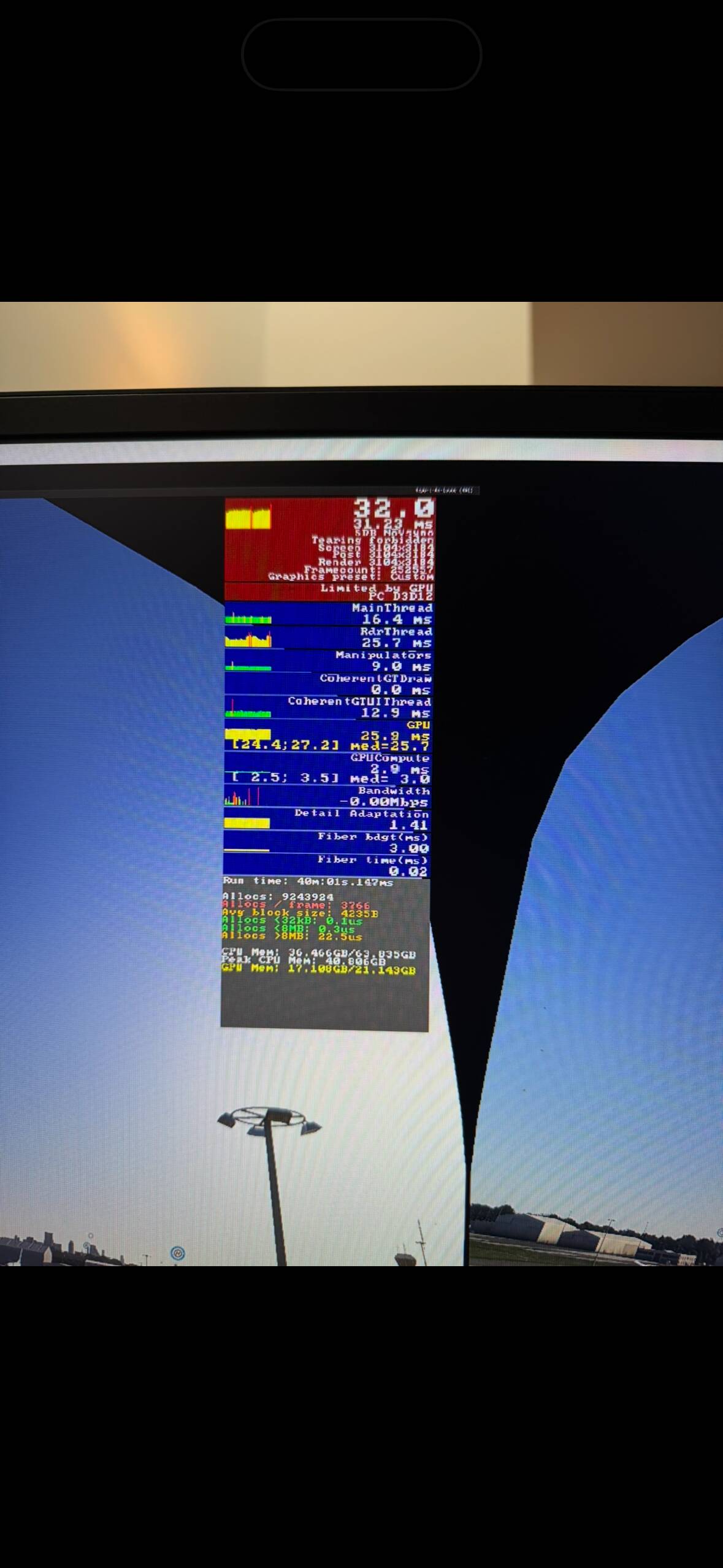
I have in the past and would take a performance hit for the clarity. But I also found TAA and the supersampling were close in performance when getting similar clarity.
I’m really not sure yet if it’s preset F. After I set it up, I was shocked and just started enjoying the sim. I plan to do some more experimentation later. I had never tried Performance or Balanced in the past as Quality had already looked bad enough on the glass screens. I was always trying to super sample before.
This is with an RTX4090, 7950X3D, 64 GB Ram, Pimax Crystal OG, 1.0 Quaility in Pimax, Dynamic foveated rendering in OXRTX, and no resolution override in OXRTK.
What airplane? I think there could be cases of larger and wider airplanes where further distance might be at play. I just translate the camera if I need to see the copilot side.
We need quad views implemented in VR. Then the sim would be a dream in VR. We also need raytraced shadows enabled as someone at Asobo said it should work and it doesn’t. It’s greyed-out. There’s no reason it shouldn’t work in VR on a 4090
I can’t be sure but I’ve seen soft-edged cockpit shadows that made me think RT shadows are actually active in VR and just the UI button is bugged but I could be wrong, of course.
Only shadow maps are working. Raytraced shadows only work in 2D for me, unlike what was promised.
Totally disagree here. It works perfectly and is very helpful in many areas, like setting DFR, color adjustments, render scaling and more. Many people use it without any problem.
Look at this thread, you’ll see a lot of posts about it being helpful.
I honestly can’t believe it, I’ve steered clear of DLSS Performance as I didn’t see how it could possibly compete with the clarity of TAA, hell even DLSS Quality, or for that matter the hacked Ultra Quality, still looked really poor in comparison - especially in glass cockpits.
But I’m completely blown away, the glass cockpit clarity for me is at least on a par with TAA, no blurry speed tape or altimeter either like I was getting with DLSS previously. Everything else, apart from the EFB, is massively better than I was getting with TAA. I really don’t understand, this feels like cheating somehow!
But but Open XR Toolkit Turbo Mode still smooths my game play in 2020 and even 2024 somehow
I’m having a strange issue at the moment, even though it is retrievable via a Windows restart.
After a few VR sessions with my Quest 3 and VD, the Quest 3’s display just freezes. Restarting FS24 doesn’t solve it and when I try restarting Virtual Desktop, it will close down but not load again. The same version of VD has been out for some time and there isn’t a mass reporting of similar issues on their discord, so I’m guessing that something in the FS24 update or in a streamed data update, has caused the issue.
It works perfectly when it works, but after a few sessions and maybe leaving it for a while before the next, the wheels just fall off.
Oh well, it could be worse and at least I know how to get it going again. 
I fell down the rabbit hole that is adjusting settings tonight. I found that if you lower some things far enough, you can run TLOD at 400 in VR and have perfectly good frame rates, well into the 50’s with a 4090. Then it all turned to poo as I tried balancing that with other settings.
I came to my senses though and just let it all go, then opened the bar. 
I’d be really interested in how the dynamic setting works.
For example, if I were to set my TLOD/OLOD to the maximum level, would the new dynamic feature be able to reduce them by any amount to maintain your target frramerate? Also, when it does do it’s thing, is there a way to see what the resulting settings might be, maybe in Dev Mode?
I’m guessing that there must be a limit as to how much of a reduction it can apply, as I have been able to increase TLOD/OLOD enough to slow the frame rate to below my target dynamic setting. It’d therefore be good to get confirmation that there are limits on the reduction and if so, what are they.
It all appears to be a bit of a “dark art” at the moment.
I’ve experienced the same thing you describe. Only way to get it back, that I’ve found, is to kill VD in the task manager (background processes) and then restart it.
Ah, so closing the streamer by the usual method doesn’t completely stop it, leaving some process(es) still running?
That would certainly explain why it won’t restart.
Has this only recently started to occur for you?
This used to happen a lot to me a few months back and yes killing the residual task in task manager is often the only way to get it to start again. Thankfully I haven’t had to do it for a good few weeks now.
Yeah there’s two background processes that I need to kill before I can restart the desktop app and that will make the Q3 app work again.
I not sure if it happened before the 3rd patch or not. I still use MSFS2020 a lot (cause it just performs better in VR) and it happens there as well, so I suspect it is a VD thing and not MSFS related. It doesn’t happen too often tho, so I’m not too concerned about it
I think (not sure) it happens only when you close down the sim (or it crashes) while in VR and the VD app gets confused. I could be wrong, but that’s when it seems to happen to me.
While I have a fellow Q3 user, does your Q3 ever lose its WiFi connection? About once every 2-3 days, VD reports that it has lost my computer and takes 5-10s to get it back again. It’s not a major issue, but it can happen at awkward moments, confirming Murphy’s Law.
No, but I bought a router dedicated just for VD/Q3 and placed it on the desk literarily right in front of me (15cm)
Just had a flight from EHAM (Schiphol) to EDDL (Dusseldorf). Suddenly EFB works as intended on the Inibuilds Airbus 320 v2 without simbrief. Before couldn’t get the flight plan working, used Simbrief instead, but still troubles. Yesterday it was a stutter fest arriving at airports with CTD’s, tried a dozen, even with small planes. Today it was smooth and could read every text in the cockpit without zoom or bending towards. Everything worked, gates, jetway, the works, no drops in framerates, steady 72 SSW. Loved it.
Did I change anything from yesterday? Yes, deleted the 64GB rolling cache I had since Nov 25th, back to a clean 16GB. Could that be it? Prior bugs still loading?
i5 13400F 4070S 32GB Quest3 via VD godlike/SSW, upscale XRtoolkit 3500x3500ish, medium settings, DLSS Balanced.