Right, tell all of us who have this what we can do to make you be able to reproduce it.
Surely there must be some log files that can show what is happening when we press the key bind for toggle showcase camera and it transports the aircraft into the middle of some abyss?
Or are we just throwing sticks in the dark and trying randomly to solve issues?
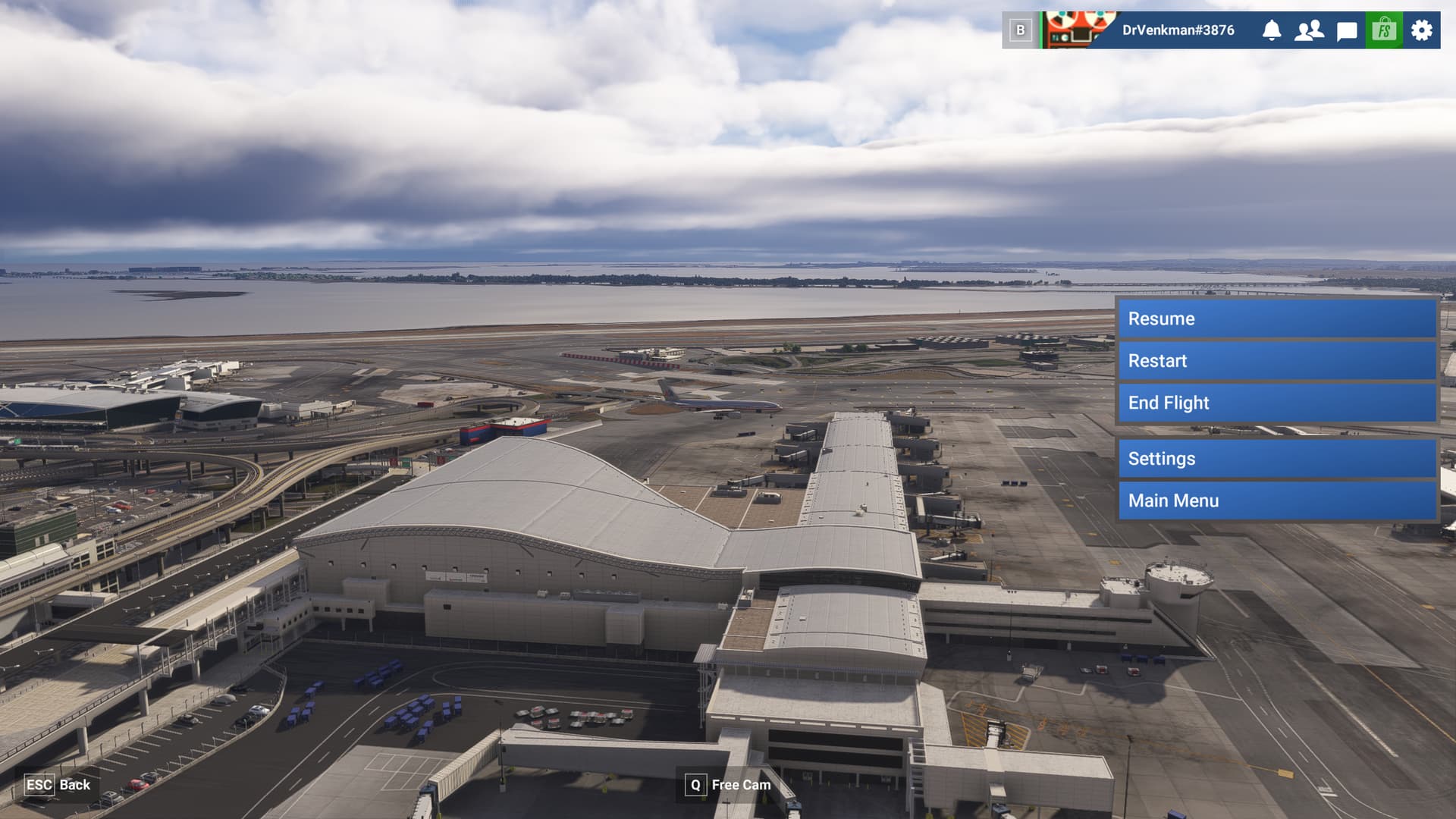
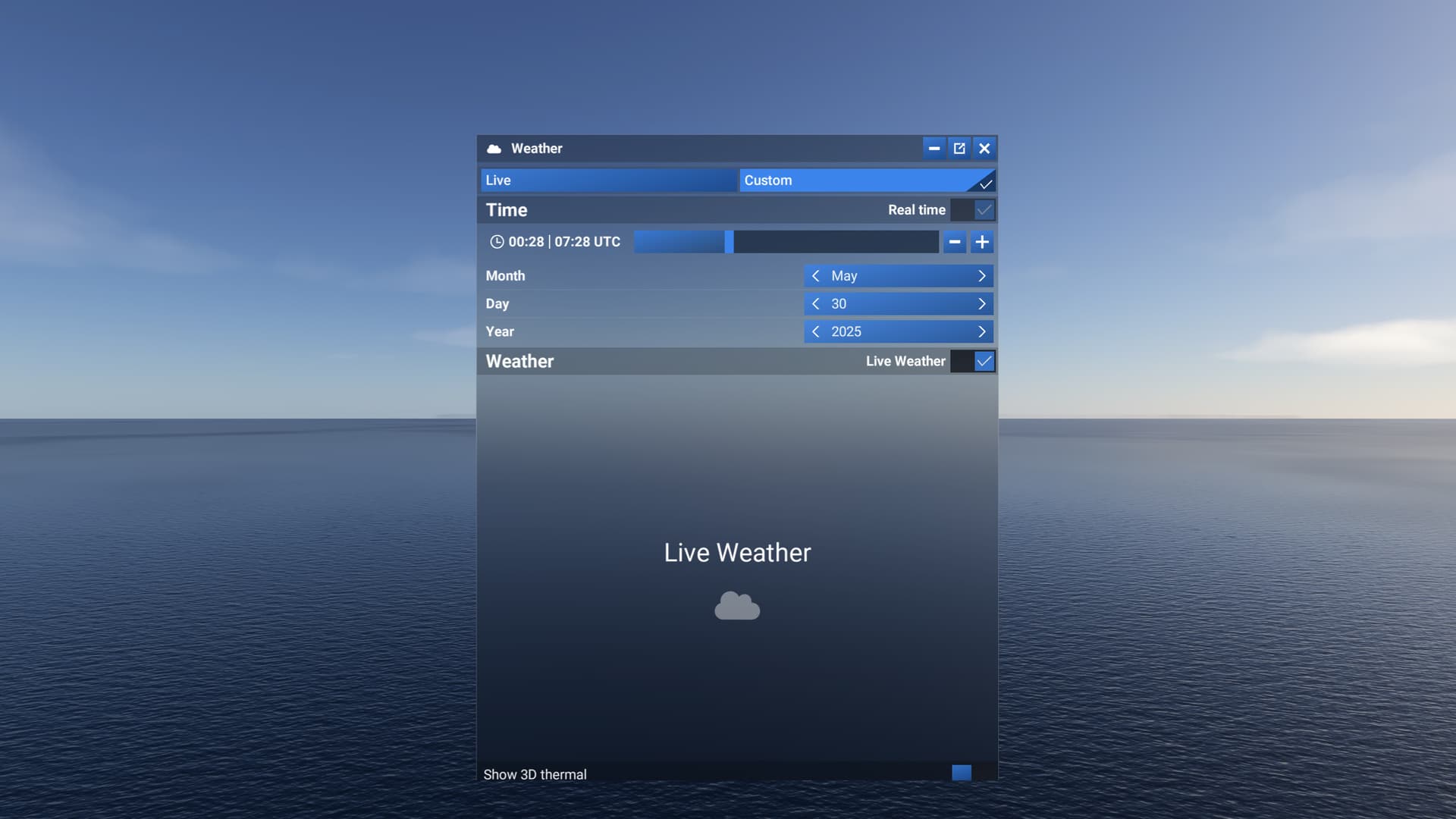
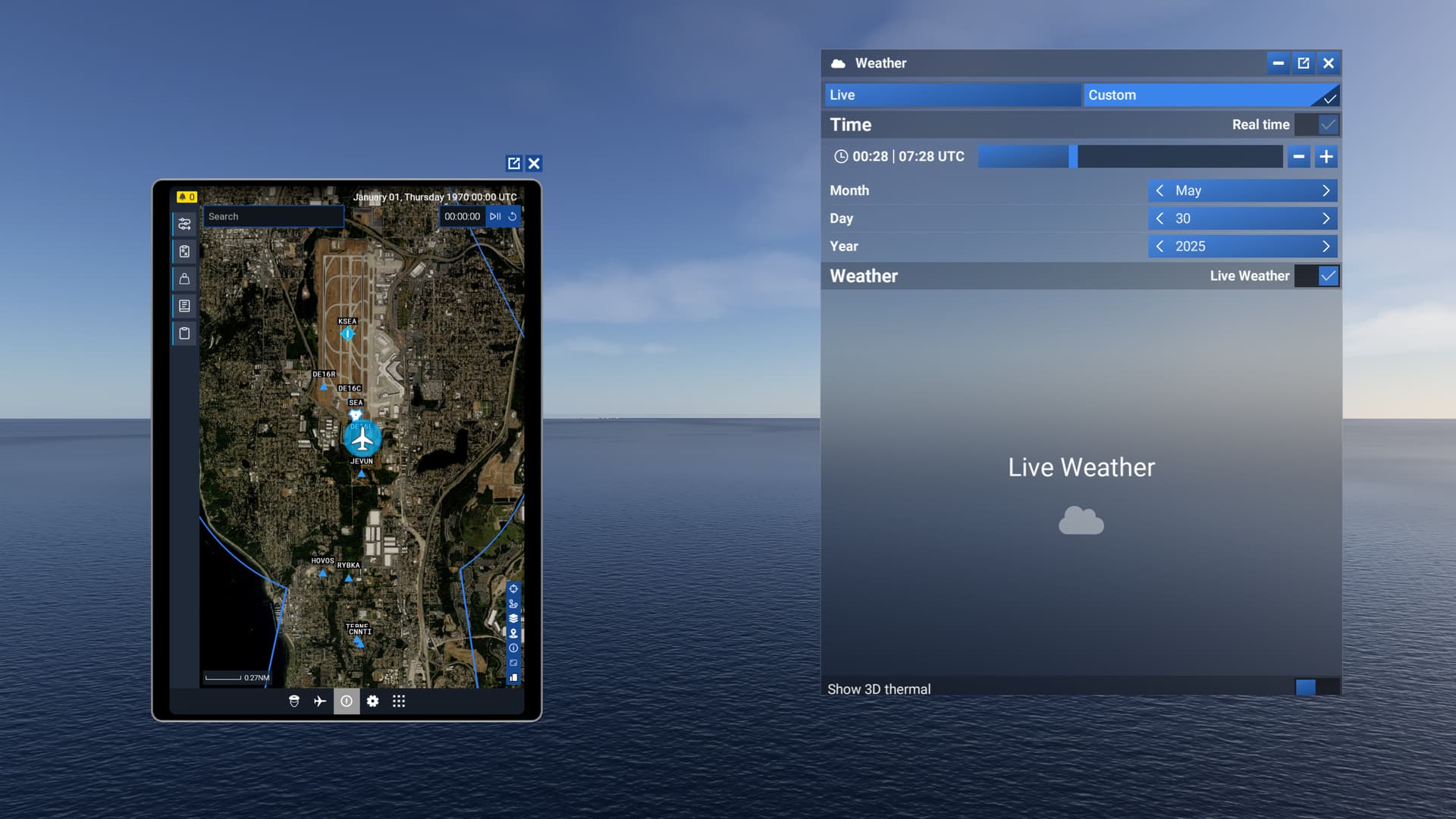
As you can see, the aircraft has levitated into the air during the interim while Drone camera was active.
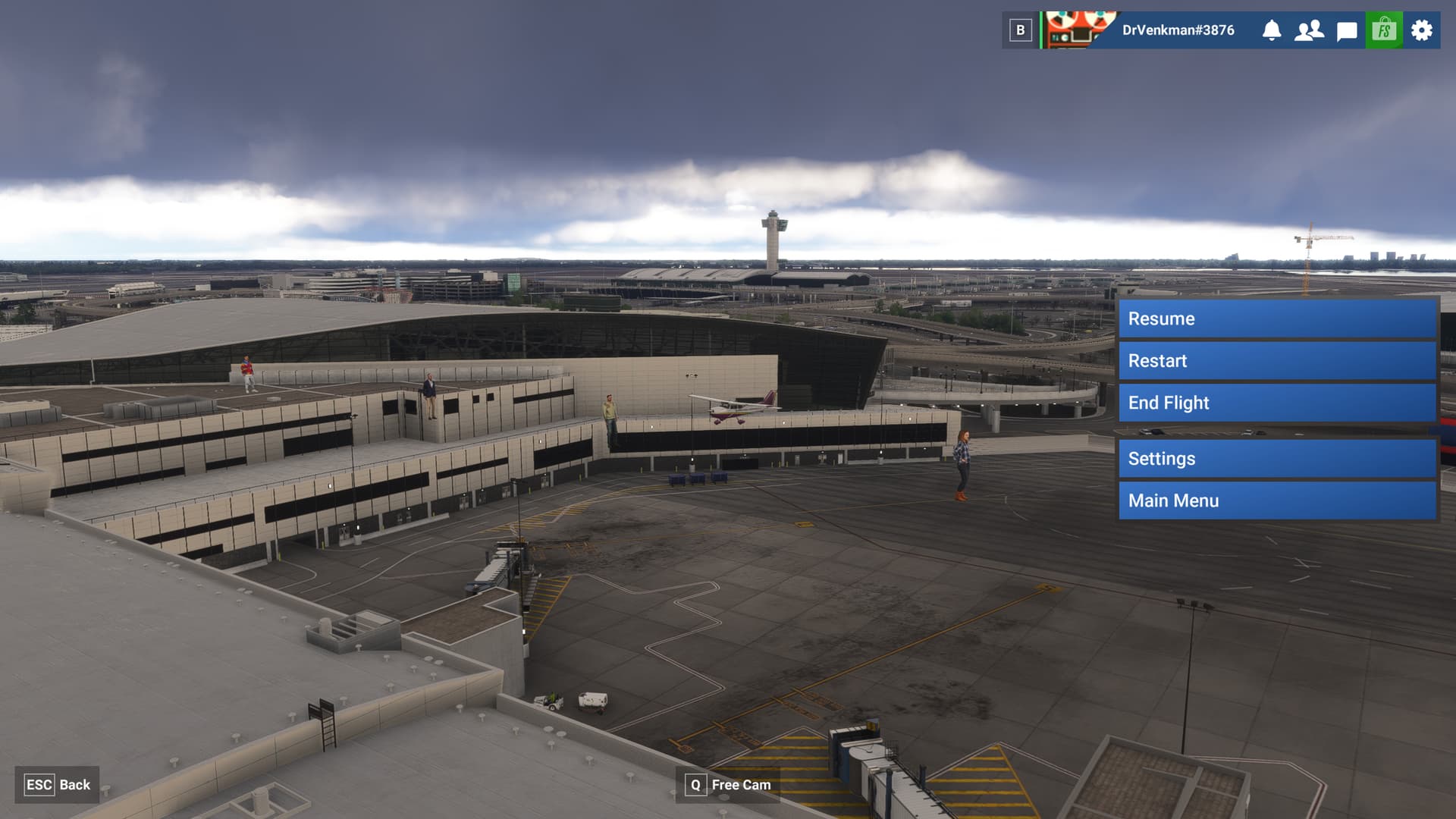
EDIT: Just reproduced it with the C172 (Steam gauge version). As you can see, this effect also impacts airport simobjects (the 4 random airport passengers teleported out of the terminal and now walking on air).
It does seem to be random, because when I restarted the sim and did the exact thing I did in my previous comment, loading in at KCID with the 737 Max, and pressed the drone toggle keybind, everything was normal.
I emptied my community folder and tried with 4 different aircraft and I’m not getting the bug now. Seems it’s an addon causing the issue. Going to try to find which one.
I unlinked GSX Pro and … no bug. I’ve tried two aircraft (C172 and 737 MAX) and two different airports (Ini’s KJFK and stock KATL). I’ll try a few more and see what happens.
I don’t have GSX, so it’s not that. I’m thinking it may be the Luzat Wrapping Toolbar mod that works with the Heclak Handlebar mod, do you have any of these mods?
I also uninstalled GSX Pro and haven’t had the bug since. I don’t have the Wrapping Toolbar mod or the Handlebar mod either. I’m not convinced it was GSX yet though, will need to test more. It does seem to cause issues quite a bit.
I wonder if there are some things in common with more than one mod that might be triggering problems.
I will note: in both recent builds of the SU3 beta, I can trigger a CTD on demand with ONLY GSX Pro installed and trying to load into KATL in the Max. Absolutely empty Community folder except the FSDT links for GSX. Might be something else in my Marketplace content, but as soon as I unlink GSX, no crashes.
Do you also have the Navigraph AIRAC installed? On the last beta build at least, that was causing me to crash just loading into airports, but especially at large ones if traffic was on.
Nope, I had uninstalled all Navigraph content as well. When I say my Community folder was empty except for the GSX links, I’m no speaking in hyperbole.
Airport, Flight Conditions and Time of Day doesn’t seem to matter
If I use one of the airport you indicated, this issue can be reproduced as follows:
From main menu select “Free Flight”
Select Airbus A320 Neo (v2) (I don’t think aircraft really matters)
Select Configure
Select Save and Back on this screen (you don’t have to change anything on this screen)
Select Save and Back on the Change Aircraft screen as well
Enter KSEA as the Departure airport and leave Runway as default
Select Start flight
Select Ready to fly
Press the SHIFT+X Toggle Drone keybind - You will magically be taken far far away…
Press SHIFT+X again to disable the drone camera
Chaos ensues… (I have to admit, it’s kinda funny).
If the issue was not reproduced, simply:
12. Press ESC and End Flight
13. Back at the menu, repeat step 2 to 11 above
Note: If you don’t use the “Toggle Drone” keybind but instead select the Showcase camera from the toolbar, the issue will no longer be reproducible until you repeat step 2 - 11 above
Also, I tried with the C172 instead of the A320 Neo v2 with the same results so the aircraft doesn’t seem to matter much either..
I had it last night on my first boot of 1.5.4.0. I think I’m using the Insert, and Home buttons for the drone, and external cameras, and these are in turn bound to my keys on a Streamdeck XL. I had spawned on the water in the floats Rans S6S, I pressed the key on my stream deck, and was in the water world. I pressed it again, and I was teleported back, but now my plane is several hundred feet in the air.
I wonder if the “Select Configure” part of your sequence is the trigger for this bug to occur. That would explain the ‘random’ nature of the bug as I’m sure not everyone uses that option before every flight…
Yes I think you’ve identified the trigger! I’ve just loaded into a flight I’ve performed many times during testing (UK Lake District) without seeing this issue BUT importantly this time I’ve Configured the aircraft (the Cub) before the flight and didn’t even need to change anything in that section but the drone camera bug was reproducible once into the flight.