On my flight above I did press F to configure as the Rans was in trike mode, and I switched to floats for the water test. Interesting. I will try to replicate later.
Yes, I think it may be pressing the configure button that triggers the issue, I always do that when I fly an aircraft I didn’t fly before, so maybe that’s why I never had the bug with aircraft I had already used.
Looks like we’re getting there, folks. Well done.
As is the nature of “random” bugs once a few more folks have confirmed the trigger is definitive the workaround becomes: if you’ve used the Config menu before a flight then you need to remember to use the Camera dialog from the top menu to change to the drone camera (named “Showcase” on that dialog) for the first time in a flight.
Easy to reproduce in 1.5.4.0:
- Launch sim
- Select “Free Flight”
- Set KSEA as departure
- Select C172
- Select “Configure” (as if you wanted to change the livery)
- “Save and Back”
- “Save and Back”
- “Start flight”
- “Ready to fly”
- Shift + X (Toggle Drone)
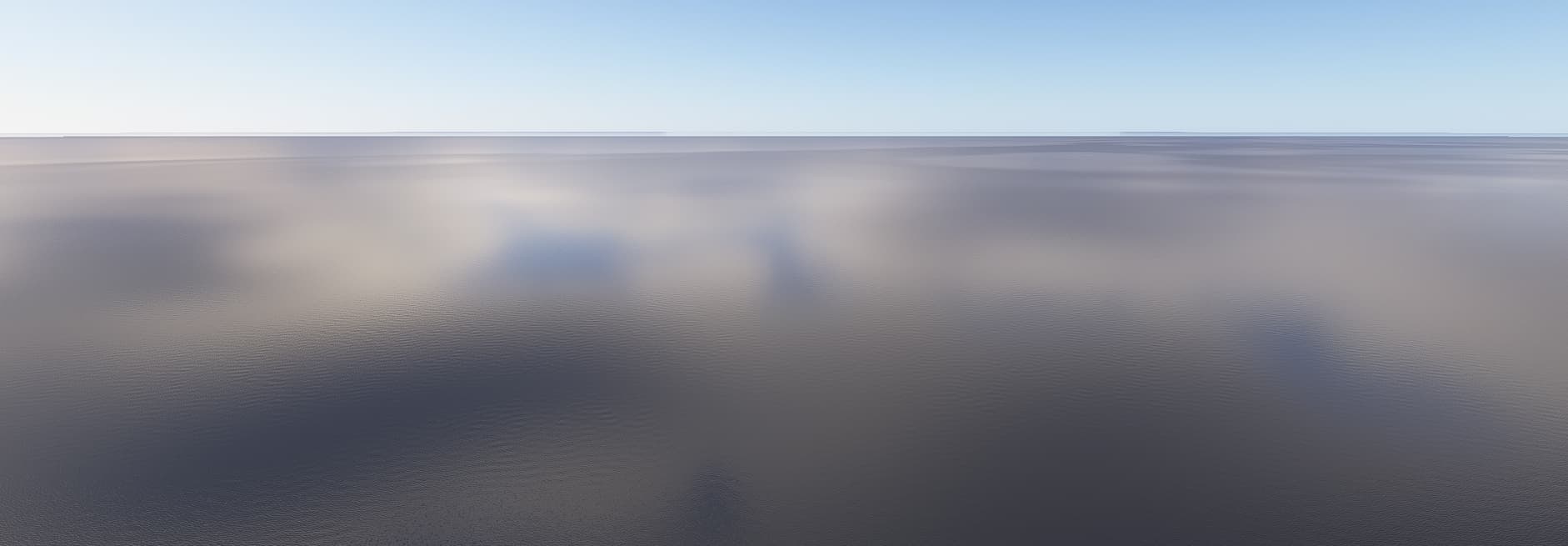
You’ll now find yourself at the 1.0, 1.0 coordinates above the peaceful sea.
Funny enough, the EFB still shows the position at the departing runway at KSEA and ATC is talking to me.
I would like to recommend to delete all caches and Index files.
Wipe SceneryIndexes
Wipe StreamedPackages
Wipe WASM caches from all Addons (only WASM, not work folder)
Wipe LocalState/Cache folder
Wipe Rolling Cache
Wipe DXCache
Wipe D3DSCache
Maybe that makes the difference.
The drone camera moves us to the location
Lat = 1.000000, Lon = 1.000000
While configuring the aircraft, we’re positioned at
Lat = 0.000243, Lon = 0.000068
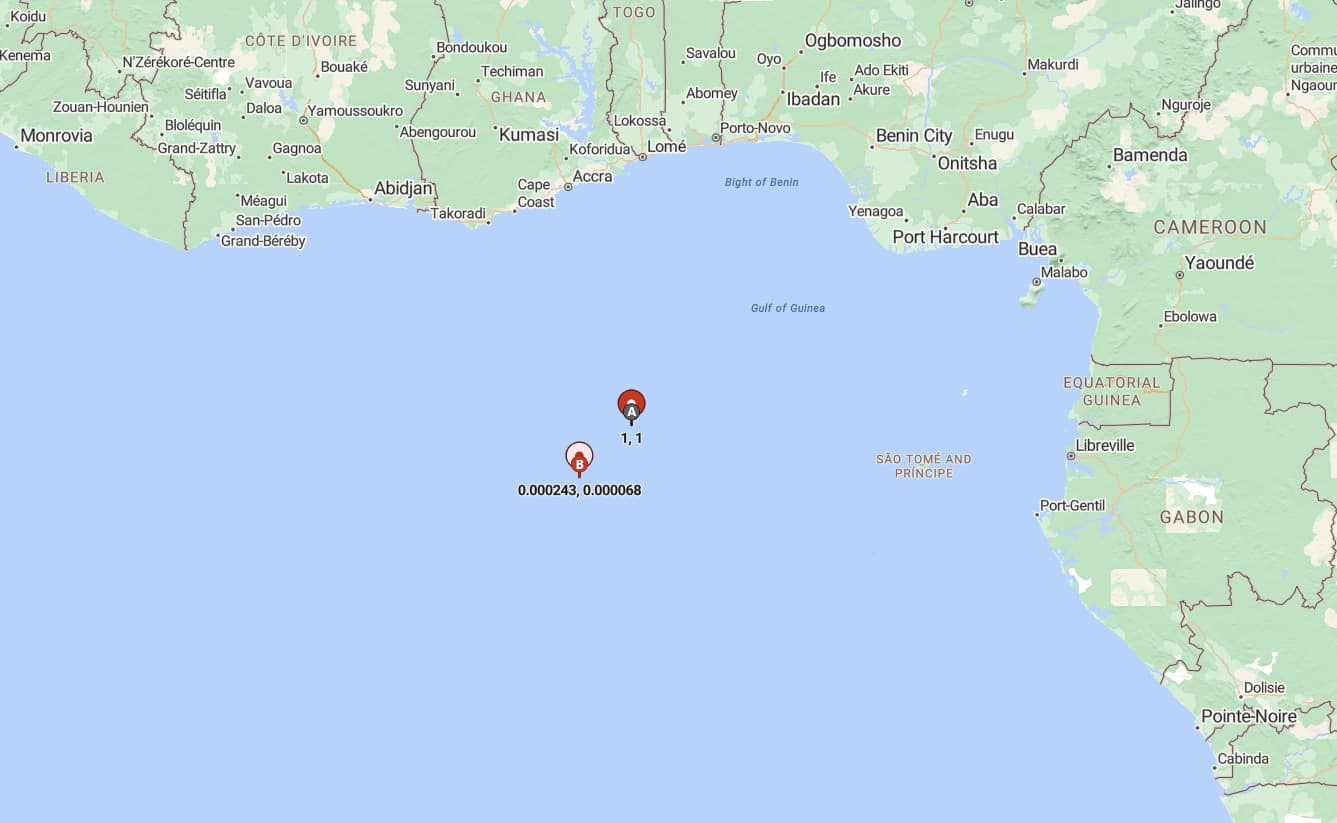
so it’s actually very close to that point.
P.S. The coordinates Lat = 0.000243, Lon = 0.000068 are from the aircraft configuration screen when selecting the Cessna 172 Skyhawk G1000.
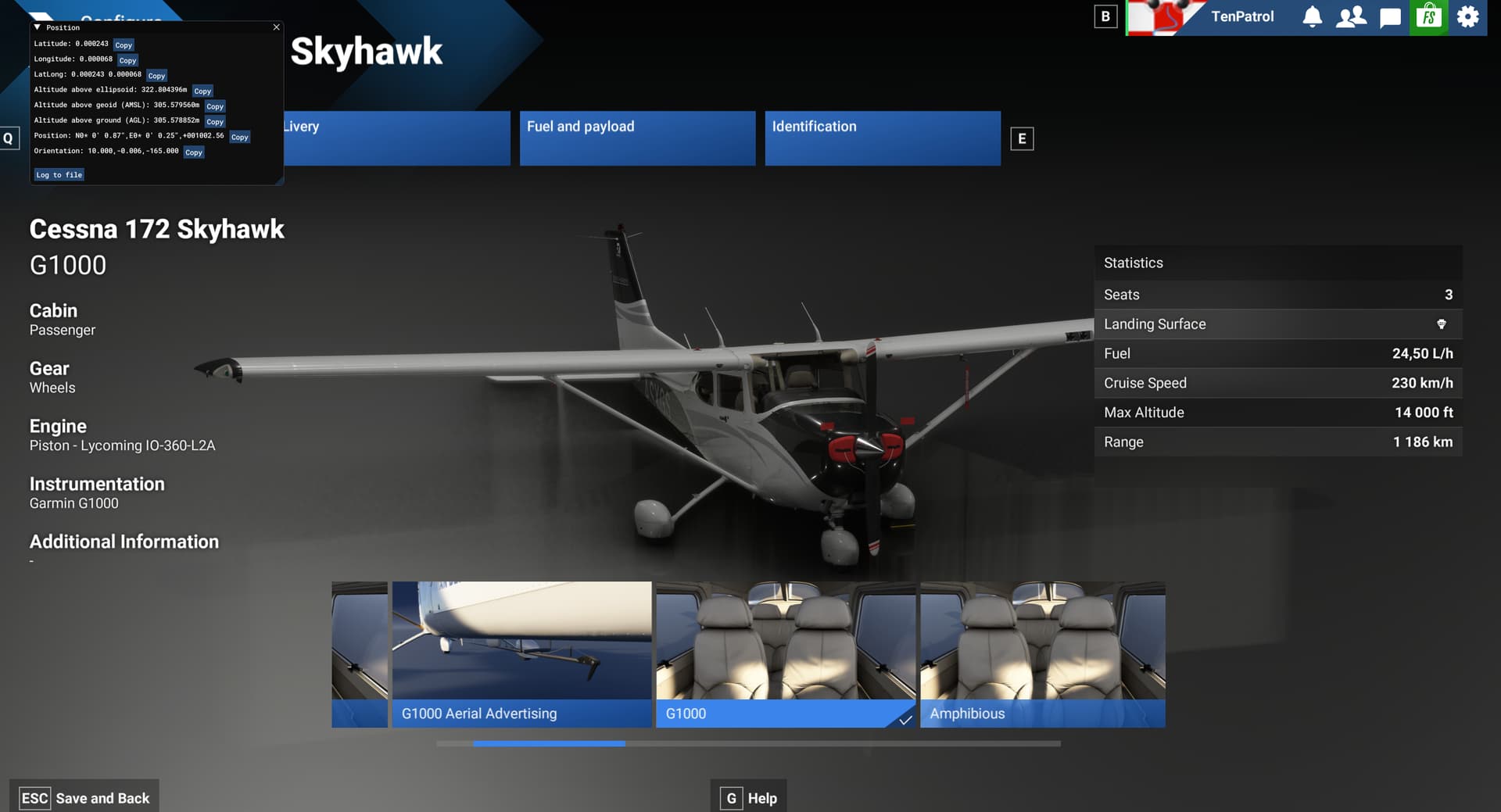
If you choose a different aircraft, the Lat/Lon values during configuration will be different, but still very close.
While that might fix other weird problems I don’t think it has anything to do with this one.
But to rule that out, please try my reproduction above your post and let us know if wiping anything helps.
I always configure the Fenix before flying it and have this bug every time, so the suggested cause matches my usage.
I think the Configure screen is confirmed. I just spent the last 10 minutes or so starting, and stopping flights, going back to the main menu each time. Then I entered the cockpit, and my Insert key did not cause the drone camera to end up in water world.
On the last test entered the Configure screen with “F”, then immediately pressed “Esc”. I did not make any changes to the plane configuration. When I then spawned in I go the water world bug, and turning it off causes the plane to be launched into the air, along with surrounding ground vehicles, and ground crew.
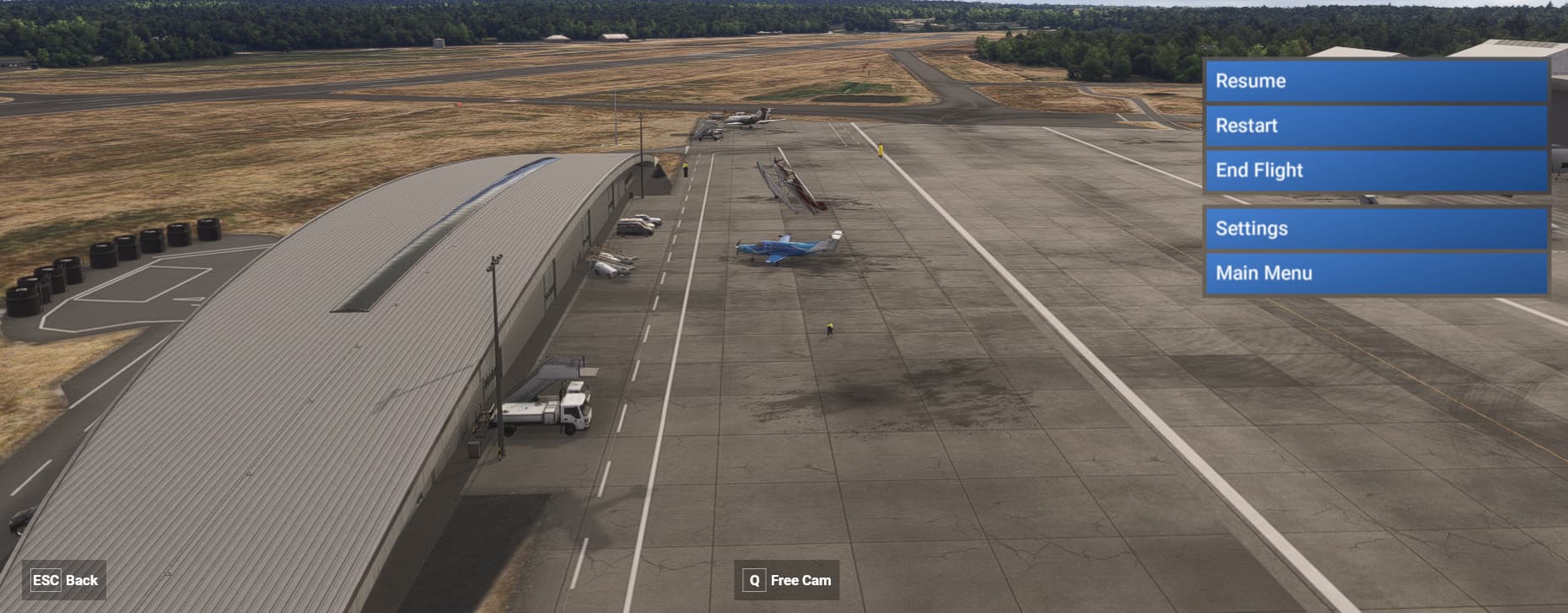
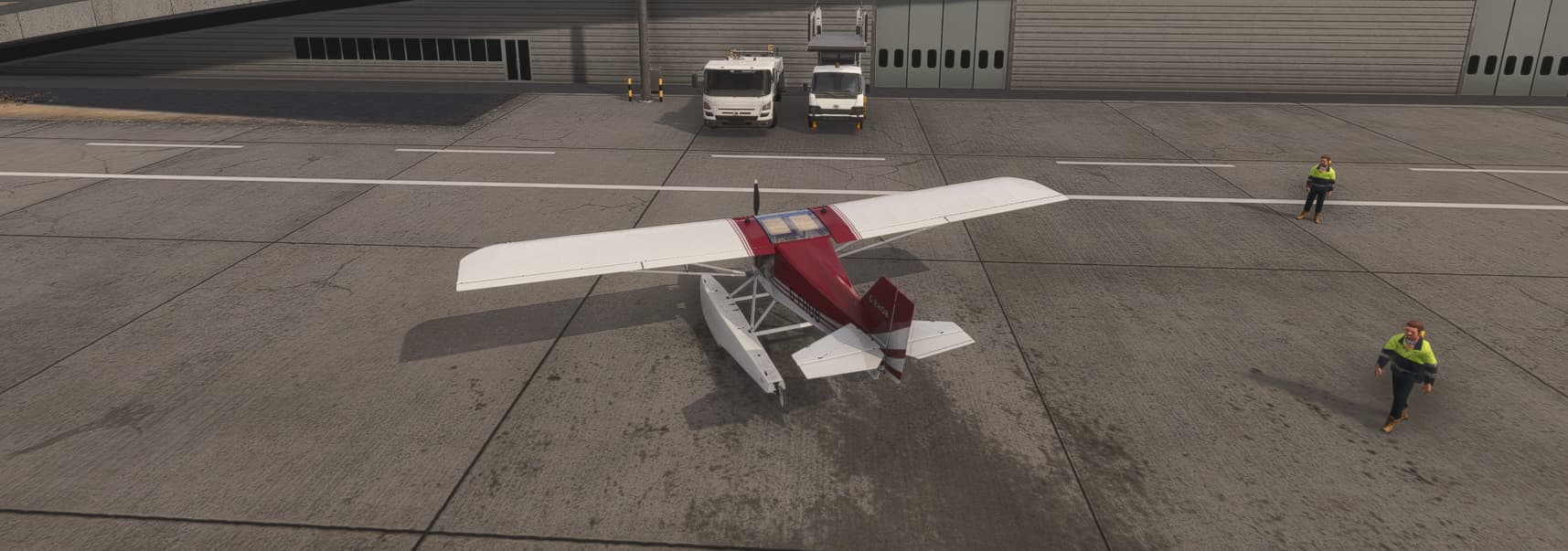
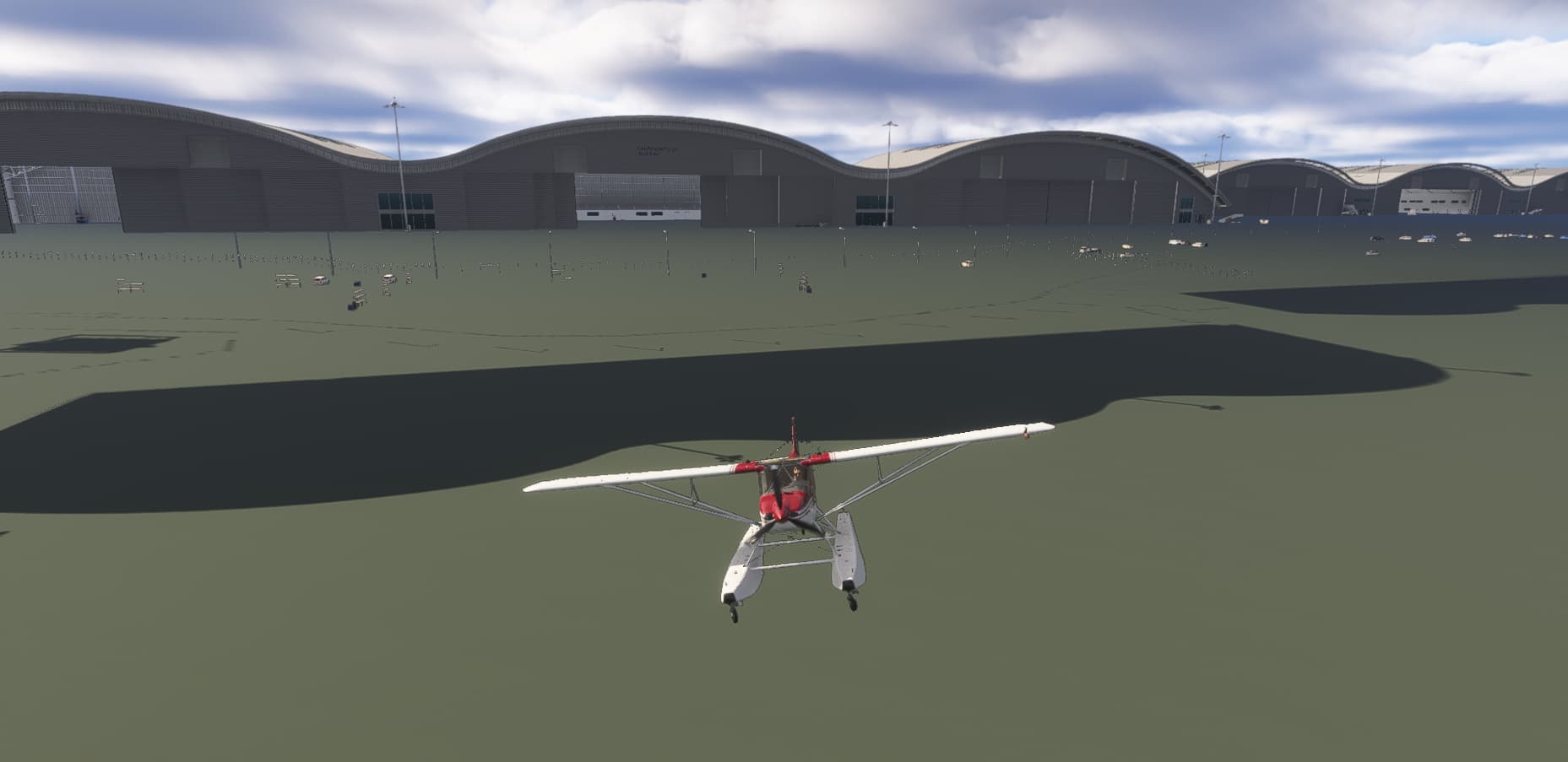
To fix it I went to the cameras menu, made sure Showcase was selected, and pressed Reset Position. Now I can use the keyboard shortcut without issue.
Quitting back to the main menu, then immediately starting a new flight doesn’t break the drone camera.
And I just realised something that I had seen before but not picked up on.
When you zoom in to an airport, then press Esc, it just zooms out away from the airport, but stays above it.
Here I am at my parking spot over Farnborough, UK.
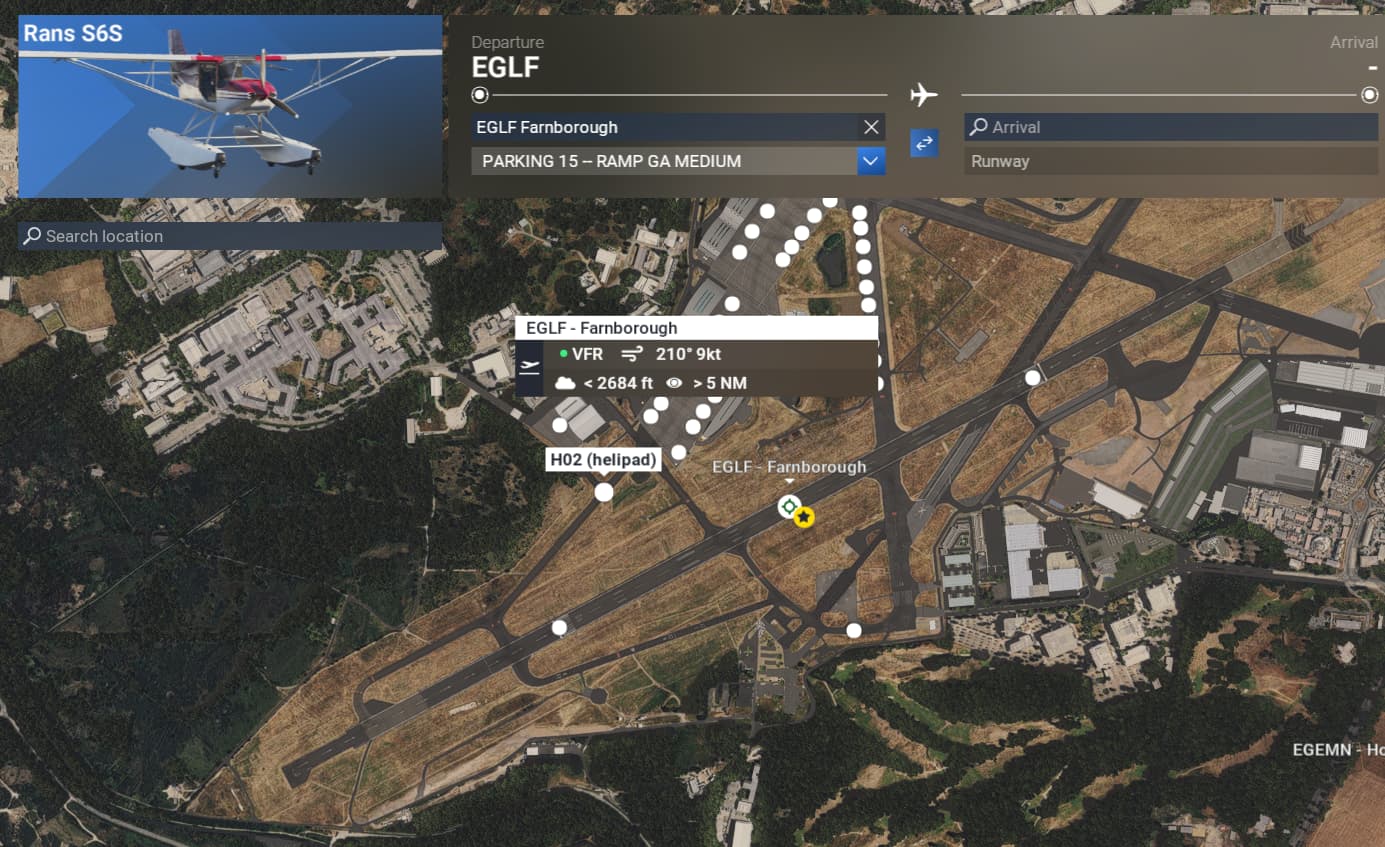
I press Esc, and it zooms me out, but isn’t quite looking straight at where I was.

Now if I zoom back in again, then click on my plane, press F to configure, press Esc to come out, then Esc again, this is where the camera is looking.
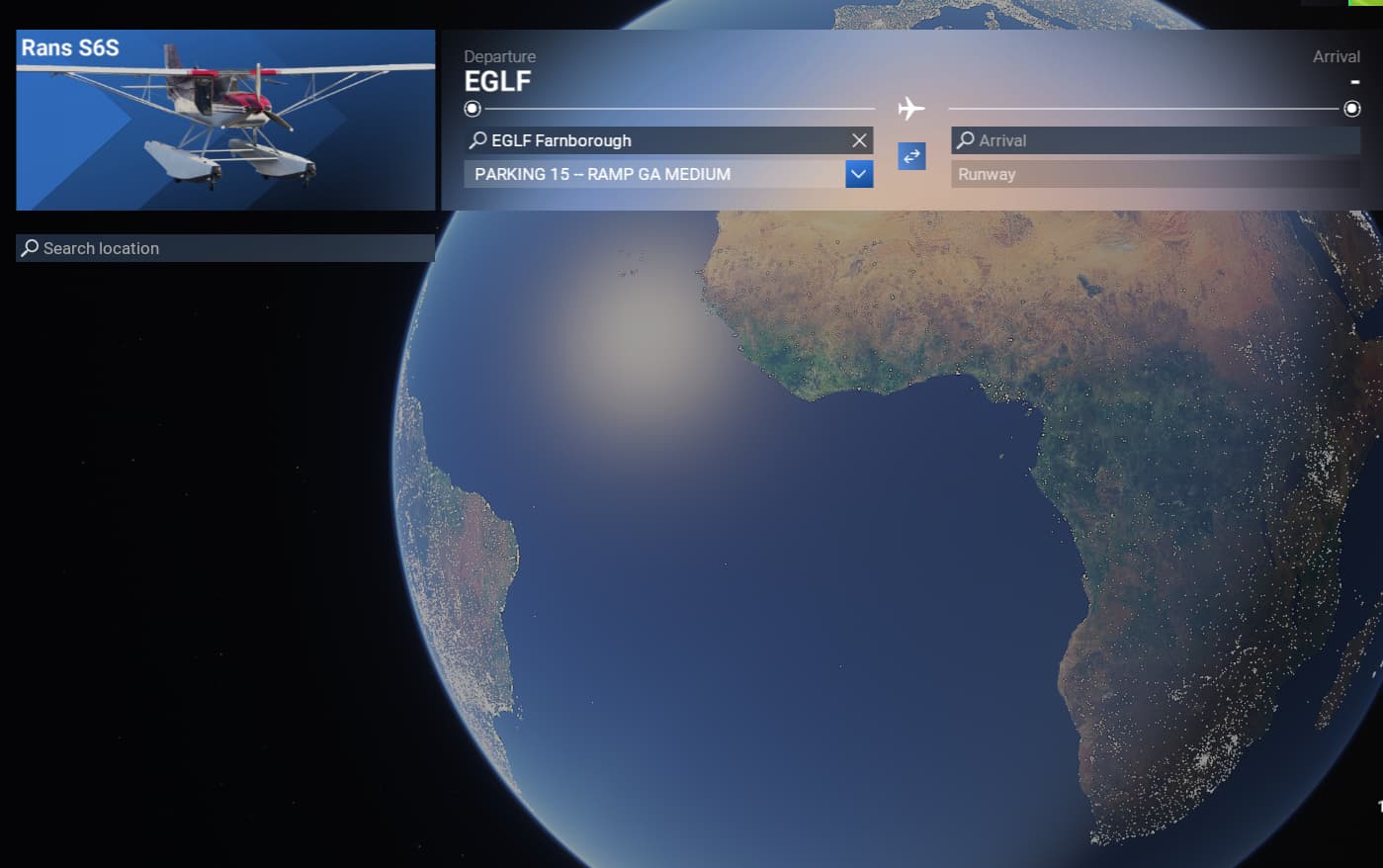
Somewhere SW off the West coast of Africa.
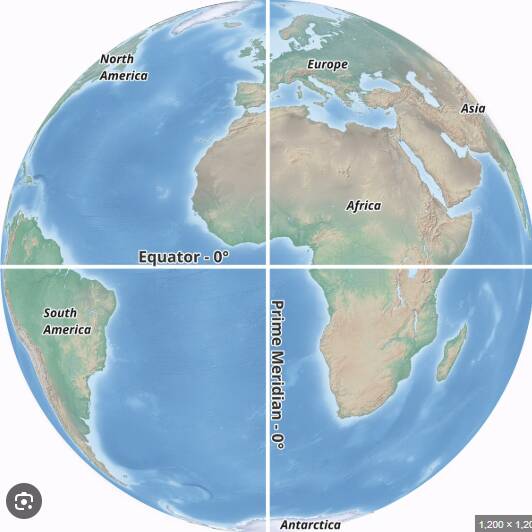
That can’t be coincidence. The camera is appearing where the drone camera is appearing, all because I pressed the F key.
Good find 
Might be related to a long time bug: enter drone cam, move FAR away from the plane (to look at some scenery etc), when I press ‘reset drone cam’(?) to move back to the plane; the AC will jump up 1-2m (depending on how far away I went).
If the Drone cam for some reason goes to to equator, ie FAR away from the AC, it might explain the jumping/hovering that has always been there (at least for me).
Thanks for all the added details, sent it to the team!
Yes, that’s just an expected side defect of this bug. When you move the camera far away scenery gets unloaded where the plane is. When you come back quickly the sudden change causes that reaction.
But it’s not specifically related to this bug as you can get that effect simply by flying the drone camera away manually, then press the R key to reset your position. The 0,0 bug looks specific to pressing F to go to the configure screen.
I can reproduce your results by following the steps outlined in the referenced post.
I continue to have the same problem with an empty community, only using the bar seems to work but if I use the key on the keyboard, it goes crazy
Hi all,
Just providing a small update that this has now been changed from feedback-logged to bug-logged, meaning the development team have been able to reproduce this issue within the SU3 Beta.
Thanks
The MSFS Team
17 Likes
That’s great news, thanks.
It does not depend on a special airport or a special aircraft. I think it’s related to how you use the sim. I call the time from starting to ending the sim a session. My observations:
- It was never the first flight in a session.
- It doesn’t matter if it was a standard aircraft or an add-on.
- Often, something changed in the conditions—e.g., the weather—before the flight began, not during the flight.
- Sometimes the view assignments were changed beforehand.
- It never happened to me if I activated the drone camera before takeoff. It only ever happened if I used the camera a few minutes into the flight.
The only constant: It never happens on the first flight in a session—at least not for me. Another bug is that if you change the user views in the first flight, the user views are distorted in the following flight.
I suspect that your views/cameras aren’t properly reset or initialized between two flights.
You should really read or at least scan the thread before replying. After the efforts from a lot of others, this bug has been characterized pretty well, along with how to trigger it, and the team has acknowledged it, just two posts above your own:
Is it REALY a problem now?
Sometimes a little more flexibility is needed 