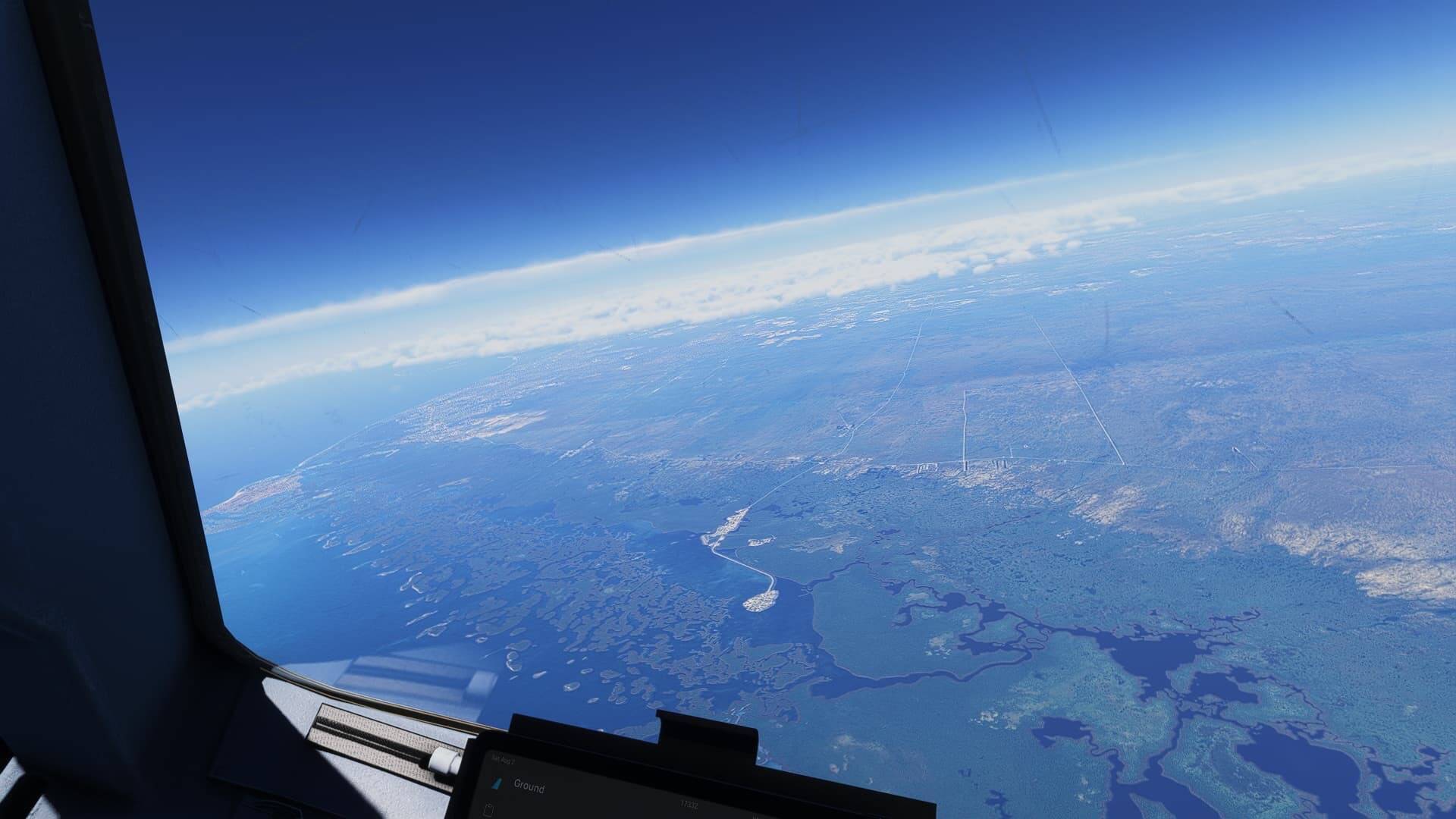
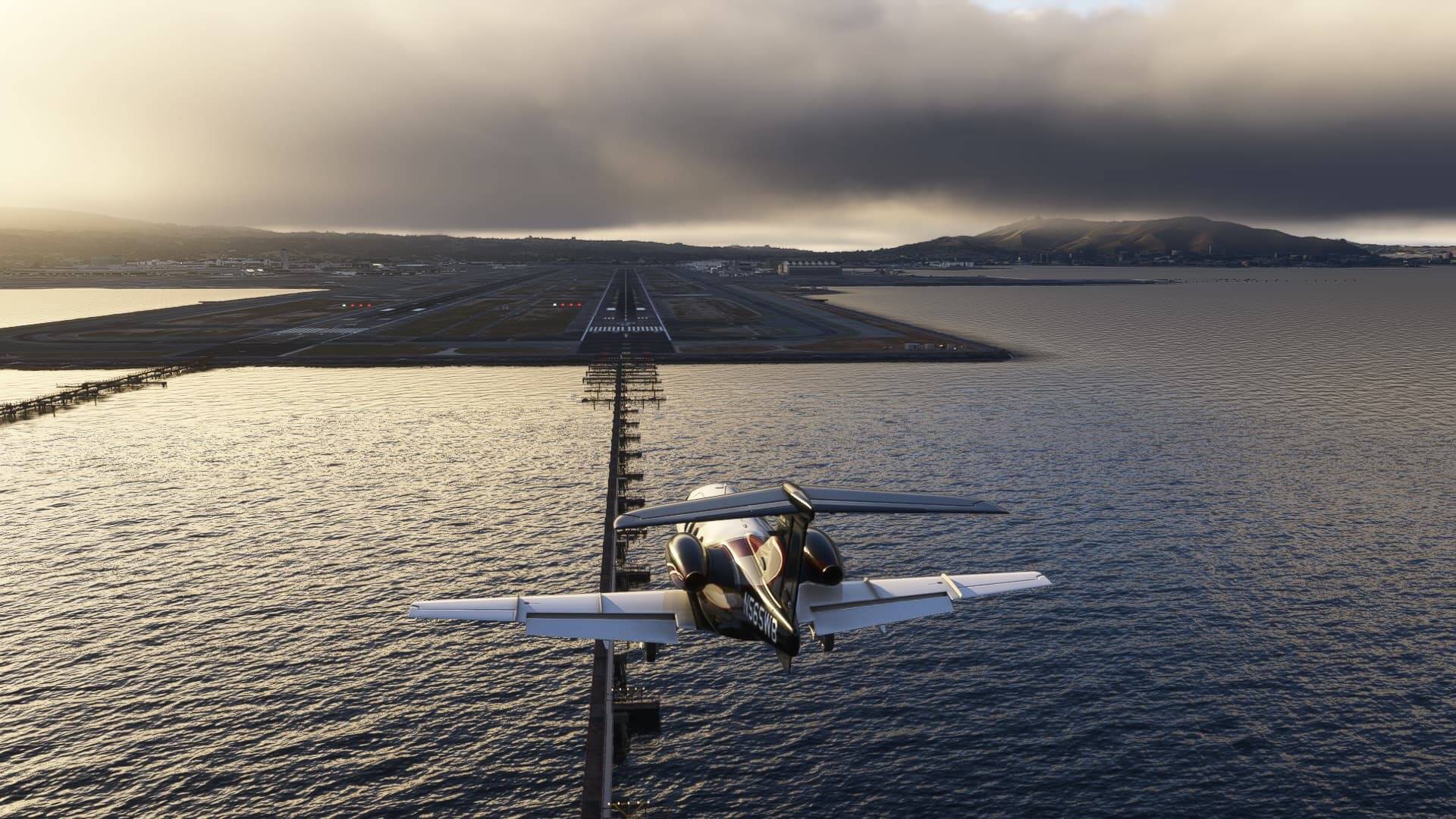
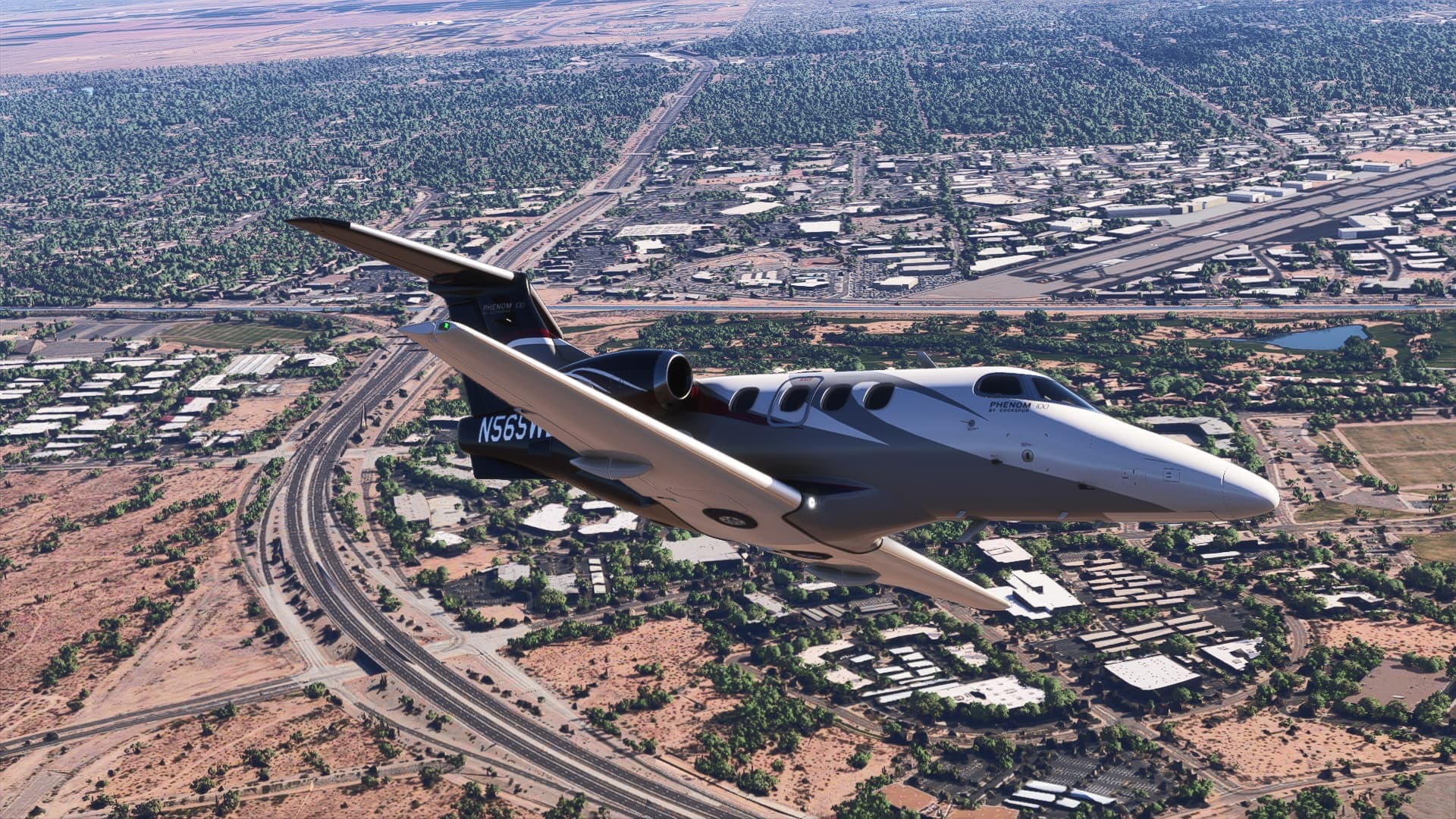
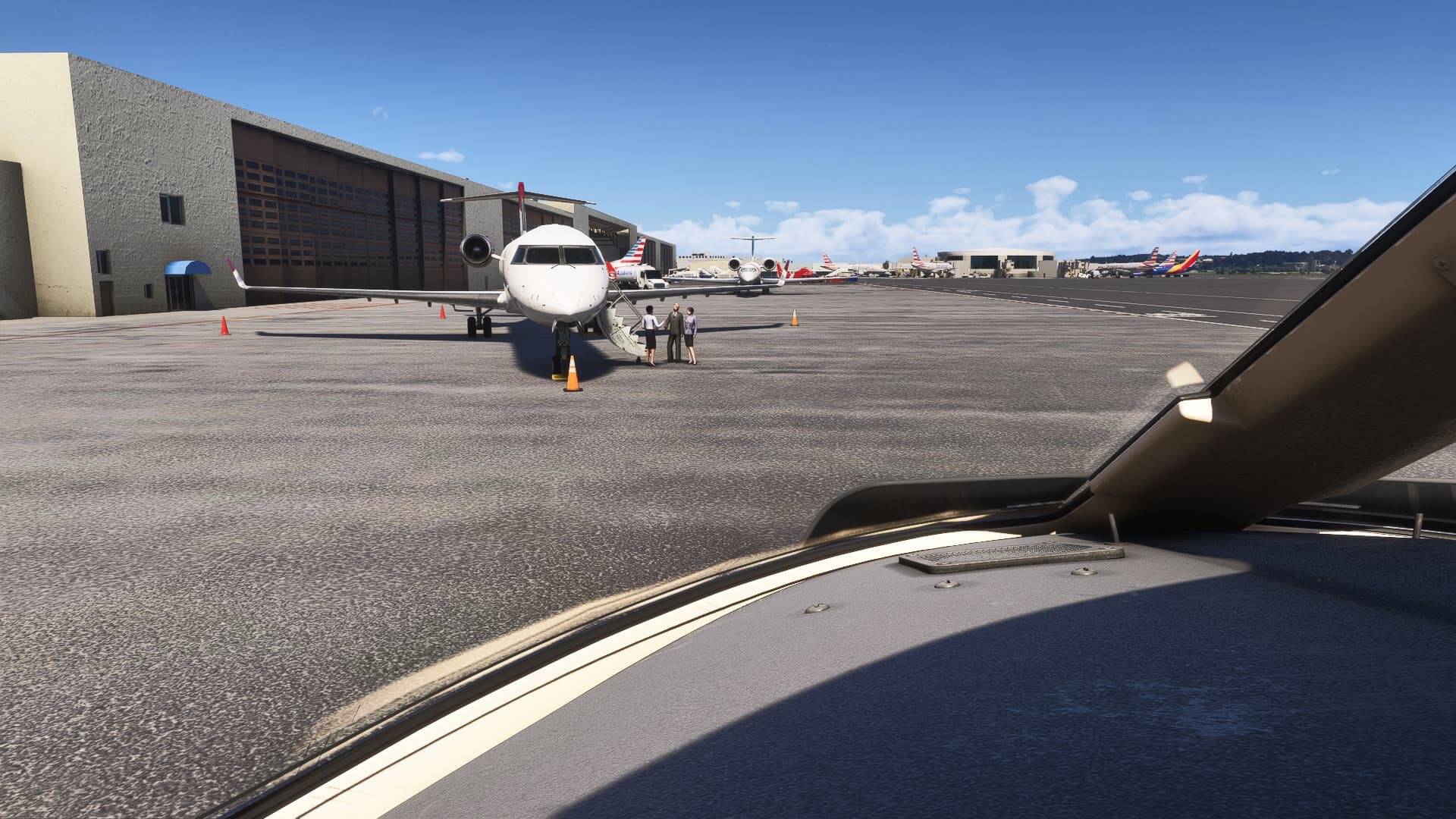
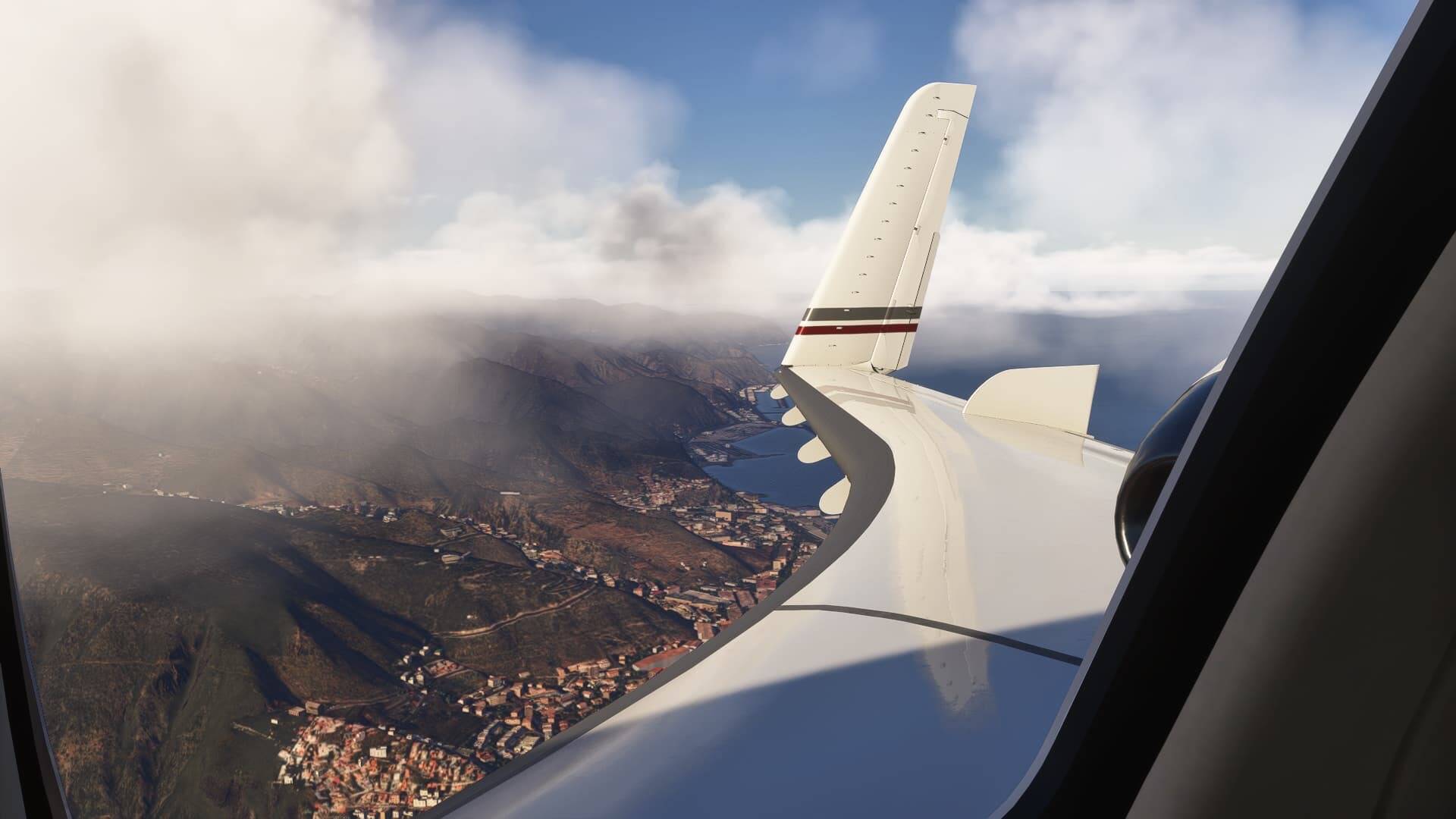
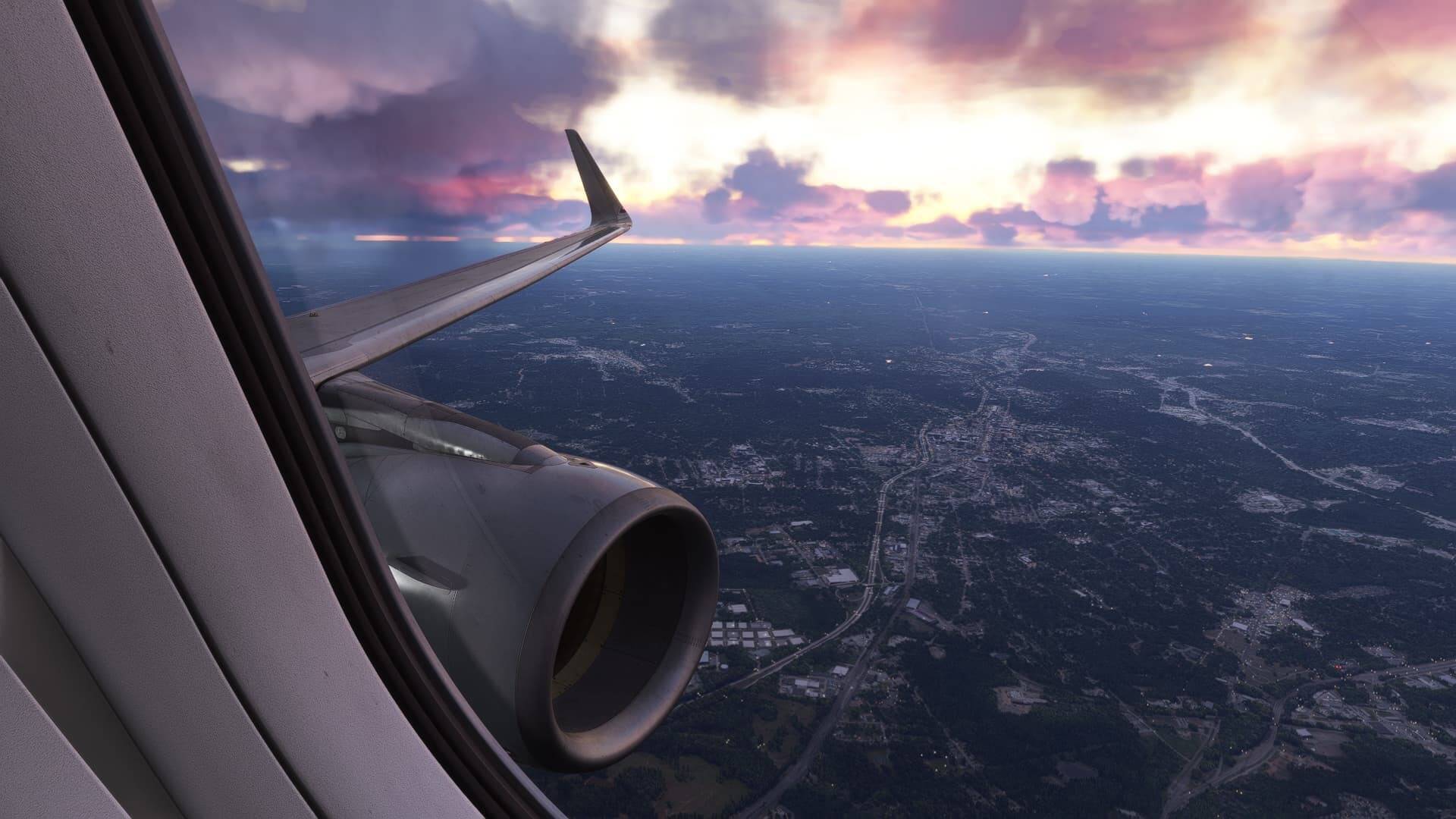
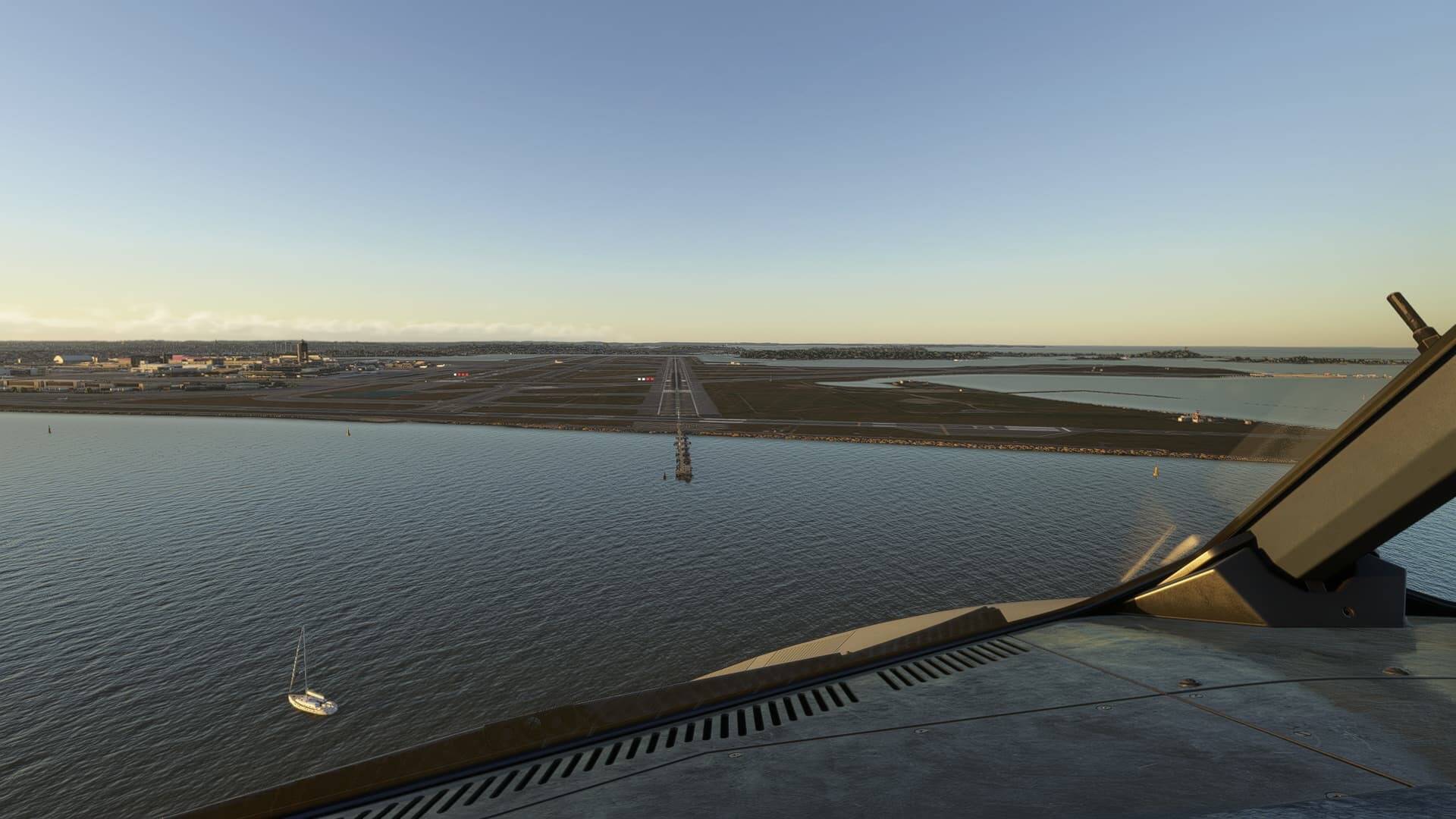
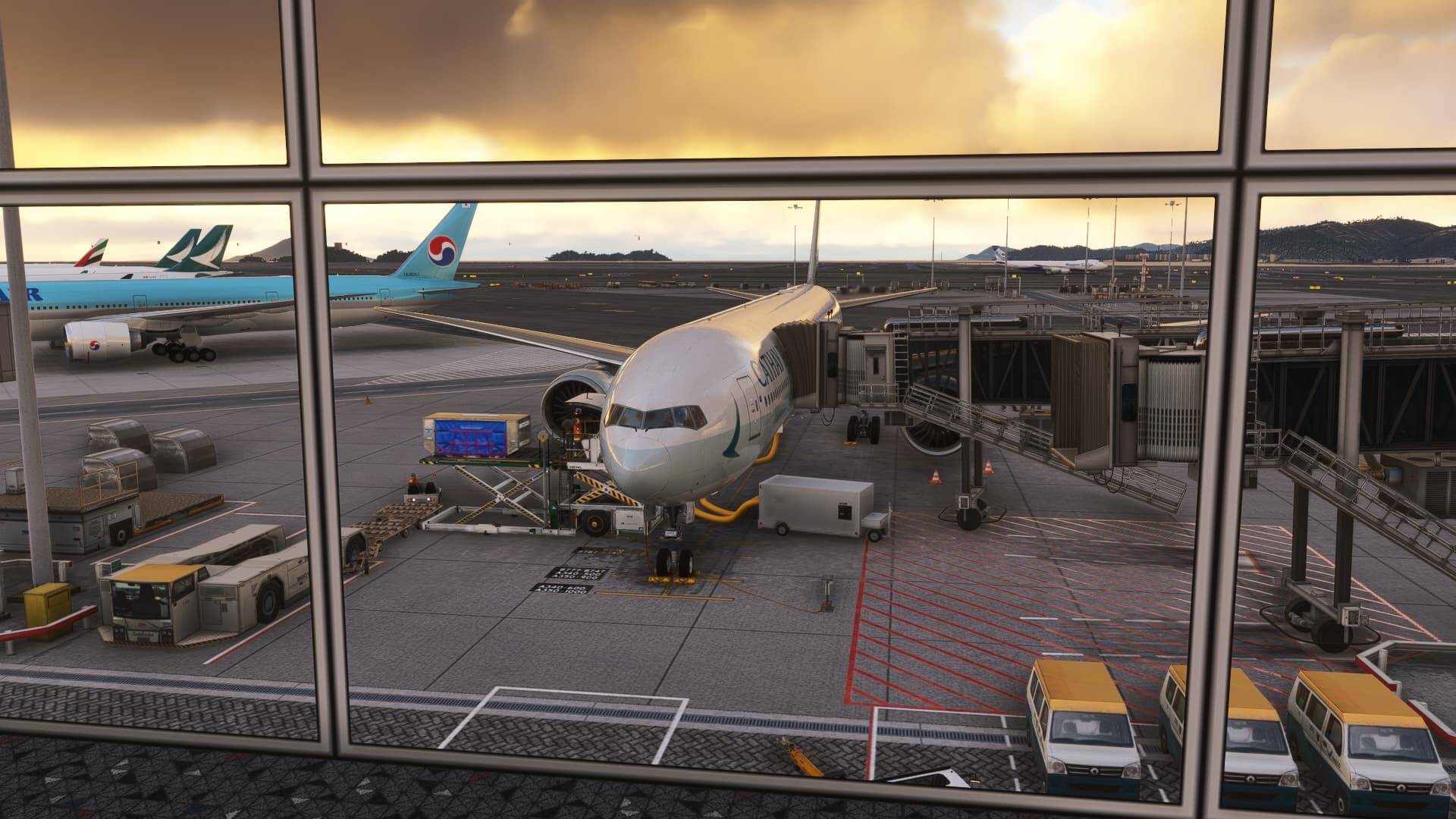
I recall a few years ago many people were complaining the MSFS was too saturated.
Now I’m having a hard time ever seeing blue skies, white clouds, orange sunsets, and green terrain.
I’ve watched some videos of real vs. MSFS and the most striking thing about the real videos is there is actually some color. The skies are blue, clouds white, and some green on the ground. Granted, someone’s phone recording from an airplane could be oversaturated. But often I go outside, look up, and say to my self, I wish the sim still looked like that.
The sim just about always has a milky gray/blue sky, too much haze, cloud cover too heavy and dark, dull sunsets, and dead looking vegetation. It’s kind of depressing sometimes.
When flying around IRL (not a pilot), I’ve found myself amazed by the colors going on in the sky and clouds.
I suggest that we should not have to keep adding tweaks to what should be a basic standard for a product bought. One of the striking advertising elements is “realism” for MSFS 2024.
Where is that?
For reality, the Northern hemisphere in winter has watery pale blue skies and grey overcast clouds. In summer on a hot day the reverse happens. Deeper blue skies with scattered clouds. Not haze in every corner of the planet. In the Southern hemiphere, summer has brilliant dark blue skies with a thunderous build up of clouds. If you’re in desertified areas, hot shimmering ground with sparse brown vegetation with the odd hardy green tree. In higher rainfall areas, brilliant blue skies with lush vegetation to the screeching cicada crickets in the forests. That’s “realism”.
For sure, however I am one of those whose PC knowledge is on the rubbish side. Adding a little here and a little there to compensate for what should already be in the Sim only makes trouble for me. I would not have a clue how to fix it. I am sure there are others like me who were expecting to plug and play if you met the minimum spec.
I would say I’m pretty good with PC knowledge but I still mostly just go to YouTube to look up a how to video for most things these days. I could spend the time to learn and trial but sometimes I just want to fly.
Reshade wasn’t hard to get setup and it runs automatically with the sim, so once I followed the how to video and found the preset I like I don’t have to do anything other than start the sim.
Yes it does it’s a blanket adjustment for the sim. There are presets that get rid of the haze and enhance the colors a bit so they don’t make major changes. But you can also set up a key bind in the reshade menu to toggle the effect on and off so if you don’t like it you can just turn it off
I took off from some some small airfield in Alaska the other day at sunrise and it looked pretty good to me, excellent actually, colours were vibrant. Also a few days before, flying the longitude from Alaska and the northern lights looked amazing.
I simply wish for the sim itself (2024 version) to have some basic image settings such as saturation and contrast. I used Nvidia’s filters for a long time, until updated drivers broke them. Then I tried Reshade, which looked great initially, but then broke MSFS to the point where it wouldn’t launch, and I had to reinstall the sim. Not sure if it currently works with the current SU3, but I’m not wanting to try at the moment. Nvidia - fix the filters please!