The paths I suggested were specifically for user @pacmanakapc
Your paths might be different. Also, keep in mind that streamers tested PFP 3N some time ago, meaning they were using earlier version of PMDG and a different version of Simapp Pro. Personally, I would look into using an earlier version of PMDG (3.0.105 or 3.0.108) and/or Simapp pro rather than the latest one.
But let’s wait for a response from @pacmanakapc
atfer i changed the SDK and restart my computer it worked the font a little off but it works
I have put in my own (correct) paths but use indeed the latest versions (don’t have older PMDG version)
Question: If you go to SimAppPro/GamePeripheralDisplay at hit “Apply”, do you also get a warning ‘No device detected’? Device/test works so it is recognized.
I’m glad that my suggestions regarding the correct folders paths, editing the SDK section in737_Options.ini file and syncing in the Simapp Pro application finally helped you.
Thanks to @TenPatrol you helped me solve my problem…I had the same exact issue OP had, after updating the firmware all I got was a black screen but there was response from the panel…editing the 737_options ini sdk line fixed it.
Happy to help 
Same here. Been searching for an answer for about two weeks now….
Edit…. I found that the PFP 3N only works with my MSFS 2020 PMDG 737-800 pax aircraft. No others at this time. I’m just glad it worked for that aircraft!
Guys I had this same problem of the blank screen but buttons working, I just figured it out today it was another [SDK] header in the file. When you go into your 737_Options.ini scroll up and look threw you ini file for another [SDK] entry header.
I found a;
[SDK]
EnableDataBroadcast=1
Between the [IRS.0] and [IRS.1] headers. once I deleted it and put the commands at the end the display showed up for me.
Thanks for info.
There is only one [SDK] and there should be only one [SDK] in 737_Options.ini
If you had [SDK] in the third or fourth line from the top, you must have added it yourself at some point and forgotten about it. Alternatively, a buggy application might have added it automatically.
FYI, if you have, for example, PMDG 737, 738 and 777, you need to edit xxx_Options.ini file for each of these aircraft separately.
Need to have this in you ini file for the -800 that fixed it for me
[SDK]
EnableDataBroadcast=1
EnableCDUBroadcast.0=1
EnableCDUBroadcast.1=1
@CrimReaper86
If editing 737_Options.ini file helped solve the issue, please mark my suggestion as Solution. This will help other players with similar problems find the fix more easily in the future.
https://forums.flightsimulator.com/t/winwing-pfp3n-help/703213/29?u=tenpatrol
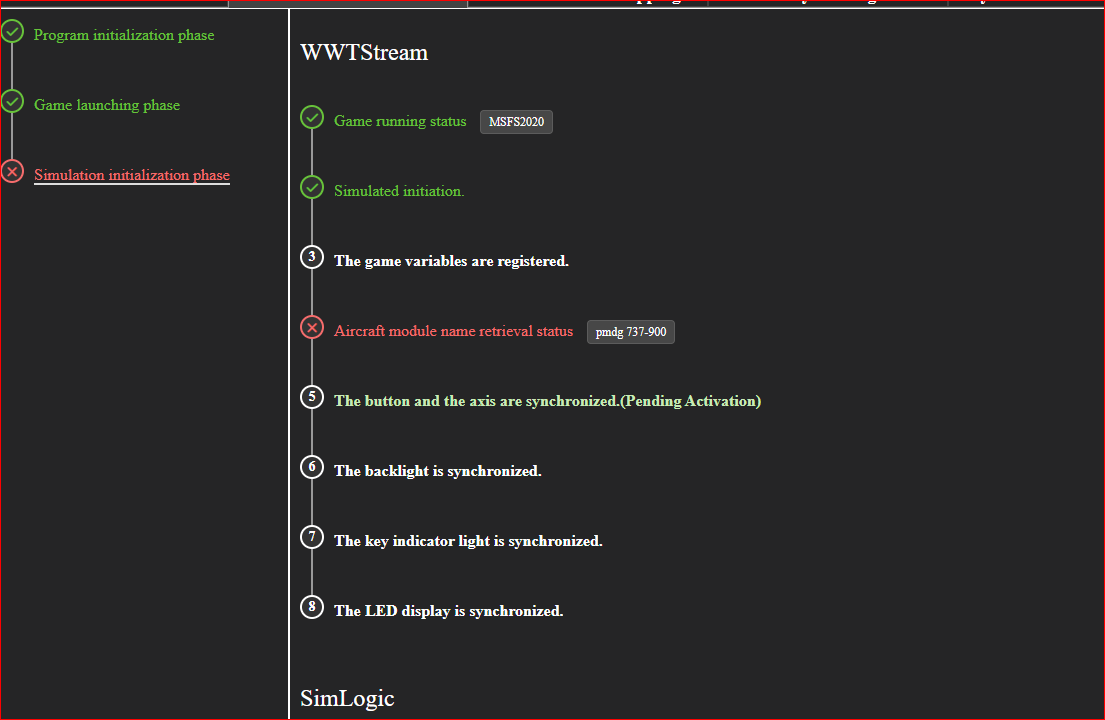
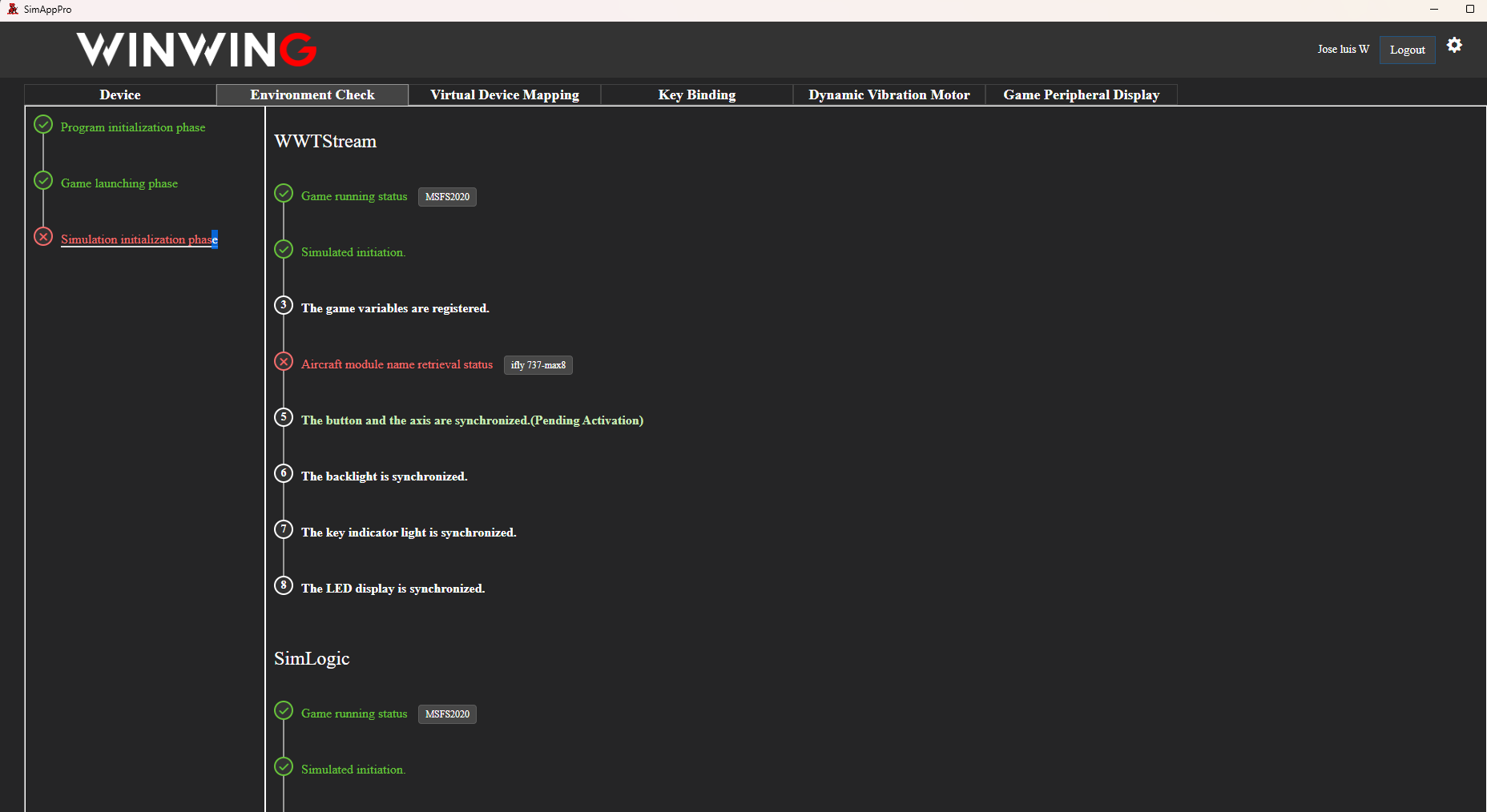
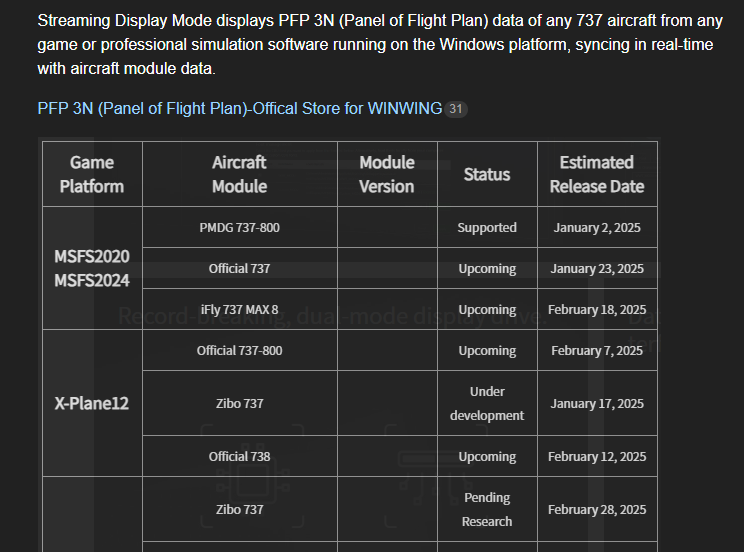
Ait really works with all of your Support and istructions!!!
can i ask you ??
can i preoceed to update PMDG 738 or not?
Before updating, make sure to create a backup of the version from the community folder. Then, you can proceed with updating PMDG.
If PFP 3N doesn’t work after the update, restore the previous version from your backup.
Hello ,
version STEAM de FS2024 CDU PFP 3N
I would like to thank @Pacmanakapc his solution worked for me namely to modify the SDK of the PMDG 738-900 and even to create the 3 lines because they were non-existent.
many thanks
RoRo
FYI, I was the one who suggested editing the INI file
ho yes sorry @TenPatrol
I don’t read English very well and I made a mistake, thank a lot
RoRo
Is anybody using winwing FMC with 737-700 I have read elsewhere that it isn’t . Or that winwing are working on a fix?