I thought of that early on. Not the case.. I wish it was though!
I played with all the knobs and it doesnt seem to do anything.
I can reproduce my problem every time. The moment I take off from KSFO the KSNS ATIS starts and wont stop.
I dont understand how I set the Rotary knobs so I can change my HDG/IAS/ALT etc
Put the mouse cursor over the rotary knob then scroll the mouse wheel. See if that helps.
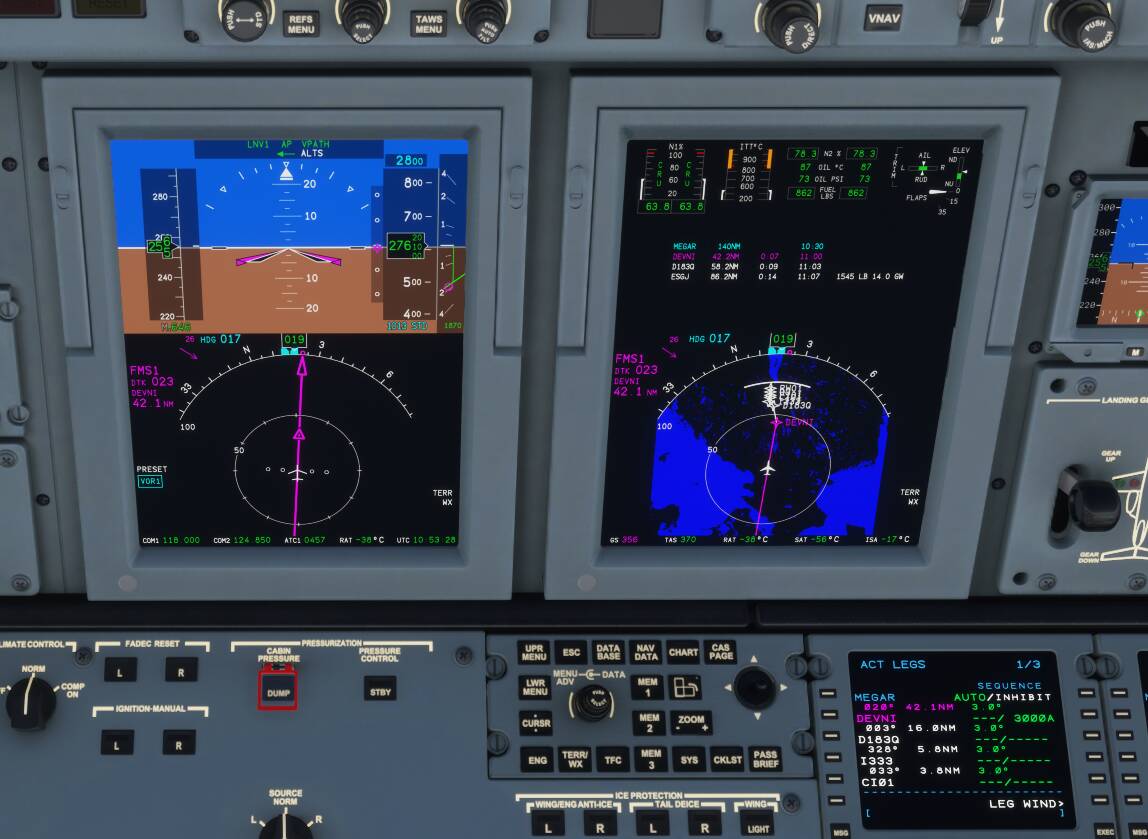
It says 3000A with the A which means above and the rest of the waypoints do not seem to have vertical restrictions. try to change the 3000A or add an restriction to the next waypoint.
So I did a flight with the WT CJ4 (0.10.1) and I think the livery I used was not compatible with the FADEC of the mod according to their changelog and the video from FD2S flying from KMKC to Aspen. The flight directors were not indicative of what I saw, the pitot heat would not switch on and the TO/GA button didn’t work.
That being said, I was able to climb using FLC for initial cleared altitude and V/S for climbing to cruise altitude (FL240; short flight from JAX to Tampa Bay). When it came time to descend, I selected VNAV on the plane (it is inop on the Class Echo atm). The VNAV path showed up on the PFD but it did not follow it. I turned it off and on a couple of times to see if it would catch but it did not. I used V/S again for the descent path and it worked just fine. I was able to use my CE to change CDIs so that was pretty cool. One thing I noticed that changing values was somewhat erratic and I think that might have something to do with the AP function on the BTQ so I am going to unbind them in the sim and try again. But other than those quirks, I am absolutely thrilled with the CE and the functions it can perform!
Make sure to not use the stock binding for AP modes.
We have a list of LVars and HEvents (only supported by some external binding apps) here Sim Variables · Working-Title-MSFS-Mods/fspackages Wiki · GitHub
Concerning the FADEC try the stock livery. There was also a problem where some other SimConnect software created a SimConnect.cfg in the MyDocuments folder of people’s PC and that rendered SimConnect driven modules (like FADEC) inoperable.
I wonder if that was what happened to me. Class Echo uses SimConnect to connect to SPad.next but I use SC to connect to SPad.next as well
So I unbound the AP on the BTQ and I am doing another flight, this time from Seattle to Las Vegas. I also learned that I was doing some things wrong. For instance, I didn’t pay attention to the detents on the throttle for TO, Climb, and Cruise. My last flight I posted about, I set the throttles to 50% and hit the TO/GA button, not set the throttles to TO then hit it. When I was climbing last flight, I didn’t set it to climb detent, just kept it full throttle. So right now I am in cruise and keeping an eye on the speed to make sure I don’t go over MMO and so far it’s been smooth flying. I am attaching some pictures I took of the Class Echo while I am flying now.
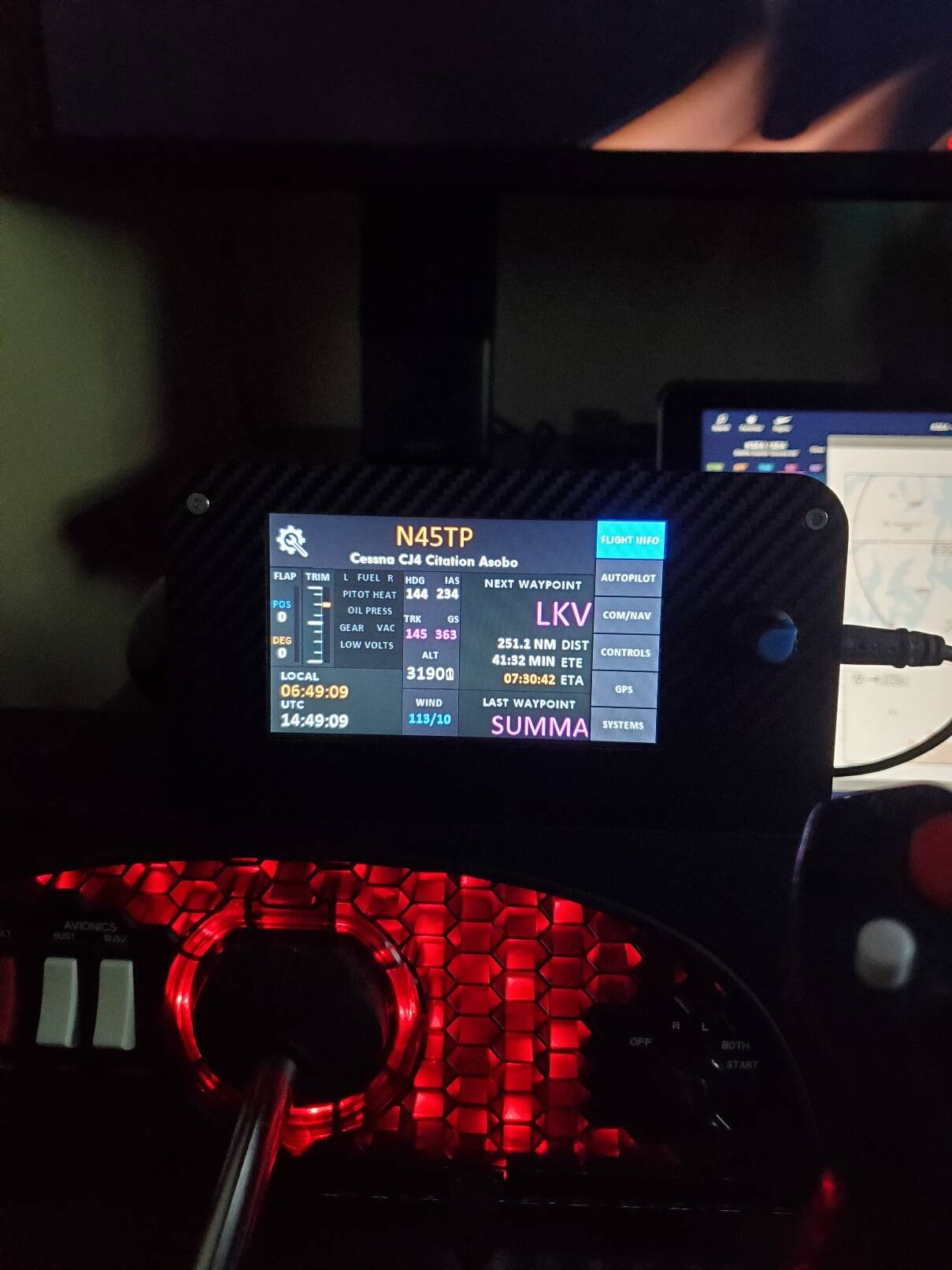
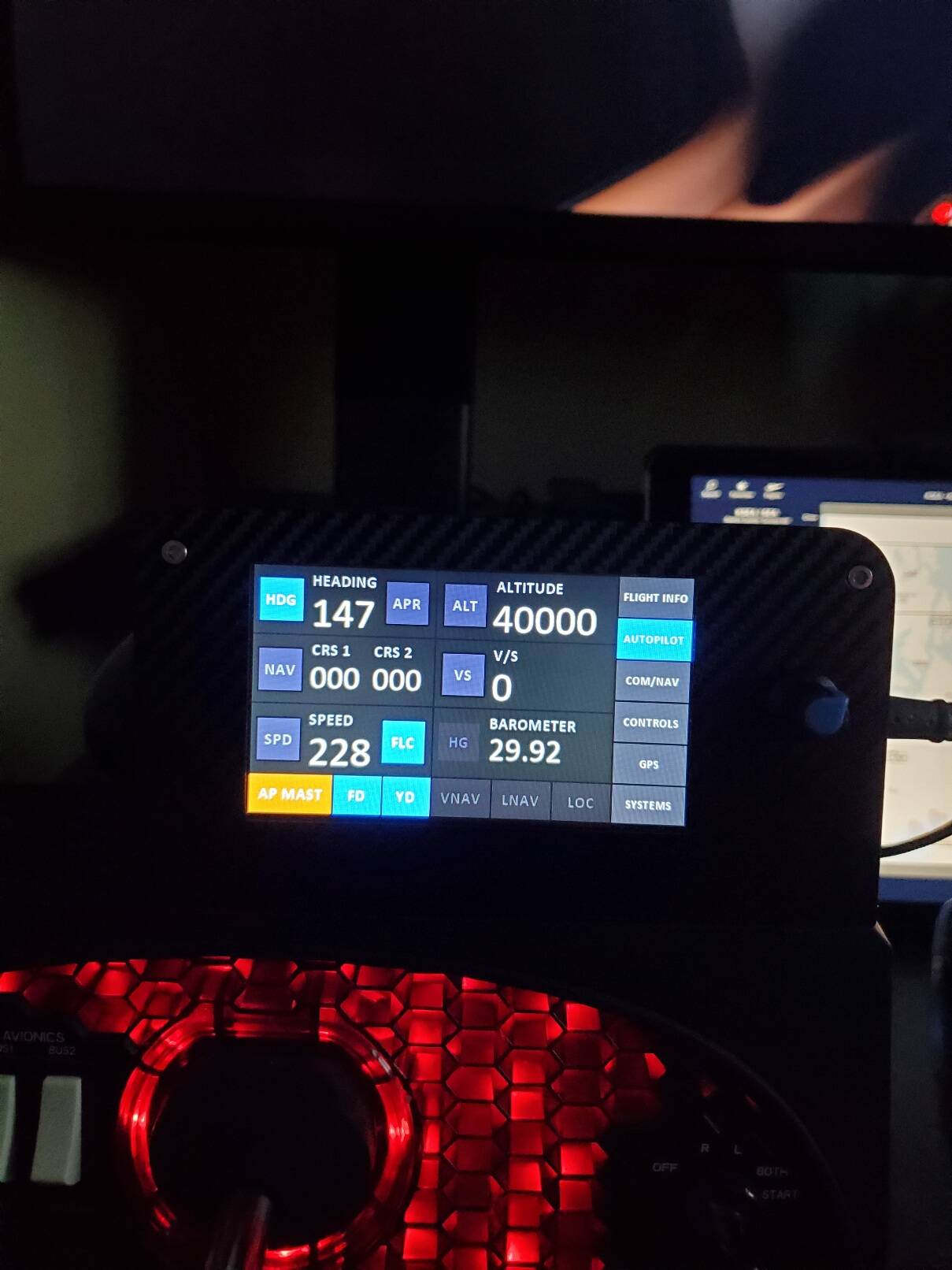

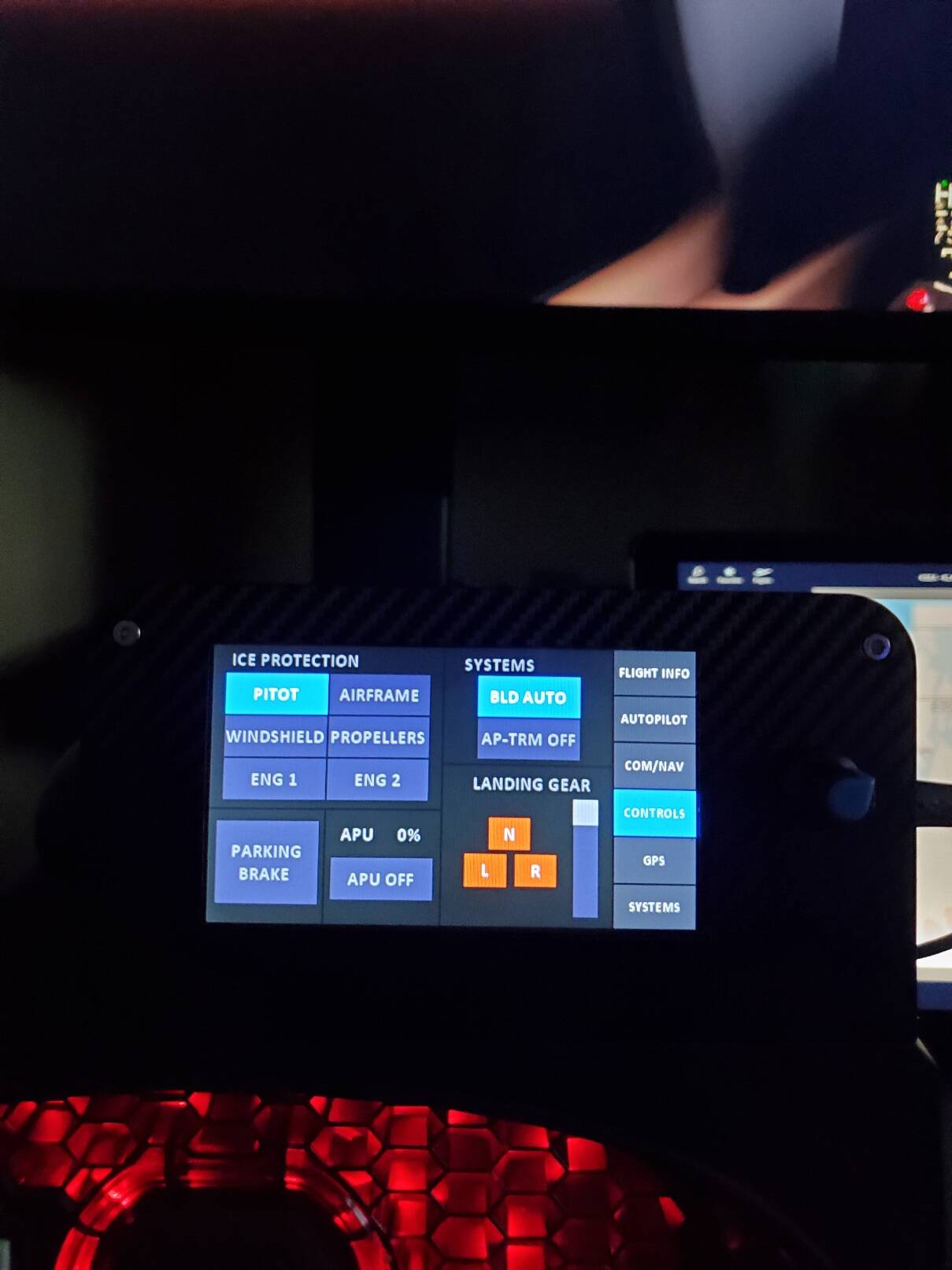
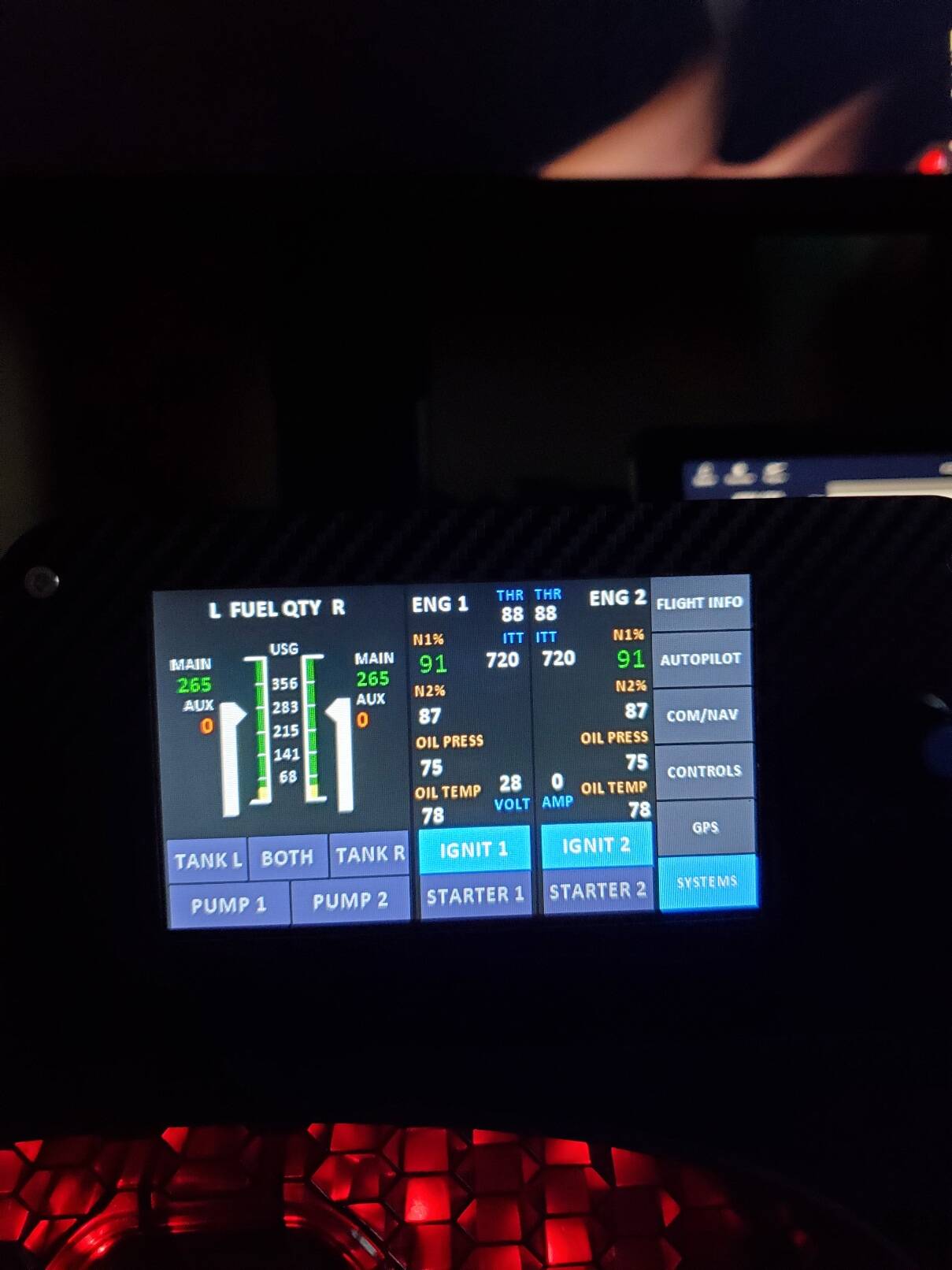
Update: After realizing I’m an idiot, and not descending before the TOD, the VNAV path captured perfectly and I had an absolute smooth landing into KLAS! I think I may have found my favorite plane to fly!
Does anyone know what the key mapping is so that I could set up my hardware with key assignments?
I’ve had the same problem and tried everything you have. Tonight I tried minimizing the ATC window along with changing the frequency for Com2 to KSFO tower. Then I turned Com2 volume knob off. The KSNS atis was gone this time. So my guess is it has something to do with the ATC window being open or on a second screen. I usually have it open so I can respond to ATC with the keyboard commands. I could be way off but this is the first time KSNS was gone and I’ve flown out of KSFO 15-20 times so far.
Also have you ever gotten an ATIS frequency to work for KSFO? The frequency from the navigraph charts is silent.
Now my (almost certainly wrong) workaround here is to use the speedbrakes to slow the plane down to about 220-230kts for the descent as this should pull the WP back but instead, I would point you towards some of the excellent youtube tutorials for the WT CJ4, this may be of use here from thecorporatepilotdad who does a really good overview of the system and explains some important how’s and why’s : VNAV and VGP details
So I’m not sure what the deal is for me, but I have Saitek multipanel, and switch panel, yoke, and throttle and they work just fine with the WT CCJ4. I can activate my autopilot, change modes, set altitude, VS, turn lights on/off, turn on master power, take gear and flaps up and down, etc. I haven’t done anything different but they have always worked. Im glad they do but what might be the reason for this?
CJ4 - FMS-3200 FMC/CDU FS2020 Overlay for Air Manager
I’ve started creating Air Manager Panels to use on touchscreens. The FMC screen from the game needs to be “popped out” using right ALT and clicking on the screen, then dragged onto another monitor (usually a touchscreen) and sized to fit with the overlay. Once you download the SIFF file you can import into Air Manager Beta (which is still free for the time being).
https://drive.google.com/drive/folders/1ZN-iQ1B5uQxvbwrSR5Ll3XRVVNxSFvPS?usp=sharing
Has anyone experienced any issues with mixture axis? I know mixture isn’t relevant in CJ4, but I’m using a SaitekX52Pro which has a mapped Mixture Axis to use for prop aircraft. In theory I guess it shouldn’t affect CJ4. But it does.
I find that if I leave that axis to 0% (that’s effectively -100), then engines tend to shut down after a few seconds/minutes as various AXIS_MIXTURES_SET and MIXTURE2_LEAN SimConnect events are triggered. If I leave the axis to anything around 3-5% then RUN is automatically activated and I’m not able to switch it back to STOP.
Probably an MSFS issue but is there a way to somehow decouple mixture axis from CJ4?
edit: Just realized this is a known MSFS issue, ref. CJ4 Engines won't start from cold and dark · Issue #391 · Working-Title-MSFS-Mods/fspackages · GitHub and also some a few discussions in avsim.com. Well the workaround is obvious, before you do anything else you just adjust mixture axis to a setting that doesn’t affect clicks on RUN/STOP (e.g. 50%, 100% and so on) and just leave it there. Then you set up RUN/STOP and engine starters as appropriate.
Ooh I’ve had the issue his week - engines shutting down when taxying. And I indeed have a controller axis set to mixture, that probably was my problem, thanks !
I found it best to save a specific profile for the CJ4 controls. Disable any axis that are not in use (unbind any bindings to them) and be sure to check all controller possibilities, as in keyboard, yoke, throttles, rudder and mouse.
Just realized the same issue is also described in the official user guide of CJ4 WT, so a well known issue. I’ll probably end up doing just that: assign a separate profile for CJ4.
It also happens with the default TBM 930, as I learned the hard way setting up my new Bravo this weekend.
Couldn’t for the life of me figure out why the engines shut down each time I returned to the plane after changing a button config or something. It only stopped when I disconnected the mixture axis that had survived the copying from a more generel profile.