Niice!!! 1111
Thanks Matt. That’s great news, but this user might be on SU9?
I’m on the SU10 beta
Can anyone help with this issue? I downloaded the G1000 NXI mod from the MSFS marketplace but it doesn’t work, I still get the default stock G1000 in any plane that has the G1000 unit fitted. I’ve verified that the workingtitle-g1000nxi folder is present in \Official\OneStore directory. If I make a copy of this folder, paste it into the \Community folder then uninstall the G1000 NXI mod from the MSFS marketplace, it then works fine. It’s not a big issue, I mean it’s working as it is so I’m happy to leave it like this but it does mean that I won’t receive any updates through the Content Manager. Any ideas why it’s working in the Community folder but not in the \Official\OneStore directory? I have removed and reinstalled it several times but it just won’t work unless I move it to the Community folder. Other purchased and downloaded content from the MSFS marketplace is working fine - all aircraft, scenery and airports purchased are working. I’m on SU9.
No idea but I would not worry if I were you. This mod is the default in the next sim update so you will not have to worry about manual updates, it will be part of the sim and will update automatically.
1 Like
Though there may be some initial pain as some third party developers will almost certainly have issues with it. I haven’t flown it in ages, but I suspect the Carenado 182 may be one of them. So there might be some lag as those planes are updated.
1 Like
You know you have to remove completely all other versions of this mod? There should not be any G1000nxi mod or folder anymore in your Community folder. The mod is installed through the Marketplace/Content Manager now since it is default.
It’s not default in SU9, it’s purchased (for free) and installed through MSFS marketplace. When it’s installed, it installs into the Official\OneStore folder. However, the NXI mod is never applied to the G1000 unit in any plane that uses it. If I move this folder into the Community folder, it then works. I believe its being made the default G1000 version in SU10 or SU11, but until then it still needs to be installed through MSFS marketplace.
1 Like
You must be experiencing some kind of install error. Or there is a conflict with the old mod. You have to remove all folders related to the old mod, including any folders outside of the Community folder.
I assure you the new default G1000NXi works fine with all aircraft I have tried.
Worse case scenario if you can’t figure out where the conflict is would be to delete MSFS and reinstall it, then you would have full control of which mods you add back in.
I’ve already resolved the issue with the developer’s help on Discord. Long story short, it was the Working Title G3X mod causing the issue. Basically, to troubleshoot, I’d reinstalled the NXI mod and left it in the Official/OneStore folder, then removed everything from the Community folder, which resolved the issue. I then put the other two Garmin mods from Working Title (G3000, G3X) and the WT CJ4 mod back into the Community folder and the issue came back. Removed the G3X mod from the Community folder and this resolved the issue once again. After further consultation and reading, the G3X mod has been causing some weird conflicts with the G1000 NXI mod and removing it resolves these issues.
1 Like
Maybe a silly question, but do we have to do anything in the Content Manager after the sim update?
Wondering this myself and if there will be any updates/changes when it’s official. It’s very good but there a still some bugs and disabled features.
X-Box users…
WIth SU10 imminent now  do we need to uninstall the G1000 Nxi add-on or will the update do that itself?
I understand the Nxi is now the default setup for the G1000, hopefully I got that right?
Thanks
2 Likes
Hi there,
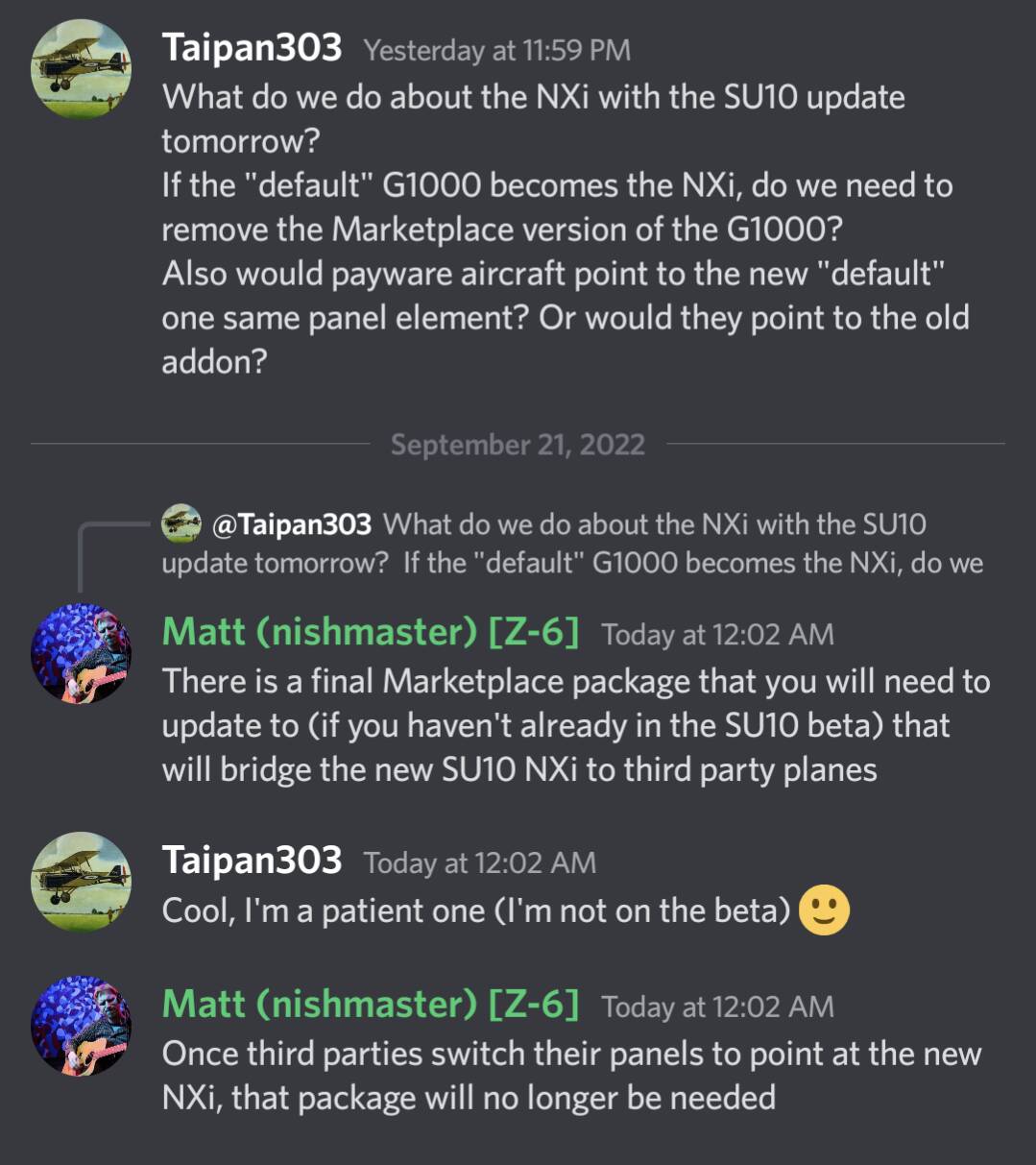
The Marketplace version will remain for a while – it will not be deleted by Sim Update 10. It is not necessary, but if you keep it there, it will be used on third-party aircraft that aren’t using the Nxi natively.
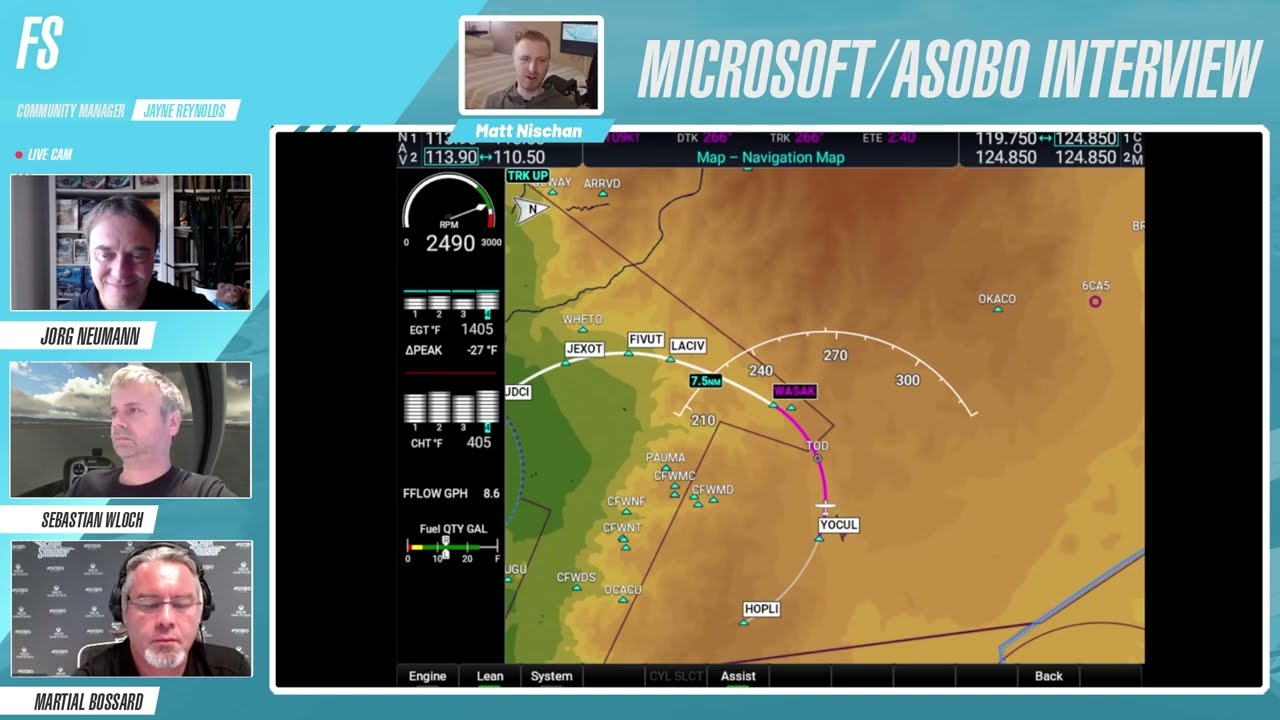
Here’s the information from Matt from Working Title (24:06):
4 Likes
Question: Will I need to install the WT NXi (beta) that’s in the Marketplace and it automatically Updates to the full final version? Or will the final NXi be installed with SU10 separately?
See post prior to yours. Explained there.
1 Like
What bugs and disabled features are you referring to?
Excuse my obtuseness, I’m having trouble understanding.
I do not have to install the MP NXi to get the new one?
I’m on Xbox, just to clarify.
Correct.
.
1 Like