Interesting to hear the TBM was OK on longer flight. Maybe it’s just high altitude airliners that have the issues. Not using GPS on TBM yet have sunk endless hrs into learning Neo instead. Seems to be the least bugy of the airliners. I’ve had issues in general on Neo selecting new approaches. Usually best I find just to manually enter new ILS into NAV section and plan your own heading to intercept glideslope.
I followed through a ATC ‘changed approach’ recently and it took me on several passes over destination airport before lining me up for landing. Not sure what’s going on, but you live with certain quirks.
WU6 introduced a new problem for me, the sim when started stops loading and asks if i want to start in safe mode, and WU6 didnt fix what i hoped it would fix, london PG still looks terrible with melted buildings. i was hoping the sim would push my hardware (like it used to) to give me a premium experience but its obvious the console port has meant high end pc users no longer push their hardware. the sim has been nerfed for pc users as Asobo dont want a better experience on pc than on xbox, thats a big selling point on the xbox, and saves cost in development, to maintain only one code base for both platforms.
i’m taking a break from the sim for a month or so, will check it out again then to see if any progress has been made.
all that said its still a great game, i can see why people really enjoy it. i enjoy it too, just not as much as i used to so its time for a mini break.
1 Like
lol not by far.. most of the visual downgrade are still persisting. May it be the lightning, the clouds or the lowered LOD spheres that are responsible for the morphing of buildings near you (aka “melted objects”).
There is yet very much to do to restore the fidelity from before.. let’s give them some time, though im not sure if it will ever be possible, because they have to sacrifice some parts in order to make it run on the consoles.
2 Likes
Check your Options/Controller assignments. Do you have key Z to switch on/off autopilot ? Workaround I can think of is use assigned keys for it, e.g. Control-Left and Control-Right for cockpit camera movement.
Hope all the visual downgrade can be fixed eventually
1 Like
I was reading through this..
Wow that is nice Hugothester ! where was that ? What’s your config ?
Mostly anywhere! Only photgrammetry downloaded from flightsim.to makes me go down to 30fps, and the sim’s native PG makes my PC go as low as 45-50 fps.
My PC:
RXT3080
32Gb of RAM
i9900KF
Here is some tests I did over Madrid:
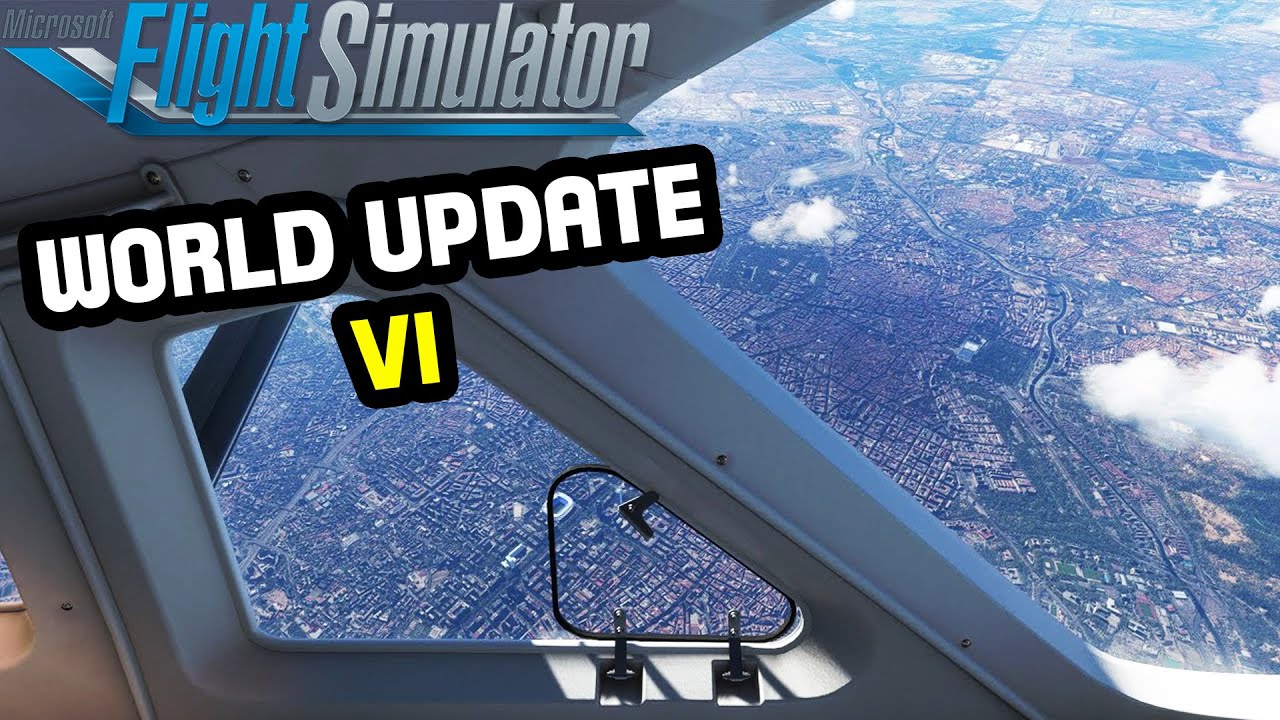
1 Like
You seem to be confusing FPS and refresh rate.
The purpose of Vsync is to synchronize the frames produced by the GPU to integer divided refresh rates of the screen.
If your gpu is pushing 30fps on a 60hz screen then your screen should be showing the same “image” in two refreshes of the panel. Without Vsync and running in between the refresh rate and integer divided refresh rate figures (say, 42fps on a 60hz screen) you end up having only half the image updated when the screen refreshes and this can cause screen tearing (usually only particularly noticeable when the scene changes rapidly - not something that is usually a problem in flight simulation)
You should not see flickering. It sounds like you have something else wrong. Do you have freesync or similar enabled as LFC can cause the flickering you’re describing.
2 Likes
so I have a 60hz screen
Set ingame vSync to 60fps and as long as the GPU can deliver 60+ fps it’s butter smooth
If I set the vSync to 30fps the screen jitters when I pan
It doesn’t tear but jitters
It’s like it only delivers 1 frame and not two to make it smooth
I would recommend that if you want Vsync you do so outside of the game, and if you want a frame rate limit you also do so outside of the game. (Use your graphics card control panel). I also suggest if you want
I think the game tying together Vsync and frame rate limit is not good.
If you set the frame rate limit to 30 and have Vsync on, if your gpu hits 29fps you’re effectively only going to see 15fps on your screen (the 14 other frames would get discarded). I suspect this is what is happening to you.
I would recommend if you turn Vsync on and set a frame limit of 40 that should give your gpu enough room to drop a few FPS when panning etc. Without running below the 30fps threshold.
Everything went smooth and improved performance. Only thing is I attempted 5 flights from VIDP to EDDF and once I reach FL340 cruising altitude it CTDs at the exact same spot. I look at the event viewer and it say a faulty path onestore folder “grammar.PGG”. I’m assuming an addon located in the onestore is causing it? Not sure
Real simmer? You give these people a TAC and / or sectional chart and tell them to go fly on VATSIM in a 152 which doesn’t have a GPS and most couldn’t do it without busting airspaces left and right or getting lost and maybe some could fly under IFR (weather it be in VMC or IMC). I’m sure you ask many to shoot something like a VOR or NDB approach or even ask them to hold over one and they couldn’t do it. It’s amazing how many proclaim that they’re a real simmer and scoff at MSFS yet don’t even know the basics.
2 Likes
People like you are the ones who think trash-talking an Olympic bronze medalist make you look like a real tough guy. Whether or not you ever figure it out but people like you are the exact reason why most game companies wouldn’t even touch the flightsim genre with a ten foot pole.
2 Likes
Exclusivity and egoism vs inclusivity and civility.
2 Likes
restricting my frame rate outside the sim was my answer. just told Nvidia to max at that. no in game vsync period
All good for me. Same as you. Maxed out and it looks and plays great.
I don’t use vsync at all
I finally had time to sit and do a flight after the update. I’m really happy. Set the graphics to high like I usually do, just disabled motion blur because I don’t like it. I did my most common trip, FAVG to FAEL, nice flight along the KwaZulu-Natal and Eastern Cape coast between Durban and East London. Flight went perfectly, and the performance was brilliant. No stutters, lags, freezes or anything of the sort. The ground textures looked really nice again from both FL230 and FL300. FPS a stable 60 in the air, never below 40 on the ground. Granted these are not busy or complex airports but still, it worked beautifully. I’m looking forward to trying the bigger planes at busier airports this weekend.
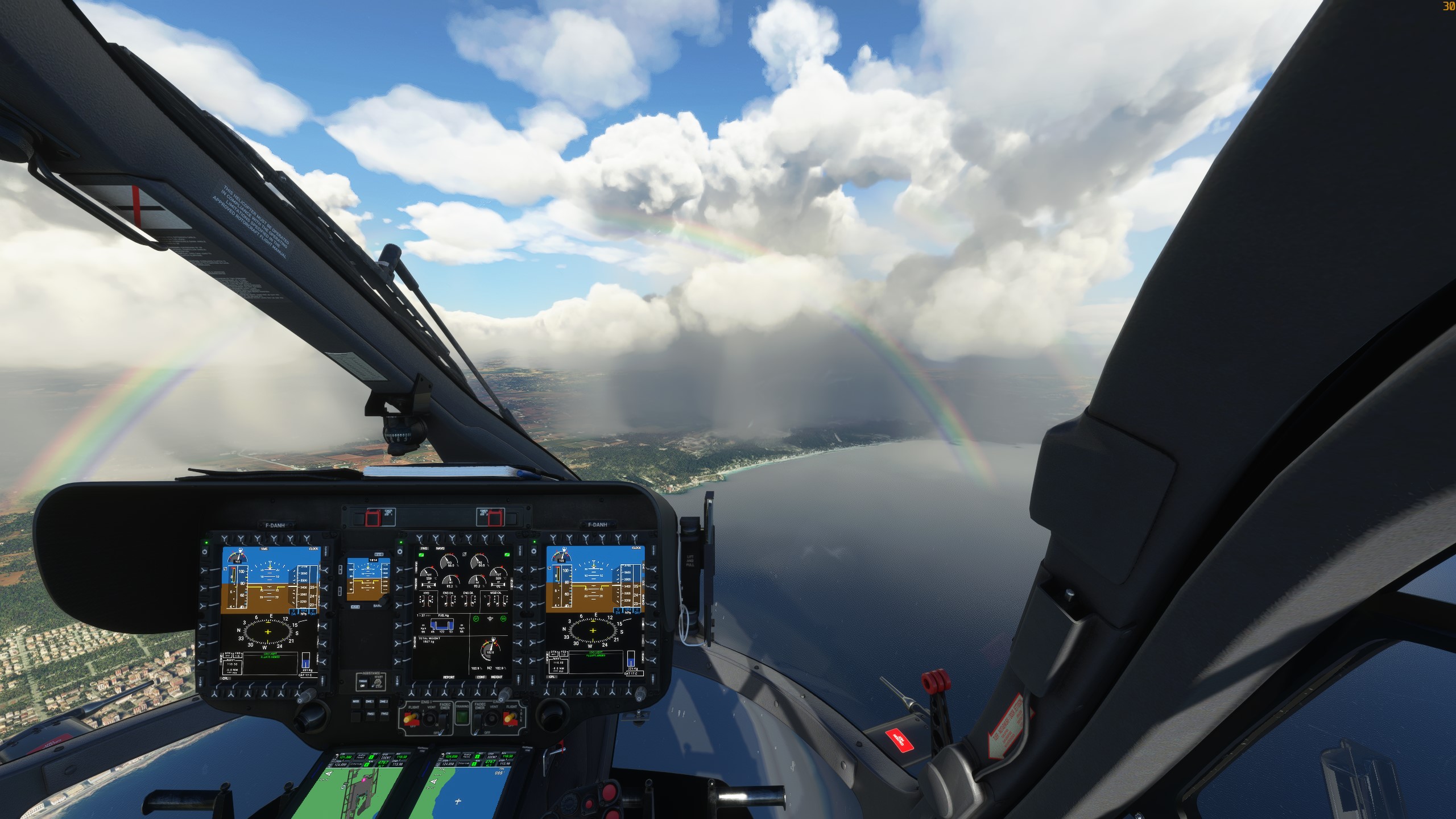
This update is a real wonder ! I flew an helicopter over Palma yesterday with real weather active. I love the view.
I’m limiting my FPS to 30 with RivaTuner, because it is well enough for butter smooth experience, especially at the speed of GA. My 3080ti can of course do much better (up to 60 which is my screens limitation), but with that limit it is only running at 30% TPE and less than 60°C.. For what reason should I need more FPS ?
My rig: CoreI9 9900K, RTS 3080ti FE, 64GB RAM, two 1TB SSD NVMe, 5TB HD SATA, two 2560x1440 screens…
4 Likes
Yeah indeed, the Vsync option. That eliminates a lot of fan noise too.. also in the menus.. and - this is speculation - I think there could be less chance of CTD’s as well, if you do that.