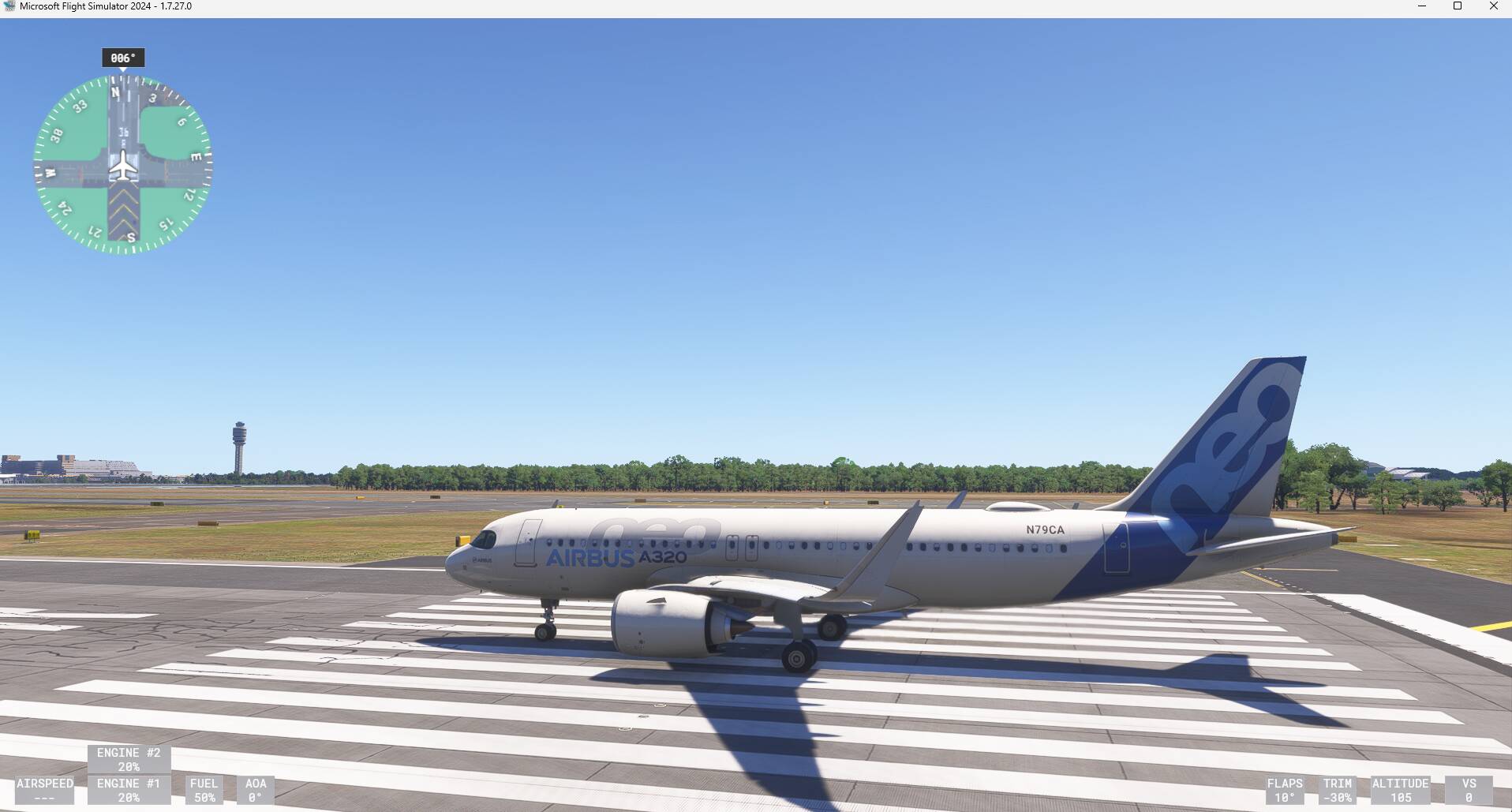
Hello, this is a list of many bugs found, and mentioned in this thread, about the Inibuilds Airbus A320neo V2 and A321neoLR, after downloading SU5 on msfs2024
terrain radar broken, tried in LFKC with relief area and it looks like a mix of blue pigments (sea) and red ones (supposed to be terrain) randomly set and not correspond inf with the terrain around the plane
Most of the cockpit callouts are very dimmed, almost inaudible at normal sound volume (50/40/30/20/10/5, retard, terrain, pull up, minimum, adjust vertical speed, traffic, climb, descend… )
The trim wheel doesn’t go to both directions, sometimes rolling only in down or sometimes rolling only in up)
Positive trim not working
Trimming part on the fuselage is reversed (see post bellow)
Master Caution/Warning light doesn’t light up when disengaging Auto Pilot from side stick
Terrain callout not yelling when facing mountains at 3000ft (still no terrain radar change)
Tilt of weather radar doesn’t seam to be effective
Radio altimeter way off (see details in post below)
STS doesn’t appearing on ECAM when both packs off for take off and other situations such as Elec off or Flight controls off
Blurry ND textures such as rose, TOD, arrows, numbers (on Xbox S)
Engines taking lots of time to start again after a flight (ex: CDG-NCE-CDG, it will take time to start the engines in NCE)
EFB: Pushback called, « no pushback available » in some airports
EFB: Cockpit window shield rolls up when we try to click on any EFB button
The MCDU sometimes doesn’t create TOD not TOC even if the flight plan was inserted via SimBrief
The MCDU shows SAT instead of TAT in PROG>REPORT
The airplane sometimes doesn’t catch the Glide Slope while it caught the LOC
T/O config norm even with no weight and balance inserted in Init page
GPU automatically disconnects when APU is available
Right brake does not work (A320)
Spoilers deplyoing while the spoilers lever is not armed and the reverse thrust not applied
VISUALS:
The inner side of the front cargo door is invisible in external view
Landing light and Logo light bulbs are not emitting light and are not lighted up at day but ARE at night
Landing lights are not lighting the clouds up as the taxi light does
Strobe lights seems to be slow compared to real a320 strobe lights
Nav light “star” is visible from behind the wing at an angle it shouldn’t be
Cockpit Flood light main panel has a very unrealistic lighting (very yellow, too bright at max setting and middle invisible flood light over the ecam that doesn’t exist in real a320 that creates a big light sphere)
SELCAL+REG not showing in cockpit (A321)
Beacon light visible in the cabin
Parking Brake light on nose landing gear not working (was in 2020)
No rain effect on the cabin windows
PHYSICS:
Wing rocking (A321) (see post bellow)
Sometimes in low crosswind, heavy rudder movement needed to keep the airplane centered
Rudder doesn’t move aside with the wind when all hydraulics are off (airplane parked with engines off)
Landing gear suspensions feel hard and not “bouncing” when the planes touches down or is moving on the bumpy taxiways
SOUNDS:
(Systems) Cockpit GPWS/callouts/alarms off compared to real life, almost inaudible
APU Bleed sound inaudible in Walkaround mode, but IS in external view
Air conditioning sound (with APU working) a bit off in the cabin compared to real life
If you find more bugs or wants to report something that also happens to you please write them bellow
The yellow cockpit lighting is so annoying. There are 3 random yellow light sources under the glare shield as well as the 4 white down lights but the yellow overwhelms everything
Another one that really bothers me is the radio altimeter is way out. It shows 0 and you’re still 10ft off the ground. And the aircraft should sink down to -2 when rolling on the ground but stays at 0. This all works perfectly in the 2020 version. The 2024 one is all kinds of broken
I suggest we gather some thoughts on this thread for a few days and then go wild creating individual bug reports for everything that is suggested in here as we have been told to
Wing rocking still occurs in the A321LR regardless of throttle calibration. I cannot find the cause yet. I fly with auto throttle only, no MCDU, no Simbrief. So, it’s not an autopilot issue. I can see the ailerons firing up and down on the FLTCTL display. This is in VR.
Using the EFB button to call for the pushback tug does not work. And a popup message “pushback not available” will remain on screen throughout the session.
There is a difference in fuel calculation between the MCDU and Simbrief. For example, FINRES (Simbrief) uses 900 kg for 30 minutes, while the MCDU uses 1.1 kg for 30 minutes. This also affects TRIP and ALTN.
During descent in MANAGED mode, if the aircraft is attempting to reach the YO-YO but reaches the programmed speed limit (+20), it begins to pitch up and down (every 15’’) to maintain speed while simultaneously trying to reach the YO-YO. (even if you use speedbreaks).
And if you want to get into very fine detail, during takeoff, a lot of rudder input is needed to keep the aircraft centered on the runway (even with 2 or 3 knots of wind). Inertia needs improvement, and mass needs to be better represented.
Do you guys hear randomly « Adjust vertical speed » or « maintain vertical speed » ?
-I have this also in SU4 but not frequently.
Btw the callouts are very off and almost inaudible
-can confirm.
Really I have problems now to test all things, simply impossible to me. One my observation:
-they have disable elevator trim UP control when on ground???
It is simply impossible to do some correct tests now, it looks to me that every start of sim in this time works little bit differently. It is problem of servers I expect, still.
Yes, correct but now after update it is completely disabled with movement, with my yoke trim UP button. With SU4 it moves just like cracked, one step up only but now not moving. Trim still only works with mouse, this is good but not with yoke/joystick button. Ok, I try look to settings, maybe some bindings are changed…
Using my joystick and the associated trim binding, I am seeing the surface moving when I input negative trim (the positive trim still does not work) but another issue I just noticed is that the visual representation is inverted:
I also mean trim wheel inside the cockpit. Down trim is working (wheel rotate) but up now is not moving, at my side. This was my description of the problem, sry. Great is that with mouse is all working…
Is it for A321, A320 or both ? I just did a flight with the A320 and it loaded the fuel I entered in the EFB. I imported it via SimBrief. I think the GPU didn’t disconnect either.
@AirbusA32NX8610 : since we cannot have a bug report including multiple issues (that is the rule), a suggestion would be to update your 1st post adding to the bullet points the link to an existing report so that users can go there to contribute or in case there is no report they could create one.
This is not a « bug report thread » but simply a discussion which the goal is to talk about every bug the A320/321neo has.
I understand that, but creating over 50 Bug Report thread is not smart nor effective. Also most of the bugs reported in this topic dont have any Bug Report topic.
The more people add comments here the more we get chances MS to see the thread and fixe the planes
After importing flight plan from EFB, (DECEL) waypoint has altitude 0, before the ILS/RNAV waypoints. vertical path computation is messed up. A temporary fix is to re-insert the arrival procedure using MCDU directly.