Hi Zeppos, I found your post really interesting, thanks for taking the trouble!
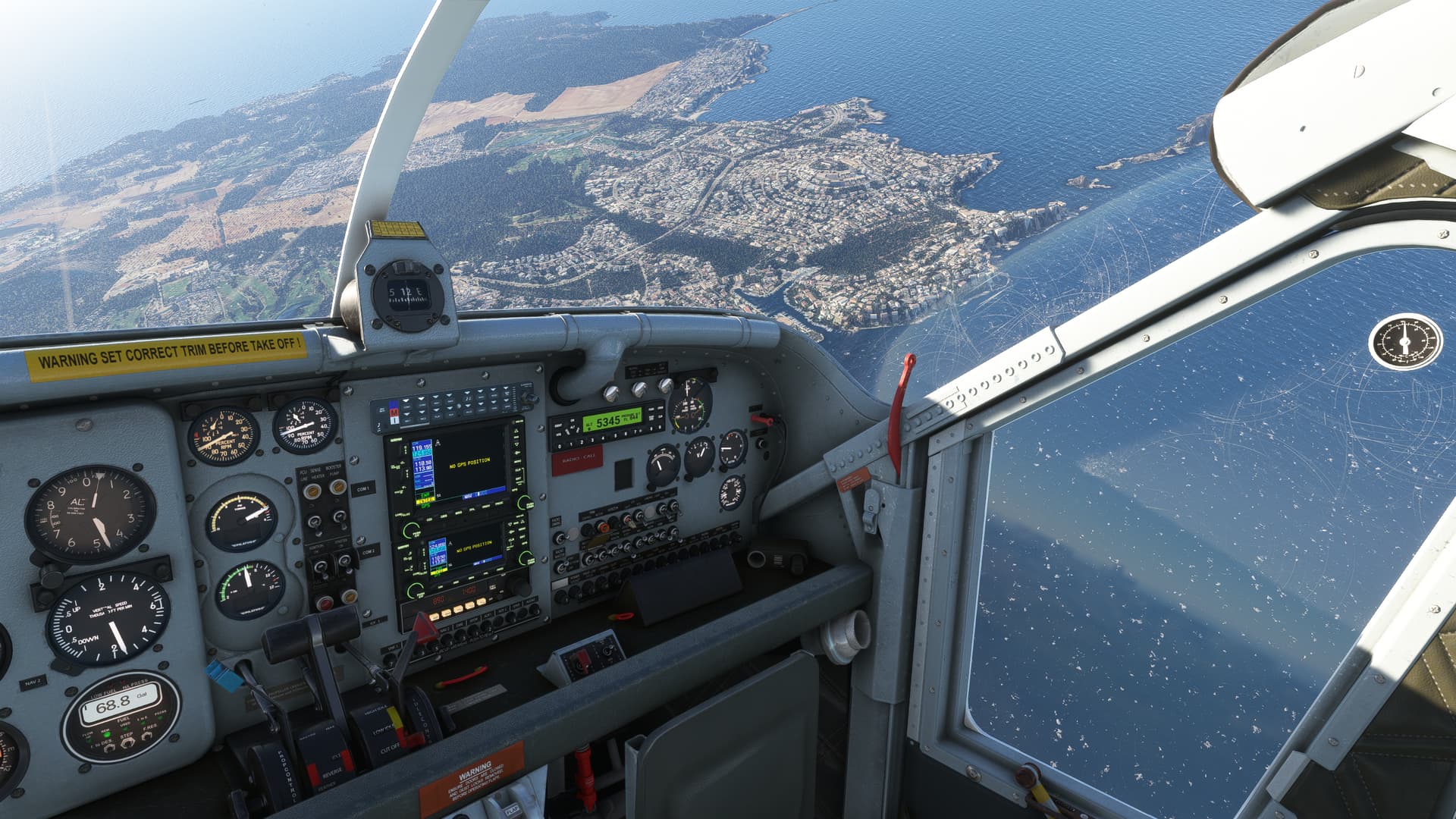
So in 2020 I took a plane to the coastal area of Majorca at the same altitude of 4500’, & set the wind speed on the ground at just over 15kts, & this is what I came up with - you can see the waves & white-caps etc..
So I am closer & looking straight down whereas you’re looking across the sea to an island a little further away, but your sea does look a bit flat.. I’d be interested to know where your graphic sliders are? - mine are pretty high/ultra with the TLOD at 400, so maybe that’s making a difference?
Thanks for the suggestion. I’ve been more or less using the recommended settings from FS2024 Graphics Settings and Performance Guide (11/20/2024) (effectively a mixture of high/ultra everywhere with TOD 100, though I’m not sure TOD would have an effect in waves/foam but I increased it to 200 anyway and I may increase it further).
I figured it out though: Mallorca looked more or less the same as yours, all good. However the other place I was flying earlier (LGHL, an abandoned seaside airport which isn’t available by default and needs a mod), had the same issue (i.e. flat sea).
That’s because although the wind conditions at the airport (70’ ASL) were reported as 15kts using live weather and the wind sockets were flapping happily horizontally, the actual wind at sea level was only 2 kts.
Which makes zero sense.
As soon as I replaced real weather with custom weather and 10-15 kts at sea level, everything improved and I got my visible waves and foam from any altitude (anything between 0 and 4500’).
Looks like a generic MSFS issue to me as I tried the same scenario in MSFS2020 and the airport winds using real weather were 8-9 kts, but the sea was almost completely flat. Perhaps their weather engine does not work correctly in this bubble and once I get out of the area it gets better (for example LGMG about 50nm to the north seems to work ok).
Anyway I’ll continue my 2024 testing, thanks again.
I mostly fly with live weather enabled, and the sea is always uniformly flat. As you discovered, you need to use a custom weather preset to see ocean / sea waves.
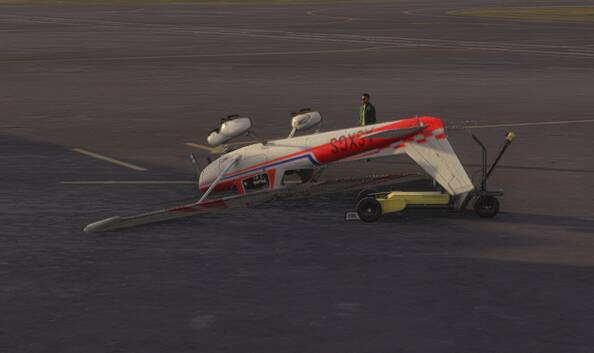
Well, the birthday is in the past and I have now configured my controllers but this is what happens as soon as I spawn at airport - doesn’t matter if it’s default or my own making…
It just tips over….
It should not be this difficult! I read somewhere a statement that “Only users with issues complain and post” or something like that - the point is that if you pay for something you expect it to work. Do we remain silent?
Sure it might be me but it’s lost its gloss and I can swap back to MSFS2020 and know it will work.
Wow….longer than 2020? I wonder why? One of the huge niceties for me is how fast 2024 loads. I no longer have “start the sim anxiety.” I don’t know how many times in 2020 I’ve hit the exe shortcut, only to remember I forgot to load something in from AddonLinker, then have to waite 8 minutes for it to load up. MSFS2024 takes 90 seconds at most to load initially, and less then 60 seconds to start a flight. Amazing load times by any flight simulator standards.
Still on 2020 (VR & ‘2D’), but SU16 has rather put me off; though TBH I have struggled for 12-18 months to find the love for what was once a great sim.
Having seen the PS5 announcement my suspicion is that it’ll never be great again, so I’m going to stop until Xmas and if 2020 hasn’t been fixed then I’m wiping it from my PC (regaining a significant bit of space) and maybe treating myself to XP12, if I can regain my love of flight-simming.
Isn’t the main problem with SU16 that it’s made the ground look crummy, but the main problem with XP12 is ALSO that the ground looks even crummier, so on balance aren’t you therefore better off sticking with a game you have already paid for?
Still enjoying 2020 here (in VR and usually on VATSIM). Plans to upgrade to 2024 have been put on hold again…. and I’m not sure I will any time soon. I’m not really fond of the news to release 2024 on PS5, either. I came to MSFS from XP11 (played around with the XP12 beta…)… not sure if I’ll go back to it, but it’s always an option if things get worse with 2020.
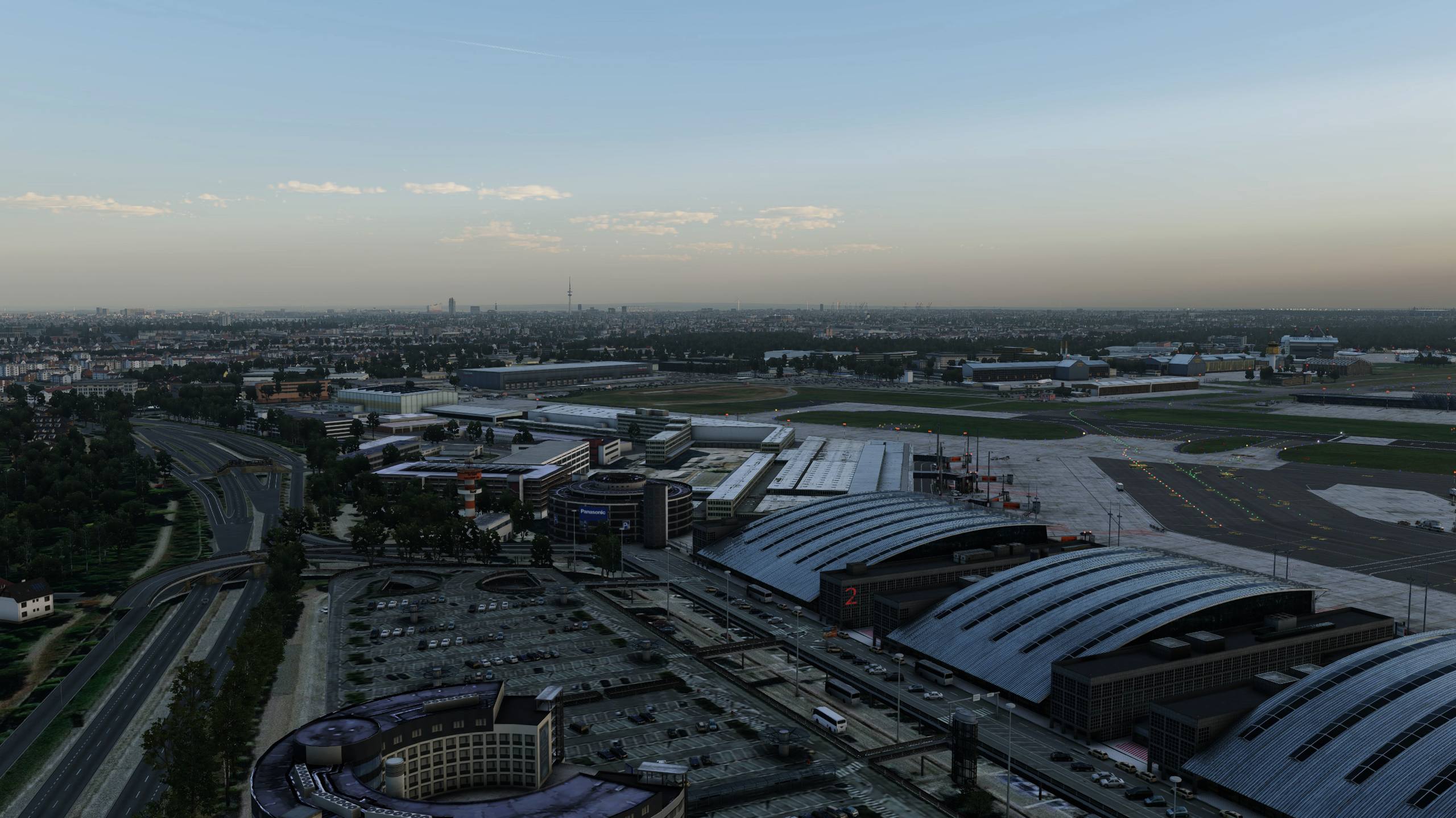
With FS2024, alongside the visual downgrades evident in both FS2020 and FS2024, Asobo and Microsoft have effectively made the decision to move toward X-Plane 12 with orthophotos far easier, given its superior physics, weather modeling, and less bloated. Issues such as scenery points of interest glowing unnaturally bright at night and certain premium deluxe aircraft remaining visually broken even a year after release reflect a clear disregard for customer respect.
@MucusTech regarding the “crummy-nes” in XPlane, there a free to use options and try make FS2020/24 look likes this only once!!!:
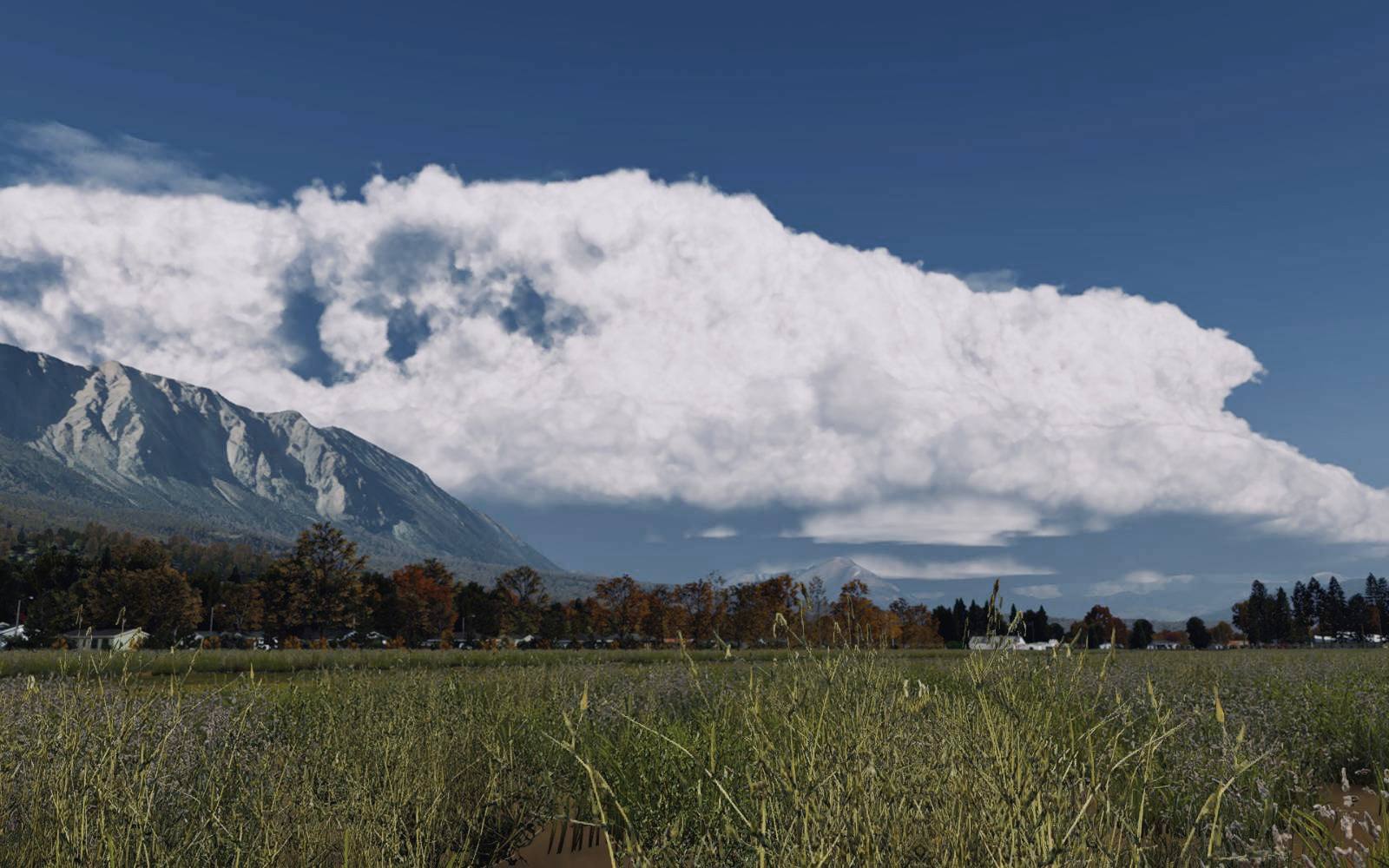
In FS2020/24, the weather system is limited to a single generic “popcorn” cloud type, altered only in density rather than reflecting genuine atmospheric variety, despite pre-release materials presenting a very different impression.
It’s not just the crummy ground - that’s just the tip of the (non existent) icebergs - so many promises of things new, and things to be fixed, and yet so much taken away or broken
I had MSFS 2020 from the day one. Now I am thinking perhaps I should try the Xbox game pass for 14 days for $1 and test MSFS 2024. I am a PC user.
I am a heavy user of Lorby’s Axis and Ohs software and StreamDeck and this might reduce the time to setup controllers for me.
Similarly, having most of my mappings in Spad.next saved tons of time mapping controllers, but I still have base profiles in the sim for my dual throttle quads and yoke for different types of planes. It was useful for me to have both sims running at the same time so I could view the 2020 mapping screens while setting them on 2024.
Most of my time was spent optimizing the graphics settings, and I’m still tinkering here and there. But hopefully 14 days will give you enough data. I’ve mostly switched to 2024.
I’ll agree. As I’m finally trying out my first few non-default aircraft in 2024, I find that the majority of spad mappings from 2020 work out of the box, so getting the same configuration to work in 2024 is as hard as figuring out how to unmap all default controls once and for all.
I’m staying on FS20 too and will give FS24 a miss. I know FS24 brings graphical improvements but the thing is I’ve got FS20 running like a fine tuned engine. Everything is perfect. I have 178 mods totaling 624GB and it all runs without any issues. ReShade makes it look more real as well.
So this is the reason I’m with FS20 - its just running and looking fabulous and giving me no reason to jump to 24
I bought it but never installed it - and nothing I’ve seen in this thread is changing my mind.
I’m waiting for the next version of MS flight sim (or the next BETTER civilian sim from any developer) and I won’t be pre-ordering that one like I did MS2024.
I won’t buy it until I see positive reviews and several SUCCESSFUL patches
Now we just have to hope they wont force us to migrate to that mess by ending access and support for MS2020 - like they do with their Ipads, Iphones, Operating Systems, and…oh right