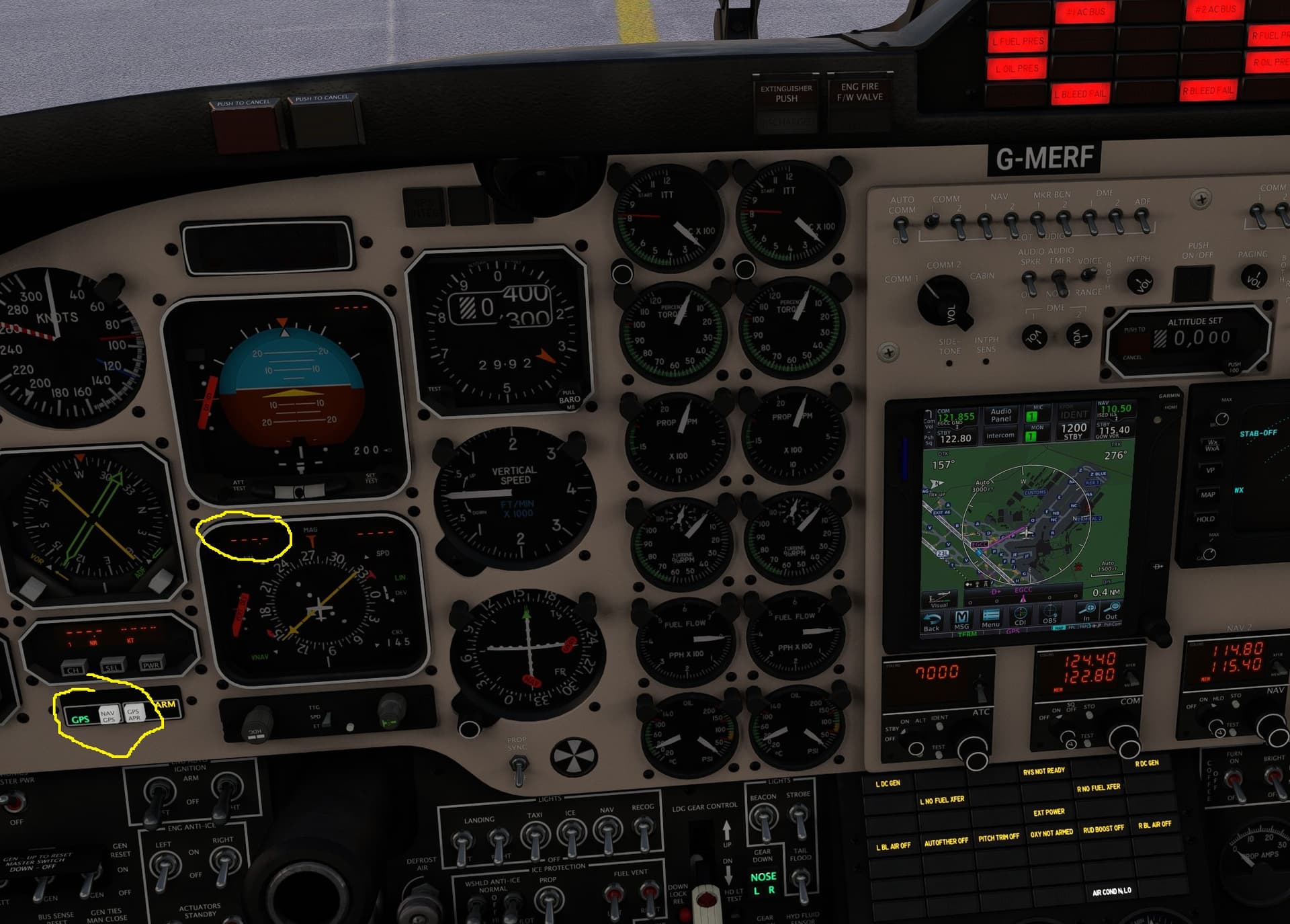
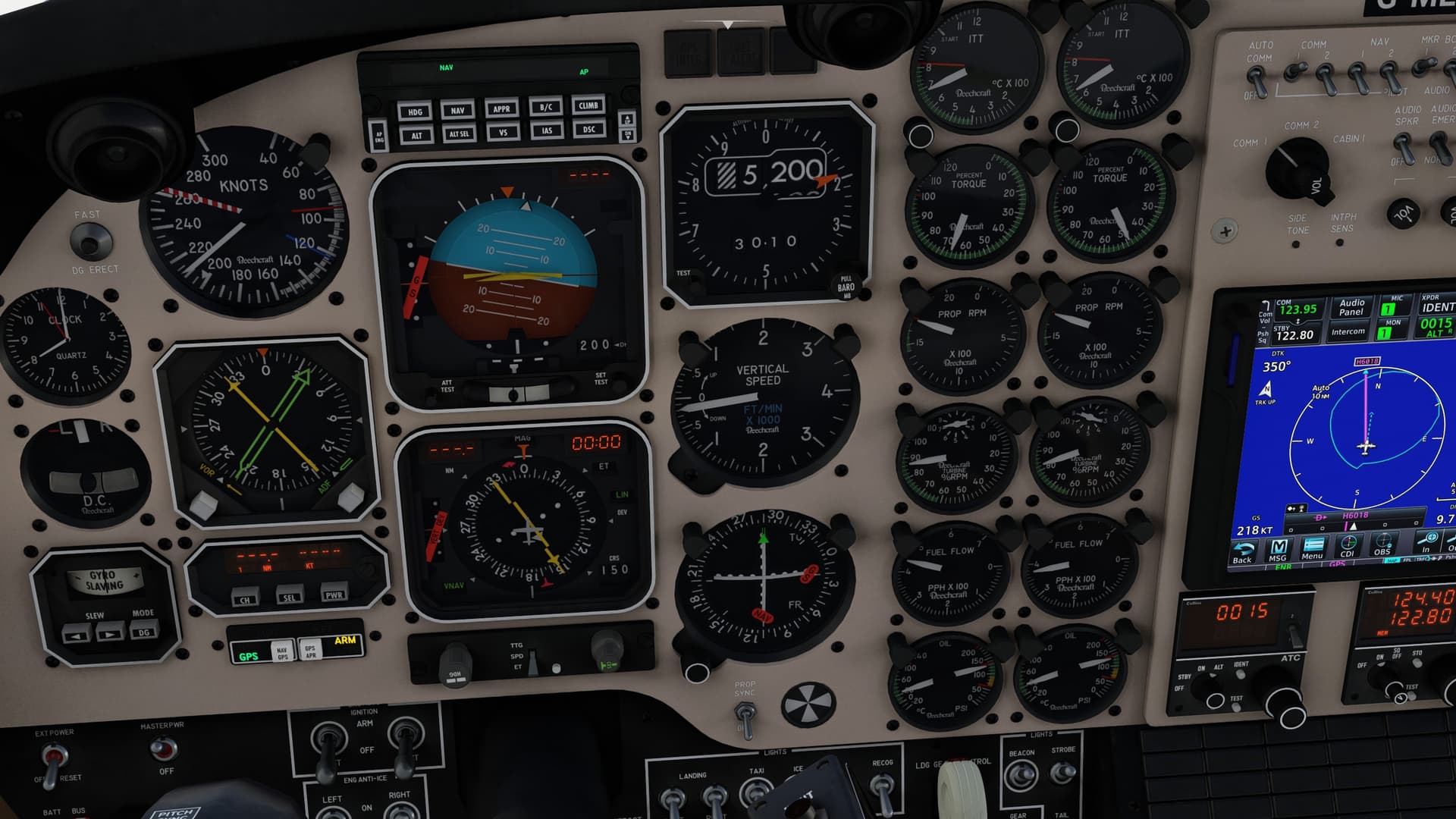
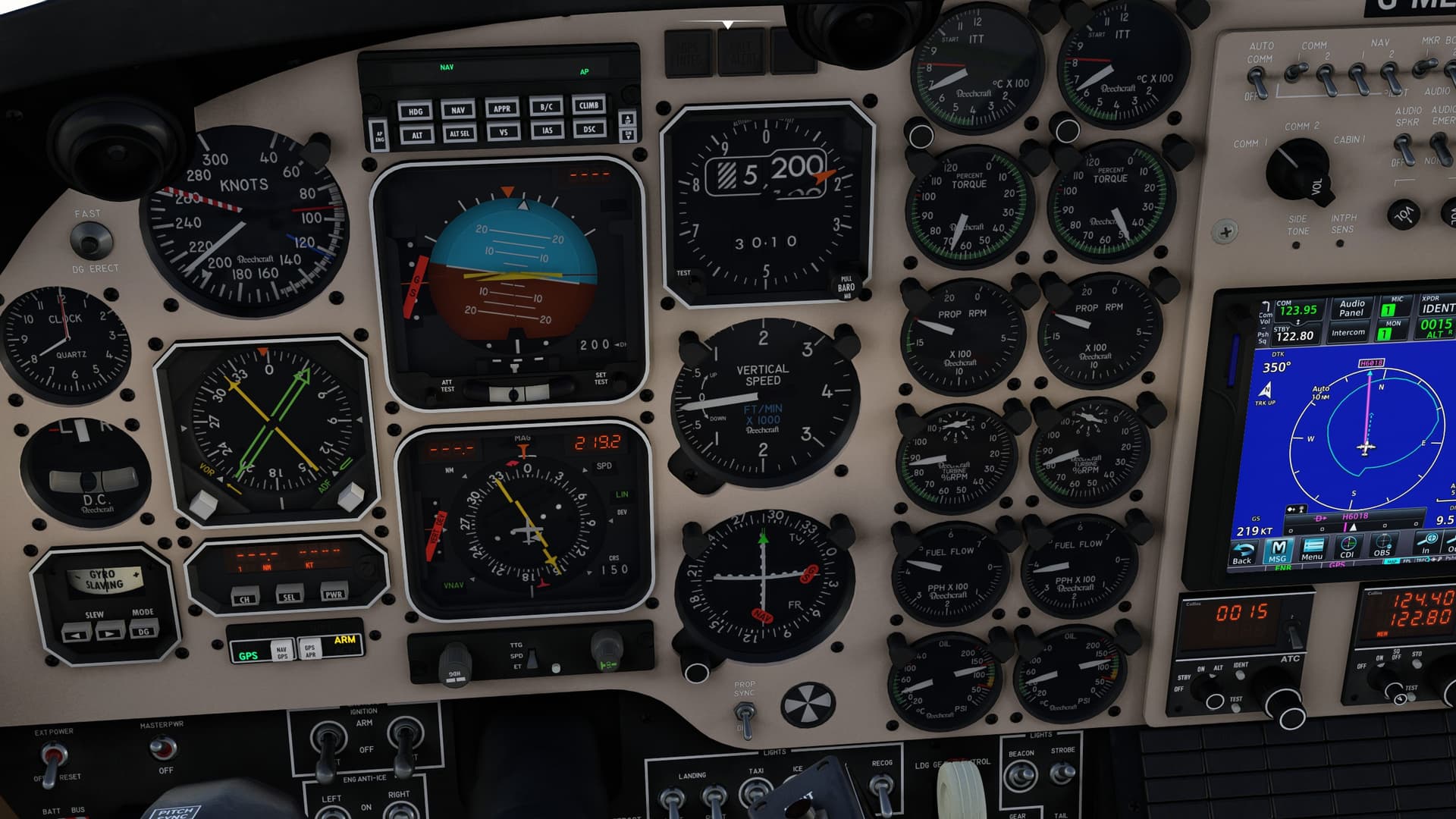
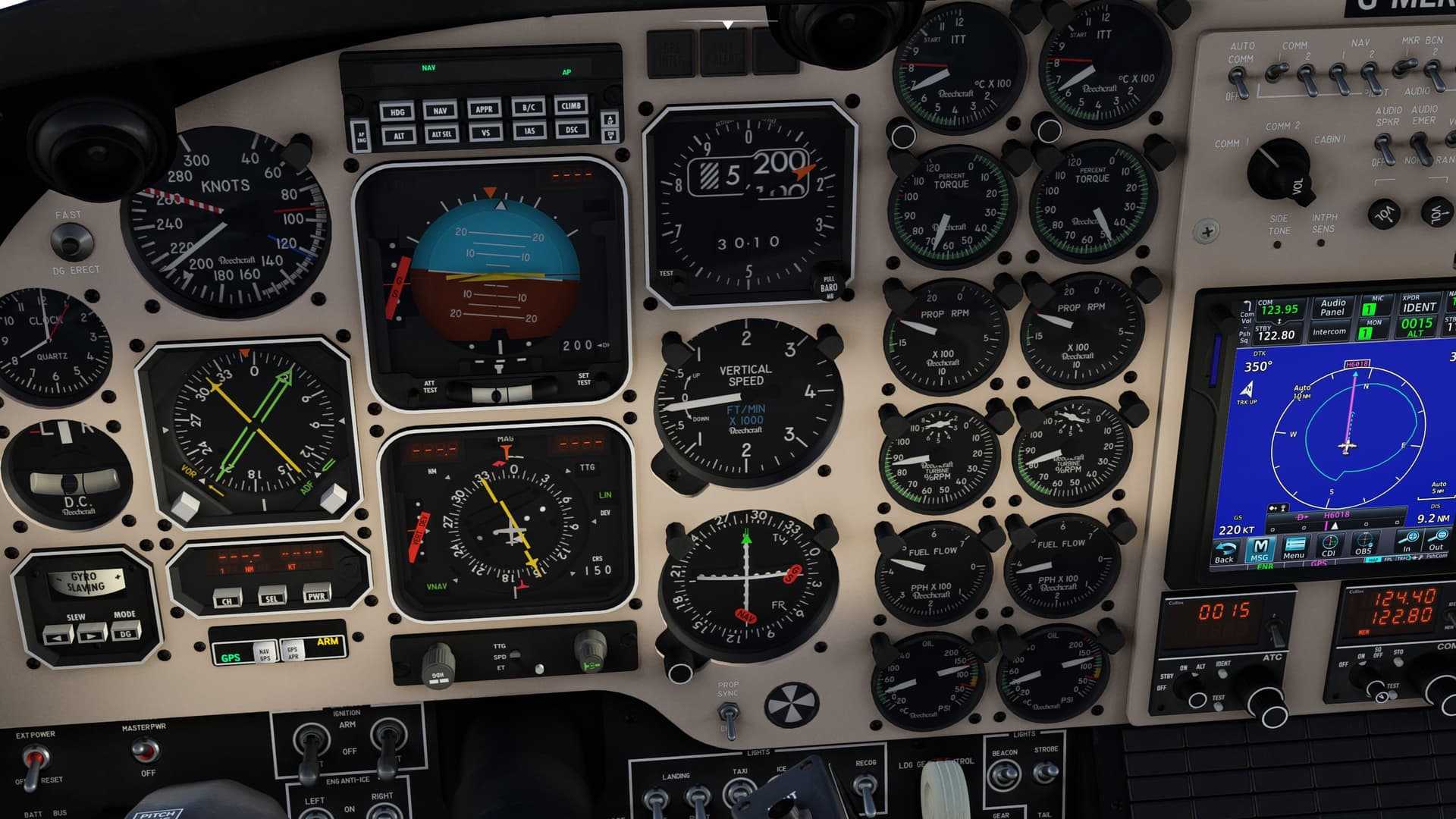
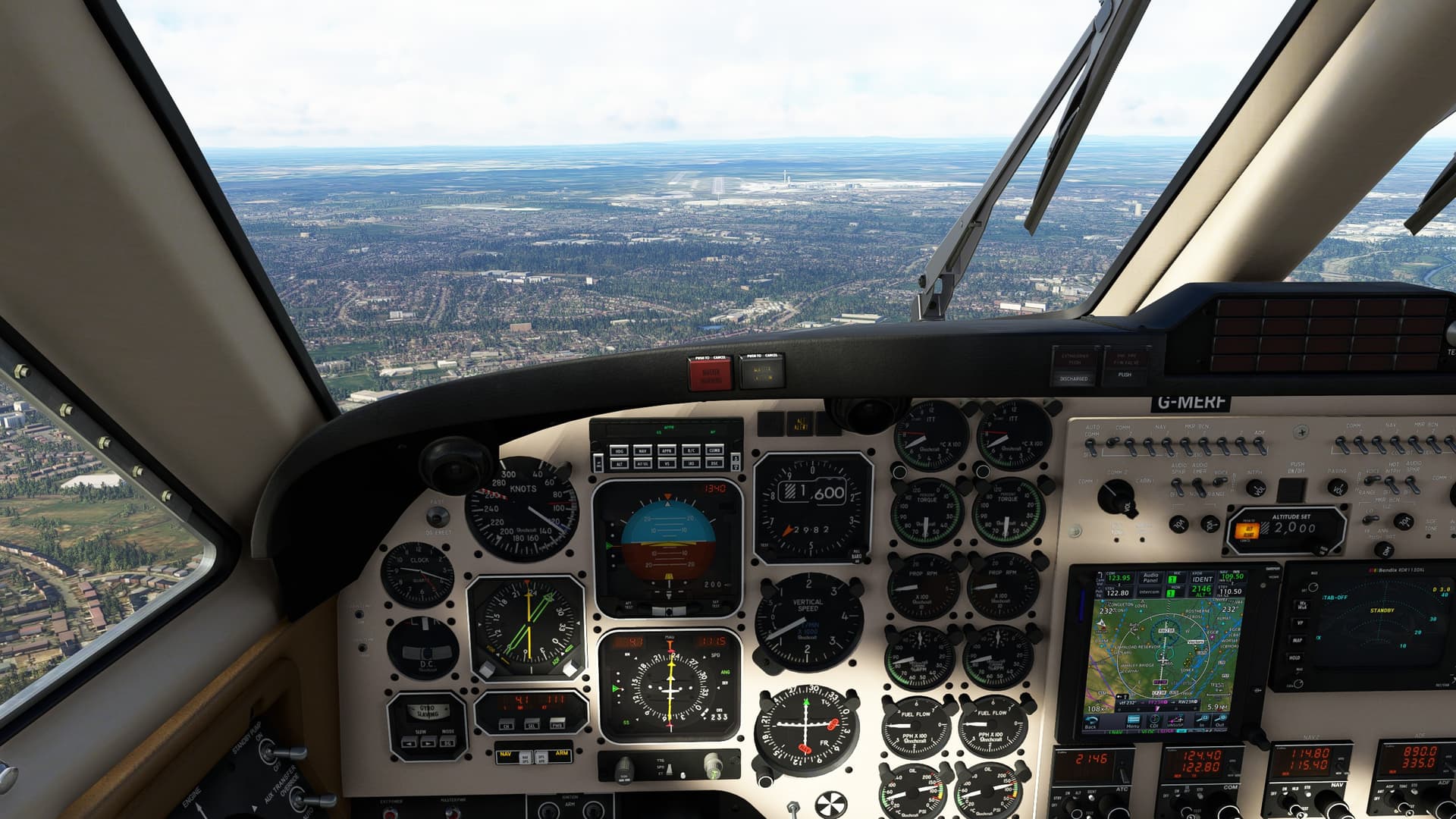
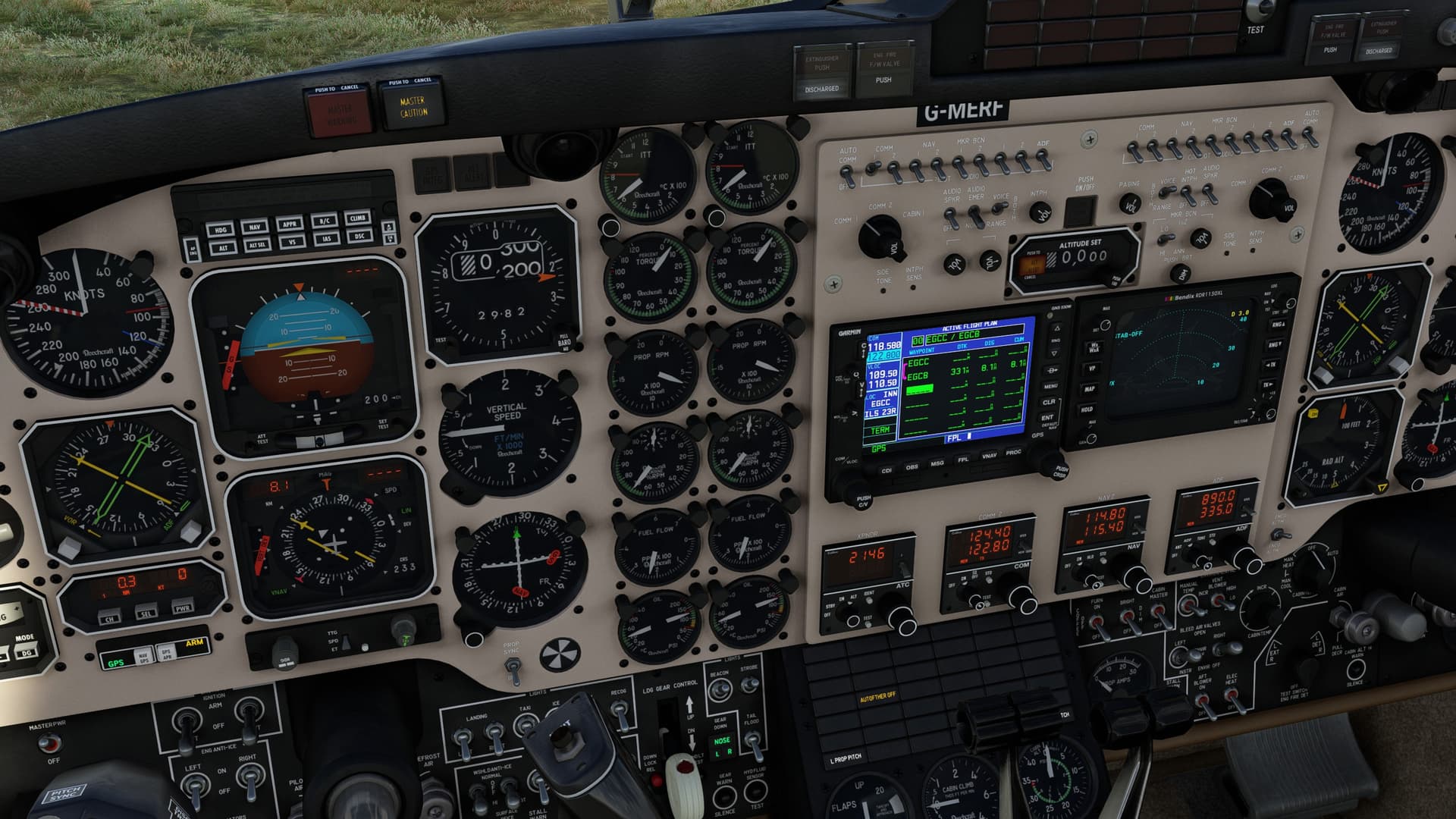
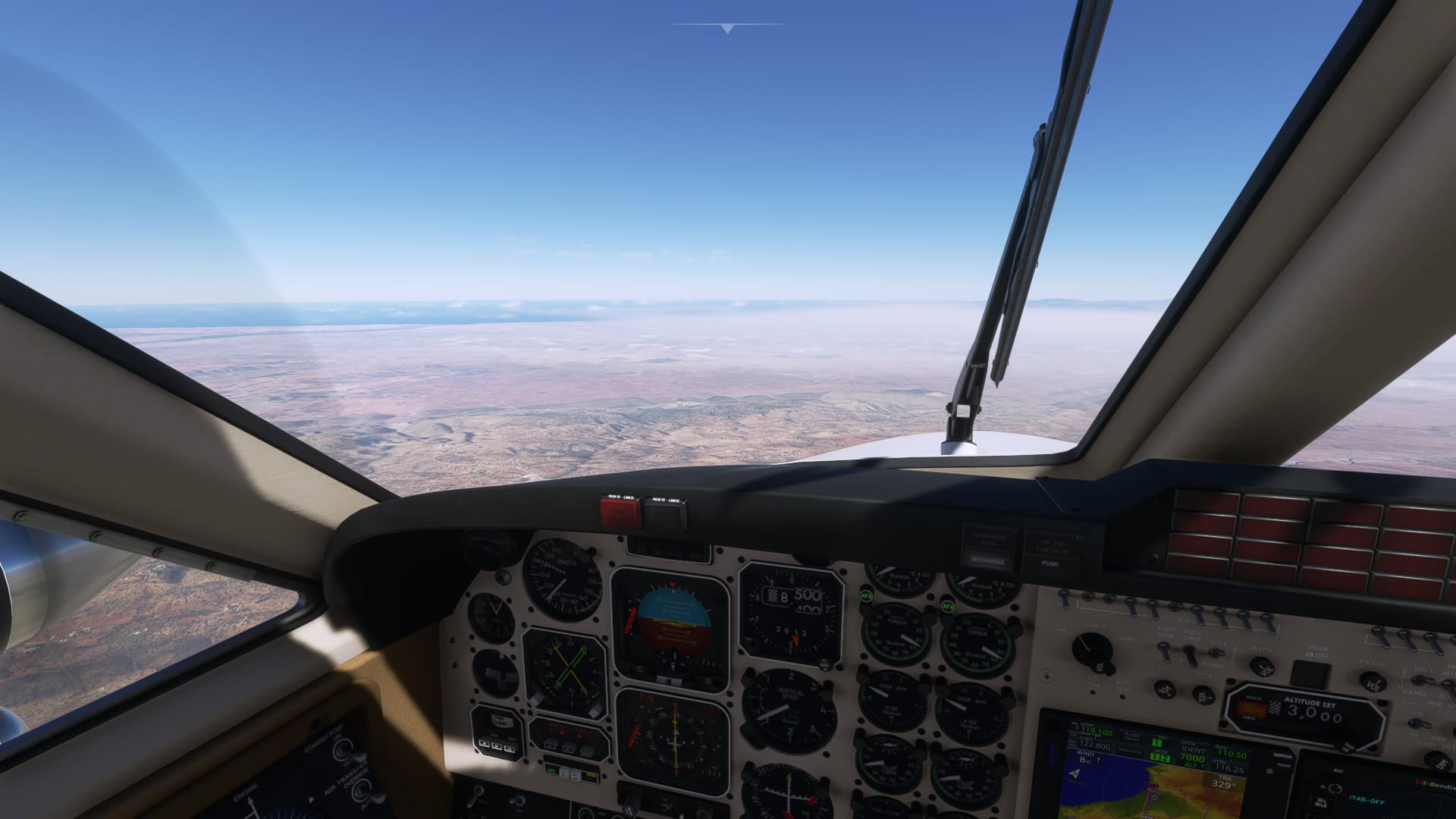
Thanks for quick reply, not sure, speed works it seems to pull info correctly, NM will always be blank, unless in nav mode i think, also it always places me using approach below the glideslope, i installed beta su13, i have no idea if thats causing it, or im just missing something.
I don’t know if that may be part of an active faillue, I guess not, mostly a TDS Nxi compatibility issue, did you tried with other avionics ? maybe should you report this to JF in order to get this fixed
well just to clarify Rnav source / switch is meant to display the kns80 source, I m not sure if you were refferring to the rnav source switch
don’t mind if it s an misunderstanding from me
Anyway I m not on sim actually, but took a look at few screenshot, and found it working with the gtn750 so I definitely think it s an tds issue
Hi, all. My GNT750 has stopped working, it just shows a black screen. The rest of the Garmins work well and GNT750 also works well in Black Square’s Baron. I’ve just reinstalled the last premium version from PMS50. Any idea?
isn’t related to the WT/GTN boot issue ? did you tried switching briefly the avionics (on copilot side, not the avionics master) to force a reload of the gtn750 ?
Have you also downloaded the Black Square Analog King Air WTT mod (current version is v1.0.8) from the PMS50 website and put it in your Community folder? Also, are you using a VPN? If so, turn it off and try again (you may need to restart your PC after these steps to be sure). If that doesn’t work, then as NicoTin3420 said, go to their Discord channel. The Dev is very active and very helpful (assuming that you have a legit copy of his product and not a pirated one).
If you haven’t been advised already, (apologies if you have) don’t set the TQ to 100% immediately at the start of your take off roll as you will exceed 100% by the time you get to your rotate speed. Also bear in mind that when you reduce your prop RPM, the TQ will rise so best to make sure that you have about 90% TQ before reducing the prop RPM and then resetting the TQ. Again, before turning engine anti ice (inertial separators) off, make sure that you are at about 90% TQ max until they are fully closed as the TQ will rise as they do so. Even so, briefly over torquing the engine, whilst not great, should not cause such significant damage. Sounds more like the kind of damage levels from a hot start.
For takeoffs, should you always end up with both throttles and props fully forward prior to rotation (with throttle being gradual)? Or is it best to stop advancing throttles once either Torque or RPM hit 100%?
You should be a little below 100% ideally, say 95%, because when the airspeed picks up, the percentage will go up slightly. So you need to keep an eye on the torque while accelerating. Over-torque’ing is bad.
No. Unless you are departing from a high elevation airport the throttle position will not reach the fully forward position when proper take-off power is set.
Please may I ask for some help, I have the KOLLSMAN Increase Altitude Decrease Altitude commands set, but I can’t seem to adjust the Baro/Altimeter in the Analog King Air. Am I using the wrong bindings? I also have the KOLLSMAN set command, this will set the correct setting (and works) but I would prefer to adjust the altimeter.
Thankyou.
I use SPad.Next to custom map most items to my controls. On the BKSQ aircraft, I have a knob on my throttle quadrant mapped to “MSFS:ALT_baro_knob_left” and “MSFS:ALT_baro_knob_right”.
If you’re using the native control mapping screen in MFSF2020, you might search on “right” or “left” or “baro” and hopefully find the “friendly name” equivalent.
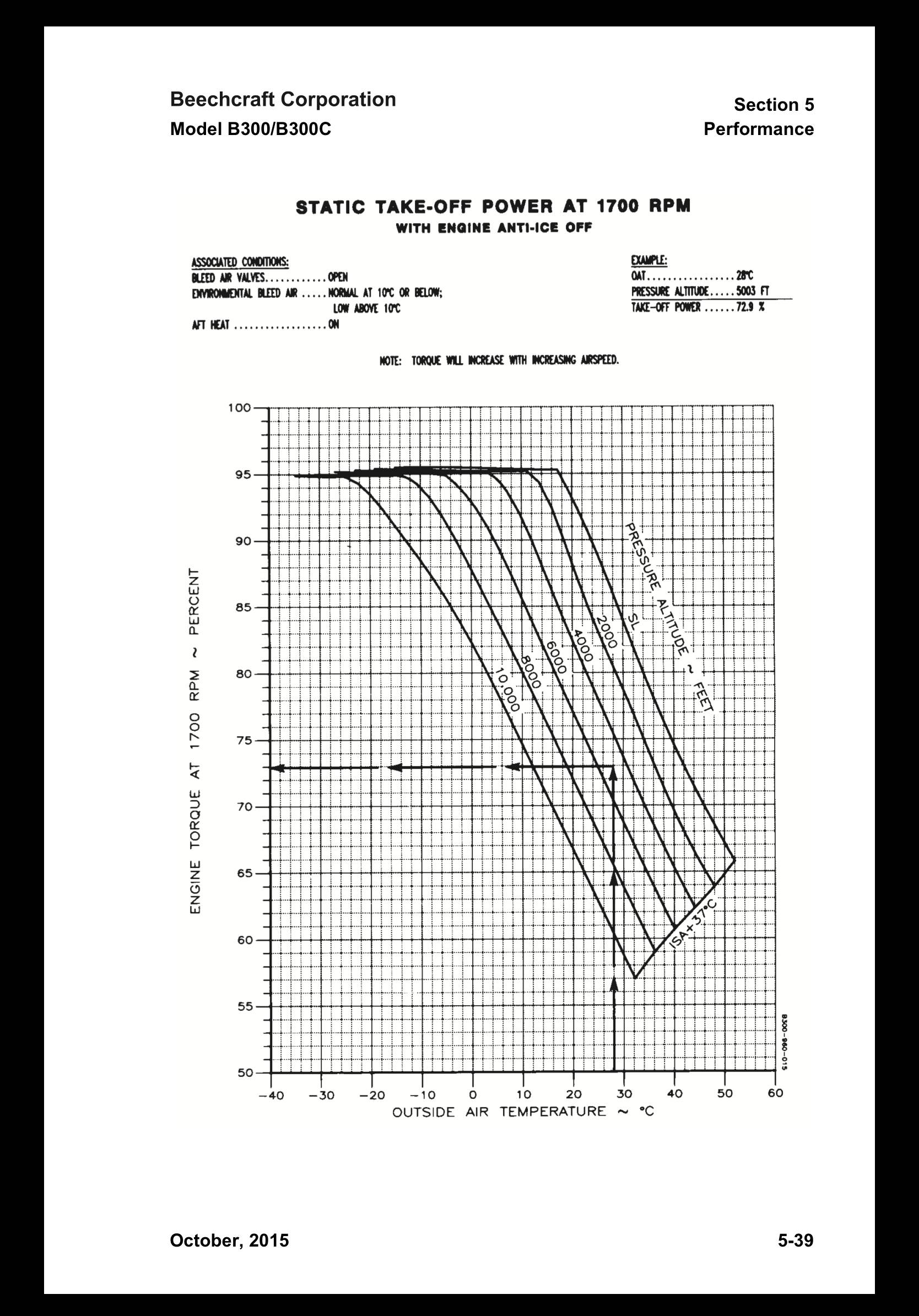
For those interested, the following graph is how you calculate the minimum takeoff torque required for given conditions. This figure will ensure you achieve the published takeoff performance figures, but there’s nothing stopping you using more torque, so long as you adhere to applicable limitations (max ITT, torque, Ng% etc).
There are also additional graphs for differing bleed air & engine anti-ice configurations.
The generator switches on the black square king air are not functioning for me. As soon as the engines are running (generators in off position), I see current and voltage registering and no warning on the annunciator panel. Toggling the switch has no effect. The generators appear to be on all the time. I am also finding that the TOGA button no longer brings up the flight director. It used to be that the TOGA button would display the flight directo commanding 10degrees pitch up.