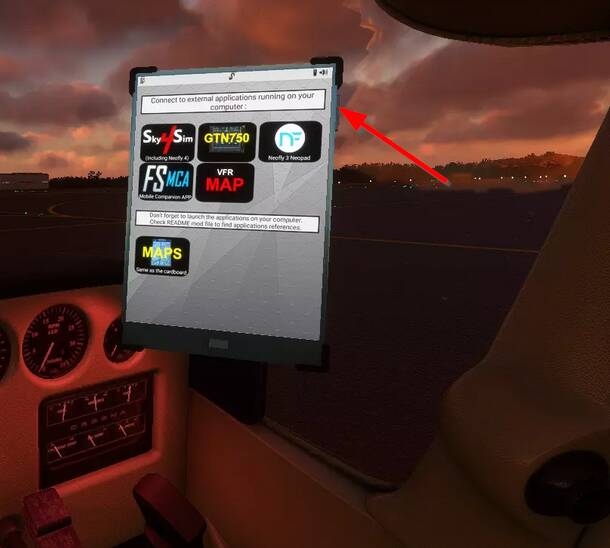
Thank you so much for the help. The tablet it’s now working clicking on the mountain part (I hadn’t see it before…).
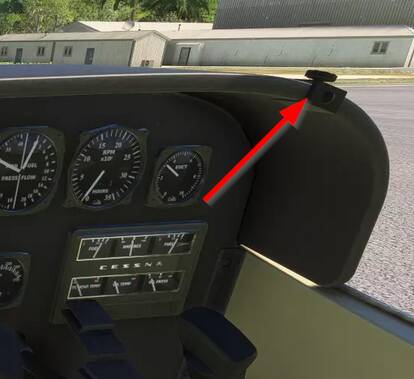
Just one more question, do you think you may give us the chance to put the tablet right over the cloche? Exactly in the same place of the vr map now?
Many thanks for all you do. A
Interesting discussion on the G5 levels. I’m only a renter, so I always fly I different planes but I’m sure the G5s in 172s were all perfectly level in flight. And as one person said in that link the G1000 does not have the issue at all.
Quick test, everything seems to work in FS24, but avionic display lightings (AP, ADF, XPNDR) needs some fine tuning. They are very faint. If I remember correctly, similar problem was posted weeks ago in dev support forum.
Good news, Asobo has found a fix for the dark screen issue in 2024.
It probably won’t be delivered in next update, but maybe in the following one.
There are several fixes, but I found none of them works very well, especially on my planes.
There will still be the texture problem, external lights, scratchs & dirt on windshield, strange ground reflexions on the inside (through the ground).
That’s still a lot to consider the backport is usable.
I probably won’t start to work on native 2024 airplanes before 2025, when the SDK and Blender plugins will settle down a little.
Confirmed, dark screen issue still present with today’s update.
Glad to hear Asobo’s going to fix it, though, as some of the developers whose planes have the issue aren’t the most forthcoming with fixing their planes.
I just updated the new mod. However, I can’t get the avionics to come on. I can start it up, but when I turn on avionics, it doesn’t work.
I also, can’t use the book to undo the chocks and other things.
There are unfixed bugs on 2024 that prevent a lot of planes to work.
Even though I had the opportunity to prepare mine, I did not managed to workaround all the bugs found in dev alpha. Most of them are currently still present
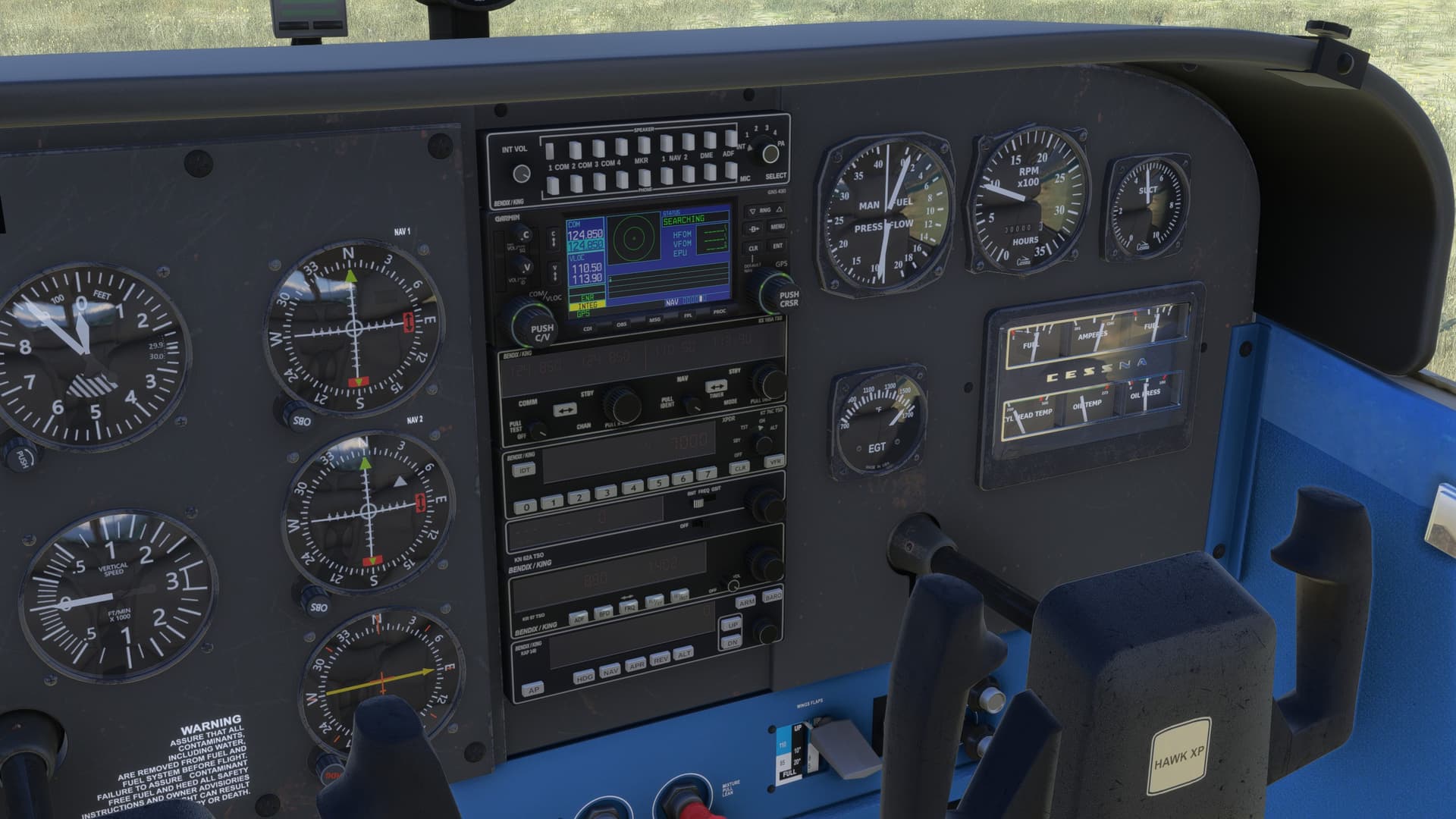
Is there any chance we could get that panel for the default 172 but without the prop lever? I have been trying to find a 172M cockpit and that looks exactly like it but if it was for the default 172 it would be perfect!
That’s right, my cockpit project is common to all my mods, so it could be possible ! External shape seems very similar to 172SP too.
That’s yet another module to maintain though.
I would have to choose between modern and retro interior.
All the rest could be reused as-is