I had great clouds.. like real… but after the latest update on 22/12/20 they are similar to what i used to get in Xplane… What’s going on?
Is it set on ultra settings? I don’t have that issue
Could you be more specific as to what exactly the difference is between now and before the patch?
Show us some before and after screenshots and some screenshots from Xplane 11 for comparison. That would be useful for the developers and the users here to help you out.
Something very wrong with your system. Clouds look perfect here.
Clouds look okay but were way better, before the update 5, IIRC
Everything is on Ultra settings… they used to be similar to a volcanic eruption at times with lots of depth to them.. now they are flat with very little texture to them… it’s only since the last update…
Bear in mind there are different types of clouds and what you see will depend on the day and where you’re at. I have not noticed any fundamental difference in any update.
To the OP, the World Meteorological Organization (WMO) has classifications, to make 10 main groups of clouds, called genera . These are divided into three levels - cloud low (CL), cloud medium (CM) and cloud high (CH) - according to the part of the atmosphere in which they are usually found.
Could you reference what type of cloud in the 3 levels you are referring to in MSFS, not trying to denigrate your original question
here is a screenshot of some clouds taken after the recent update;


I should apologise for my Dell Inspiron it does not have a graphics card=integrated graphics
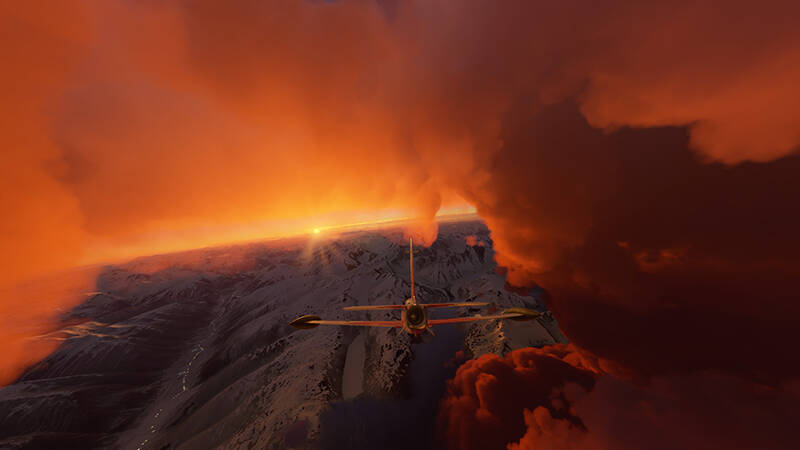
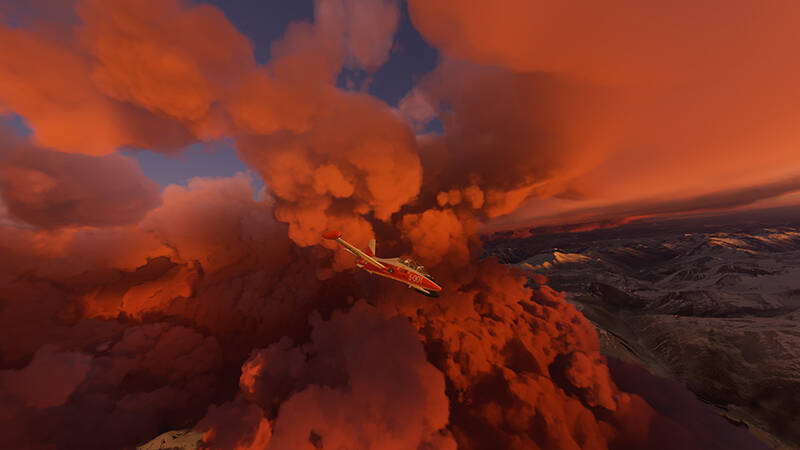
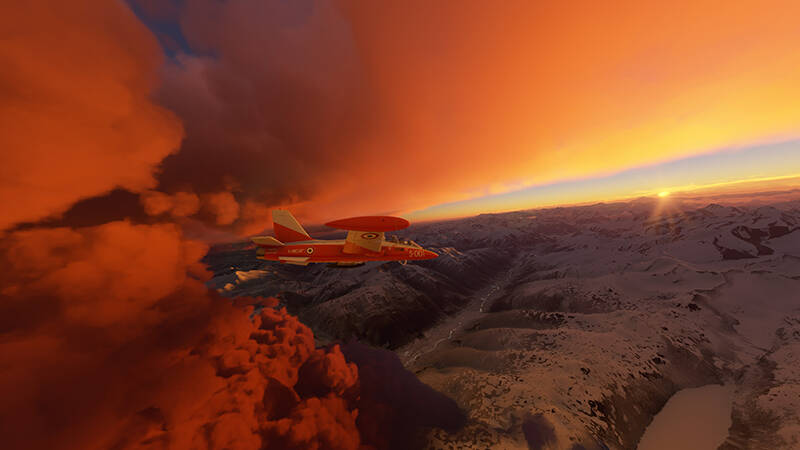
Thanks guys i think I’ve solved it.
I re installed an Nvidia driver and it seems to be a lot lot better… not sure if it’s as good as it was before the update but it’s much better than it was so thanks for your help and suggestions…
The only problem that I am facing related to clouds is the “pixelization” (I dont know how to explain it), even on ultra in a rtx 3080. But it seems to be an well-reported issue.
Please add to the name of your topic " [Solved] " so people can find the solution to your issue in the future 
Clouds are a chaotic system.
The scores of universities modelling Global Warming can’t model clouds. So they leave them out of the model.
This why the Temperature predictions are WAY OFF.
Clouds form when dust and cosmic particles attract moisture to form a droplet.
Lots of clouds recently, especially snow clouds in Canada and Russian Federation. Caused by lots of volcanic activity.
Another thing to say about clouds is they are so variable, it is only a fool who says a cloud looks ‘wrong’.
Clouds looked much better in release day build.
keyword is “grain” and “noise”. You could search in this forum and there are some solutions.
Thank you very much!
I am getting clouds that are like x-plane. I recently reinstalled MSFS.
I’ve tried installing a number of driver versions but no success.
any advice.
Clouds look great to me, running maxed out on a 5700XT:
My 5700XT 1080p settings Solid 30fps with highest fidelity - Community / General Discussion - Microsoft Flight Simulator Forums
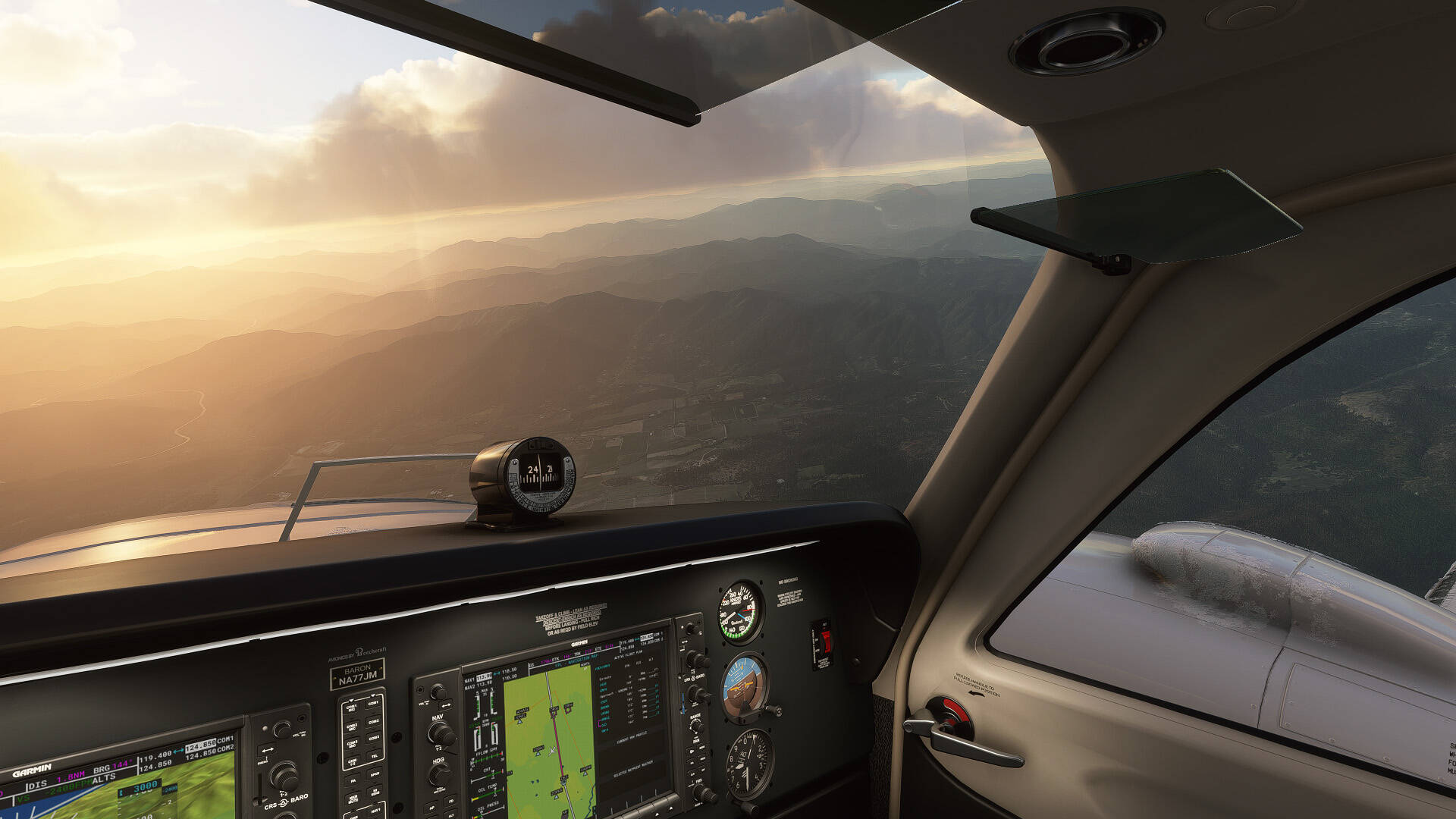
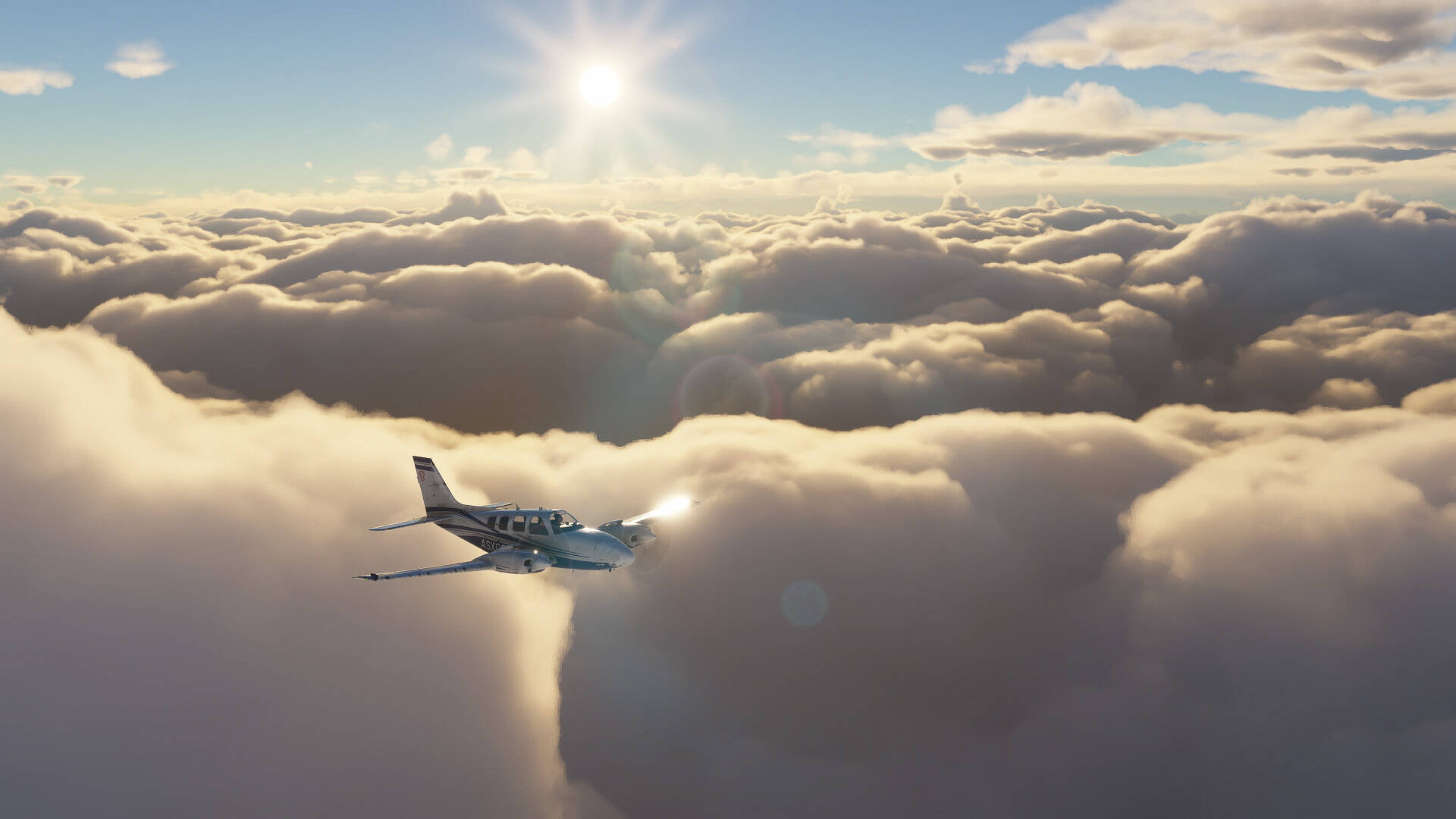
To see the problem, just be sitting on the runway and set the clouds to broken - if it affects you the clouds will look grainy and like the dithering in a comic book. The problem is best seen on the edge of puffy cumulus. In my case this started with the last update. The graininess seems to come and go depending on CPU usage.