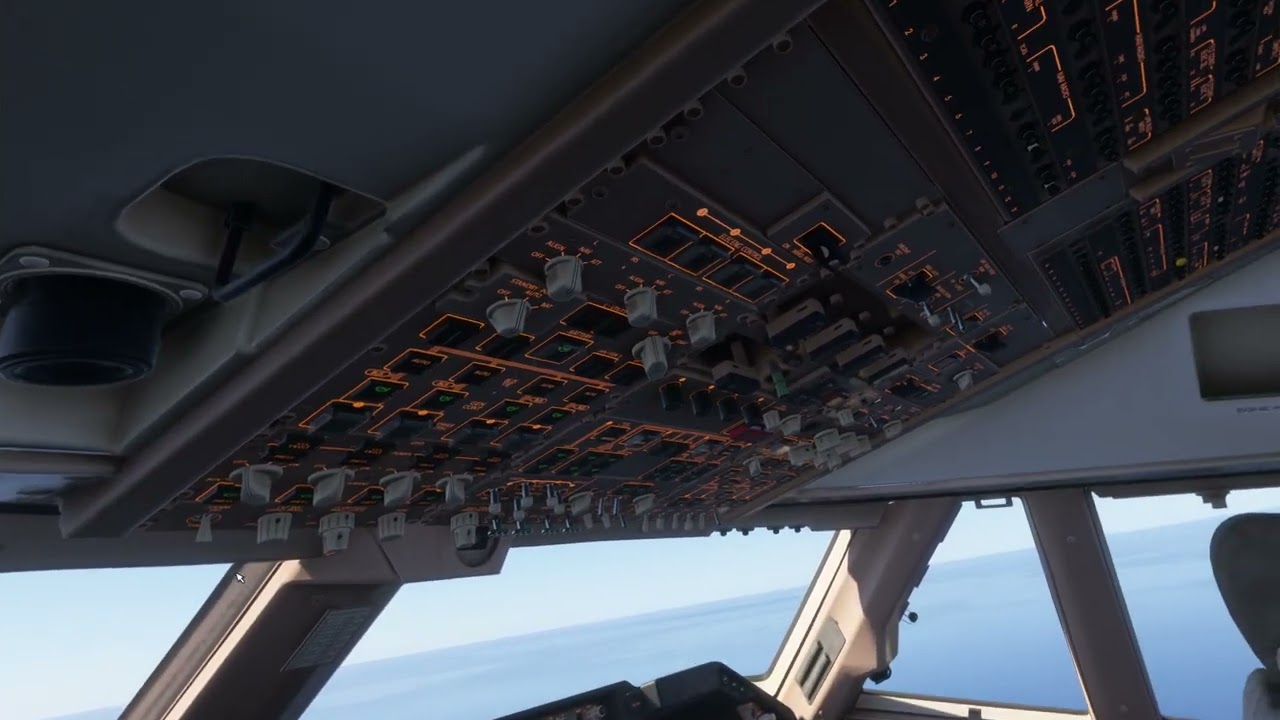
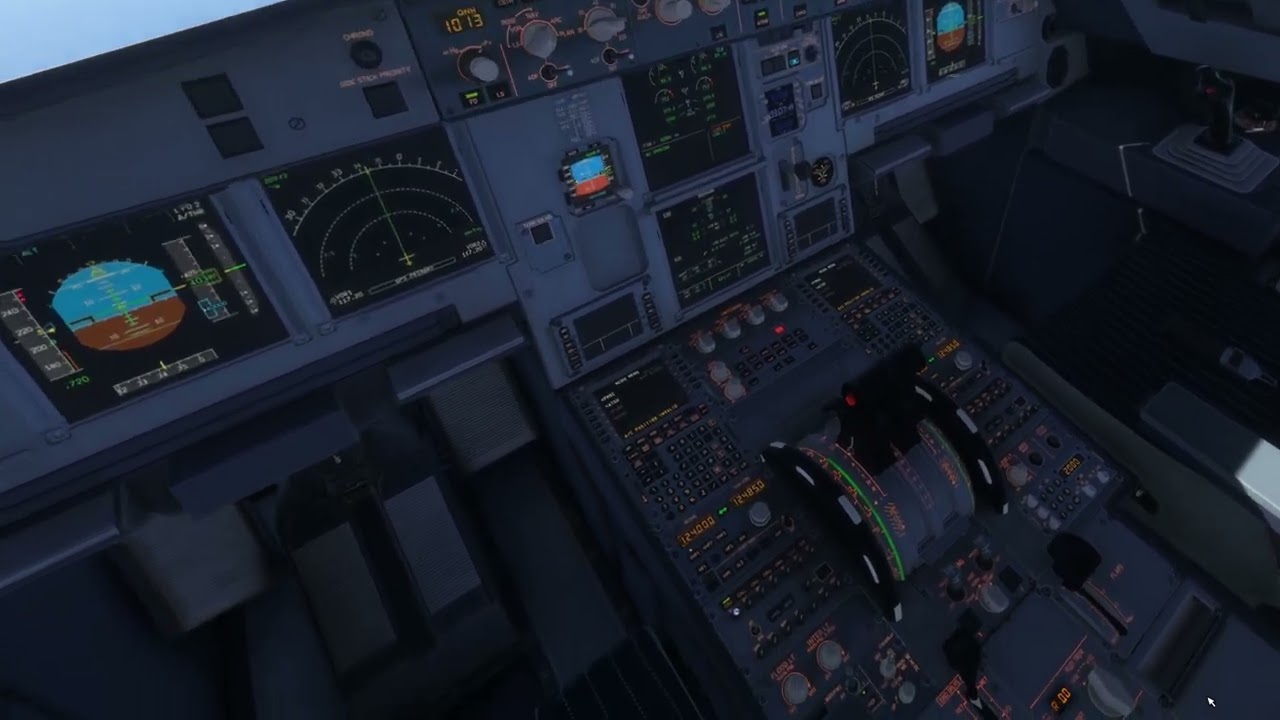
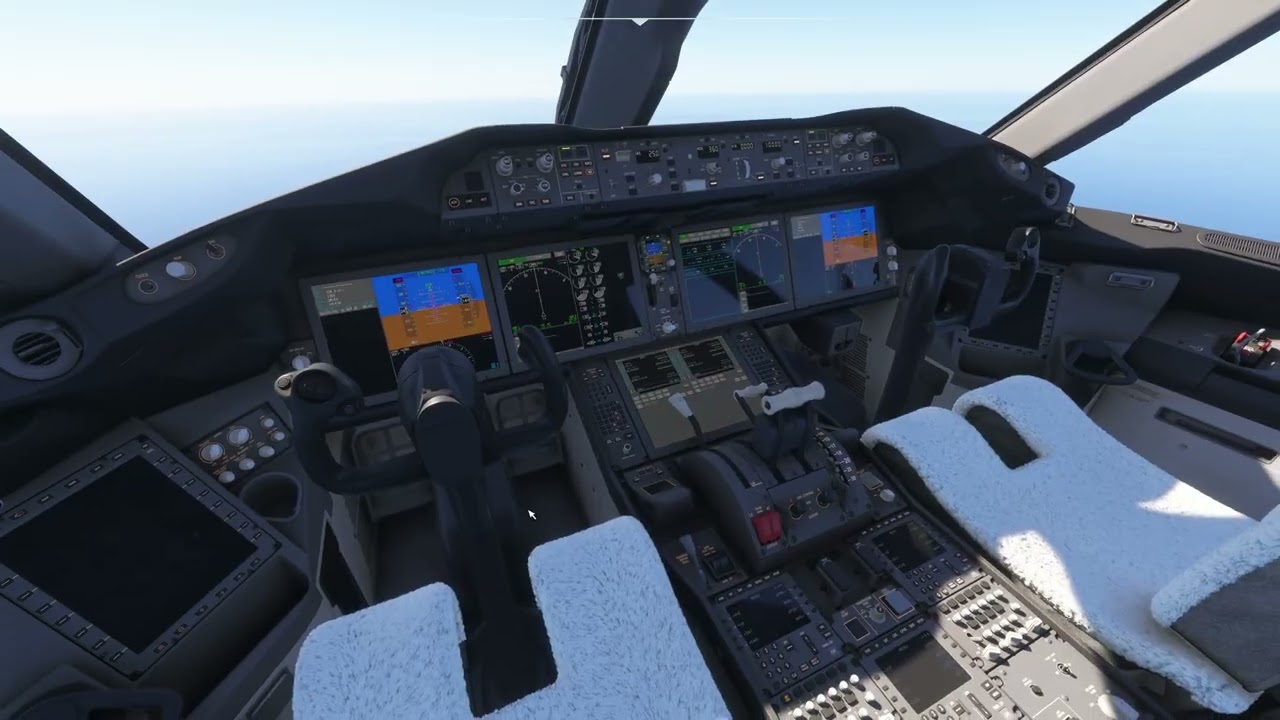
Description of the issue: Cockpit text on buttons is not always visible from default viewing position. Text will appear once leaning in closer. This is especially visible on smaller buttons and FMS keypads in a number of stock sim aircraft.
787 Dreamliner almost has no visible FMS pad text visible from default view.
747-8 / tanker both have disappearing FMS keypad text.
A320 Neo V2 also has disappearing FMS keypad text as well as text from smaller buttons.
CJ4 is mostly ok, but small lights on cockpit or on buttons will disappear if you move away slightly.
This issue is related to an earlier bug report here. The geometry issues demonstrated in the videos I made have been fixed but text / texture issues still remain.
FREQUENCY OF ISSUE
Always
REPRODUCTION STEPS
Please list clear steps you took in order to help our test team reproduce the same issue:
Load into aircraft such as 787 Dreamliner in VR.
Look at FMS keypad text, will not be visible unless you lean in alot closer.
YOUR SETTINGS
If the issue still occurs with no mods and add-ons, please continue to report your issue. If not, please move this post to the User Support Hub.
What VR headset and peripherals are you using:
Meta Quest 3, Honeycomb Alpha, Honeycomb Bravo, Thrustmaster TPR pedals
[PC Only] Are you using Developer Mode or have you made any changes to it?
No
[PC Only] What GPU (Graphics Card) do you use?
Asus ROG Strix 4080 16GB
[PC Only] What other relevant PC specs can you share?
Further testing shows this bug seems to be linked with the field of view, higher fields of view will cause the text or textures to disappear.
It occurs both in non-VR and VR modes, the 787 Dreamliner is the best example to test as the issues are immediately noticable in that cockpit. If using default controls, simply rolling the mousewheel to zoom the view out will make the text on the FMS buttons and other cockpit elements disappear.
The effect is even more pronounced in VR due to the higher fields of view used during VR.
Here’s a video demonstrating the bug taken in non-VR in the 787.
I have also seen this in the A2A Comanche for the autopilot orange lights that come on. If I lean forward the light comes on, lean back, the light goes out. What is odd however is that if either of the nose up/nose down orange lights to the right on the autopilot come on, they are visible all the time. If the LOD system has changed and were affecting this, would not all lights come and go?
Armed myself with some knowledge from the MSFS 2024 SDK documentation to try and figure out what is happening here.
I used the LOD Debug tool in developer mode to test whether LOD levels had any effect on this issue. It behaves consistently regardless of LOD level, so its an issue independent of the model LOD level system. Changing the cockpit from LOD0 (what we should see typically when sitting inside) to LOD1 or LOD2 (used for exterior views) and so on had no effect on the disappearing textures.
There seems to be an issue with the way the sim renders decal textures used in cockpits. I could not find any documentation on why the sim culls the decal textures the way it does. Do decal textures get measured for screen-size the same way models do with their bounding boxes? It seems that way. It would explain why its more prevalent during VR use.
This issue is not exclusive to VR either, I did all this testing on my 4K monitor.
I am on 1.6.11.0 and I also get the same issue with my Pimax Super and it’s impacting a wider variety of planes such as the fenix a320, inibuilds a340 etc.
Still not fixed 1.6.29.0 (A320 FMS for ex.). Edit: 1.6.30 made it completely unusable for me, terrible stutters and SW keeps crashing all the time, so missing decal textures now seem to be a minor problem:)) (but its still present).
For me, yes. No matter if I fly in the Fenix A320/A321, FBW A320N, or the IniBuilds A350. The symbols on the far away buttons, in this case from 3 minutes ago, the LS and ^ in the A359 with the current SU4.
Edit: Just to add it, the buttons on the 1st officer side are affected.