Indeed, that is true. However, not allocating weighted tasks properly is called “bad optimization” in video games. What we are seeing is bad optimization.
Replying to confirm that line 235 was the location for me as well.
I can confirm: this one really works for me. All the other solutions floating around didn’t do anything. This one I’d say gives me 5 to 10 frames more in the airliners. I do notice the instruments are less smooth, but that’s a very small sacrifice.
2060 RTX / i7 / 144hz screen refresh
Is there a way that this modified BaseInstrument.js file could be placed in the Community folder so it will override the original, rather than modifying the original?
Following up after a flight. Prior to editing, I averaged 40 FPS on Ultra. After editing, I am now reaching 100-110 FPS average(Dug around the code and found a few extra things to tweak as well, still configuring before I finalize a post). Instruments are choppy at 0, but easy to get used to until Microsoft realizes they omitted a section of code.
To note: I fly in the mid-west. No cities, flights were done during the day time, overcast skies, no traffic.
2700x w. 5.1 GHz overclock/2080 Super w. 2145 MHz core overclock/64 GB (4,200 MHz) RAM/165 Hz display.
Thank you, the code means nothing to me  , I’m glad there’s people who understand it and can optimise it!

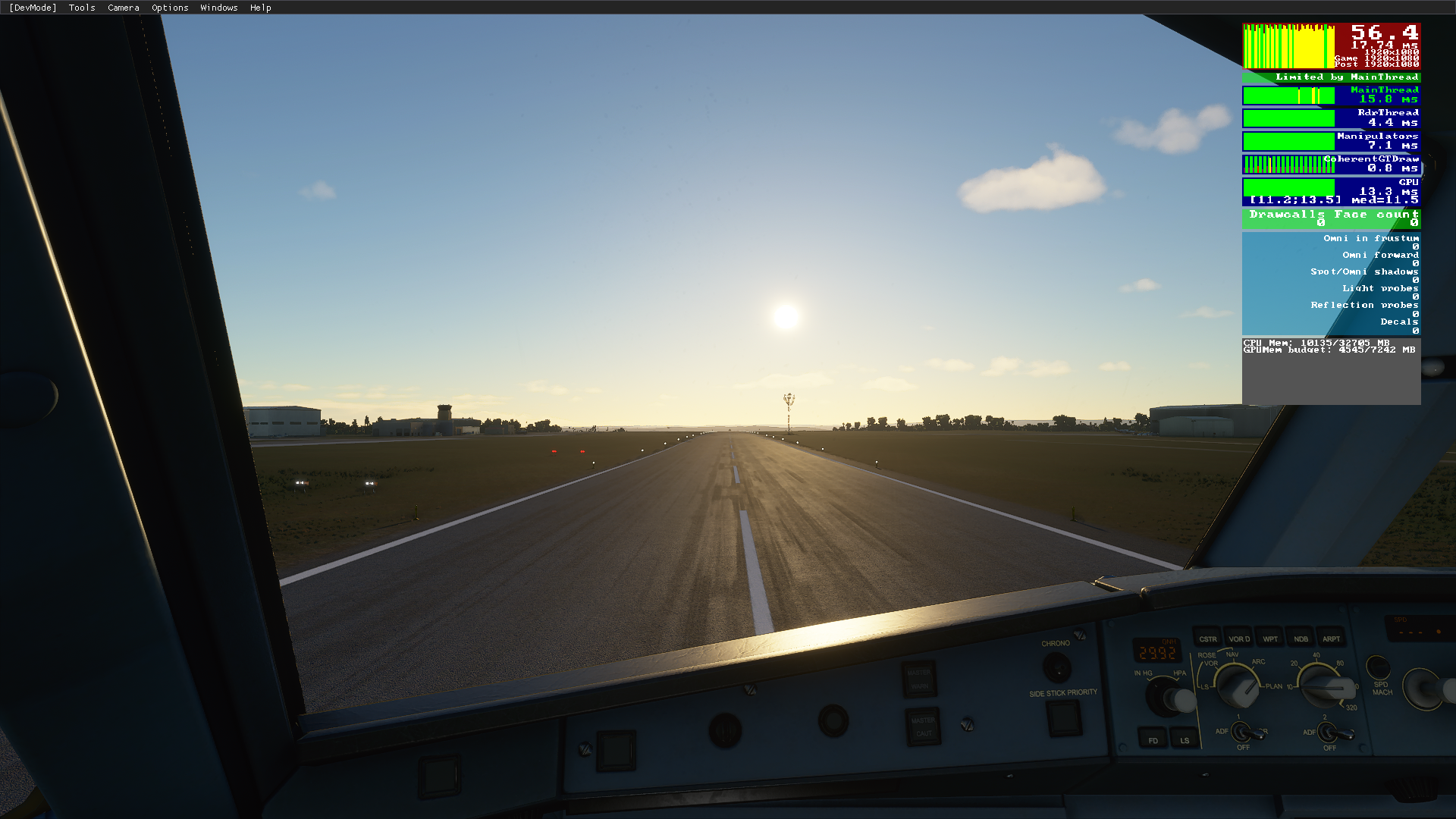
Whether you have a 3080 or 970 is the same? Definitely not true. Idk about you but I have almost the same specs as you, just a better GPU and get 45 FPS in most all places other than right over downtown Manhattan where I get 30-35 FPS ultra max settings other than render scale which is at 120. And mine shows a GPU limitation not mainthread
You could optimize it a little by adding an else to the line with the medium 
So it seems not too easy a first easy shot did not work regarding a custom package. But the patch itself works great.
I’m thinking about changing it from a frame based decision to a time based decision. I’ve seen they are already collecting the time elapsed between updates and I’m asking myself why they did not use that. E.g. saying high = 30 fps (33 ms), medium 25 fps, …
This would make it more stable in terms of update rate for the instruments.
I caught the ‘else’ insert myself and snuck it in. I did notice that all instruments seems to be updating in the series frame. A future optimization might be to stagger them across frames. This would be smoother I would imagine.
The render scaling is a game changer.
I tested it flying over Manhattan at night.
Going from 100% to 70% gives me a 15-20fps boost.
I’m now over 40fps flying low over Midtown Manhattan, probably the most or one of the most demanding sceneries of the game.
Also, download the latest Nvidia driver.
Everything else is set on high end.
I have a G7 laptop with 9th gen i7 processor, 32Gb RAM, 1Tb HD, RTX2080 Super.
Nice catch. I haven’t had time to go through all the new panel code, but changing this line at least makes the 787 usable now.
Could you please show us the line you used so I can copy-paste it if you are so kind?
how have you nearly maxed out your 32GB RAM? I have 32 and it never uses more than 13GB
If that is the case then why is not happening to everyone. I see limitations in the CPU but many people are getting 40-50 fps or higher in Ultra settings. CPU utilization can certainly improve upon that but 20 fps is too low for this issue on any graphics setting
I regularly see RAM use over 24Gb, many times very close to 30Gb.
is that normal? i have a i7 10700K GTX 1070 and runs smooth as butter @ 3840x1200 get a constant 40fps but only uses about 13GB DDR. my settings are high-high end and ultra. GPU at 100% and CPU at 20% usage. Thought i’d use more than 13GB DDR.
its going to be offtopic…
Someone created a package that patches the base instrument without the need to modify the original file:
The json fix didn’t do anything for me, except make the G1000 very choppy. Most likely because I am GPU limited (9900K@5, 1080Ti).
Nobody said it will magically solve all performance issues. In the case you‘re GPU bound this is no surprise.