not sure – depends on your specific system. I have an HDR-10 certified Asus ROG PG27UQ monitor and I can tell by my MSI Afterburner overlay (the color of my overlay) and I can tell because my monitor will flash HDR on the screen for 2 seconds.
yes, at the actual airport – when I am at cruise, it seems fine.
Mine is a 28" Sony 4k Inzone G-Sync, and that HDR flash is usually what I see on other games but I have not seen it just yet
1 Like
If one sets to DLSS, does that mean that they’re using DX12? In other words, does DX12 need to be selected or turned on in any way??
You can select DLSS alongside Directx 11.
DLSS is only available for RTX GPUs though, not for GTX.
Cool. I’m on a 3080ti. DLSS was too blurry for me, but SU10 has been a nice update regardless.
Still don’t know if I’m running DX11 or 12 tho. 
If you turn dev mode on, and turn on the FPS counter, you’ll see a little text that says SDR or HDR under the FPS.
For me it shows HDR10 Vsync
1 Like
In the U.S. the FAA permits night flying under VFR rules:
I have loved this SIM from day one. But subsequent to the xBox release I have called out these guys a number of times. However, finally they have returned to form.
Genuinely, congratulations Asobo on a job very well done. It’s a joy to use and fly now. And everything is finally stable. I really hope you guys keep it up. I am honoured to be living in the golden age of home flight simulation.
My only gripe is that at my home airport VCBI something seems to be off with the new gusting model. Wind speed and direction is changing so rapidly it feels like I’m landing in a storm, but I know for a fact the weather is clear, with only a very light breeze.
Also, hilariously, there’s road traffic crossing the runway in Madeira.
But on a serious note. Thank you Asobo. Wish you good luck and may this platform only become better.
A special note of thanks to Fenix team too. Absolutely amazing job. And the FlyByWire team. Simply amazing.
2 Likes
I fly about 5 hours a day when I return in the evening, and I must say that I was already very happy with SU9, today with SU10 it’s even better, I have about 650 GB of addons, airport landscapes , except in some non-optimized places, I am at 40 fps blocked by my Vsinc and my Nvidia control panel, 144hz screen lowered to 120 at 1:3 in sim, 10900K 3080Ti, scaled to 130 in the sim in TTA (DLSS ■■■■) I never go below 39 FPS for a max VRAM of 10, throw me in the trash for the moment DX12, please block your FPS and you will see, I’m on 3440x1440
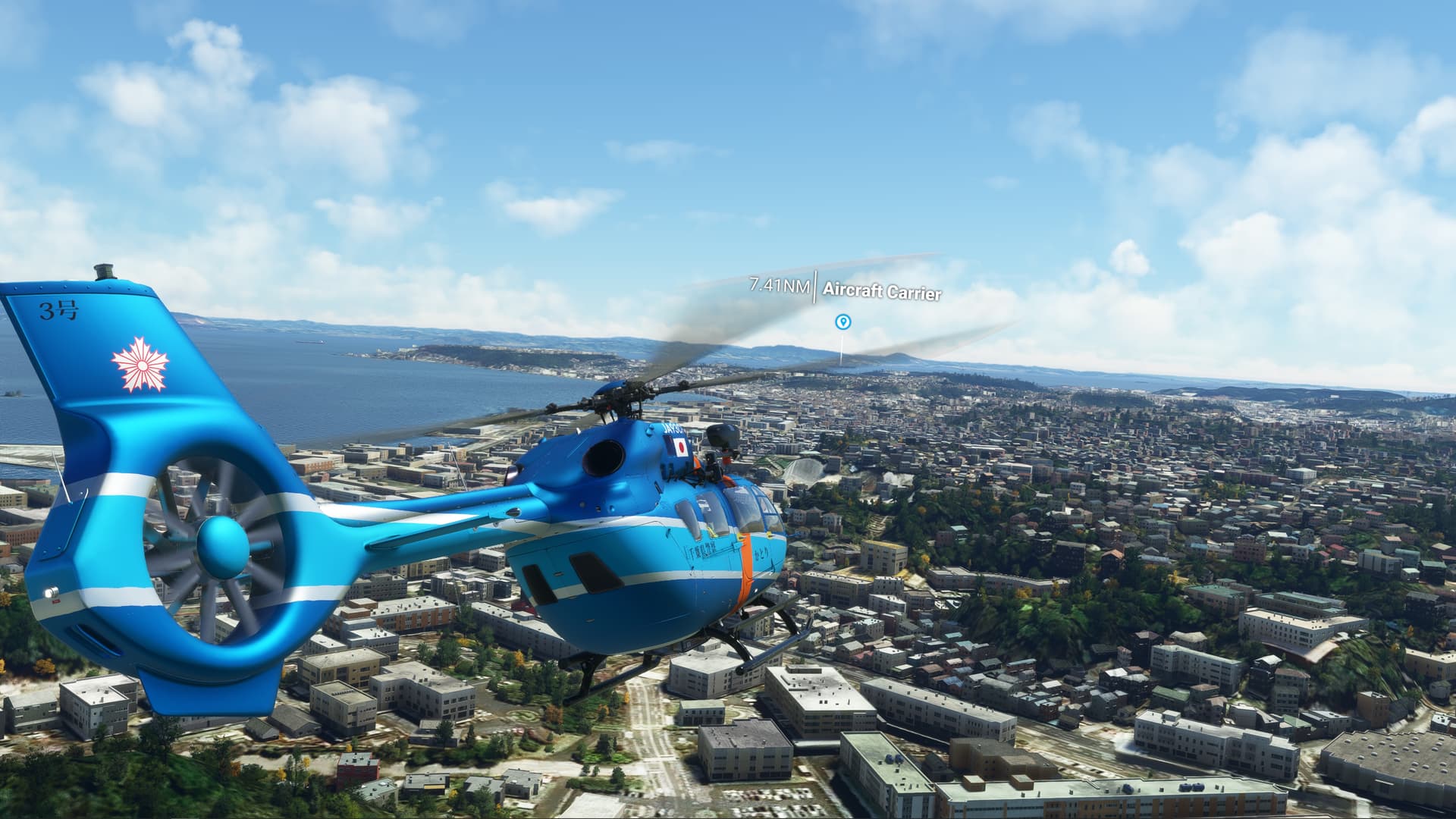
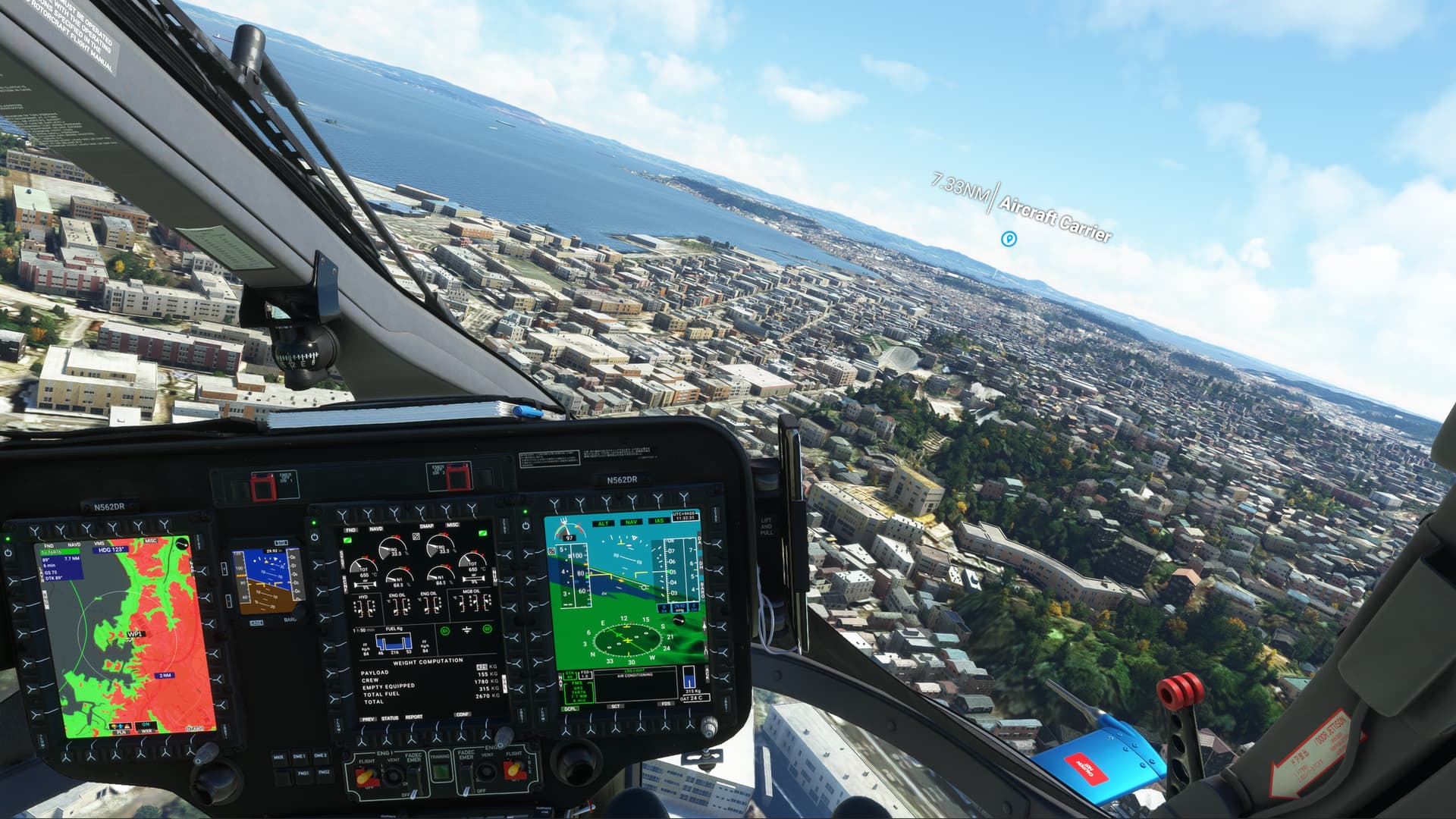
Just noticed that the POI marker for just this naval mod is showing up, though my POI settings are at OFF. Do I go to the mod maker? Weird.
Did performance in DX11 without DLSS improve also with SU10?
I agree with you that cockpits are way too dark. Lets hope that they will fix this with the upcoming WU or SU. Is there a way we can fix this in the config file?
1 Like
Hi. You don’t have to remove all mods to install a new update. You only have to do this as a test after you experience recurring ctd’s. In that case a mod might be the cause, so we remove all mods and put them back to find the culprit.
1 Like
Bummer man! My hunch is that it was the other way around: your SSD with MSFS crashed, which made the sim crash as well. Hope you’ll get this sorted out.
2 Likes
Well it’s confusing as dev mode reports much lower usage than Afterburner and HWiNFO. I’ve seen up to 23GB used with high terrain LOD and custom mesh.
Where did you get this from? There is absolutely no obligation to file IFR for a night flight. Neither with EASA nor FAA. Some countries require to file a flight plan when flying at night but that´s it.
Sorry, but I have to ask - if you can’t tell when HDR is working or not, without an on screen message, does it actually make the sim look noticeably better? Never used/seen HDR, so I really don’t know what it looks like.
1 Like
HDR will only work well on a high end monitor or TV that can put out sufficient nits (brightness). Many monitors support HDR on paper but put out insufficient nits to implement it effectively. When implemented well though, the difference can be quite striking.
2 Likes
All beta versions (especially the first) were working quite well for me, but somehow I am now CPU limited rather than GPU limited playing at 4k and even in VR (AA at TAA) - which hasn’t happened in a long time. Switching to DX12 with the latest studio driver makes a bit of a difference in VR, but not in 4k where still limited by mainthread. I did update to Windows 22H2 but rolled back after horrible performance, not sure if that’s somehow still having an impact.. Did not change any settings, i10900k & RTX3090. Any suggestions more than welcome.