Discussion + Poll: Sim Update IV (1.16.2.0)

did you have a tree hight mode installed prior? or did Asobo just increased the hight again making them even more unrealisticly high?. drawdistnace seems a bit further?

EDIT: just saw that you answered that already. well, tree hight mod it is again… lets see if the drawdistance is changable again?

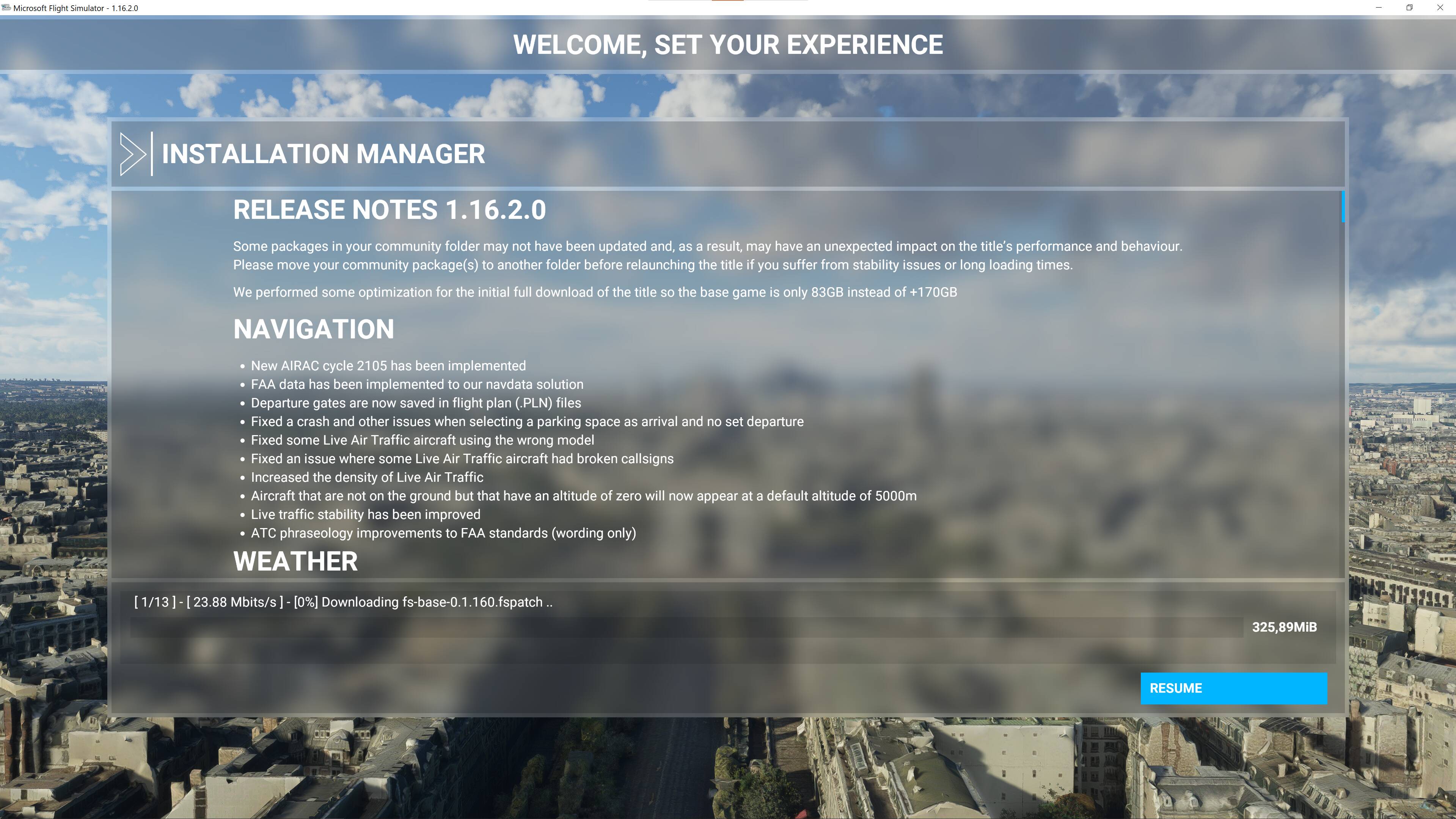
For Steam users: The client downloaded approx. 264 MB before displaying a Play button. Then MS-Installer took over and indicated approx. a 3.92GB package. My experience today - your mileage may vary.

Already done this … but now it’s still stuck here!

Click resume.

I notice the Content update (airplanes) take a LONG time each :thinking: I’m not going to break actions, but I’m sure it is slower than previous aircraft updates. Downloads are small.. waiting time is the unpack.

That’s available only for the default aircraft??

Honestly perfect update, did the search for it via Microsoft Store, it downloaded and now I can’t even start my sim, clicking the “play” or “launch” buttons does nothing.

EDIT: Good thing I’m a good troubleshooter, if you encounter the same problem, repair the sim from the programs tab on your windows settings, if it doesn’t work, or, like me, when clicking the “launch” button from the MS Store, redirects you to the Game Services app page, simply follow these steps:

Had the exact same problem, and this fixed it for me:

Update windows with all patches, then…

Reinstall the gaming services using the following steps:

1)Launch powershell as an administrator and enter “get-appxpackage Microsoft.GamingServices | remove-AppxPackage -allusers”

2)In the same powershell window, enter “start ms-windows-store://pdp/?productid=9MWPM2CQNLHN”

3)Install the app on that page, including accepting the UAC prompt when shown.

4)Try launching the game again. Re-install the game if necessary.

If it asks for a reinstall, simply select the disk you installed the sim on, it’ll do a small download (if everything goes well) and it’ll launch the sim afterwards.
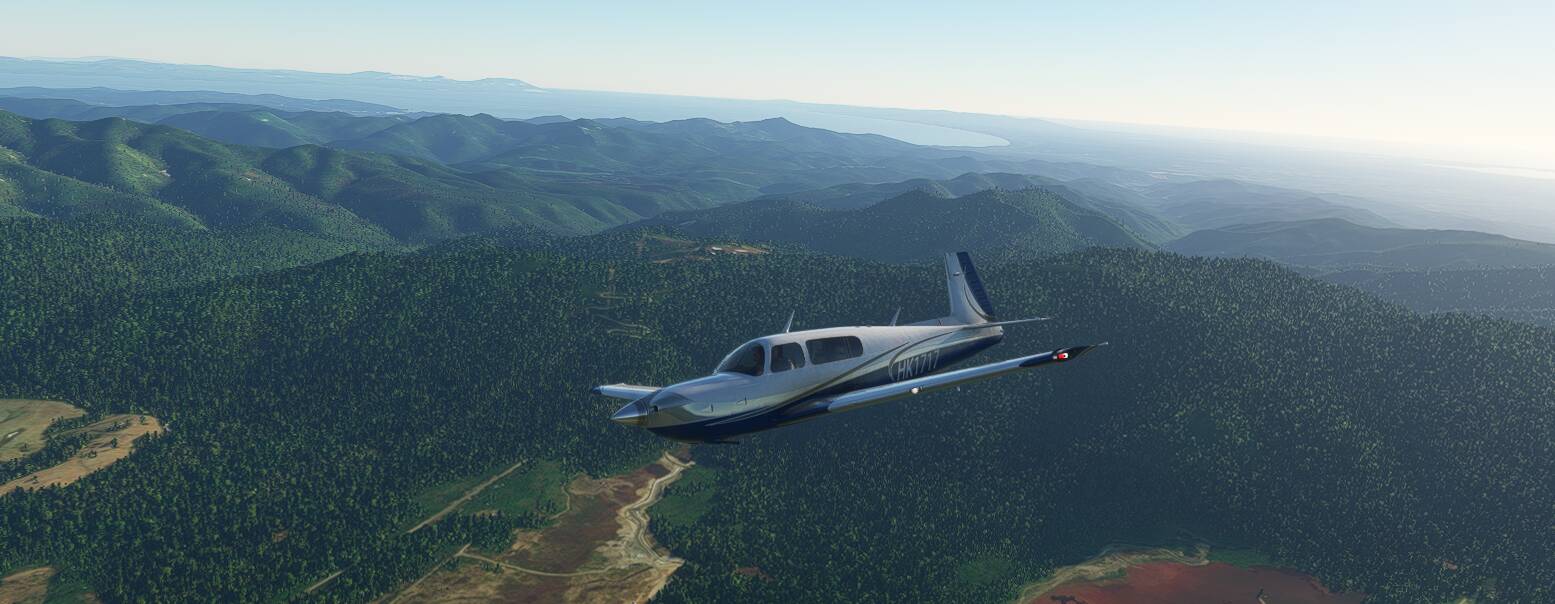
Thanks Asobo and MS, flying nicely with the SimUp4 + updated M20R Mooney.
Up above Japan with GTX970, save some FPS and good feeling so far!

Is it just me or anyone else experiencing excessive pitch up in citation longitude ? Not sure if it is ‘normal’ (not a pilot) but seems excessive.

Great this will be a quick one, less than 6Gb, not an all nighter.

Two Bugs also not fixed:

  1. Robin CAP 10 Attitude Indicator not equal with real Horizon. Zendesk Request 5 Months old.
  2. Diamond DA40 TDI Fuel-Transferpump not working. Bug since Release in August 2020 and two Requests send.

I give up sending a Zendesk Request.

is it normal i dont see an update ? im in mtl canada

You might try a Reboot?

I am really surprised that in sim update 4 ,Performance was marked as MAIN Focus and yet no documentation regarding it. What’s improved or even worked?
Stutters, lags are the MAJOR issue in this sim, leave aside the rest .

5.69 GB package for me (Steam - Premium Deluxe Edition)

SDK update for visual effects. That’s a nice one for immersion.

Downloaded mine from Québec.
If you’re on Steam, restart it

Yeah I had the same size.. actually the sim-update is a lot faster than the Content updates ! all aircraft !

I wouldn’t expect to see any tangible performance improvements until they roll out the XBOX version and DX12 version for PC. That’s when we’ll see the optimizations they’ve been going on about in the Q&As for the last 2 months but we’ve yet to see materialize.

Nothing new so far… Still the same BS :wink:

If anyone has loop problem with particular aircraft patches, just come to Official folder (if you own Steam version) and delete that unfinished patches, restart Sim and it will automatically continue and fix that downloads.