Mine was also enabled after update. I deleted cache and turned it of and i believe that I got my frames back with less CPU usage. ApeJim… make sure you are testing in same location and altitude. I have a standard test location so it is apples to apples.
Yes in same location and altitude. My home airport, Scone in Perth. 22 FPS with FXAA on 40 plus with FXAA off.
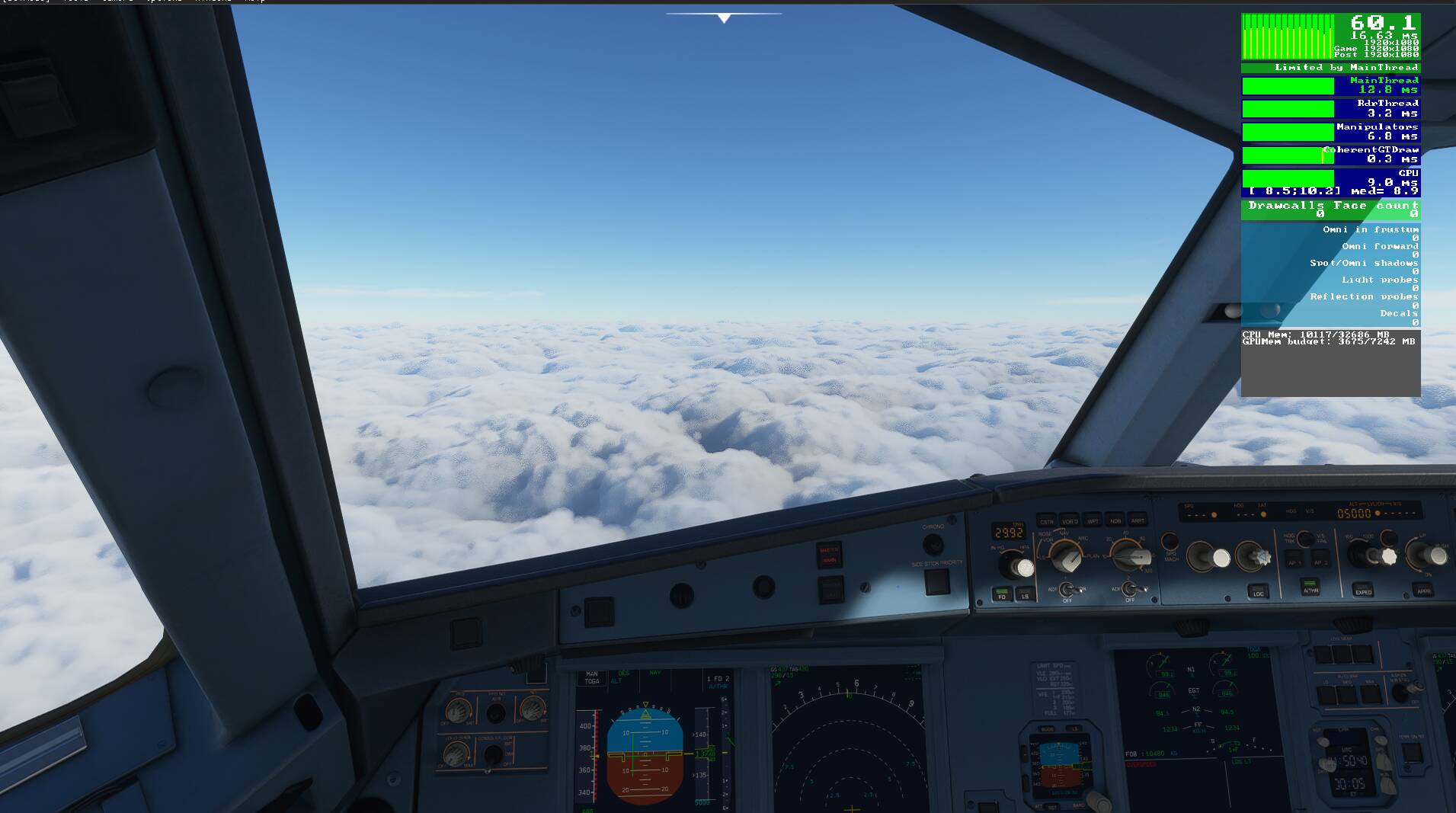
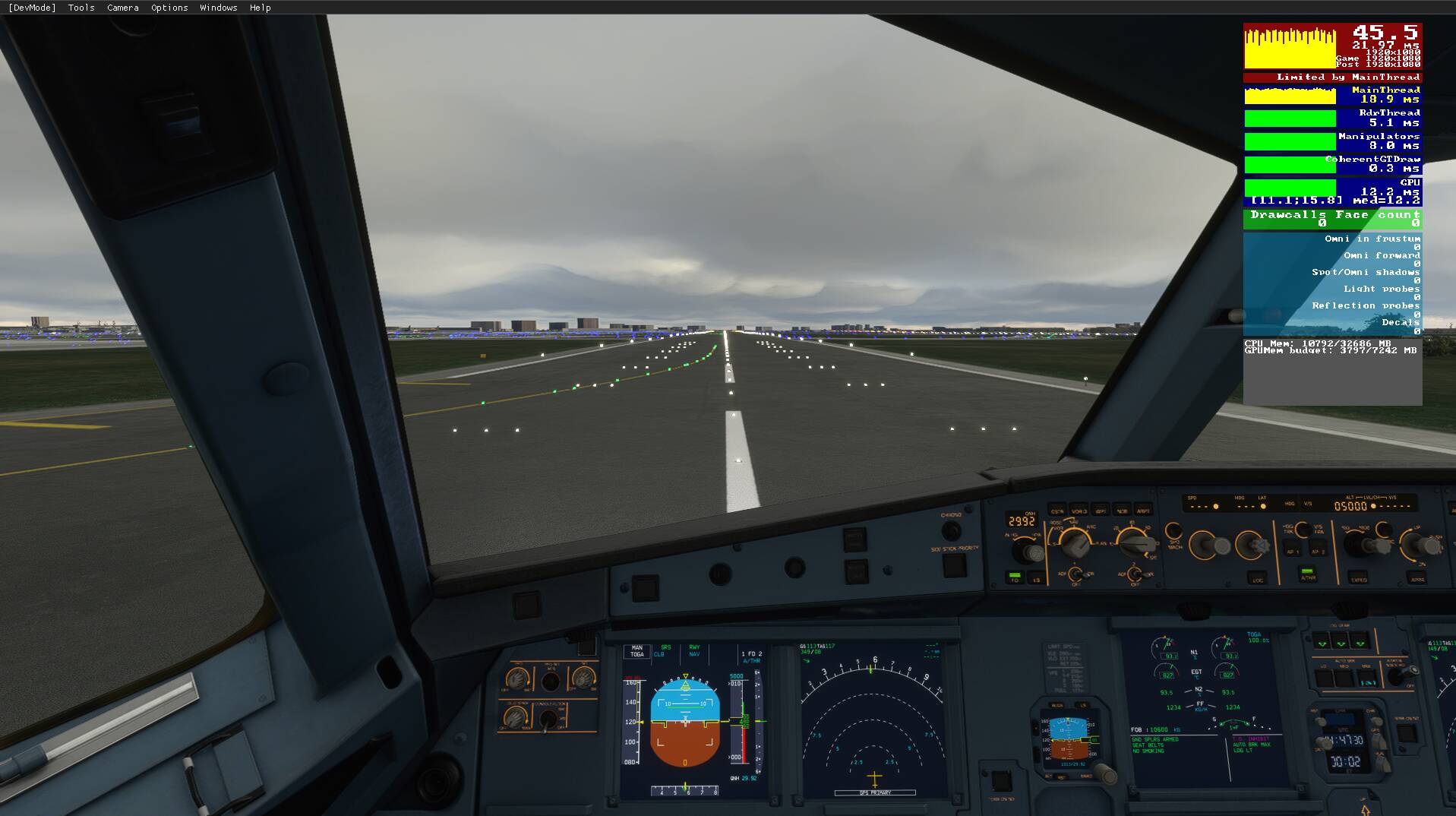

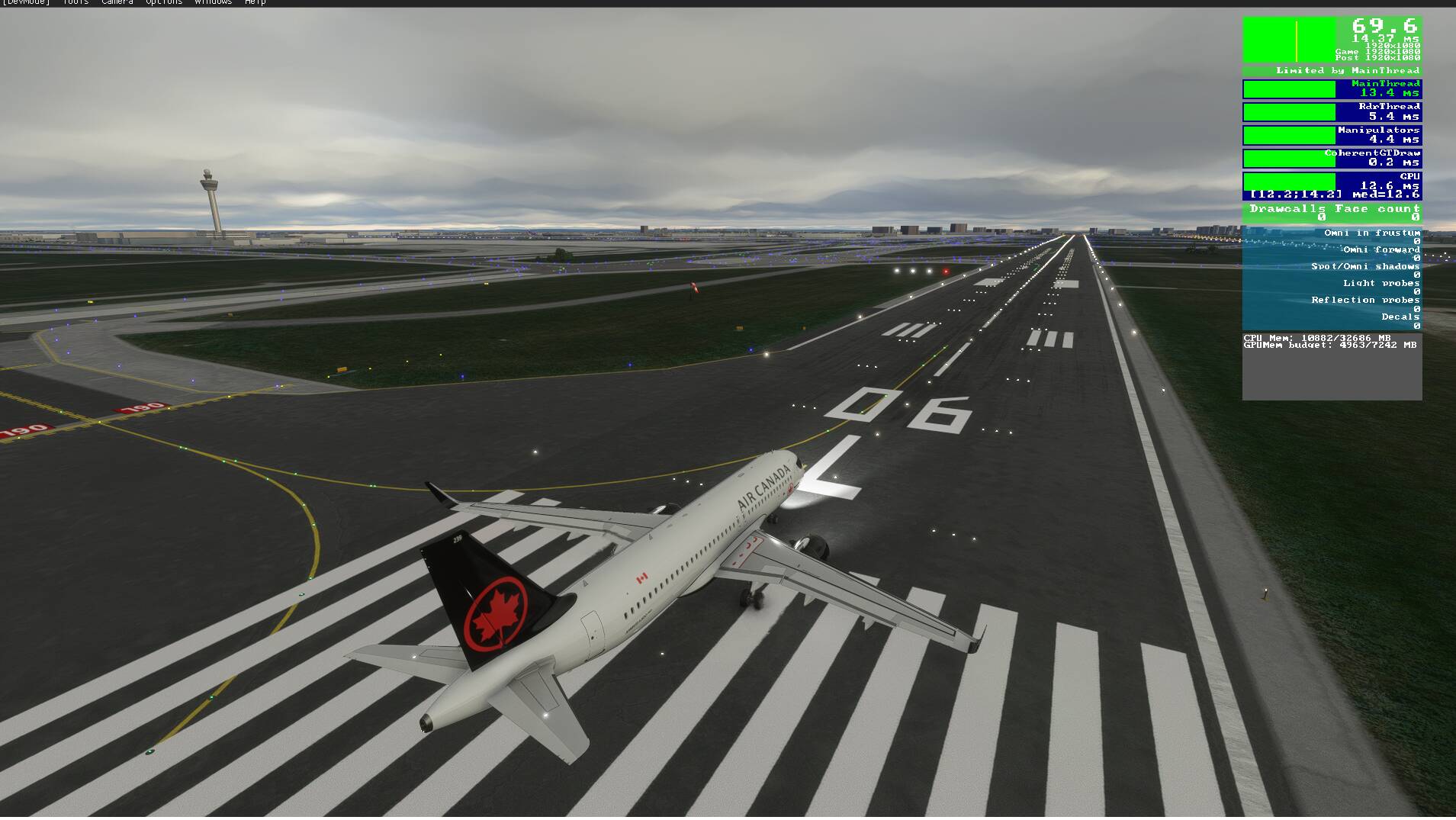
Think I came up with that solution didn’t I? ; )
Yes, ditto.
I too, post patch, have the same FPS and the graphics do look better.
I agree, broadly, with the 25 FPS thing as well.
In this sim [as well as previous sims] Using the NVIDIA control panel I limit the max frame
rate to 60 FPS, set the vertical sync to adaptive [half refresh rate] and set my G-SYNC capable
monitor to fixed refresh.
All this results in an in game FPS of 30. But it is a rock steady 30 FPS which makes for a consistent game performance across a wide range of situations.
It also means that I do not suffer from any pesky micro stutters.
As a typical uni-lingual Englishman, I had to [out of curiosity] use google translate to understand this.
And yes, I completely agree.
Schönen Tag [I hesitate].
Before patch : could run the sim maxed out at Heathrow.
After patch: can run the sim maxed out at Heathrow.
I get better AA now as well and better night lighting. Magical stuff. Thanks Asobo!!
Agreed - after turning off FXAA in Nvidia and my performance and visuals are stunning…at least till the next update…
No change in performance for me. But the visuals are 100x better.
I initially also saw my frame rates cut in half, which was not good. It turned what would normally have been a playable frame rate (20-40, depending on location and altitude) into a 10-20 fps slideshow. That shouldn’t have been happening with an RTX 2080 and Ryzen 2700X.
I upgraded to the latest nVidia driver and changed settings in my nVidia control panel to mirror what’s in the post below. I found myself with frame rates pretty much stuck in the 40-60 range. That was so awesome that I’ve gone into my in-game graphics settings and actually started cranking up detail on a lot of stuff to a mix of ultra and high instead of high and medium. Even brought my glass cockpit refresh back up to high now so it’s nice and smooth.
Now I’m consistently over 30 fps and only dropped in the high 20s in some large, busy cities (New York, San Francisco and Toronto specifically). I couldn’t be more pleased with the results. Now it looks better and runs a lot faster.
How will it slow down I have never noticed a difference during use sometimes loading into an area takes a little longer but not during use has never made any difference on or off have tested it a few times. If i always fly over a different area majority of the time the sim is going to have to download and run fresh data.
What planes are you guys using? im seeing like 60 in steam the stock 152 and savage but mid 30s in anything with a garmin. glass refresh rate doesnt help. Thought maybe wirking title had something to do with it but thankfully i think ive crosses that possibility out
To get anywhere near the same fps as before I had to lower all the setting to the minimum and stick it on 1080p, this after being able to run it perfectly smooth in full 4k since launch without issue and this is no go, as 1080p looks terrible on a 4k monitor. Even at 1080p on minimum setting the render thread is still in yellow.
I don’t have the highest spec pc but it certainly isn’t low spec. i9-9900k rtx 2070 32gb 3200mhz ram and 70mb download speed and fast nvme m.2 ssd.
It now makes xplane look higher quality graphics now

it’s unacceptable to go from 28fps lowest in built up cities and up to 38 fps in less built up areas in full 4k with mostly high and few settings at ultra and perfectly smooth running to now.
turned everything to minimum @1080p so it looks like a 90’s game and runs like ■■■■ seriously if it was like this at launch I wouldn’t have bought it as it now looks worse than default xplane 11.
Did you check your Nvidia Control Panel? FXAA is interfering with TAA and impacting the performance.
So you think its acceptable, that it went from a nice smooth running sim getting a good enough fps to not have stutters.
I was getting up to 38fps in full 4k with many setting on high and a few on ultra, had 80 render scaling and terrain and object detail sliders at 200 to now.
Now i can only get the fps near to the same as before by turning it to 1080p and turning everything down to a minimum and now it’s super blurry and makes xplane 11 default graphics look amazing in comparison.
I do see that there was an increase in graphical quality and turning settings down a little would be fair enough but not so low that it looks worse than before the update.
Yes for the very highest end pc’s they should make it possible to have it looking even better but those increases should be on top of the previous levels.
This is unacceptable and I wouldn’t have bought the sim in the first place if it was this bad it is now so bad it’s unplayable.
I plan to get the latest gpu’s when it’s possible to get hold of one and seen how the new radeon stacks up against the new nvidia 30’s series cards.
Did you check your Nvidia control panel? There are multiple reports about the same thing you are saying.
Yes have checked all of the things suggested fxaa wasn’t enabled anyway but have triple checked in ge force experience and in the control panel the fxaa is off. There are many others where fxaa on or off hasn’t made any difference.
i had bad fps, installing latest nvidia driver and after clearing my community folder helped. Now back to 40-50FPS, before 20-30fps
FWIW, did you try leaving it in 4k and lower render scaling instead? That way you rely on your graphics card’s sophisticated algorithms for the upsampling needed to put light on every pixel, rather than on your monitor’s extremely basic upsampling algorithms that make the view very blurry. On a 4k monitor running 4k resolution at 50% render scaling should look much better than running 1080p resolution.
As a temporary fallback before fps comes back and you can run full 4k resolution again.
I think I fixed mine. Now back to smooth motion and frame rates stuck at 30fps. No idea what I did.
When in doubt close your eyes and hit ‘reset default graphics settings’. 
Also, turned off rolling cache and deleted the cache file. Don’t need it, I have Fios 1Gig. Double checked FXAA to be off.
After saying all that Asoba probably snuck in a hot fix. LOL
I’m running full screen 4K (3840x2160) at 30hz.
Global Rendering ‘HIGH-END’
I lucked out with a well matched CPU and video card.
I9 9900KF at 4.8 with an Nvidia Geforce RTX 2080 Super (8GB)
32 Gig Memory