Thank you!
Where is this reset function please?
Thx
Its located in the main FS toolbar under FSLTL ‘button’.
Kind of worrying that there are no planes on the next building?
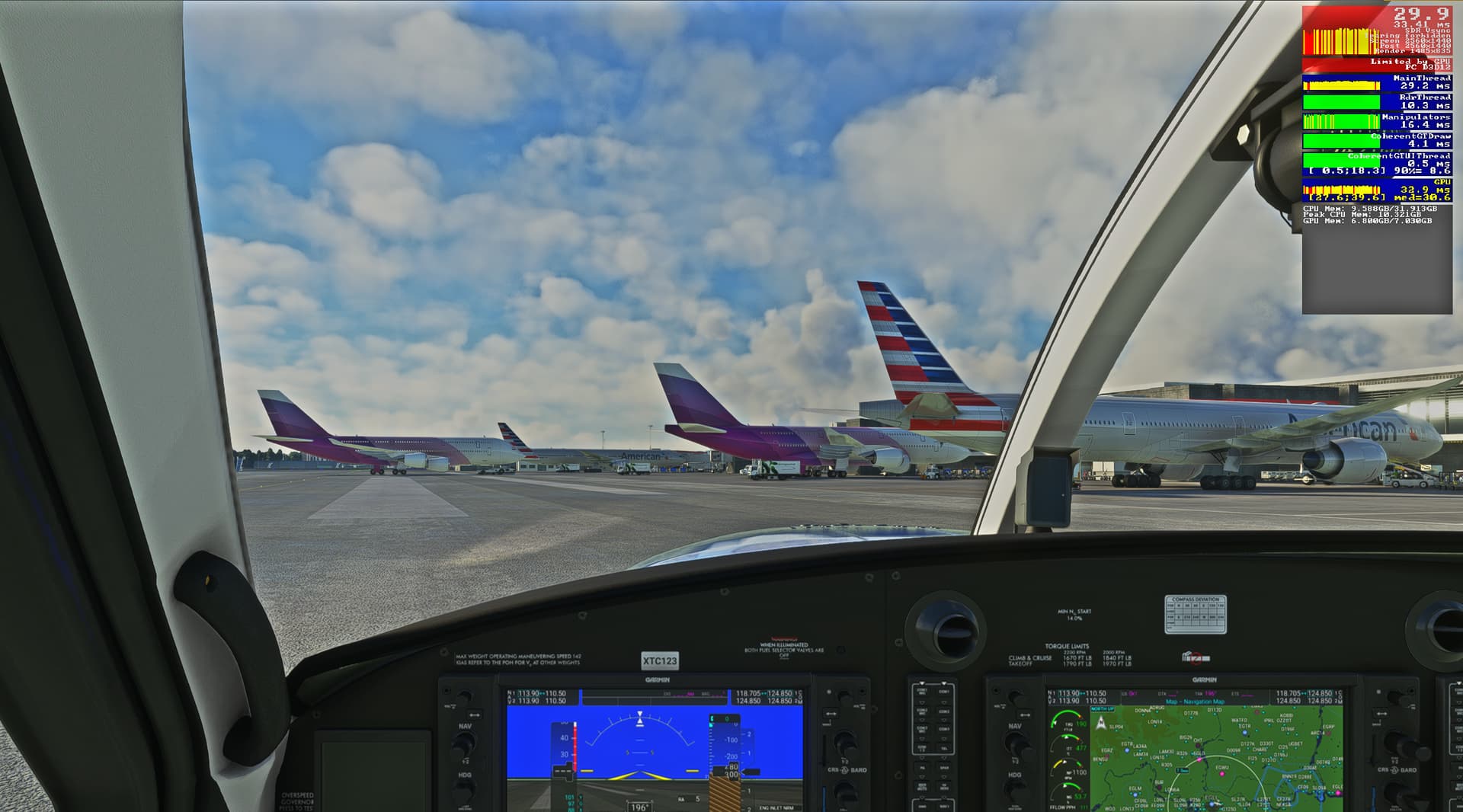
Keep in mind any time differentials between the time zone you are flying in and the one you exist in real life. Sliding ‘time and date’ back to be daytime say won’t change live traffic back to daytime.
I again flew last night (8pm UT) in RJBB->RJTT very little traffic about as it was 4am local. Just the trans pacific long haul flights (US/CA->China, vietnam etc). With only one aircraft arriving at RJTT as I arrived.
Flew this morning (8am UT), different story, there was loads of traffic about between RJBB and RJFF. Landed at RJFF {another great payware airport/scenery} and sat and watched 4 landings and 4 takeoffs. One aircraft landed and taxied to the adjacent parking spot, while another departed from the next spot. I love seeing this add on in action. A new passtime for me in the sim after a flight is just shutting aircraft down & then switch to external view and watching action for 20 min. I fear my flight time will be affected by this new activity. 
I just started using a parking mod to assign aircraft correctly to the terminals, could be due to that.
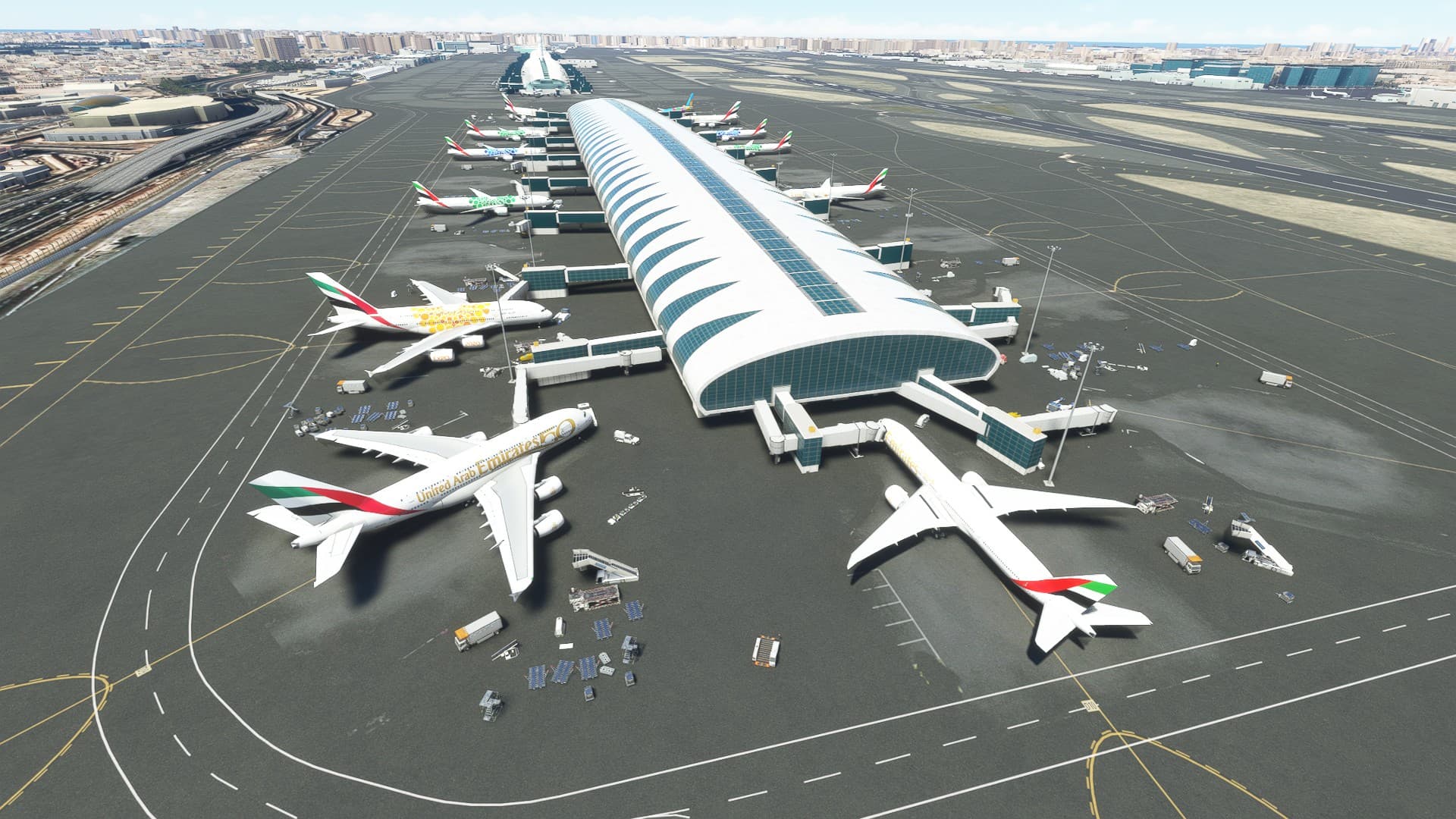
Apart from the empty terminal there, the airport elsewhere was full of aircraft (not visible in the image).
Cheers,
Nish
You basically gave the MAIN reason why I love FSLTL when using “live” in a resonable way vs. doing afterwork flights in far east Asia or America but being based in Europe. For those off time flights, the AIG approach using offline traffic is still the way to go for me, as it tries to represent the traffic at the time you set inside the sim and not “just” live. Because I will never, ever be able to use my sim at times where you have rush hours in huge asian hubs (or American hubs), so I would always miss this.
How does modelmatching works with the trafficinjector?
I got now for instance E295, E190, E195, E75L coming up as Generic Privat Jet
E55P coming up as LJ25 , a C182 as a C172.
I would like to change some. Like the E295, E190 as Generic Twin Engine Airliner.
Can that be done?
At the moment I’m trying to plan my fligths around Japan in the morning, US evening and UK/Eurpope (my timezone) for either. It kind of works. I can understand why AIG would work better under delayed/advanced time scenarios though.
Could it be that a full set of models and/or liveries has yet to be built up, so the matching is having to be done as a best-fit compromise?
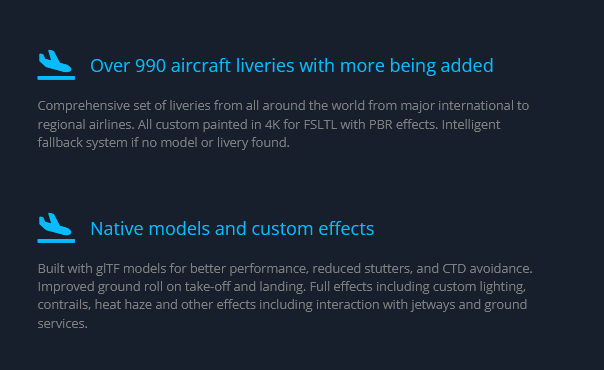
Yes, but it already must be based on something. Maybe by Asobo or in the code of the trafficinjector. I don’t see a modelmatching file with FSLTL, only the one for VATSIM.
Re: reduced performance with this. I find I have to reduce terrain LOD quite a lot to ease the load on the main thread. Sometimes down to 100. 12900KF+3090. KBOS has actually been the worst so far, a stuttery mess with FSLTL settings that worked fine elsewhere e.g. CYYZ, KORD or KDEN. KLAX was almost as bad as KBOS. OMDB with every single gate occupied and IFR aircraft set to 85 was working fine. DX12 seems to help - smooth even fps are quite low.
Do you have clouds on ultra? clouds are a CPU loader and you will relieve CPU quite a bit switching them to ‘high’. SU10 enhanced the clouds (they look fluffier) and loaded the CPU a bit more I think.
Odd thing is it did not really affect me when I initially installed it. However it seems, to me at least, that this issue had become more prevalent as time went on. I gave it a try and it seems to work.
But now that you mention it I suppose I should set it back to zero and see it non-departures become ‘a thing’ again.
Not sure if this was a reply to my post above, but I have clouds on high. Don’t see that much difference vs. ultra.
Can someone confirm how the injector uses time to give schedules?
For instance - Im based in the UK, If I wanted to fly in NZ or Australia during my day time, is this program just using the Live schedules at that time (i.e middle of night for Southern Hemisphere, so very little is flying).
or
If I set my time in the simulator to 9am, will the injector use the Flight 24 schedule from that time of the day to provide flight plans for aircraft?
Im assuming based on testing its the former, which is pretty limiting. Basically if you’re not in the timezone you flying in, it looks like you can end up with very little traffic (like the example above).
i almost sure this works like weather. whatever time you set in the sim, it use real time with couple a minutes lag