“Live weather” still seems extremely buggy. Tried to fly early this morning while still overcast and windy out of KGPM (Grand Prairie Muni in D/FW) and even though winds were showing out of the north, ATC had me take off to the south and fly directly in to the descent corridors for arriving flights at KDFW! Evidently AI knew the winds  but the rest of the program didn’t. Also my overcast sky IRL was rendered as a nice sunny day. I’m trying to get real weather to set up another flight right now and I’m getting - degrees - Kts at departure and destination airports.
I agree - I´m in full mode of flying around the world  Checking out places… the Metars/TAF and sat images don´t add up to much.
Landet in India yesterday, metar said it 3000meter vis in haze.. = clear blue skys and a visual approach 
Please people…vote for proper implementation of visibility here: Ability to change Meteorological Visibility / RVR
I’m getting sooooo tired of restarting after every flight to get my live weather back…
Yesterday wherever I went it was clear skies 15 degrees C and 29.92 pressure and winds 3 Kts but different directions at different locations.
I tried restarting a few times but gave up in the end just accepting there was some issue with the servers.
Today I was flying out of Antonio Nariño Airport (SKPS). Looked up the real weather for that location which was about 15 C and mostly cloudy.
In game it was again clear skies and 11C. Tried switching to a preset and back to live but it stayed as it was.
Restarted sim and it was now showing as storms and 11C, flew in a storm for 5 minutes then hit the restart flight option, back on the runway it was clear again. Shut down an restarted, about 5 minutes before I was back on runway with live weather, now showing 20C and rain.
Restarted sim again and storms. Seems it uses a random generator sometimes.
Yesterday i flught over the Alps with live weather and real time setup and the temperature was over 20°C at 2000 feet and 0 degress over 11500 feet, ok there is the global warming but it is too exagerated in this period of the year. I landed at Sondrio airport (a little airport in the north of the italy) and the temperature was 23 degrees Celsius, a such temperature there is in August and not at the end of november. After that i flught toward Venice and there the temperature was right (from 6 to 8 degrees Celsius).
It seems that where there is an important airport the temperature is correct , while in the remote areas of the earth where there is not an important airport, temperature is random.
I am afraid to buy a meteo engine based on METAR (like REX), since the bad experience with FSX and Xplane where the meteo change suddendly when i pass in proximity of an airport because the METAR is different. With the default meteo of MSFS there is not sudden change of meteo condition and all is smooth and realistic like in the real life.
Another thing i noted is the lack of a realistic representation of haze. I fly most of the time over pianura padana (northern Italy) where the haze is omnipresent but MSFS always show a visibility over 10 km even though the visibility out of my window of house is less than 5 km or less. Only when in the reality there is fog, MSFS show me the real situation…
It is a shame because MSFS meteo is very good especially the clouds but is lack of some important features which make the simulator not so real.
I do not know if REX can fill these gaps, but how i said i am afraid to try it.
There’s a nice little trick someone mentioned which works every time:
Spawn a flight with clear weather, not live.
Exit back to main menu. You’ve just set the default weather to clear.
Spawn again with clear weather.
When in the world, go to the top menu and change the weather type to live.
It’ll work every time. Or it has for me so far anyway.
I’m happy the last update “remembers” your weather choice, and my flight planner always starts in Live Weather by default. Haven’t seen an issue with clear skies since the update.
Live weather is not working. Right? I started in Athens, right now there is a huge thunderstorm, but ingame weather is calm flat.
Problems with weather downloading?
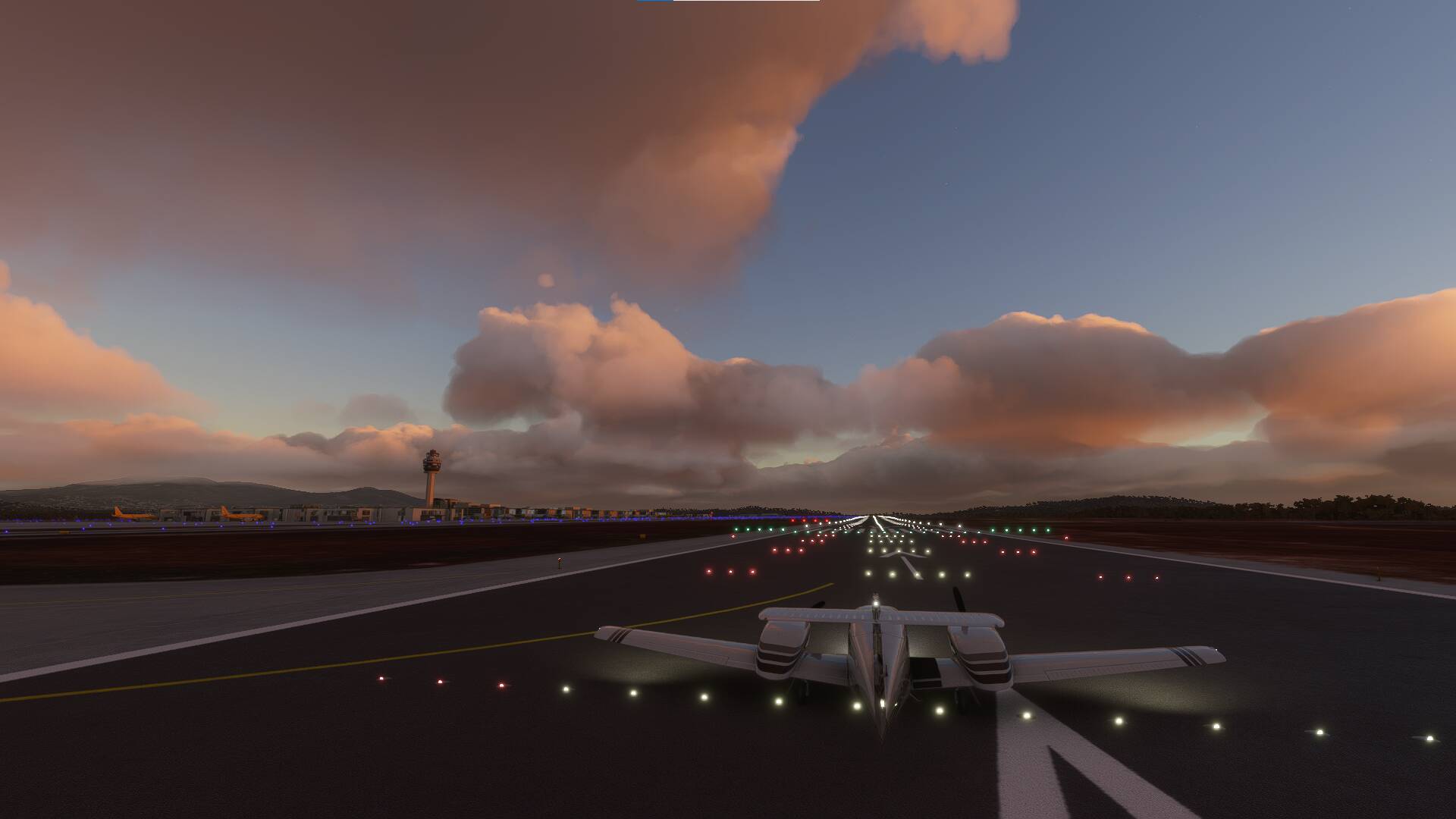
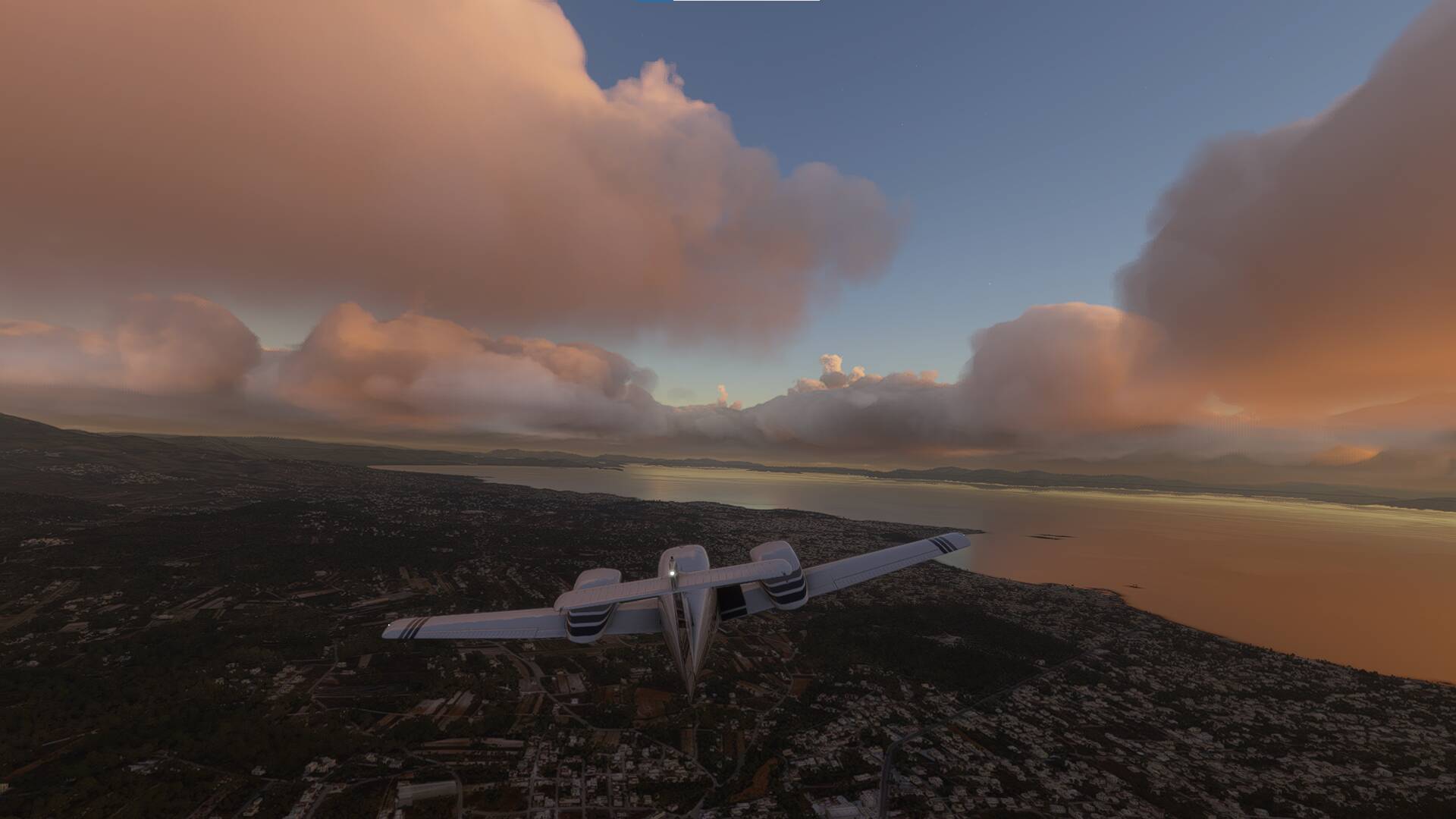
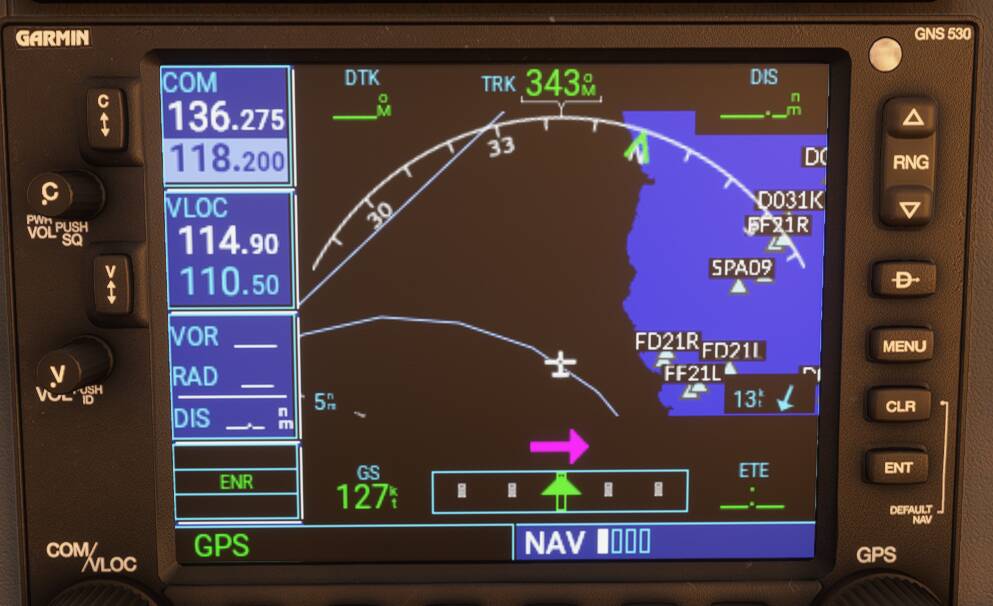
Interested to see that “allowing weather access to 3rd party developers” has been designated “not planned” in the most recent development timeline. I’m fine with the way Live Weather is right now. Anyone hoping that Active Sky will come in and fix everything, it ain’t going to happen!
1 Like
Still no mention of ongoing visibility issues in the latest Q&A session.
No proper simulation of haze below a temperature inversion.
Can’t properly simulate mist or fog for a CATIII approach.
1 Like
You mean no proper simulation when trying to set those in custom weather? I do get fog effect when stratus are on the ground under a temperature inversion in live weather.
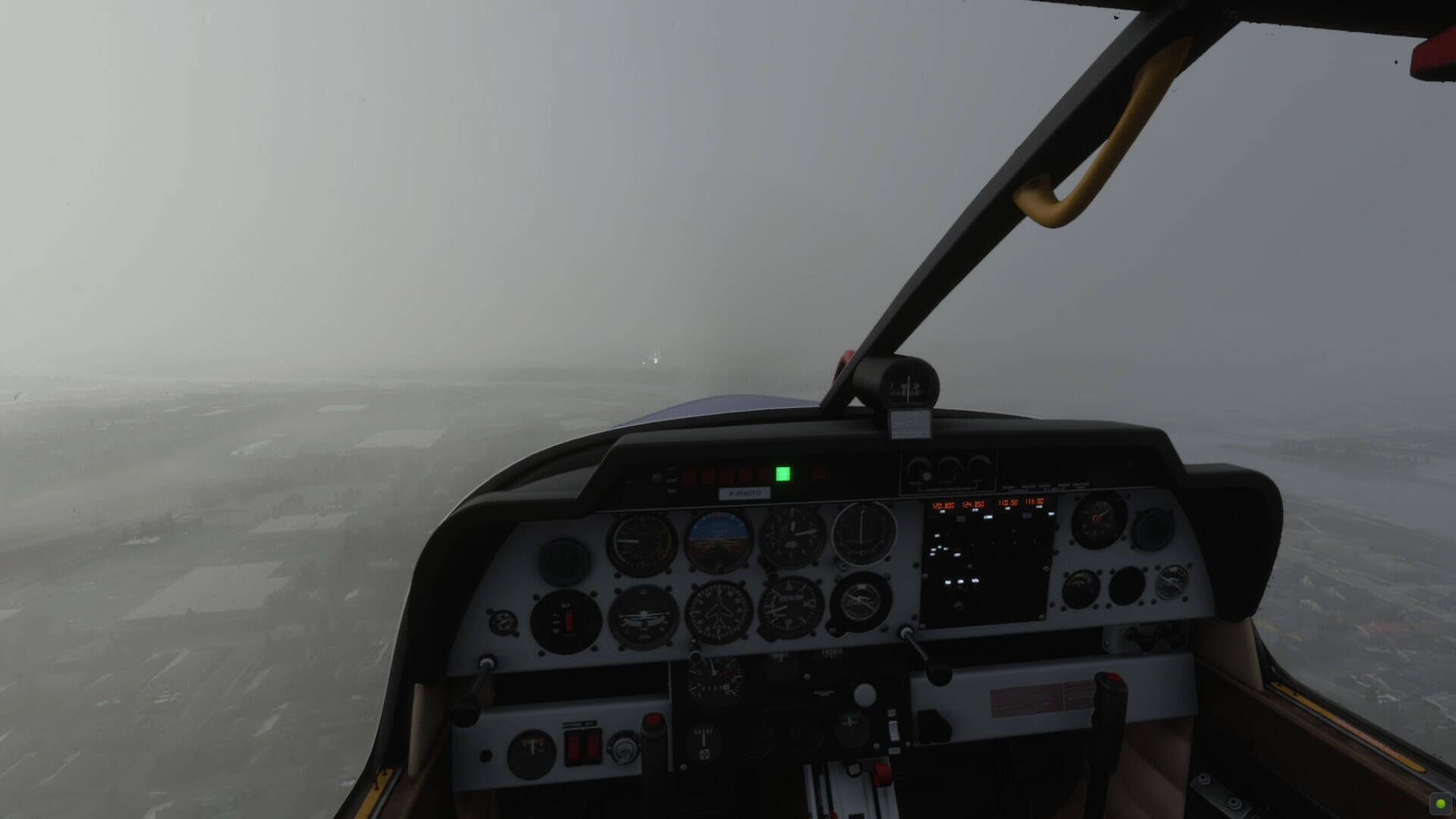
Lighter haze like pollution smog under an inversion is not yet available in live weather because the live weather does not change the aerosol density per layer. I have good hope that it will be implemented one day because Meteoblue has all those data in its model and the the weather engine of the sim is totally capable of simulating this.
1 Like
Not the point of your post, I know, but great screen shots too.
1 Like
Lightning and thunder in few clouds sunny day problem still persist.
No I mean proper simulation of visibility in live weather mode. I have a feeling we will not see proper simulation of haze/pollution below a temperature inversion for a long time. We will be stuck with almost limitless visibility in live weather. For many people this is not a problem however for me… it’s a show stopper.
1 Like
Heavy rain, perhaps just rain as well, has still got an unrealistically low visibility issue.
This is a big problem for me too.
1 Like
I agree. That’s a big problem! Hope they come up with a way to fix it in Live Weather!
I know…proper simulation of visibility is a massive problem. There are numerous threads open relating to it but nobody at Asobo has even acknowledged it as an issue. It’s not mentioned during any of the Q&A sessions. Every Microsoft sim preceding has simulation of visibility throughout the depth of the atmosphere. However FS2020 does not.
I mean…it really wouldn’t be an issue if Asobo stated… we’re working on it or it’s a planned fix further down the line. However, the fact Asobo don’t recognise there is an issue against reality makes be wonder if visibility in live weather mode will ever get fixed.