I’ve already tried that, and the MS/PING got a lot worse.
This is an Asobo issue. We’ve seen it before.
I’ve already tried that, and the MS/PING got a lot worse.
This is an Asobo issue. We’ve seen it before.
I have an Alienware i9 with aGeForce RTX 3080 Ti, and although any photogrammetry loads up fast and I get no stuttering, all the photogrammetry I’ve seen so far looks godawful. London literally looks like a garbage dump, and NYC is not much better.
I notice all the folks saying photogrammetry looks fine are posting images from a good distance away. If you only ever get that close, photogrammetry is fine. The problems come when you need to get closer. If you have to land among the buildings, as you do in London City Airport, it looks like what you’d expect to see after a nuclear attack or a zombie apocalypse - a lot of the buildings are melted into the ground, trees have a definite “uncanny valley” quality, and anything like a bridge or a construction crane looks horrific.
The fact is, photogrammetry, in its current state in the sim, is garbage: it is often poorly made (probably just auto-generated with no care put into the process), it eats up processor power, and it looks horrible up close. But if you’re only ever going to see it from a distance (1,000 feet or more) it’s fine - great even, if your computer can run it with all the extra garbage polygons it needs. But if it’s a matter of a handcrafted scenery vs photogrammetry, I’ll go handcrafted every time. Handcrafting (as long as it’s done with a vague level of competence) doesn’t waste polygons like photogrammetry does.
Airport scenery is indeed not what photogrammetry was intended for at all. It’s supposed to look good (for a given definition of good) from 1000ft AGL or higher.
Now that helicopters are in the sim, a case could be made for improving it, but I don’t think the tech is there just yet to make it look good from up close (either from the mapping/recording side of things, as well as the local processing power required on your PC).
So I completely disagree with your statement that ’ The fact is, photogrammetry, in its current state in the sim, is garbage’. It’s great for its intended use case. That’s not a fact, that’s your opinion on your very specific use case.
Regardless, if you don’t like it, there’s the option to turn it off. It’s nice to have options.
Agree with @MortThe2nd When used as intended and evaluated on that basis, I think it is mostly rather good. Not perfect, but very good. I personally think NY is excellent from 1,500ft altitude. For right in front of your face detail (like at an airport), you need handcrafted scenery: there is no getting around it.
And there are obvious exceptions. FWIW I flew over London yesterday and I have to agree: a rather poor PG implementation, for whatever reason, as is my local Vancouver.
Victoria on Vancouver Island is some of the worst pg I’ve seen in the sim, even worse than London. Much of the USA looks fantastic as long as bandwidth is keeping up.
Over here Adelaide looks bad but Cairns looks great, except for the boats and cranes along the river.
So much of it seems to depend on the company that flew over the cities and captured the footage that the pg is generated from, it seems to be really variable in quality, perhaps based on their equipment.
Then of course on top of that is the bandwidth and sim misbehaving itself sometimes.
But no matter how good the pg, it never looks good at street level, the tech is just not there for that yet.
From what I’ve seen the best example of how good photogrammetry can look in the sim is Christchurch in New Zealand. The detail is incredible. You can make out lawnmowers in peoples gardens. The PG they got for the New Zealand update was a real step up generally.
People obsess about the resolution of PG but colour saturation and grading is equally important. So much of the bad PG is very washed out and pretty colourless, London being a good example. Again, check out Christchurch as to how good it can look with the right quality data.
I’m guessing as things progress and hardware gets better and better Microsoft will increase the resolution of PG.
You can disagree with me all you want, but the fact is, photogrammetry IS used in the sim at distances closer than 1000 feet - indeed it OUGHT TO BE GOOD, when landing at places like London City Airport - and at those distances, as you yourself have admitted, it does not look good.
And whether it can be turned off or not isn’t the issue. We are PAYING for it! The issue is that poor quality photogrammetry is being SOLD to us. Sure, we can turn it off, but it’s not like we can opt out of paying for it.
London is a great example of bad photogrammetry, and other folks have mentioned cities that are as bad or worse. The fact is, photogrammetry can be done well, if the people making it know what they’re doing. We know this is the case, because as some folks have said, some cities in the sim are done well. So there is no excuse for the stuff that looks like garbage.
Why is it that so many people are so quick to defend mediocrity? Don’t we all want the sim to be the best it can be?
Some cities the PG used is 7 or 8 years old so is never going to be brilliant without someone going out there and capturing new data. Even then there would be considerable post processing needed before it’s fit to use in MSFS. All this is expensive, yet here we are expecting even more value for our measly $60.
It also has to do with how the data is generated in post-production, how much smoothing is done on the textures, etc. Bad post-production can ruin perfectly good imagery.
$60 may be “measly” to you, but for many people it’s quite a chunk of change. And when you multiply it by the number of people who have bought the sim, it’s a huge amount of money. And yes, I expect a whole lot when I pay $60 for a piece of software. Clearly you feel that $60 is so measly that we shouldn’t demand quality. I disagree. In fact, that has never been a thing. The whole point of putting enough money down so companies make a profit is that you CAN and SHOULD demand quality.
When you go to a restaurant and order a $30 meal, if part of it is uncooked and inedible, do you say “Well, I only spent a measly $30 on it, so it’s fine.”?
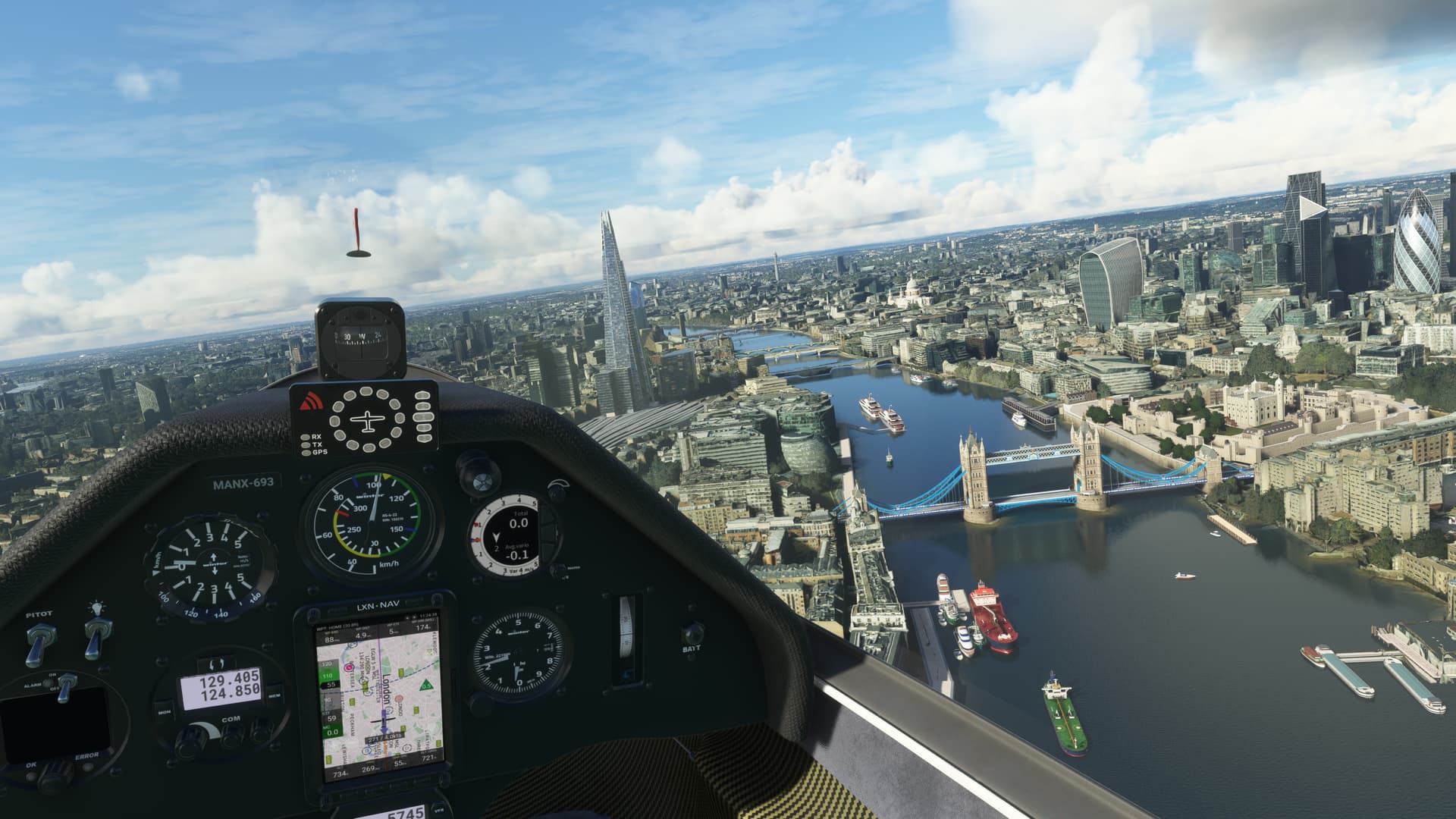
Another example of an image taken so far away that it doesn’t show the problem. Pretending the issue doesn’t exist only shows you’re not serious.
I have the whole world and 36 different aircraft for my $60 and would happily pay double that.
So far away that anyone flying that low would have their licence revoked. According to both Jörg and Sepp the problem is the data, when it gets replaced PG will much improved so just be patient.
That’s a screenshot with a lot of handcrafted buildings and the handcrafted Tower Bridge, but at that altitude, if you looked out the window to your left, you’d see the now-infamous melted buildings. You can even see them in that screenshot if you enlarge a little.
But you’re quite right that “it’s really not so bad.” In this instance I don’t think that the LOD of 400 does anything but draw terrain farther into the distance. If you lower it below 100, then you might see diminution of detail in the area depicted, but you can’t make the melted buildings look better by increasing TLOD from 100 to 400. They look melted because the PG dataset is faulty, and GIGO.
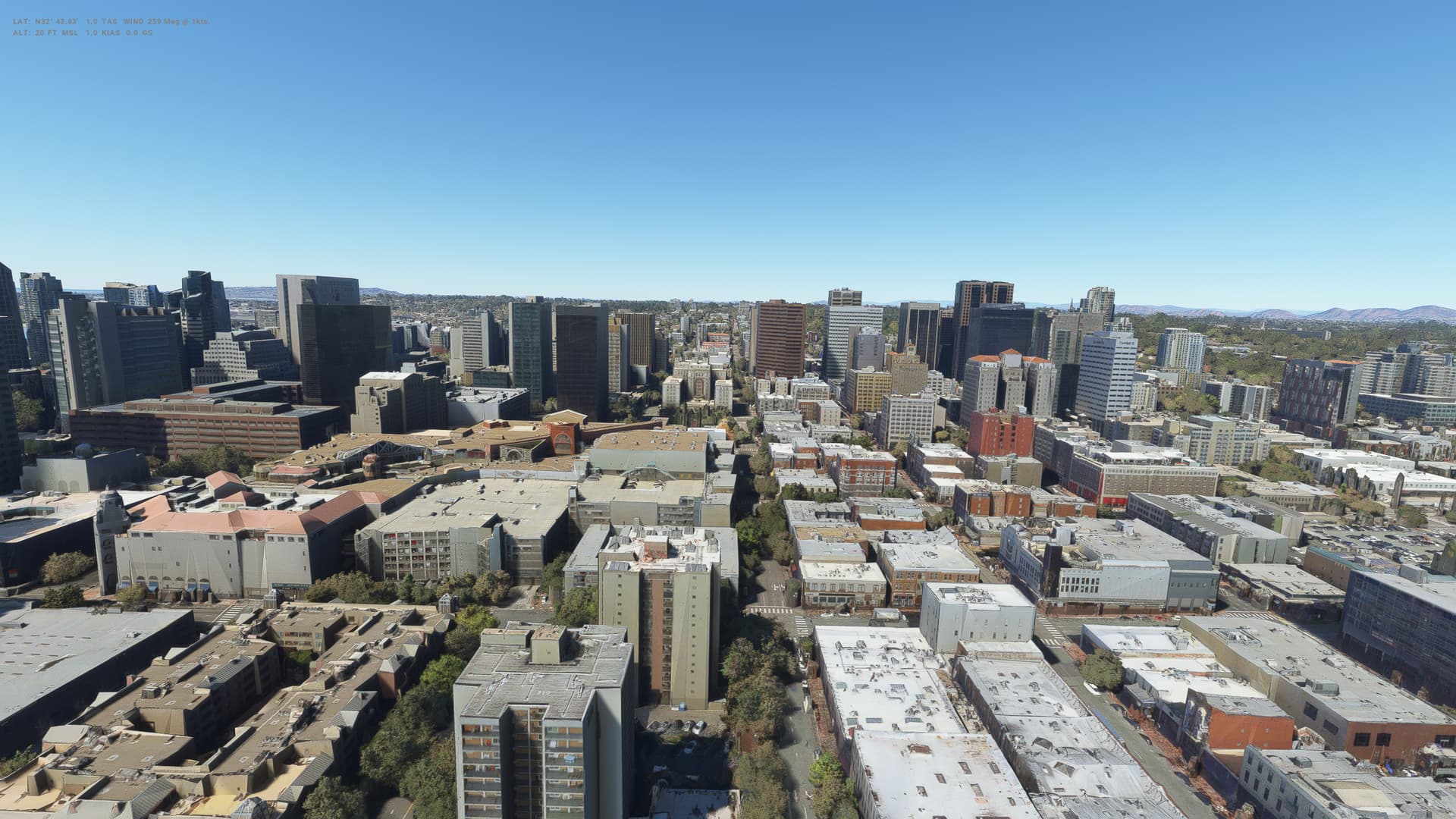
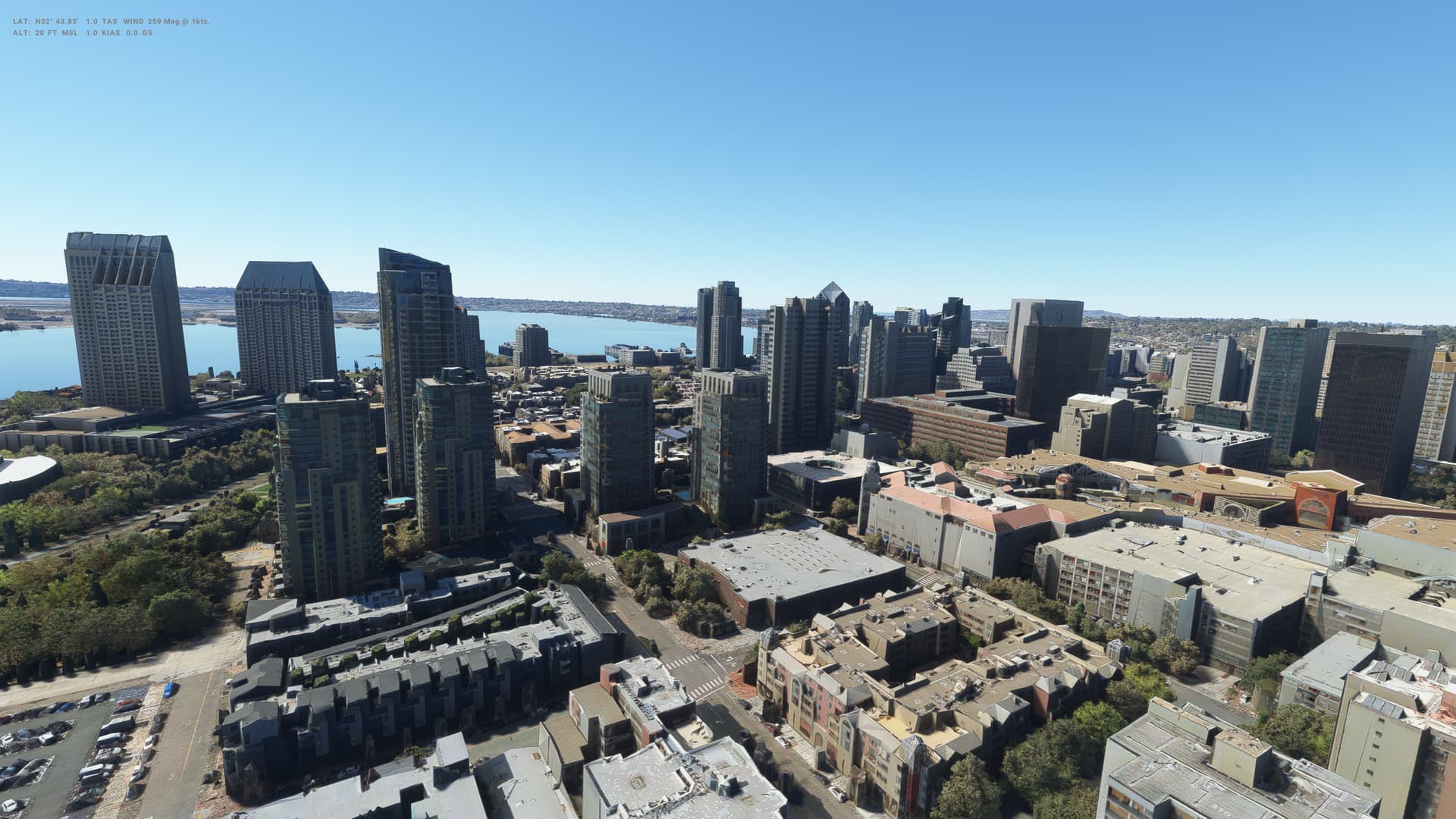
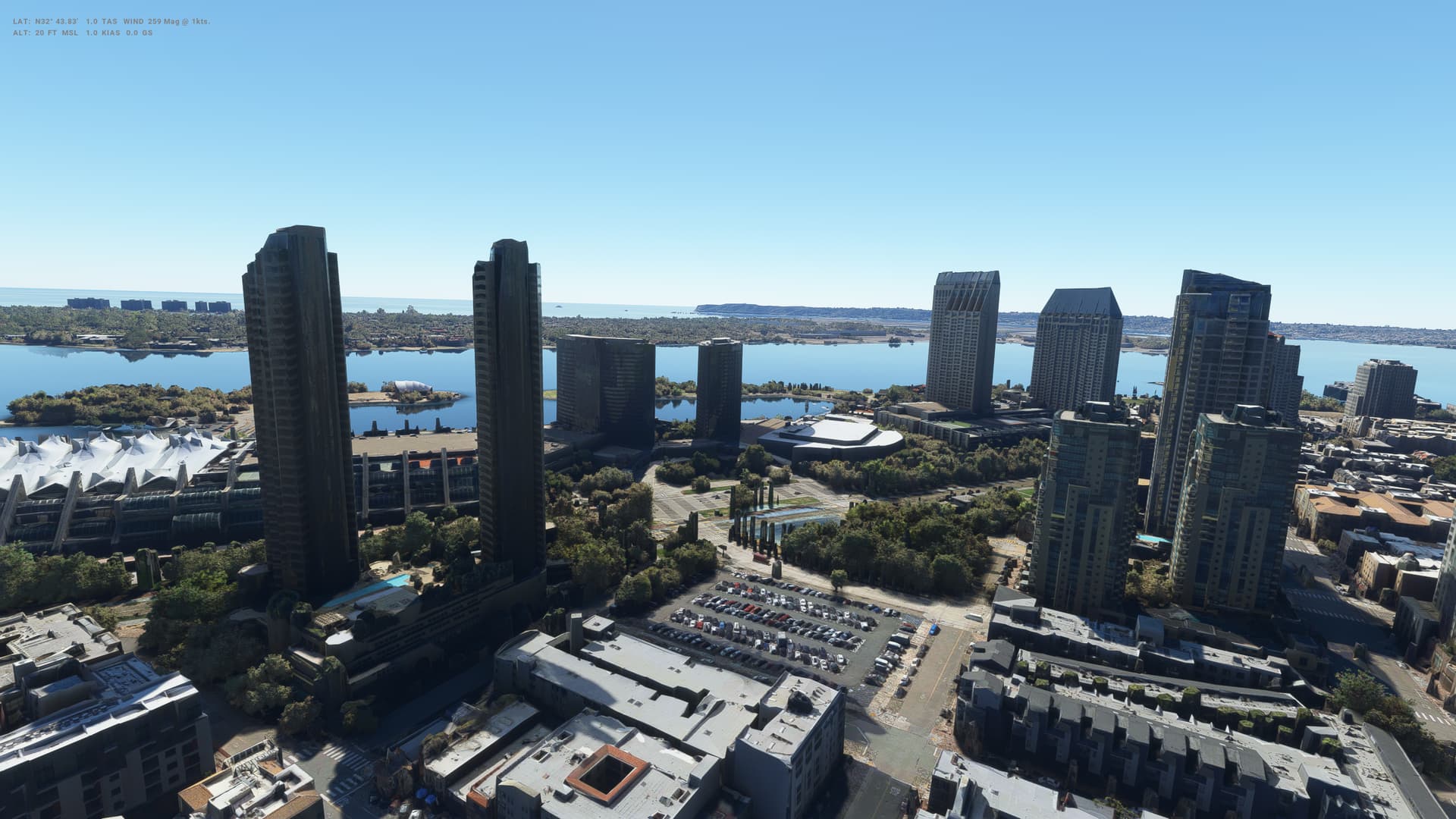
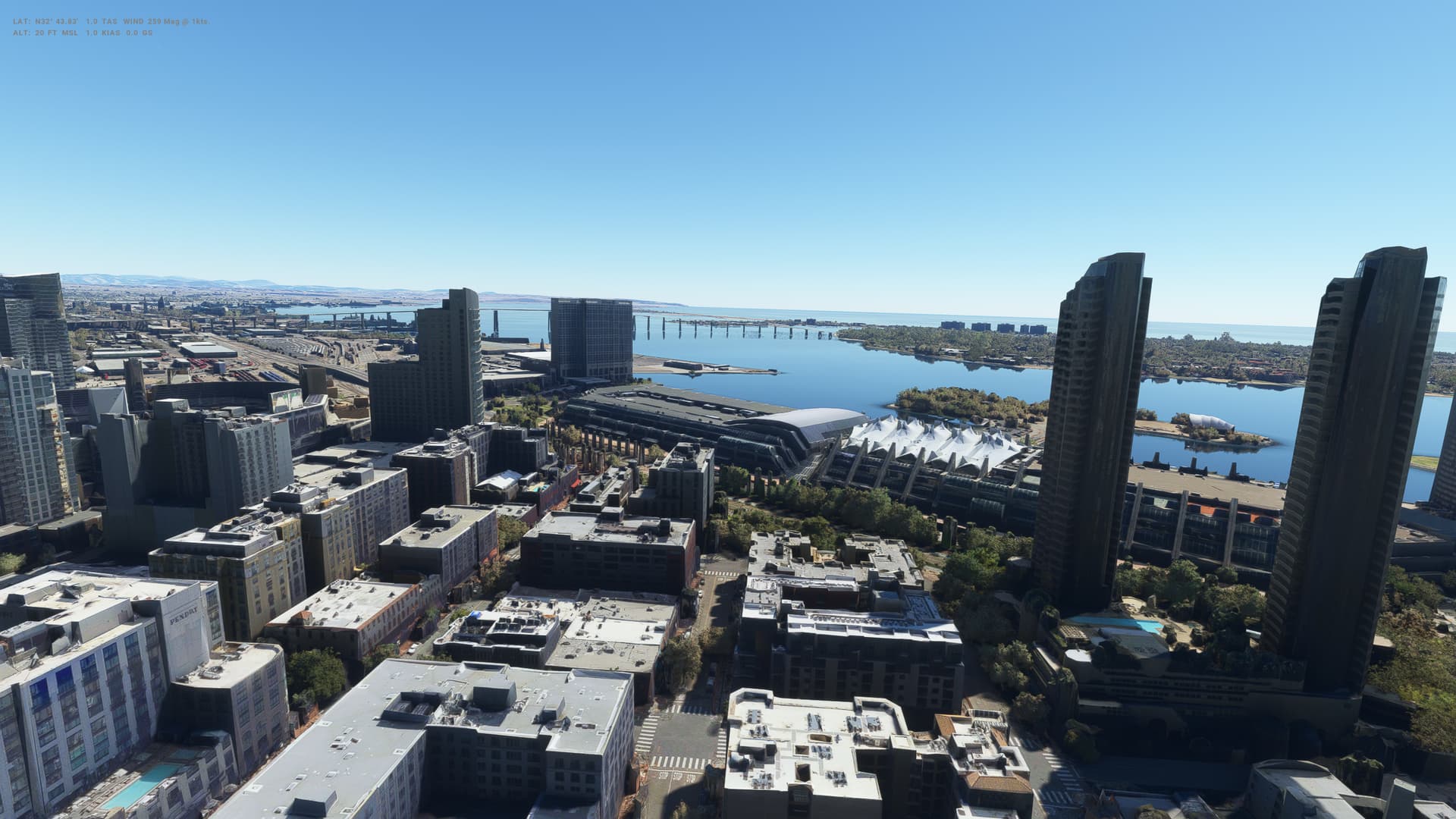
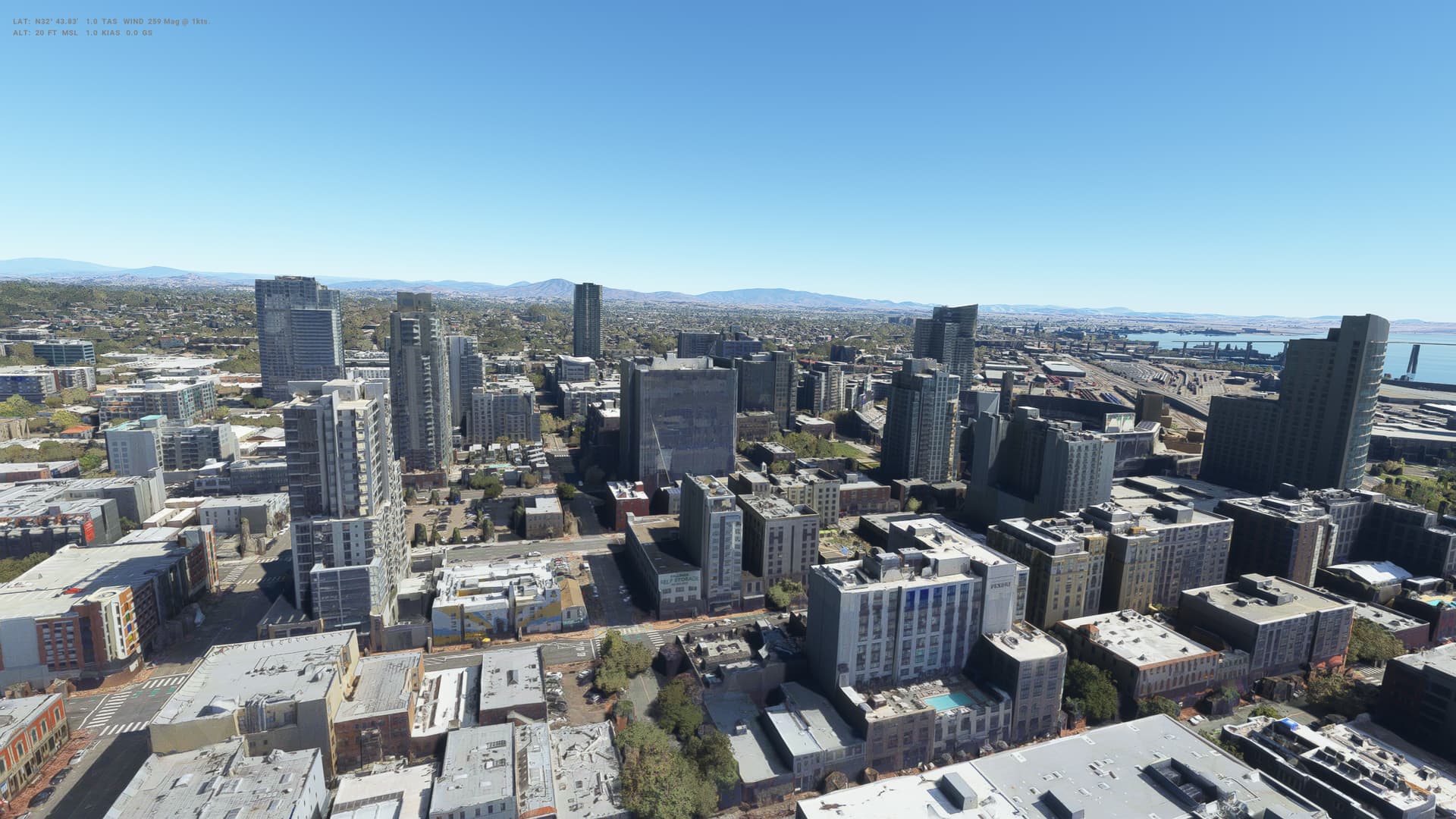
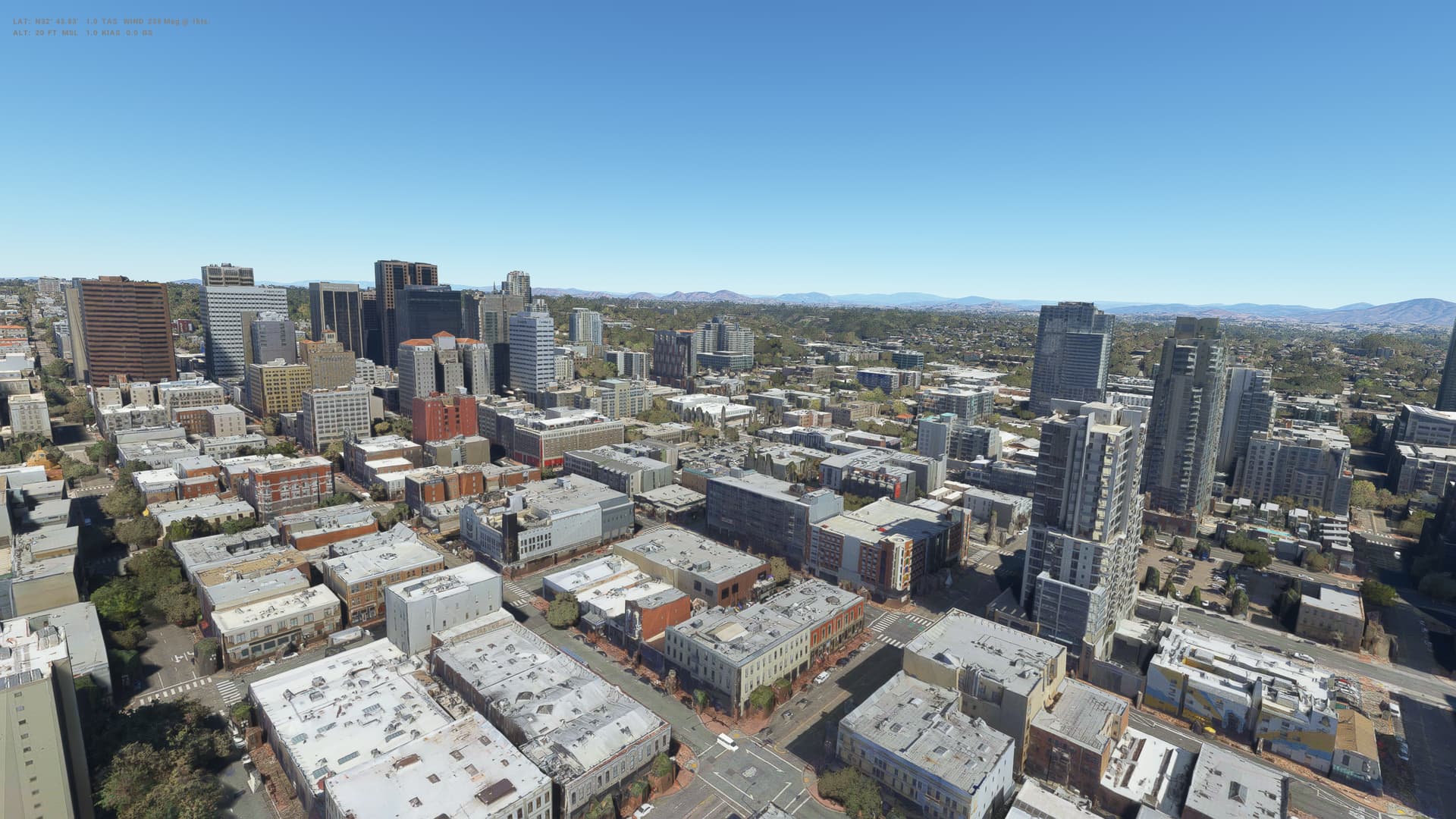
It’s been a while since I did a bit of a check on the PG cities - been flying elsewhere. So thought I’d have a look at @DensestSnail693’s pic above, go a bit lower and take a few pics around in a circle. Then I thought I’d do the same thing at NYC.
Hard to really see any issues worth writing home about. This topic is as old as the sim. Here are a couple of examples going back all the way…
Bottom line is that PG is designed to be seen from a few hundred feet at least - typically where planes fly.
That might not work so well for helicopters (which are of no interest to me, but of course that’s personal choice), but that’s as good as this tech is getting right now. Of course, we all hope it improves.
No, you’re not paying for it.
The London photogrammetry got added for free with the free UK world update.
Yes, London is pretty bad, and Jorg mentioned in the past it’ll get a second pass in the future.
Fine to have an opinion, but the entitlement is unreal.
That’s looking really good. My shot above is a little dated and I’ve discovered DLSS + DLAA since then so I think it might be worth another visit, maybe this time at a higher resolution (although I can’t really fly comfortably that way on my limited hardware).
I’m still using TAA as I’m CPU limited so don’t see any real gain from DLSS/DLAA, LOD here is at 400 and at 2k resolution
Well that’s pretty exceptional then. May I ask if you do any resizing etc. before posting to these boards as mine never look anywhere near as sharp after uploading?