I don’t think the F28 will ever get a FMC.
Is it not due for the UNS1? or is it just for the 146? They have been promising it for the 146 since Dec 2022! 
The FMC is really well done in the maddog MD82, it just looks like one of those old green slightly curved CRT displays, but all nice and functional. If you don’t already have this aircraft then I’d definitely recommend it as it’s right up your street. Just the perfect blend of old and new. Plus an A/T. Superb systems it would seem. I was put off by price and people’s negative comments on textures, but have since changed my mind after seeing it. I don’t spend much time looking at textures with it, just paying attention to systems gauges etc which are all really very clear to see. Just about getting the hang of landing it too, not tried an autoland yet. You have to set that up and test it before you take off apparently!
I still have a few silly ?'s like how to change the FMC from KGS as default to LBS, and how do you shut the cabin door, as it’s open all the time with no clickspots! Maybe it’s just from that era when cabin doors were commonly seen open! 
I guess it’s just for the 146 and it makes sense as some 146’s got UNS1 equipped while F28 had never had a FMC AFAIK.
I’m glad you’re enjoying the MD-80, I haven’t bought it yet because of its price tag. But I am slowly getting bored with my current MSFS fleet so I might get it in the nearest future.
Flip it from Euros to £ and it’s almost the PMDG 737 price  . Honestly you will enjoy it despite the quirky external load interface. You are definitely one of the people on here who will love this plane. It is suitably different from the F28 systems wise, it’s bigger and it also feels far superior to say the CRJ. The MD82 base also has the more modern PFD (as others have mentioned above) so you really only need the base pack unless you are into different engine performances and ranges. The displays remind me of what the preview pics were like for say the RJ cockpit avionics. A similar blend of old & new. I think that’s why I’m enjoying it so much. The mechanical trim calculator is a cool feature too. Also works with GSX, although I have yet to be at an airport to see if passengers use the rear/tail entrance/exit. I can’t even remember if I ever exited that way back in the day either, but I do remember sitting on a flight across the US right next to those engines! I seem to recollect it was an AA night time flight in heavy rain and poor vis into O’Hare.
New version out, with Navigraph charts now in EFB!-
1.2b176 - 21/10/2023
FIXED
- fixed issue with track magenta line in PLAN mode not displayng correctly in certain situations
- fixed issue with CR thrust sometimes higher then MCT thrust
- fixed issue with bearing/distance fixes in certain dep/arr procedures
- fixed issue in CMA900 FMS when exiting the PARALLAX page
- fixed issue in CMA900 FMS of text – ROUTE DISCONINUITY – overlapping other waypoint data text
- fixed issue in CMA900 FMS with ‘Larc’ or ‘Rarc’ text always written at position LSK1 regardless of the actual position of the dme arc final fix in the legs list
- fixed issue in CMA900 FMS with holding entry
- fixed issue of FMS turning in wrong direction for certain procedures
- fixed issue with FMS creating discontinuity when loading certain SIDs
- fixed issue with STBY ASI strip indicator
- fixed issue with chrono showing wrong GMT in certain flights
- fixed issue with Load Manager not able to change panel state if turnaround mode active
- fixed issue with turnaround mode and GPU
- fixed speed issues while in holding
- fixed missing ‘exec’ in holding exit logic and route changes in ND
- fixed swapped mouse control for HFDS FPA knob in VFR mode
- fixed a few typos in OM documentation
OTHER - pressing the ‘+/-’ FMS key will now correctly enter the ‘-’ as first character in scratchpad
- added CPDLC AIR to AIR messaging (ATS FLT ID field must be already filled in from any CPDLC/ACARS page where the entry is shown)
- added Navigraph Charts app to EFB and updated documentation (Navigraph subscription required)
Clickspot is on the lower end of the overheadpanel Brag. Its the actual door locking mechanism knob, which has a nice touch to it.
Thsnks. I got that one figured out eventually. I love this aircraft. 4 flights today with quite a lot of hours for the last 2 weeks in and out of the new EHAM as a hub. It’s a very well done & addictive aircraft (for me anyway). Just a few quirks, but a lot of fun to set up from cold & dark and fly.
Some quirks seen could be bugs, eg. when I arm an exit from a hold and the hold finishes it sometimes as it should goes to the next waypoint, but sometimes the rest of the flightplan just gets obliterated as it did on my last flight tonight. You then have to re-enter the runway and approach to get back on track. Doesn’t happen all the time though & the FMS (honeywell, not tried the other one) is great for the most part. I’m surprised more people aren’t flying this aircraft.
I think with those kind of bugs its safe practice to always copy the secondary flight plan (i usually dont really bother on modern.jets, but the md80…)
I honestly havent flown it much recently but reading your enthousiasme on it seems to relite my spark too. After my holidays in Sicaly Ill start it up again.
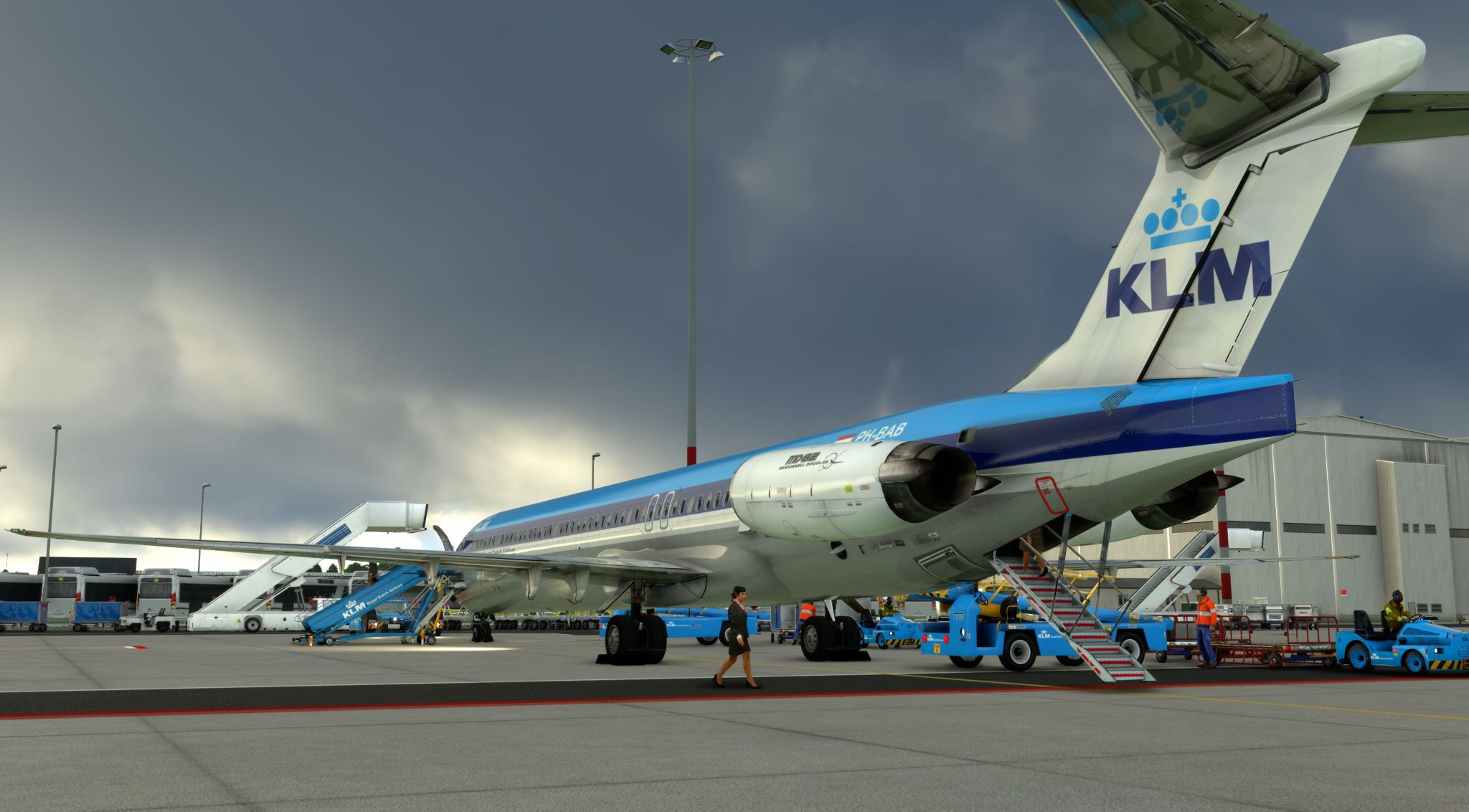
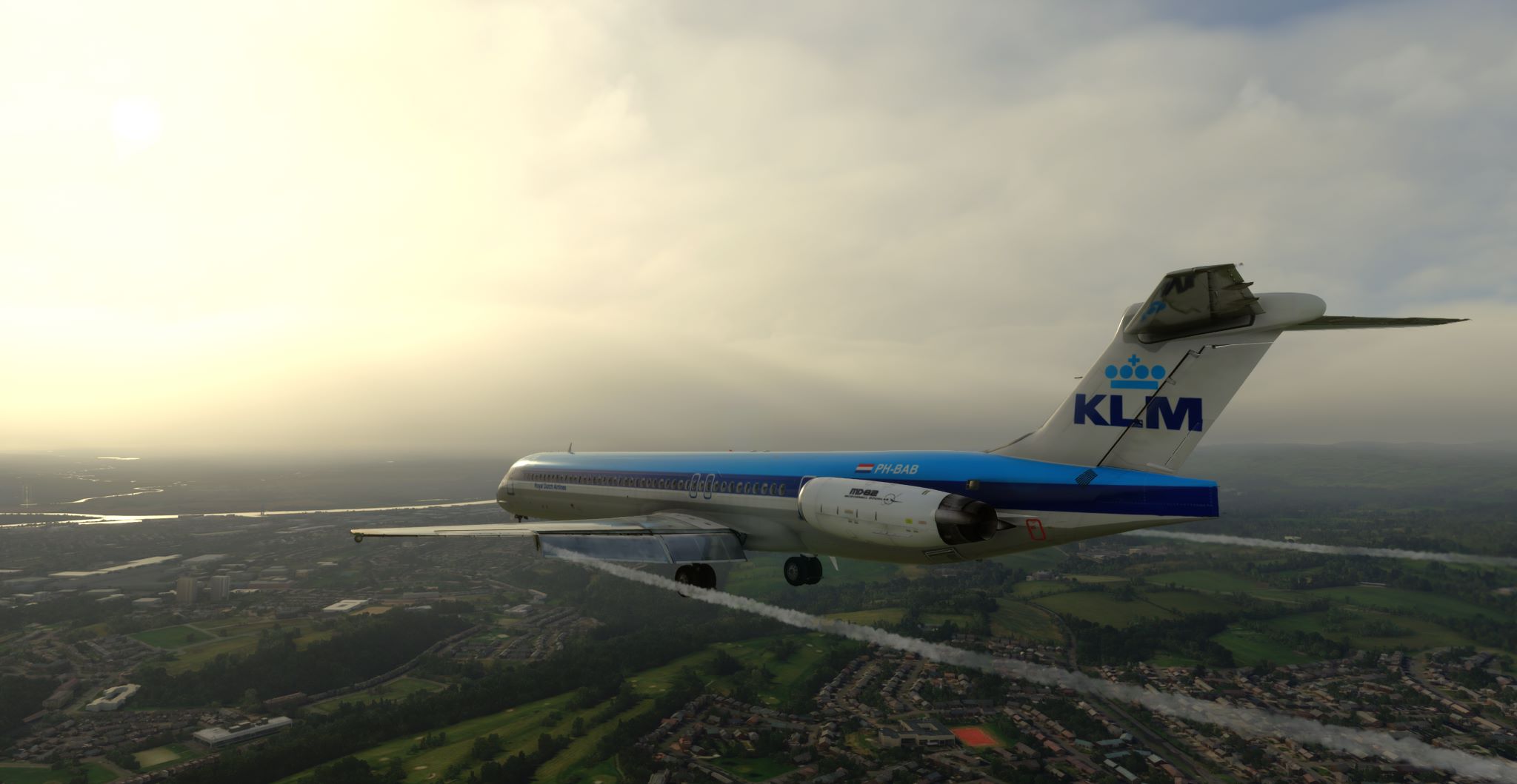
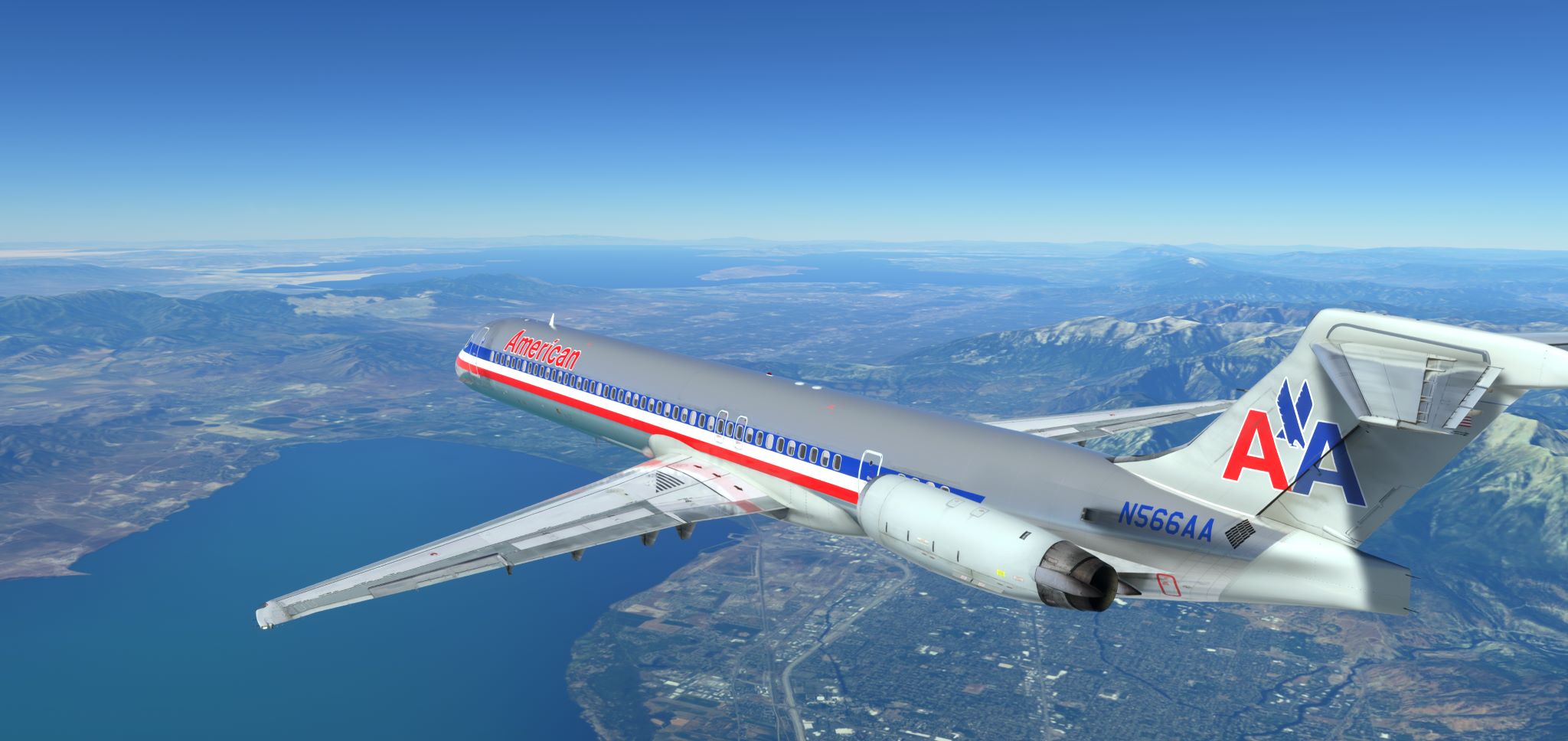
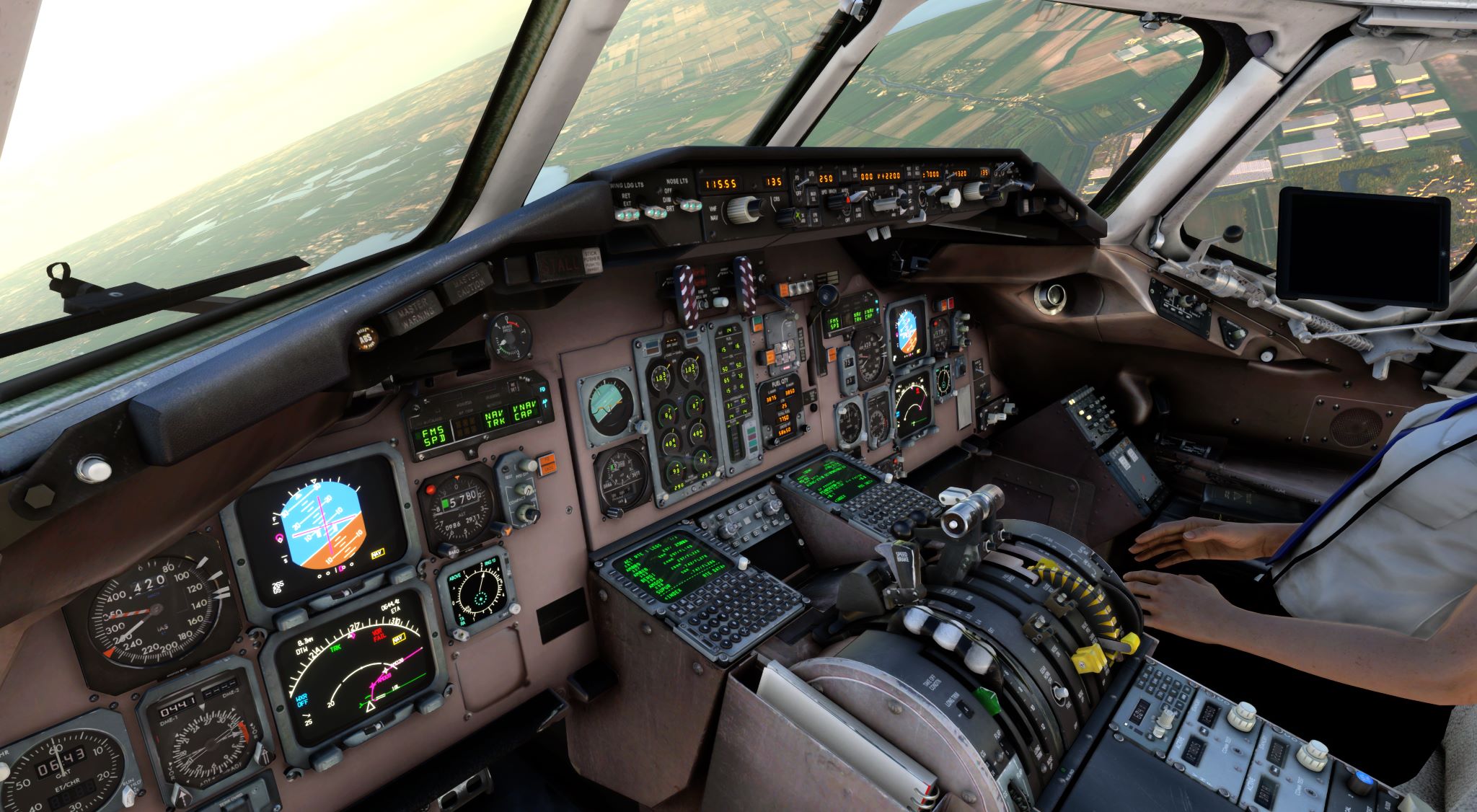
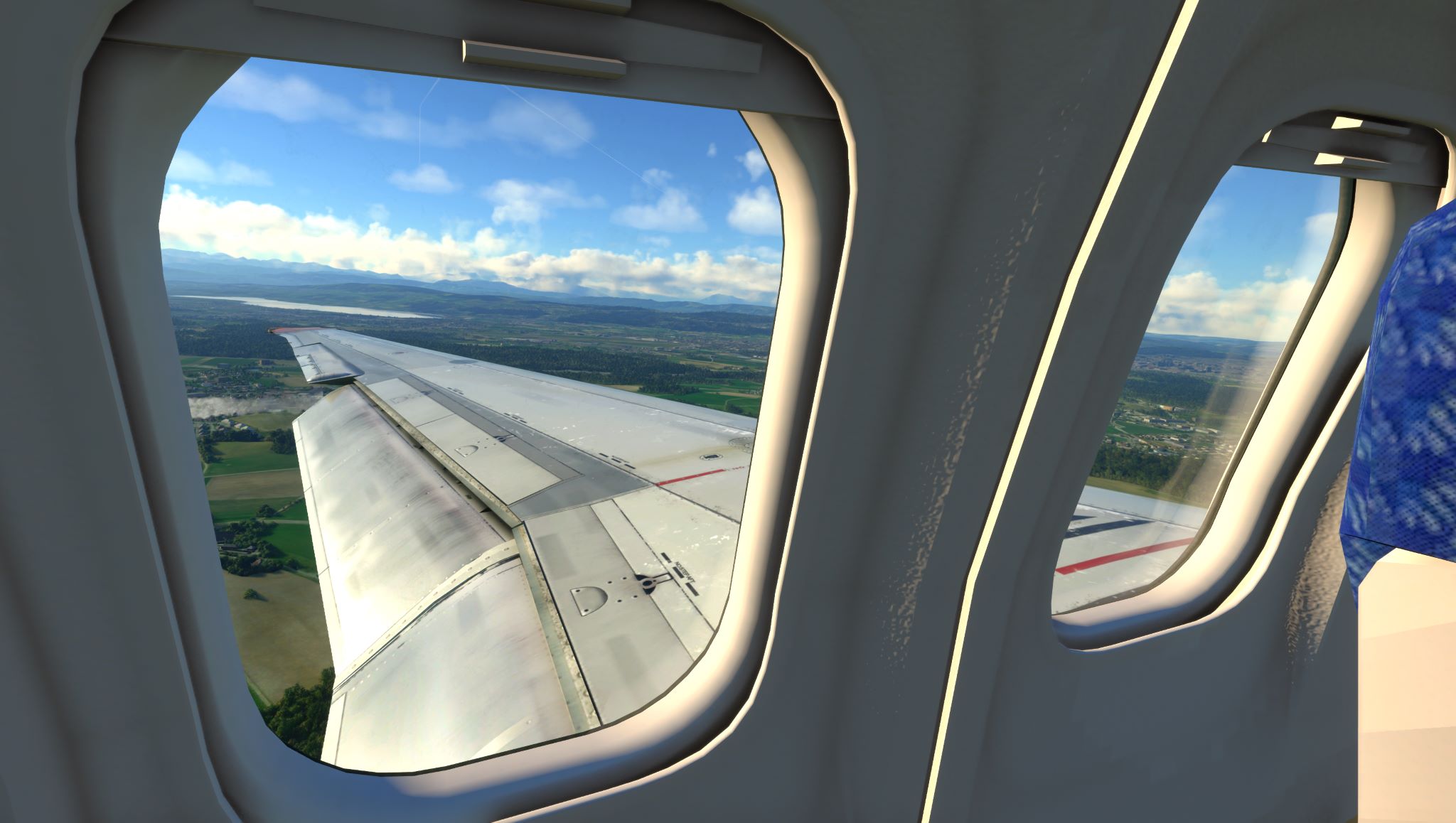
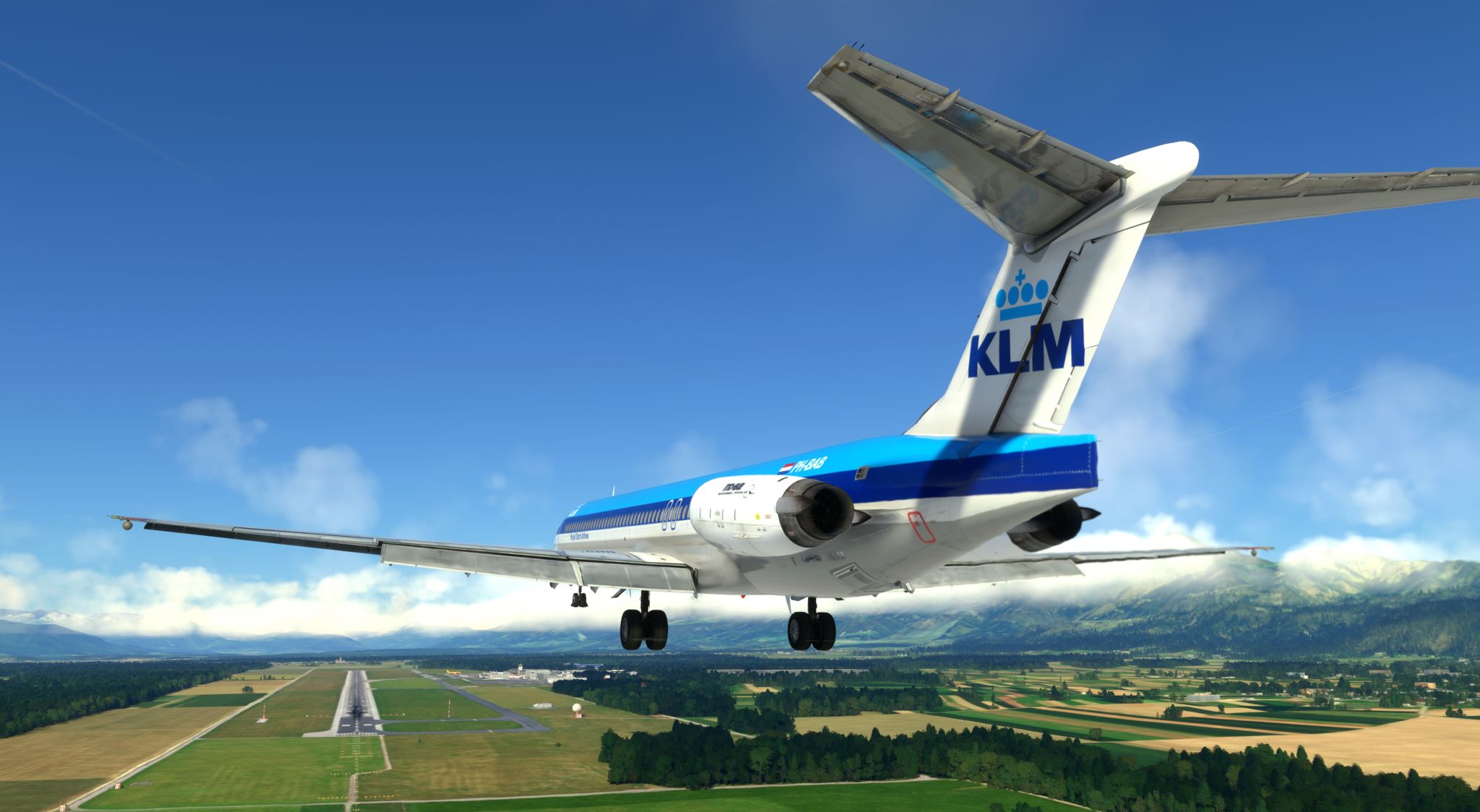


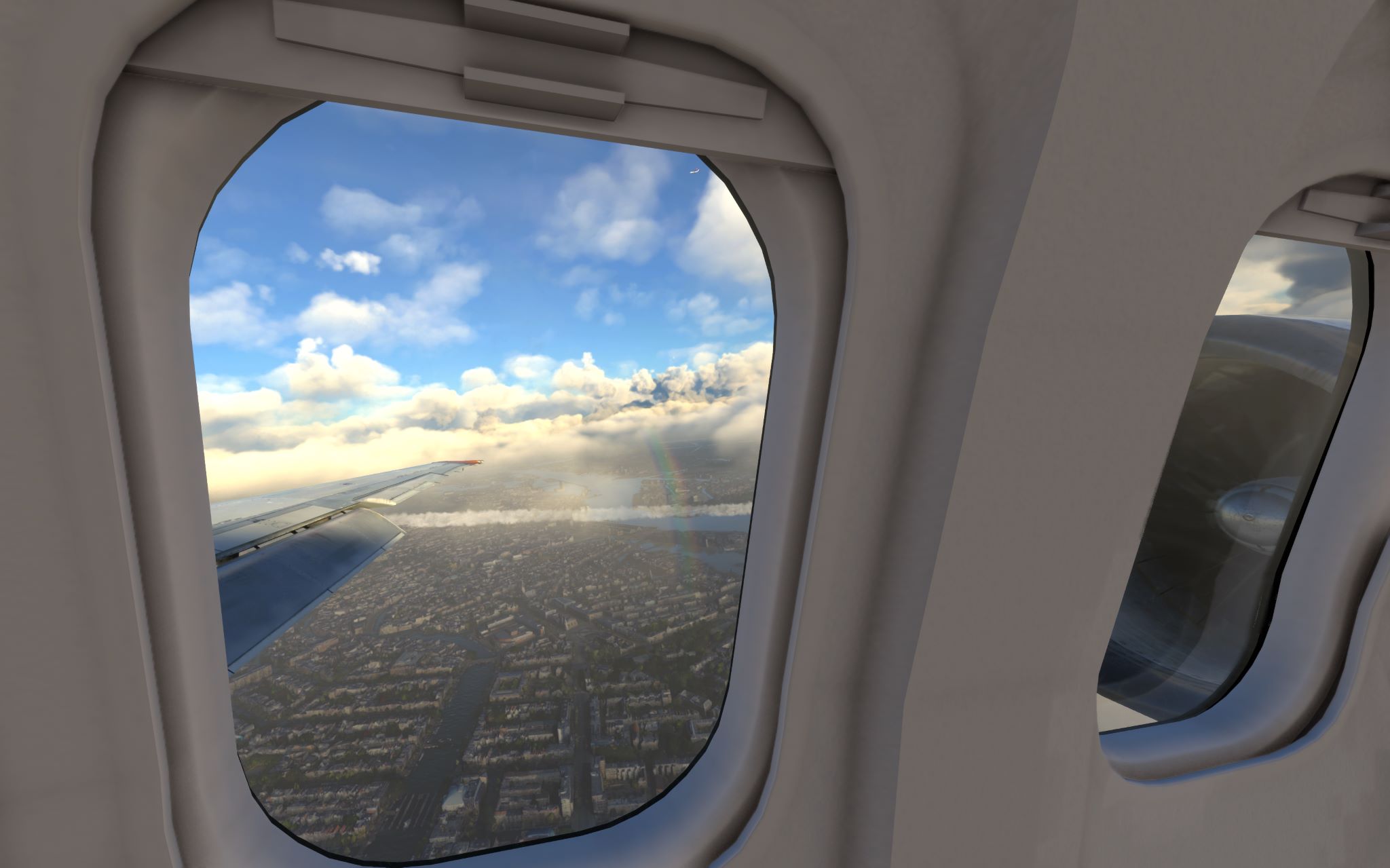


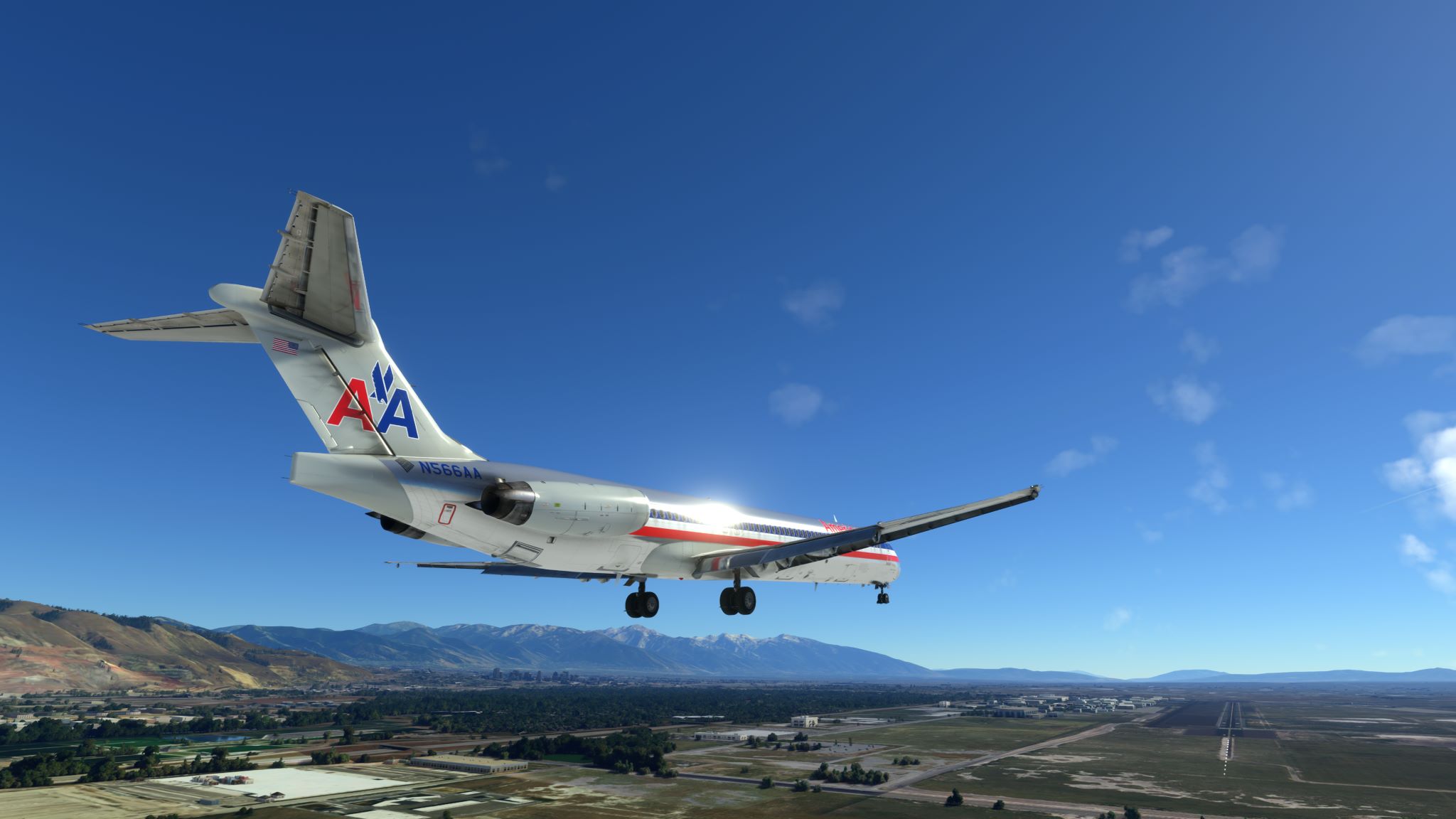


Some questions too for anyone used to flying the maddog-
QUESTIONS
-
Is there a quick shortcut to set heading bug to current heading?
-
ACARS simbrief import to FMC, how is this different to std simbrief import? Does it includes weather data? Why would you use ACARS for flightplan instead of simbrief import to FMC?
-
Most liveries seem to be stuck on kg for weights except for one livery (AAL) which is in LBS. How do you change default weight units?
-
On the MCP can you set ALT at less than 1000FT increments? How to change to 100ft increments on ALT dial? Not possible?
{EDIT: Found one way. I can get 100ft increments by hitting the TAB key on the keyboard while rotating the mouse weel. Can’t find a UI way to press the ALT dial to get 100ft increments, the dial only ever pulls when clicked on - to set the target ALT, doesn’t matter where you click it top or bottom or RH mouse click.} -
What is the purpose of the weight section in the external load manager? The EFB has the same interface to load the simbrief data into, so I generally don’t feel a need to use the external load manager app much.
-
On the FMS Progress page the final line lists 5 3 letter waypoints? what are these used for indicative of. example: ‘DSM SPW MCW OVR AEL’
-
Can you load a descent forecast in during a flight or is all wind only available for auto loading when using ACARS for importing a flightplan to the FMC?
-
In the EFB weights page why are there two buttons to import simbrief flight plans? One is IMPORT OFP (which gives choices of “ACARS” flightplans, the other is IMPORT SIMBRIEF OFP, which just seems to load in whatever the mst recent simbrief flightplan was.
Hello guys, is there any sound immersion package for the Leonardo MD80 for MSFS?
I have only found such products for Xplane and other platforms…
This is the only one Ive heard about:
Good reviews. Sounds better, but I don know if more realistic. I heard it might not be as loud as it is in the pack naturally because the engines are in the back.
I haven used it. Just considered it so far.
Sure someone else can offer more info.
Thanks! I was not aware of this one! 
#3 - You need to use the external application provided by Leonardo to set kg vs. lbs per livery. Select the livery, then choose which unit to use on what I believe is the last page of settings.
#5 - I have had issues setting the target fuel amount in the EFB without setting it in the external program. I don’t import from simbrief.
Thanks. I haven’t noticed any issues with EFB and fuel I’ll need to compare the values after the next simbrief import.
Re #3, there is now (latest MD-82 release 24 Dec 2023 ) a new ‘settings’ page in the ‘aircraft’ page in the EFB which largely makes the external loader redundant. You can select things like lbs/kg units, FMC type, HUD etc from there now, which could only be done previously by the loader app.
As a former MD83 cabin crew, i can tell you this soundpack is spot on ! It changes everything from the default hairdryer sounds..
The engines are not normally heard in the cockpit, mostly vibrations and packs getting louder and variation depending on thrust settings.
At take-off though, you heard that buzzing from the JT8 in the cockpit. In particular if you takeoff with the door open ( we did many ferrying flights)
And the delay, between idle and full thrust, and that buzzing..omg
The most enjoyable thing ( which at the time i was flying the bird was the thing i hated the most.. how funny life is?) is the dephasing of the engines while taxiing or on final while seated door 14 ( between the toilets at the rear ).
Now it’’s like caviar for my ears and brings back memories.
Ftsim soundpack, and please don’t use the L (loud) version, is incredible, i wish they did one as good for the A300 ( cause i also flew the a300 as crew and inibuilds sounds on the A310 and A300 are really dynamically bad)
You should make some tutorial videos for this aircraft  I haven’t seen so far a tutorial from a real MD83 pilot!
I have a question regarding the sounds. I can’t hear the engines in the cockpit, which I now learned, it is realistic. For me the loudest sound while operating this aircraft is a “rattling” sound, is like a ticking clock but muh faster. What is this actually?
That’s the autothrottle servos, that thing in the middle is noisy asf.. also the fans of different avionics were very noisy at that time, noctua and bequiet didn’t exists back then  ( just a joke )
Also the altimeters are ticking a lot.
I wasn’t a pilot i was cabin crew, but we did many ferry flights and spend them all in the cockpit.
I remember below certain altitude, with throttles on idle.. had to keep your fingers on the gear alert button on the pedestal to avoid the constant « laaandiiing geear » alarm sounding. Good thing leonardo allowed this alarm to be removed haha.
I could indeed do some tutorials, but i think there are many on youtube already.
Regarding sounds, there was this nice tribute video about the « mad dog ».

Hahaha nice tribute
Just a recommendation to anyone looking for good YouTube videos:
-Theres already been some good tutorials out there.
-This Masterclass Series on YouTube by Moosestaffa is fairly new. Great way to learn the plane and how to fly it with both FMC’s: