I’m not assuming anything, what I am saying at the airport EGLL RWY 27R until the update SU9 I could capture LOC and the GS I am just flying circuits at the moment now the GS will not Capture. I am not doing anything different.
If version 1.0.5 is the equivalent to 1.0.4 that we have published on PC and the fuel system is not working the same in both versions, then I am going to start to think that there is really a bug in the Asobo’s Fuel System or that they have not packaged very well our new version.
2 Likes
Yes, I found this too. Two flights last night and both failed to capture the glide slope (final one was Heathrow 27L). Could be pilot error, not sure, but had it nicely working before SU9.
Hi guys, i m new in forum, but please help me! When i cold and dark starting the concorde, dont working the rudder. Dont work on ground, and after takeoff. It fine working, when i starting on runway, with running engines. What i doing wrong? Or its a bug? (Xbox sx)
It’s a bug, doesn’t affect the airplane really though.
Thanks for answer. But sometimes missing the rudder, godd, if is
I just updated concorde from the market place, I’m not sure if it’s me, pressing ctrl+shift+e to stop engines doesn’t work? I checked the key map too just to be sure
I tested ILS, no issue for me there, I redownloaded the aircraft rather than the update itself just to be sure
edit: engine 1 turns off, but not engines 2,3 and 4
without having had much time to test everything in detail, the first thing I noticed (Xbox) is that a reasonable fuel flow from tank 11 to tank 9/10 is only possible with the help of the hydraulic pumps of tank 11. It is enough to set the pumps to automatic. then the fuel flow from 7a to 7 seems to be slower compared to 5a to 5.
1 Like
Fuel transfer is fixed and working. (MS store) Woohoo, thanks!
2 Likes
I’m not sure, but before the update, weren’t the transfer valves Tank 05 A and Tank 07A always closed when power was applied to the machine? By the way, the fuel flow is probably the same on both sides. here is a small vid of my first test
In the manual it states the Concorde comes with 4 pre loaded flights, am I able to access this on Xbox?
Just had a failed takeoff at Charles de Gaulle, Concorde was just glued to the runway. I had 50% fuel load, 54% CoG, followed the checklists carefully as I usually do. I had reheats on and reached 250kt on the ground, but full stick back and the nose would even lift. The flight ended in disaster at the end of the runway.
Xbox with today’s Concorde update installed.
If anyone can give me a clue what I did wrong I’d love to learn!
I checked the CoG twice before takeoff and again just in the final seconds before the end to make sure I didn’t get that wrong.
Can’t really tell without more info. Can you redo the flight and record a video?
Can you repeat the flight and tell us the total aircraft weigh?
Also, did you verify before flight that your flight controls were free, clear and correct? It almost sounds like you had no pitch control.
It’s true I didn’t verify flight controls but I didn’t think it simulated failures of those? I didn’t have time to restart from cold and dark so I started on the runway and it took off fine. Currently whizzing over the Alps. 
It doesn’t but who knows if the sim or Windows glitched out and started to ignore your controller inputs. Stranger things have happened.
Yeah it sounds like the controls were glitched or the AP was on - I’ve seen similar myself sometimes where the airplane just doesn’t respond at all on take off. Re-start the flight and everything works fine. Definite MSFS bug of some kind.
1 Like
Sadly no, I don’t think so, unless you can search for the relevant files when loading a flight plan - if so, they’re in the documents folder.
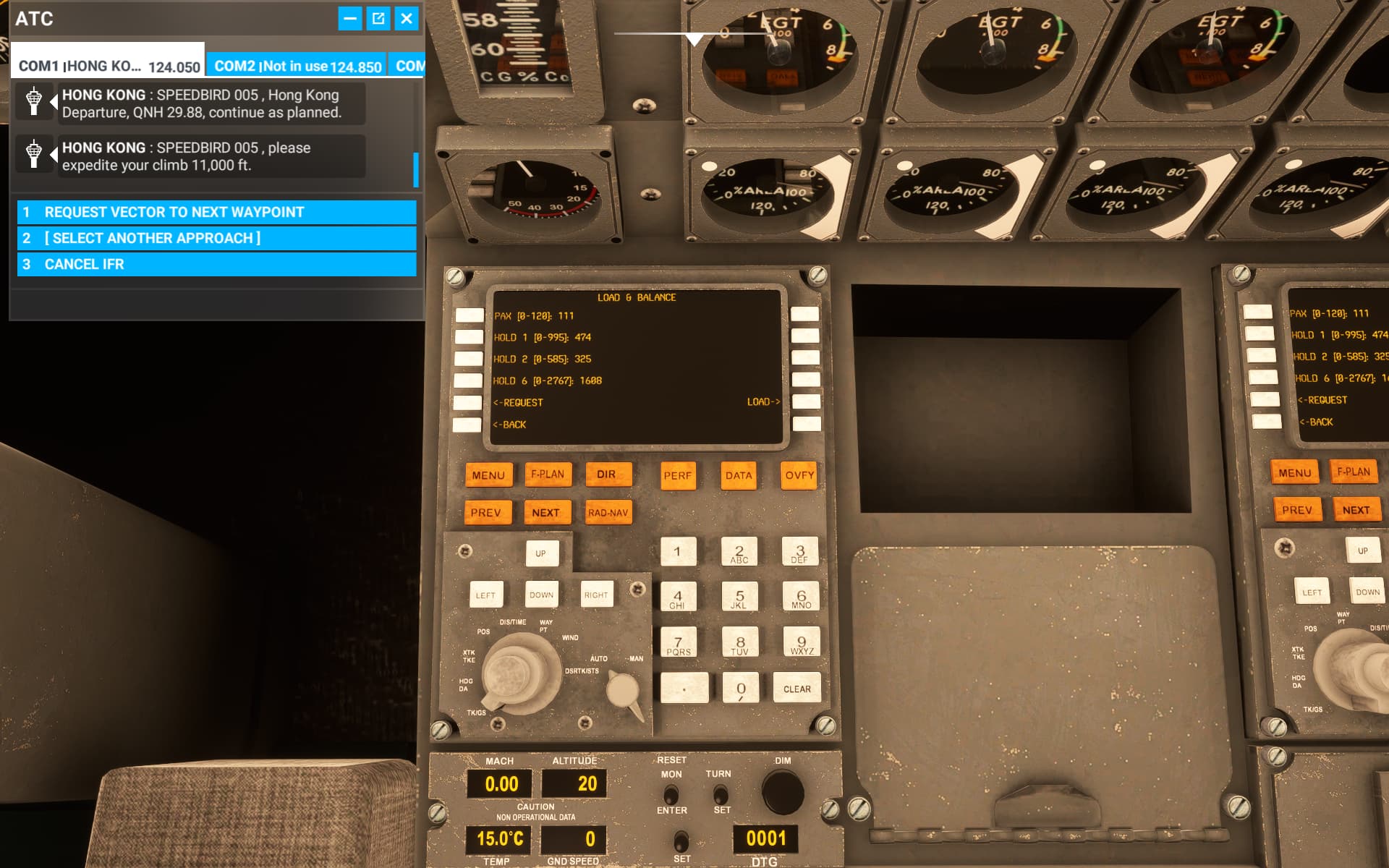
@DEAN01973 @CodenameJack447 question about the FMC load page, I think if I input the numbers here it will load the aircraft accordingly, but the what the hold means? and if I load it, I think the pax is numbers of passengers? but if so what does the numbers in the HOLD 1, 2 and 6 means??
another question is when I change that after landing, pressing the request button gives me some random numbers, but it seems that in the fuel and balance page it didn’t change a thing?
I think I might have it figured out. On my first flight I had the BA livery. France will never forgive me. On the second flight I went with Air France and it worked. 
When this sim is good, it really is very very good.
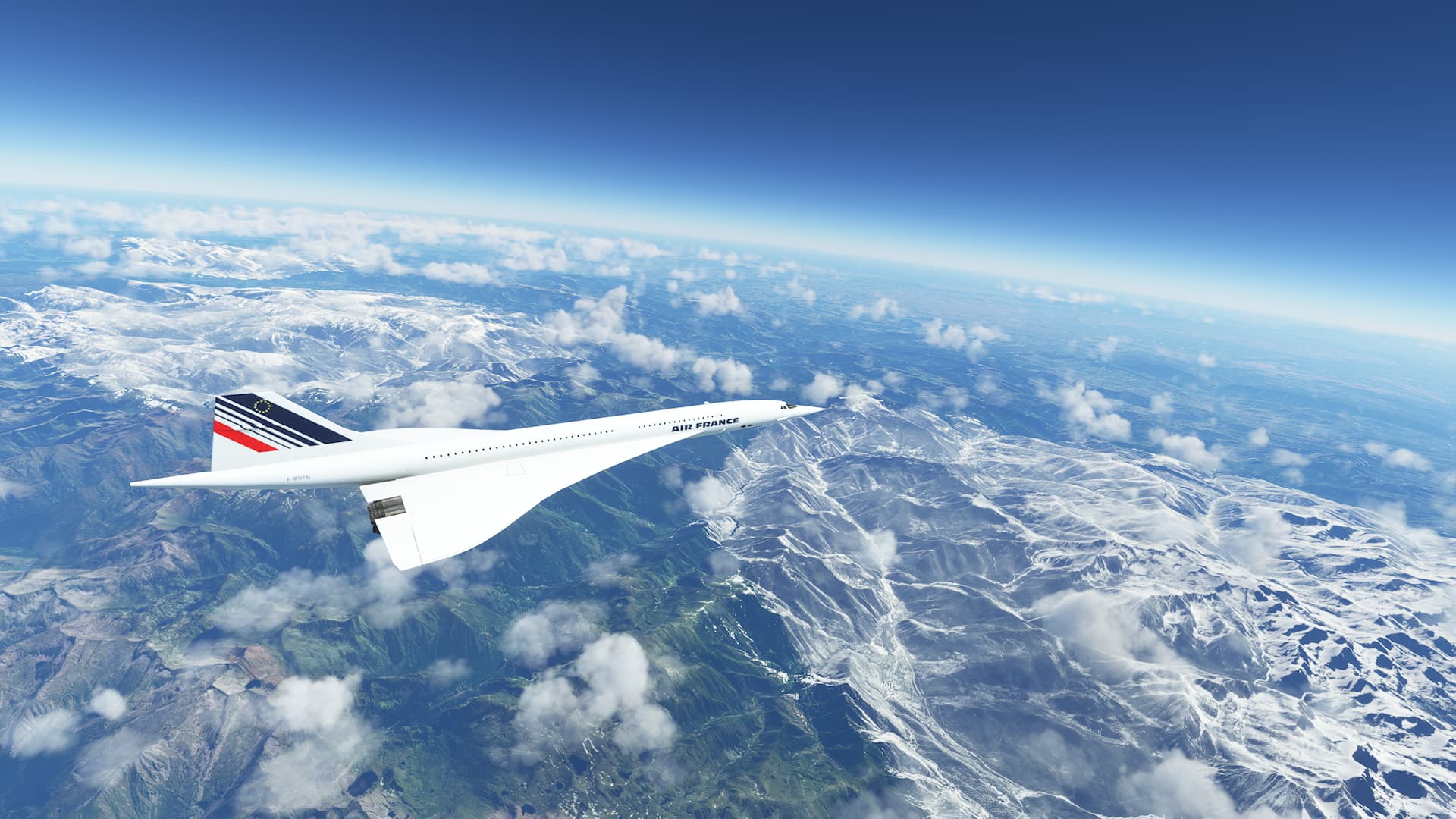
I mean, just amazing.
Sadly I’m on xbox so it CTD few seconds after touchdown at LEBL. Such is life.
2 Likes