Same here. Really frustrating. They do not check, that their system has some weird deeper problems…
4 Likes
We don’t just play this game! We have two full sims built around msfs2020! We troubleshoot their issues more than we troubleshoot our interface config that is much more complicated!
Sorry for my attitude here!
Overall, a great package, when it is working
I’ve been getting a lot more of this lately, maybe every 2-3 times I start. I have to kill the app and retry, and it generally works after that.
2 Likes
The server is not responding. Would be nice to get a time out and error code indicating a connection problem, or a message banner could tell you to re sync your time? Or just simply, banner saying server not responding?
I haven’t been able to use my sim for over a week now. According to official information the issue should be resolved? However, my sim refuses to connect to bing maps so I basically have no scenery. I have tried everything! Resetting DNS, resyncing my device, syncing time and resetting region, using the xbox service diagnostic, resyncing my account, resetting online functionallity in the sim, etc. etc. Nothing works. Everytime I spawn my aircraft is falling into oblivion and when I press fly now I’m greeted with offline graphics without any satelite imagery. I’m in nothern Europe. Anyone else?
This is basically my sim 24/7 at this point
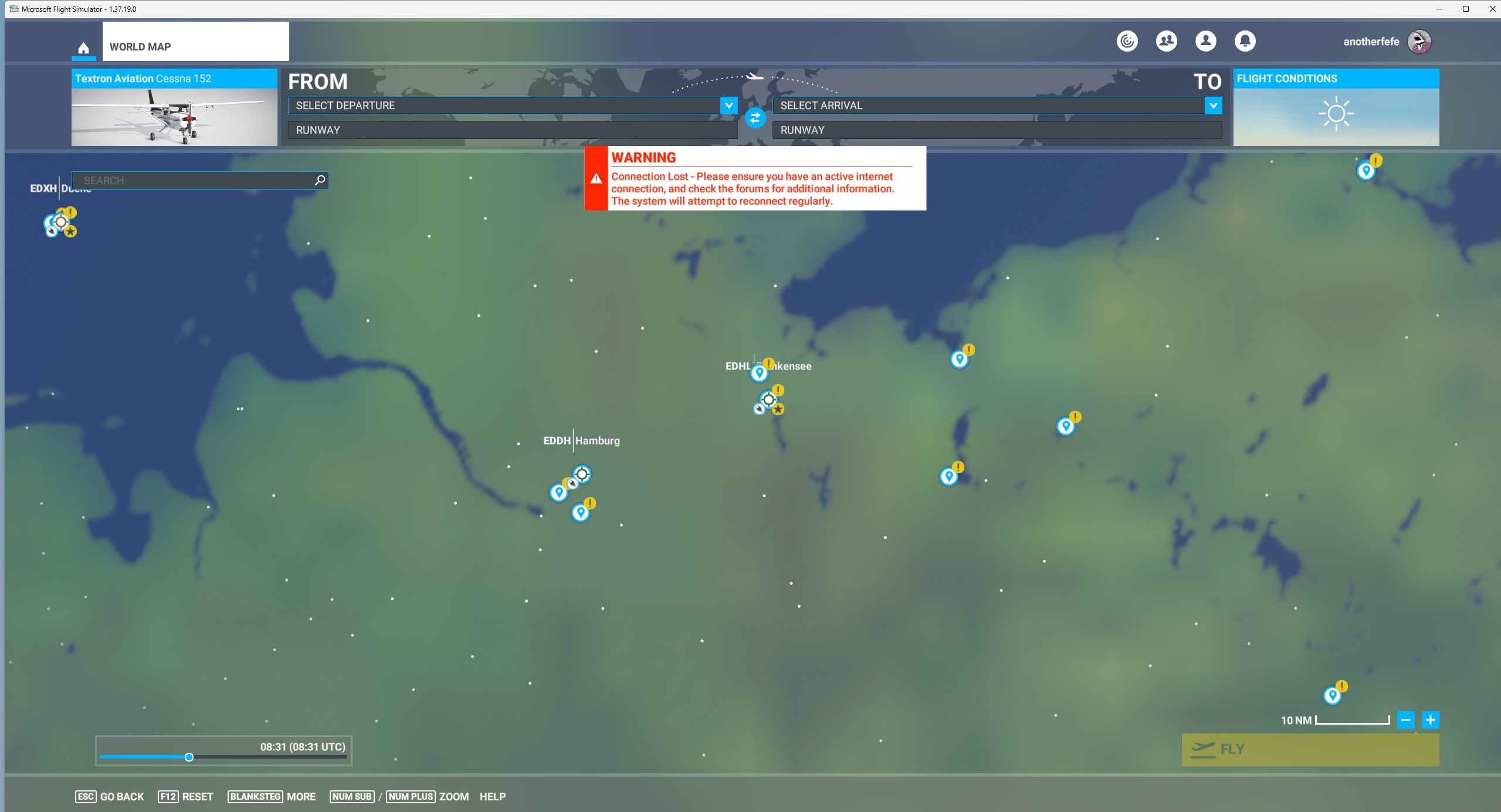
Same problem since 5 days, the “solution” doesn´t work, no chance to use the sim.
Location: Munich, Germany
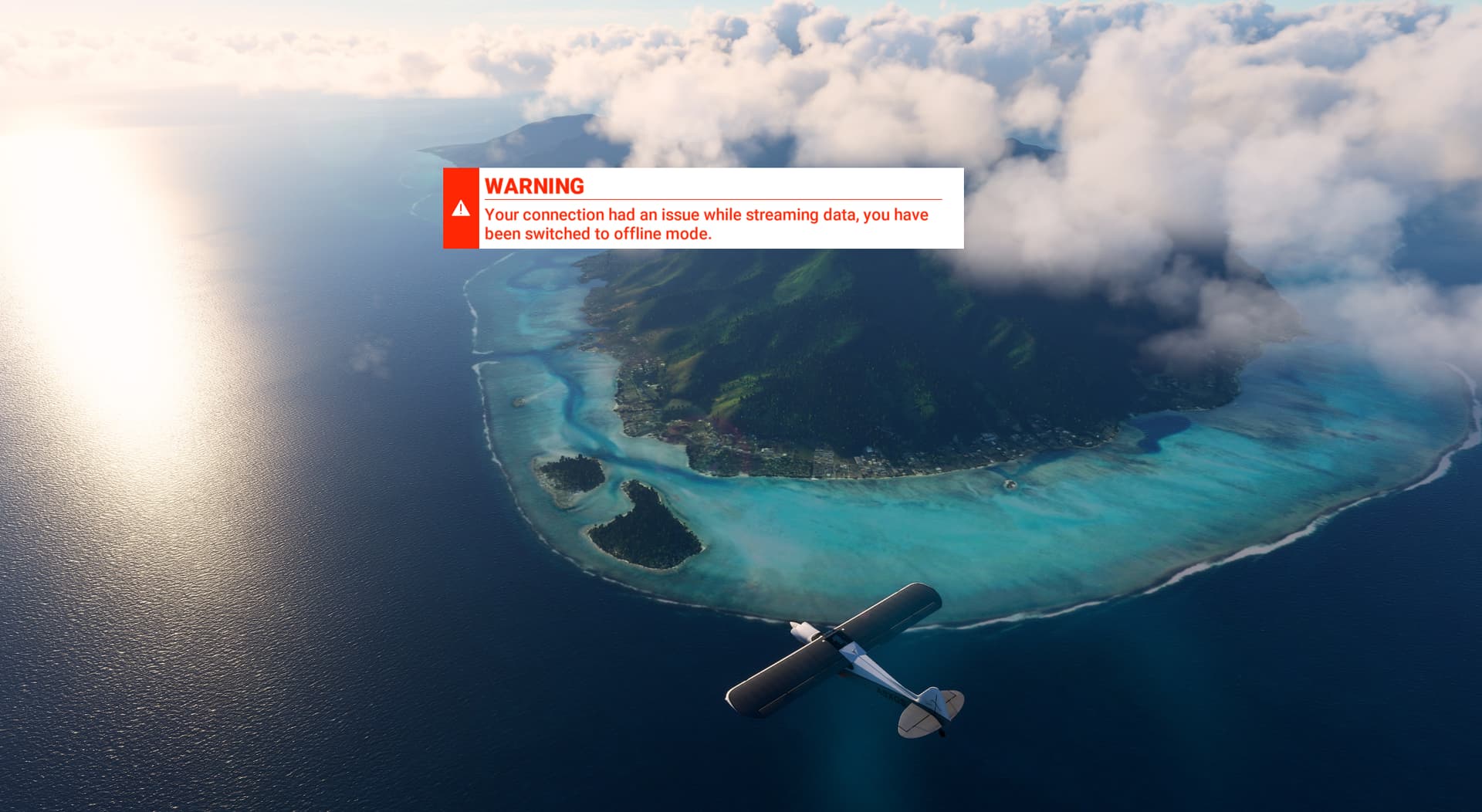
I had an hour long flight along the Miami coast this morning, with no issues. Yesterday I had two flights totalling three hours or so, again no issues with regard to online services.
Same here. Very very frustrating.
Hi,
What does it take to make then understand this is an issue on the server side and not the user? Yet again today I’m having to force close the Sim as it’s stuck on Checking For Updates, then running the second time it’s perfectly fine.
Understand your users please.
2 Likes
No connection here (Germany, Berlin), can’t log in to the sim. (insert disc error message. never had a disc but download the store PC version) Came back after a week away. This is going on for days now???
I had to log out of the Xbox app - then log back in to it - then log out of the Microsoft Store app and log back in to that - then check that the date/time on my PC were correct - then start MSFS. That fixed the ‘please load game disc’ error for me.
you have to do these steps even if those two apps show that you are logged in !
just log out and back in to both xBox and MS Store
2 Likes
I have the same but also my settings are set back to default, for the second time in 3 day’s. Pathetic.
1 Like
if i see this i close the sim via task manager,and reload,most settings are back then…but never do any save as long as sim is open…so the saved data on this bl********y servers get not updatet did the trick i think,but i will not test this,because…
Me neither, but without the cloud MSFS 2020 wouldn’t exist. At least not with satellite imagery. It’s petabytes of data that can’t be stored locally.
1 Like
I’m in Florida.
Unflyable today after most recent AIRAC and World Hub community airport update.
Multiple times each session.
- Connection Lost
- Bandwidth too low - Switched to Offline Mode
This is using my WiFi 6 connection. Wired is not an option.
Computer time is synced.
Rebooted router.
Using VPN doesn’t help.
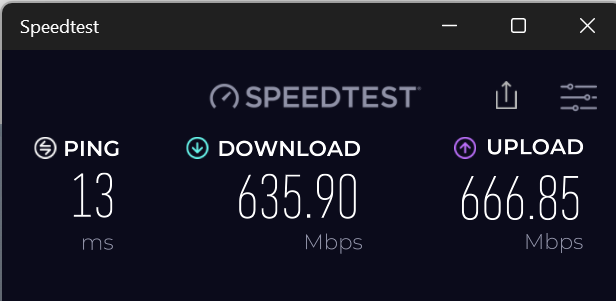
Still having this issue today, has happened for the last week.
I’m using MSFS through Steam.
Based in the South of United Kingdom.
Excellent internet speeds.
Keith.
What’s going on with these servers? It’s become common for them to be offline all the time. Terrible connection quality. I’m from Brazil. There’s no problem with my internet. I can’t access the simulator and when I can, I can’t download ANYTHING from the Marketplace. This type of problem is extremely unpleasant and worse: it’s become something COMMON. What’s happening to the quality of the service? Thank you for resolving this as soon as possible.
2 Likes
Happening here too in USA! The server connection lost and looking for updates started after the most recent update. If I click to minimize the simulator right after the intial logo appears, it usually gets rid of the checking for updates but not the connection lost while flying.
Servers down here in Iowa, USA now:(
no update possible, no internet connection to the marketplace, no bing data, what’s going on again?
in austria
1 Like