Presently ok here in NJ, EAST USA.
South UK and noticed no weather on world map, no live weather and the connection box was saying Automatic but never finding a server, so something was up earlier (roughly 3pm-5pm)
I tried one thing and it worked.
Inside FS I disconnected from the account and reconnected.
Servers online again
Central Washington State here. Literally 90 miles away from Seattle. Same issue.
This from “downdetector.com”:
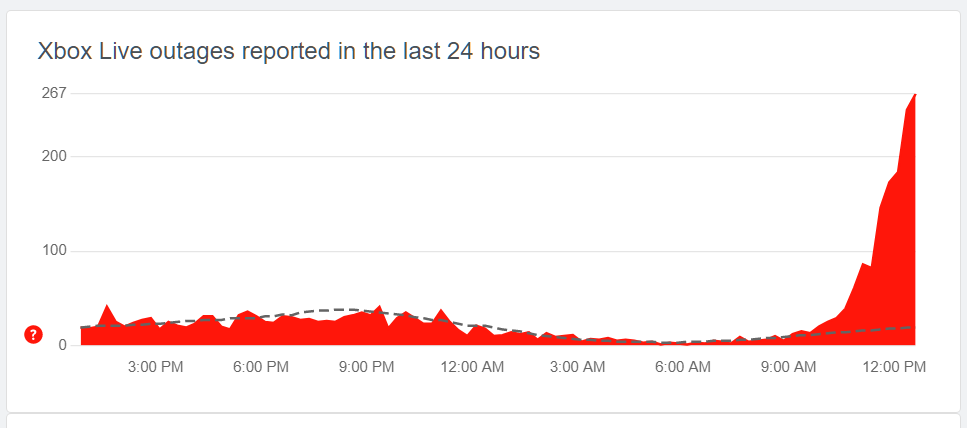
sure is taking a long time to investigate. Guessing this will not be fixed tonight.
Is it something related to WU 7 on Jan 31? Preparation?
I tried this via MS Store and then the XBox app (yuuuuckkkk), still no dice.
I guess that sort of explains things.
Certainly seems very similar in scale and extent to the New Year outage. I doubt it’ll be fixed until tomorrow.
I just tried the same thing, and it seems to have worked.
Just for the record, I’d previously tried signing out then back on to my MS Store account.
That did NOT work…
Online services appear to be back up for me. At least live weather and terrain. Not sure about live traffic et al.
Having the same issues here in the Midwest. If got offline then online I can get into the marketplace. However, all other online activity appears to not be functioning.
Same in central Canada. No bing photo textures, only FSX style. OK, glad I still have an earlier generation sim on my computer too (with ORBX photoscenery). Will fire that up with an aircraft not yet available in MSFS for a while, then back to MSFS later today when this issue fixes hopefully. Nice to have a backup.
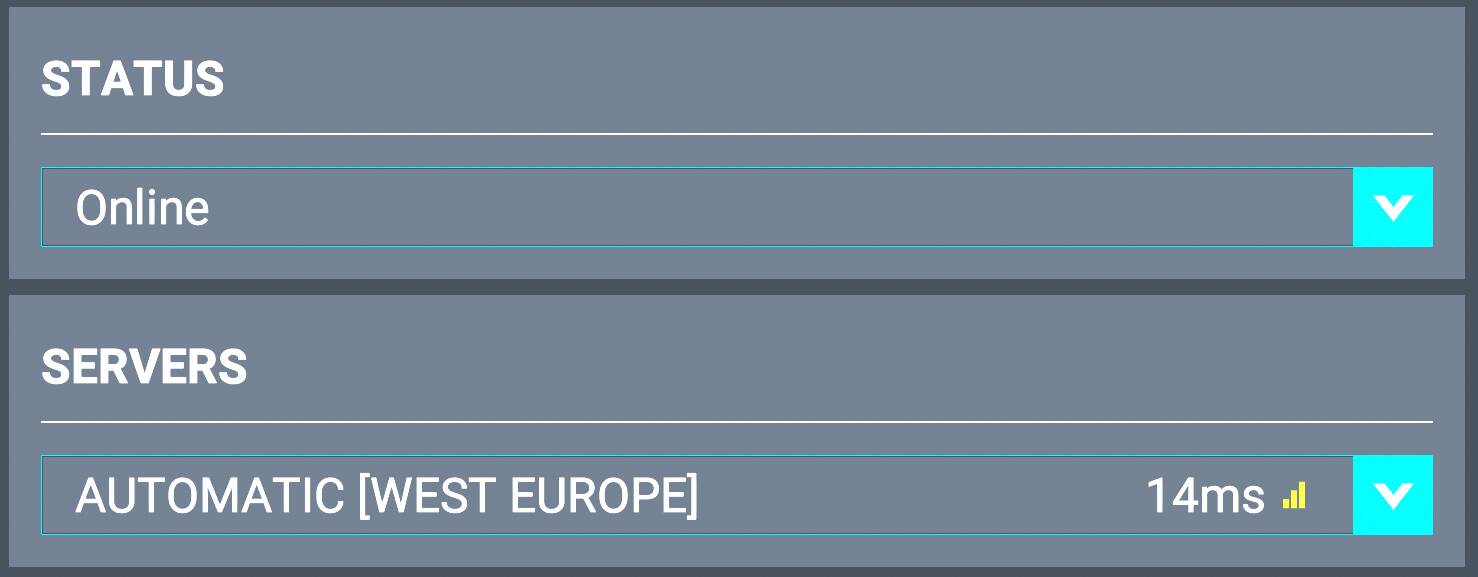

Had this problem earlier, so I shut down and ran some errands, come back fire the machine up, boot into win 10. Started just fine could see the servers in the list. Seemed way laggy though.
Booted to win 11 and as soon as it gets checking for update net messages again. Get into the game, check the servers list and nothing in there, little spinner spinning looking for servers.
Botted back to win 10, and now same thing as the 11 install, no online connection, no servers in the server list…
Ya know I waste more time trying to get this game to run then I do actually flying anymore.
I don’t want to advertise VPNs, but as I said in my opener, I used a VPN and the issue was gone. I could even turn the VPN off totally once I was connected and the sim did not just boot me out again. So by all means, go get yourself a free VPN or use the one you are subscribed to and give it a go if you’re struggling.
I like your humor!
That other aircraft wouldn’t happen to be the DC3/C47, would it?
Or the Dornier 27?

BTW, the servers now appear to be functioning again… at least to a certain extent.
While I’m here though, let me ask another question.
Why, sometimes, maybe one in every 3-5 flights, does the little spinning icon in the bottom right ALWAYS spin, never disappearing. It’s annoying in a very specific way that offends my ADHD. That is it causes the framerate to skip a couple of frames every time it appears.
I have noticed that when it happens it is distance-sensitive. It seems to want to appear and spin around in the bottom right every 100 or 200 metres or so, and so if you’re in a fast enough plane, and once you get up to speed, and especially when you get high enough, the thing NEVER GOES AWAY. And because it restarts the spinny loady process every 100-200 metres, the skipping framerate is a constant, once per second deal. Incredibly annoying in the same way that someone sticking a pin into the back of your neck over and over again is annoying.
I usually just reset the flight when it happens, but like most of you here, I want to start from Cold & Dark (sometimes I don’t think Asobo’s guys start from anywhere but the runway on testing). WHat this means is that 15 minutes have usually gone to waste when I feel the need to reset like this.
So what is that spinny loady thing actually doing? I’m guessing it’s loading scenery? But why does it only do the constant spinny loady thing SOMETIMES?
I get this bug every now and again since about SU3 if I remember correctly.
The only way I have found to stop it is to click on esc while flying, go into settings and turn on dev mode, return to flight then back to settings and turn off dev mod.
That stops the constant spinning circle and the frame hitch associated with it. The downside of this is your flight wont be logged in the logbook if that’s important to you.