LB+B gets you in the cockpit. Just make a route in Simbrief and use the onboard EFB. Simbrief import works.
At least, i only did one flight in their A319 without an issue. Apart from 2024 issues not related to LVFR offcourse.
LB+B gets you in the cockpit. Just make a route in Simbrief and use the onboard EFB. Simbrief import works.
At least, i only did one flight in their A319 without an issue. Apart from 2024 issues not related to LVFR offcourse.
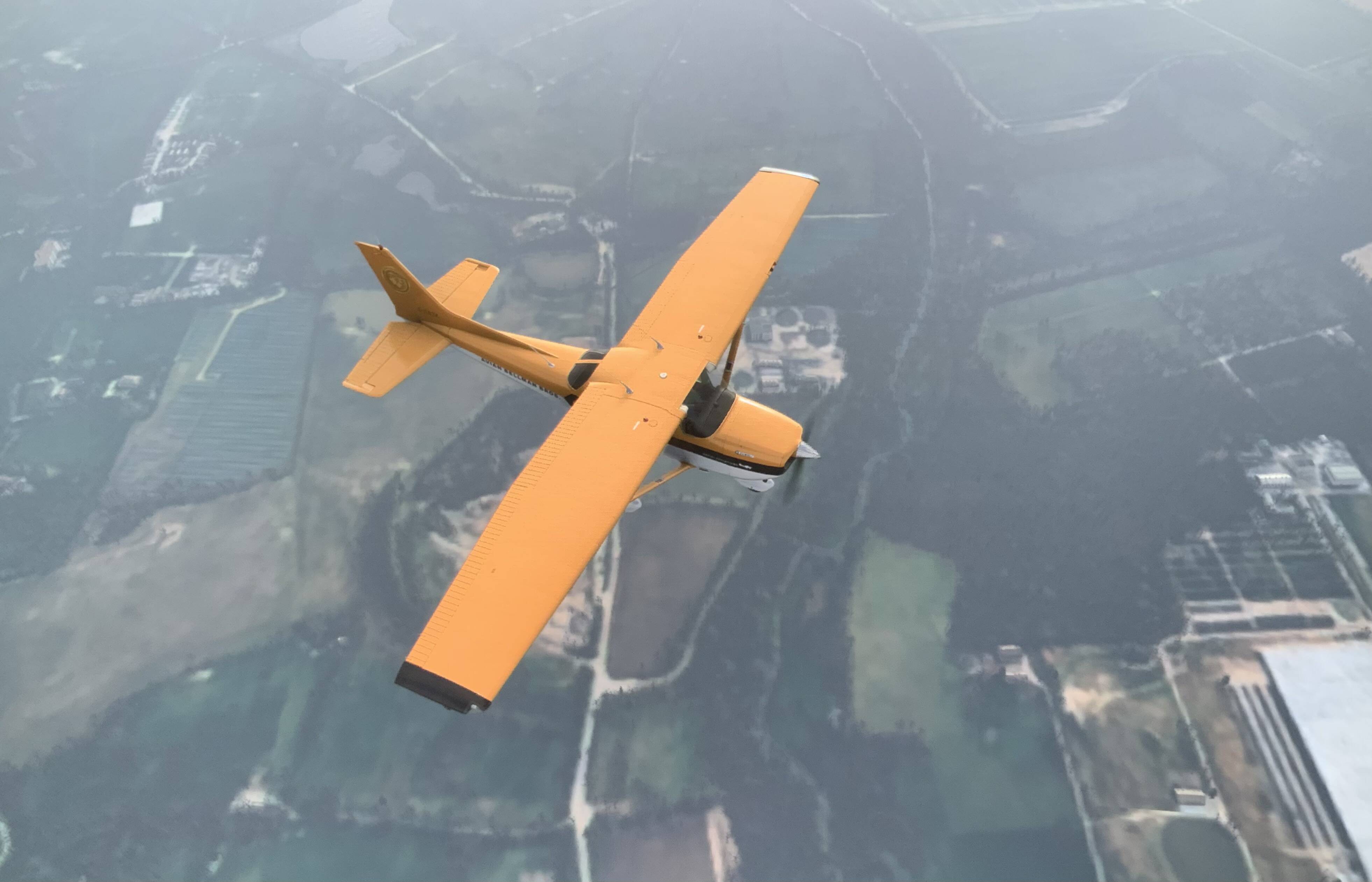
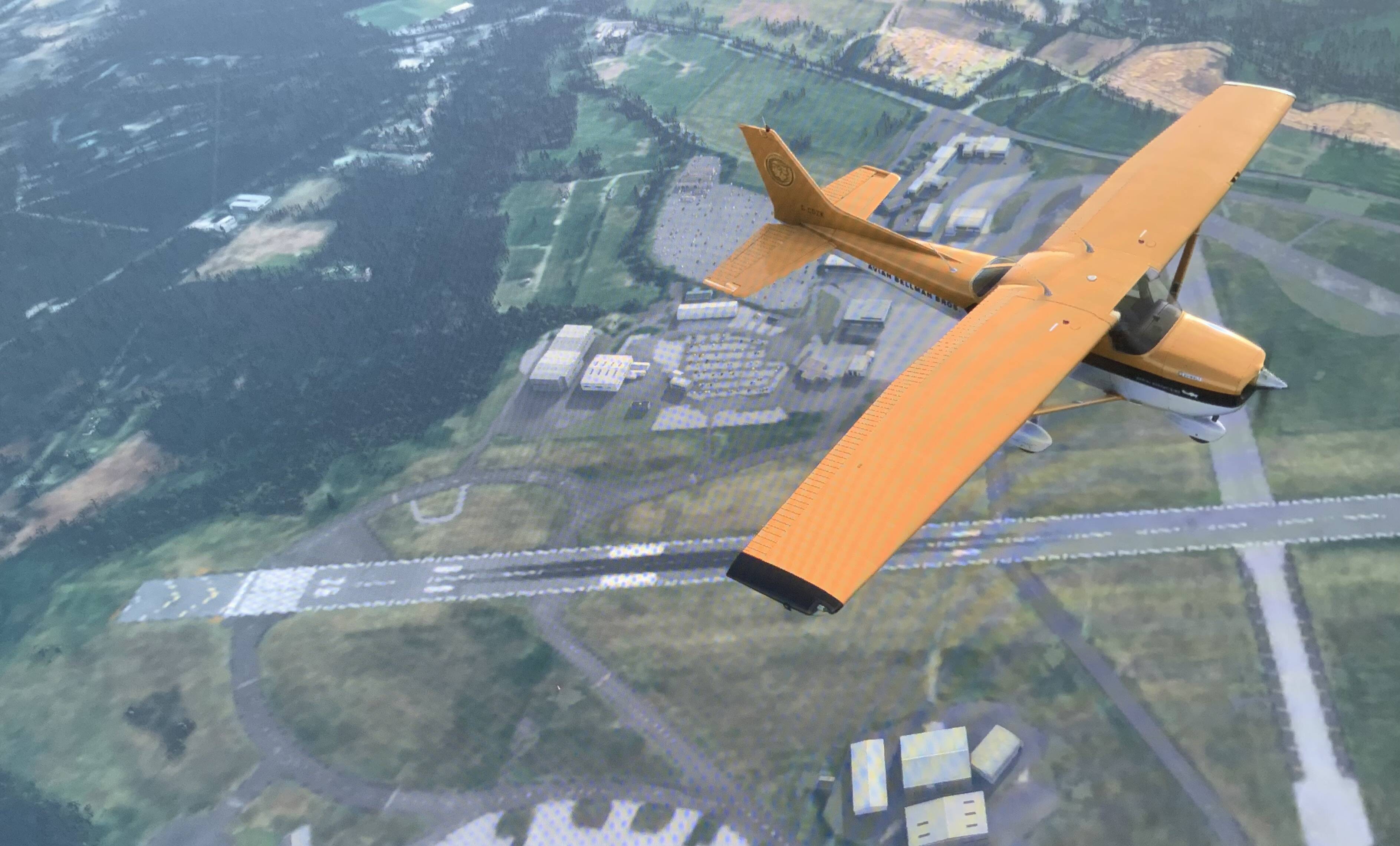
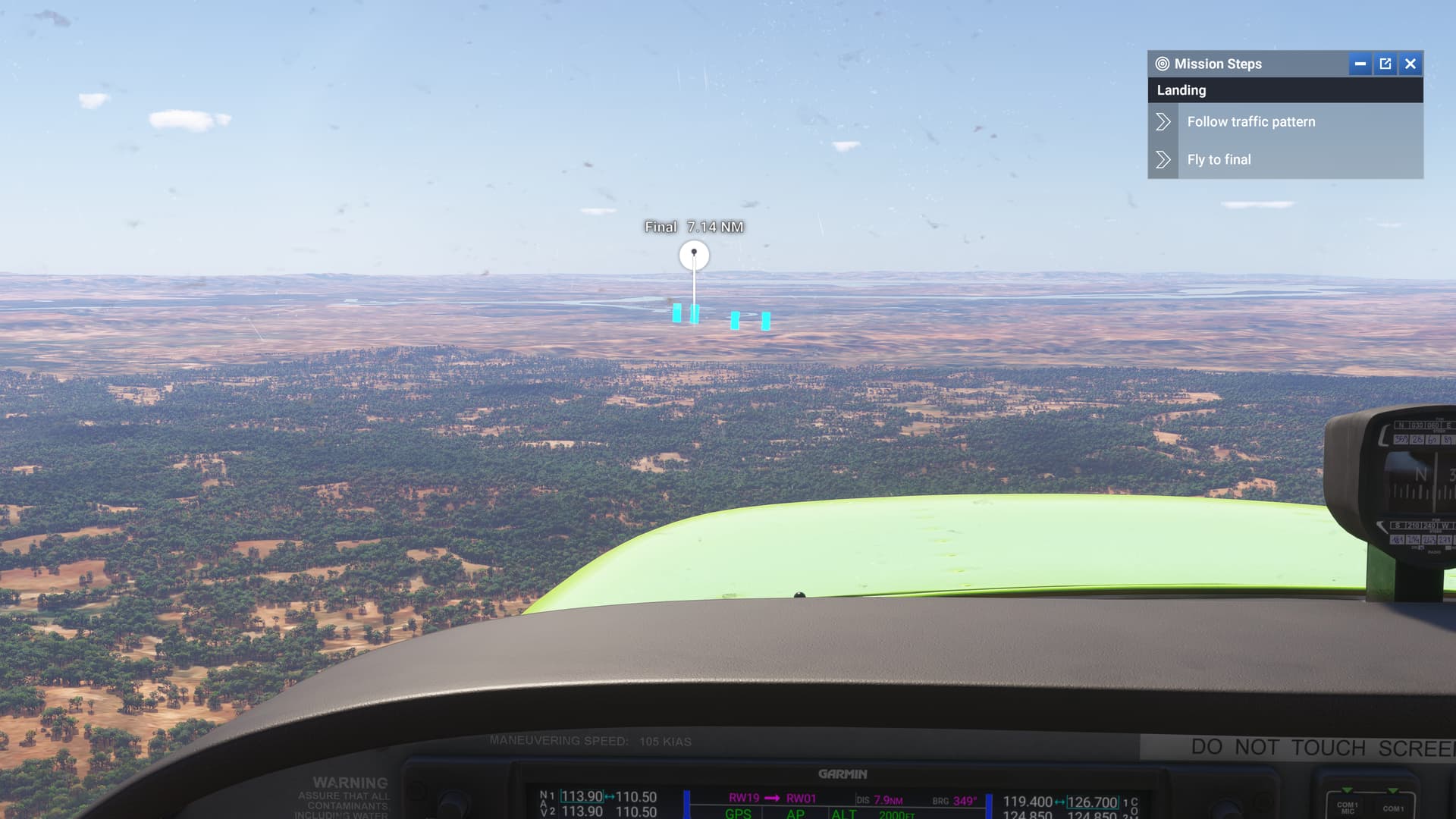
Here you can clearly see the circle around the plane and outside it, the difference is stunning. Of course it’s a 4 years old hardware but i really hope it can be better than that. It means nothing to have 4k resolution, huge tree density, sharp textures and high details if it’s all caged in this little bubble. I would trade some of these graphic settings for a better draw distance, the beauty in a sim like that is not in the details but in the landscape at a glance.
Yup 1.5.0 released this summer fixed the “runaway trim” issue.
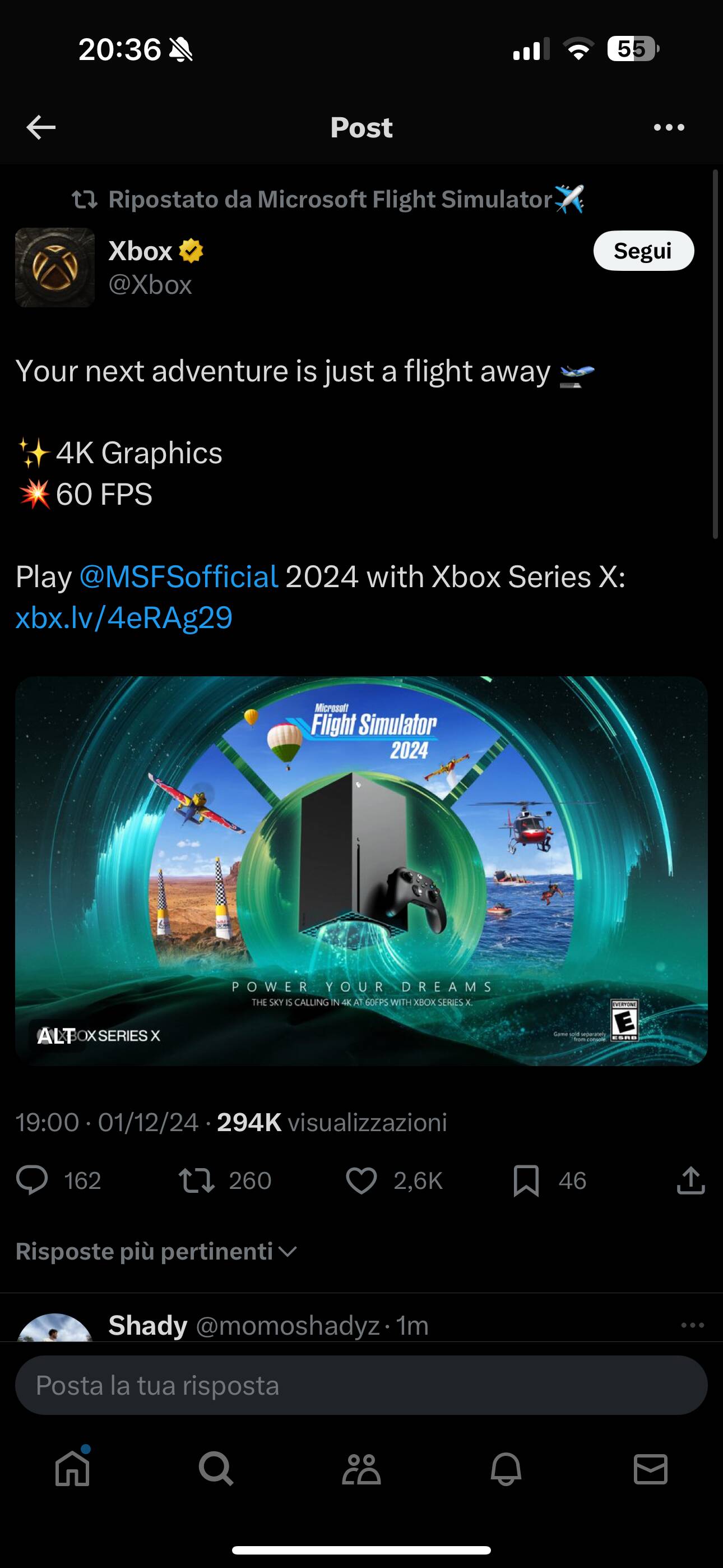
Agreed. I set my Xbox at 4k 60Hz and it runs better than putting it in 120hz
I will have to check mine, Is it all updated via the turtle beach app on xbox?
Update, mines up to date 1.1.6
.
I’m guessing you have a different velocity one device. Mines the flight stick.
You got a VRR set? I was going to change it but I have an LG CX so not sure if I should stick with 120hz.
You can change it from your Xbox dashboard under the video settings. If you’re monitor supports VRR you’ll see there an option to turn it on/off, if that option is green it means your monitor doesn’t support VRR. In the same page you can also change resolution and the refresh rate. Try to set it at 60hz.
I can’t notice much difference myself, so will leave it on 120hz, as my tv does support vrr.
I’m trying photogrammetry on again and flying over Isle of White UK, and at 3000ft in the 172 the fields and trees look really poor, especially directly under the aircraft. How can it look so poor at times!
Everything looks cartooney and mushy.
Yes, since the release of 2024 the visual appearance of the sim has improved significantly. In addition, after reinstalling 2020 I have shorter loading times and, no CTD or BS with the same addons so far
I fully agree with what you wrote. I would add that when flying with the Airbus 320 V2 freezes, graphics errors, imperfect controls, ATC errors are commonplace.
Not to mention that when you try to go back to the main menu, the game ALWAYS crashes and you have to restart.
Simply irritating.
They released software without properly testing it and Xbox users were treated terribly even though they paid the same as PC users.
I remember that, during a live stream some time ago, they said that this new simulator was much lighter and more performant compared to the 2020 version, as can indeed be seen😂
For reference, I think internal resolution is 1440p on series X then upscaled to 4k, just like 2020
On XBOX S in Germany:
Yesterday (sunday) afternoon did a flight with the Cessna Corvalis from a small airfield near Alicante (LEVJ) to Fátima (Portugal, LPFT). Live weather. Rolling cache at 100 GB. Cruising at about 5.500 ft.
Flight took 2,5 hours. First 2 hours over Spain were fantastic, with terrain textures far better than MSFS 2020.
At the end of the flight terrain quality a little worse, but still acceptable. But do not know why quality reduced a bit: other sat-images fror Portugal?, server issues? or just the flight time (which the XBOX S cannot handle)?
Have the yoke and also the flight stick but haven’t used the latter in a looong time. They fixed the pitch down for the yoke but didn’t even realize it was also affecting the flight stick.
How dare they?