Regarding spacedesk when placing e.g navigation display the fps are horrible insim… though.
Guys - I’m a “newbie” with some of this, so please bare with me! I get the “Surround” setting in the NVIDIA App, this is pretty straight forward at this point. I’m still getting massive distortion because I don’t know where the “Zoom” Control Setting is in FS2020. Could someone walk through how to get there and what I am supposed to change to eliminate the distortion problem. Remember that you are dealing with a novice here, plus I’m 78 years old and I’m trying to learn some of this for the first time. Any help will be appreciated! - Vic -
Hi Vic,
The zoom is the in-game camera zoom setting with a cursor on the dedicated Camera screen in FS2020 , or the mouse wheel.
Best regards
No FPS impact for me in the sim with Space Desk, but my PC is set as a wireless host. So the graphic card doesn’t work for the in-game VFR Screen . This one is terribly impacting the FPS when I put it on the main 3 monitors.
RIGHT-ALT+left click on instruments can pop them out into a 2D window that you can drag to another monitor, if that helps. I don’t think this is widely known
Guys - I really appreciate all the help that you have provided to me! However, I am still off base somewhere. I’m becoming more and more frustrated with my efforts, so I have decided to wait, use one Monitor for the time being, and hope that Microsoft addresses this issue natively! It needs to be something simple (a la X-Plane 11), and without all this maneuvering things around to get a less than satisfactory solution to the problem. - Vic -
MFS 2020 uses “flat” projection instead of “cylindrical”. If you want to avoid perceiving the image on the far ends of the side screens as distorted , you should place the displays in one row, not angled, like one ultravide flat display. You will be then looking at the side displays at angle which will compensate the apparent distortion (which is not distortion in fact but just the result of the projection used).
Unless Asobo adds cylindrical projection or individual projection for each display, you can’t have wrap around effect on the angled displays. If you want angled displays you have to accept the distortion.
I will not propose more complex solutions, to not confuse you even more.
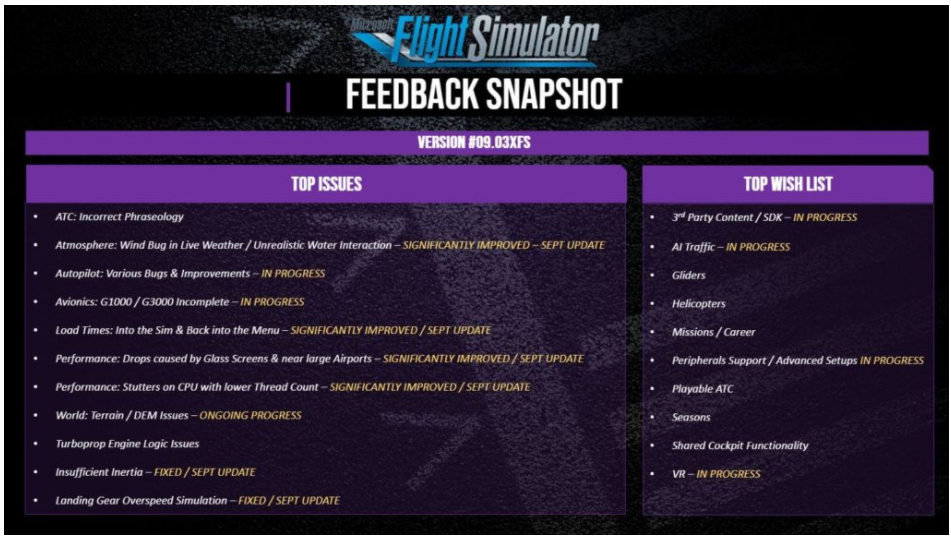
That is not a solution at all. For those of us that have realistic cockpit setups, we need the option to place separate camera views, and angles, with different FOV. In my case my C172 cockpit is set up like the real thing. Side windows (monitors) are 90* to the main monitor.
Just putting 3 monitors together does not cut it.
I agree. In fact we designed our simulator to fit within a confined space. We physically cannot spread the monitors out to be flat. Moreover, the whole point of having side screens was to be able to virtually ‘look out the side windows’ rather than have to use TrackIR or manually move the views. We have just reverted back to X-Plane because we are using the simulator for flight training and having better scenery is much less important than seeing the runway out the side window in an undistorted view so you can know when to add flaps, change RPM, and turn to base and final.
I agree. We should just hope (and request) the proper multimonitor support (or cyllindircal projection at least).
However, in the current state of the MFS2020, if you don’t want to see the distortion you have to adapt to the projection used by Asobo. You can’t ignore the geometry used.
In my setup, when I want to look sideways, I use TrackIR.
Never tried Track IR, just never understood the concept of turning your head, and then having to look out of the corner of the eye to see things. Glad it works for you though. (not sarcastic, don’t read it that way please.) A lot of people use it from what I hear.
My setup is probably more advanced than most, so maybe I am expecting too much, too fast. I was looking forward to a real simulator, instead it feels like we got a tree generator. LOL

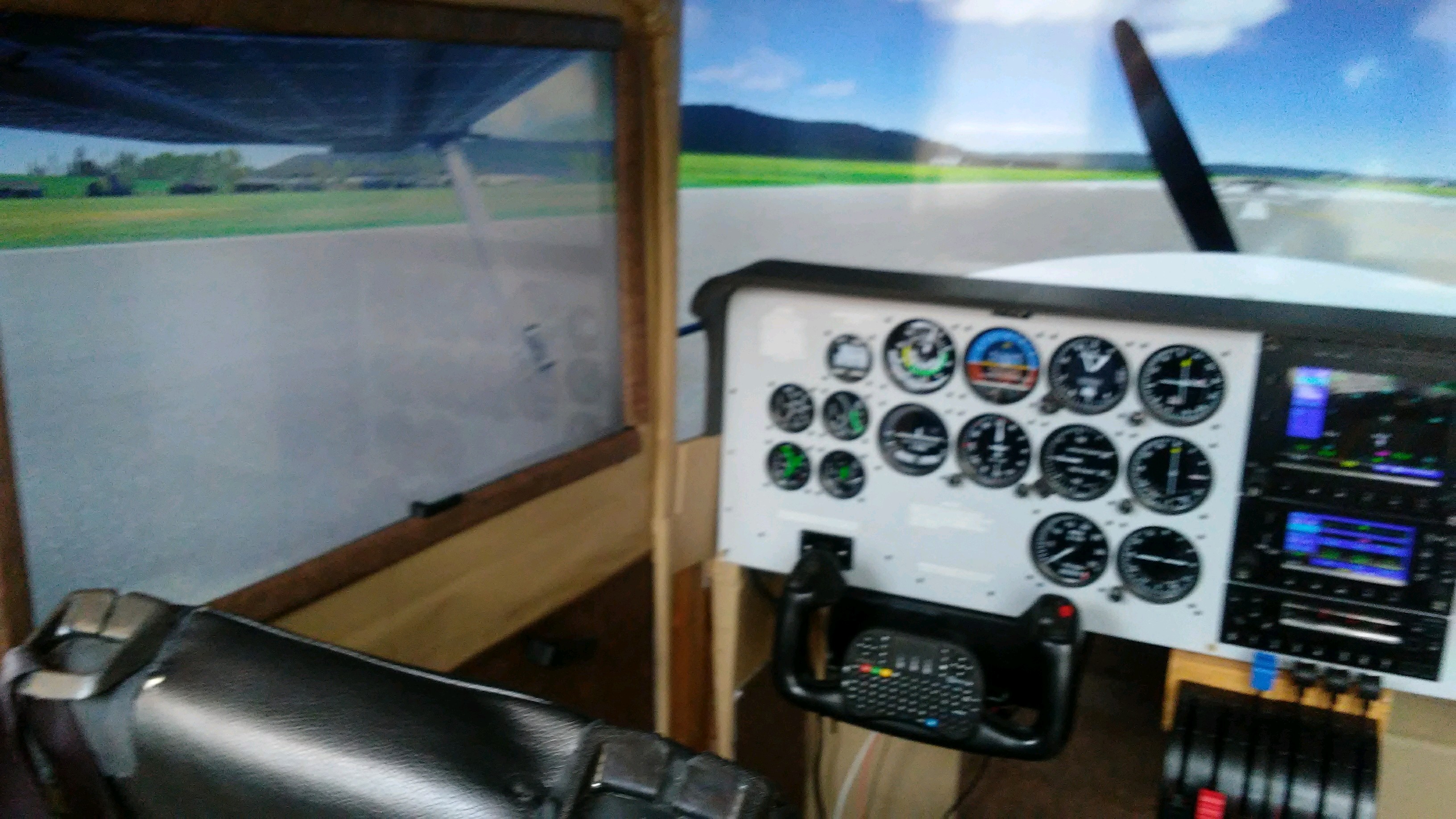

Guys - I agree entirely with all of the above! Microsoft needs to recognize that this a major problem for the SIM community. I have just done a rough count of the Posts here relative to this issue of Multi-Monitor support; started on August 19th. and to date (September 8th.), there have been over 92 Posts on just this one problem. I can’t understand why this has not rocked someone’s boat at Microsoft. Many suggestions have been made here with various success rates of varying degree. But none of these really solves the problem. When I fly seriously (other than touching my toes into the MS FS2020 pool), I revert back to X-Plane 11 that solved this problem very simply some time ago! PAY ATTENTION MICROSOFT!!! YOU HAVE A BUNCH OF UNHAPPY CAMPER HERE!! - Vic -
When I searched yesterday, there were more than a half-dozen different threads concerning multiple monitors, so the ones that allowed votes were getting spread out.
It looks like the main wishlist thread for multiple monitors is now the following link, so If anyone hasn’t yet voted for this one, I recommend that they do to get it bumped up on the wishlist:
Thanks, I voted. 
for everyone complaining about the fisheye lens effect . please visit this post and give it a ‘VOTE’ at the top left of the post ..
https://forums.flightsimulator.com/t/can-i-get-rid-of-the-wide-view-fisheye-external-view/250983/24
When you zoom you actually change the focal length of the “lens”, you can easily reach 50mm (equivalent for 36x24 mm full frame photo camera) by zooming. Zooming just changes the focal lenght, there is nothing else about the lens used (you can check it easily with any photo camera with interchangeable optics by comparing the field of view of zoom lens at any focal length with the prime lens at the same focal length).
The issue is not with the lens applied (as it’s focal lenght can be easily changed by zooming) but with the geometry of projection used. The geometry of the projection currently assumes flat screen, not the cyllindrical one, there is very little we can do to get rid of the apparent distortion at the edges of the side screens, if the screens are not set in flat row. If we place the side displays at an angle against the projection geometry, we will perceive the distortions.
This video from nVidia fully explains why currently the only option to not have perceived distortion in MFS2020 is to set all 3 displays in one flat row (due to flat projection used);
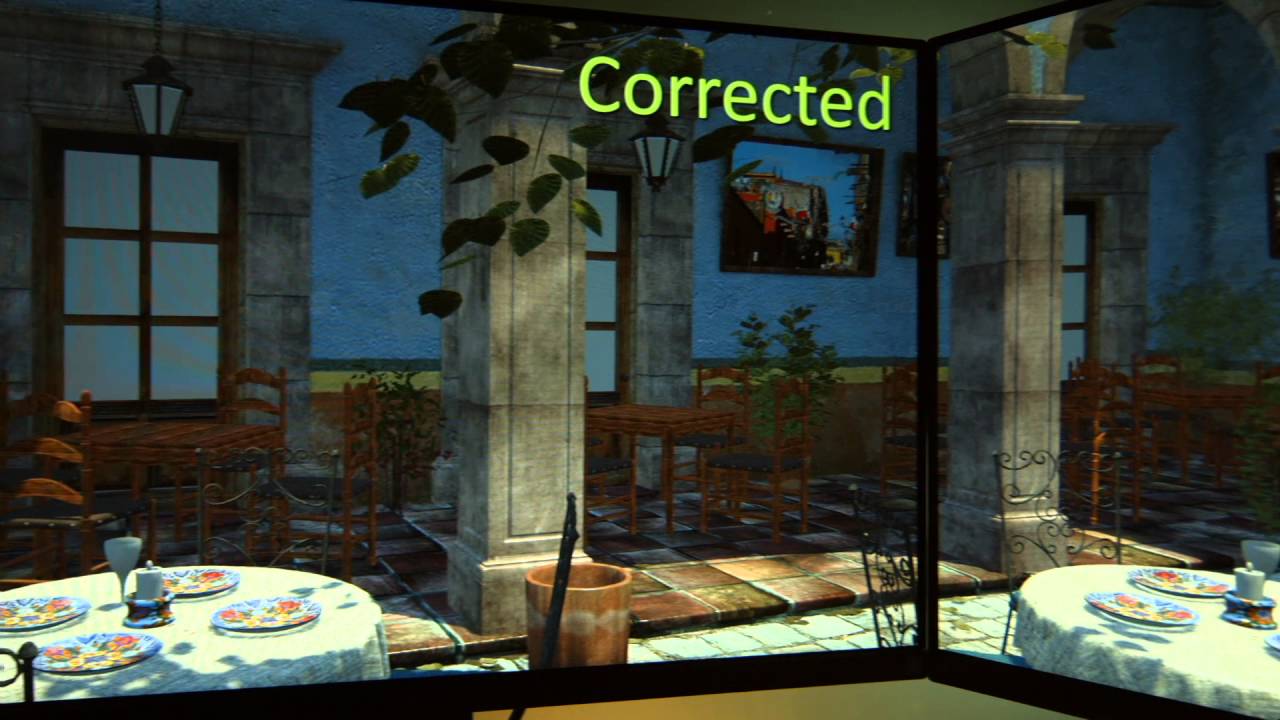
Geometrically no way around it until Asobo introduces either cylindrical or multi projection in the sim.
nVidia (1000 and never series with Simultaneous Multi Projection support) users - let’s hope that Asobo will implement multi monitor support some day by utilizing this capability of the GPU, because (as nVidia claims) it will be done in GPU H/W with no or minimal performance hit (unlike the current X-plane multimonitor implementation which kills the performance by actually launching 3 separate X-Plane instances).
I didn’t realise how xplane did it. Wow - that will kill any sim.
At least on my PC, when running X-Plane with native (not nVidia surround) 3-display support, I can see on the Windows taskbar 3 X-Plane instances. They just ported to one PC, their multi-PC implementation. All three instances talk to each other, like they would talk when running on 3 separate PCs. The FPS hit is severe (at least in my case) so even in X-Plane I was forced to just one projection with nVidia Surround, which has much smaller FPS impact (only one copy of X-Plane running). I would say that X-Plane multimonitor support is kind of brute force.