Love it fellas, just love it! How do you set the gradual transition between metars please? Would like to know, thanks!! BTW the community mod format is a lot easier to work with!!
This is what I like to know it as well. How is the transition between each METAR Station?
Pretty smooth, just need to dive into more settings, but the weather is very accurate. They got the cloud formations and placing just right
Sounds good. Can you share your settings inside the mod?
Keep in mind as well that some METAR stations sometimes don’t always have a report to send so there might be gaps, especially in sparse area.
Hi Duesen, we tested in live yesterday when the chat told me about your announcenment. It works and is pretty nice if it helps. Cheers
@richardgroy I keep telling him to put a donation link on his blog page so people can donate. This is one of the best add ons for community in years since maybe RealWX

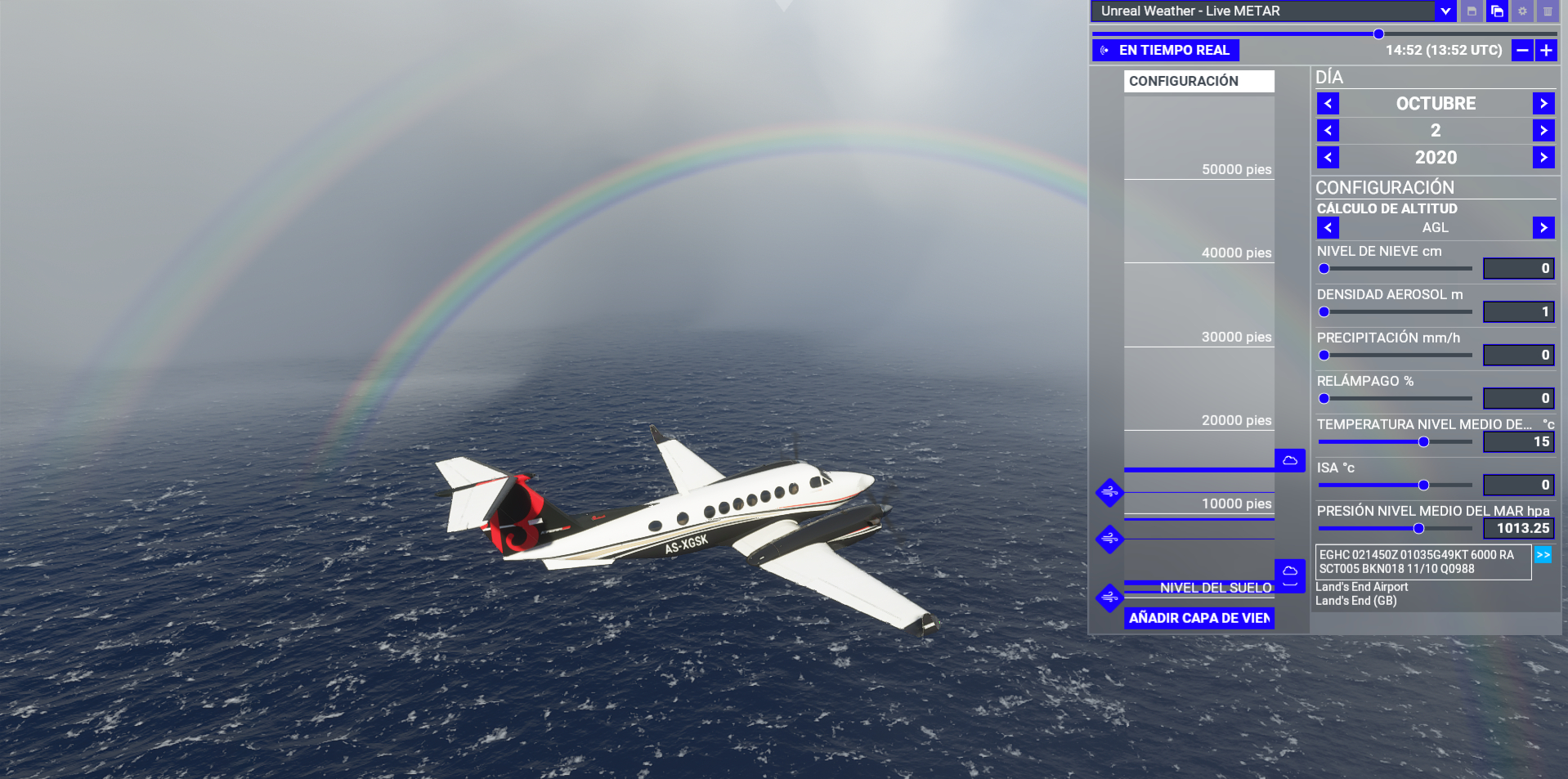
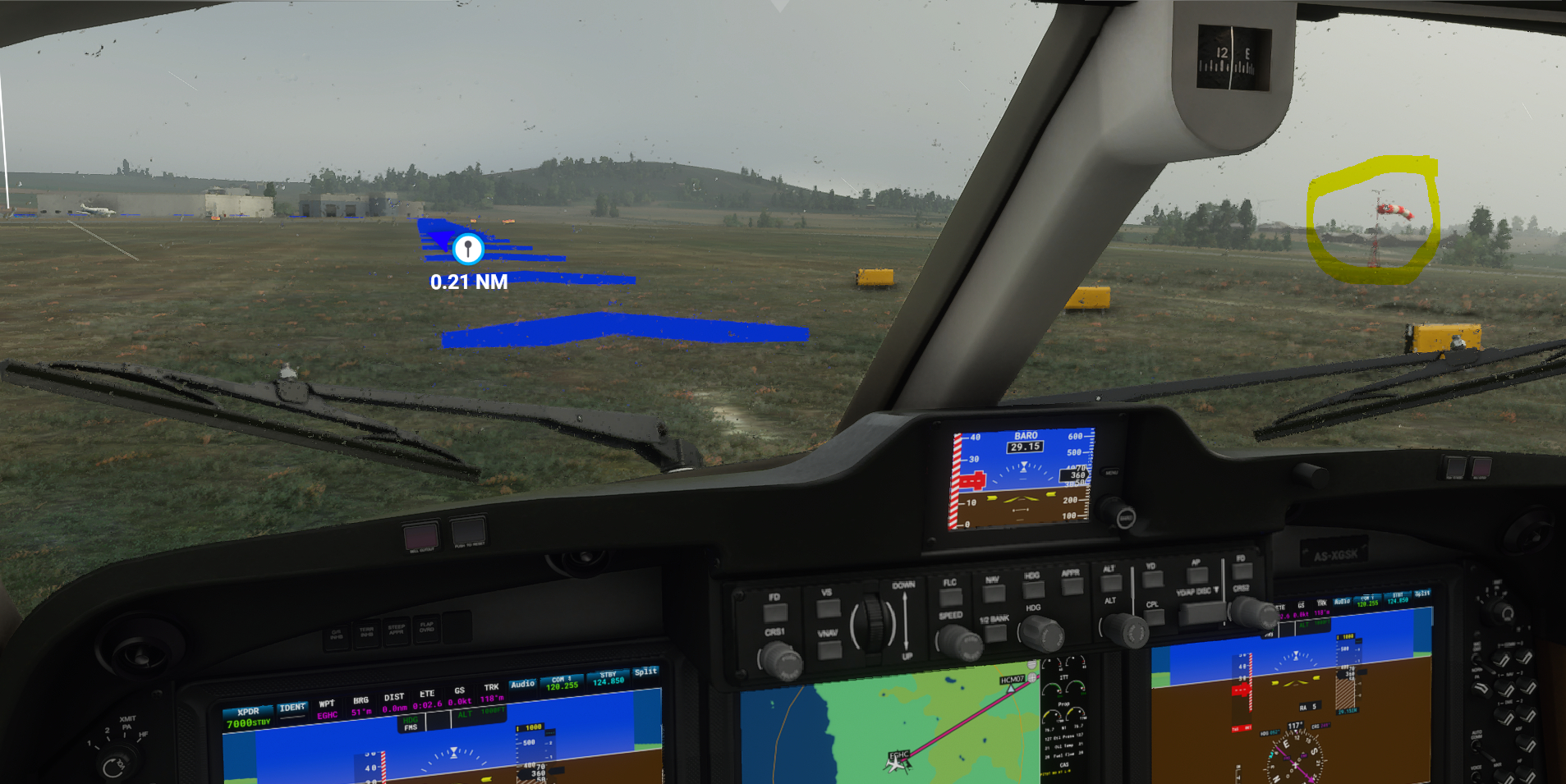
Rich,
It was nice talking to you yesterday. Thank you for using the mod in your streams!
1 Like
About the weather transitions and how they work
If you’ve noticed, there are 3 important variables included in the mod settings:
metar_polling_frequency_minutes: 3,
weather_transition_span_seconds: 180,
weather_transition_step_seconds: 0.5
metar_polling_frequency_minutes: This, I think, is self-explanatory. The value (in minutes) determines how often the mod pulls the METAR report from the AVWX server, using the plane’s current location (lat and long) as the arguments. The server returns the current (or sometimes, cached) report from a monitoring station that happens to be the closest to that position. 3 minutes seems like a good number, unless you’re piloting a super-fast airliner, in which case you may want to reduce it to, say, 1 or 2 minutes. Be careful, though, as pounding the server with extra requests is an overkill, as you will be getting lots of duplicate METAR reports with no real benefit to you. Also, keep in mind that with the free “Hobby” tier you’re limited to 4000 reports per day.
weather_transition_span_seconds: When a new METAR report is received and it is differenrt from that last one, the mod generates a new weather snapshot and then starts a “transition period”: it interpolates all values between the current and the new weather snapshots and applies the changes to the in-game weather in small steps. That’s when you start seeing your cloud layers move up and down, change their shape, the rain die or pick up, etc. This particular variable controls how long such transition periods last, in seconds. Set this value too low and the changes are going to be more abrupt. If you increase the value instead, the transitions will last longer. I’d suggest you experiment and pick a value that is closer to your preference.
weather_transition_step_seconds: This value controls how smooth the weather transitions are (see above), i.e. it dictates the duration of each small step at which the incremental changes are applied to the in-game weather. I left it at 0.5 seconds in order to accommodate those folks who have weaker PCs, but you may want to reduce it to 0.1 sec or even lower, if you have powerful hardware. Pay attention to your effective frame rate, though: for example, if your sim runs at solid 60 FPS, then there is absolutely no reason to set this value lower than 1/60 sec, i.e. 0.0167 sec. Even that would be too low, as each adjustment to the in-game weather values may cause MSFS to stutter slightly and you may do more harm than good in such case. Values that cover a few frames like 0.1 sec or slightly lower seems like a good pick. Again, experiment and see what works best for you.
Now comes a valid question: What if the weather is currenly in transition, but yet another, differerent METAR report is received? This can happen when moving very fast over a few airports or stations in sequence. In that case, the mod abandons the current transition, picks up where it left off and starts a new transition, this time to that new METAR report. This may lead to what might seem like a prolonged transition period. No need to be alarmed. (Note that this would only happen if your weather transition period is longer than your METAR polling interval. By default, they equal: 3 min and 180 sec respectively.)
The last note: If you change any of the above settings, you will need to completely restart the sim. It will not pick up any changes to the JS file once the sim loads it in the beginning.
2 Likes
Cant get this to work with the MS store version using v1.3 in community folder.
It worked well the first time I ran it but wouldn’t load for any subsequent flights even after exiting & restarting the sim. The Unreal preset is there but it’s not reading any METAR. I’ve uninstalled & started over again several times & tried new tokens but nothing works. Any ideas anyone?
@mappamundi You did edit the JS file with your token key right? Also make sure the old version (1.2) has been completely removed. Everything should work right out of the community folder now.
For those of you with the box version of MSFS a friend of mine in Europe with the box version installed and tested the add on and it works.
Yes. I even tried several regenerated tokens. Like I say it worked once then never again.
I didn’t install 1.2. It was the first time installing this mod
I would try deleting the add on and downloading it again. Make sure when you do that you leave no spaces between the ’ with your token key.
The line should look EXACTLY like this:
metar_api_key: ‘ABC12345DEF’,
Also, please make sure you don’t try to change the mod settings before making sure it works.
I will add some diagnostic info to the next release, so it becomes easier to troubleshoot.
Nice ty, is working fine for me just downloaded it and testet it 15min ago👍
I haven’t changed anything except for inserting the token key. I’ve removed the addon, run the sim without it, shut down & installed the addon again. I’ve even manually entered it into the content.xml but it’s like the script is just not running. All I see is the unreal preset with clear weather & no METAR info where it should display
If I am not mistaken it will not download METAR info until you are actually in the game if I am understanding what you are saying. It does not show info in the map screen but let me check to be sure. Can you tell me which airport you are using please?
Yep I understand that. I’ve tried it at many airports. It worked at EGLL & then it didn’t work at EGLL or in any flight after that.