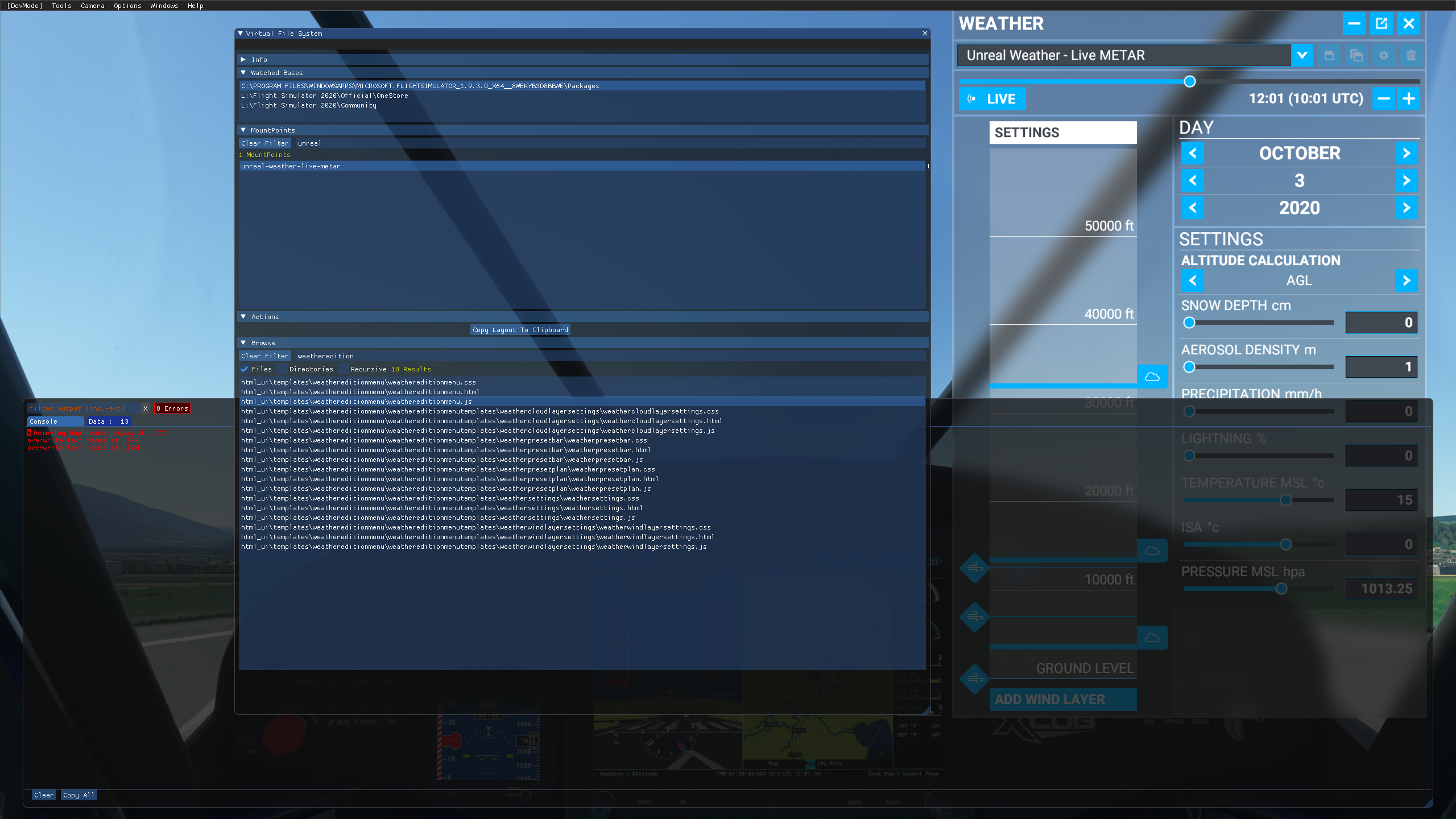
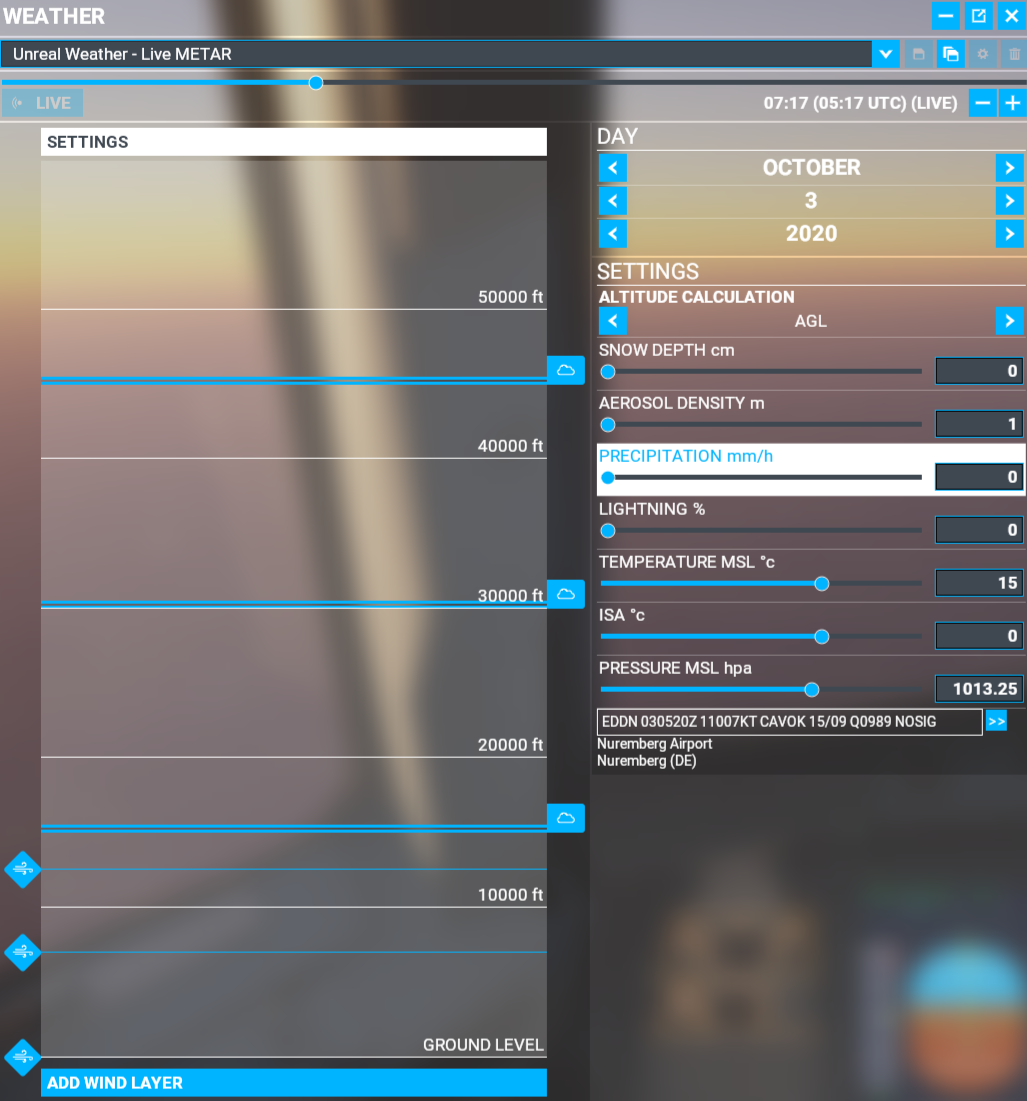
Well, I can only suggest a couple of things at this point:
-
make sure you install the correct version of the addon that corersponds to your MSFS build version.
-
make sure that your PC can connect to https://avwx.rest/api/metar
Well, I can only suggest a couple of things at this point:
make sure you install the correct version of the addon that corersponds to your MSFS build version.
make sure that your PC can connect to https://avwx.rest/api/metar
What should I see if I follow that link in my browser? Because this is what I see:
{“error”:“No station given”}
I am testing those two airports now
That shows that you can connect just fine.
Works, Thank you very much much. EDIT: I have noticed that it does not update with the B Key. But ok, I haven’t read the documentation so far 
Cheers for your help but I dont think it’s anything to do with location in the sim
I am trying to recreate the issue is all to pass it on to duesen
ok at EGLL I am getting rain and overcast skies with low visibility. closing flight sim and reloading it to try and see if I can recreate what is going on.
Ok now I am getting the same issue you are @mappamundi I loaded into EGLL then closed the simulator and reloaded and no weather. looking for a work around.
Ah good. I mean bad. But at least it’s not just me. I was going crazy…
Nope not you, I am seeing if there is a work around for the issue. It seems to be just EGLL @duesen might just hate London  j/k
j/k
Well I’m in Annecy at the moment with the same problem. And nobody can hate Annecy. Poking around in dev mode but not seeing any errors. The mod is definitely mounted
I did a complete reboot of my PC and now at EGLL I have rain and low visibility again.
I also left EGLL and went to my home town KORD (Chicago Ohare) and it was still working, going to shut down simulator at ORD and reload it to see if it works.
Thank you and the others that enabled this to install so easily. It is definitely worth it. Cheers mate!
I think we need to make a video with this transition. I will work on it. Great work!
I just tried EGLL, and it came up with this:
EGLL 030120Z AUTO 01009KT 330V040 6000 -RA BKN008/// BKN013/// BKN029/// //////CB 13/13 Q0987 TEMPO 4000 RA
There are a couple of unique things with the above:
All these slashes used as cloud layer modifiers, plus that weird //////CB combo. “CB” stands for “cumulonimbus clouds”. Slashes indicate uncertainty.
The rain is specified twice, first as “light rain” (-RA) and as just “rain” (RA), although the latter may indicate that it is picking up.
The above report was identical between AVWX and aviationweather.gov.
The mod picked up the report correctly, except the uncertainty, of course.
For Annecy (LFLP):
LFLP 030130Z AUTO 24006KT 9999 -RA FEW024/// OVC033/// ///TCU 08/07 Q0992
Again, alot of uncertainty, but the mod picked it up with no apparent errors.
same concerns as with the live weather.
1st fly: MFS live weather work, and unreal weather work
2nd fly changing location : live and unreal does not work. CAVOK
I restart the game completely and its work again
I think this is a roll of the dice because sometimes weather works if I change locations without restarting and sometimes it doesn’t. That seems to be a bug in the weather engine itself and not in the add on. From what I can tell when you change locations weather doesn’t seem to load period. I know sometimes changing it to another preset then back does resolve this issue.