I had the FT KLAS airport and city installed. On Thursday, when the FT update dropped, I downloaded/installed it right away. I then went to the Marketplace and downloaded/installed CUVIII (which I’d been holding off on).
A quick look around and everything was fine — no duplicated sphere, no terrain issues — in fact, it all looked quite spectacular! Noticeably less kind with framerates now, though, especially with dense FSLTL traffic!
For me the 2 City Packs do work well together, without noticable loss of performance. I don’t have Asobo’s LV Strip installed though. The Sphere-animations still work well too.
I wonder if having both installed explains the significant fps drop. I imagine it is either the FT strip or the Asobo and not both that should be installed?
That is correct. There is no point in having both Strips installed. I can well imagine that it causes serious performance issues.
FT KLAS + PG from Asobo’s City Pack + One of the 2 Strips (i prefer the FT-Strip) is the combination that works best for me.
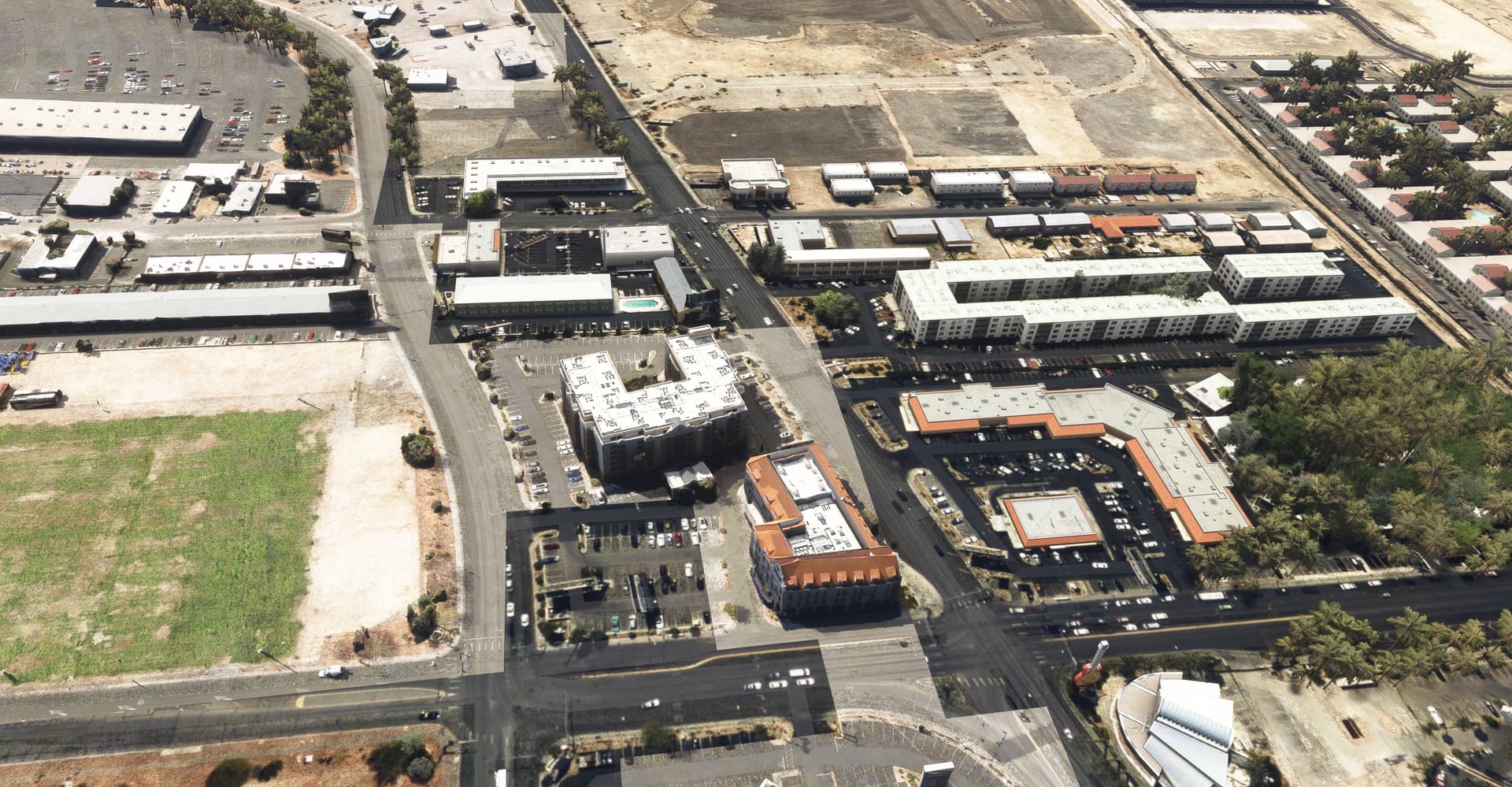
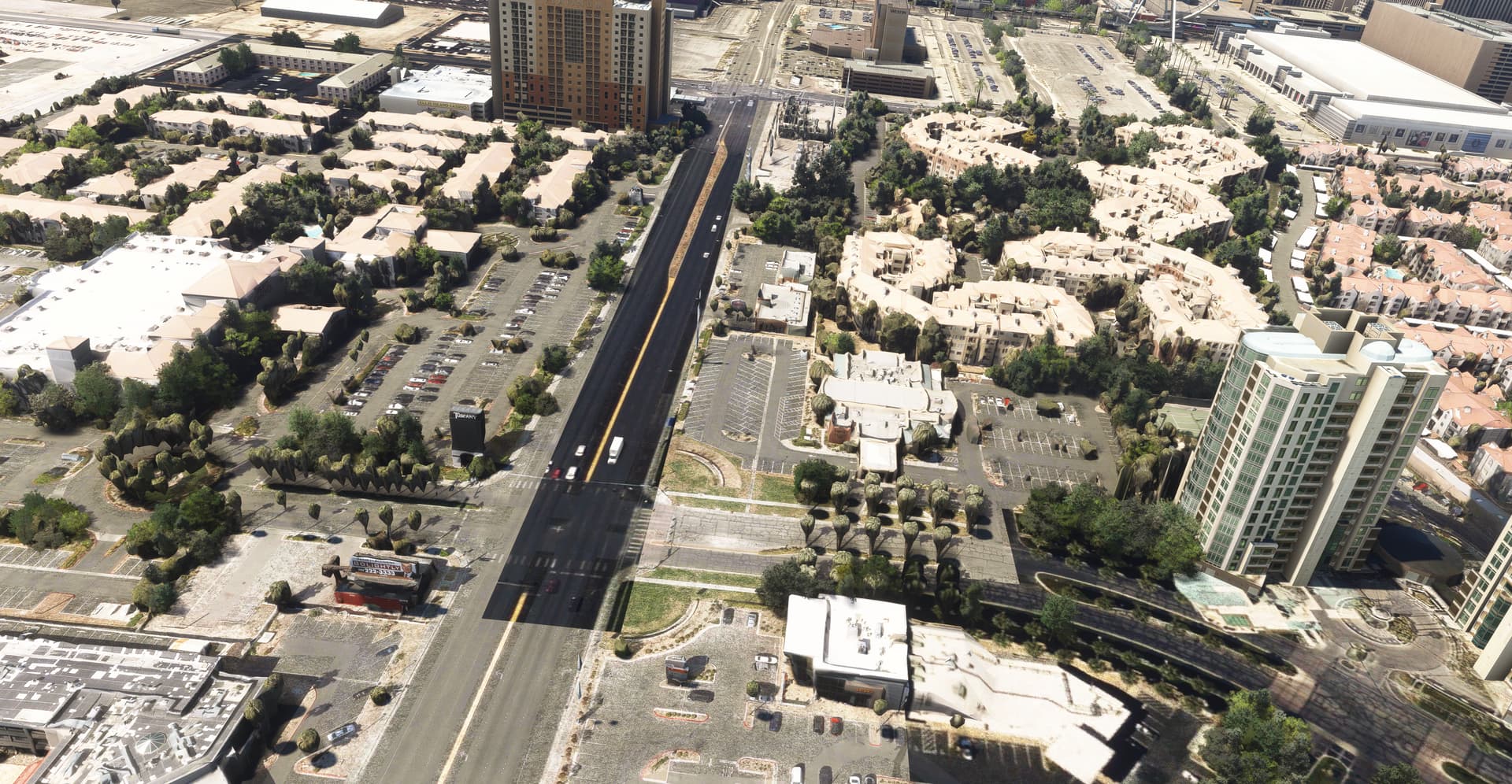
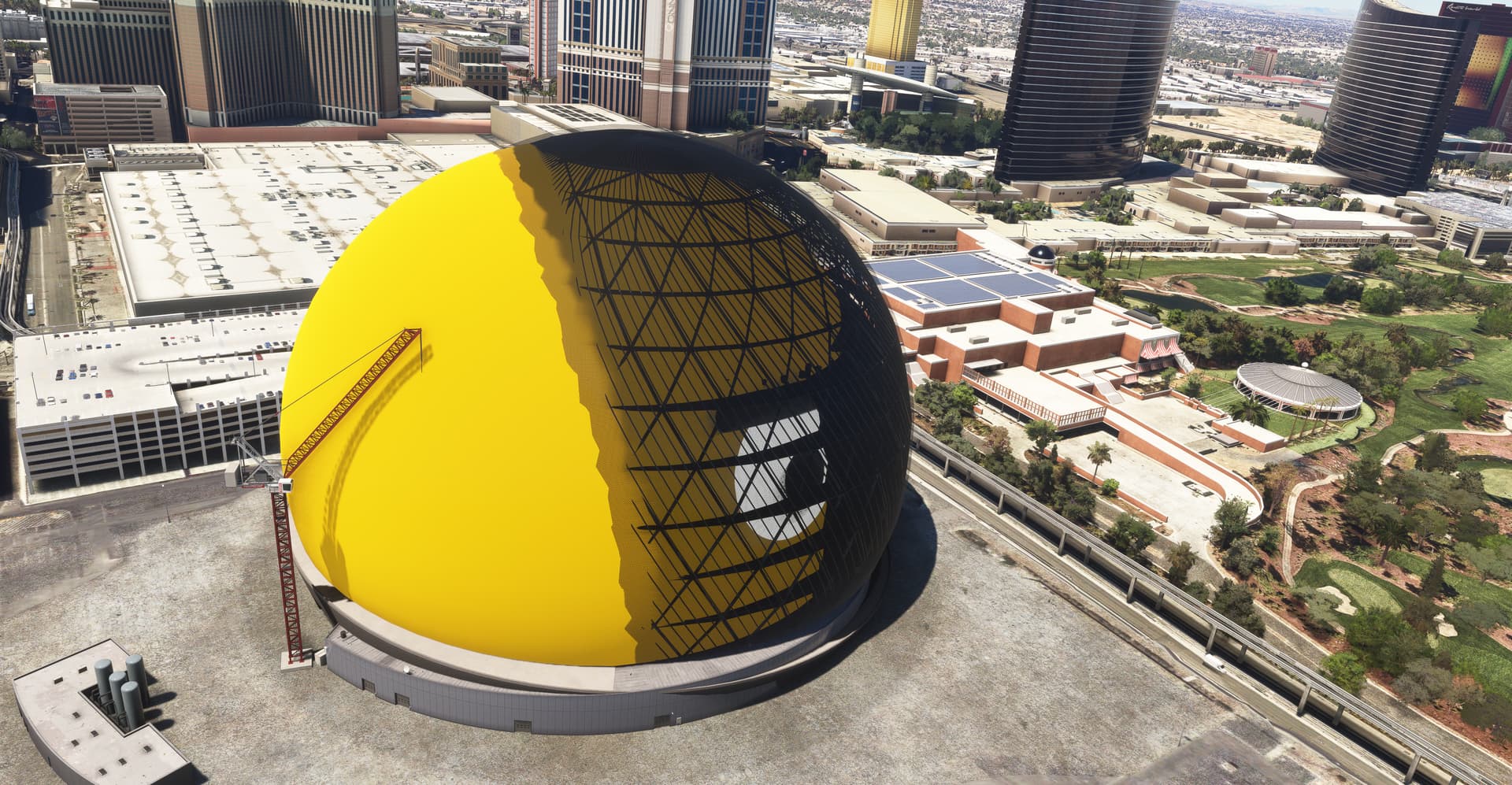
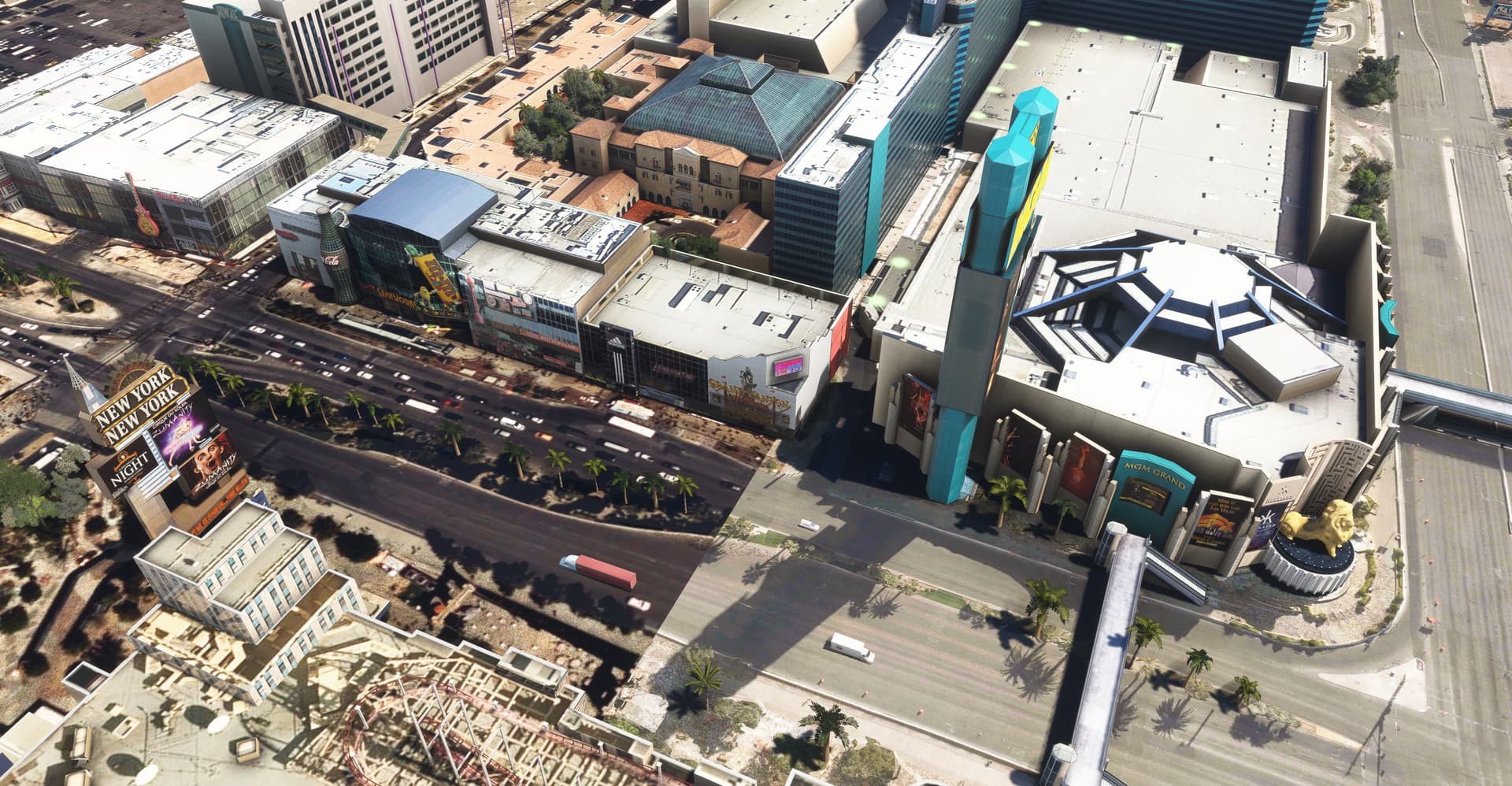
Exactly, the City Update from Asobo includes the Strip as a separate add-on. And if I have installed the City Update from Flytampa and the Strip, then both add-ons are not compatible. Some of the satellite images are very dark and have poor resolution. And the Sphere should not have the grid structure on one side. Here, Flytampa’s Sphere, which is inactive during the day, lies on top of Asobo’s Sphere. I have taken a few screenshots.
However, if I uninstall the strip from Asobo as a separate add-on, everything looks fine.
It can’t hurt to also check the contents of previous City Packs. Handcrafted Asobo airports are often part of these packs. If you already have an ‘external’ airport (commercial or Flightsim.to) you’ll need (in most cases) to delete the Asobo one.
I initially was unaware that the Vegas City Update installs a custom strip and was running the full FT package (with latest update), as well as the full Asobo CU. My framerates took a terrible tumble but once I deleted the strip part of the CU (which was obviously clashing with FT’s city, leading to performance issues), all was back to normal.
Edit: I also didn’t realize until recently that you can/should(?) delete Premium/WU/CU Airports if you have purchase third-party airports. This supposedly helps with issues/performance as well.
Yes, in that case you should delete the Asobo one. However, keep in mind that there are also freeware mods around that modify the handcrafted Asobo airports, i.s.o. replacing them. E.g. FACT and freeware EHAM. They need the handcrafted Asobo airport to work.
Avoid overlapping airports (when an Asobo handcrafted one is already present), PG (very rare) and handcrafted POI’s. In case of Las Vegas: It’s the POI (from the Strip) that is overlapping, so one of them (FT or Asobo) has to be removed.
I was in vegas only few weeks ago i droned down the strip and saw no issues, the FT Scenery was updated to make it compatible with the city update. What exact glitches are you seeing? Sadly i only took a couple picsbut can go back. FPS is always subjective, for me i was getting between 30-40 with FSLTL running which is pretty good for what i use and where i was.
Why are you asking a question that is already extensively answered in the topic above? Or is it just an excuse for spamming with a totally unrelated product?
Yup, I do this for all airports that I can on XBox. Unfortunately we’re limited to only the default and recently added airports. The premium and deluxe ones are still hidden for some reason.