Wow.
From the users statement and questions I thought he was not super knowledgeable
or experienced.
Now you want him to use DDU and install a striped down driver
and also change Win 10 to disable automatic updates
and then modify the Group Policy and Registry of his PC.
An unexperienced user can get into a lot of serious trouble
and destroy his PC.
Better to use Geforce Experience.
A couple of clicks and done.
Total rubbish. That is how you gain EXPERIENCE is by trying new things. You ain’t gonna break anything by following directions. Enough white knighting please.
I’m giving you a hard time too. Just joking around.
Oh rats, is that still there? I sent this to Zendesk as a bug but haven’t heard if they listed it. If anyone’s an Nvidia insider and wants to file it? Or isn’t there an Nvidia bot around the forums somewhere?
I can confirm the default mode quality is the best setting … by far
You will only lose fps when tweaking in options to compensate for the inferior visuals that maximal performance brings.
Will doing this prevent Windows from installing a generic VGA driver when doing an Nvidia upgrade in the first place? Because if it doesn’t at least do that, and then something bad happens, say a power outage in the middle of the upgrade, you may end up running with no graphic driver(s) at all, a situation which I have to think would be bad.
What glitches do you have?
I monitor that AA is worse and moire effects are prominent in the last time. Maybe it’s because I maxed out everything on ultra in 4K with my 3080. especially thin lines are not really a joy to look at
With the KB5005033 update, Microsoft has released numerous security and non-security improvements. For example, Microsoft fixed an issue that prevents power plans and Game Mode from working as expected, resulting in lower frame rates and reduced performance while gaming.
Another bug has been fixed that causes the File Explorer window to lose focus when you are mapping a network drive.
I will enable Game Mode after applying this Win10 update and test it out. We had been advised to disable Game Mode up to this point for quite some time.
Windows 10 Build 19043.1165 has fixed an issue that prevents gaming services from launching certain games for desktops.
Could this be a fix for some people who have not been able to launch the simulator I wonder?
It sounds like this might be a problem that has effected a small number of users?
l am noticing the same, especially with the moire effect. I think l have noticed a gain in performance, (not FPS) which has allowed me to push up my settings, perhaps at the expense of lower graphics quality from the driver. The graphics do look good enough to satisfy me and l will continue to test the driver out..
Thank you for sharing the comprehensive study of your graphics settings. The only difference between our Nvidia CTL Panel settings is that I have threaded optimisation to ‘On’. I think either way on my system, it does not have much difference what this option is set to. An interesting post…
@TheAviator3506
I thank you for your kind words. It does make a difference in VR to me though, significant enough to recommend OFF. In 2D however, I used to recommend ON (along with Latency ON and VSync FAST)
I have been able to push my in-game simulator graphics settings to what would be considered as unrealistically high, pre-SU5. I have an old i72600K and a GTX 1070. I certainly have seen a noticeable improvement with screen graphics however, I find it hard to believe that my simulator is really running at the very high settings I have now set. I keep pushing up the settings and the FPS appears to remain the same, it feels as if something is broken?
EDIT: I have started my simulator again this afternoon with the 471.68 and changed my Nvidia CTL panel graphics option to ‘Quality’ from ‘Performance’ and gone is the moiré effect and the graphics are virtually pin-sharp and performing extremely well.
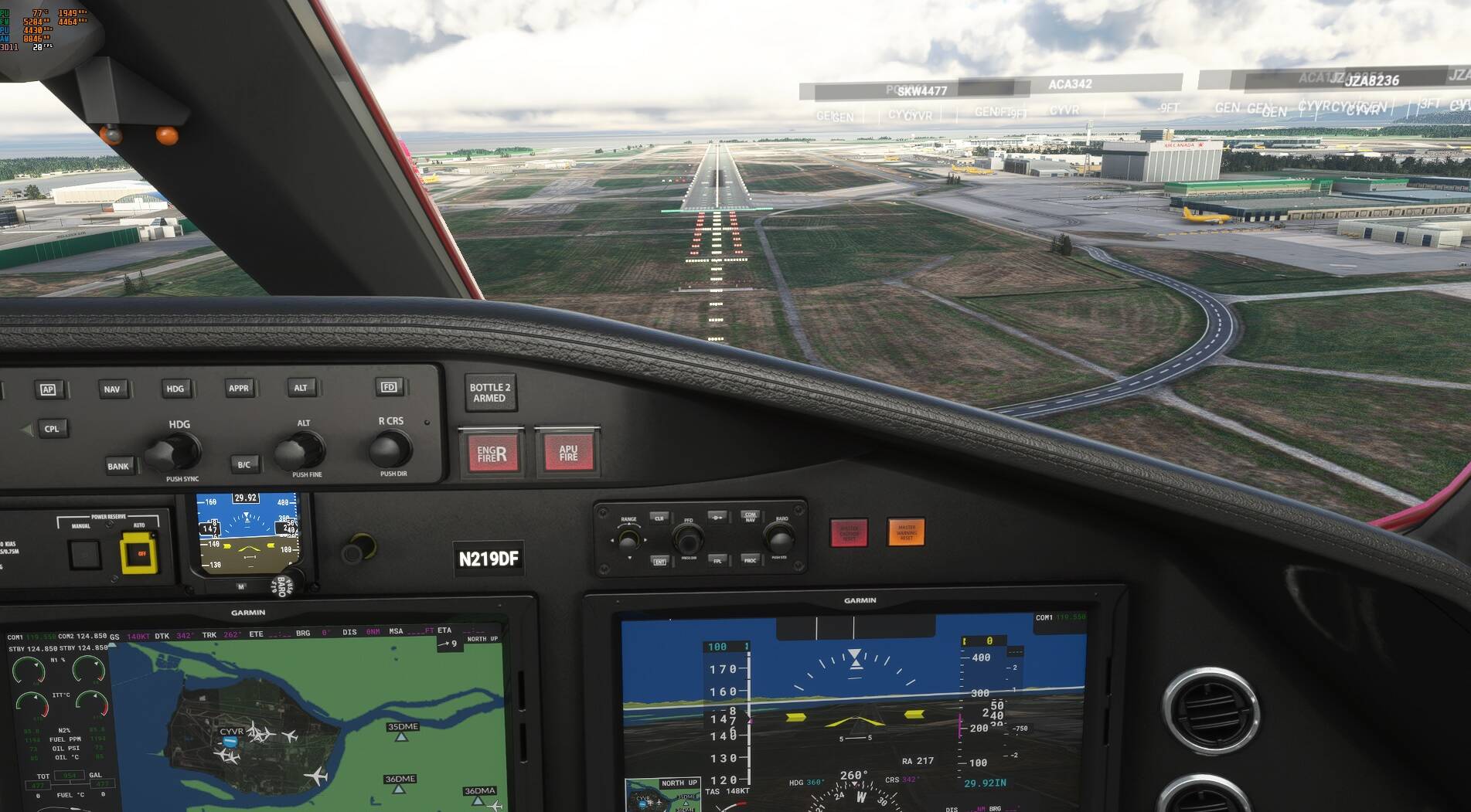
This must represent a magnificent achievement by Asobo, something that has never been achieved in any other version of MSFS. As for the 471.68 driver, everything is working so well for me, I will not be uninstalling the driver. My ‘Render’ slider is working, if I push it to 200 I get 20FPS+. I have now moved from a Render scale of 100 to 155-175 which is amazing! Here is a screen-shot with FPS limited to 30FPS within the simulator.
Not even a hint of stutter on this fly around CYVR with very high graphics settings and live traffic!

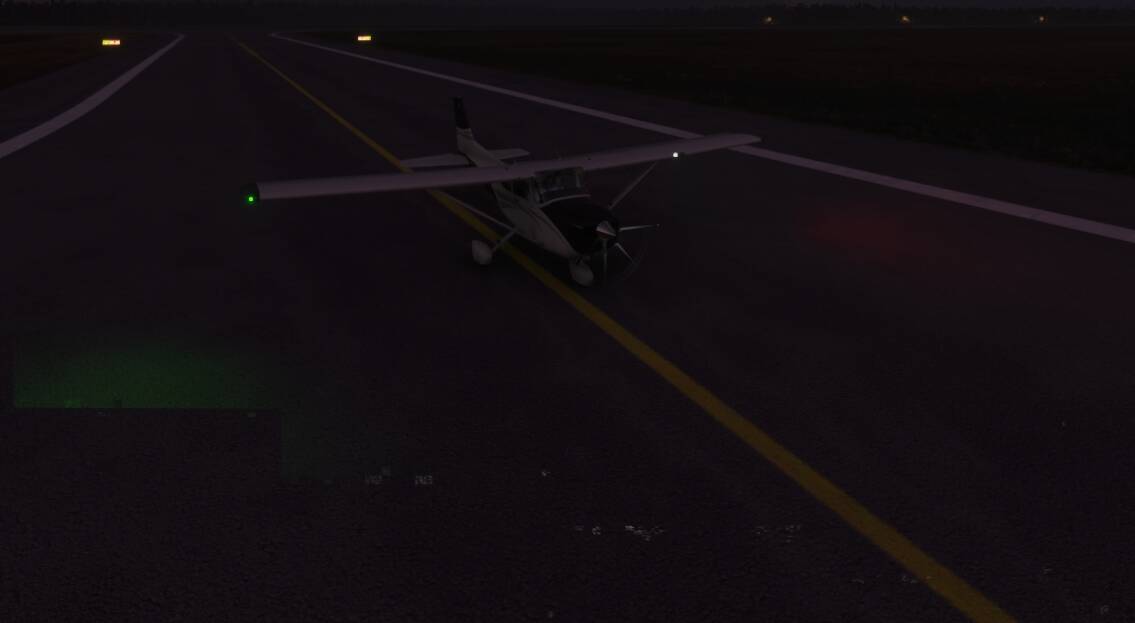

 Here is a screen-shot with FPS limited to 30FPS within the simulator.