I tried out the beta this afternoon & really like what I see. This app provides a number of features that users have been requesting. I made a few notes while using it which I hope you find useful.
-
Diagnostics: This is a nice feature. Was there a reason you chose to ask for screenshots rather than allowing users to save the data to a text file that could then be provided to you?
-
Backup: Another really nice feature. I used the backup / restore options a couple of times as I was learning how to use the tool, which restored a “good” version of my aircraft data after I made mistakes. One such time was when one of my aircraft re-homed itself within the app to the other side of the continent for no apparent reason
 (I had not started any flights at this point). No idea why this happened, but the restore from backup got me out of that problem.
One improvement to this feature could be storing a fixed number of sequential backups that users could then select from when restoring, or allowing users to backup unlimited copies using the standard Windows file save / file open dialog boxes, if this is technically feasible within the ESB using the MSFS SDK.
Another improvement could be to also have a user configurable auto-save backup feature - perhaps when clicking “Fly Now”, or whenever the app’s icon is clicked in the ESB to open it, or on a set time period (once a day?)
Out of curiosity - Where is the backup stored? -
Aircraft name: My first attempt failed as I exceeded the max 24 character limit (it was “XCub-Mod-SmallWheels-Orange”).
A change you might consider is replacing the warning at the bottom of the app that appears when one clicks the save button to changing the color of the characters when one goes over the 24 limit (e.g. to red), and / or have a small box with count of remaining characters. Users would then immediately see when they had reached the limit, rather than finding out after clicking the save button.
Another consideration might be to prevent typing more than 24 characters in the box, or just increasing the limit!
-
Tags: Being able to tag, filter & sort one’s aircraft has been requested by a fair number of users on the forums - for example, see these wishlist topics:
Allow users to create multiple filter choices in the hangar selection UI
Improved aircraft selection and filtering
Sort most recent aircrafts first on "Change aircraft" screen
The current design of scrolling though ones’ aircraft one-by-one is OK for a small number of aircraft, but probably impractical when one has 100’s - which I think most users will have over time (The games’ controls settings suffers from this - I have over 70 controls files and scrolling through them one-at-a-time is very inefficient, especially as they are displayed in a random order). Just the Aviator edition probably has well over 200 aircraft if one considers all the possible aircraft+variant+livery combinations.
So, the ability to create one’s own tags, and filtering & sorting by tags, name (which you already have added & works), livery, variant, etc. would be a huge benefit, IMO. Although one could create a number of fixed entries (Jet / Helicopter / Amphibian, etc), there are many potential options and and a fixed list is unlikely to meet the needs of all users, whereas a customizable list would. -
Airport Names. I noticed that these were missing from the Map. Although one can see the airport if one zooms in far enough, having the names and / or codes would be most useful.
-
Fight Book:
Liveries: You might consider adding a livery text box to the aircraft’ flight book, since users can have an entry for each aircraft livery / variant combination represented in the app.
Flight History: It would be nice to be able to remove and / or modify the flight history. In this example, these were two test flights that I’d rather not have as part of the flight book:

While in the free flight world map page:
-
The Fly Now button is available for use before the initial aircraft has been assigned to an existing aircraft, but displays an error message when clicked. This makes sense as the default aircraft is in the air, but it might be better to grey-out the fly now option whenever the conditions for use are not met (e.g. the aircraft is not on the ground).
-
The Fly Now button is not an option when both the aircraft you currently are in (box above the map) and that aircraft is selected in the scroll box below the map are the same. Instead “Go Back Here” is shown. This is confusing and not what I expected to see:
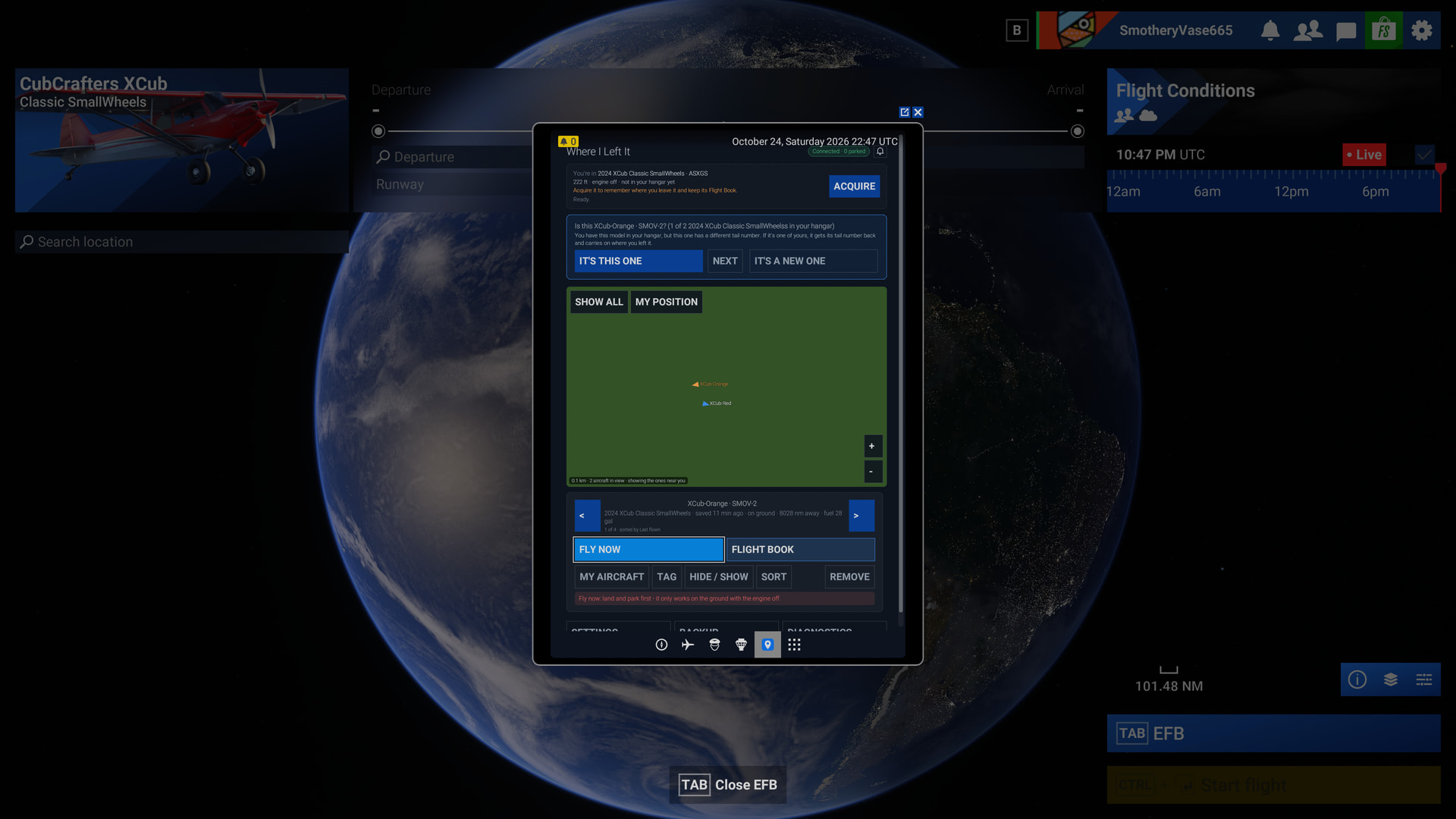
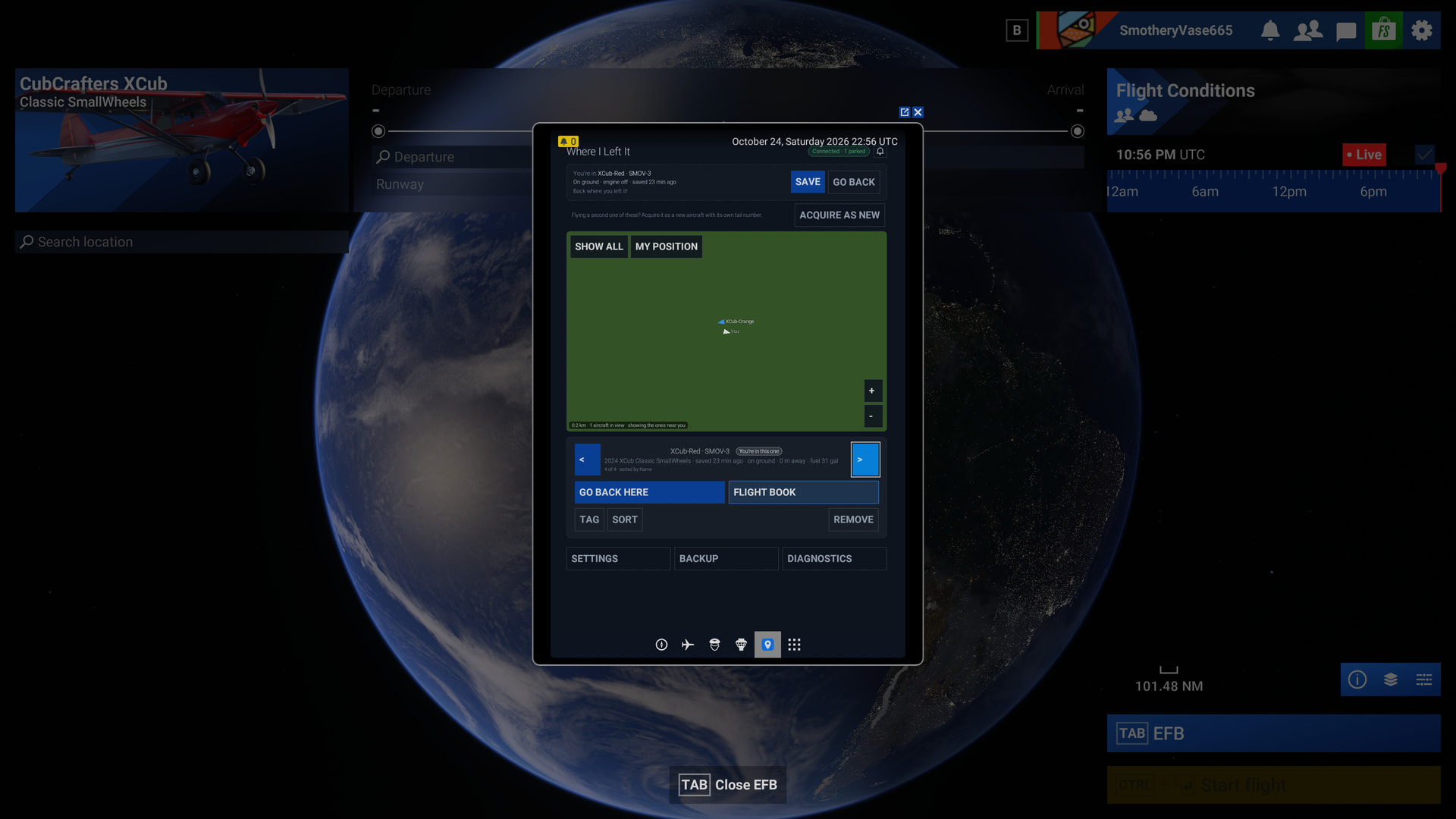
I needed to change the aircraft shown in the scroll box to a different one to see the Fly Now button:
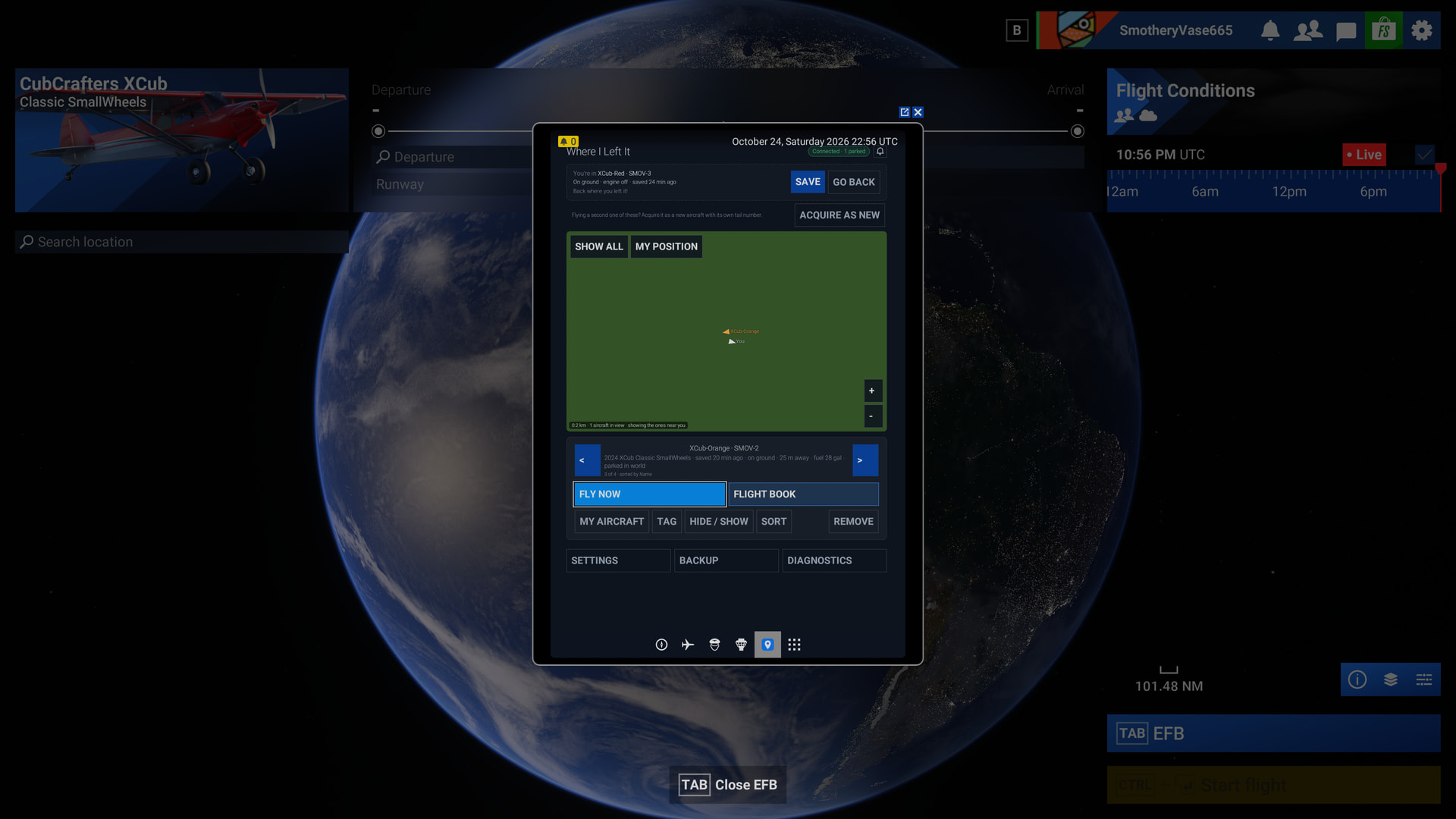
This will load the flight - you can see it in the departure section of the world map, and the diagnostics shows the aircraft on the ground:
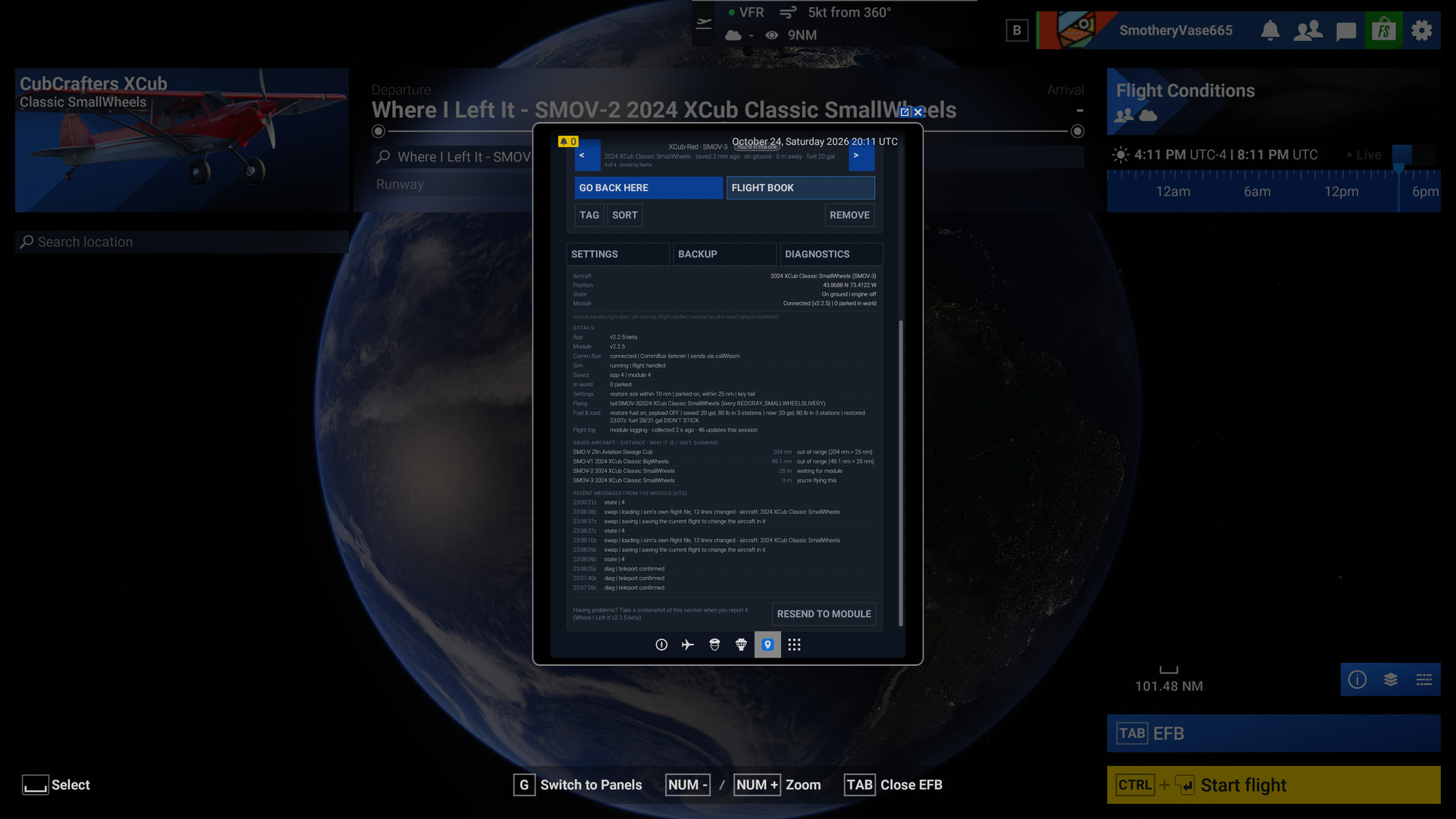
But the flight did not start on the ground, but in the air above the airport:
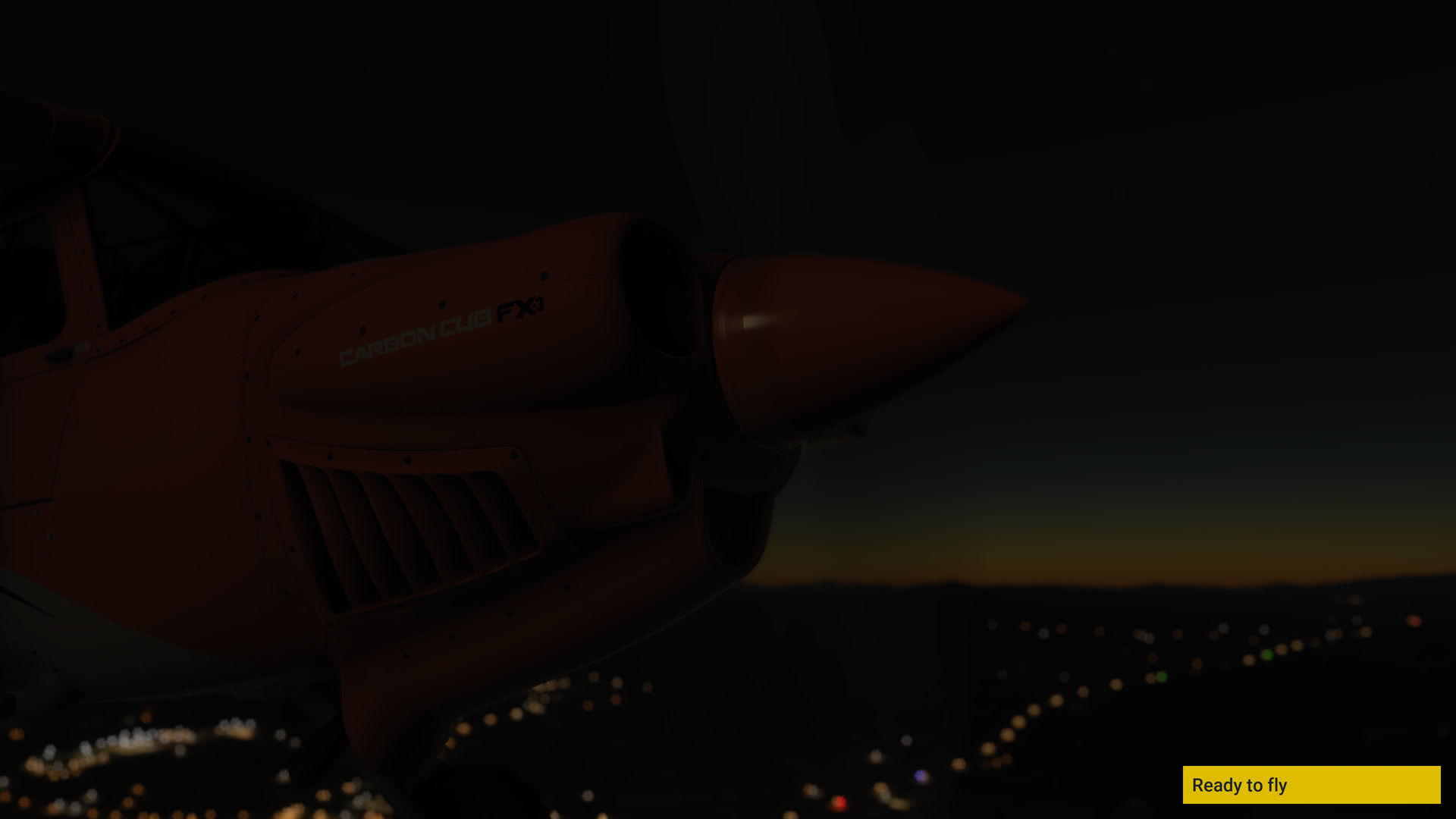
I exited MSFS & repeated the procedure & again found the flight starting in the air.
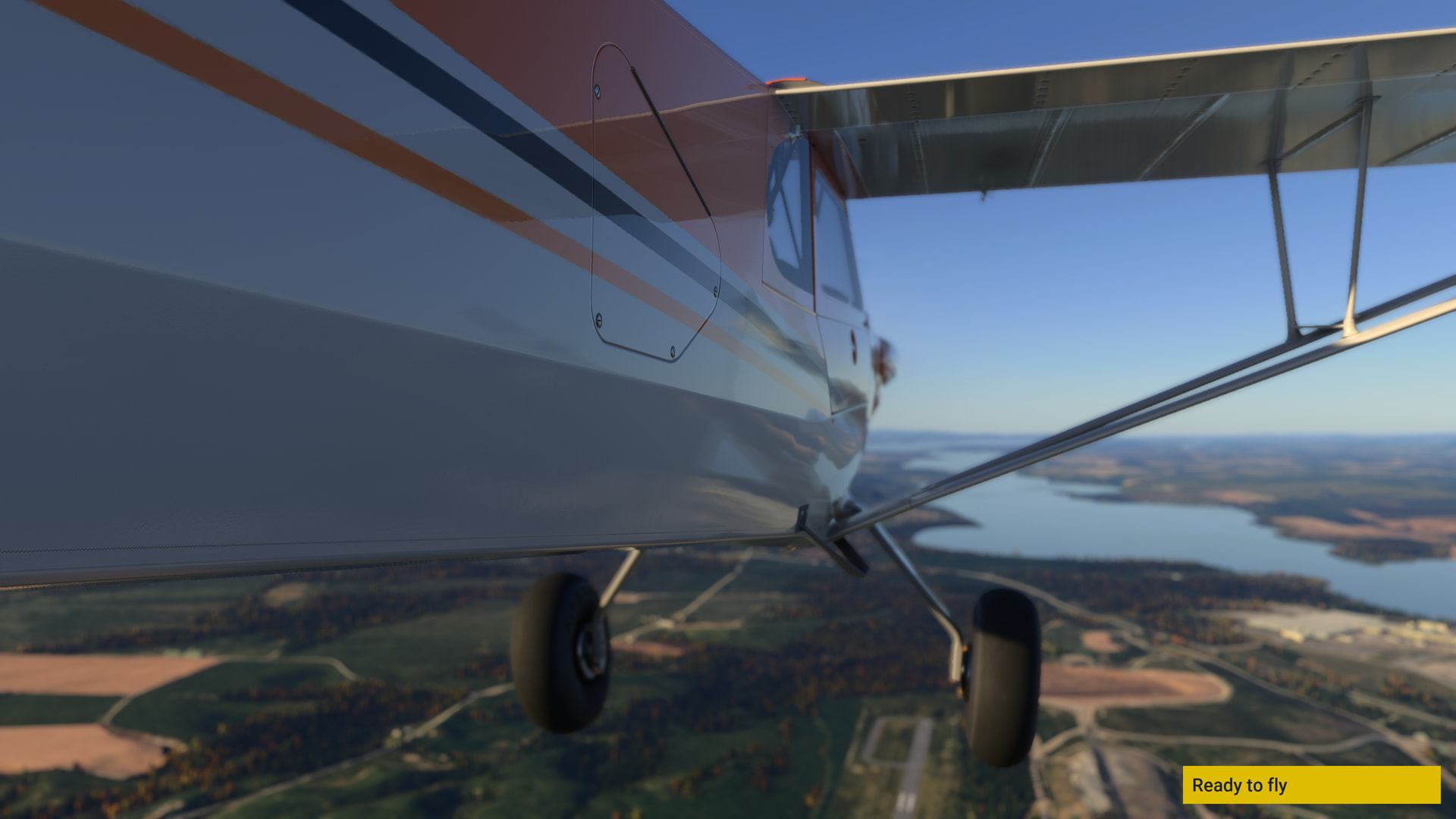
- The swap aircraft feature worked fine (though I sure hope the devs can fix the code so that the camera does not do that “return to 0 lat / 0 long & then go to chosen aircraft location” thing when swapping aircraft that are just meters away from each other).
This is another feature that has been requested by users for some time that you’ve manged to provide!
Allow Pilot to Change Currently Selected Flight Aircraft using Walkabout Mode
Change Aircraft without Main Menu Return
I’ve not tested this, but wonder what happens if one saves one’s aircraft location on a moving object - e.g. a helicopter after landing on a ship. Will the helo still be on the ship when one returns to it, or the ships location at the time, even if the ship has moved in the meantime? 
I’ve also not tested if there are any issues saving / returning a floatplane, seaplane or amphibian to a water location.
Well, those were my notes for my first exploration of this beta - I hope it helps & has given you some ideas to ponder upon.
Thanks again for releasing this app!